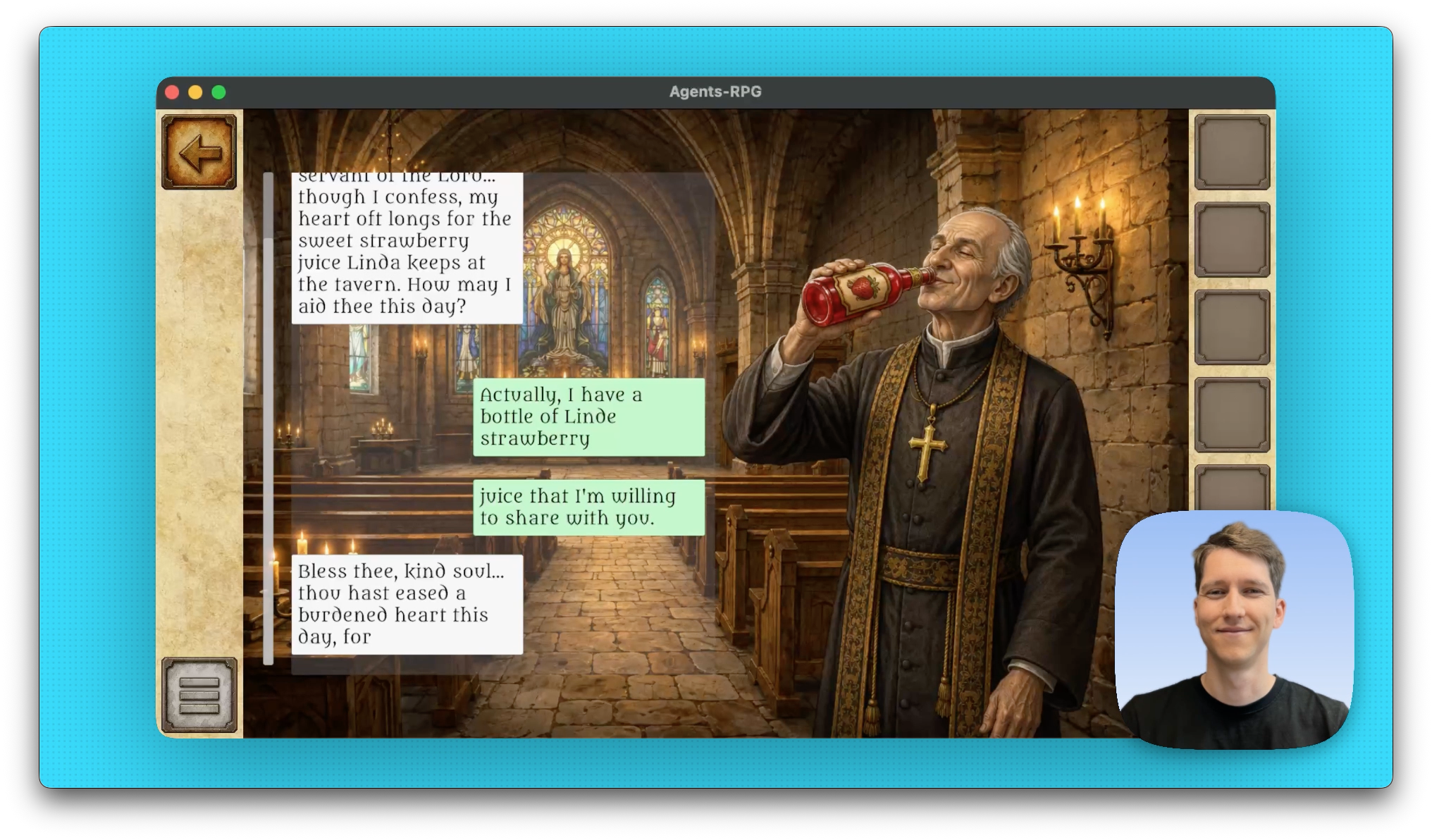
 [Youtube Agents NPC Tutorial](https://www.youtube.com/watch?v=cLreGfOKzN8)
## Platform Support
We officially support Unity 2022 onwards, we test on Unity 2022.3.62 and Unity 6000.3.10.
- [x] Windows
- [x] MacOS
- [x] Linux
- [x] iOS
- [x] Android
- [ ] WebGL
We plan to support all Unity platforms with this SDK. WebGL is currently supported with [client-sdk-unity-web](https://github.com/livekit/client-sdk-unity-web).
## Installation
### Using Git
Before cloning the repo, make sure that Git LFS is installed and setup.
You can either clone the repo and import from the local Unity package files:
```sh
git clone https://github.com/livekit/client-sdk-unity.git
cd client-sdk-unity
```
Or you can import the Git url `https://github.com/livekit/client-sdk-unity.git` from the package manager.
If you want to use tagged release versions, use `https://github.com/livekit/client-sdk-unity.git#vX.X.X`, for example with `#v2.1.1`.
### Using OpenUPM
The package is also hosted in the OpenUPM package registry. Here is the guide on how to use the OpenUPM registry to import the package: https://openupm.com/packages/io.livekit.livekit-sdk/#modal-manualinstallation
## Local Development
### Building LiveKit plugins locally
For local development, initialize the Git submodule containing the Rust code for the LiveKit plugin libraries.
There is a [helper script](https://github.com/livekit/client-sdk-unity/blob/main/Scripts~/build_ffi_locally.sh) to build the libraries locally and exchange the downloaded libraries with the local build artifacts in the correct `Runtime/Plugins` folder.
Currently, the build script supports the following arguments:
- macos
- android
- ios
In the following options:
- debug (default)
- release
So a build command is for example:
`./Scripts~/build_ffi_locally.sh macos release`
### VSCode setup
Look at the Unity-SDK.code-workspace setup for VSCode. This will use the Meet Sample as the Unity project and the Unity SDK package as two roots in a multi-root workspace and the Meet.sln as the `dotnet.defaultSolution`, enabling Rust and C# IDE support.
### Debugging
For C# debugging, there is a simple attach launch option called `C# Unity`, for example in the `Meet/.vscode/launch.json`.
For Rust / C++ debugging on MacOS, you need to install the [CodeLLDB](https://marketplace.visualstudio.com/items?itemName=vadimcn.vscode-lldb) extension. The debug attach is defined in `.vscode/launch.json`.
1. Build the livekit-ffi lib locally in debug mode with `./Scripts~/build_ffi_locally.sh macos debug`
2. Start the Unity Editor
3. Attach to the Unity Editor process (either auto or manual process picker)
4. Start the Scene in Editor
### iOS
Add dependent frameworks to your Unity project
select `Unity-iPhone` -> `TARGETS` -> `UnityFramework` -> `General` -> `Frameworks and Libraries` -> `+`
add the following frameworks:
`OpenGLES.framework` `MetalKit.framework` `GLKit.framework` `MetalKit.framework` `VideoToolBox.framework` `Network.framework`
add other linker flags to `UnityFramework`:
`-ObjC`
Unity's engine library — exported as `Libraries/libiPhone-lib.a` up to Unity 6000.4 and as the static `Frameworks/UnityRuntime.framework` from Unity 6000.5 — has built-in old versions of `celt` and `libvpx` (This will cause the opus and vp8/vp9 codecs to not be called correctly and cause a crash.), so you need to ensure that `liblivekit_ffi.a` is linked before the engine library.
The package now applies an iOS post-build fix that rewrites the exported Xcode project so the engine library is moved after `liblivekit_ffi.a` in `UnityFramework -> Frameworks and Libraries`.
It also strips the old CELT object cluster from the exported engine archive so Xcode cannot resolve those codec symbols from Unity's archive.
If your project disables package editor scripts or uses a custom Xcode export pipeline that overwrites `project.pbxproj` after LiveKit runs, you may still need to adjust the order manually by removing and re-adding the engine library.
## Examples
The repo contains these sample projects:
- [Meet](https://github.com/livekit/client-sdk-unity/tree/main/Samples~/Meet)
- [Agents](https://github.com/livekit/client-sdk-unity/tree/main/Samples~/Agents)
Most of the following functionalities and code snippets can be found in the samples in a similar form to try out.
### Tokens
You need a token to join a LiveKit room as a participant. Read more about tokens here: https://docs.livekit.io/frontends/reference/tokens-grants/
To help getting started with tokens, use `TokenSourceComponent.cs` with a `TokenSourceComponentConfig` ScriptableObject (see https://docs.livekit.io/frontends/build/authentication/#tokensource). Create a config asset via **Right Click > Create > LiveKit > TokenSourceComponentConfig** and select one of three token source types:
#### 1. Literal
Use this to pass a pregenerated server URL and token. Generate tokens via the [LiveKit CLI](https://docs.livekit.io/frontends/build/authentication/custom/#manual-token-creation) or from your [LiveKit Cloud](https://cloud.livekit.io/) project's API key page.
#### 2. Development Token Server
For development and testing. Follow the [development token server guide](https://docs.livekit.io/frontends/build/authentication/sandbox-token-server/) to enable your project's development token server and get the token server ID. Optional connection fields (room name, participant name, agent name, etc.) can be configured in the inspector — leave blank for server defaults.
#### 3. Endpoint
For production. Point to your own token endpoint URL and add any required authentication headers. Uses the same connection options as Development. See the [endpoint token generation guide](https://docs.livekit.io/frontends/build/authentication/endpoint/).
#### Usage
Add a `TokenSourceComponent` to a GameObject, assign your `TokenSourceComponentConfig` asset, then fetch connection details before connecting:
`FetchConnectionDetails` returns a `TaskYieldInstruction
| LiveKit Ecosystem | |
|---|---|
| Agents SDKs | Python · Node.js |
| LiveKit SDKs | Browser · Swift · Android · Flutter · React Native · Rust · Node.js · Python · Unity · Unity (WebGL) · ESP32 · C++ |
| Robotics | Portal · Portal for ROS |
| Starter Apps | Python Agent · TypeScript Agent · React App · SwiftUI App · Android App · Flutter App · React Native App · Web Embed |
| UI Components | React · Android Compose · SwiftUI · Flutter |
| Server APIs | Node.js · Golang · Ruby · Java/Kotlin · Python · Rust · PHP (community) · .NET (community) |
| Resources | Docs · Docs MCP Server · CLI · LiveKit Cloud |
| LiveKit Server OSS | LiveKit server · Egress · Ingress · SIP |
| Community | Developer Community · Slack · X · YouTube |