Localix Studio

Localix Studio

The Agentic Development Environment

An AI agent and its subagents work with you in one desktop app: your editor, terminals and browser. Any model, or run one on your own computer.

Download · Documentation · Run from source
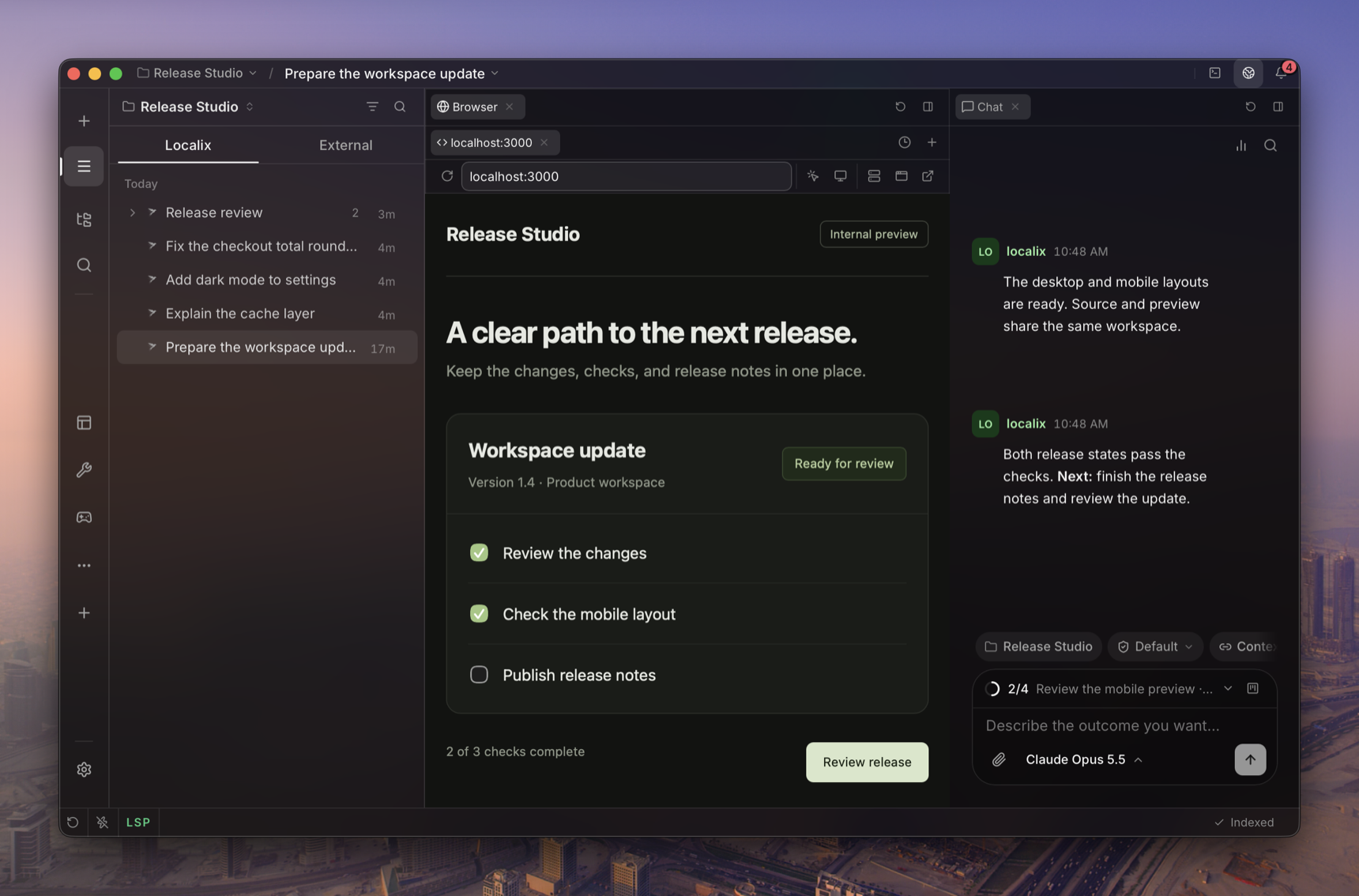
A Localix Studio window on a project: its chats on the left, the page the agent built open in the Browser, and the chat on the right

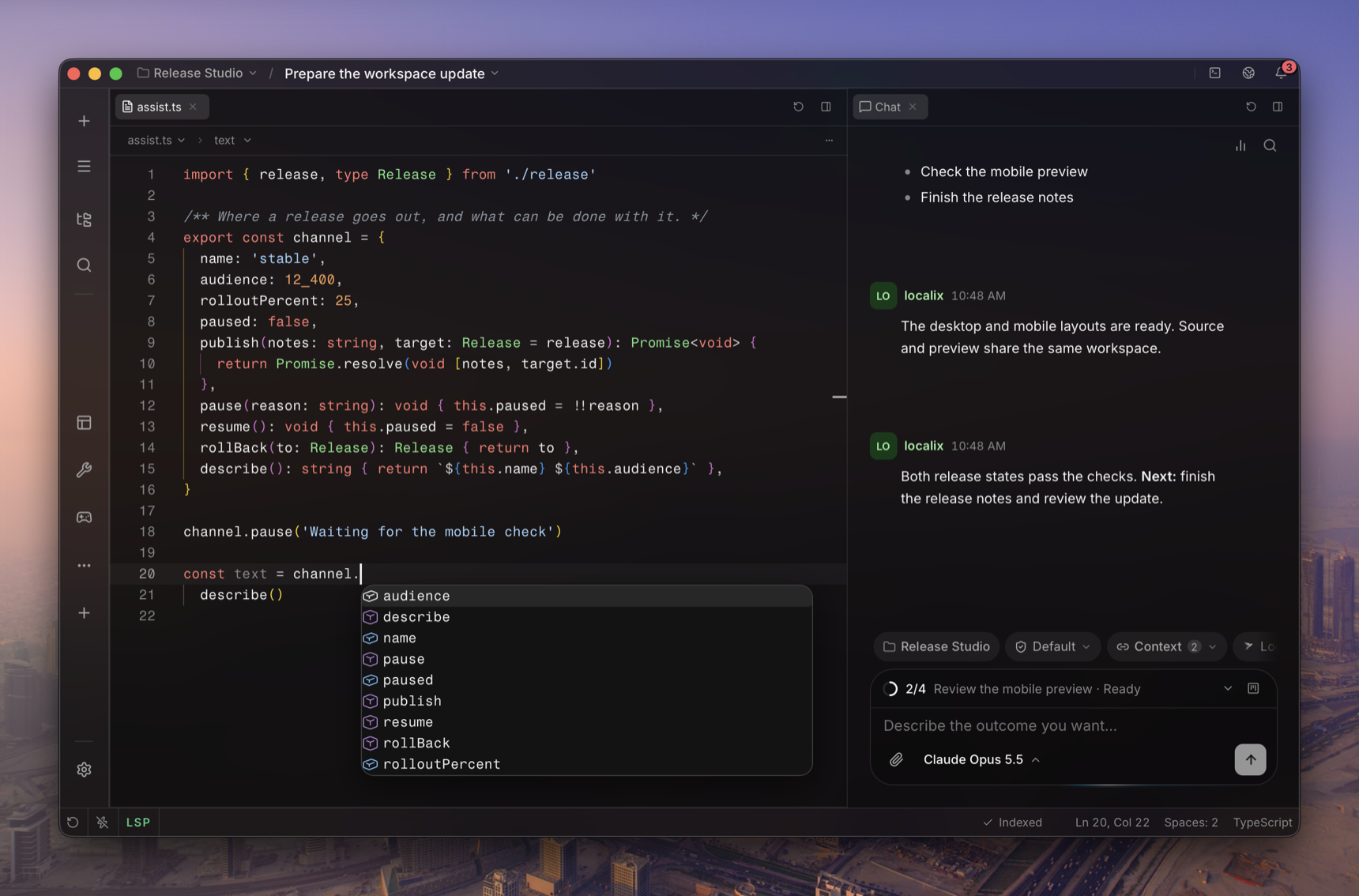
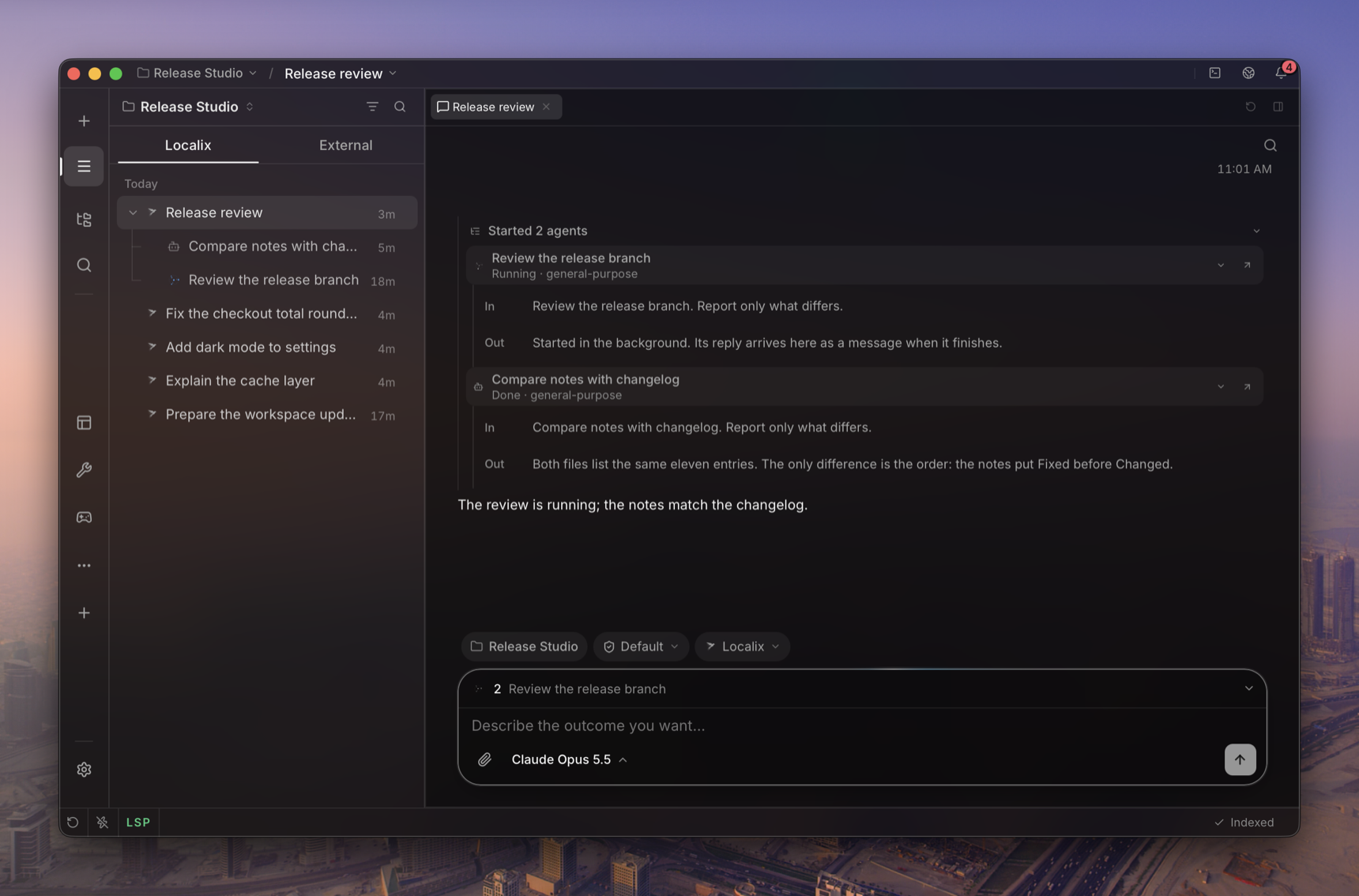
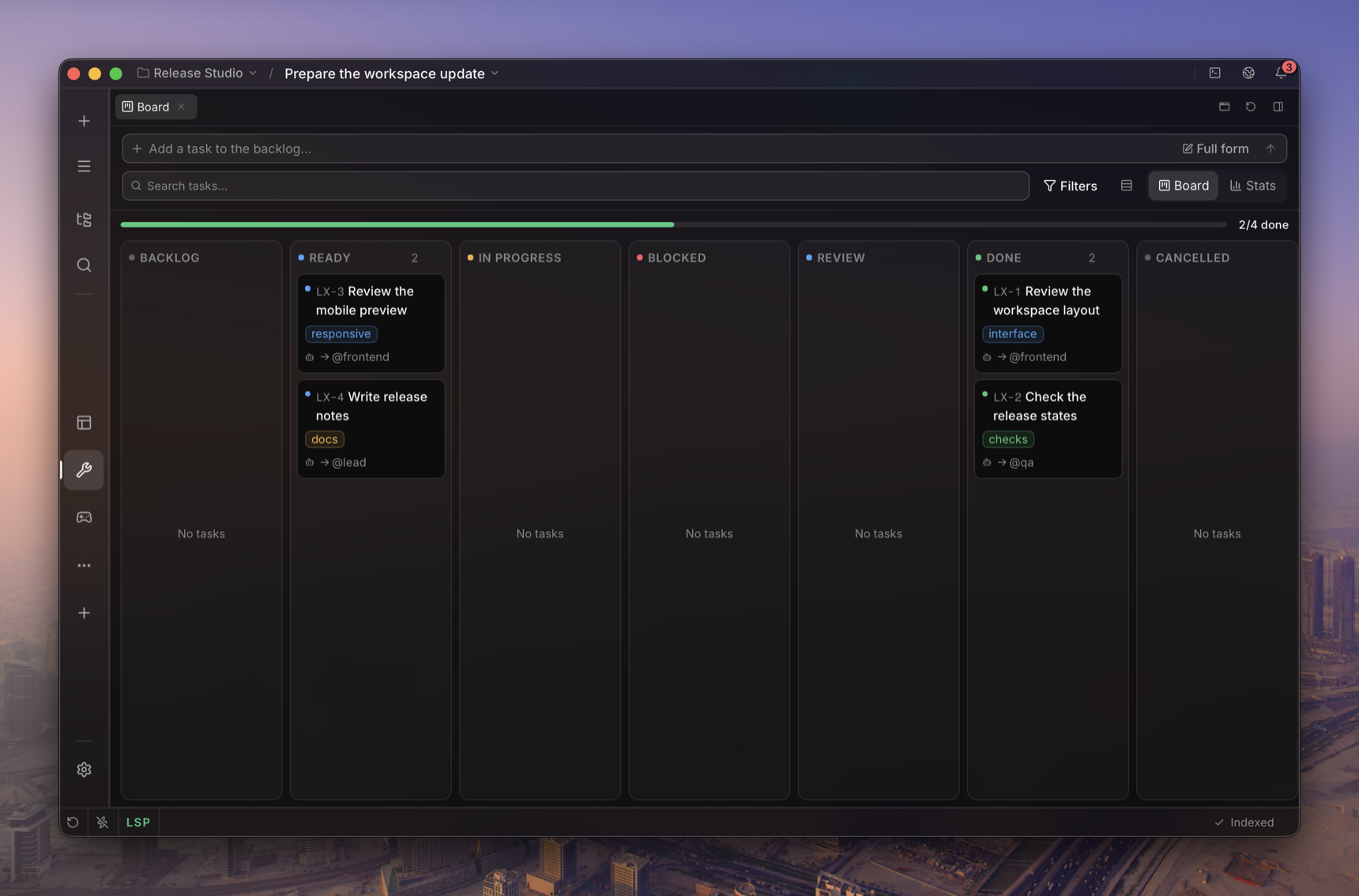
A TypeScript file in the editor, the language server's completion list open, with the chat beside it Two subagents started from a chat: one still running, one done, each with what it was asked and what it answered A mini app in Localix, a task board with its columns of cards

Subagents
An agent hands side tasks to subagents that work in parallel and report back.
Subagents →
A fast Browser
Agents drive any page step by step and check the result.
The Browser →
Decision models
Small, cheap models make the quick calls across the app.
Decision models →
Mini apps, built by the agent
Describe one to the agent, with the authoring plugin from the Localix marketplace: a meal log from photos, a dashboard, a game, wired to the agent, models and embeddings.
Build a mini app →
Your coding agents
Claude Code, Codex, Gemini CLI and more, linked to your chats.
External agents →
Any model
Sign in or bring a key, or run models on this computer.
Providers → · Local models →
Mini apps as Mac apps
Install a mini app as its own app: a Dock icon, a window of its own, and the agent beside it.
Mini apps as Mac apps →
## Plugins and mini apps **Plugins** are Claude Code's format and load as they are: `/plugin install owner/repo`, with skills, commands, agents, hooks, MCP and language servers working as in Claude Code ([compatibility](docs/extending/claude-code-compatibility.md)). **Mini apps** are Localix's own: screens, a backend and agent tools. Install them from the Store, or have the agent build one ([mini apps](docs/features/mini-apps.md), [build with the agent](docs/extending/build-with-the-agent.md)). Localix itself ships none: its own mini apps and plugins are in the [Localix marketplace](https://github.com/localixai/localix-marketplace). ## On this computer - **Local models.** Settings → Models picks Gemma 4 at the size your machine runs well, with a Fastest–Smartest slider, and adds any GGUF model by its Hugging Face id. Nothing you send them leaves the computer. See [local models](docs/features/local-models.md). - **Search by meaning.** On by default: an embedding model downloads in the background, and search then finds chats, messages, skills, plugins, MCP servers and agents by what they mean, in any language. See [semantic search](docs/features/semantic-search.md). ## Download - **macOS, Apple silicon:** `Localix-macos-arm64.dmg` from the [latest release](https://github.com/localixai/localix-studio/releases/latest), signed and notarized - **macOS Intel, Linux, Windows:** no installer yet, [run from source](#run-from-source) Each release lists checksums in `SHA256SUMS.txt`. ## Run from source For the desktop app, install [Bun](https://bun.sh) **1.4.4**, a Rust toolchain, and your platform's [Tauri prerequisites](https://tauri.app/start/prerequisites/). ```bash git clone https://github.com/localixai/localix-studio.git cd localix bun install --frozen-lockfile bun run dev ``` Connect a provider through the model picker — or download a model in Settings → Models to run one on this computer — choose a model, and start a conversation. To use the browser workspace instead of the desktop shell: ```bash bun run dev:web ``` Open `http://localhost:5050` after the servers start; the API listens on `127.0.0.1:5051`. This uses a separate, git-ignored database at `.data/dev/localix.db`. See [installation](docs/getting-started/installation.md) for platform requirements and local builds, and [troubleshooting](docs/getting-started/troubleshooting.md) for startup problems. ## Contributing Localix is in beta. Start with [CONTRIBUTING.md](CONTRIBUTING.md) and [the code map](docs/internals/code-map.md). Report vulnerabilities as [SECURITY.md](SECURITY.md) describes; participation follows the [Code of Conduct](CODE_OF_CONDUCT.md). Localix is released under the [MIT License](LICENSE).