# Stickers
Simple android sticker maker for WhatsApp without ads.
[](https://play.google.com/store/apps/details?id=de.loicezt.stickers)
Or download from the latest [GitHub Release](https://github.com/lolocomotive/stickers/releases)
## Features
- Quick mode: sharing an image to the app automatically adds it to whatsapp
- Editor
- Crop your sticker to your heart's content
- Add texts with different sizes, fonts and colors
- Draw with different colors and brush sizes, with undo/redo support
- Every element has its own layer unde the hood, so you can draw above and below texts
- Import/Export
- Export to `.zip` to share or backup your packs
- Import from various formats (own `.zip` format, `.wastickers`, `.stickify`, shouldn't be too
hard to add more because most of them are just a ZIP file with pictures and a simple manifest)
- Create, edit and delete multiple packs and their metadata (author, title, tray icon and more)
## Screenshots
| Home | Pack view | Editor |
|-----------------------------------|-----------------------------------|---------------------------------------|
| 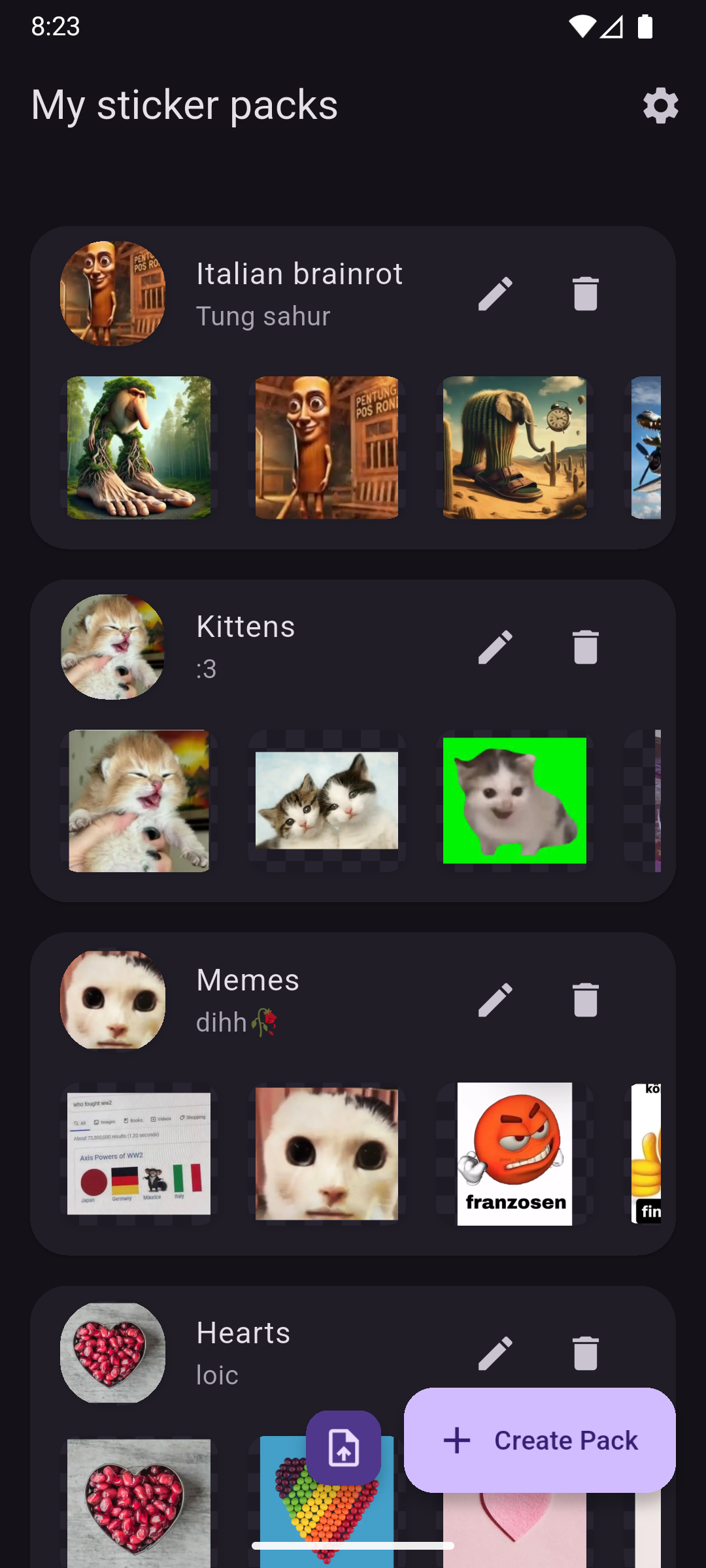 | 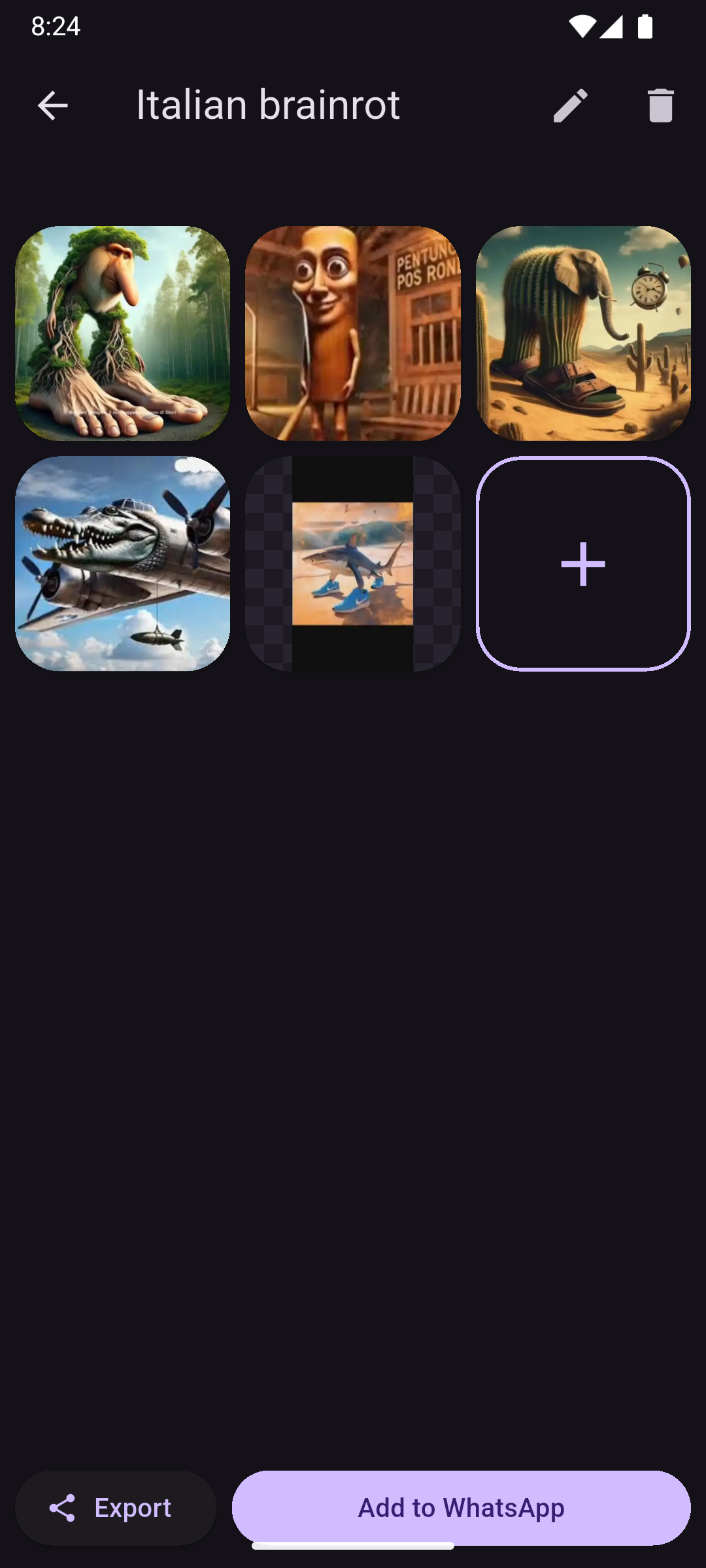 | 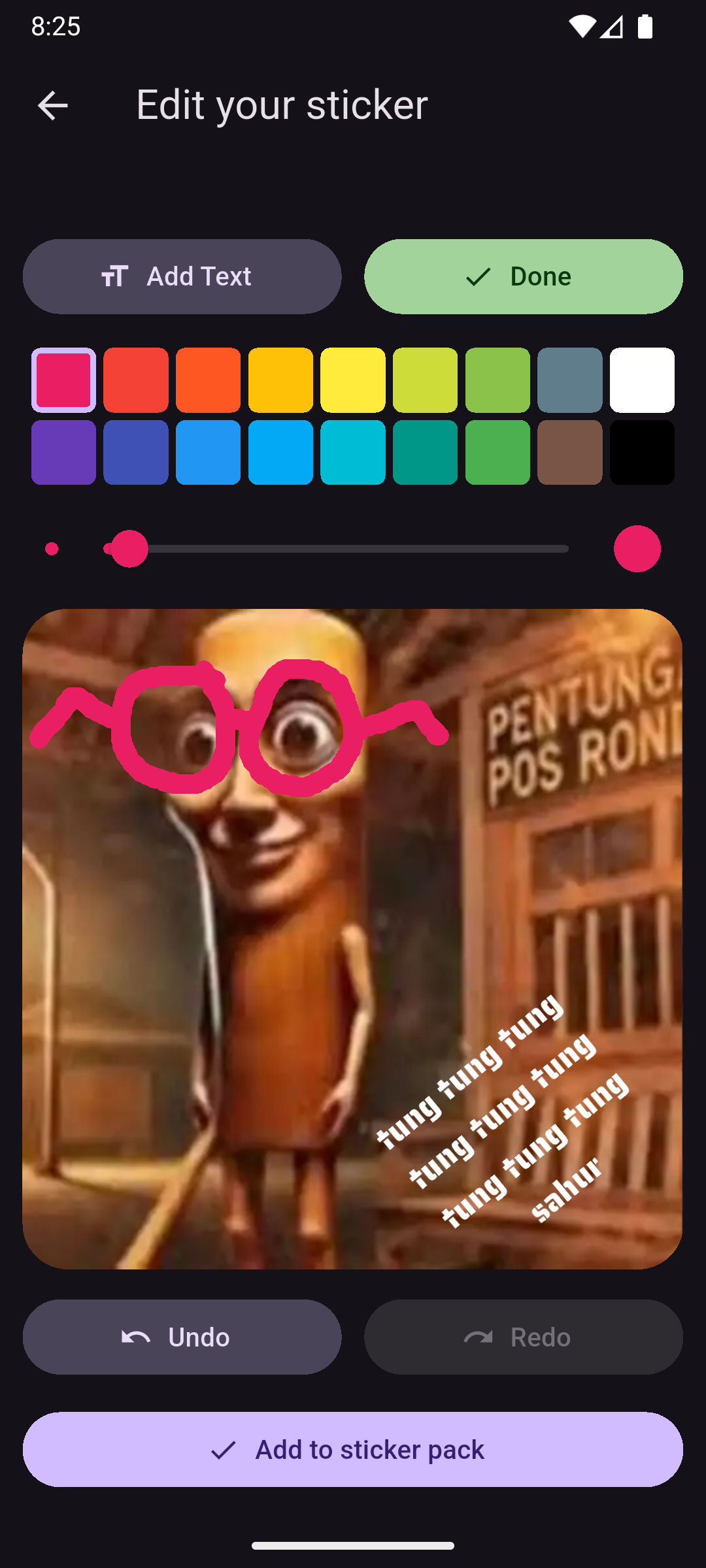 |
## Building
`flutter run` should work just fine, however if you want to build the release version of the app,
you'll need to either:
Use your own signing key
In `android/` create `key.properties` with
```properties
storeFile=path/to/keystore.jks
keyAlias=your key alias
storePassword=your store password
keyPassword=your key password
```
More details: https://docs.flutter.dev/deployment/android#sign-the-app
or
Use the debug signing config
In `android/app/build.gradle` around line 29
```
buildTypes {
release {
signingConfig signingConfigs.release
}
}
```
replace `signingConfigs.release` with `signingConfigs.debug` and remove
```
def keystoreProperties = new Properties()
def keystorePropertiesFile = rootProject.file("key.properties")
if (keystorePropertiesFile.exists()) {
keystorePropertiesFile.withReader('UTF-8') { reader ->
keystoreProperties.load(reader)
}
}
```
and
```
signingConfigs {
create("release") {
keyAlias = keystoreProperties["keyAlias"]
keyPassword = keystoreProperties["keyPassword"]
storeFile = new File(keystoreProperties["storeFile"])
storePassword = keystoreProperties["storePassword"]
}
}
```
And it *should* work, only use for testing.
And the you just need to
```
flutter build apk
```
## Contributing
Any contributions (Pull requests, feature requests and bug reports) are very welcome!
Be aware that I set my line width to 120 instead of 80, so be careful before reformatting entire
files. If you're using vscode put the following in `.vscode/settings.json` .
```json
{
"dart.lineLength": 120,
"[dart]": {
"editor.rulers": [
120
]
}
}
```
Also the code is not very well documented yet so sorry in advance to anyone trying to read it.
## TODO
Some features I plan to work on in the future
- [ ] Selecting multiple packs at once in the home screen
- [ ] Add option to add a background to texts
- [ ] Image layers on stickers
- [ ] Start with an existing sticker
- [ ] Create animated stickers from gifs
- [ ] Crop and rotate videos
## iOS Support
I don't own any Apple devices, therefore I can't build for iOS nor test the iOS app. It's a flutter
app so it should more or less work.
If you want to add iOS support, you're welcome! Here's some things to look out for:
- `image_editor` would have to be modified to support WEBP on iOS (I only added support for WEBP on
Android)
- `whatsapp_stickers_plus` package might not work (it didn't on Android).
- Many widgets would have to be replaced with their `.adaptive` equivalent if you want it to look
like an iOS app