# Zalo Bot Setup
## Scope
This page covers the official `zalo-bot` provider in `clisbot`.
It does not cover:
- Zalo OA
- unofficial personal-account automation
## Create A Zalo Bot
Use the official Zalo Bot Creator flow to create a bot and receive its bot token. The detailed official guide is here: [Create Bot](https://bot.zapps.me/docs/create-bot).
Quick path:
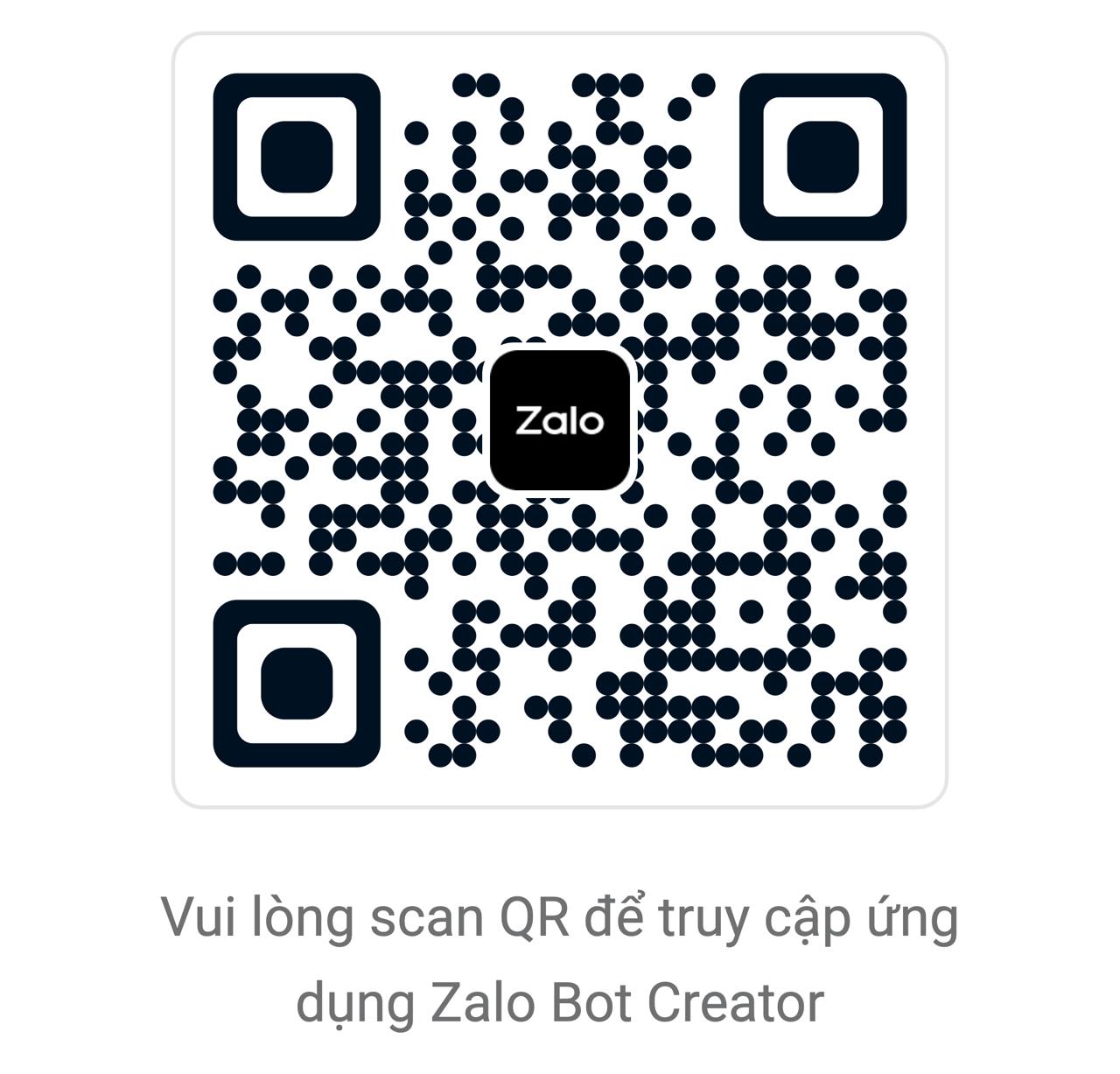
1. Open Zalo and scan this QR code to open Zalo Bot Creator.
2. Create a bot. Zalo requires the bot name to start with `Bot`, for example `Bot MyShop`.
3. After the bot is created, Zalo sends the bot information and `Bot Token` to your Zalo account.
4. Use that token as `ZALO_BOT_TOKEN` in the clisbot setup commands below.
 ## Mental Model
`zalo-bot` behaves closer to Telegram than Slack:
- one bot token
- polling-first runtime
- current operator and queue/loop flows are DM-only
- no topic or thread model
Important limits today:
- outbound text is chunked to `2000` characters
- native text sends are plain-text only; `clisbot` can render markdown input into readable plain text, but Zalo Bot does not expose Telegram-style HTML or Slack-style mrkdwn rich text
- photo send currently expects an absolute HTTP or HTTPS URL that Zalo can fetch; a local file path, `file://` URL, or `localhost` URL is not enough
- inbound image and sticker messages are downloaded into the routed workspace `.attachments/` tree and passed to the agent as attachment mentions
- webhook mode is not implemented yet; use polling
## Preferred Dev Flow
Repo-local dev commands use `~/.clisbot-dev` on purpose.
Check current dev runtime:
```bash
bun run status
```
Persist or update the dev bot token:
```bash
bash ./scripts/run-dev-cli.sh bots set-credentials \
--channel zalo-bot \
--bot default \
--bot-token ZALO_BOT_TOKEN \
--persist
```
Enable the bot if needed:
```bash
bash ./scripts/run-dev-cli.sh bots enable --channel zalo-bot --bot default
```
Restart the dev runtime:
```bash
bun run restart
```
## Stored Paths
Dev config:
- `~/.clisbot-dev/clisbot.json`
Dev token file:
- `~/.clisbot-dev/credentials/zalo-bot/default/bot-token`
Runtime logs:
- `~/.clisbot-dev/state/clisbot.log`
## Quick Verify
Confirm runtime sees the channel:
```bash
bun run status
```
Expected signals:
- `zalo-bot enabled=yes connection=active`
- `Zalo Bot polling connected for 1 bot(s).`
## DM Pairing Flow
Default DM policy is `pairing`.
Manual flow:
1. DM the bot from a Zalo account.
2. Receive a pairing code.
3. Approve it:
```bash
clisbot-dev pairing approve zalo-bot
## Mental Model
`zalo-bot` behaves closer to Telegram than Slack:
- one bot token
- polling-first runtime
- current operator and queue/loop flows are DM-only
- no topic or thread model
Important limits today:
- outbound text is chunked to `2000` characters
- native text sends are plain-text only; `clisbot` can render markdown input into readable plain text, but Zalo Bot does not expose Telegram-style HTML or Slack-style mrkdwn rich text
- photo send currently expects an absolute HTTP or HTTPS URL that Zalo can fetch; a local file path, `file://` URL, or `localhost` URL is not enough
- inbound image and sticker messages are downloaded into the routed workspace `.attachments/` tree and passed to the agent as attachment mentions
- webhook mode is not implemented yet; use polling
## Preferred Dev Flow
Repo-local dev commands use `~/.clisbot-dev` on purpose.
Check current dev runtime:
```bash
bun run status
```
Persist or update the dev bot token:
```bash
bash ./scripts/run-dev-cli.sh bots set-credentials \
--channel zalo-bot \
--bot default \
--bot-token ZALO_BOT_TOKEN \
--persist
```
Enable the bot if needed:
```bash
bash ./scripts/run-dev-cli.sh bots enable --channel zalo-bot --bot default
```
Restart the dev runtime:
```bash
bun run restart
```
## Stored Paths
Dev config:
- `~/.clisbot-dev/clisbot.json`
Dev token file:
- `~/.clisbot-dev/credentials/zalo-bot/default/bot-token`
Runtime logs:
- `~/.clisbot-dev/state/clisbot.log`
## Quick Verify
Confirm runtime sees the channel:
```bash
bun run status
```
Expected signals:
- `zalo-bot enabled=yes connection=active`
- `Zalo Bot polling connected for 1 bot(s).`
## DM Pairing Flow
Default DM policy is `pairing`.
Manual flow:
1. DM the bot from a Zalo account.
2. Receive a pairing code.
3. Approve it:
```bash
clisbot-dev pairing approve zalo-bot
```

4. DM again and expect the routed agent reply.

5. Optional media check: send an image to the same DM, with or without a caption.

Expected:

- the DM is admitted normally
- the routed workspace receives a file under `.attachments/`
- the agent can inspect the image through the attachment path included in the prompt

## Operator Send Path

Direct operator send:

```bash
clisbot-dev message send --channel zalo-bot --target dm: --message "hello"
```

Notes:

- use `dm:` for direct operator sends; raw ids are kept only as DM-compatible send targets
- `--thread-id` is not supported
- `--topic-id` is not supported
- `--file /path/to/image.jpg` does not map to a native upload flow on `zalo-bot` today because the official `sendPhoto` API takes a string `photo` field, documented as an image path/URL, not a multipart upload body
- if the image starts as a local file, host it somewhere Zalo can reach first, then pass that HTTP or HTTPS URL to `message send`

## Troubleshooting

Show runtime summary:

```bash
bun run status
```

Tail logs:

```bash
bun run logs
```

Common checks:

- token file exists and is non-empty
- `bots.zaloBot.defaults.enabled` is `true`
- `bots.zaloBot.default.enabled` is `true`
- `credentialType` is `tokenFile`
- no one set `mode=webhook`