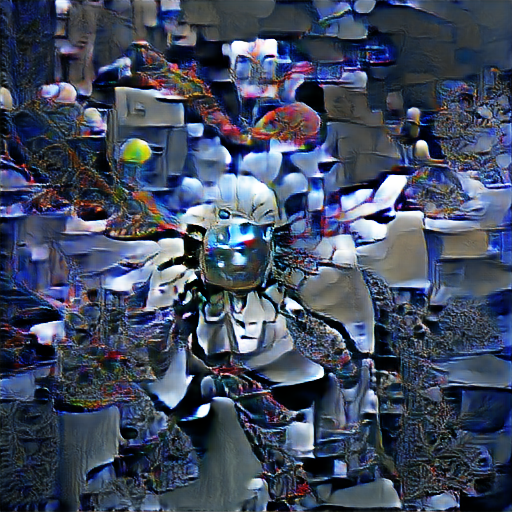
 *artificial intelligence*
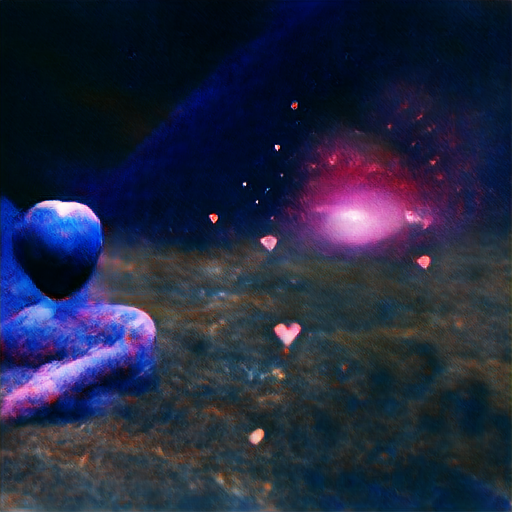 *cosmic love and attention*
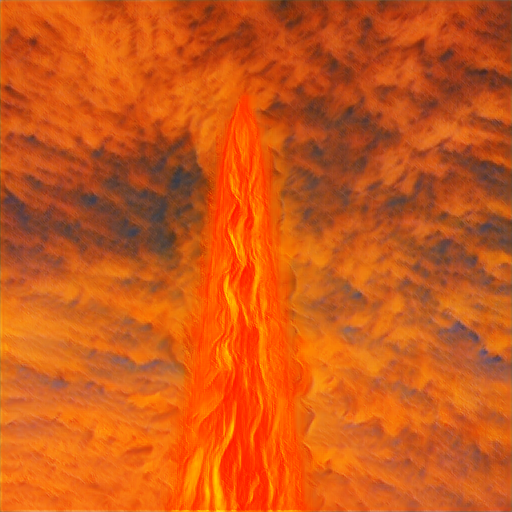 *fire in the sky*
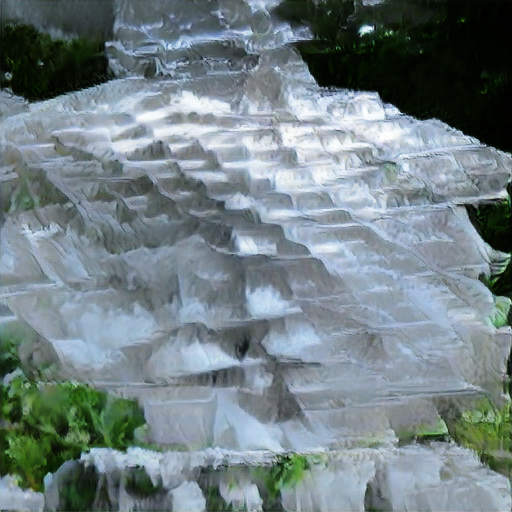 *a pyramid made of ice*
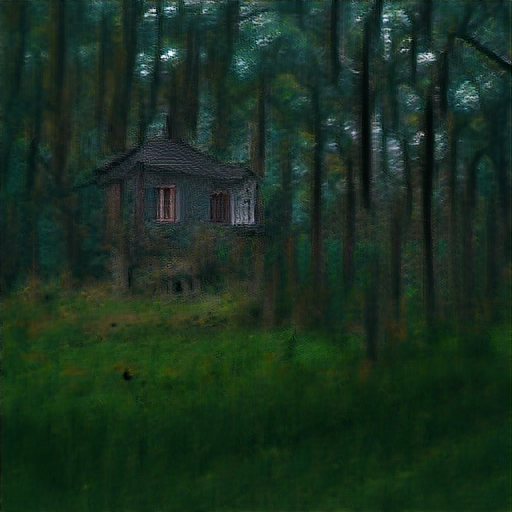 *a lonely house in the woods*
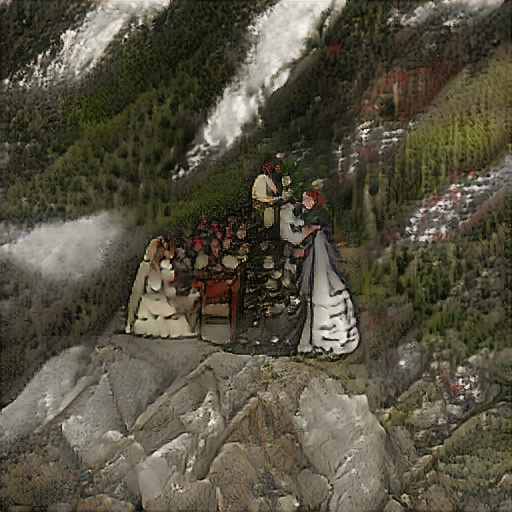 *marriage in the mountains*
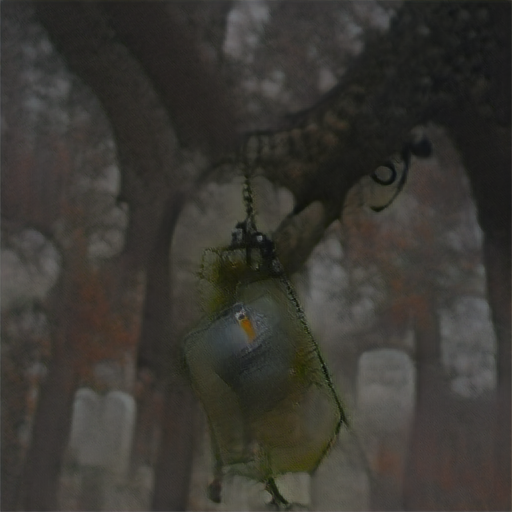 *lantern dangling from a tree in a foggy graveyard*
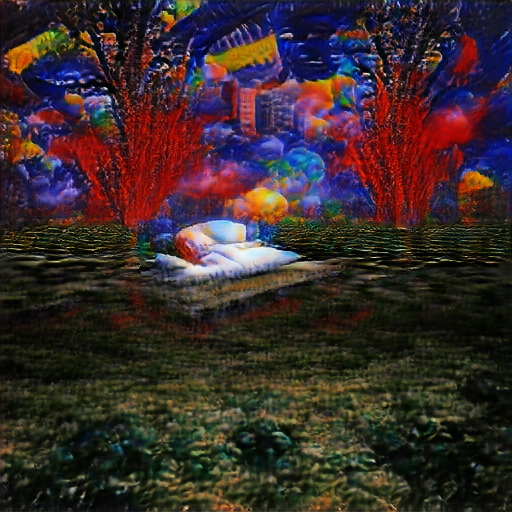 *a vivid dream*
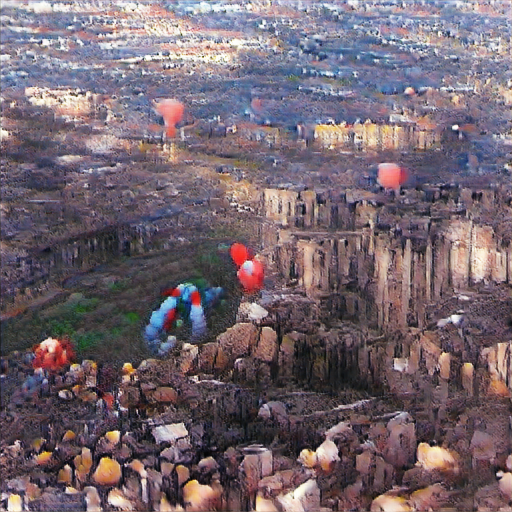 *balloons over the ruins of a city*
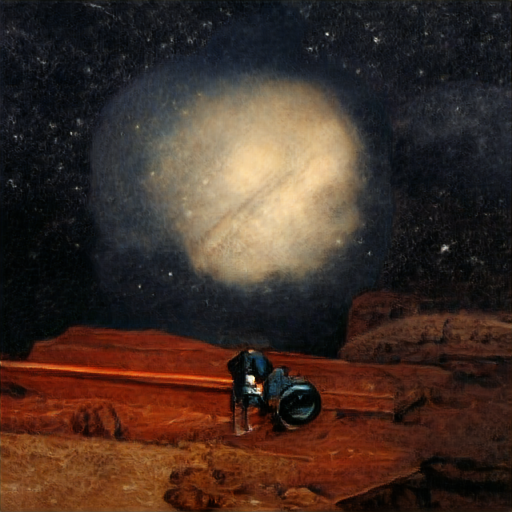 *the death of the lonesome astronomer* - by moirage
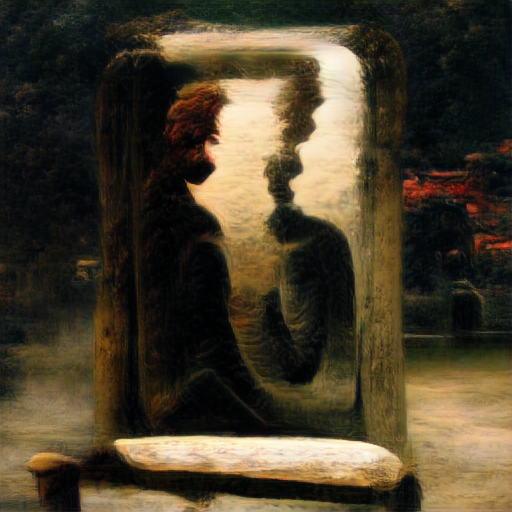 *the tragic intimacy of the eternal conversation with oneself* - by moirage
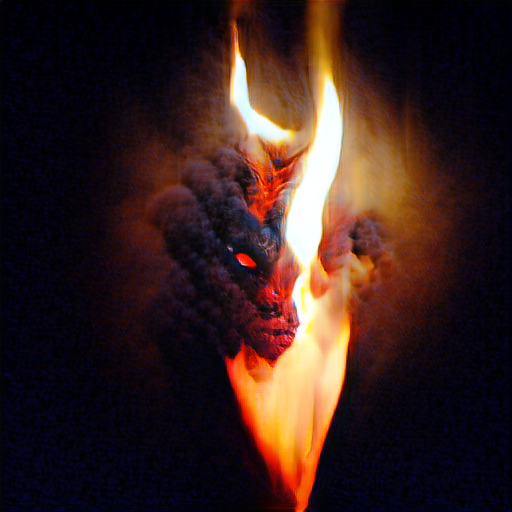 *demon fire* - by WiseNat
## Big Sleep
Ryan Murdock has done it again, combining OpenAI's CLIP and the generator from a BigGAN! This repository wraps up his work so it is easily accessible to anyone who owns a GPU.
You will be able to have the GAN dream up images using natural language with a one-line command in the terminal.
Original notebook [![Open In Colab][colab-badge]][colab-notebook]
Simplified notebook [![Open In Colab][colab-badge]][colab-notebook-2]
User-made notebook with bugfixes and added features, like google drive integration [![Open In Colab][colab-badge]][user-made-colab-notebook]
[user-made-colab-notebook]:
[colab-notebook]:
[colab-notebook-2]:
[colab-badge]:
## Install
```bash
$ pip install big-sleep
```
## Usage
```bash
$ dream "a pyramid made of ice"
```
Images will be saved to wherever the command is invoked
## Advanced
You can invoke this in code with
```python
from big_sleep import Imagine
dream = Imagine(
text = "fire in the sky",
lr = 5e-2,
save_every = 25,
save_progress = True
)
dream()
```
> You can now train more than one phrase using the delimiter "|"
### Train on Multiple Phrases
In this example we train on three phrases:
- `an armchair in the form of pikachu`
- `an armchair imitating pikachu`
- `abstract`
```python
from big_sleep import Imagine
dream = Imagine(
text = "an armchair in the form of pikachu|an armchair imitating pikachu|abstract",
lr = 5e-2,
save_every = 25,
save_progress = True
)
dream()
```
### Penalize certain prompts as well!
In this example we train on the three phrases from before,
**and** *penalize* the phrases:
- `blur`
- `zoom`
```python
from big_sleep import Imagine
dream = Imagine(
text = "an armchair in the form of pikachu|an armchair imitating pikachu|abstract",
text_min = "blur|zoom",
)
dream()
```
You can also set a new text by using the `.set_text()` command
```python
dream.set_text("a quiet pond underneath the midnight moon")
```
And reset the latents with `.reset()`
```python
dream.reset()
```
To save the progression of images during training, you simply have to supply the `--save-progress` flag
```bash
$ dream "a bowl of apples next to the fireplace" --save-progress --save-every 100
```
Due to the class conditioned nature of the GAN, Big Sleep often steers off the manifold into noise. You can use a flag to save the best high scoring image (per CLIP critic) to `{filepath}.best.png` in your folder.
```bash
$ dream "a room with a view of the ocean" --save-best
```
## Larger model
If you have enough memory, you can also try using a bigger vision model released by OpenAI for improved generations.
```bash
$ dream "storm clouds rolling in over a white barnyard" --larger-model
```
## Experimentation
You can set the number of classes that you wish to restrict Big Sleep to use for the Big GAN with the `--max-classes` flag as follows (ex. 15 classes). This may lead to extra stability during training, at the cost of lost expressivity.
```bash
$ dream 'a single flower in a withered field' --max-classes 15
```
## Alternatives
Deep Daze - CLIP and a deep SIREN network
## Citations
```bibtex
@misc{unpublished2021clip,
title = {CLIP: Connecting Text and Images},
author = {Alec Radford, Ilya Sutskever, Jong Wook Kim, Gretchen Krueger, Sandhini Agarwal},
year = {2021}
}
```
```bibtex
@misc{brock2019large,
title = {Large Scale GAN Training for High Fidelity Natural Image Synthesis},
author = {Andrew Brock and Jeff Donahue and Karen Simonyan},
year = {2019},
eprint = {1809.11096},
archivePrefix = {arXiv},
primaryClass = {cs.LG}
}
```
*demon fire* - by WiseNat
## Big Sleep
Ryan Murdock has done it again, combining OpenAI's CLIP and the generator from a BigGAN! This repository wraps up his work so it is easily accessible to anyone who owns a GPU.
You will be able to have the GAN dream up images using natural language with a one-line command in the terminal.
Original notebook [![Open In Colab][colab-badge]][colab-notebook]
Simplified notebook [![Open In Colab][colab-badge]][colab-notebook-2]
User-made notebook with bugfixes and added features, like google drive integration [![Open In Colab][colab-badge]][user-made-colab-notebook]
[user-made-colab-notebook]:
[colab-notebook]:
[colab-notebook-2]:
[colab-badge]:
## Install
```bash
$ pip install big-sleep
```
## Usage
```bash
$ dream "a pyramid made of ice"
```
Images will be saved to wherever the command is invoked
## Advanced
You can invoke this in code with
```python
from big_sleep import Imagine
dream = Imagine(
text = "fire in the sky",
lr = 5e-2,
save_every = 25,
save_progress = True
)
dream()
```
> You can now train more than one phrase using the delimiter "|"
### Train on Multiple Phrases
In this example we train on three phrases:
- `an armchair in the form of pikachu`
- `an armchair imitating pikachu`
- `abstract`
```python
from big_sleep import Imagine
dream = Imagine(
text = "an armchair in the form of pikachu|an armchair imitating pikachu|abstract",
lr = 5e-2,
save_every = 25,
save_progress = True
)
dream()
```
### Penalize certain prompts as well!
In this example we train on the three phrases from before,
**and** *penalize* the phrases:
- `blur`
- `zoom`
```python
from big_sleep import Imagine
dream = Imagine(
text = "an armchair in the form of pikachu|an armchair imitating pikachu|abstract",
text_min = "blur|zoom",
)
dream()
```
You can also set a new text by using the `.set_text()` command
```python
dream.set_text("a quiet pond underneath the midnight moon")
```
And reset the latents with `.reset()`
```python
dream.reset()
```
To save the progression of images during training, you simply have to supply the `--save-progress` flag
```bash
$ dream "a bowl of apples next to the fireplace" --save-progress --save-every 100
```
Due to the class conditioned nature of the GAN, Big Sleep often steers off the manifold into noise. You can use a flag to save the best high scoring image (per CLIP critic) to `{filepath}.best.png` in your folder.
```bash
$ dream "a room with a view of the ocean" --save-best
```
## Larger model
If you have enough memory, you can also try using a bigger vision model released by OpenAI for improved generations.
```bash
$ dream "storm clouds rolling in over a white barnyard" --larger-model
```
## Experimentation
You can set the number of classes that you wish to restrict Big Sleep to use for the Big GAN with the `--max-classes` flag as follows (ex. 15 classes). This may lead to extra stability during training, at the cost of lost expressivity.
```bash
$ dream 'a single flower in a withered field' --max-classes 15
```
## Alternatives
Deep Daze - CLIP and a deep SIREN network
## Citations
```bibtex
@misc{unpublished2021clip,
title = {CLIP: Connecting Text and Images},
author = {Alec Radford, Ilya Sutskever, Jong Wook Kim, Gretchen Krueger, Sandhini Agarwal},
year = {2021}
}
```
```bibtex
@misc{brock2019large,
title = {Large Scale GAN Training for High Fidelity Natural Image Synthesis},
author = {Andrew Brock and Jeff Donahue and Karen Simonyan},
year = {2019},
eprint = {1809.11096},
archivePrefix = {arXiv},
primaryClass = {cs.LG}
}
```