English | [中文](README.md)
## ⚠️ Warning: The English translation is AI-generated and may contain inaccuracies.
# TubaWinUi3 — PC Hardware Toolbox
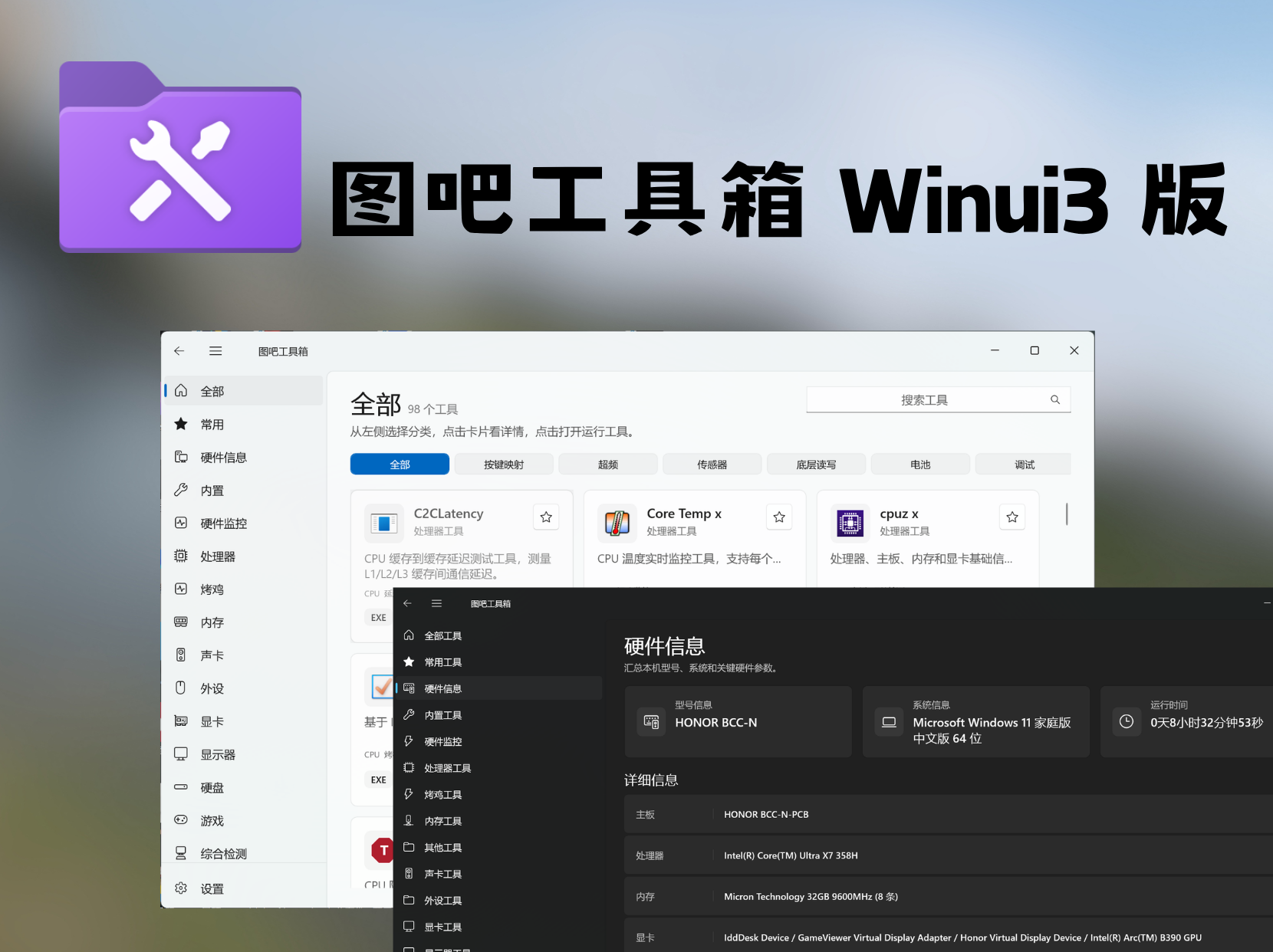
**A rebuilt version of Tuba Toolbox** — Powered by WinUI 3 / .NET 10
[](LICENSE)
[](https://dotnet.microsoft.com/)
[](https://learn.microsoft.com/windows/apps/winui/)
[](https://github.com/luolangaga/tubatool)
[](https://github.com/luolangaga/tubatool)
[Official Docs](https://tubawinui3.cn) | [Download](https://github.com/luolangaga/tubatool/releases) | [Issues](https://github.com/luolangaga/tubatool/issues) | [Discussions](https://github.com/luolangaga/tubatool/discussions)
---
> **Note:** There are many unofficial download sources recently — please verify authenticity before downloading!
---
## Table of Contents
- [Community](#community)
- [System Compatibility](#system-compatibility)
- [License](#license)
- [Installation](#installation)
- [Feature Highlights](#feature-highlights)
- [Built-in Tools](#built-in-tools)
- [Bundled Tools](#bundled-tools)
- [Build from Source](#build-from-source)
- [Contributors](#contributors)
---
## Community
Join the QQ group for discussion: **485079194**
---
## System Compatibility
| Platform | Support |
|:--------:|:-------:|
| x64 (Intel/AMD 64-bit) | ✅ Fully Supported |
| x86 (Intel/AMD 32-bit) | ✅ Fully Supported |
| ARM64 (Qualcomm Snapdragon, etc.) | ✅ Native Support |
| Windows Version | Support |
|:---------------:|:-------:|
| Windows 11 | ✅ Fully Supported |
| Windows 10 21H2+ | ✅ Fully Supported |
| Windows 10 1809+ | ✅ Minimum Supported |
---
## License
This project is licensed under **GPL-3.0 + Additional Terms**.
- Source code may be freely used, modified, and distributed
- Derivative works must be open-sourced under the same license
- See [LICENSE](LICENSE) and [LICENSE-ADDITIONAL](LICENSE-ADDITIONAL) for details
---
## Installation
### GitHub Releases (Recommended)
Download the latest version from [Releases](https://github.com/luolangaga/tubatool/releases).
Two formats available:
- **Portable (ZIP)** — Extract and run, no installation needed
- **Installer (Inno Setup)** — Traditional setup program
### GitCode Releases (China Mirror)
Users in China can download from the [GitCode mirror](https://gitcode.com/luolangaga/tubatool) for faster speeds.
### Winget (Windows Package Manager)
```powershell
winget install luolangaga.tubatools
```
---
## Feature Highlights
**One-Click Tool Launch**
Automatically scans the `Tools/` folder, displays by category, click to run
**Real-Time Search**
Quickly locate tools by name or path
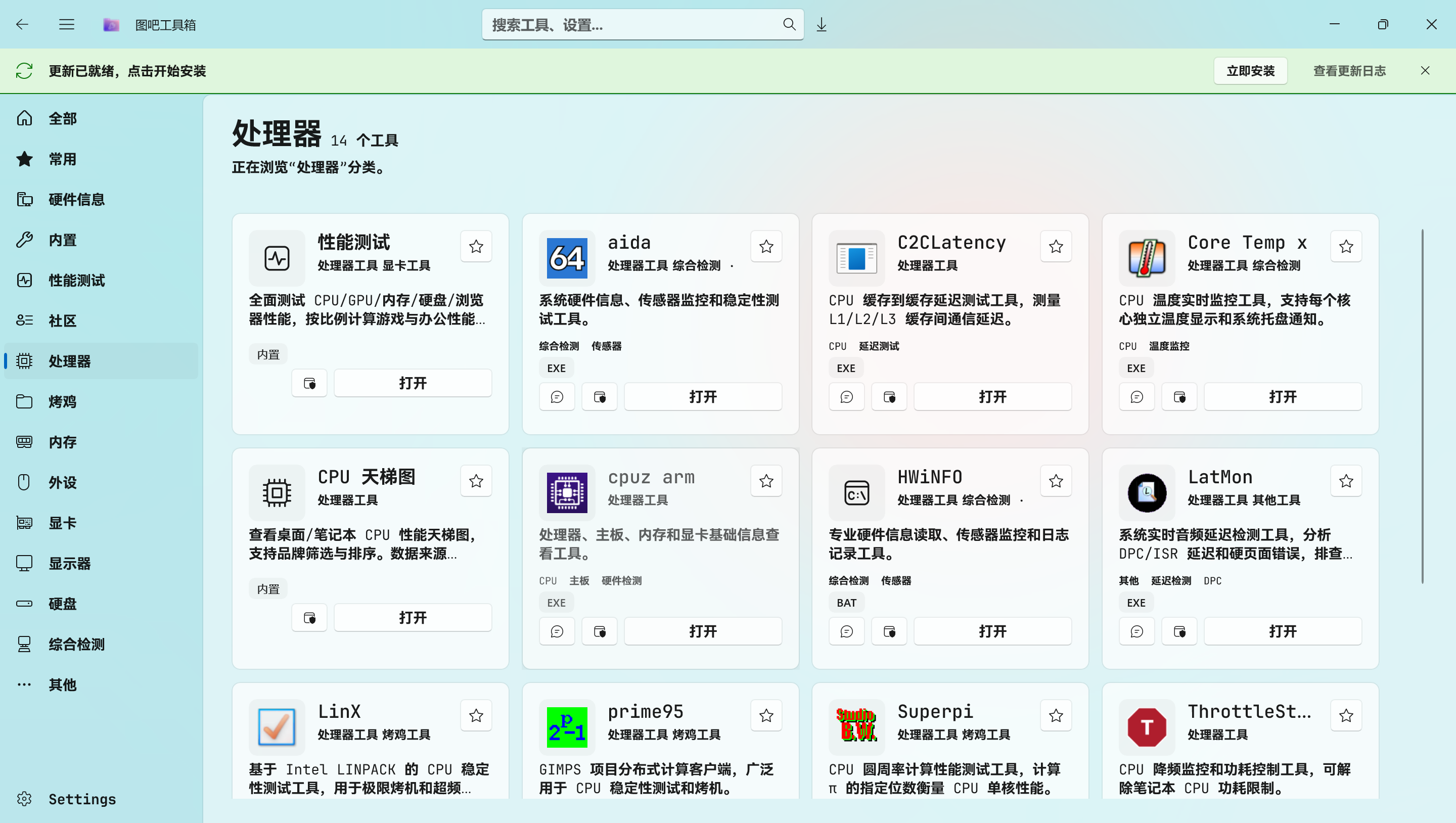
**Hardware Info**
WMI reads CPU, memory, GPU, disk, display, and more
**Favorites**
Bookmark frequently used tools for quick access
**Run as Administrator**
Launch tools with admin privileges in one click
**Send to Desktop**
Create desktop shortcuts in one click
**Auto Update**
Silent check on startup, notifies when a new version is available
**Theme Switching**
Light / Dark / Follow System
---
## Built-in Tools
> Native tools built with Fluent Design — no third-party software required
**26 built-in tools** covering system optimization, hardware detection, network diagnostics, and more:
| Category | Tools |
|:--------:|:------|
| **System Tools** | Certificate Blocker / Port Viewer / Hosts Editor / Context Menu Manager / System Optimizer / Windows Activation |
| **Hardware Detection** | Keyboard Test / Speed Test / CPU Ranking / GPU Ranking / Hardware Spoofer / CPU Benchmark / Screen Test |
| **Network Tools** | WiFi Password Viewer / Network Proxy Settings |
| **Cleanup & Maintenance** | Junk Cleaner / Battery Report |
| **PC Setup Assistant** | New PC Setup Wizard / UniGetUI / Windows Image Tool / Setup Tutorial / File Transfer |
| **AI Assistant** | AI Assistant / Benchmark Cloud Sync / Anti-Motion Sickness |
| **Community Tools** | Community-contributed tools entry (unpackaged mode only) |
Click to expand full tool list
### System Tools
- **Certificate Blocker** — Block/unblock certificate trust to prevent software hijacking
- **Port Viewer** — Real-time TCP/UDP port usage monitoring
- **Hosts Editor** — Visual editor for the system hosts file
- **Context Menu Manager** — Manage redundant context menu entries
- **System Optimizer** — One-click Windows performance/appearance optimization presets
- **Windows Activation** — KMS activation with automatic optimal server selection
- **Defender Settings** — Quick access to Windows Defender settings panel
### Hardware Detection
- **Keyboard Test** — Visual keyboard key press detection
- **Speed Test** — Download test files with real-time bandwidth display
- **CPU Ranking** — CPU performance leaderboard (desktop/laptop)
- **GPU Ranking** — GPU performance leaderboard (desktop/laptop)
- **Hardware Spoofer** — Modify registry hardware IDs (with backup/restore)
- **CPU Benchmark** — CPU stress test with real-time temperature and frequency monitoring
- **Screen Test** — Dead pixel / color gamut / response time testing
### Network Tools
- **WiFi Password Viewer** — Extract saved WiFi passwords
- **Network Proxy Settings** — Quickly toggle network adapter proxy
### Cleanup & Maintenance
- **Junk Cleaner** — Clean temp files, browser cache, Windows Update cache
- **Battery Report** — Generate battery health report as HTML
### PC Setup Assistant
- **New PC Setup Wizard** — Bulk install common software via winget
- **UniGetUI** — Unified package manager interface
- **Windows Image Tool** — PE/ISO image management
- **Setup Tutorial** — Illustrated guide for new PC assembly
- **File Transfer** — Fast LAN file transfer
### AI Assistant
- **AI Assistant** — Local AI chat assistant
- **Benchmark Cloud Sync** — Cloud sync and comparison of benchmark results
- **Anti-Motion Sickness** — Reduce animations to alleviate motion sickness
---
## Bundled Tools
> **82 tools** covering all hardware detection scenarios
| Category | Count | Representative Tools |
|:--------:|:-----:|:--------------------|
| CPU | 9 | CPU-Z / Core Temp / Prime95 / LinX |
| GPU | 11 | GPU-Z / FurMark / DDU / NVFlash |
| Display | 3 | Color Gamut Detector / Screen Test / UFO Test |
| Memory | 7 | MemTest / TM5 / Thaiphoon / ZenTimings |
| Storage | 20 | CrystalDiskMark / DiskGenius / HDTune |
| Stress Test | 2 | FurMark / FurMark 64 |
| Comprehensive | 5 | AIDA64 / HWiNFO / HWMonitor |
| Peripherals | 7 | Keyboard Test / Mouse Rate / MouseTester |
| Others | 19 | Everything / Dism++ / Rufus / Ventoy |
See [Official Docs](https://tubawinui3.cn) for the complete tool list.
---
## Build from Source
```bash
git clone https://github.com/luolangaga/tubatool.git
cd tubatool
dotnet build # Build
dotnet run # Run (Unpackaged mode)
```
Prerequisites
- [.NET 10 SDK](https://dotnet.microsoft.com/download/dotnet/10.0)
- [Visual Studio 2022 17.14+](https://visualstudio.microsoft.com/) or [VS Code](https://code.visualstudio.com/) (with C# Dev Kit)
- Minimum Windows 10 1809
- Supports x86 / x64 / ARM64
---
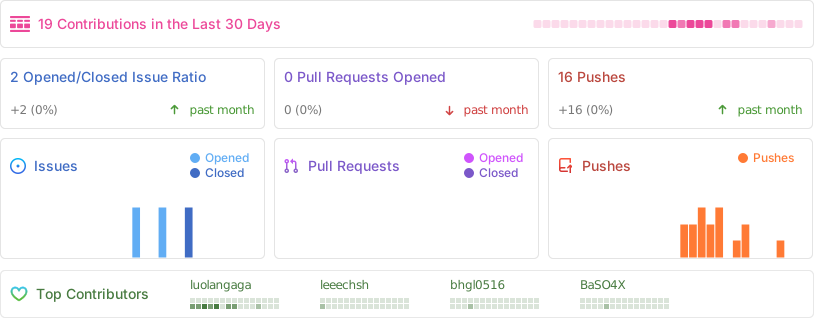
## Contributors
Thanks to all the developers who have contributed to this project!
---
**If you find this useful, please give it a Star!**
 ## ⚠️ Warning: The English translation is AI-generated and may contain inaccuracies.
# TubaWinUi3 — PC Hardware Toolbox
**A rebuilt version of Tuba Toolbox** — Powered by WinUI 3 / .NET 10
## ⚠️ Warning: The English translation is AI-generated and may contain inaccuracies.
# TubaWinUi3 — PC Hardware Toolbox
**A rebuilt version of Tuba Toolbox** — Powered by WinUI 3 / .NET 10