![Platforms](https://img.shields.io/badge/Platforms-Android-green) [![Style](https://img.shields.io/badge/Style-lint-blue)](https://pub.dev/packages/lint) [![Conventional Commits](https://img.shields.io/badge/Conventional%20Commits-1.0.0-%23FE5196)](https://conventionalcommits.org) [![License](https://img.shields.io/github/license/maelchiotti/LocalMaterialNotes)](https://github.com/maelchiotti/LocalMaterialNotes/blob/main/LICENSE) [![Releases](https://img.shields.io/github/v/release/maelchiotti/LocalMaterialNotes)](https://github.com/maelchiotti/LocalMaterialNotes/releases) [![Issues](https://img.shields.io/github/issues/maelchiotti/LocalMaterialNotes)](https://github.com/maelchiotti/LocalMaterialNotes/issues) [Get it on Google Play](https://play.google.com/store/apps/details?id=com.maelchiotti.localmaterialnotes) [Get it on IzzyOnDroid](https://apt.izzysoft.de/packages/com.maelchiotti.localmaterialnotes) [Get it on F-Droid](https://f-droid.org/fr/packages/com.maelchiotti.localmaterialnotes)
[Get it on Obtainium](https://apps.obtainium.imranr.dev/redirect?r=obtainium://add/https://github.com/maelchiotti/LocalMaterialNotes) [Get it on GitHub](https://github.com/maelchiotti/LocalMaterialNotes/releases/latest)
# Local Material Notes Simple, local, material design notes.
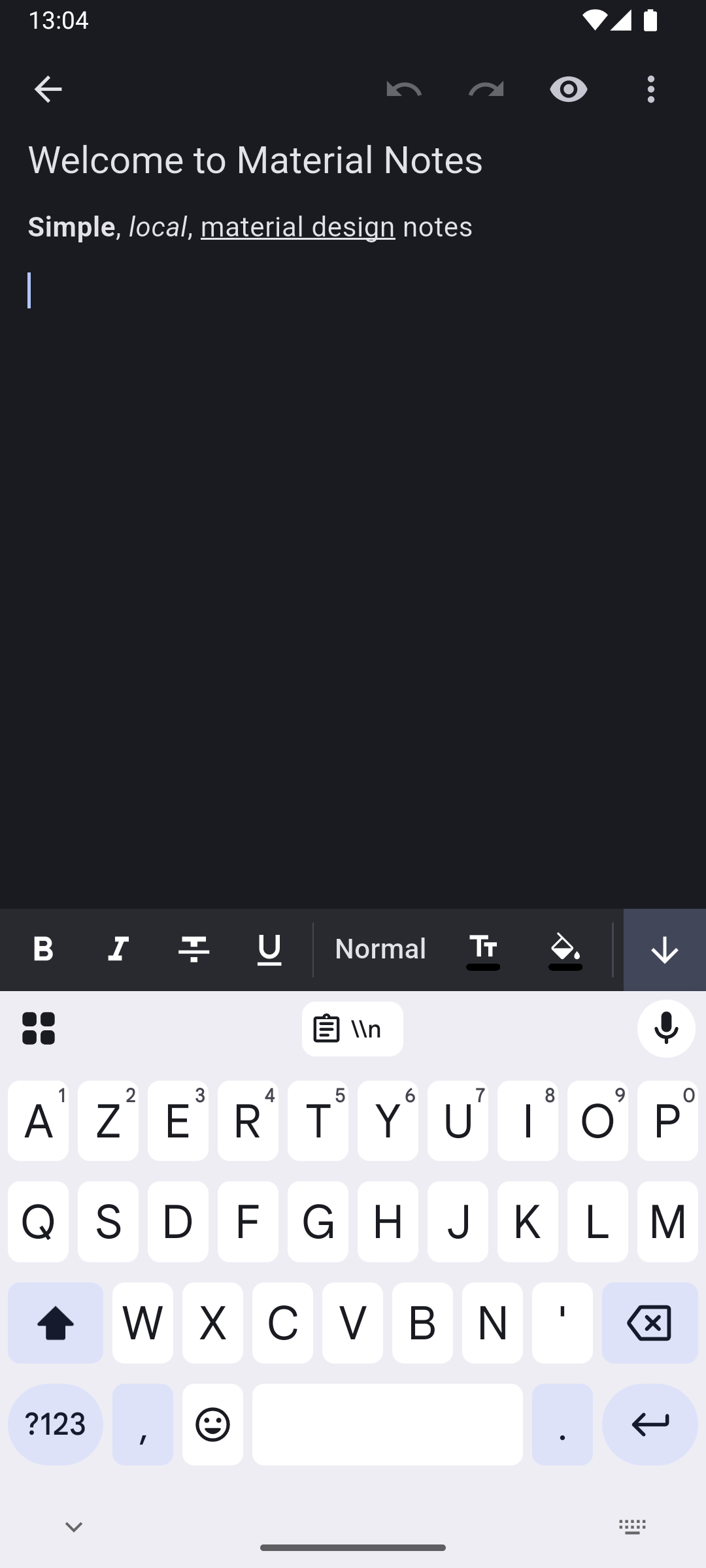
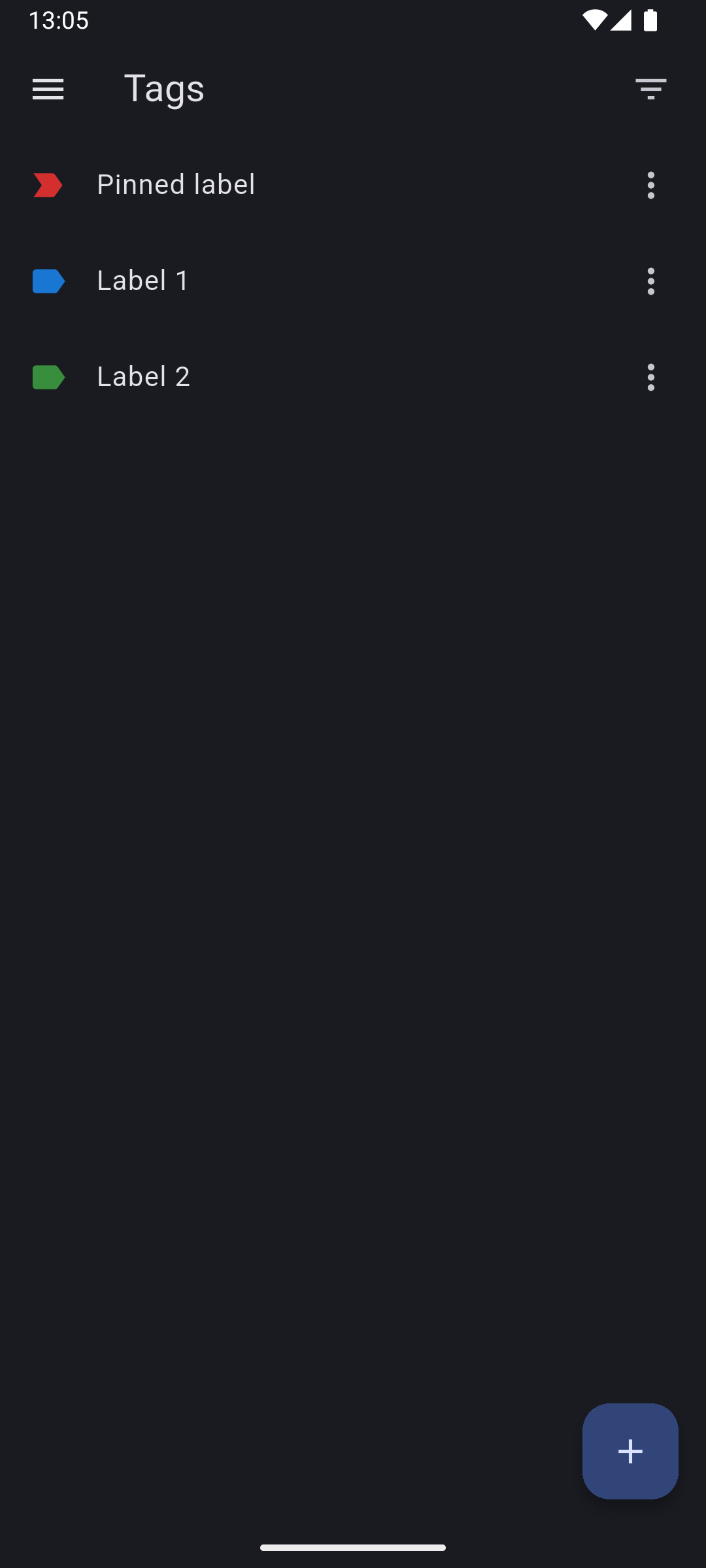
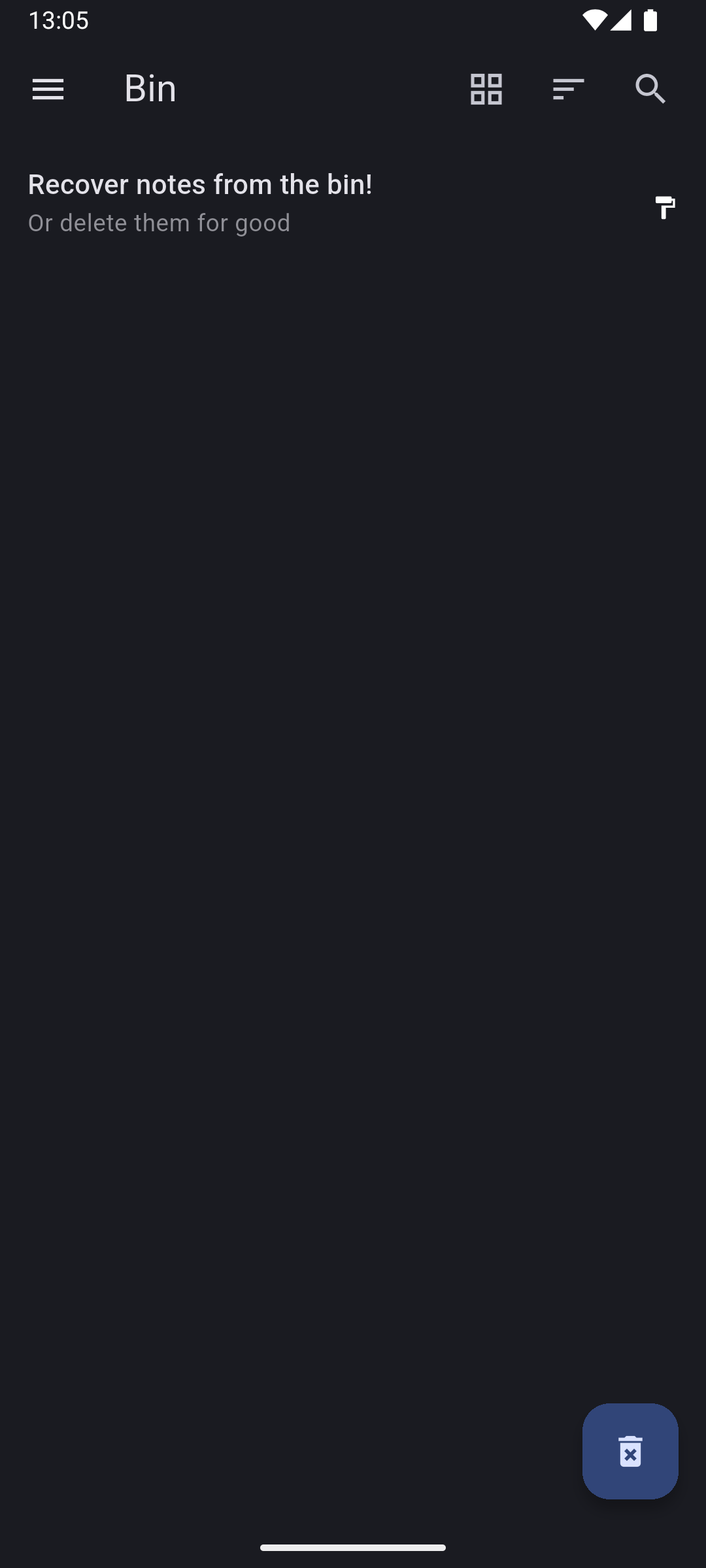
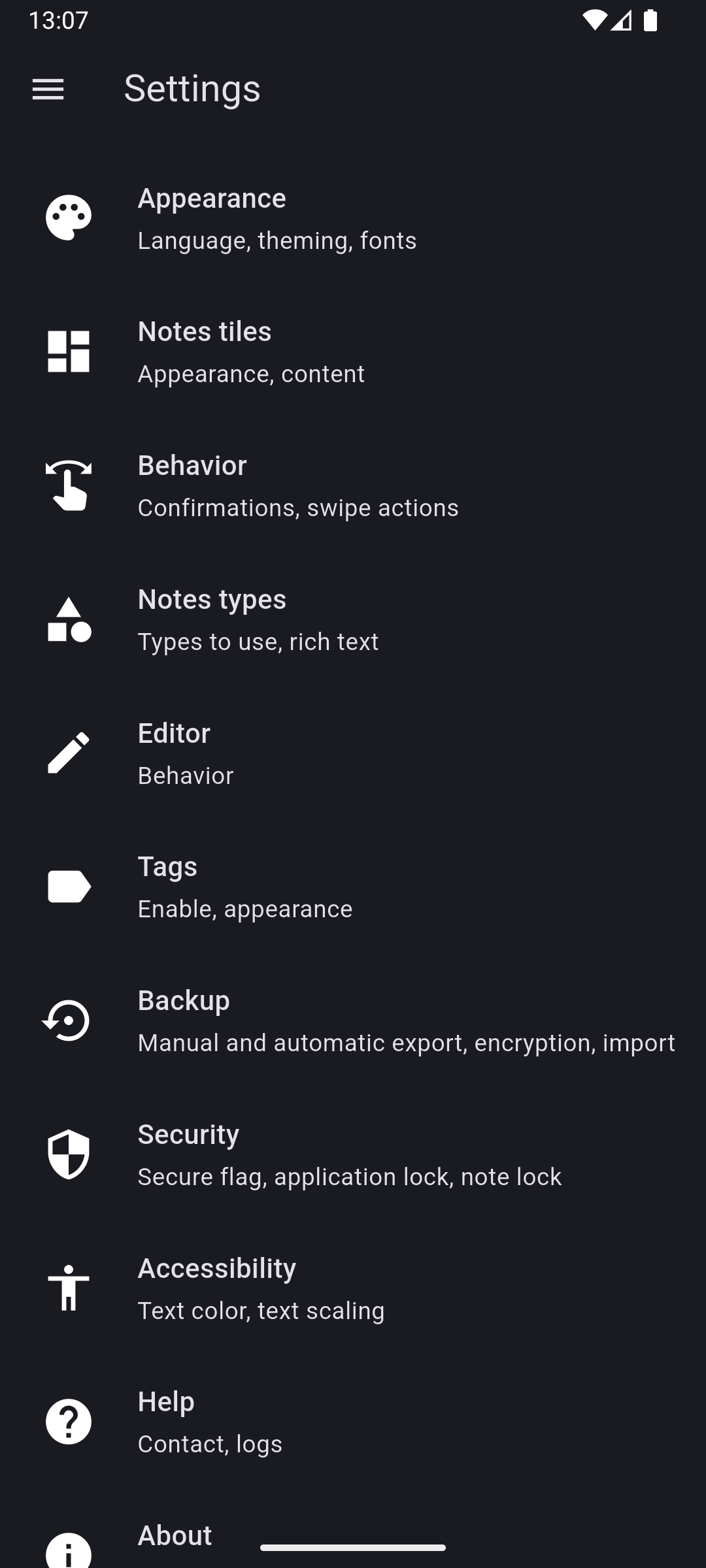
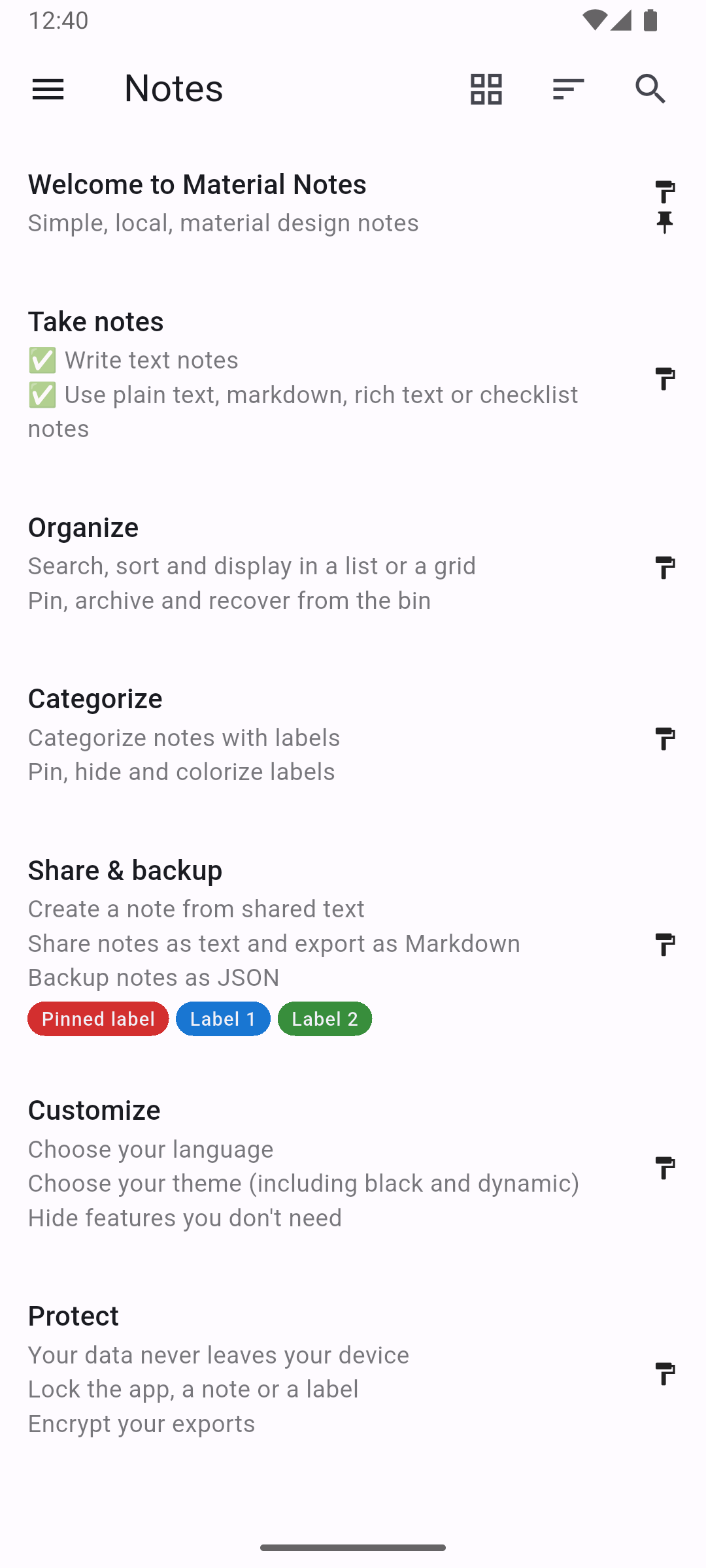
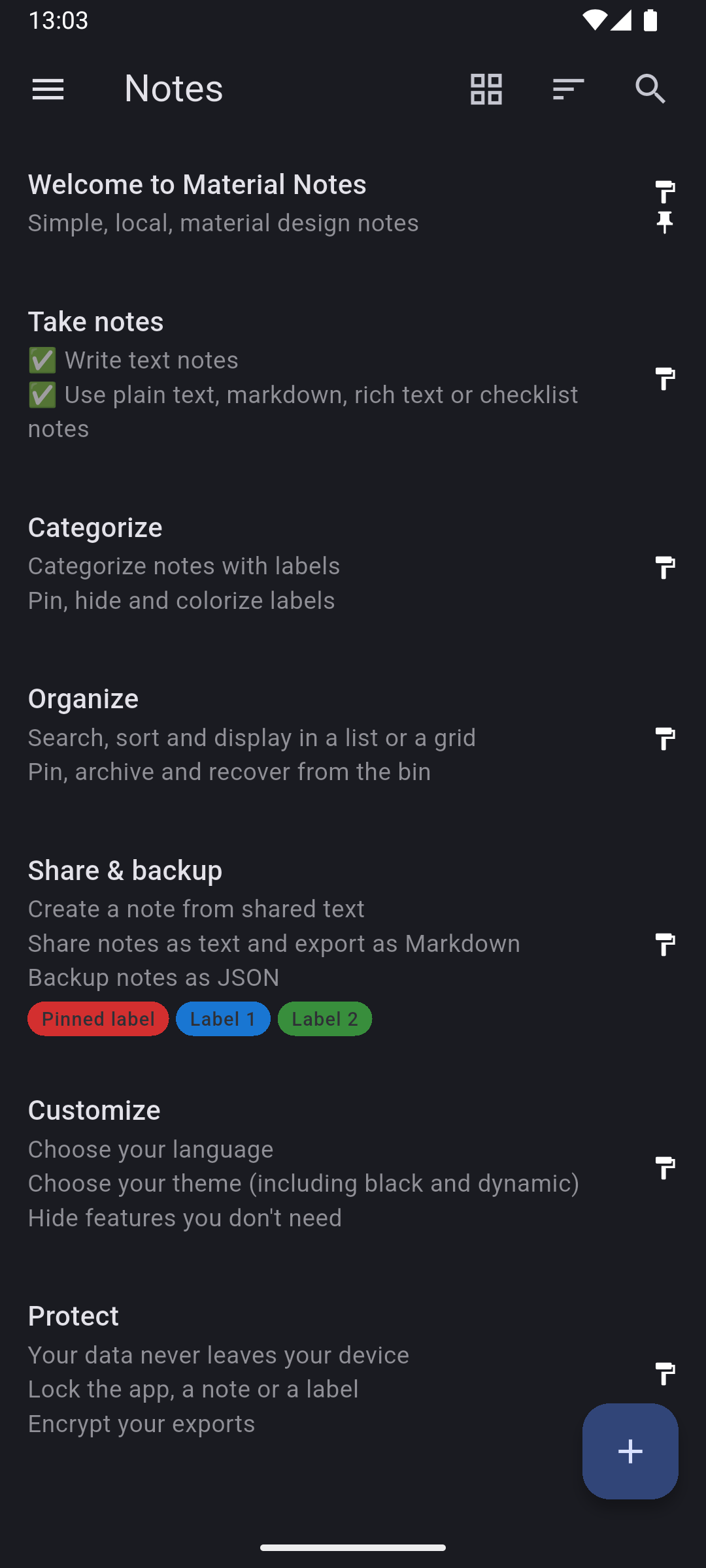
Screenshot of the notes list Screenshots of the note editor Screenshot of the bin Screenshot of the settings
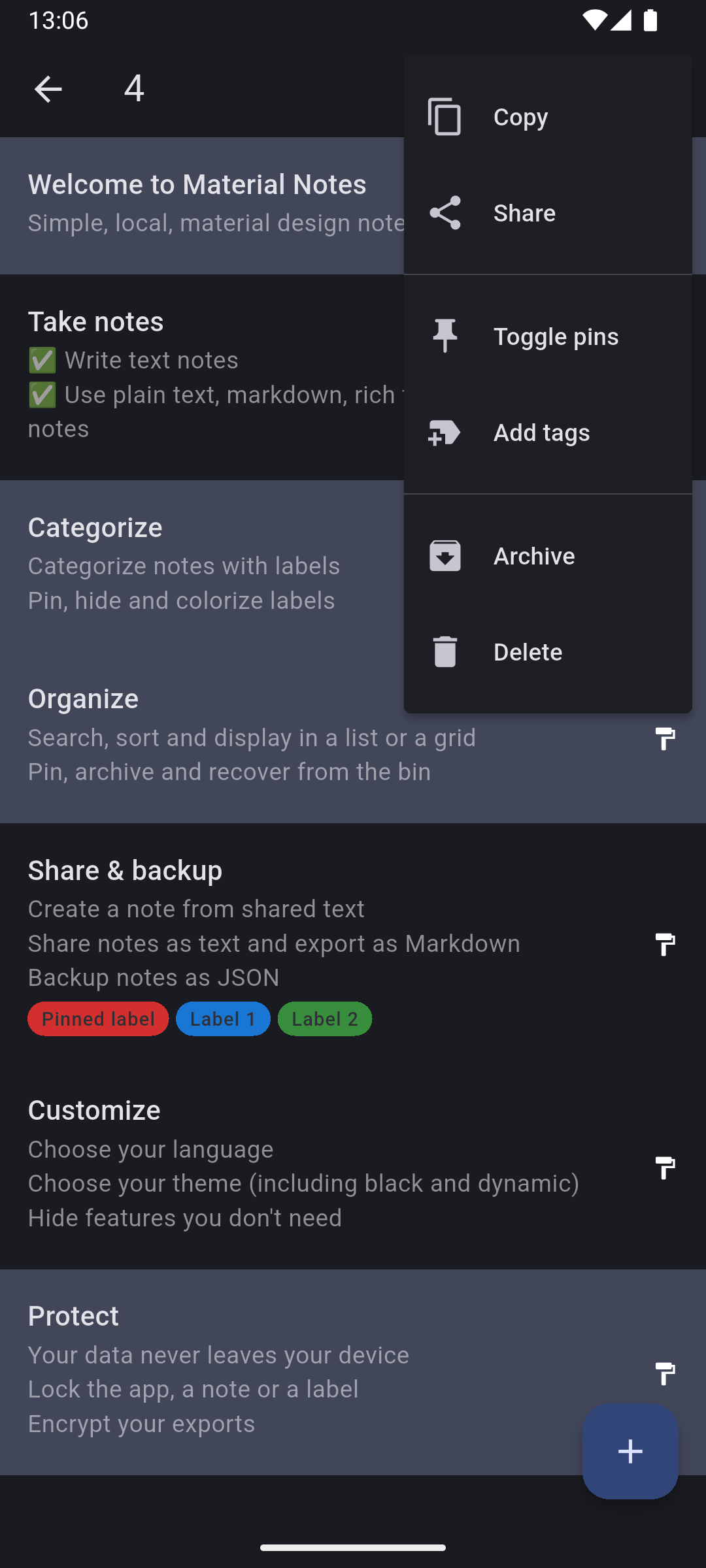
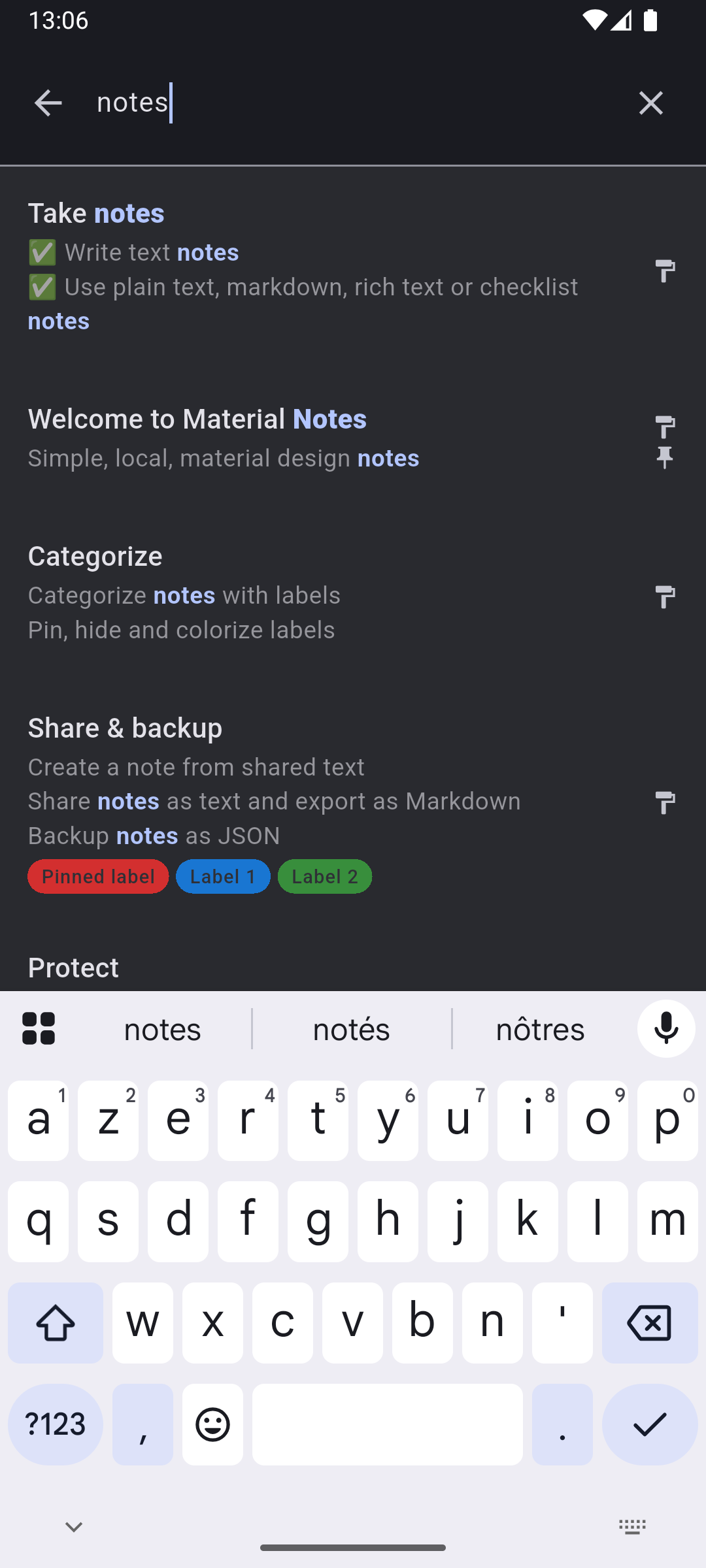
Screenshot of the notes list in selection mode Screenshots of the search feature Screenshot of the notes list in the dark mode with dynamic theming Screenshot of the notes list in the light mode with dynamic theming
## Status > [!IMPORTANT] > This project is now in **maintenance mode**. > > It is considered feature complete. Only 1 to 2 updates a year should be expected, containing bug > fixes and maybe very small improvements. > > Thank you very much to anyone who used my first ever app! ## Features ### Take notes - Write text notes (title and content) - Choose between plain text, markdown, rich text or checklist notes - Use the quick action from your home screen to quickly add a note ### Organize - Search though your notes - Sort your notes by date or title, in ascending or descending order - Display your notes in a list or a grid view - Pin and archive your notes - Recover your deleted notes from the bin ### Categorize - Categorize your notes with tags - Distinguish your tags with their color - Pin and hide your tags ### Share & backup - Share text from other applications to add it directly to a note - Share your notes as text - Export your notes as JSON, manually or automatically, and import them back - Export your notes as Markdown ### Protect - Never worry about how your data is handled: it cannot leave your device as the application doesn't have any internet permissions - Lock the application, a specific notes, or all notes with a specific tag - Encrypt your JSON exports ### Customize - Choose your language (see the [supported ones](#supported-languages)) - Choose your theme (light, dark or black) - Choose if you want your theme to be dynamic (use colors from your background) - Choose which notes types you want enabled ## Supported languages All the supported languages are listed here alphabetically. You can see more details on the [Crowdin project](https://crowdin.com/project/localmaterialnotes). To improve a language or add support for a new one, please see [CONTRIBUTING.md](CONTRIBUTING.md#localization). - Chinese Simplified - Chinese Traditional - Czech - English - French - German - Hindi - Italian - Polish - Portuguese - Russian - Spanish - Turkish ## External imports > [!NOTE] > The conversion scripts are not part of the application at the moment, they must be run on a > computer. The JSON import feature only supports JSON files created by the application. Scripts to convert exports from other applications to the format used by Material Notes are available in the [external_imports](docs/external_imports) directory. Please read [EXTERNAL_IMPORTS.md](docs/external_imports/EXTERNAL_IMPORTS.md) for more details. ## Pre-releases > [!CAUTION] > Pre-release versions can be buggy. Some features may not work. You might even loose all your data. > That's why they are only meant to be installed manually, after making a backup from the settings. Pre-release versions of the application are available on [GitHub releases](https://github.com/maelchiotti/LocalMaterialNotes/releases?q=prerelease:true). You can filter by pre-releases only by typing `prerelease:true` in the search box. When using a pre-release version, please report any issue you encounter in the discussion linked to that pre-release. ## Contributing Please see [CONTRIBUTING.md](CONTRIBUTING.md). ## Donate You can support the project by making a donation using these platforms: - [PayPal](https://www.paypal.me/maelchiotti) - [Ko-fi](https://ko-fi.com/maelchiotti) ## Credits ### Inspiration - [Material Files](https://github.com/zhanghai/MaterialFiles) for the general design inspiration, and especially the logo and its color. - [Simplenote](https://simplenote.com) for the general layout of the app and its basic features. - [Another notes app](https://github.com/maltaisn/another-notes-app/) for how to handle tags. ### Localization - All of the [Crowdin project members](https://crowdin.com/project/localmaterialnotes/reports/top-members). - [newmanls](https://github.com/newmanls) for the spanish localization. - [xe1st](https://github.com/xe1st) for the turkish localization. ### External imports - [1ycx](https://github.com/1ycx) for the original version of the Samsung Notes script. ### Assets - [Material Design Icons](https://github.com/google/material-design-icons) for the [notes](https://fonts.google.com/icons?selected=Material+Symbols+Outlined:notes) icon used for the logo.