 |
 |
## Free vs Pro
| | Free | [Pro — $9.99/mo, 14-day free trial](https://www.marmoui.com/pricing) |
| --- | --- | --- |
| React components (`@marmoui/ui`, MIT) | ✓ | ✓ |
| Core MCP — live props, validation, default Marmo styling | ✓ | ✓ |
| Docs, Figma library | ✓ | ✓ |
| **On-brand generation** — your [`DESIGN.md`](https://www.marmoui.com/docs/tools/design-md) (colors, type, tokens, component overrides) drives every screen any connected agent generates | | ✓ |
| Composition patterns library (app shells, dashboards, forms) | | ✓ |
| Pro blocks, generated straight into your repo | | ✓ |
| Personal MCP token + hosted, brand-themed design-system page | | ✓ |
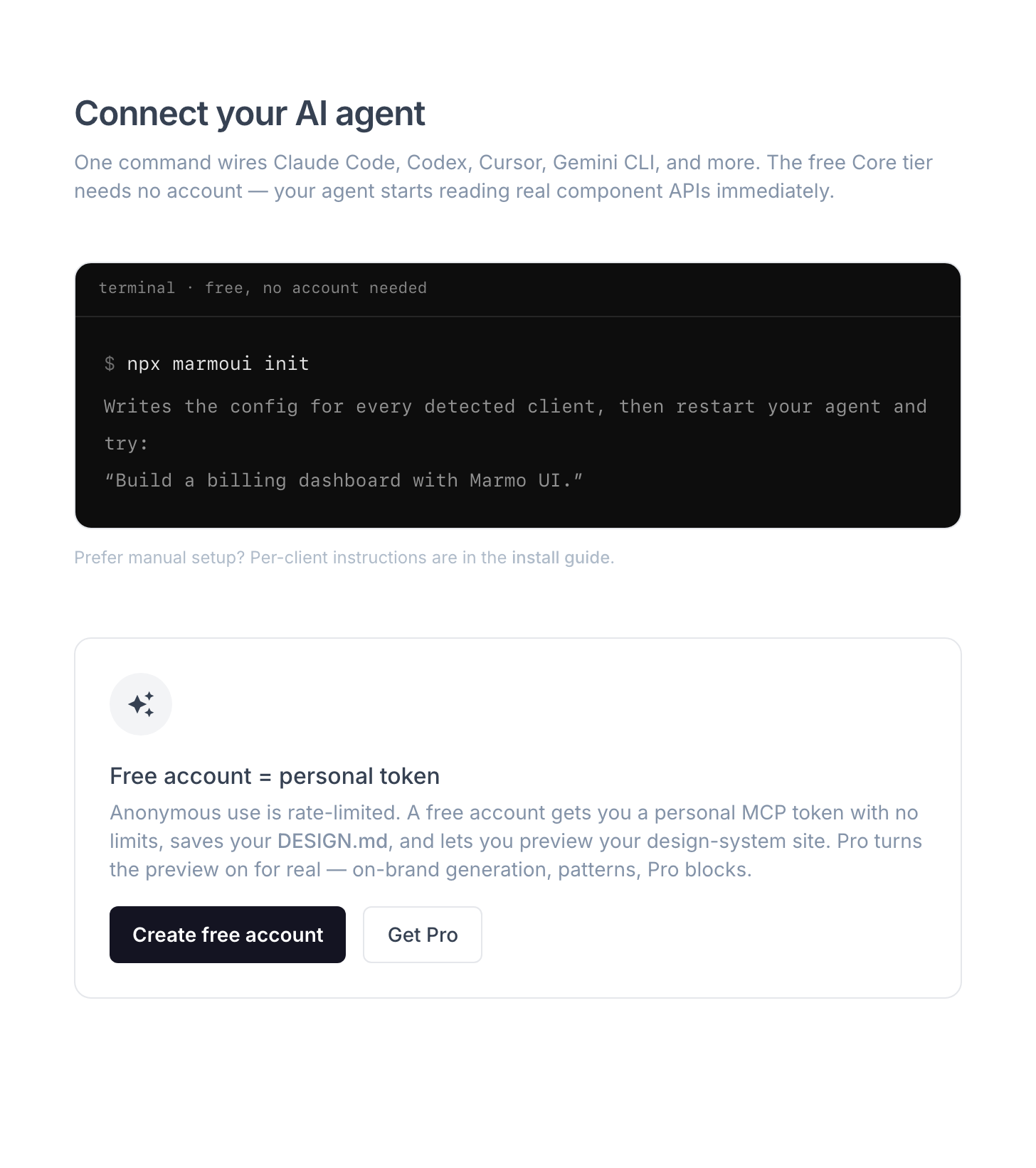
**Pro mode in one sentence:** the free tier makes your agent *correct*; Pro makes it *yours* — run `/marmo-ui:init` (or write a `DESIGN.md` by hand), upload it at [marmoui.com/connect](https://www.marmoui.com/connect), and every agent on your account generates UI in your brand instead of the Marmo defaults. Generation always happens in **your** agent with **your** LLM tokens; the code lands in your repo and you own it fully.
## Monorepo structure
```
├── apps/
│ └── design-system-docs/ # marmoui.com — docs + marketing site
├── packages/
│ ├── ui/ # @marmoui/ui — publishable component library
│ └── cli/ # marmoui — npx marmoui init
└── tools/claude-plugin/ # Claude Code plugin + marketplace
```
The hosted MCP server and platform services live in a private repository; this repo talks to them only through the hosted MCP at `mcp.marmoui.com`.
## Using `@marmoui/ui` directly
Works as a regular component library too — no agent required:
```tsx
import '@marmoui/ui/style.css'; // once, in your app entry
import { Button, DataTable } from '@marmoui/ui';
```
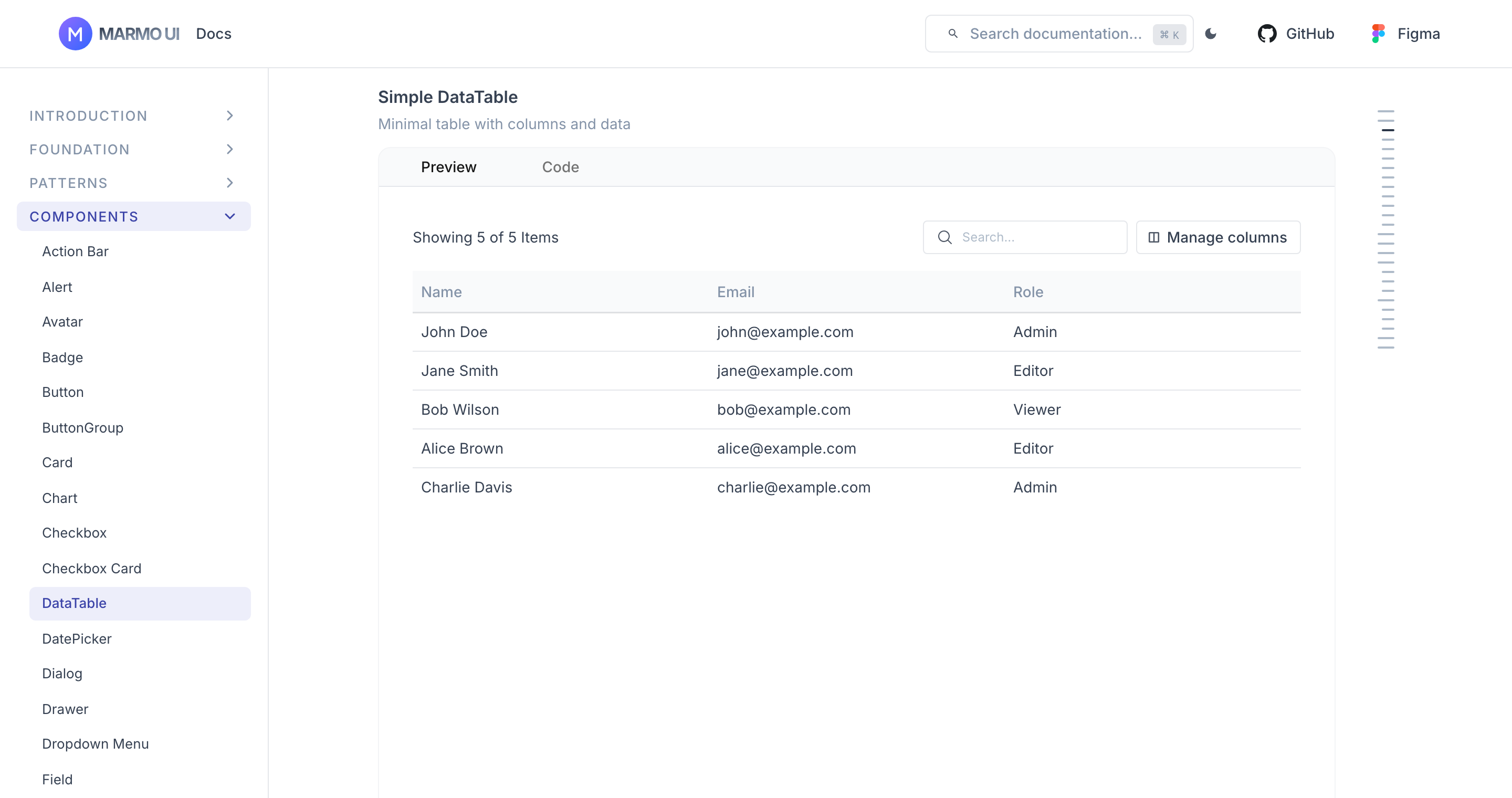
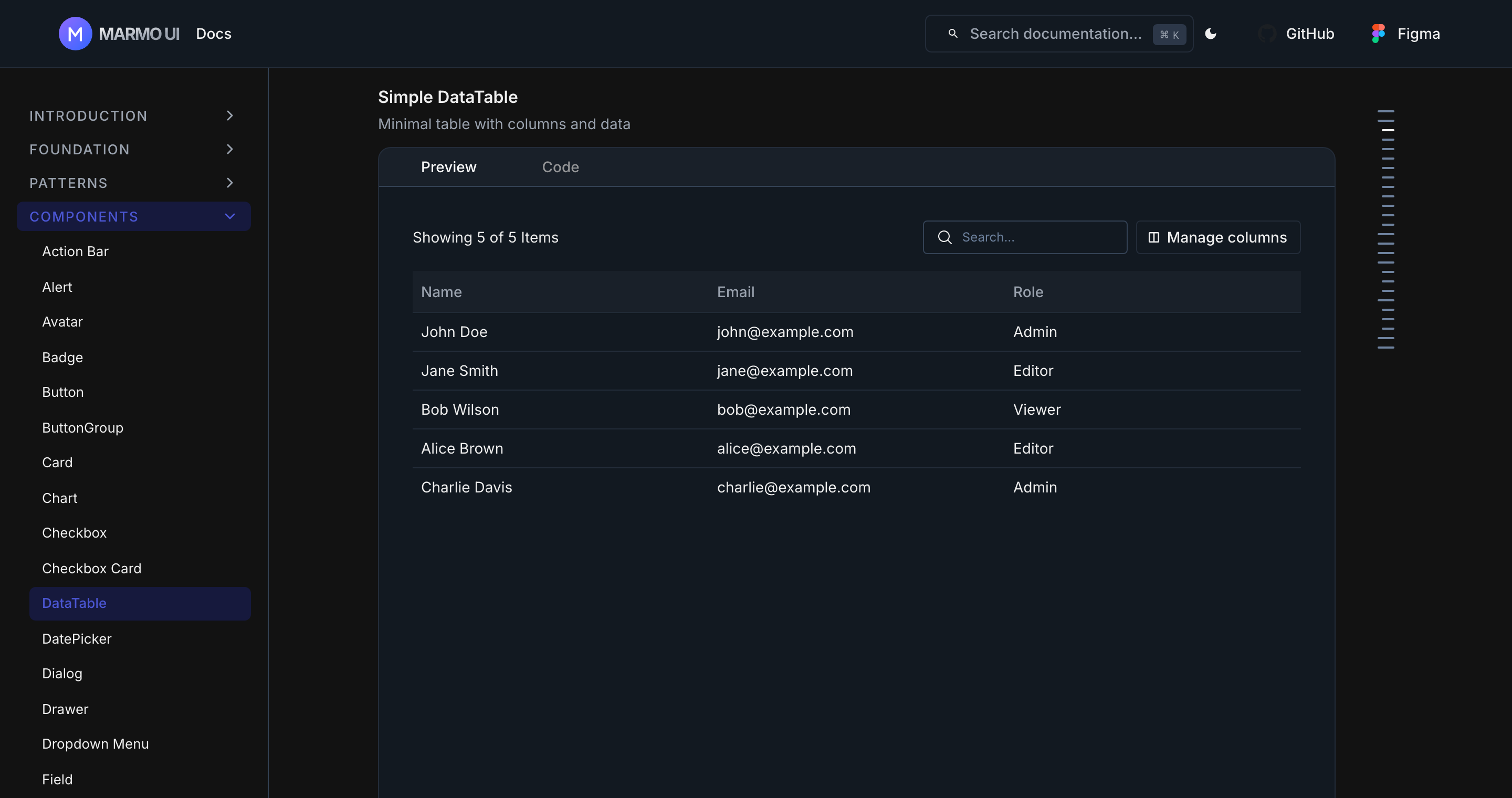
React 19 + `react-dom` are peer dependencies. Component APIs and examples: [marmoui.com/docs](https://www.marmoui.com/docs/introduction/get-started).
## Development
Node 20+, pnpm 9.
```bash
git clone git@github.com:mahmoudilyan/marmoui.git
cd marmo-ui
pnpm install
pnpm dev # UI package + docs site (localhost:3002)
```
| Command | Description |
| ------------------- | ------------------------------ |
| `pnpm dev:ui` | Develop the UI package only |
| `pnpm build` | Build all packages and apps |
| `pnpm lint` | Run ESLint across the monorepo |
| `pnpm type-check` | Run TypeScript type checking |
| `pnpm changeset` | Add a semver changeset |
## Contributing
See [CONTRIBUTING.md](./CONTRIBUTING.md) — workflow, Conventional Commits (enforced by husky), and semver via [Changesets](https://github.com/changesets/changesets).
## License
MIT — see [LICENSE](./LICENSE). Components are free forever; a component that ships free never moves behind the paywall.