
Manage your whole WordPress network by talking to your AI assistant.
Website ·
Documentation ·
Quickstart ·
Prompt Cookbook ·
Video ·
Community ·
Discord ·
Support


# Official MainWP MCP Server
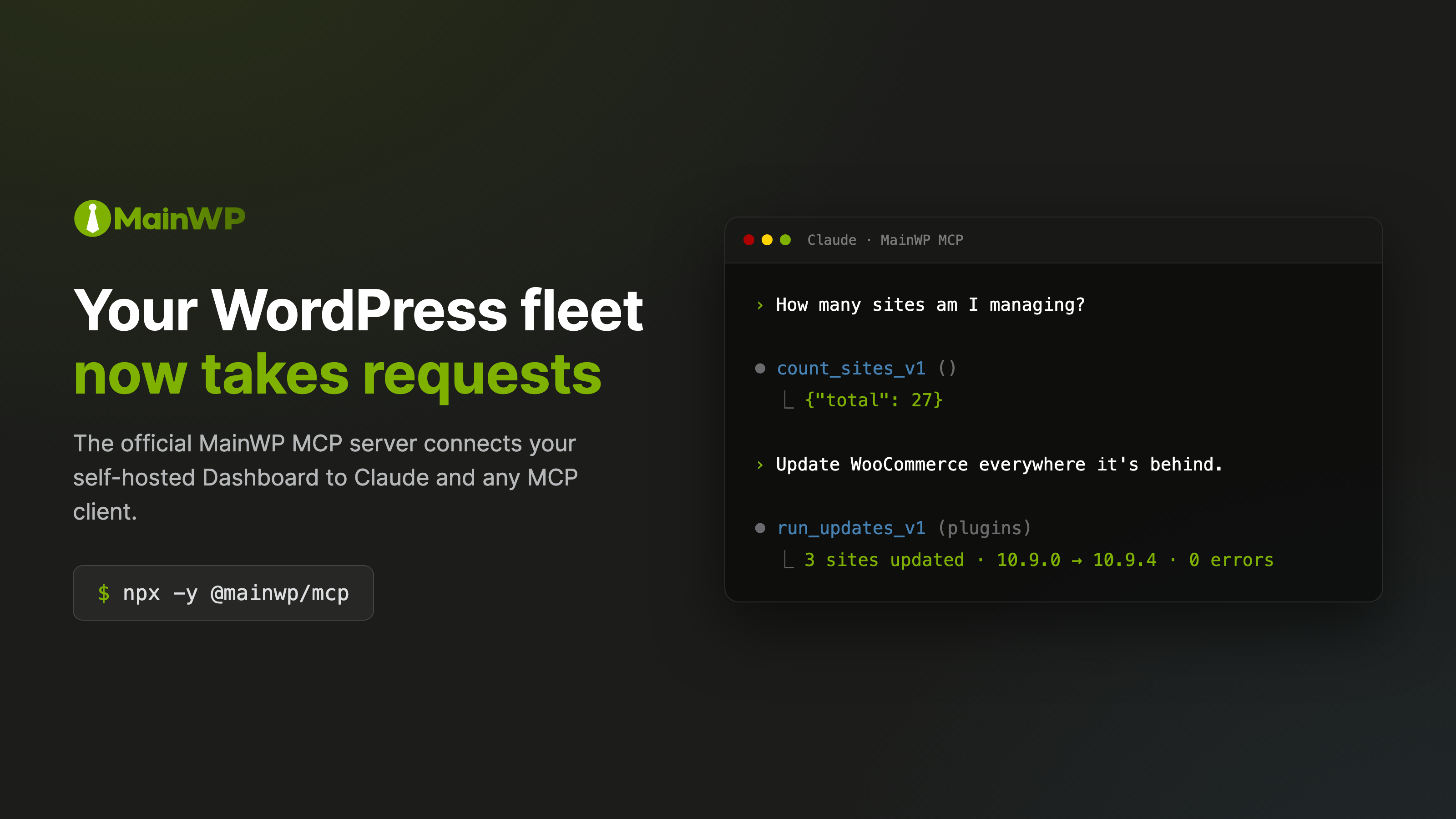
The MainWP MCP Server connects Claude, Cursor, OpenAI Codex, VS Code Copilot, and other MCP-compatible AI tools to MainWP, the self-hosted dashboard for managing many WordPress sites, so you can ask in plain English:
> _"Which sites have pending plugin updates?"_
>
> _"Update WooCommerce everywhere it's behind."_
>
> _"Which client sites are disconnected right now?"_
>
> _"Check what we know about this client's sites before you update anything."_
It runs on your own computer, next to your AI tool. Nothing new is installed on your Dashboard or your child sites.
## You stay in control
- **Changes wait for your approval.** By default, deleting a site, plugin, or theme shows you a preview first and runs only after you say yes. On Dashboard 6.3 and later, updates work the same way.
- **Safe mode** blocks those destructive operations outright, with no approval prompt, while you get comfortable.
- **You choose the tools.** Allow and block lists decide which tools your AI can see at all.
- **Your credentials stay with you.** The server signs in with a WordPress Application Password that you can revoke at any time, and it talks only to your Dashboard.
How it all works: [Safety & Permissions](https://docs.mainwp.com/mcp-server/safety).
## What you can do
- **Sites:** list, sync, check connectivity, add, reconnect, or remove child sites
- **Updates:** see pending core, plugin, theme, and translation updates across the network, and apply them
- **Plugins and themes:** see what is installed, activate, deactivate, or delete
- **Clients and tags:** manage client records, assign sites, and track costs
- **Knowledge:** agency, client, and site notes, skills, and memories your AI reads before it works (Dashboard 6.3 and later)
- **Guided workflows:** network summaries, site reports, security audits, and update plans
Around 70 tools in all, depending on your Dashboard version. See [Tools & Resources](https://docs.mainwp.com/mcp-server/reference/tools).
Built for agencies and freelancers who manage many WordPress sites and want AI help with updates, maintenance, and client work.
## Requirements
- Node.js 20.19 or later on the computer that runs your AI tool
- MainWP Dashboard 6.0 or later, reachable over HTTPS (some tools need a newer Dashboard; the [Quickstart](https://docs.mainwp.com/mcp-server/quickstart) lists which)
- An MCP-compatible AI client
## Get started
**1. Create an Application Password.** In your MainWP Dashboard, go to **Users > Profile > Application Passwords**, add one named "MainWP MCP Server", and copy it. It is separate from your login password, and you can revoke it at any time. A dedicated administrator account for API access keeps the audit trail clean.
**2. Add the server to your AI tool.** For Claude Desktop and most other MCP clients:
```json
{
"mcpServers": {
"mainwp": {
"command": "npx",
"args": ["-y", "@mainwp/mcp"],
"env": {
"MAINWP_URL": "https://your-dashboard.com",
"MAINWP_USER": "admin",
"MAINWP_APP_PASSWORD": "xxxx xxxx xxxx xxxx xxxx xxxx"
}
}
}
}
```
**3. Restart your AI tool and ask** "List all my sites". A working setup returns your child sites by name and URL.
Config file locations for each client are in the [client setup guide](https://docs.mainwp.com/mcp-server/clients). Every setting is in the [Configuration Reference](https://docs.mainwp.com/mcp-server/reference/configuration).
**Using Claude Code?** The plugin installs the server, an agent skill, and ten `/mainwp:*` workflow commands:
```text
/plugin marketplace add mainwp/mainwp-mcp
/plugin install mainwp@mainwp-mcp
```
Credentials still come from your environment. See [Claude Code plugin](https://docs.mainwp.com/mcp-server/claude-code-plugin).
## Documentation
Full documentation lives at **[docs.mainwp.com/mcp-server](https://docs.mainwp.com/mcp-server/overview)**:
- [Quickstart](https://docs.mainwp.com/mcp-server/quickstart), with screenshots, if this is your first MCP server
- [Client setup](https://docs.mainwp.com/mcp-server/clients) for Claude Desktop, Claude Code, Cursor, VS Code Copilot, OpenAI Codex, and others
- [Safety & Permissions](https://docs.mainwp.com/mcp-server/safety) and [Restrict Available Tools](https://docs.mainwp.com/mcp-server/guides/restrict-tools)
- [Prompt Cookbook](https://docs.mainwp.com/mcp-server/prompt-cookbook): ready-to-use prompts by task
- [Configuration Reference](https://docs.mainwp.com/mcp-server/reference/configuration), including setup from the chat when no credentials are configured
- [Tools & Resources](https://docs.mainwp.com/mcp-server/reference/tools), [Security Model](https://docs.mainwp.com/mcp-server/reference/security), and [Troubleshooting](https://docs.mainwp.com/mcp-server/troubleshooting)
## Community
- [MainWP Community](https://community.mainwp.com/) forum
- [Discord](https://mainwpinvite.com/)
- [MainWP Support](https://mainwp.com/mainwp-support/)
## Contributing
Bug reports and pull requests are welcome. Please report security issues privately as described in [SECURITY.md](SECURITY.md).
```bash
npm ci # install dependencies
npm run dev # run in watch mode
npm run inspect # test with MCP Inspector
npm test # run tests
npm run lint # check code style
npm run format # fix formatting
```
CI runs lint, format check, type check, tests, and build on every pull request. When you change a configuration option, update the [docs-site configuration reference](https://docs.mainwp.com/mcp-server/reference/configuration) in the same change. `.agents/skills/mainwp-dashboard` is the canonical copy of the agent skill; see [docs/plugin.md](docs/plugin.md).
## License
GPL-3.0. See [LICENSE](LICENSE).