# TeamStatus-for-GitHub
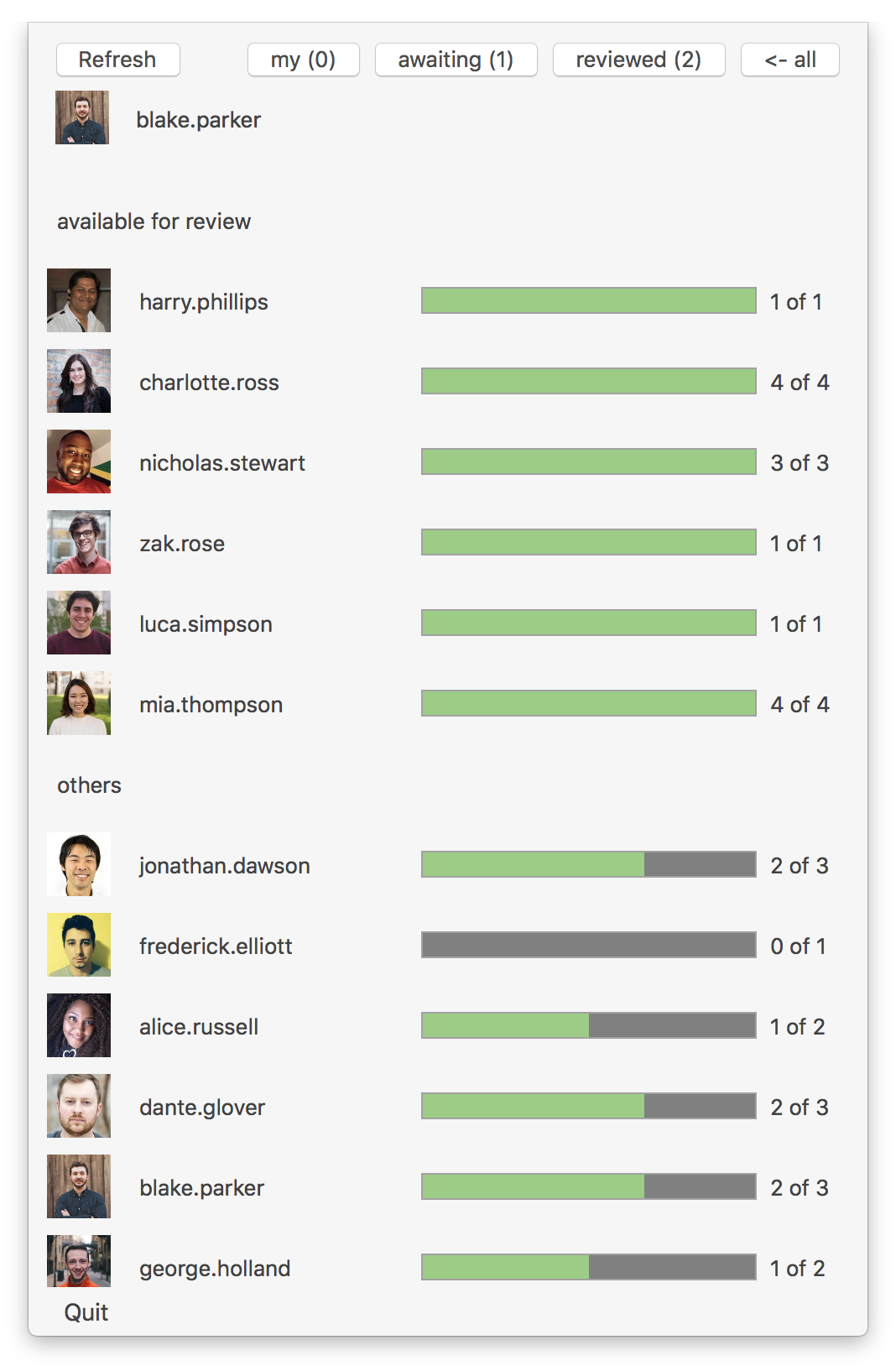
A macOS status bar application for tracking code review process within the team.
 ## Download
Prebuilt binary version of the app is available here:
TeamStatus.app.zip.
## Configuration
### 1. Generate personal access token
1. Sign in to your GitHub account.
2. Go to Settings -> Developer settings -> Personal access tokens.
3. Click "Generate new token".
4. Give it some description and in the scopes select "repo".
5. Click "Generate token".
That should create the token that looks like `2d28cf2d28cf2d28cf2d28cf2d28cf2d28cf2d28`.
### 2. Run the app
To run the app execute the following command in terminal:
```
open -a TeamStatus.app --args http://urlOfYourGitHubRepository accessToken
```
Example:
```
open -a TeamStatus.app --args https://github.com/yourteam/your-repository-name 2d28cf2d28cf2d28cf2d28cf2d28cf2d28cf2d28
```
## Download
Prebuilt binary version of the app is available here:
TeamStatus.app.zip.
## Configuration
### 1. Generate personal access token
1. Sign in to your GitHub account.
2. Go to Settings -> Developer settings -> Personal access tokens.
3. Click "Generate new token".
4. Give it some description and in the scopes select "repo".
5. Click "Generate token".
That should create the token that looks like `2d28cf2d28cf2d28cf2d28cf2d28cf2d28cf2d28`.
### 2. Run the app
To run the app execute the following command in terminal:
```
open -a TeamStatus.app --args http://urlOfYourGitHubRepository accessToken
```
Example:
```
open -a TeamStatus.app --args https://github.com/yourteam/your-repository-name 2d28cf2d28cf2d28cf2d28cf2d28cf2d28cf2d28
```