# Tool Window
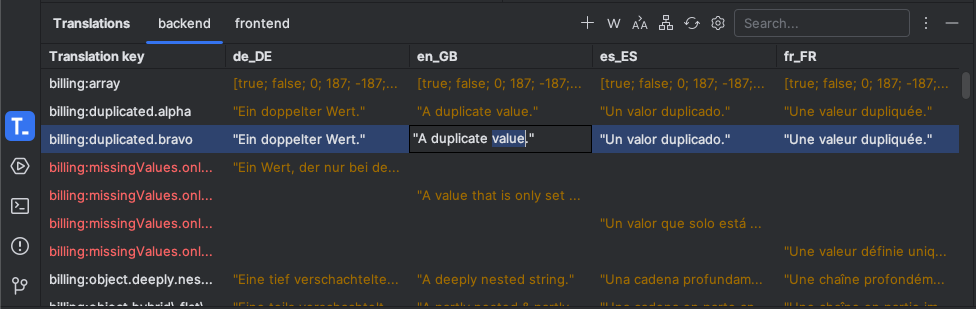
The Translations Tool Window serves as the central component for managing all translations in the project.
Each module is displayed in its own content tab.
## Title Actions _(top-right)_
- Add Translation action for selected module
- Toggle to filter by missing translation values
- Toggle to filter by duplicate translation values
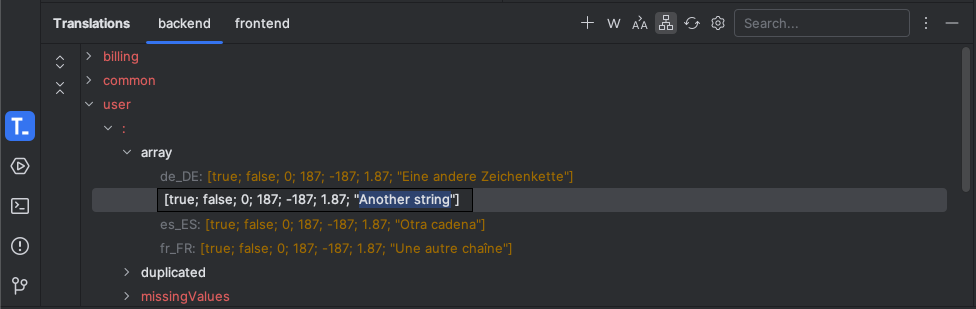
- Toggle to show contents as tree view
- Action to hard reload translation files from disk
- Shorthand to jump to the plugin configuration
- Filter to query contents by full-text search
## Content Interactions
- Selected rows can be deleted by invoking the DEL key
- Open [Edit Translation Dialog](dialog.md) by invoking the RETURN key or simply a right-click on the selected row
- Edit cell values via double-click on the desired values
## Screenshots