SOMotionDetector
================
Simple library to detect motion for iOS by matghazaryan.
Based on location updates and acceleration.
###Requierments
iOS > 6.0
Compatible with iOS 9
Works on all iOS devices (i.e. not need M7 chip)
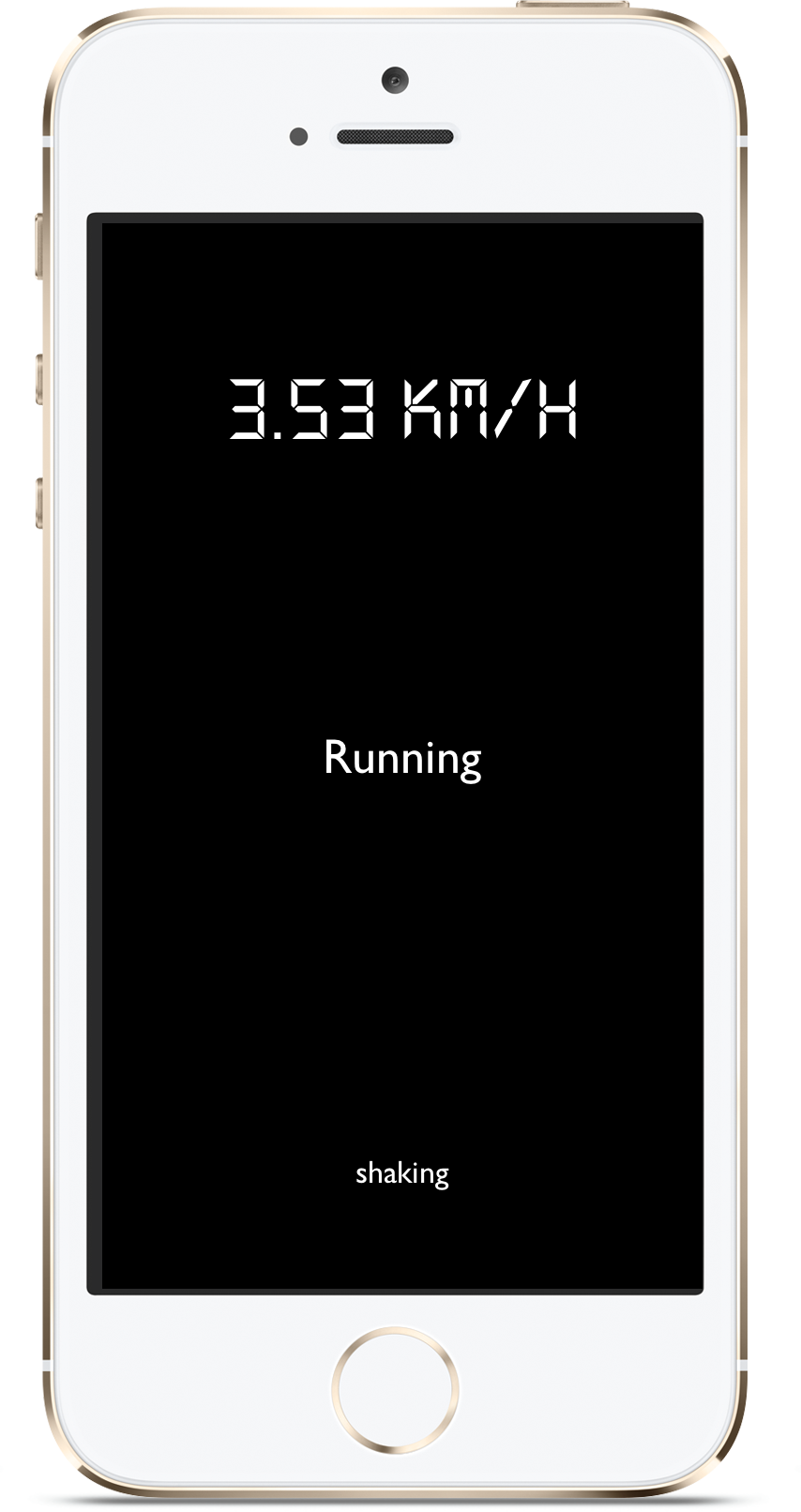 This demo project also demonstrates how to use this library to relaunch the app from killed state.
USAGE
=====
Copy SOMotionDetector folder to your project.
Link CoreMotion.framework, CoreLocation.framework.
Import "SOMotionDetector.h" file and set SOMotionDetector's callbacks
```ObjC
#import "SOMotionDetector.h
//...
[SOMotionDetector sharedInstance].motionTypeChangedBlock = ^(SOMotionType motionType) {
//...
};
[SOMotionDetector sharedInstance].locationChangedBlock = ^(CLLocation *location) {
//...
};
[SOMotionDetector sharedInstance].accelerationChangedBlock = ^(CMAcceleration acceleration) {
//...
};
```
If you need to know when location updates were automatically paused due to your app running in the background...
```ObjC
[SOMotionDetector sharedInstance].locationWasPausedBlock = ^(BOOL changed) {
//...
};
```
###NOTE!
To Support iOS > 8.0 you must add in your info.plist file one of the following keys:
This demo project also demonstrates how to use this library to relaunch the app from killed state.
USAGE
=====
Copy SOMotionDetector folder to your project.
Link CoreMotion.framework, CoreLocation.framework.
Import "SOMotionDetector.h" file and set SOMotionDetector's callbacks
```ObjC
#import "SOMotionDetector.h
//...
[SOMotionDetector sharedInstance].motionTypeChangedBlock = ^(SOMotionType motionType) {
//...
};
[SOMotionDetector sharedInstance].locationChangedBlock = ^(CLLocation *location) {
//...
};
[SOMotionDetector sharedInstance].accelerationChangedBlock = ^(CMAcceleration acceleration) {
//...
};
```
If you need to know when location updates were automatically paused due to your app running in the background...
```ObjC
[SOMotionDetector sharedInstance].locationWasPausedBlock = ^(BOOL changed) {
//...
};
```
###NOTE!
To Support iOS > 8.0 you must add in your info.plist file one of the following keys:
`NSLocationAlwaysUsageDescription`
`NSLocationWhenInUseUsageDescription`
To enable background location updates in iOS > 9.0 you must set `allowsBackgroundLocationUpdates` to `YES`
```ObjC
[SOLocationManager sharedInstance].allowsBackgroundLocationUpdates = YES;
```
You are done!
Now to start motion detection just call
```ObjC
[[SOMotionDetector sharedInstance] startDetection];
```
To stop detection call
```ObjC
[[SOMotionDetector sharedInstance] stopDetection];
```
To start step counter call
```ObjC
[[SOStepDetector sharedInstance] startDetectionWithUpdateBlock:^(NSError *error) {
//...
}];
```
###Detecting motion types
```ObjC
typedef enum
{
MotionTypeNotMoving = 1,
MotionTypeWalking,
MotionTypeRunning,
MotionTypeAutomotive
} SOMotionType;
```
CUSTOMIZATION
=============
```ObjC
/**
* Set this parameter to YES if you want to use M7 chip to detect more exact motion type. By default is No.
* Set this parameter before calling startDetection method.
* Available only on devices that have M7 chip. At this time only the iPhone 5S, the iPad Air and iPad mini with retina display have the M7 coprocessor.
*/
@property (nonatomic) BOOL useM7IfAvailable;
/**
*@param speed The minimum speed value less than which will be considered as not moving state
*/
- (void)setMinimumSpeed:(CGFloat)speed;
/**
*@param speed The maximum speed value more than which will be considered as running state
*/
- (void)setMaximumWalkingSpeed:(CGFloat)speed;
/**
*@param speed The maximum speed value more than which will be considered as automotive state
*/
- (void)setMaximumRunningSpeed:(CGFloat)speed;
/**
*@param acceleration The minimum acceleration value less than which will be considered as non shaking state
*/
- (void)setMinimumRunningAcceleration:(CGFloat)acceleration;
```
### Installation with CocoaPods
[CocoaPods](http://cocoapods.org) is a dependency manager for Objective-C, which automates and simplifies the process of using 3rd-party libraries installation in your projects.
#### Podfile
```ruby
pod "SOMotionDetector"
```
LICENSE
SOMotionDetector is under MIT License (see LICENSE file)
## Author
matghazaryan, matevos14@gmail.com