### canvas-sketch
`canvas-sketch` is a loose collection of tools, modules and resources for creating generative art in JavaScript and the browser.
- :closed_book: [Documentation](./docs/README.md)
- :wrench: [Examples](./examples/)
#
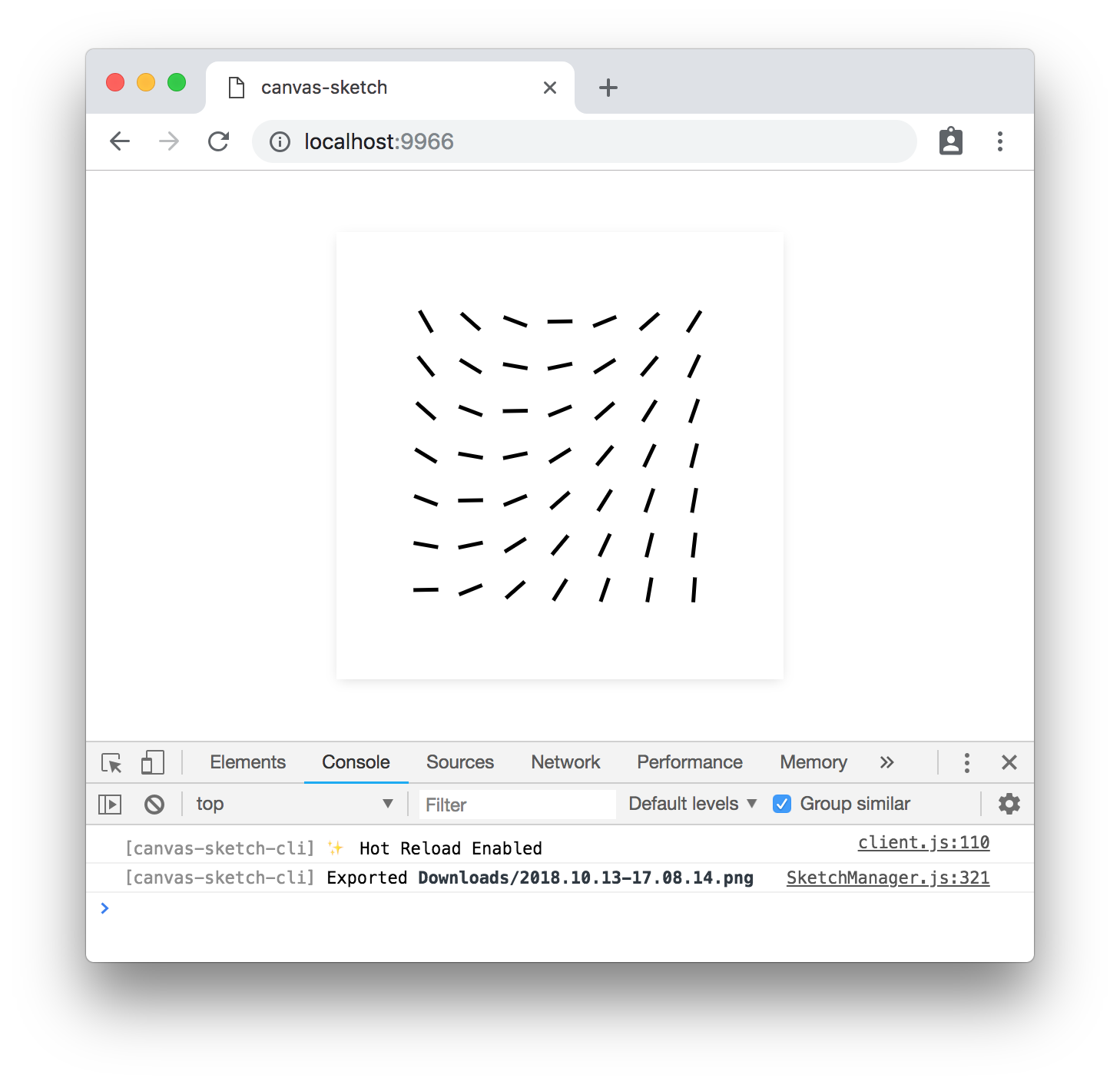
example of canvas-sketch running in Chrome
↓
### Quick Start with Node.js & npm
To jump directly into `canvas-sketch`, try the following terminal commands with `node@15.x` and `npm@7.x` or newer:
```sh
# Make a new folder to hold all your generative sketches
mkdir my-sketches
# Move into that folder
cd my-sketches
# Scaffold a new 'sketch.js' file and open the browser
npx canvas-sketch-cli sketch.js --new --open
```
> :bulb: Notice the `x` in `npx`, and the `-cli` in `canvas-sketch-cli`
Now, while in the browser, hit `Cmd + S` or `Ctrl + S` to export a high-resolution PNG of your artwork to your `~/Downloads` folder.
### More Commands
Some other commands to try:
```sh
# Start the tool on an existing file and change PNG export folder
npx canvas-sketch-cli src/foobar.js --output=./tmp/
# Start a new sketch from the Three.js template
npx canvas-sketch-cli --new --template=three --open
# Build your sketch to a sharable HTML + JS website
npx canvas-sketch-cli src/foobar.js --build
# Develop with "Hot Reloading" instead of full page reload
npx canvas-sketch-cli src/foobar.js --hot
```
For more features and details, see the [Documentation](./docs/README.md).
### Installation Guide
The examples above use `npx` which is a convenient way to install and run a local CLI tool, but you might want to setup `canvas-sketch` as a global command. You can see more details in the [Installation Guide](./docs/installation.md).
### Code Example
Once you have the CLI tool running, you can try this example of an A4 print artwork.
```js
const canvasSketch = require('canvas-sketch');
// Sketch parameters
const settings = {
dimensions: 'a4',
pixelsPerInch: 300,
units: 'in'
};
// Artwork function
const sketch = () => {
return ({ context, width, height }) => {
// Margin in inches
const margin = 1 / 4;
// Off-white background
context.fillStyle = 'hsl(0, 0%, 98%)';
context.fillRect(0, 0, width, height);
// Gradient foreground
const fill = context.createLinearGradient(0, 0, width, height);
fill.addColorStop(0, 'cyan');
fill.addColorStop(1, 'orange');
// Fill rectangle
context.fillStyle = fill;
context.fillRect(margin, margin, width - margin * 2, height - margin * 2);
};
};
// Start the sketch
canvasSketch(sketch, settings);
```
When exporting the image in browser with `Cmd + S` or `Ctrl + S` keystrokes, the saved PNG file matches 21 x 29.7 cm at 300 DPI, and can be printed with archival ink on quality paper.
Resulting image looks something like this:
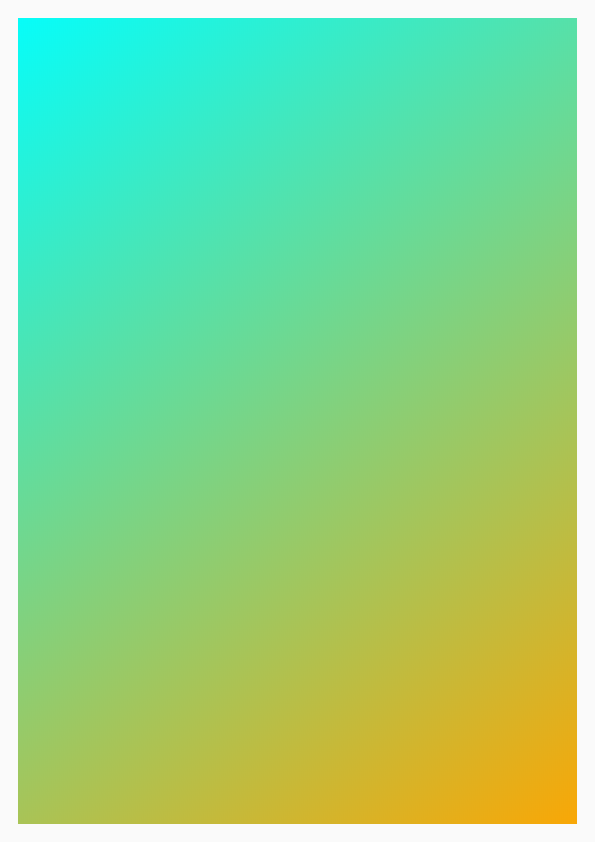 ###### Note: The above PNG file has been scaled/optimized for web.
### Roadmap
There are many features still outstanding, such as:
- API & CLI Docs
- Easy & beginner-friendly examples
- Website/frontend
- HUD/GUI controls
- "Gallery Mode" for viewing many local sketches
- External Module for utilities (randomness, geometry, etc)
- Unit tests
- More??
### License
MIT, see [LICENSE.md](http://github.com/mattdesl/canvas-sketch/blob/master/LICENSE.md) for details.
###### Note: The above PNG file has been scaled/optimized for web.
### Roadmap
There are many features still outstanding, such as:
- API & CLI Docs
- Easy & beginner-friendly examples
- Website/frontend
- HUD/GUI controls
- "Gallery Mode" for viewing many local sketches
- External Module for utilities (randomness, geometry, etc)
- Unit tests
- More??
### License
MIT, see [LICENSE.md](http://github.com/mattdesl/canvas-sketch/blob/master/LICENSE.md) for details.