# MinimalClock #
MinimalClock is a MacOS screen saver that displays the time.
[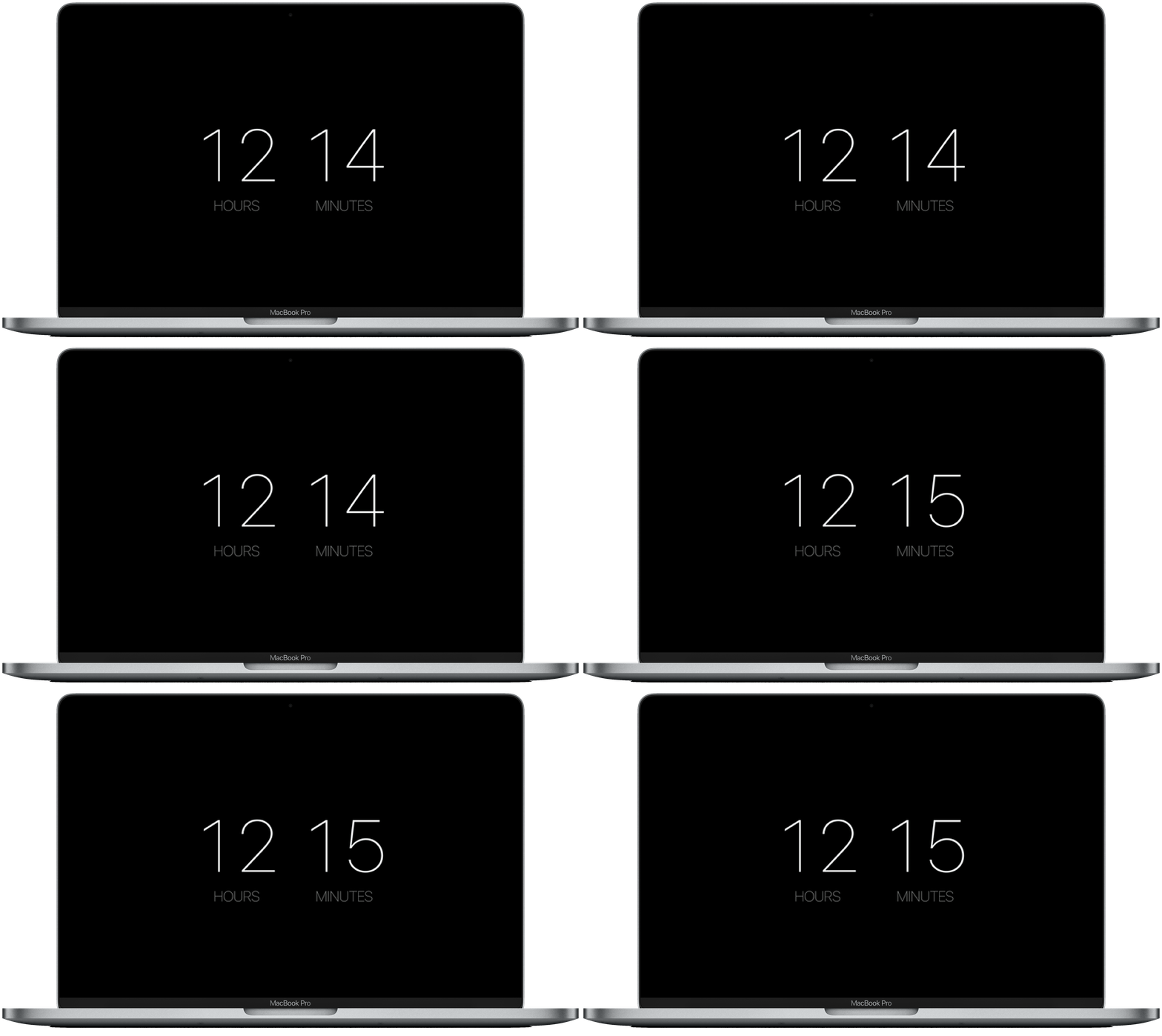](https://github.com/mattiarossini/MinimalClock/releases/download/v1.0/MinimalClock.saver.zip)
## How to install ##
[Click here to download](https://github.com/mattiarossini/MinimalClock/releases/download/v1.0/MinimalClock.saver.zip)
(If your computer is running macOS Catalina 10.15, [click here to download](https://github.com/mattiarossini/MinimalClock/files/5645334/MinimalClock.saver.zip))
* Unzip, double-click and choose _Install_.
* Open the _System Preferences_, choose _Desktop & Screen Saver_, click on _MinimalClock_ and choose _OK_.
* Now, only if the screen saver does not work, open the _System Preferences_, choose _Security & Privacy_ and, in the _General_ section, click on _Open Anyway_. Finally click on the preview of the screen saver and then click on _Open_.
## How to uninstall ##
* Open the _System Preferences_, choose _Desktop & Screen Saver_, right-click on _MinimalClock_ and click on _Delete_.
## Author ##
* [Mattia Rossini](https://github.com/mattiarossini)