#  wastebin
[](https://github.com/matze/wastebin/actions/workflows/rust.yml)
## support 🇺🇦 • defend 🇪🇺
A minimal pastebin with a design shamelessly copied from
[bin](https://github.com/WantGuns/bin).
wastebin
[](https://github.com/matze/wastebin/actions/workflows/rust.yml)
## support 🇺🇦 • defend 🇪🇺
A minimal pastebin with a design shamelessly copied from
[bin](https://github.com/WantGuns/bin).
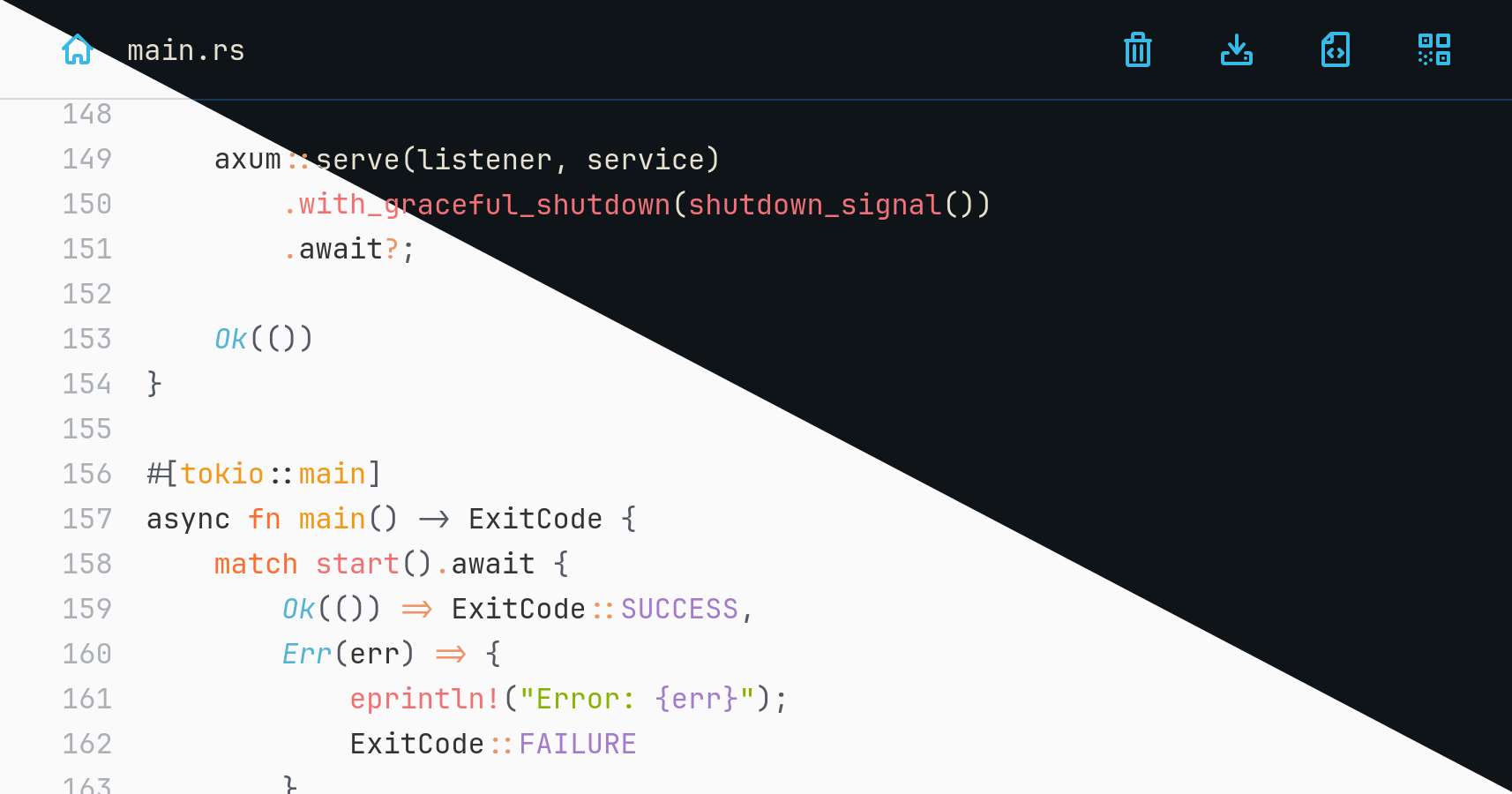
DEMO (resets every day) • THEMES
You are reading the documentation for an **unreleased version**. You can refer
to released versions here:
**[3.7.0](https://github.com/matze/wastebin/tree/ef77e45f3ae7f3d8ec1385f9f22527d10e1ec9aa)** •
[3.6.2](https://github.com/matze/wastebin/tree/f9cb25a4d5b19fa938eef0af42f68f2835f17b98) •
[3.5.0](https://github.com/matze/wastebin/tree/d379a6e3e73e6f1fcf23f93c9b0cc857f46acbce) •
[3.4.1](https://github.com/matze/wastebin/tree/c9d717329a6e357e8a13a324bfa9a53d41ae9b35) •
[3.3.0](https://github.com/matze/wastebin/tree/a297749b932ed9ff32569f3af7ee8e4a5b499834) •
[3.2.0](https://github.com/matze/wastebin/tree/3fdec3abde4f32b92323864ffea51577ce1e625e) •
[3.1.0](https://github.com/matze/wastebin/tree/e404ecec61eaafa1187b8d6b45282d72b076563d) •
[3.0.0](https://github.com/matze/wastebin/tree/14a30bb540110e76da6a6045cd0e83fd2218cdd7) •
[2.7.1](https://github.com/matze/wastebin/tree/85a519ef9079c4618f851cce575b5a84334a6f42)
## Features
* [axum](https://github.com/tokio-rs/axum) and [sqlite3](https://www.sqlite.org) backend
* comes as a single binary with low memory footprint
* compresses pastes using [zstd](https://github.com/facebook/zstd)
* syntax highlighting for > 170 languages with [syntect](https://github.com/trishume/syntect)
* renders Markdown pastes to HTML, including GitHub-flavored tables, task lists and admonitions
* comes with [eight color themes](https://matze.github.io/wastebin/) in light and dark mode
* encrypts entries using ChaCha20Poly1305 and argon2 hashed passwords
* allows deletion after expiration, after reading or by anonymous owners
* shows QR code to browse a paste's URL on mobile devices
* translated into Chinese and German
### Non-features
* user authentication and admin functionality
* arbitrary file uploads
* mitigations for all kinds of DoS attack vectors
> [!CAUTION]
> Due to lack of authentication and further DoS mitigations, it is not advised
> to run wastebin facing the internet _as is_. If you plan to do so, you are
> strongly advised to rate limit inbound requests via iptables rules or a
> properly configured reverse proxy of your choice.
## Installation
### Run pre-built binaries
You can download pre-built, statically compiled [Linux and MacOS
binaries](https://github.com/matze/wastebin/releases). After extraction run the
contained `wastebin` binary.
### Run a Docker image
Alternatively, you can run a pre-built Docker image pushed to
`quxfoo/wastebin:` and `quxfoo/wastebin:latest` respectively. To
persist the database as `state.db` via the `WASTEBIN_DATABASE_PATH` environment
variable use a bind mount to `/path/for/storage` like this
```bash
docker run \
-e WASTEBIN_DATABASE_PATH=/data/state.db \
-v /path/for/storage:/data \
-u $(id -u):$(id -g) \
quxfoo/wastebin:latest
```
> [!NOTE]
> The image is based on scratch which means it neither comes with a shell nor
> with `TMPDIR` being set. If database migrations fail with an extended sqlite
> error code 6410, pass `TMPDIR` pointing to a location sqlite can write to.
### Run with docker-compose
```yaml
services:
wastebin:
restart: always
environment:
- WASTEBIN_DATABASE_PATH=/data/state.db
ports:
- "8088:8088"
volumes:
- './data:/data'
image: 'quxfoo/wastebin:latest'
```
Make sure the `./data` folder is writable by the user 10001.
### Run with Nix
For Nix users, a `flake.nix` is also provided. Build and execute it directly
with:
```bash
nix run 'github:matze/wastebin#wastebin'
```
Or install the provided `wastebin` package like you normally would.
### Build from source
Install a Rust 2024 toolchain containing Rust 1.85 with
[rustup](https://rustup.rs) and run the server binary with
```bash
cargo run --release
```
### Build a container image
It is possible to build a container image using Docker or Podman. The
`Dockerfile` is designed to be run on an x86_64 host but capable of building
images for both x86_64 and aarch64 via the `--target` flag:
```bash
# Docker
docker build -t wastebin:v3.0.0 -f Dockerfile --target amd64 .
docker build -t wastebin:v3.0.0 -f Dockerfile --target arm64 .
# Podman
podman build -t wastebin:v3.0.0 -f Dockerfile --target amd64
podman build -t wastebin:v3.0.0 -f Dockerfile --target arm64
```
Note that you *cannot* build aarch64 images on aarch64 hosts with it.
To interact with a running wastebin instance the bundled `wastebin-ctl` tool can
be used, e.g.:
```bash
podman exec -e RUST_LOG=debug -it wastebin /app/wastebin-ctl
```
## Usage
### Browser interface
When viewing a paste, you can use
* r to view the raw paste,
* n to go the index page,
* y to copy the current URL to the clipboard,
* c to copy the content to the clipboard,
* q to display the current URL as a QR code,
* p to view the formatted paste,
* w to toggle line wrapping on and off (off by default),
* m to toggle the rendered view on Markdown pastes and
* ? to view the list of keybindings.
To paste some text you can also use the ctrl+s key
combination.
### Markdown rendering
Pastes created with an `md` or `markdown` extension can be viewed as rendered
HTML at `/md/{id}`. A toggle in the paste view switches between the syntax
highlighted source and the rendered output. The renderer supports
GitHub-flavored Markdown, including tables, task lists and admonitions
(`> [!NOTE]`, `> [!WARNING]`, etc.); fenced code blocks are syntax highlighted
with the same theme as regular pastes.
Raw HTML inside the Markdown source is run through the
[ammonia](https://github.com/rust-ammonia/ammonia) sanitizer, so safe tags like
``, `` or `` are preserved while `