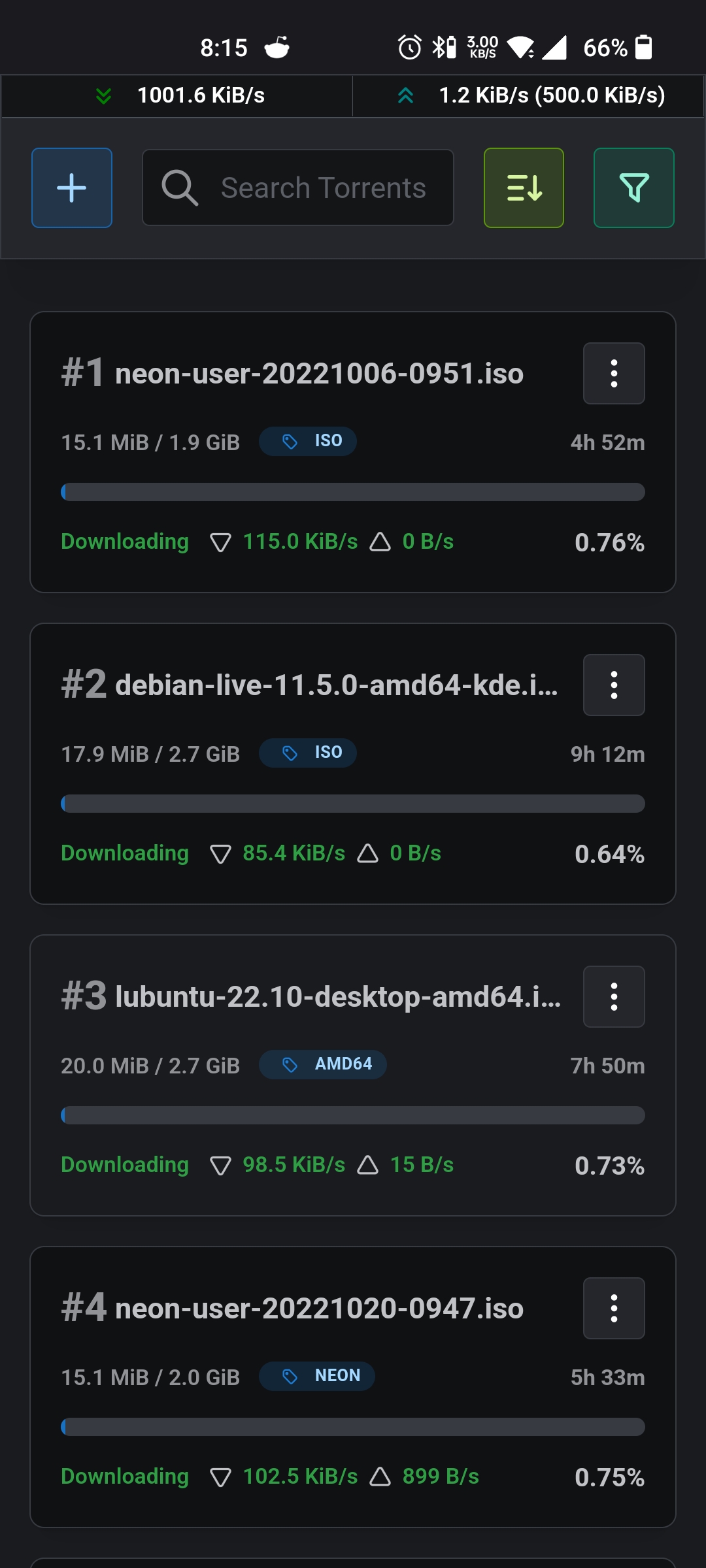
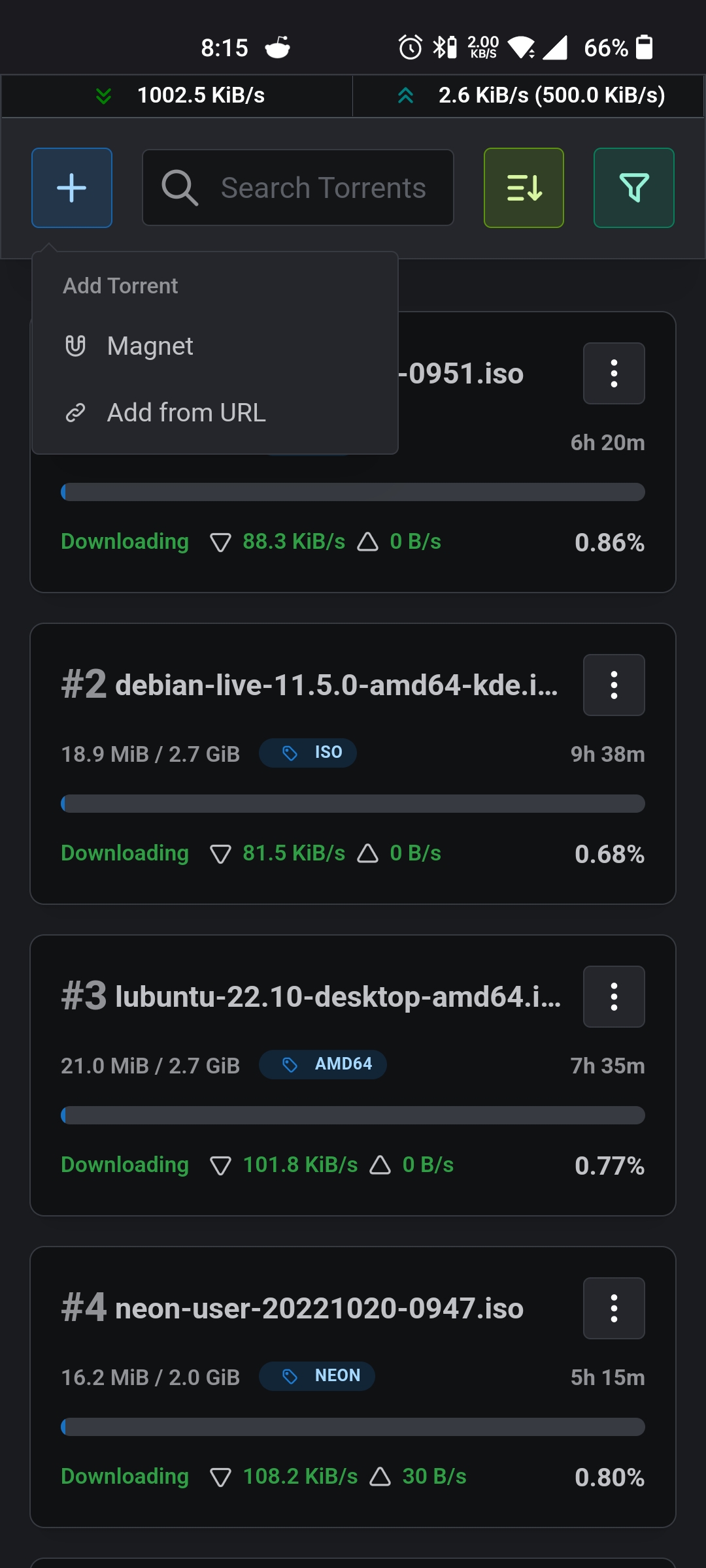
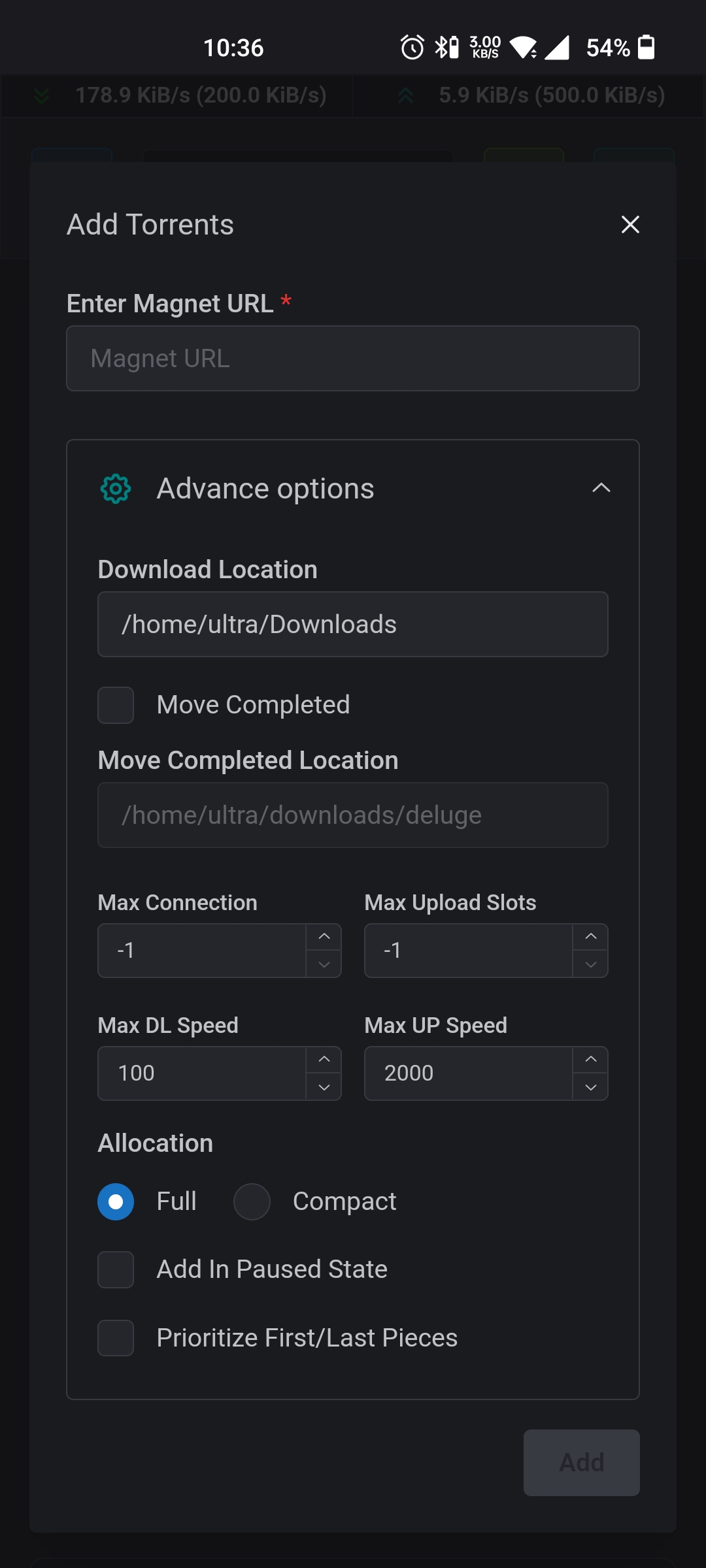
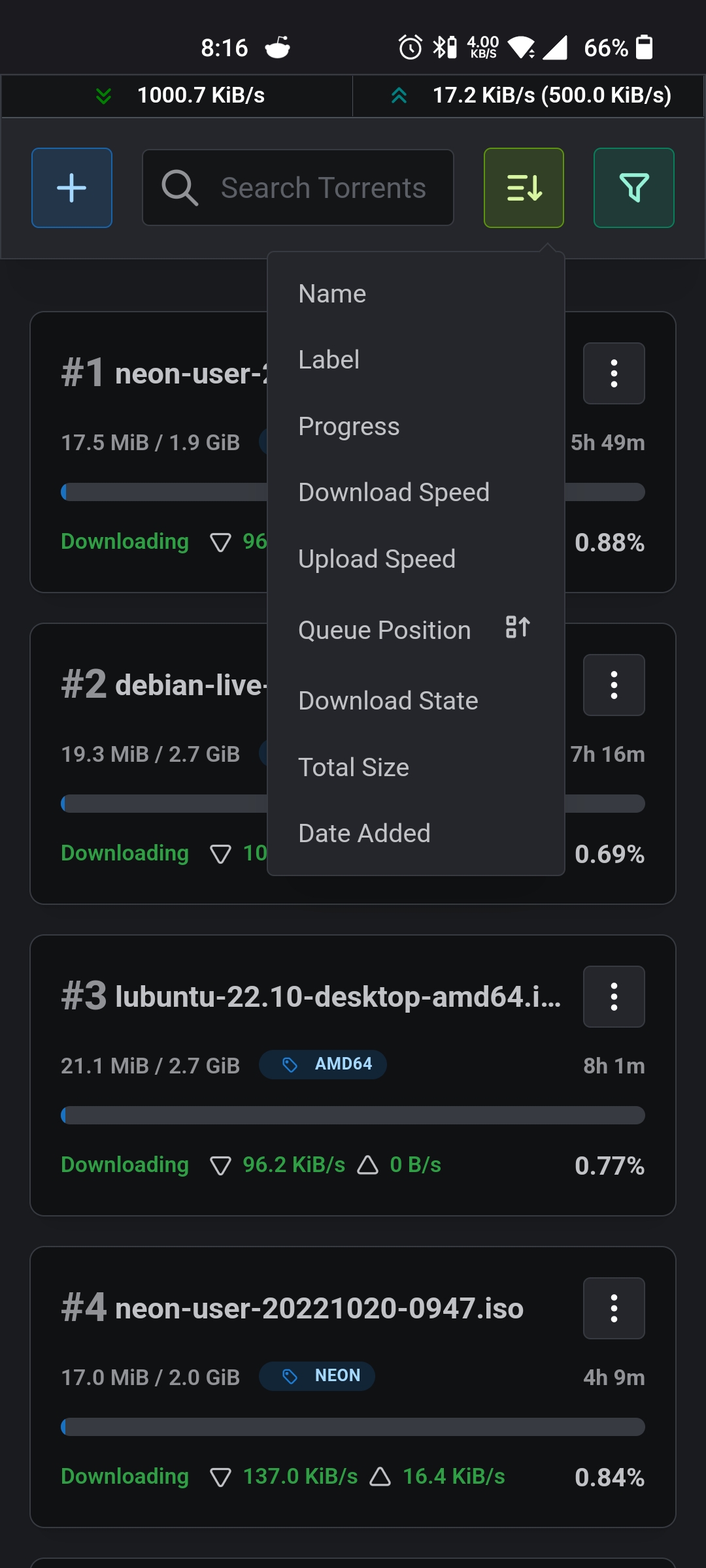
> Introducing Barrage
>
> Minimal Deluge WebUI with full mobile support

## Features
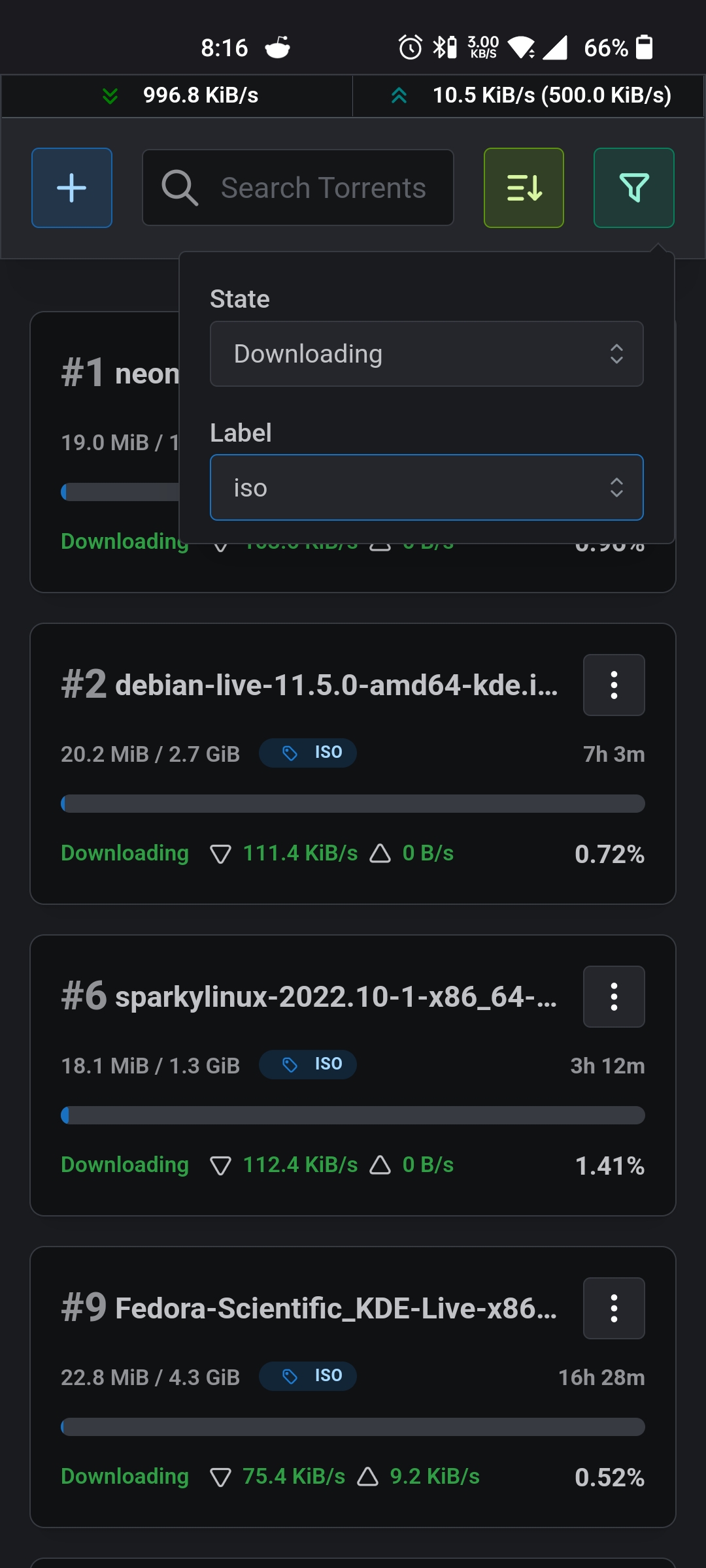
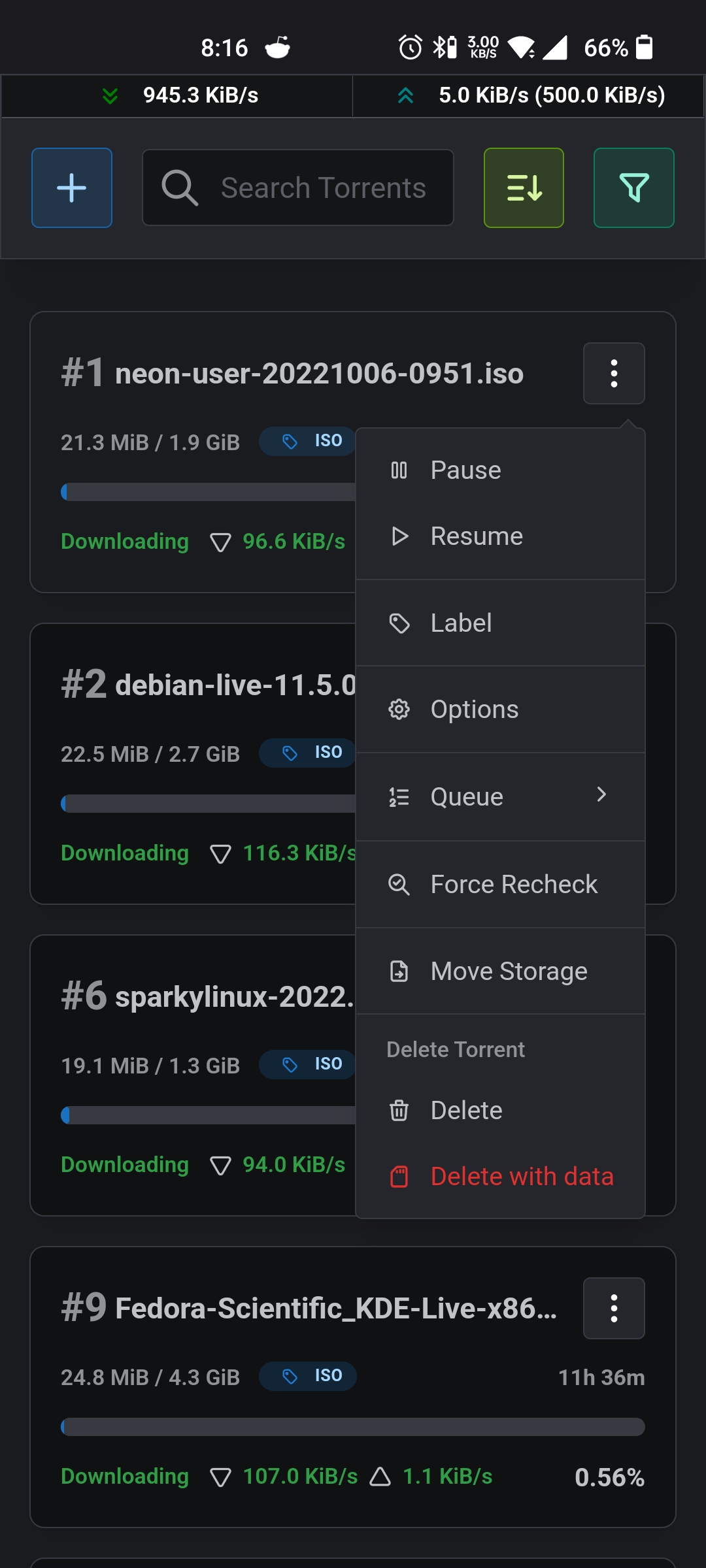
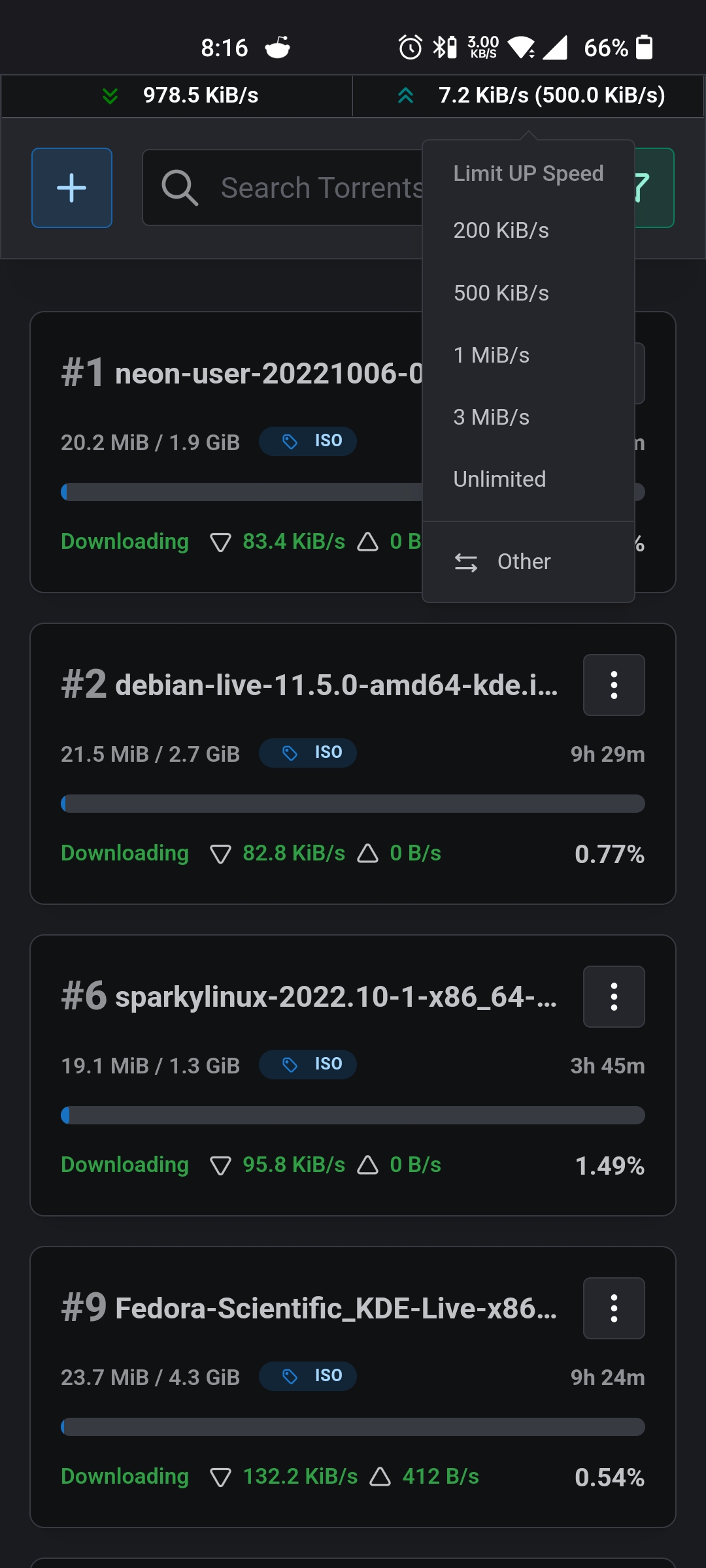
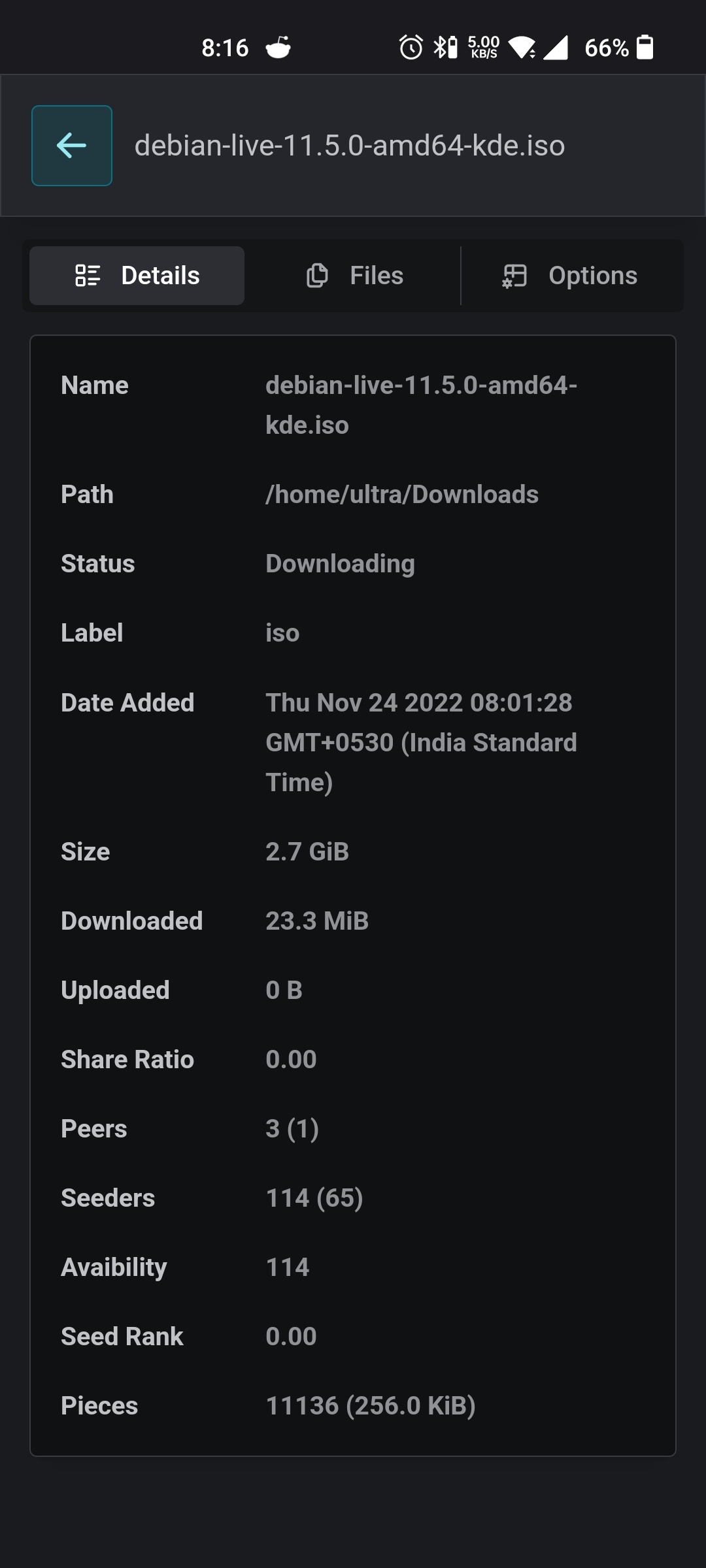
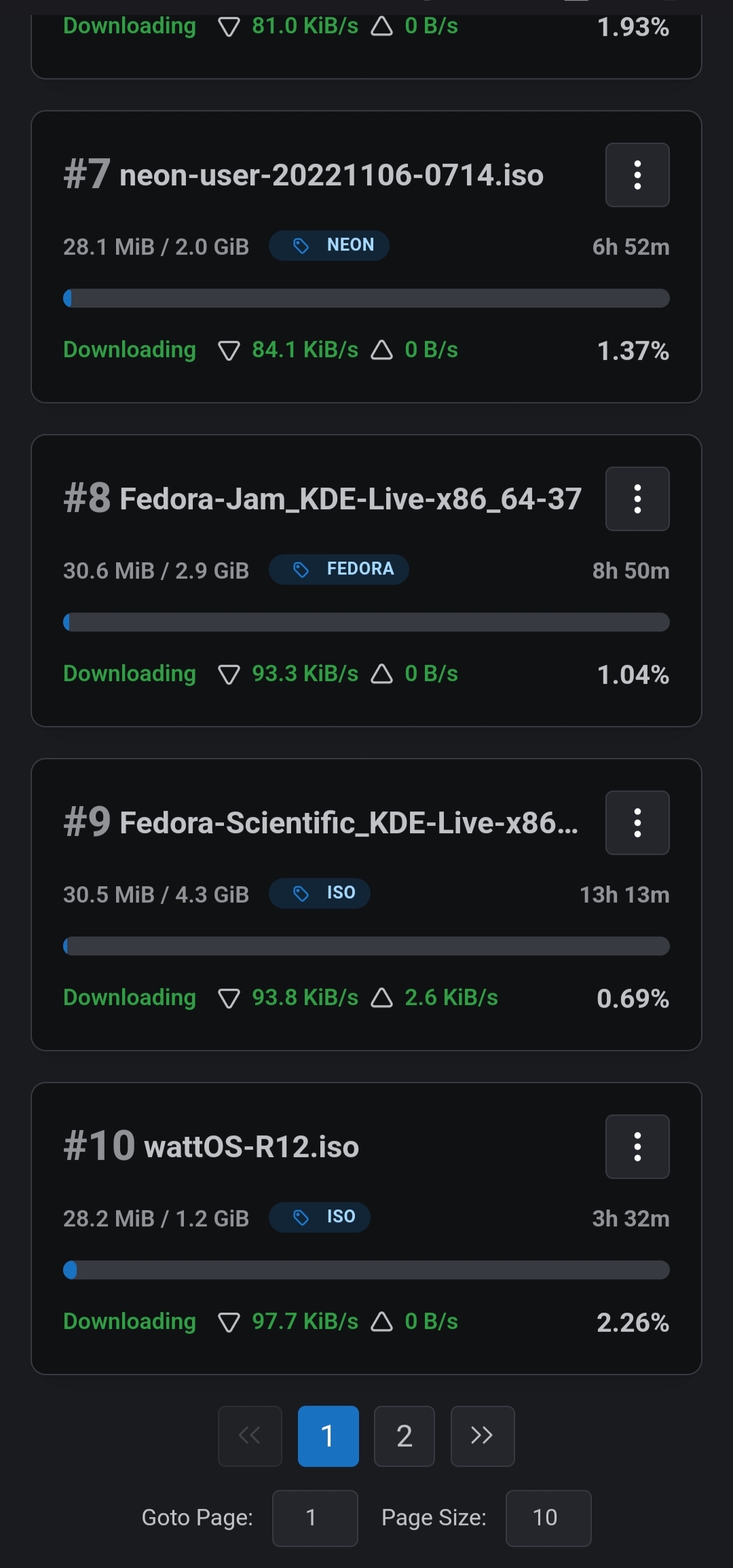
* Responsive mobile first design
* Add torrent by URL or magnet
* Sort and Filter Torrents
* Global upload and Download speed limits
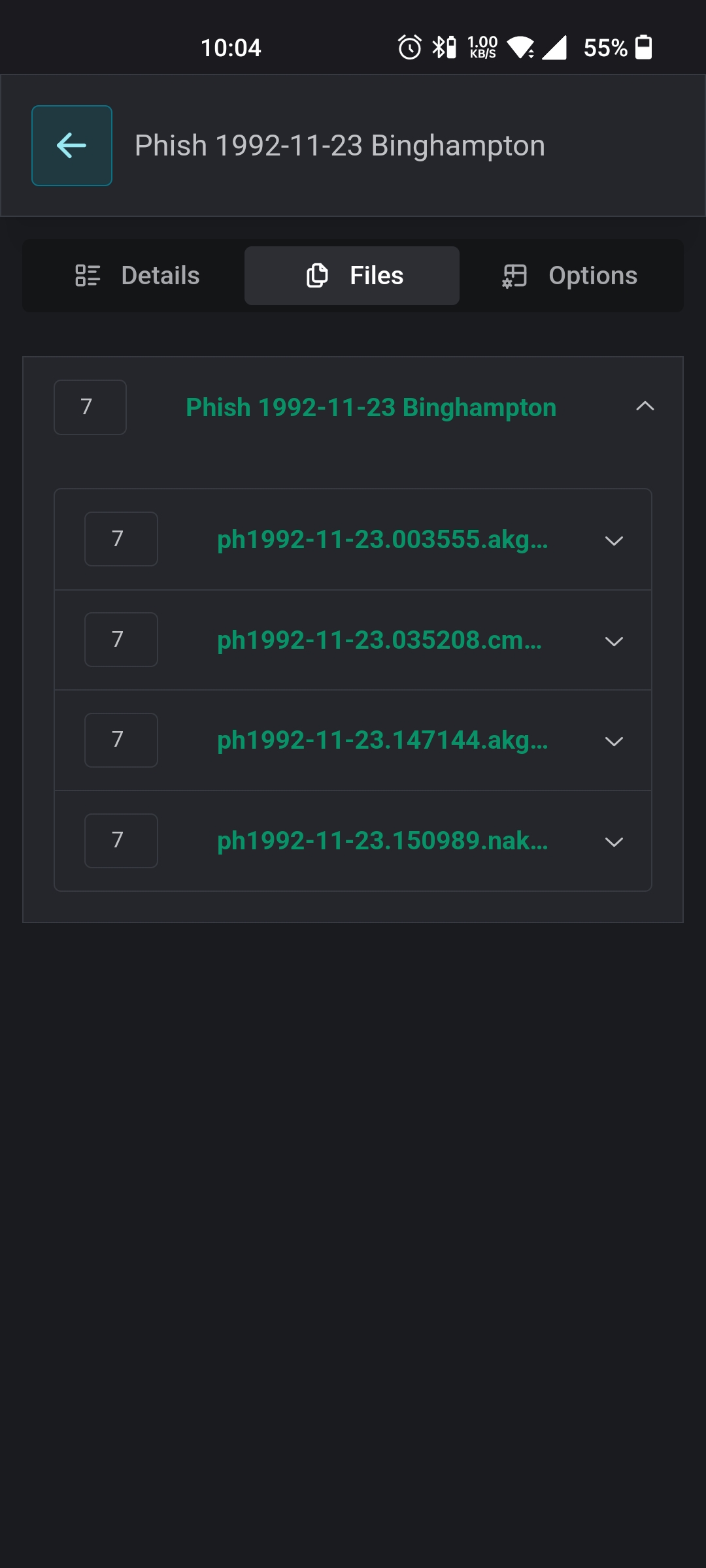
* Change File Priority
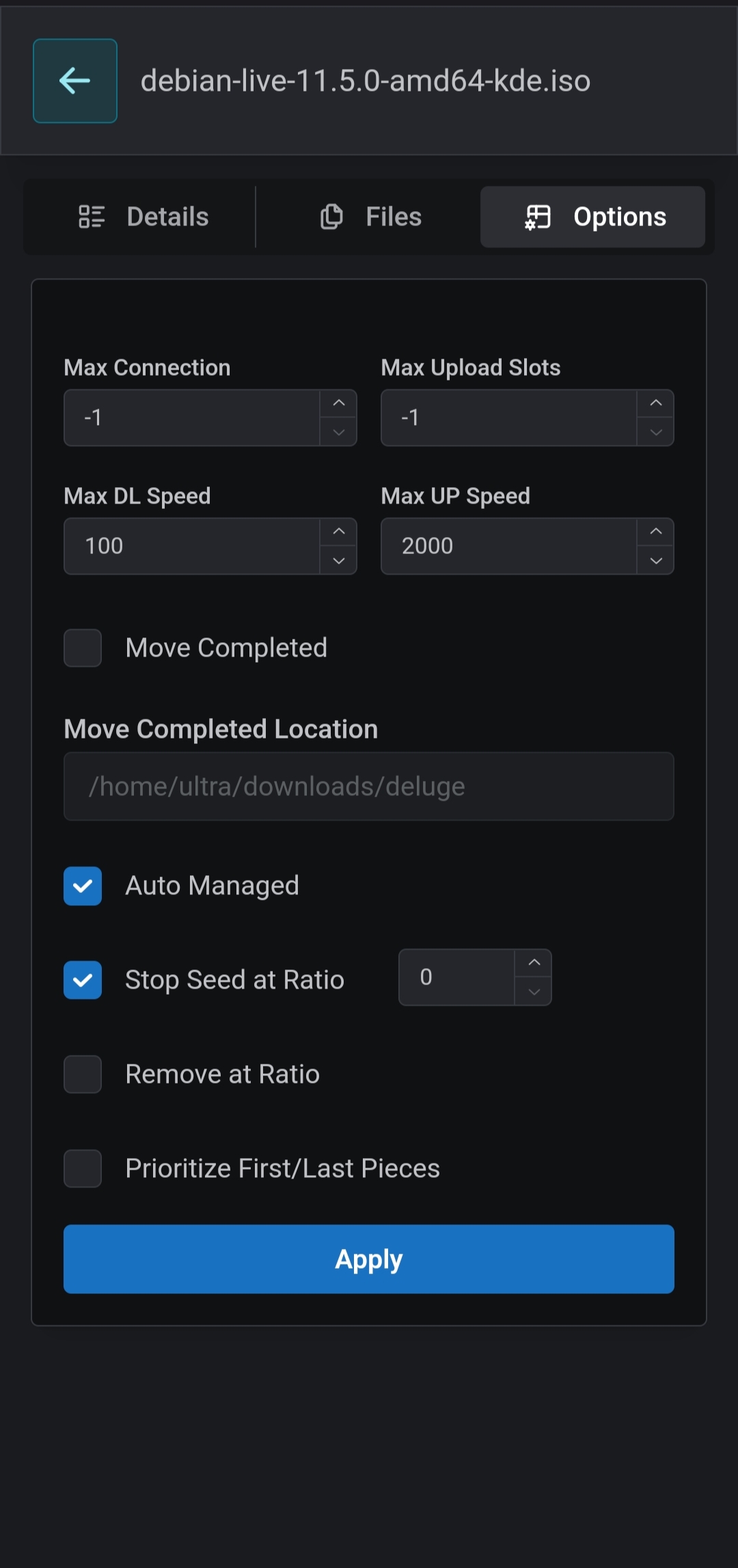
* Change Torrent options
## Screenshots
Click me
## Deploy
You can deploy barrage with docker.
```
docker run --name barrage \
-p 3000:3000 \
-e NEXTAUTH_SECRET=secret \
-e DELUGE_URL=http://localhost:8112 \
-e DELUGE_PASSWORD=password \
-e BARRAGE_PASSWORD=password \
maulik9898/barrage
```
Then you can use the following environment variables to configure Barrage
| Environment | Description |
| ----------- | ----------- |
| `NEXTAUTH_SECRET` | Used to encrypt the NextAuth.js JWT |
| `DELUGE_URL` | The Deluge WebUI URL |
| `DELUGE_PASSWORD` | The password from deluge WebUI |
| `BARRAGE_PASSWORD` | The password for accessing Barrage |
You can quickly create a good value of NEXTAUTH_SECRET on the command line via this openssl command.
```
openssl rand -base64 32
```
### Deploy on vercel
[](https://vercel.com/new/clone?repository-url=https%3A%2F%2Fgithub.com%2Fmaulik9898%2Fbarrage&env=BARRAGE_PASSWORD,NEXTAUTH_SECRET,DELUGE_URL,DELUGE_PASSWORD&project-name=barrage)
## Acknowledgments
Thanks to [@scttcper](https://github.com/scttcper) for [Deluge api wrapper](https://github.com/scttcper/deluge).