# MXParallaxHeader
[](https://travis-ci.org/maxep/MXParallaxHeader)
[](http://cocoapods.org/pods/MXParallaxHeader)
[](https://github.com/Carthage/Carthage)
[](http://cocoapods.org/pods/MXParallaxHeader)
[](http://cocoapods.org/pods/MXParallaxHeader)
:warning: This project is no longer maintained, see [#124](https://github.com/maxep/MXParallaxHeader/issues/124) :warning:
MXParallaxHeader is a simple header class for UIScrollView.
In addition, MXScrollView is a UIScrollView subclass with the ability to hook the vertical scroll from its subviews, this can be used to add a parallax header to complex view hierachy. Moreover, MXScrollViewController allows you to add a MXParallaxHeader to any kind of UIViewController.
| UIScrollView | MXScrollViewController |
|---------------------------------|-------------------------------------------|
|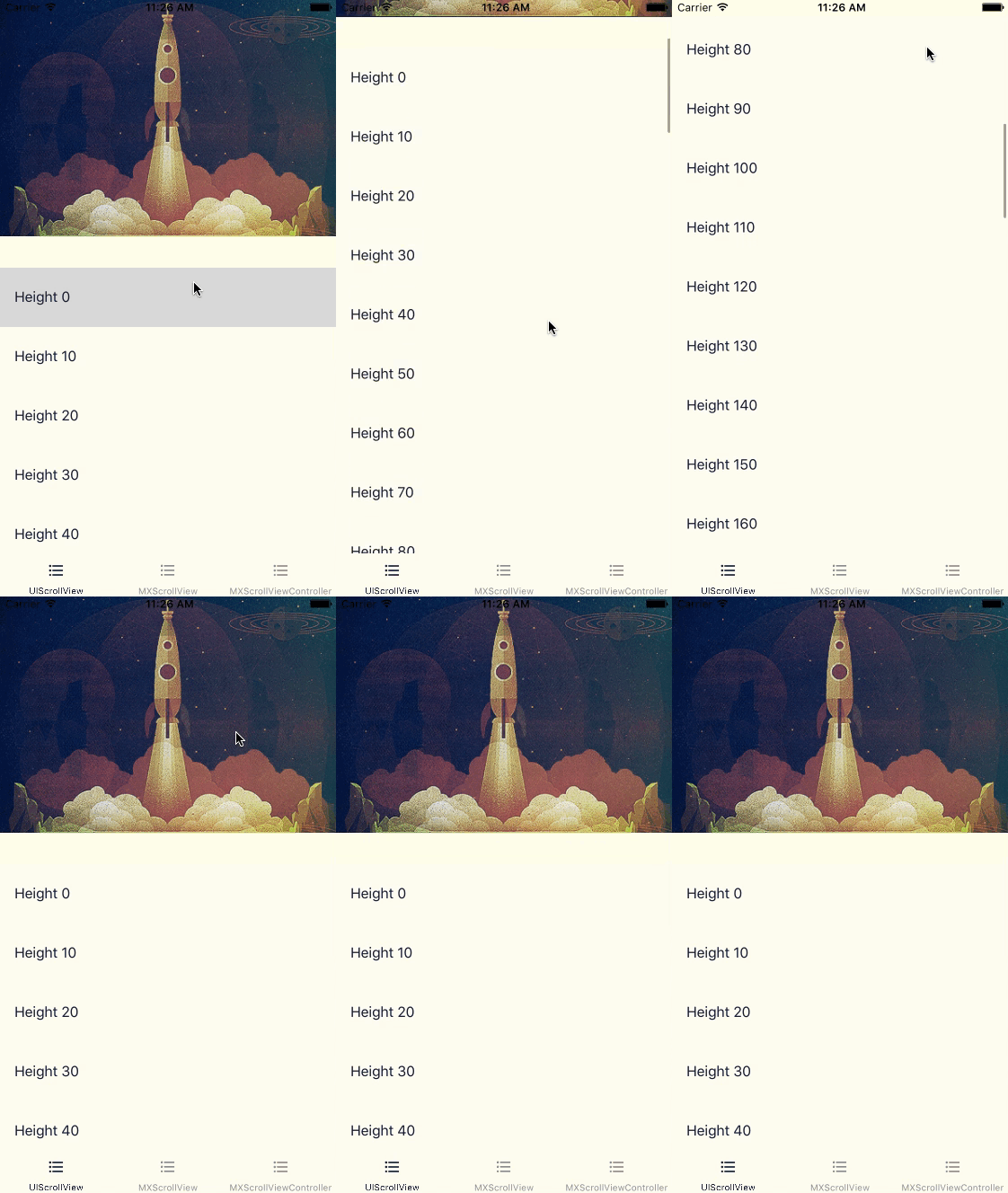|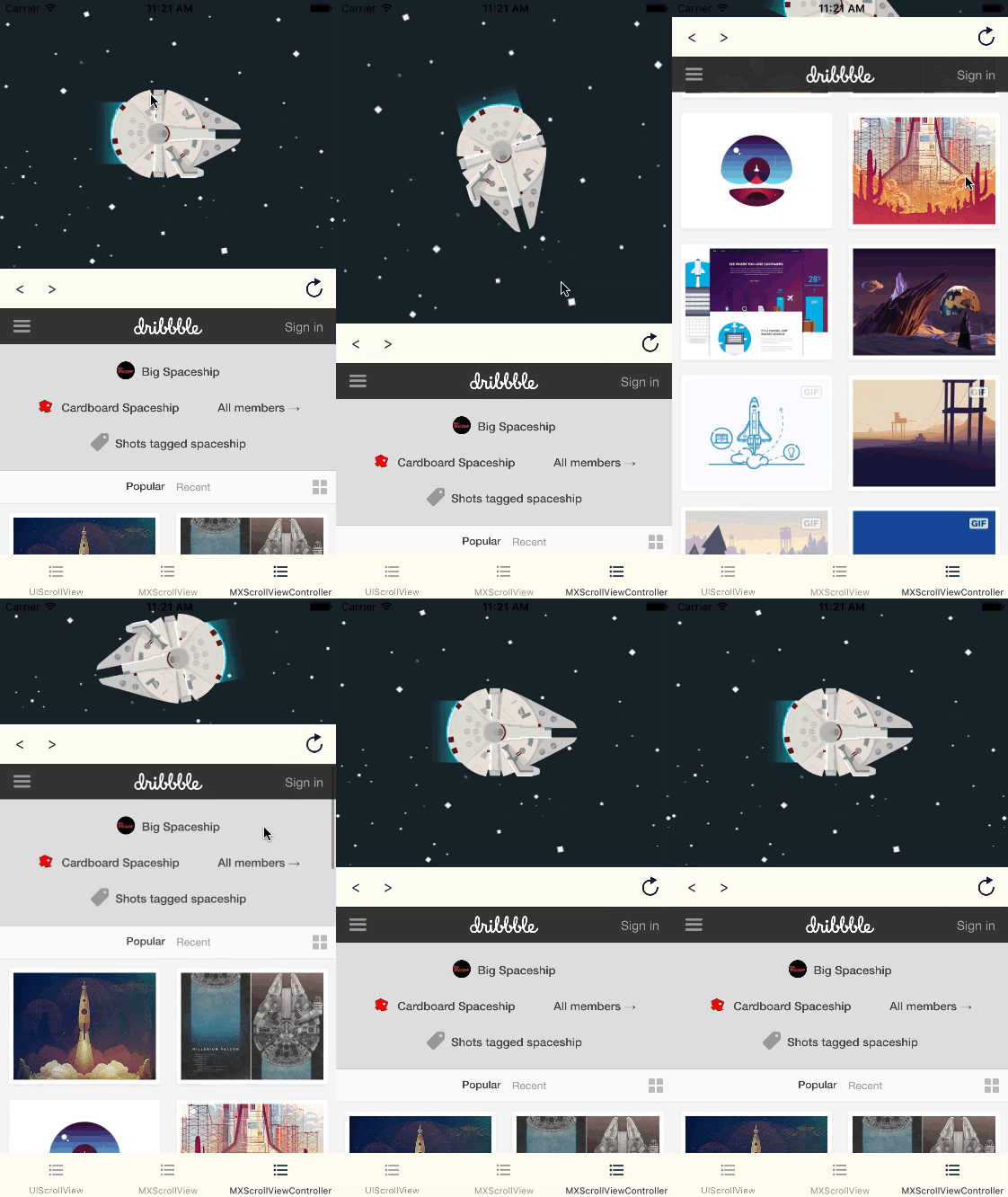|
## Usage
If you want to try it, simply run:
```
pod try MXParallaxHeader
```
+ Adding a parallax header to a UIScrollView is straightforward, e.g:
Swift
```swift
let headerView = UIImageView()
headerView.image = UIImage(named: "success-baby")
headerView.contentMode = .scaleAspectFit
let scrollView = UIScrollView()
scrollView.parallaxHeader.view = headerView
scrollView.parallaxHeader.height = 150
scrollView.parallaxHeader.mode = .fill
scrollView.parallaxHeader.minimumHeight = 20
```
Objective-C
```objective-c
UIImageView *headerView = [UIImageView new];
headerView.image = [UIImage imageNamed:@"success-baby"];
headerView.contentMode = UIViewContentModeScaleAspectFill;
UIScrollView *scrollView = [UIScrollView new];
scrollView.parallaxHeader.view = headerView;
scrollView.parallaxHeader.height = 150;
scrollView.parallaxHeader.mode = MXParallaxHeaderModeFill;
scrollView.parallaxHeader.minimumHeight = 20;
```
+ The MXScrollViewController is a container with a child view controller that can be added programmatically or using the custom segue MXScrollViewControllerSegue.
+ Please check examples for **Swift** implementations.
## Installation
### Swift Package Manager
You can use [Swift Package Manager](https://swift.org/package-manager/) directly within Xcode or add it to the `dependencies` value of your `Package.swift`.
```swift
dependencies: [
.package(url: "https://github.com/mexp/MXParallaxHeader", .upToNextMajor(from: "1.1.0"))
]
```
### CocoaPods
MXParallaxHeader is available through [CocoaPods](http://cocoapods.org). To install
it, simply add the following line to your Podfile:
```ruby
pod "MXParallaxHeader"
```
## Documentation
Documentation is available through [CocoaDocs](http://cocoadocs.org/docsets/MXParallaxHeader/).
## Author
[Maxime Epain](http://maxep.github.io)
[](https://twitter.com/MaximeEpain)
## License
MXParallaxHeader is available under the MIT license. See the LICENSE file for more info.