---
title: How do I create a bill of materials (BOM)?
layout: default
tags:
- Master Data
- Bill of Materials (BOM)
lang: en
sequence: 10
ref: create_bom
---
## Requirements
- [Add a product](NewProduct) for which you want to configure a BOM.
## Steps
1. Open "Bill of Materials" from the [menu](Menu).
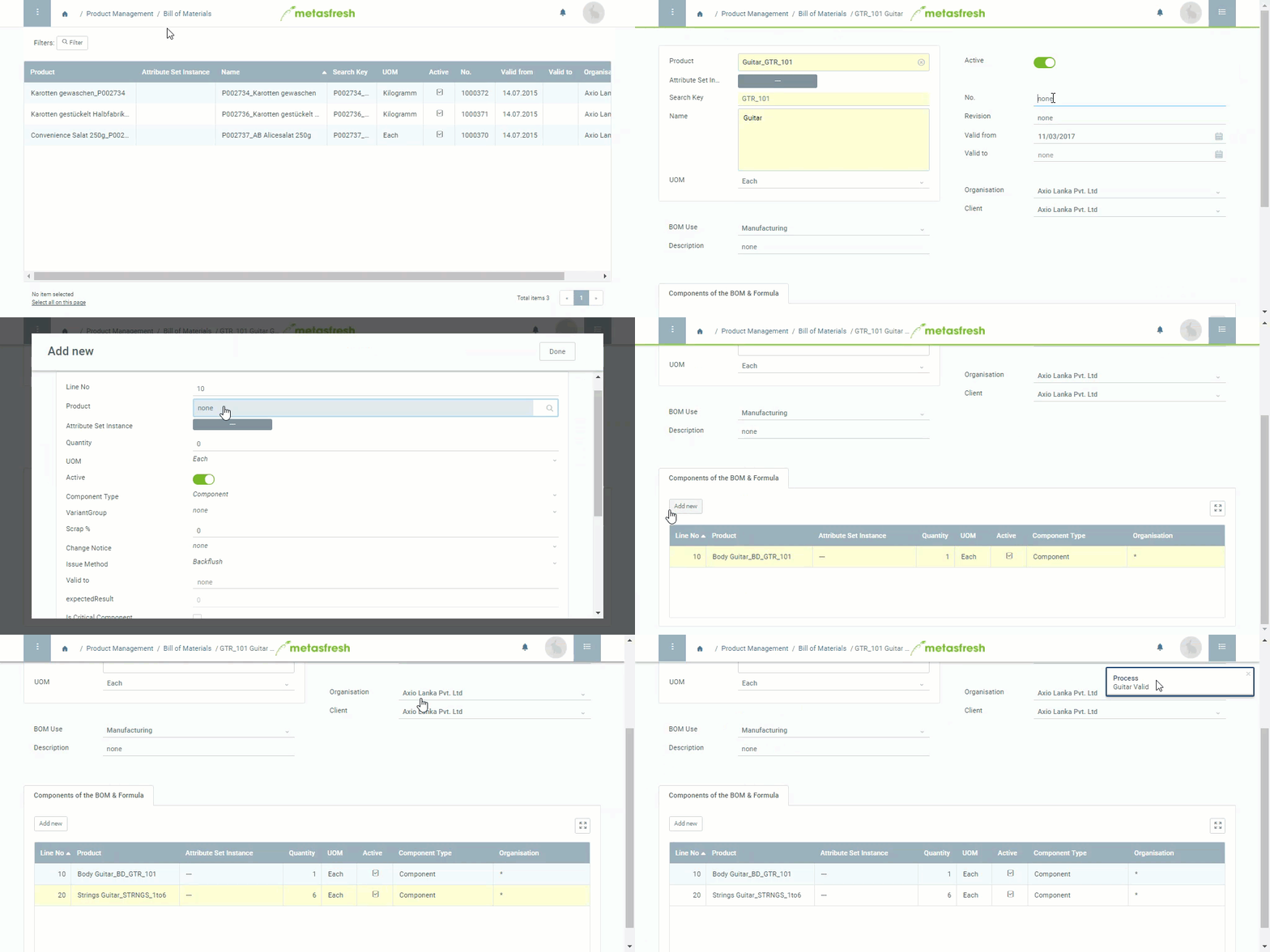
1. [Create a new BOM entry](New_Record_Window).
1. In the field **Product**, enter part of the name or number of the [product](NewProduct) (manufacturing product) for which you want to create a BOM and click on the matching result in the drop-down list.
1. The **BOM components** are added as part of the BOM version in the **next steps**. All versions will then be listed accordingly under the record tab "BOM & Formula Version" at the bottom of the page.
## Next Steps
1. [Create a BOM version](create_bom_version).
1. [Add the BOM components required for production](add_bom_components).
1. [Verify the bill of materials and complete the BOM version](verify_bom).
## Example