Your media enjoyed with a minimal lightweight media server
Free and open source (and always will be), **Midarr** aims to provide a tailored experience for **you** and **your**
users:
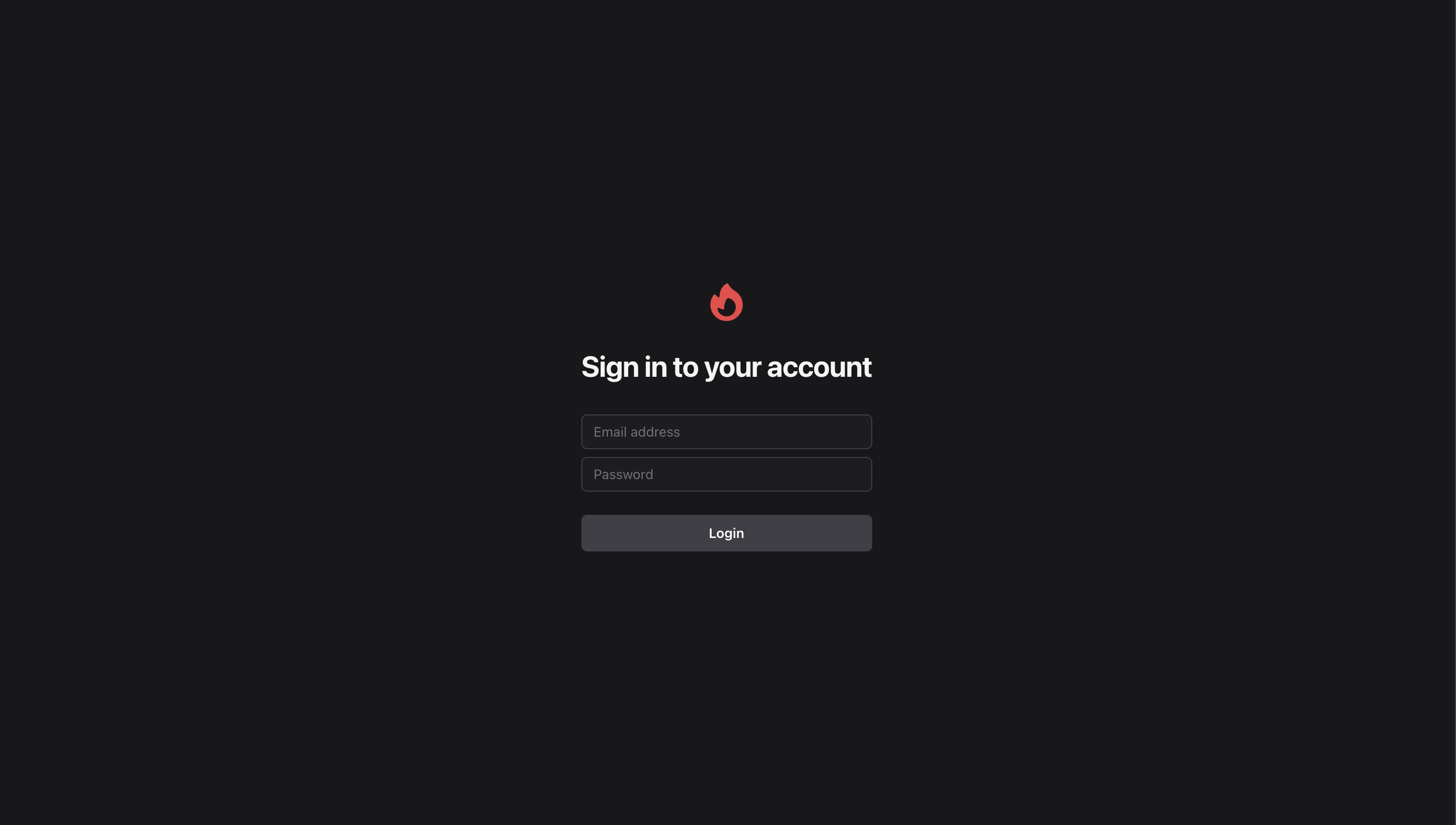
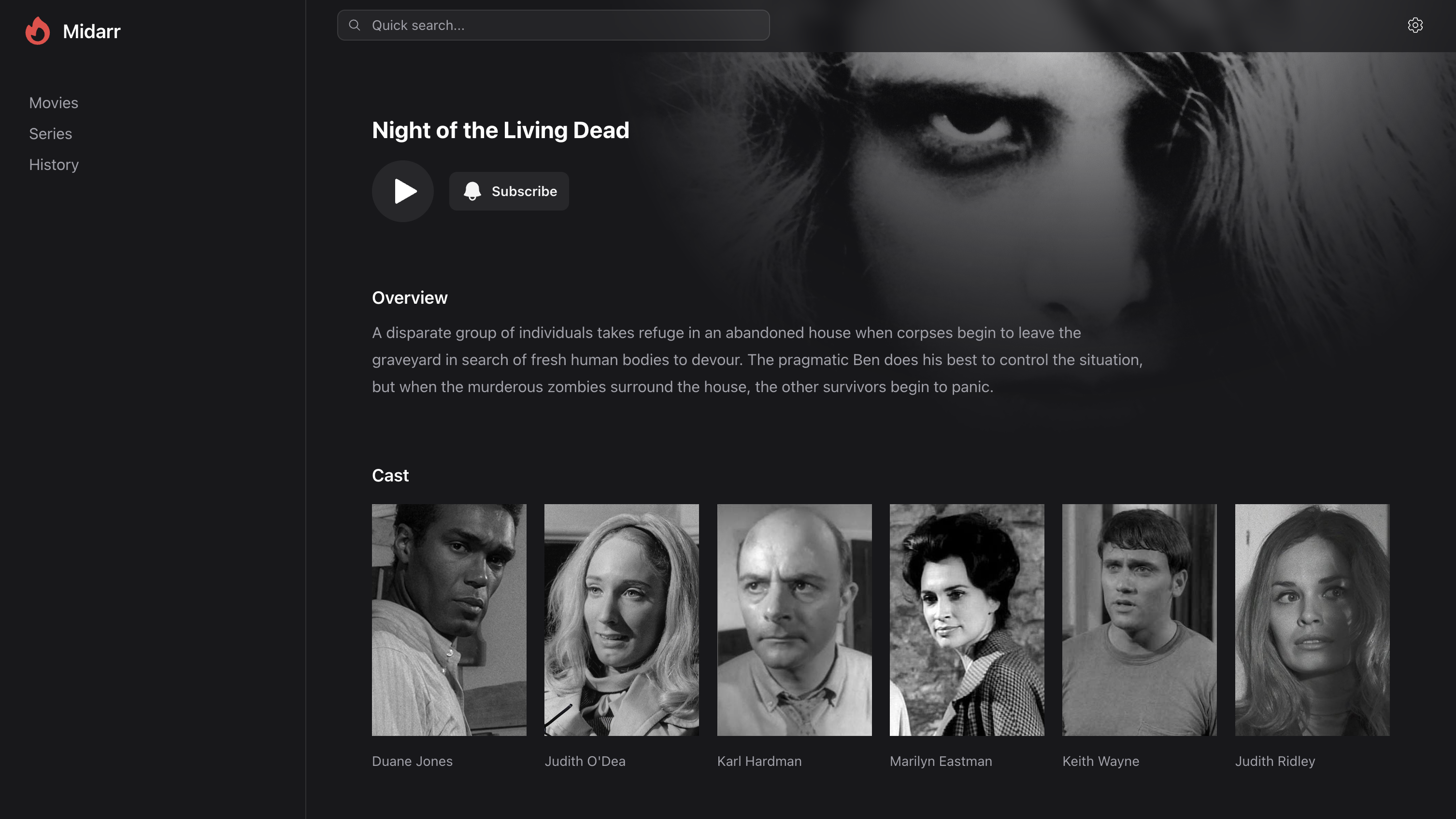
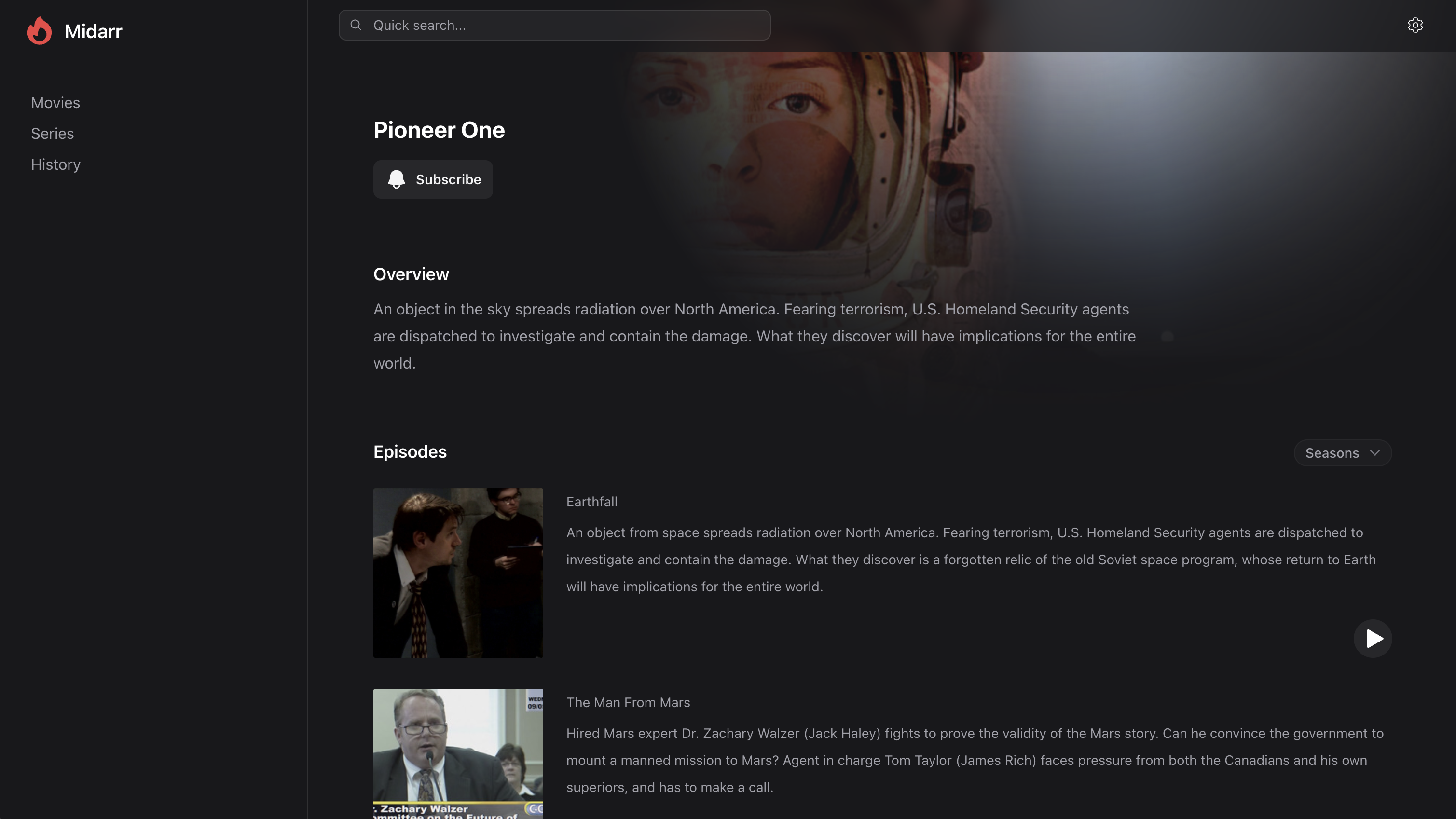
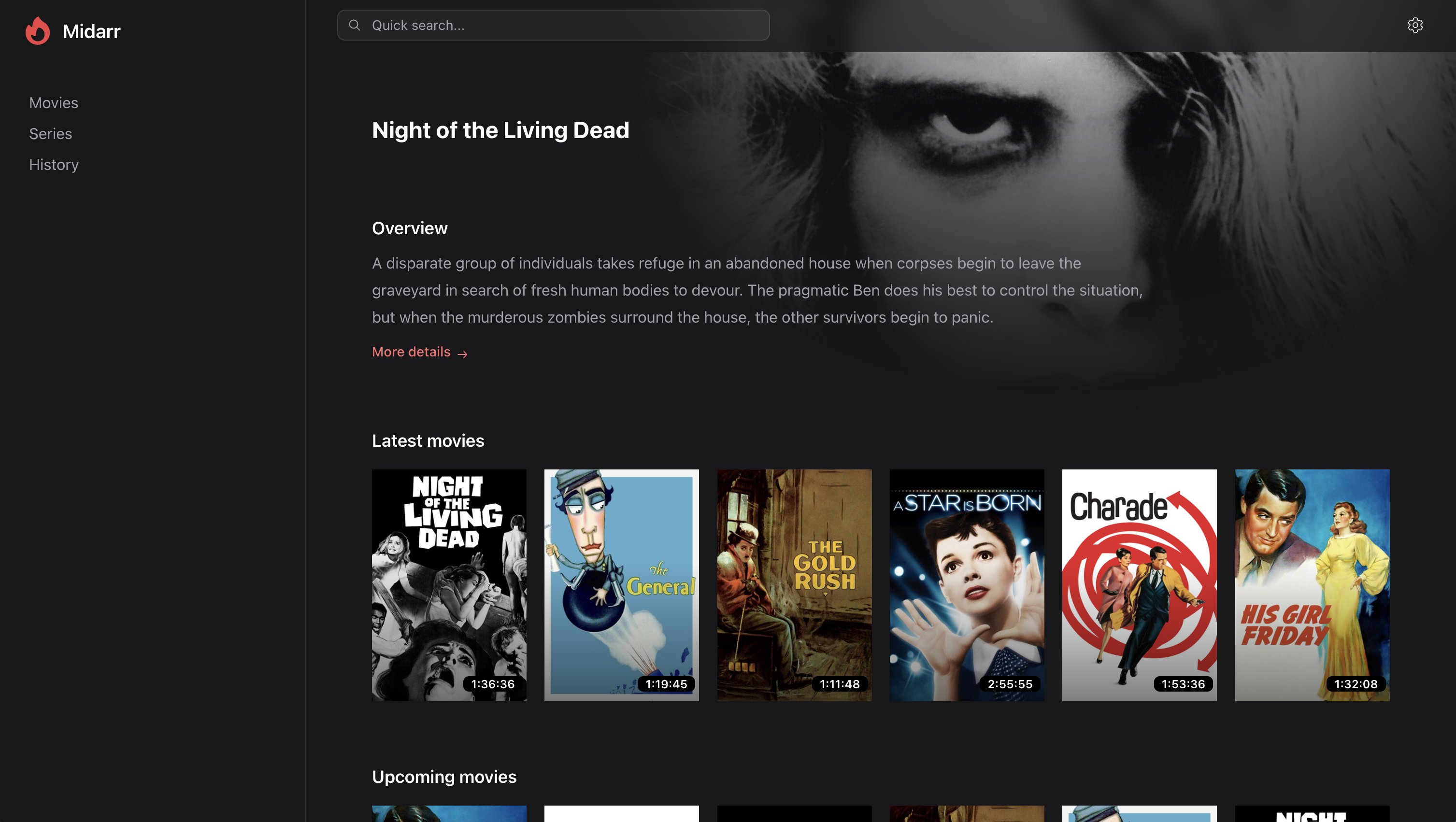
* Beautifully crafted user interface
* Real-time online statuses
* Simple and easy invite system
* Integrates with your existing services, [Radarr](https://radarr.video/) and [Sonarr](https://sonarr.tv/)
### What is this?
This is a lightweight (albeit companion) media server to the likes of Radarr and Sonarr.
Your media is left untouched and unscathed as it is served through a simple (yet familiar) web interface that puts your media front and center for
**you** and **your** users to enjoy.
While other media solutions look to re-index, re-fetch and re-double handle your media library, Midarr simply leverages your pre-existing
services to delight and enhance **your** media experience.
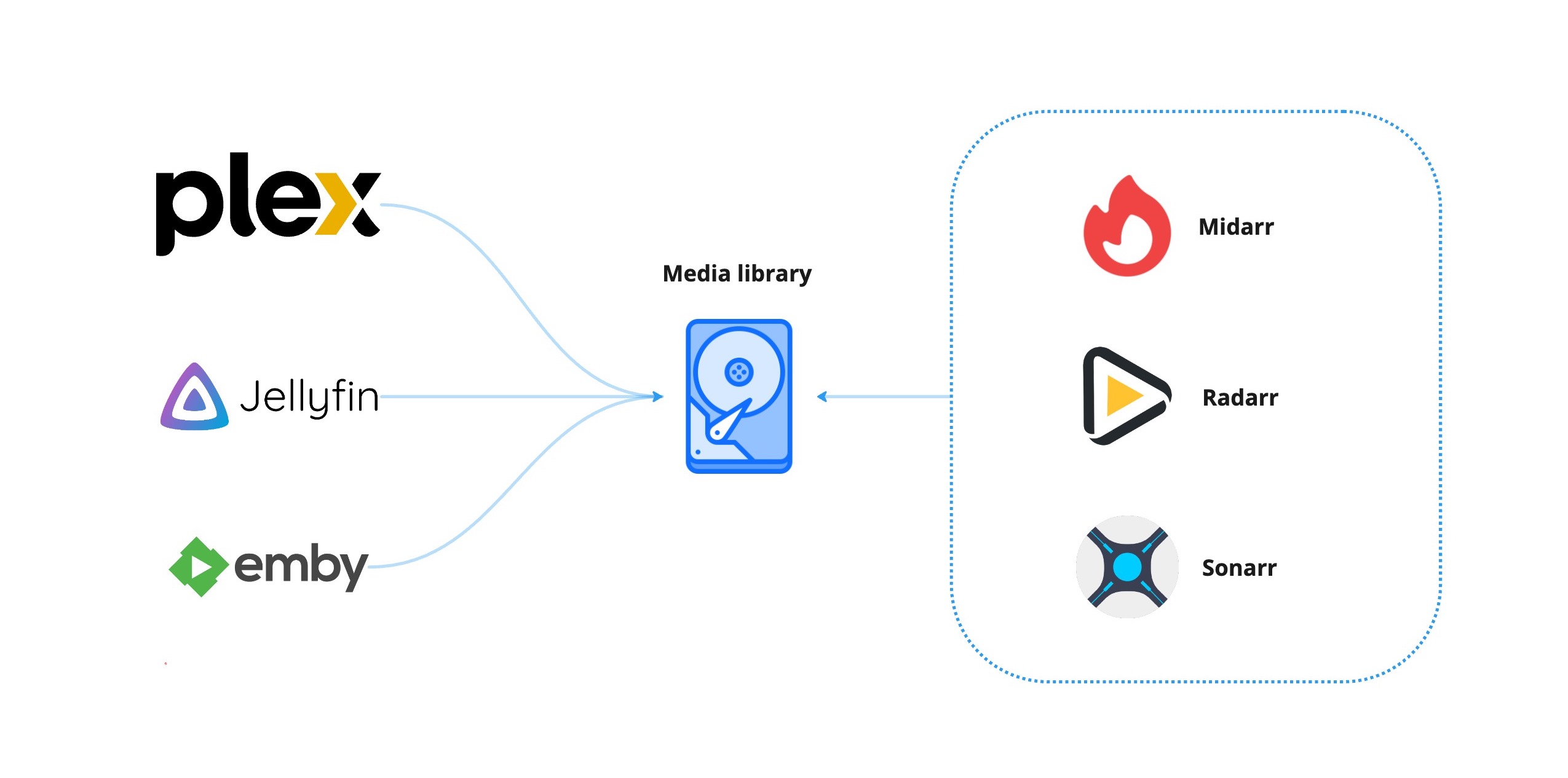
### How is this lightweight?
* **Direct streaming.** Your media served fresh off the metal.
* **Smart caching.** Your media smartly kept in sync with your integrations.
* **Integrated experience.** Your media kept the way you like it.
### What else does this do?
Your media is served through a slick web interface providing:
* User authentication
* User profile settings
* User online statuses
with more features planned ahead.
## Usage
### Docker compose
```yaml
volumes:
database-data:
services:
midarr:
container_name: midarr
image: ghcr.io/midarrlabs/midarr-server:latest
ports:
- 4000:4000
volumes:
- /path/to/media:/media
environment:
# App config
- APP_URL=http://midarr:4000
# Database config
- DB_USERNAME=my_user
- DB_PASSWORD=my_password
- DB_DATABASE=my_database
- DB_HOSTNAME=postgresql
# Admin account
- SETUP_ADMIN_EMAIL=admin@email.com
- SETUP_ADMIN_NAME=admin
- SETUP_ADMIN_PASSWORD=somepassword # minimum length 12
# Radarr integration
- RADARR_BASE_URL=radarr:7878
- RADARR_API_KEY=someApiKey
# Sonarr integration
- SONARR_BASE_URL=sonarr:8989
- SONARR_API_KEY=someApiKey
depends_on:
postgresql:
condition: service_healthy
postgresql:
container_name: postgresql
image: postgres
volumes:
- database-data:/var/lib/postgresql/data
environment:
- POSTGRES_USER=my_user
- POSTGRES_PASSWORD=my_password
- POSTGRES_DB=my_database
healthcheck:
test: "exit 0"
```
### Admin account
To initialise this, please provide the following **environment variables**. This will allow you to configure your server at the **settings** page.
```yaml
environment:
- SETUP_ADMIN_EMAIL=admin@email.com
- SETUP_ADMIN_NAME=admin
- SETUP_ADMIN_PASSWORD=somepassword # minimum length 12
```
### Invite system
To send invitations, please provide the following **environment variables**. Access the **settings** page to invite users to your server.
```yaml
environment:
- APP_MAILER_FROM=example@email.com
- SENDGRID_API_KEY=someApiKey
```
### OIDC / OAuth 2.0
To use your own identity provider like [Authentik](https://goauthentik.io/), please provide the following **environment variables**. Go to `/auth` to initiate the auth flow.
```yaml
environment:
- OAUTH_CLIENT_ID=someClientId
- OAUTH_CLIENT_SECRET=someClientSecret
- OAUTH_ISSUER_URL=http://some-provider.url
- OAUTH_AUTHORIZE_URL=http://some-provider.url/authorize
- OAUTH_TOKEN_URL=http://some-provider.url/token
- OAUTH_REDIRECT_URI=http://some-provider.url/auth/callback
- OAUTH_USER_URL=http://some-provider.url/user
```
## Support
### Videos
* H.264 / H.265 codec
* AAC / MP3 audio
* MP4 / MKV container
## FAQ
### Why won't my media play?
Midarr looks to your integrations to resolve your media locations. Midarr **is not** aware of where your media lives!
A common way to mount a media library is to mount the root directory where both movies and series reside:
```yaml
services:
midarr:
volumes:
- /path/to/media:/media
radarr:
volumes:
- /path/to/media:/media
sonarr:
volumes:
- /path/to/media:/media
```
### Why won't my media sync?
To keep your media in sync, webhook urls are required in your integrations. Midarr accepts a
POST request from your integrations with your unique API Token (found on the Midarr Settings page).
Add these webhook urls to Radarr / Sonarr under `Settings -> Connect -> Webhook`:
#### Radarr example
```
http://midarr:4000/api/webhooks/movie?token=some-api-token
```
#### Sonarr example
```
http://midarr:4000/api/webhooks/series?token=some-api-token
```
### What integrations does this support?
We support the following integration versions:
* Radarr `v5.x`
* Sonarr `v4.x`
## Contributing
Thank you for all your contributions! Big or small - all is welcome!
### Local development
1. Fork and git clone the repository
```
git clone https://github.com/{ YOUR-ACCOUNT }/midarr-server.git
```
2. Docker compose up the stack
```
cd midarr-server && docker compose up -d
```
3. Service locations:
- [http://localhost:4000](http://localhost:4000) - Midarr
- [http://localhost:7878](http://localhost:7878) - Radarr
- [http://localhost:8989](http://localhost:8989) - Sonarr
## License
Midarr is open-sourced software licensed under the [MIT license](LICENSE).
## Preview