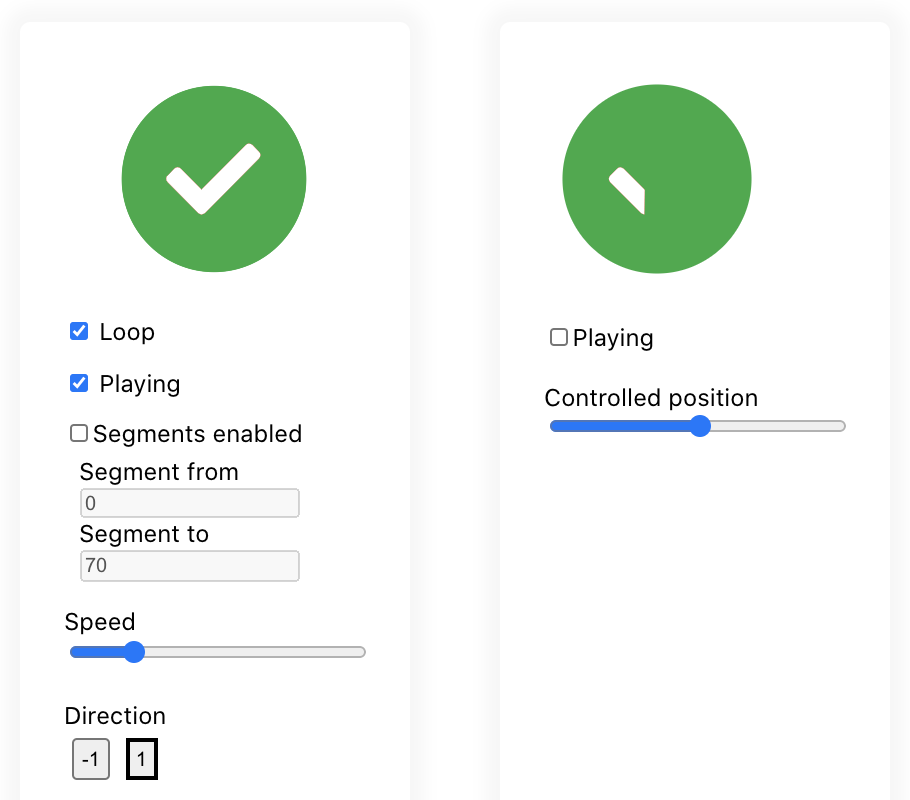
Fully declarative React Lottie player
Inspired by [several](https://github.com/felippenardi/lottie-react-web) [existing](https://github.com/chenqingspring/react-lottie) [packages](https://github.com/Gamote/lottie-react) wrapping [lottie-web](https://github.com/airbnb/lottie-web) for React, I created this package because I wanted something that just works and is easy to use. None of the alternatives properly handle changes of props like playing/pausing/segments. This lead to lots of hacks to get the animations to play correctly.
`react-lottie-player` is a complete rewrite using hooks 🎣 for more readable code, easy to use, seamless and fully declarative control of the lottie player.
 [](https://www.npmjs.com/package/react-lottie-player) [](https://standardjs.com)
## Features
- Fully declarative
- Handles state changes correctly
- Does not [leak memory like lottie-web](https://github.com/mifi/react-lottie-player/issues/35) if you use repeaters
- [LottiePlayerLight](#lottieplayerlight) support (no `eval`)
- Alternative imperative API using ref (use at your own risk)
## Install
```bash
npm install --save react-lottie-player
```
## Usage
```jsx
import React from 'react'
import Lottie from 'react-lottie-player'
// Alternatively:
// import Lottie from 'react-lottie-player/dist/LottiePlayerLight'
import lottieJson from './my-lottie.json'
export default function Example() {
return (
)
}
```
## Example
[🎛 Live demo](https://mifi.github.io/react-lottie-player/)
[👩🏿💻 Example code](example/src/App.jsx)
## Lazy loading
### Option 1: React code splitting (`React.lazy`)
Extract your Lottie animation into a separate component, then lazy load it:
```js
// MyLottieAnimation.jsx
import Lottie from 'react-lottie-player';
import animation from './animation.json';
export default function MyLottieAnimation(props) {
return ;
}
// MyComponent.jsx
import React from 'react';
const MyLottieAnimation = React.lazy(() => import('./MyLottieAnimation'));
export default function MyComponent() {
return ;
}
```
### Option 2: dynamic import with state
```js
const Example = () => {
const [animationData, setAnimationData] = useState