# 📊 dsh-deepseek-usage
**[中文](README.md) | English**
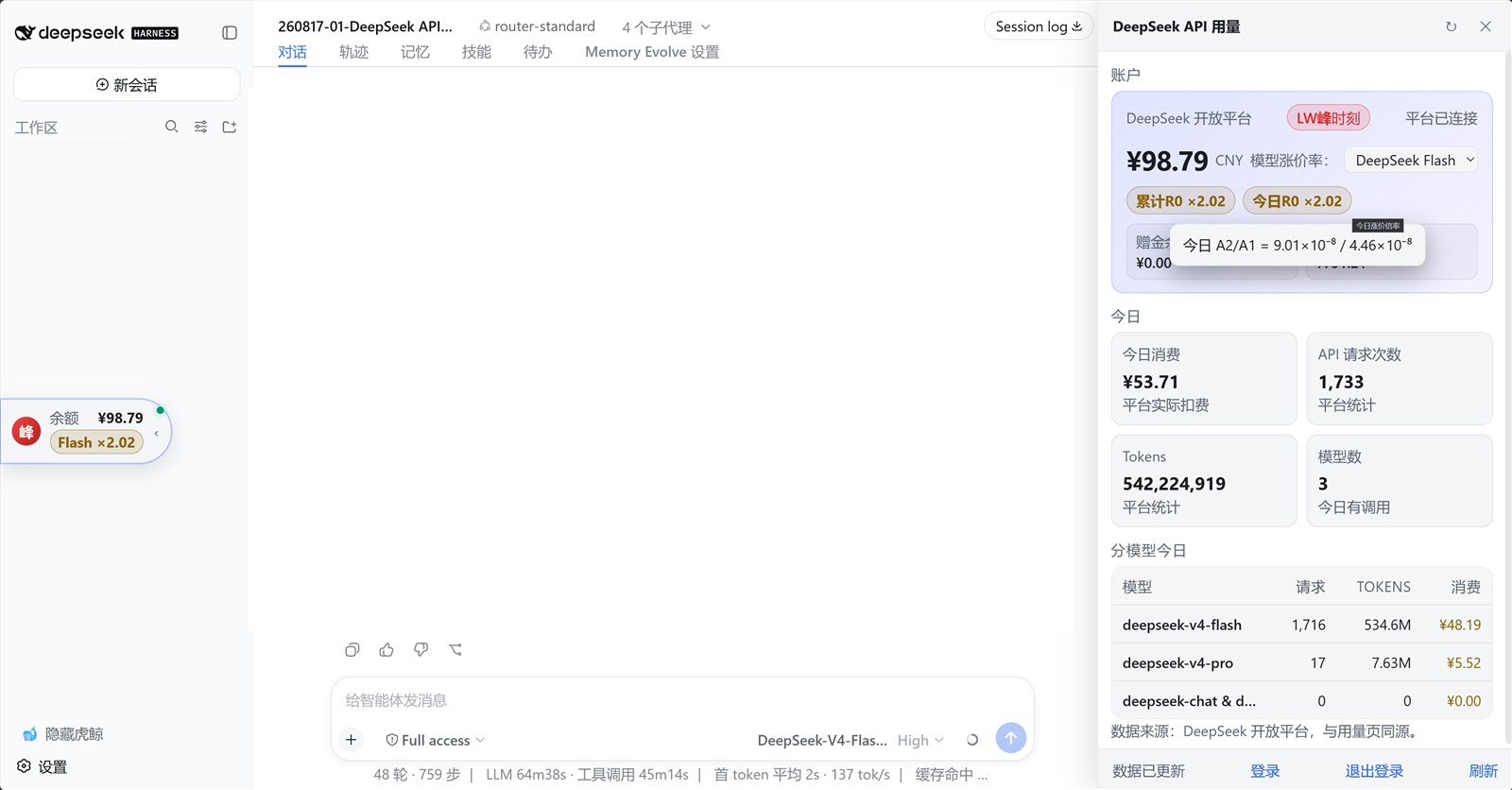
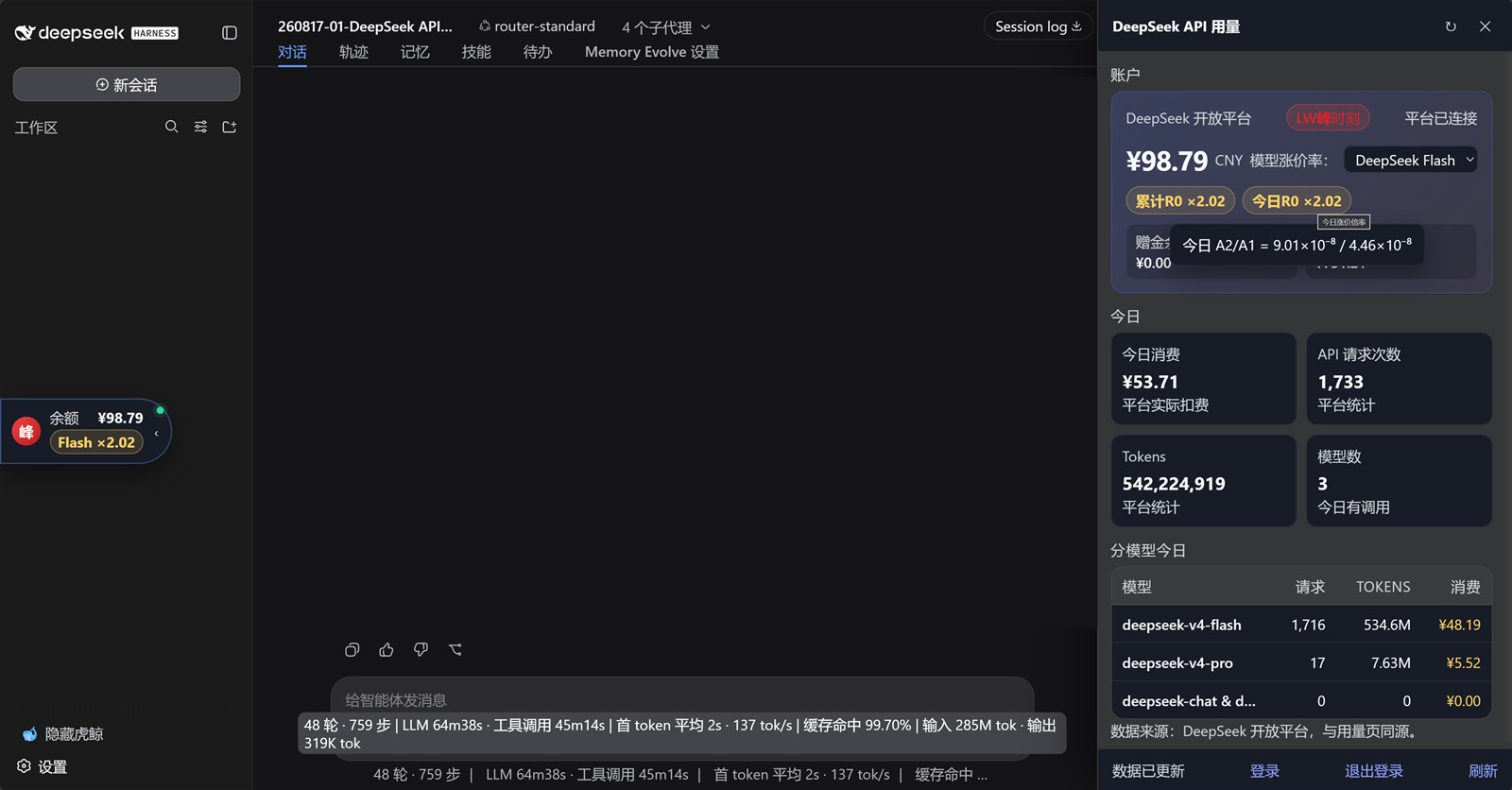
**DeepSeek API usage monitor** — a floating ball shows your recharge balance. Click it to open a panel with real balance, cumulative spending, today's spending, API request count, tokens, per-model usage, and the real-time price multiplier R0 after Aug 17.



## ✨ Features
| Category | Description |
|---|---|
| 🟢 Floating ball | Docked on the right by default; draggable vertically; snaps to the left when dragged to the left half |
| 📋 Usage panel | Recharge balance, bonus balance, cumulative spend, today's spend, API requests, tokens, per-model usage |
| 📈 R0 multiplier | Real-time `A2 / A1`, where `A1` is the average cost per token before Aug 17 and `A2` is the average cost per token from Aug 17 onward |
| 🔐 Login flow | If no userToken is configured, open a local Chrome / Edge / Brave / Chromium browser to sign in and automatically save the token |
| 🚪 Logout | Clear the saved userToken in one click and log in again |
| 🖱️ Interaction | Click outside the panel to close; Esc supported; reduced motion supported |
## 🚀 Install
### Git
```sh
dsh plugin --profile web add github:mmzm0808/dsh-deepseek-usage
```
### Local development
```sh
dsh plugin --profile web add ""
```
- The repo ships a complete `lib/` build, so no build step is required during install
- Restart **dsh** after install
- DSH plugins use **pnpm**; publishing to npm is not required for GitHub distribution
## 📖 Usage
1. **View**: the floating ball shows the recharge balance; click to open the panel
2. **Drag**: drag the ball vertically; it snaps to the left or right on release
3. **Login**: click **Login** in the panel footer and sign in to the DeepSeek platform in the opened Chrome / Edge / Brave / Chromium browser window
4. **Logout**: click **Logout** in the panel footer to clear the local userToken
5. **Close**: click outside the panel, press Esc, or click ✕
## 🔑 Login & Configuration
### ✅ Recommended: one-click login
No manual token copying needed.
1. Open the floating ball panel
2. Click **Login** in the panel footer
3. The plugin opens a local Chrome / Edge / Brave / Chromium browser window to the DeepSeek platform
4. Sign in normally
5. The plugin automatically reads and saves the `userToken`, then refreshes data
> By default it auto-detects Chrome, Edge, Brave, Chromium, etc. You can also set the `DSH_DEEPSEEK_LOGIN_BROWSER` environment variable to the browser executable path.
### Manual configuration (optional)
`userToken` is the platform web login state and is only a configuration item; it is never embedded in plugin source or packages.
In the profile's `cordis.patch.yml`:
```yaml
- id: deepseek-usage
config:
platformUserToken: 'your userToken'
```
Or use an environment variable:
```sh
DEEPSEEK_PLATFORM_USER_TOKEN=your userToken
```
Manual retrieval: sign in at `https://platform.deepseek.com/usage` → F12 → Application → Local Storage → `https://platform.deepseek.com` → `userToken` → copy the `value` field.
## 🗂️ Data & Security
- All data comes from the DeepSeek platform private API, same source as the official usage page; **no local pricing or estimated spending**
- `userToken` is stored only in local user configuration, never in plugin source or Git
- API: `/api/deepseek-usage/state | refresh | login/start | login/status | logout` (**loopback-only**)
- Responses use `Cache-Control: no-store`
## 🛠️ Development
```sh
pnpm install
pnpm build # host tsc + client tsdown
pnpm typecheck
pnpm verify
```
## 📄 License
MIT License · Copyright (c) 2026 mmzm0808
## ⭐ Star History