## Table of Contents
- [Build with Agent Skills](#build-with-agent-skills)
- [Supported Clients](#supported-clients)
- [Why MCP Apps?](#why-mcp-apps)
- [How It Works](#how-it-works)
- [Getting Started](#getting-started)
- [Using the SDK](#using-the-sdk)
- [Examples](#examples)
- [Specification](#specification)
- [Resources](#resources)
- [Contributing](#contributing)
## Build with Agent Skills
The fastest way to build an MCP App is to let your AI coding agent do it. This
repo ships four [Agent Skills](https://agentskills.io/) — install them once,
then just ask:
| Skill | What it does | Try it |
| --------------------------------------------------------------------------- | ----------------------------------------------------------- | ------------------------------------- |
| [`create-mcp-app`](./plugins/mcp-apps/skills/create-mcp-app/SKILL.md) | Scaffolds a new MCP App with an interactive UI from scratch | _"Create an MCP App"_ |
| [`migrate-oai-app`](./plugins/mcp-apps/skills/migrate-oai-app/SKILL.md) | Converts an existing OpenAI App to use MCP Apps | _"Migrate from OpenAI Apps SDK"_ |
| [`add-app-to-server`](./plugins/mcp-apps/skills/add-app-to-server/SKILL.md) | Adds interactive UI to an existing MCP server's tools | _"Add UI to my MCP server"_ |
| [`convert-web-app`](./plugins/mcp-apps/skills/convert-web-app/SKILL.md) | Turns an existing web app into a hybrid web + MCP App | _"Add MCP App support to my web app"_ |
### Install the Skills
**Claude Code** — install via the plugin marketplace:
```
/plugin marketplace add modelcontextprotocol/ext-apps
/plugin install mcp-apps@modelcontextprotocol-ext-apps
```
**Other agents** — any AI coding agent that supports
[Agent Skills](https://agentskills.io/) can use these skills. See the
[agent skills guide](./docs/agent-skills.md) for manual installation
instructions.
Once installed, verify by asking your agent _"What skills do you have?"_ — you
should see `create-mcp-app`, `migrate-oai-app`, `add-app-to-server`, and
`convert-web-app` in the list. Then just ask it to create or migrate an app and
it will guide you through the rest.
## Supported Clients
> [!NOTE]
> MCP Apps is an extension to the
> [core MCP specification](https://modelcontextprotocol.io/specification). Host
> support varies — see the
> [clients page](https://modelcontextprotocol.io/clients) for the full list.
## Why MCP Apps?
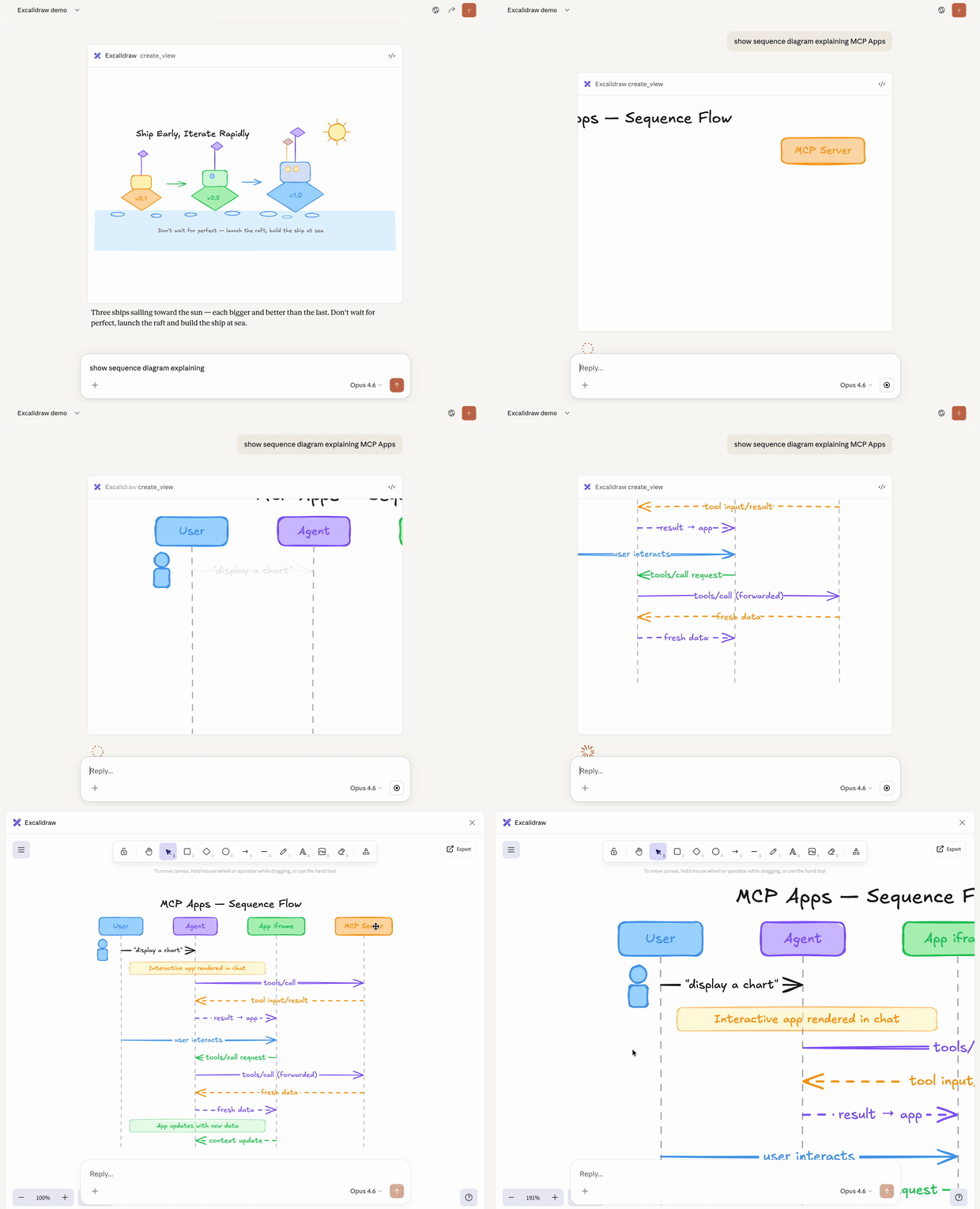
MCP tools return text and structured data. That works for many cases, but not
when you need an interactive UI, like a chart, form, design canvas or video player.
MCP Apps provide a standardized way to deliver interactive UIs from MCP servers.
Your UI renders inline in the conversation, in context, in any compliant host.
## How It Works
MCP Apps extend the Model Context Protocol by letting tools declare UI
resources:
1. **Tool definition** — Your tool declares a `ui://` resource containing its
HTML interface
2. **Tool call** — The LLM calls the tool on your server
3. **Host renders** — The host fetches the resource and displays it in a
sandboxed iframe
4. **Bidirectional communication** — The host passes tool data to the UI via
notifications, and the UI can call other tools through the host
## Getting Started
```bash
npm install -S @modelcontextprotocol/ext-apps
```
**New here?** Start with the
[Quickstart Guide](https://apps.extensions.modelcontextprotocol.io/api/documents/Quickstart.html)
to build your first MCP App.
## Using the SDK
The SDK serves three roles: app developers building interactive Views, host
developers embedding those Views, and MCP server authors registering tools with
UI metadata.
| Package | Purpose | Docs |
| ------------------------------------------- | --------------------------------------------------------- | ------------------------------------------------------------------------------------------------------------------- |
| `@modelcontextprotocol/ext-apps` | Build interactive Views (App class, PostMessageTransport) | [API Docs →](https://apps.extensions.modelcontextprotocol.io/api/modules/app.html) |
| `@modelcontextprotocol/ext-apps/react` | React hooks for Views (useApp, useHostStyles, etc.) | [API Docs →](https://apps.extensions.modelcontextprotocol.io/api/modules/_modelcontextprotocol_ext-apps_react.html) |
| `@modelcontextprotocol/ext-apps/app-bridge` | Embed and communicate with Views in your chat client | [API Docs →](https://apps.extensions.modelcontextprotocol.io/api/modules/app-bridge.html) |
| `@modelcontextprotocol/ext-apps/server` | Register tools and resources on your MCP server | [API Docs →](https://apps.extensions.modelcontextprotocol.io/api/modules/server.html) |
There's no _supported_ host implementation in this repo (beyond the
[examples/basic-host](https://github.com/modelcontextprotocol/ext-apps/tree/main/examples/basic-host)
example).
The [MCP-UI](https://github.com/idosal/mcp-ui) client SDK offers a
fully-featured MCP Apps framework used by a few hosts. Clients may choose to use
it or roll their own implementation.
## Examples
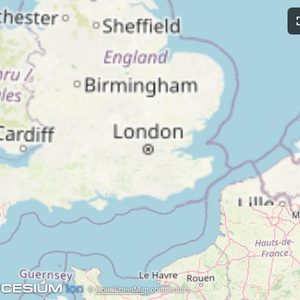
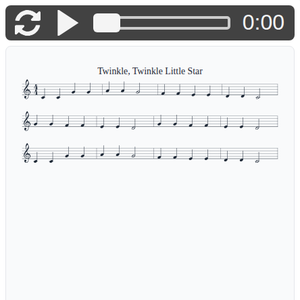
The
[`examples/`](https://github.com/modelcontextprotocol/ext-apps/tree/main/examples)
directory contains demo apps showcasing real-world use cases.
| | | |
|:---:|:---:|:---:|
| [](https://github.com/modelcontextprotocol/ext-apps/tree/main/examples/map-server) | [](https://github.com/modelcontextprotocol/ext-apps/tree/main/examples/threejs-server) | [](https://github.com/modelcontextprotocol/ext-apps/tree/main/examples/shadertoy-server) |
| [**Map**](https://github.com/modelcontextprotocol/ext-apps/tree/main/examples/map-server) | [**Three.js**](https://github.com/modelcontextprotocol/ext-apps/tree/main/examples/threejs-server) | [**ShaderToy**](https://github.com/modelcontextprotocol/ext-apps/tree/main/examples/shadertoy-server) |
| [](https://github.com/modelcontextprotocol/ext-apps/tree/main/examples/sheet-music-server) | [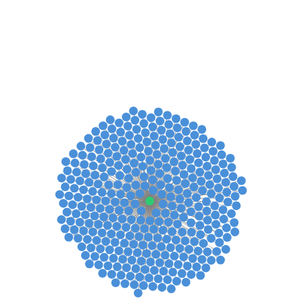](https://github.com/modelcontextprotocol/ext-apps/tree/main/examples/wiki-explorer-server) | [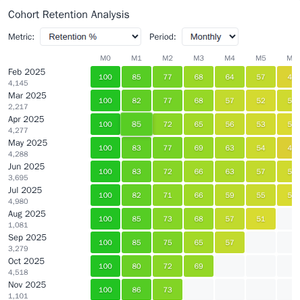](https://github.com/modelcontextprotocol/ext-apps/tree/main/examples/cohort-heatmap-server) |
| [**Sheet Music**](https://github.com/modelcontextprotocol/ext-apps/tree/main/examples/sheet-music-server) | [**Wiki Explorer**](https://github.com/modelcontextprotocol/ext-apps/tree/main/examples/wiki-explorer-server) | [**Cohort Heatmap**](https://github.com/modelcontextprotocol/ext-apps/tree/main/examples/cohort-heatmap-server) |
| [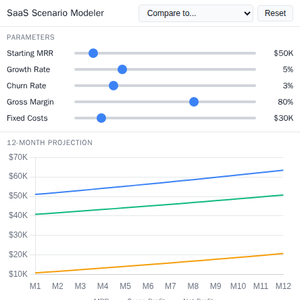](https://github.com/modelcontextprotocol/ext-apps/tree/main/examples/scenario-modeler-server) | [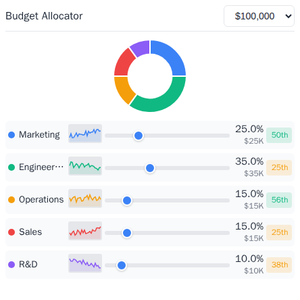](https://github.com/modelcontextprotocol/ext-apps/tree/main/examples/budget-allocator-server) | [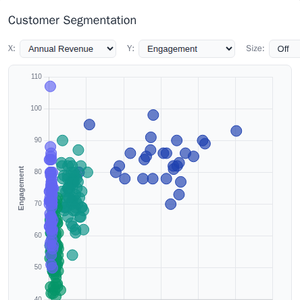](https://github.com/modelcontextprotocol/ext-apps/tree/main/examples/customer-segmentation-server) |
| [**Scenario Modeler**](https://github.com/modelcontextprotocol/ext-apps/tree/main/examples/scenario-modeler-server) | [**Budget Allocator**](https://github.com/modelcontextprotocol/ext-apps/tree/main/examples/budget-allocator-server) | [**Customer Segmentation**](https://github.com/modelcontextprotocol/ext-apps/tree/main/examples/customer-segmentation-server) |
| [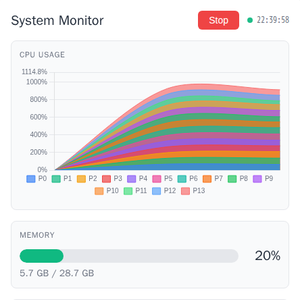](https://github.com/modelcontextprotocol/ext-apps/tree/main/examples/system-monitor-server) | [](https://github.com/modelcontextprotocol/ext-apps/tree/main/examples/transcript-server) | [](https://github.com/modelcontextprotocol/ext-apps/tree/main/examples/video-resource-server) |
| [**System Monitor**](https://github.com/modelcontextprotocol/ext-apps/tree/main/examples/system-monitor-server) | [**Transcript**](https://github.com/modelcontextprotocol/ext-apps/tree/main/examples/transcript-server) | [**Video Resource**](https://github.com/modelcontextprotocol/ext-apps/tree/main/examples/video-resource-server) |
| [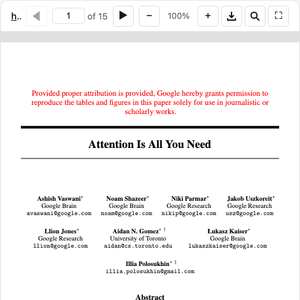](https://github.com/modelcontextprotocol/ext-apps/tree/main/examples/pdf-server) | [](https://github.com/modelcontextprotocol/ext-apps/tree/main/examples/qr-server) | [](https://github.com/modelcontextprotocol/ext-apps/tree/main/examples/say-server) |
| [**PDF Server**](https://github.com/modelcontextprotocol/ext-apps/tree/main/examples/pdf-server) | [**QR Code (Python)**](https://github.com/modelcontextprotocol/ext-apps/tree/main/examples/qr-server) | [**Say Demo**](https://github.com/modelcontextprotocol/ext-apps/tree/main/examples/say-server) |
### Starter Templates
| | |
|:---:|:---|
| [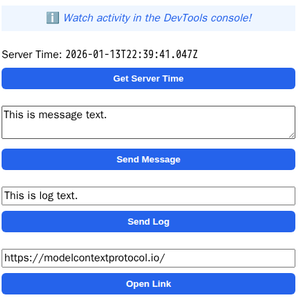](https://github.com/modelcontextprotocol/ext-apps/tree/main/examples/basic-server-react) | The same app built with different frameworks — pick your favorite!
[React](https://github.com/modelcontextprotocol/ext-apps/tree/main/examples/basic-server-react) · [Vue](https://github.com/modelcontextprotocol/ext-apps/tree/main/examples/basic-server-vue) · [Svelte](https://github.com/modelcontextprotocol/ext-apps/tree/main/examples/basic-server-svelte) · [Preact](https://github.com/modelcontextprotocol/ext-apps/tree/main/examples/basic-server-preact) · [Solid](https://github.com/modelcontextprotocol/ext-apps/tree/main/examples/basic-server-solid) · [Vanilla JS](https://github.com/modelcontextprotocol/ext-apps/tree/main/examples/basic-server-vanillajs) |
### Running the Examples
#### With basic-host
To run all examples locally using
[basic-host](https://github.com/modelcontextprotocol/ext-apps/tree/main/examples/basic-host)
(the reference host implementation included in this repo):
```bash
git clone https://github.com/modelcontextprotocol/ext-apps.git
cd ext-apps
npm install
npm start
```
Then open http://localhost:8080/.
#### With MCP Clients
Every Node.js example is published as `@modelcontextprotocol/server-`. To
add one to an MCP client that supports stdio (Claude Desktop, VS Code, etc.),
use this pattern:
```json
{
"mcpServers": {
"": {
"command": "npx",
"args": ["-y", "@modelcontextprotocol/server-", "--stdio"]
}
}
}
```
For example, to add the map server: `@modelcontextprotocol/server-map`. The
Python examples (`qr-server`, `say-server`) use `uv run` instead — see their
READMEs for details.
#### Local Development
To test local modifications with an MCP client, clone the repo, install, then
point your client at a local build:
```json
{
"mcpServers": {
"": {
"command": "bash",
"args": [
"-c",
"cd ~/code/ext-apps/examples/-server && npm run build >&2 && node dist/index.js --stdio"
]
}
}
}
```
## Specification
| Version | Status | Link |
| -------------- | ----------- | --------------------------------------------------------------------------------------------------------------------------------- |
| **2026-01-26** | Stable | [specification/2026-01-26/apps.mdx](https://github.com/modelcontextprotocol/ext-apps/blob/main/specification/2026-01-26/apps.mdx) |
| **draft** | Development | [specification/draft/apps.mdx](https://github.com/modelcontextprotocol/ext-apps/blob/main/specification/draft/apps.mdx) |
## Resources
- [Quickstart Guide](https://apps.extensions.modelcontextprotocol.io/api/documents/Quickstart.html)
- [API Documentation](https://apps.extensions.modelcontextprotocol.io/api/)
- [Specification (2026-01-26)](https://github.com/modelcontextprotocol/ext-apps/blob/main/specification/2026-01-26/apps.mdx)
([Draft](https://github.com/modelcontextprotocol/ext-apps/blob/main/specification/draft/apps.mdx))
- [SEP-1865 Discussion](https://github.com/modelcontextprotocol/modelcontextprotocol/pull/1865)
## Contributing
Contributions are welcome! Please read [CONTRIBUTING.md](CONTRIBUTING.md) for
guidelines on how to get started, submit pull requests, and report issues.