QuickClipboard

Redefine Your Copy & Paste Experience
Lightweight · Fast · Smart · Customizable
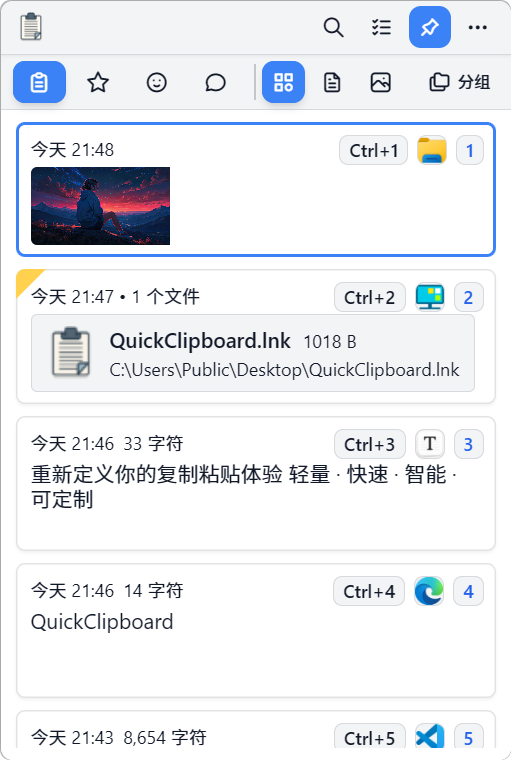
QuickClipboard Logo

Stars Release Downloads License
简体中文 · English · 繁體中文 · 日本語 · 한국어
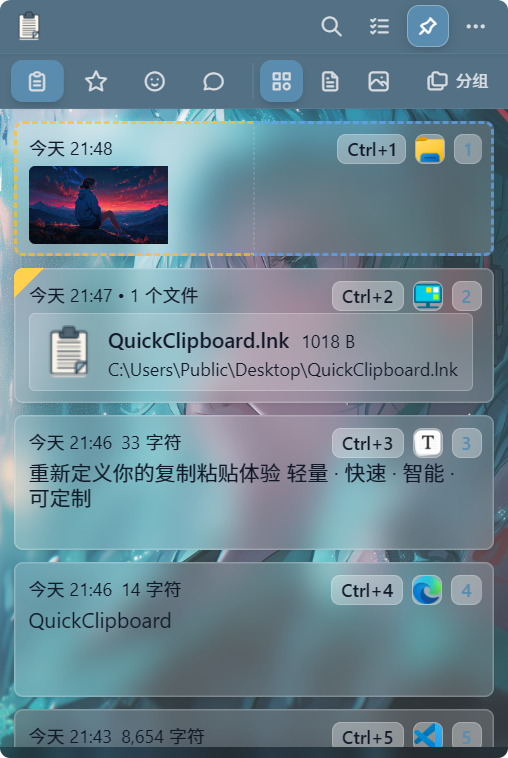
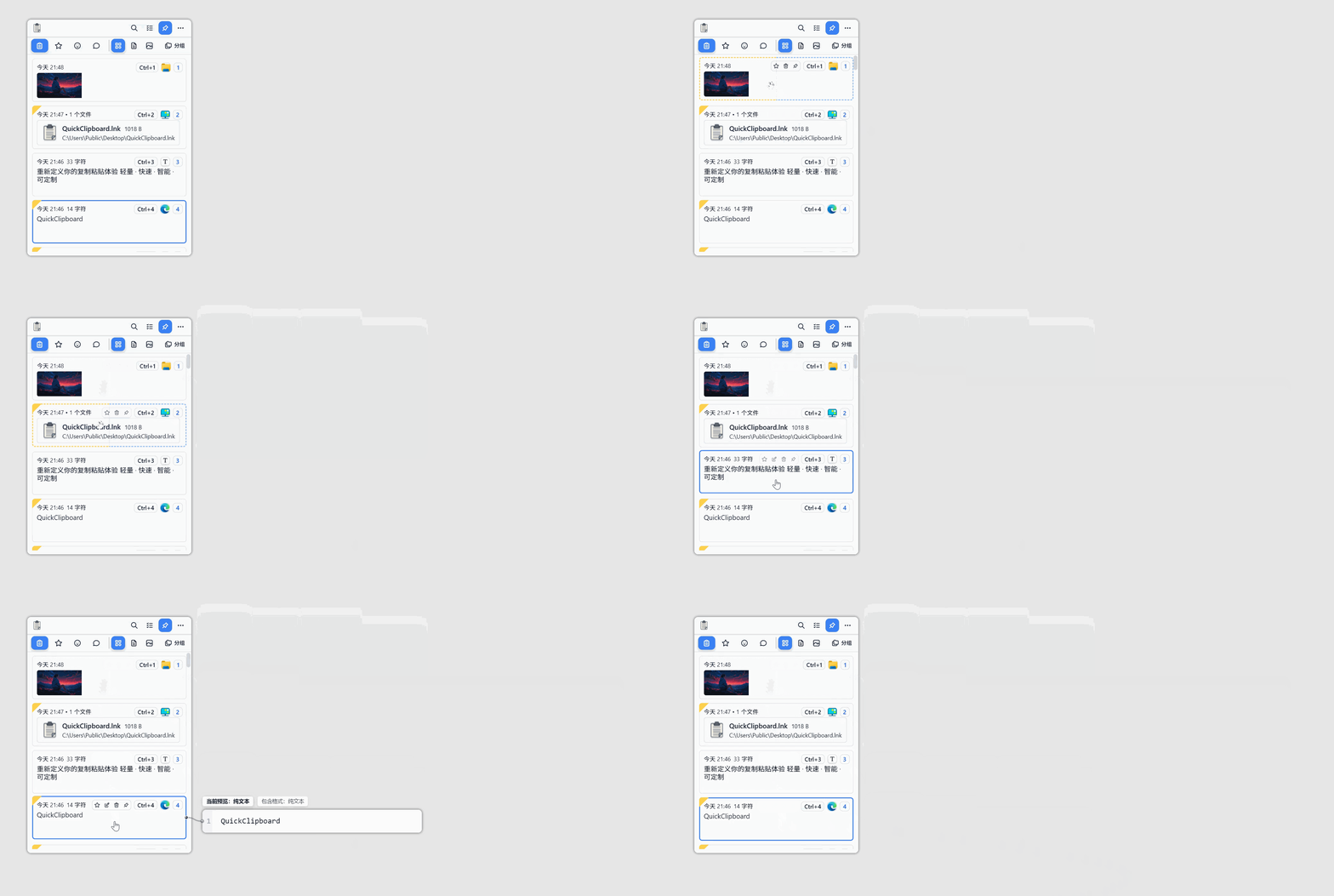
--- ## Introduction **QuickClipboard** is a cross-platform clipboard enhancement tool (currently supports Windows and Android), built with Tauri 2 + Rust + React. It starts working the moment you copy — automatically recording text, images, rich text, and files, so you can always retrieve anything you've ever copied. Beyond just recording, QuickClipboard integrates screenshot, image pinning, OCR, WebDAV sync, LAN sync/transfer, and more, delivering a comprehensive productivity boost for daily work. > Native performance, low memory footprint, ready to use on launch, lives in your system tray. --- ## Core Features | Module | Features | | ----------------------- | ------------------------------------------------------------------------------------------------------------------- | | Clipboard Manager | All-type recording (text / HTML / images / files) · Smart dedup · Search & filter · Virtual list · Drag sort / pin · SQLite persistence | | Content Preview | Hover preview for text / HTML / images / file lists · Ctrl+scroll to scroll / zoom · Multi-format content switching | | Quick Paste | Paste from list · Number keys 1-9 to paste · Plain text / formatted paste · Merge copy / merge paste · One-shot paste · Quick paste window · Win+V support | | Favorites & Groups | Save favorites · Custom groups / icons / colors · Group sorting · Batch move to groups · Keyboard group switching | | Emoji / Symbols / Gallery | Complete Emoji set · Symbol library · Custom image / GIF gallery · Recently used · Drag or click to use | | Pin to Screen | Desktop pinned images · GPU-accelerated rendering · Drag to resize / pin · Copy / save as · Pin after screenshot | | Built-in Screenshot | Standard screenshot · Quick screenshot / quick pin / quick OCR · Multi-monitor support · Scrolling screenshot · Auto-detect area · Screen color picker · Annotation tools | | OCR Recognition | Image OCR · Screenshot OCR · One-click extract and copy text | | Sync / Transfer | WebDAV full sync · LAN HTTP direct connection · Pairing code connection · Auto push/pull · File sending | | Edge Snap & Window | Auto-hide at screen edge · Summon by cursor · Pin window · Remember position / size · Title bar orientation switch | | Personalization | Follow system / Light-Dark theme / Super background · Multiple theme styles · Custom background / blur · Custom font · Animation toggle | | Low Memory Mode | Auto or manual switch to lightweight mode · Instant full-UI recovery · Say goodbye to memory anxiety (~10MB in low-memory mode) | | Background Optimization | Auto-clean memory when in background · Pause frontend updates · Reduce system resource usage (~50MB in background) | | Data Management | ZIP import / export · Backup & restore · Custom storage path · Data migration / merge · Clear history · Portable mode | | App Filtering | Filtered apps list · Clipboard monitoring filtering · Disable all features in foreground · Process-level rules | | System Integration | System tray resident · Auto-start on boot · Auto-update · Run as administrator · Startup notification | --- ## UI Preview
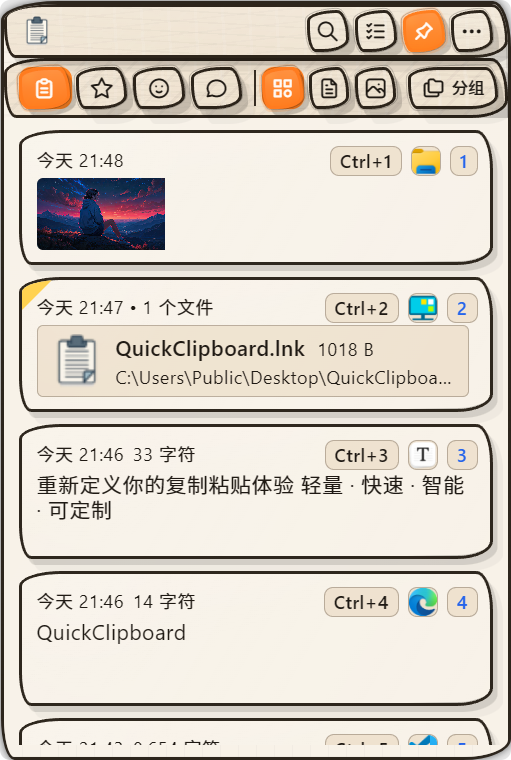
浅色主题
Light
浅色手绘主题
Light Sketch
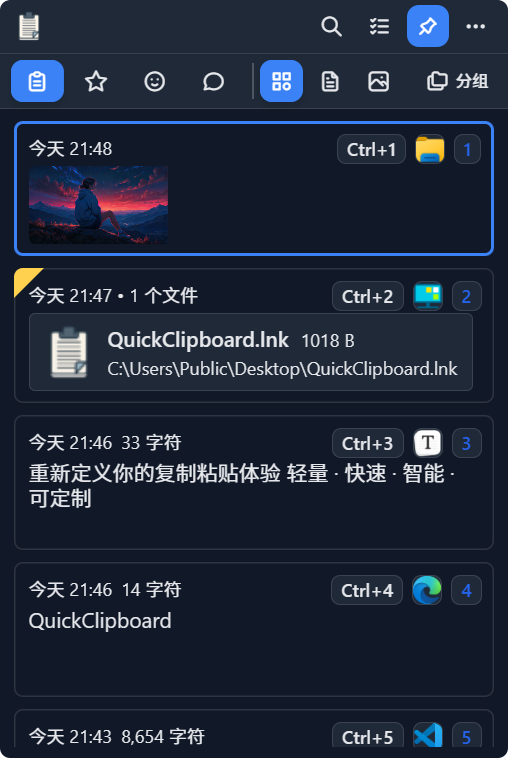
暗色主题
Dark
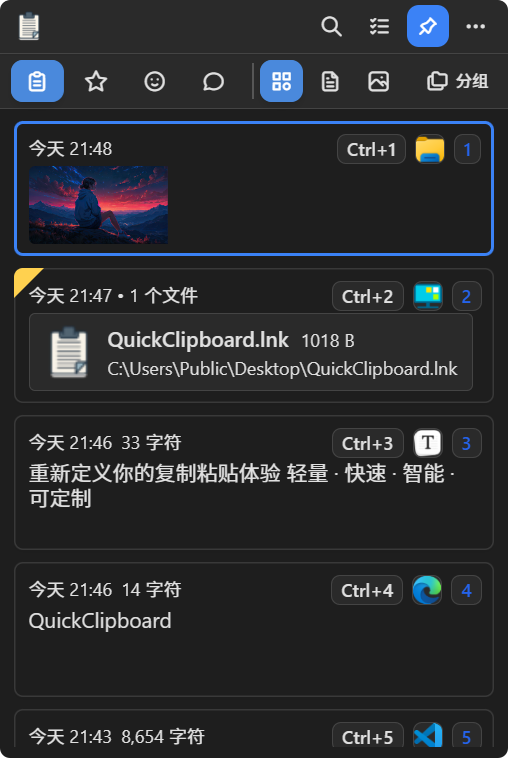
暗色经典主题
Dark Classic
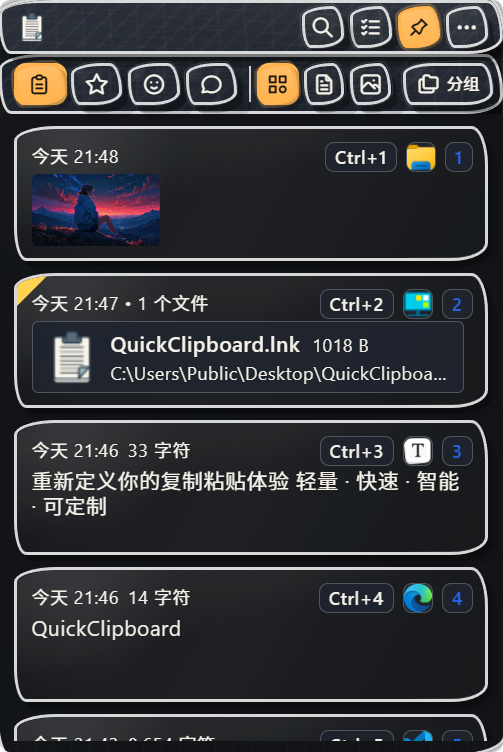
暗色手绘主题
Dark Sketch
自定义背景
Custom Background
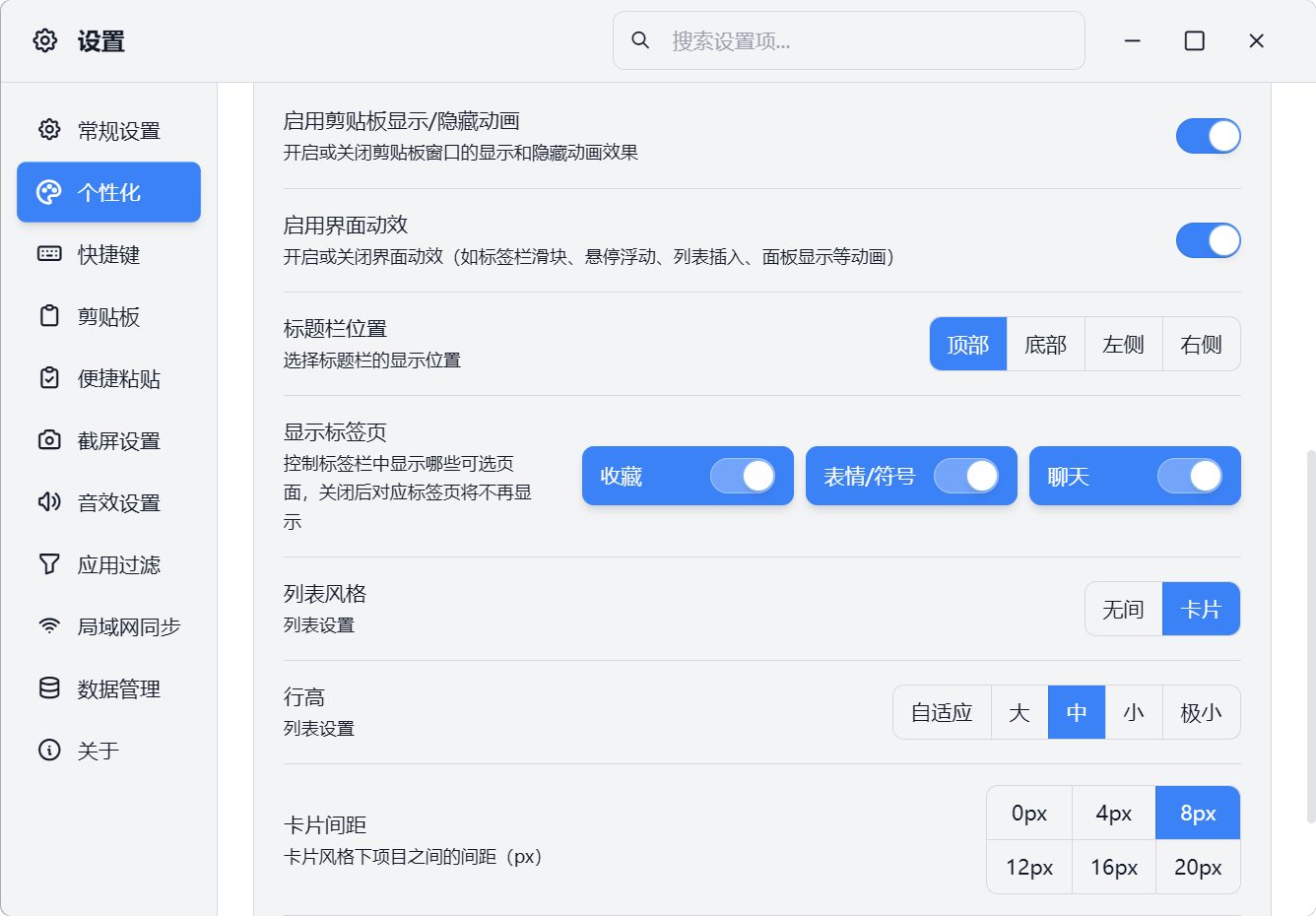
设置界面
Settings
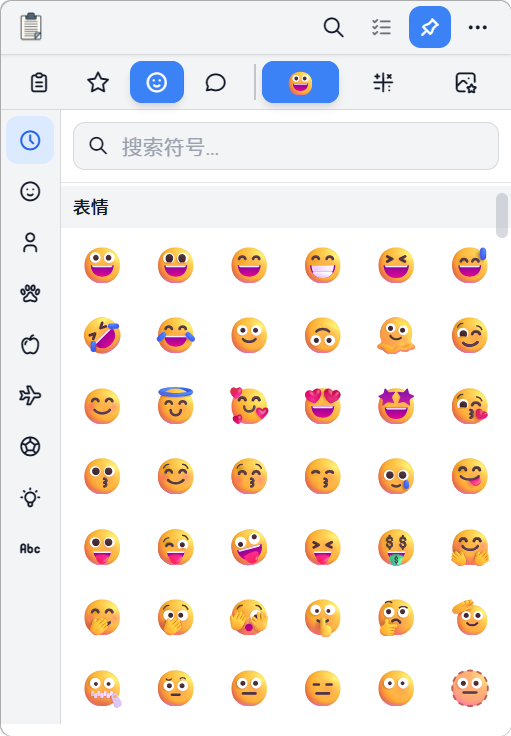
表情符号页
Emoji Picker
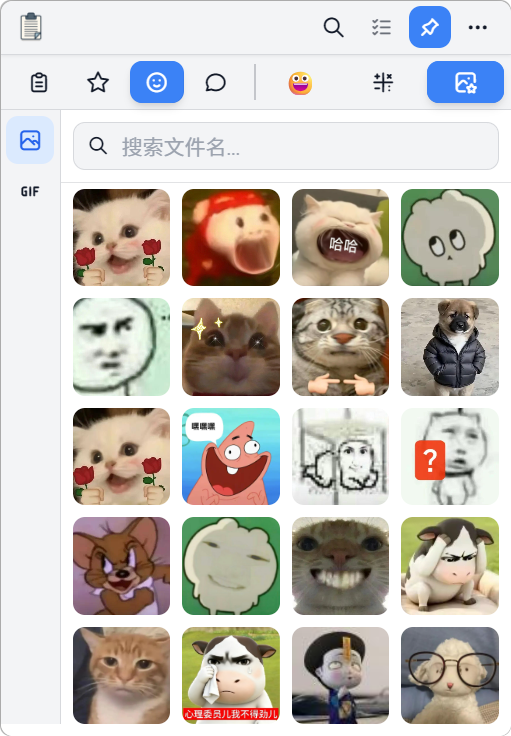
图库页
Gallery
内容预览
Content Preview
--- ## System Requirements - Windows 10 / 11 (x64) --- ## Download (v0.4.0) | Type | Description | Downloads | Link | | ----------------------------------------------------------- | ----------------------------: | :-----------------------------------------------------------------------------------------------------------------: | --------------------------------------------------------------------------------------------------------------------------------------------------------------------------------------------- | | **NSIS Installer**
`QuickClipboard_0.4.1_x64-setup.exe` | Recommended; supports auto-uninstall | ![Downloads](https://img.shields.io/github/downloads/mosheng1/QuickClipboard/QuickClipboard_0.4.1_x64-setup.exe?label=) | [![Download NSIS](https://img.shields.io/badge/Download-NSIS%20Installer-blue?style=for-the-badge)](https://github.com/mosheng1/QuickClipboard/releases/download/v0.4.1/QuickClipboard_0.4.1_x64-setup.exe) | | **Portable (Standalone)**
`QuickClipboard_0.4.1.exe` | No installation required | ![Downloads](https://img.shields.io/github/downloads/mosheng1/QuickClipboard/QuickClipboard_0.4.1.exe?label=) | [![Download Portable](https://img.shields.io/badge/Download-Portable-orange?style=for-the-badge)](https://github.com/mosheng1/QuickClipboard/releases/download/v0.4.1/QuickClipboard_0.4.1.exe) | | **Portable (USB)**
`QuickClipboard_0.4.1_portable.exe` | Ideal for USB drives & mobile use | ![Downloads](https://img.shields.io/github/downloads/mosheng1/QuickClipboard/QuickClipboard_0.4.1_portable.exe?label=) | [![Download USB](https://img.shields.io/badge/Download-Portable%20USB-green?style=for-the-badge)](https://github.com/mosheng1/QuickClipboard/releases/download/v0.4.1/QuickClipboard_0.4.1_portable.exe) | | **Android APK**
`QuickClipboard_Android_v1.0.4.apk` | For Android devices | ![Downloads](https://img.shields.io/github/downloads/mosheng1/QuickClipboard/QuickClipboard_Android_v1.0.4.apk?label=) | [![Download Android](https://img.shields.io/badge/Download-Android-success?style=for-the-badge)](https://github.com/mosheng1/QuickClipboard/releases/download/v0.4.0/QuickClipboard_Android_v1.0.4.apk) | | **Cloud Drive** | Alternative if GitHub is slow | — | [![Cloud Drive](https://img.shields.io/badge/Cloud%20Drive-Click%20Here-red?style=for-the-badge)](https://www.123912.com/s/A9Ckjv-Vu75v?pwd=UhWA#) | --- ## Website · Tutorials · Community
Bilibili

Features demos, usage tutorials, installation guides, and FAQs

Website

Get the latest version, download mirrors, documentation, and more

Scan the QR code or search for the group number to join:
Channel QR Code
Channel: pd80680380
Group 1 QR Code
Group 1: 725313287
Group 2 QR Code
Group 2: 1033556729
--- ## Support & Sponsorship

If you find this project helpful, feel free to Star, Fork, or support development via donations.
Donation QR Code
--- ## Development & Build ### Prerequisites - Node.js ≥ 16 - Rust ≥ 1.70 - Tauri CLI ≥ 2.0 ### Common Commands ```bash # Install dependencies npm install # Development mode npm run tauri dev # Build release npm run tauri:build # Community edition dev mode (without private plugins) npm run tauri:dev:community # Community edition build (without private plugins) npm run tauri:build:community ``` ### About Private Plugins The **official release** of this project includes the following private plugins (not included in the open-source scope): - `gpu-image-viewer` (GPU-accelerated image viewer): Enhances pin-to-screen and image preview performance, significantly reducing memory usage when multiple pinned image windows are open. - `screenshot-suite` (Screenshot suite): Includes free-form screenshot, screenshot-to-pin, screenshot OCR, scrolling screenshot, and related capabilities. --- ## License This project is licensed under the [Apache License 2.0](LICENSE). > Private plugins `gpu-image-viewer` and `screenshot-suite` are not included in the open-source scope and are only available in the official release.