## What it is
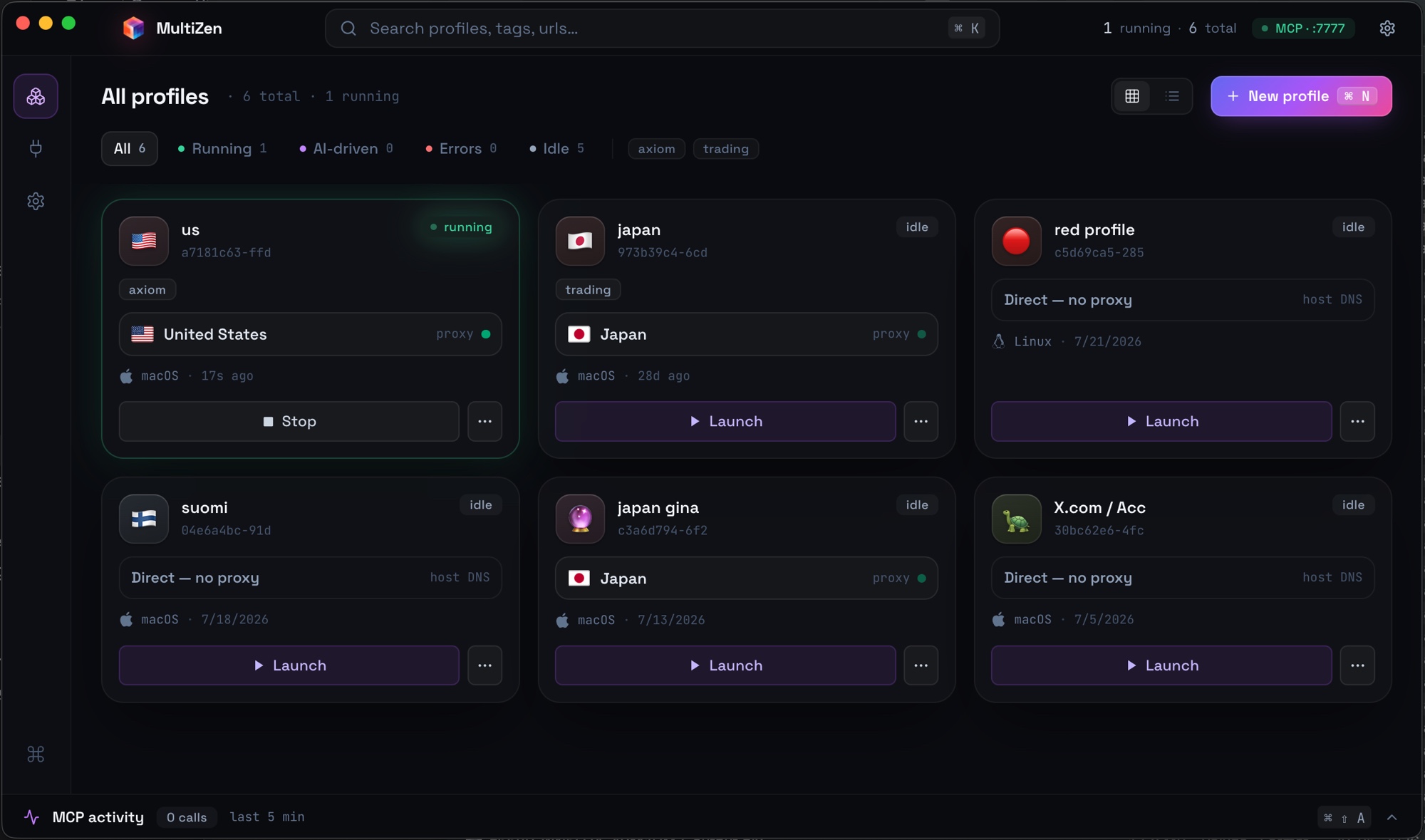
MultiZen is a desktop app that runs a library of isolated browser profiles. Each profile has its own cookies, login state, fingerprint, and proxy, and runs on your choice of engine — CloakBrowser (Chromium) or Camoufox (Firefox). A local MCP server on `127.0.0.1:7777` exposes browser-drive tools (navigate, click, type, extract, screenshot, evaluate JS, cookies, tabs, waits) to any MCP client.
The result: your AI agent in Cursor or Claude Desktop can complete real authenticated workflows. Cookies and session state survive between launches, so logins and context carry over across AI sessions.
## Install
### macOS
The cleanest path. Homebrew handles the Gatekeeper quarantine for you:
```sh
brew tap multizenteam/multizen
brew install --cask multizen
```
Or grab the DMG straight from the [releases page](https://github.com/multizenteam/multizen-browser/releases/latest) and run this once after install to bypass the unsigned-app warning:
```sh
xattr -cr /Applications/MultiZen.app
```
### Linux
```sh
curl -LO https://github.com/multizenteam/multizen-browser/releases/latest/download/MultiZen-linux-x86_64.AppImage
chmod +x MultiZen-linux-x86_64.AppImage
./MultiZen-linux-x86_64.AppImage
```
Some distros need `libfuse2` (`apt install libfuse2t64` on Ubuntu 24.04+).
On Ubuntu 24.04+ (and other kernels that restrict unprivileged user namespaces) the browser's sandbox is blocked by default. On the first affected launch MultiZen offers a one-time **secure setup**: it installs a small AppArmor profile that re-permits the sandbox for just this browser (one password prompt). The sandbox then stays on with no warning banner. You can also run or re-run it later from Settings. If you decline or it can't run, MultiZen launches the browser without the sandbox so it still works.
Prefer to do it by hand? Settings shows the exact command; it writes `/etc/apparmor.d/multizen-cloakbrowser` and loads it with `apparmor_parser`. To force sandbox-off regardless, launch the AppImage with `--no-sandbox`.
### Windows
Download [MultiZen-win-x64.exe](https://github.com/multizenteam/multizen-browser/releases/latest/download/MultiZen-win-x64.exe). SmartScreen may flag the installer as unrecognized on first download. Click **More info**, then **Run anyway**.
### One-liner installer
For macOS and Linux:
```sh
curl -sSL https://getmultizen.com/install.sh | bash
```
## How it works
```
+----------------------+ +-----------------------+
| Cursor / Claude | MCP | MultiZen Desktop App |
| Desktop / Cline | <-----> | 127.0.0.1:7777 |
+----------------------+ +-----------+-----------+
|
| spawn / drive (CDP)
v
+--------------+--------------+
| Profile A | Profile B | ...
| cookies | cookies |
| proxy LU | proxy US |
| Win 145 | macOS 145 |
+-------------+--------------+
|
v
patched Chromium binary
(canvas, WebGL, audio,
font, WebRTC fingerprints
spoofed at C++ level)
```
Each profile is a real Chromium window with persistent state on disk. The MCP server speaks the standard Anthropic Model Context Protocol over Streamable HTTP (plus legacy SSE) so it works with any client. Browser-drive tools call into Chrome DevTools Protocol under the hood.
## Features
| | What it does |
| --- | --- |
| **MCP server** | Native localhost endpoint. Works with Cursor, Claude Desktop, Cline, Continue, anything else that speaks MCP. |
| **Per-profile engine** | Choose each profile's browser: **CloakBrowser** (Chromium) or **Camoufox** (Firefox-based, for a genuinely non-Chrome TLS/JS fingerprint). |
| **Anti-detect Chromium** | Source-patched browser engine (CloakBrowser). Canvas, WebGL, audio, fonts, WebRTC IP all spoofed at C++ level instead of JS injection. |
| **Persistent state** | Cookies, login, IndexedDB, localStorage stay per-profile across launches and across AI sessions. |
| **Cross-platform persona** | Run a Windows persona on a Mac host (or vice versa). C++ patches keep the fingerprint coherent across V8, Blink, and CSS feature signatures. |
| **Proxy + persona alignment** | Per-profile HTTP or SOCKS5 proxy with a local SOCKS5 bridge so DNS resolution stays remote. Auto-aligns timezone, locale, and `navigator.geolocation` to the proxy egress IP. |
| **Self-hosted** | Profiles live on your disk in plain SQLite plus Chromium user-data-dir format. No account, no license server, no telemetry. |
| **Open source** | MIT for the entire app, MCP server, and CDP driver. Patched Chromium engine is also open source. |
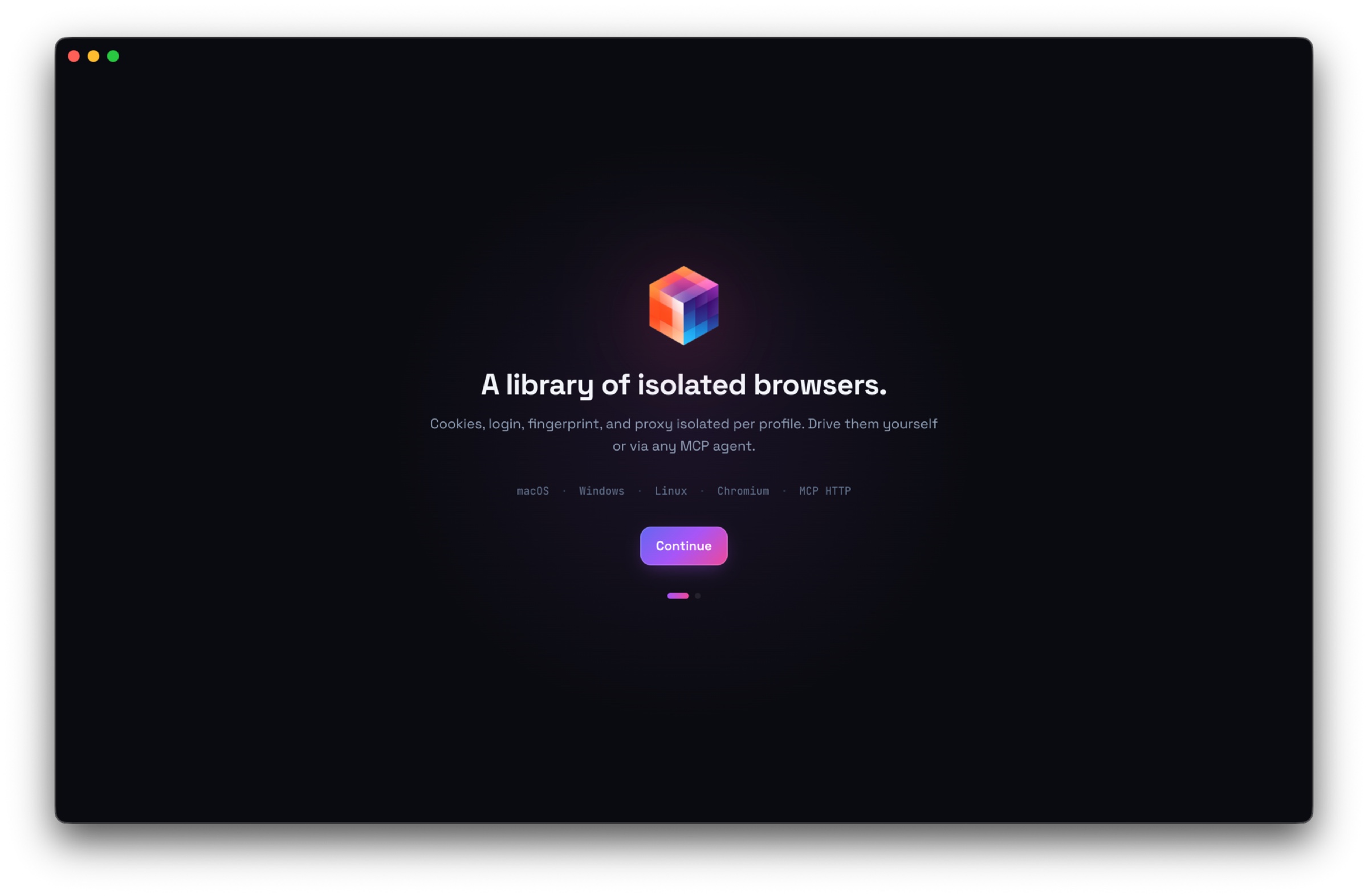
## Onboarding