
A video editor an AI can drive.
Headless Rust engine. Every edit is an MCP tool call. A live spectator app shows you what the agent is doing.
getkimo.tech



Demo · Architecture · Tools · Install · Build · Connect your AI · Spectator
--- ## Demo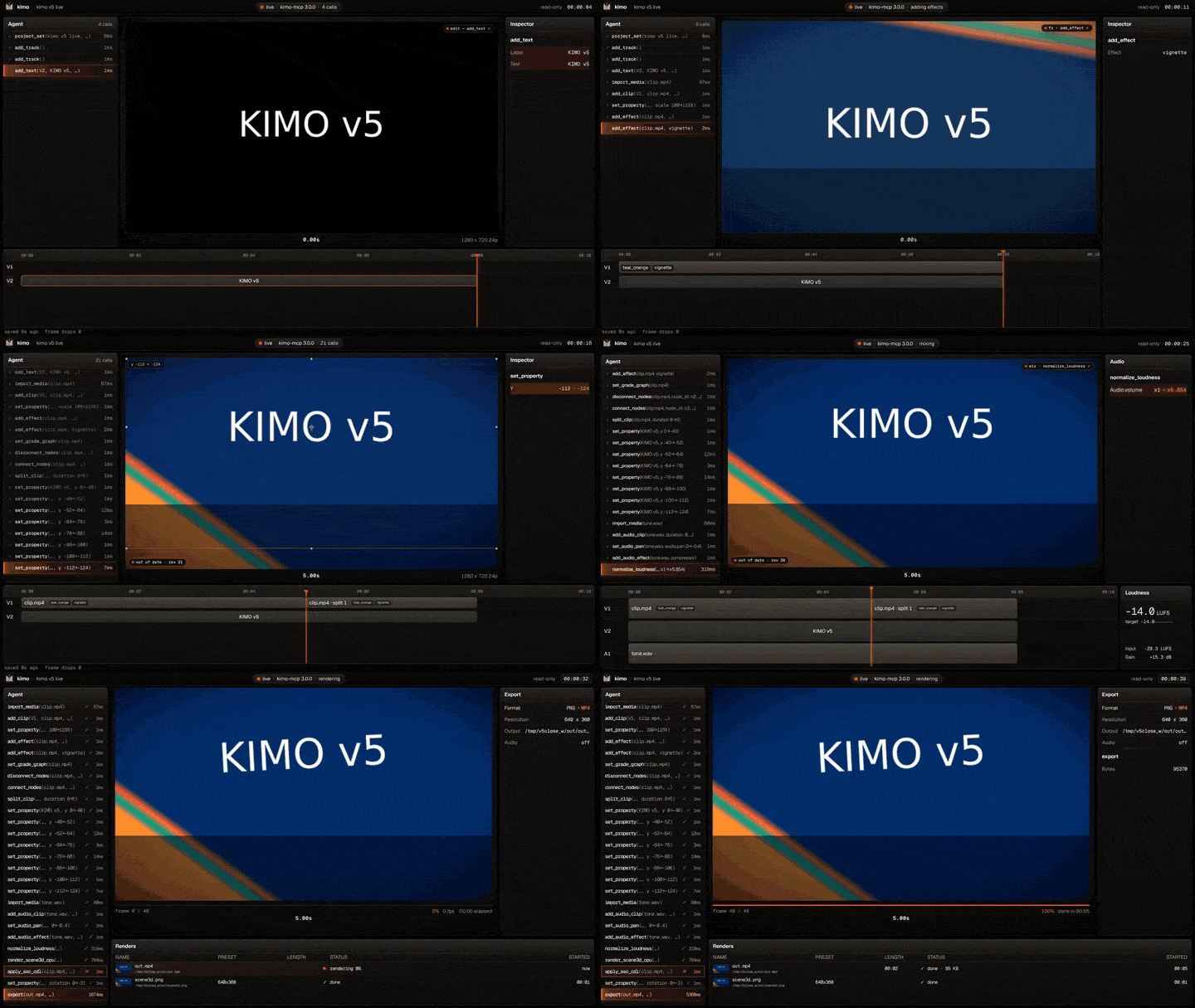
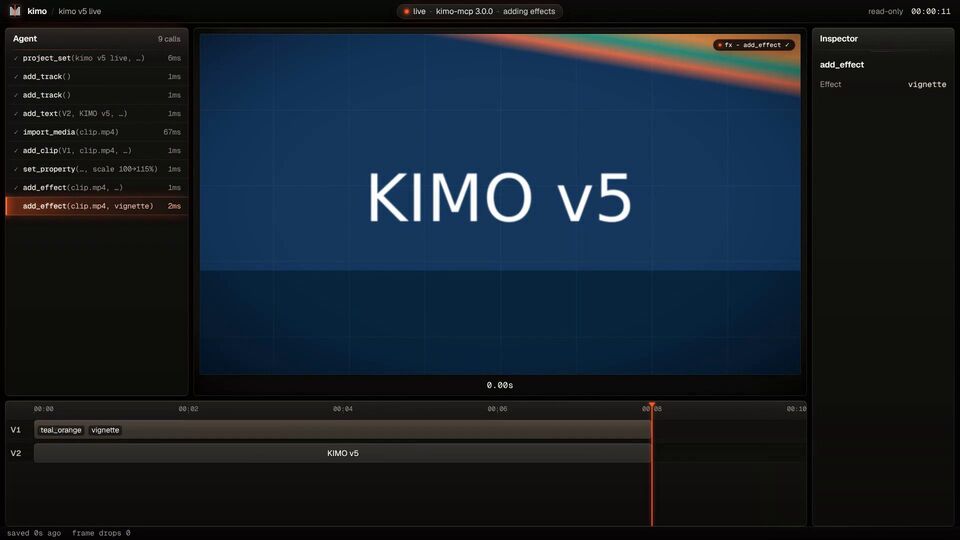 Edit + effects. add_effect lands on the clip; the viewer re-renders on its own. |
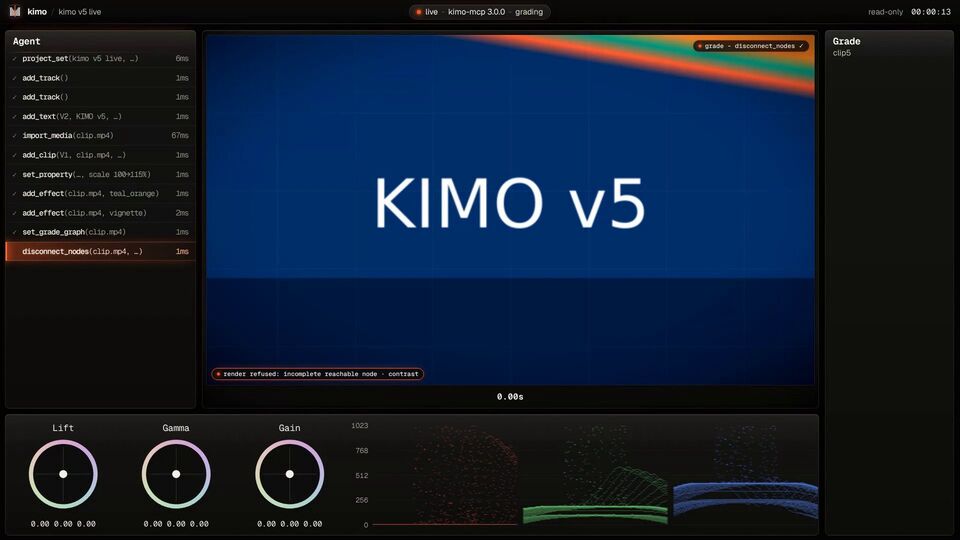 A refused render. A broken grade graph gets a "render refused" chip with the engine's reason. |
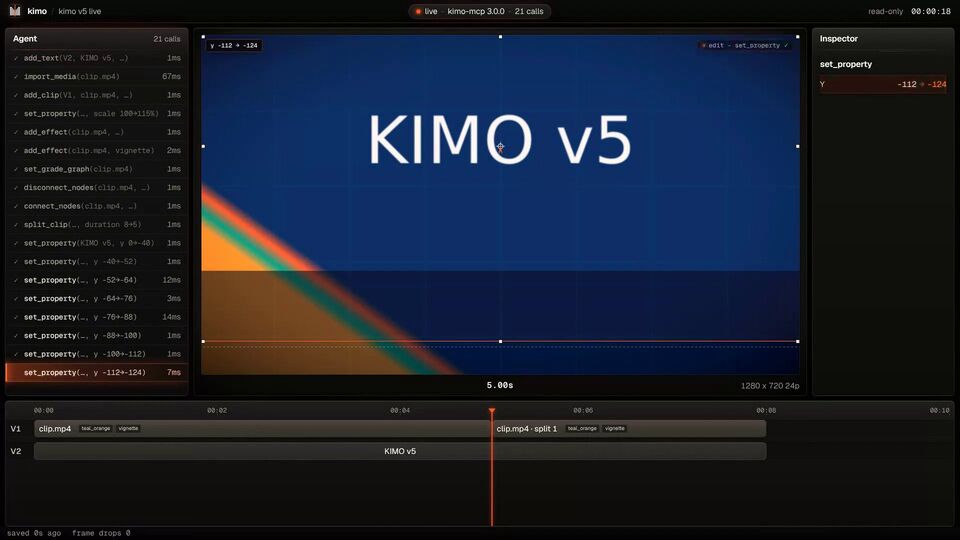 A burst of calls. Eight fast moves, coalesced into two preview frames, every call still logged. |
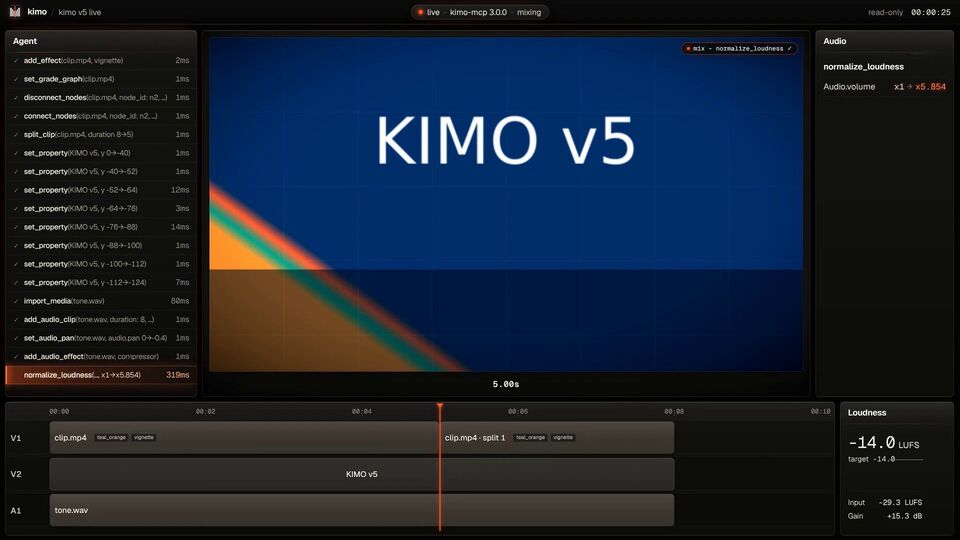 Audio. Pan, effects and normalize_loudness to -14 LUFS. |
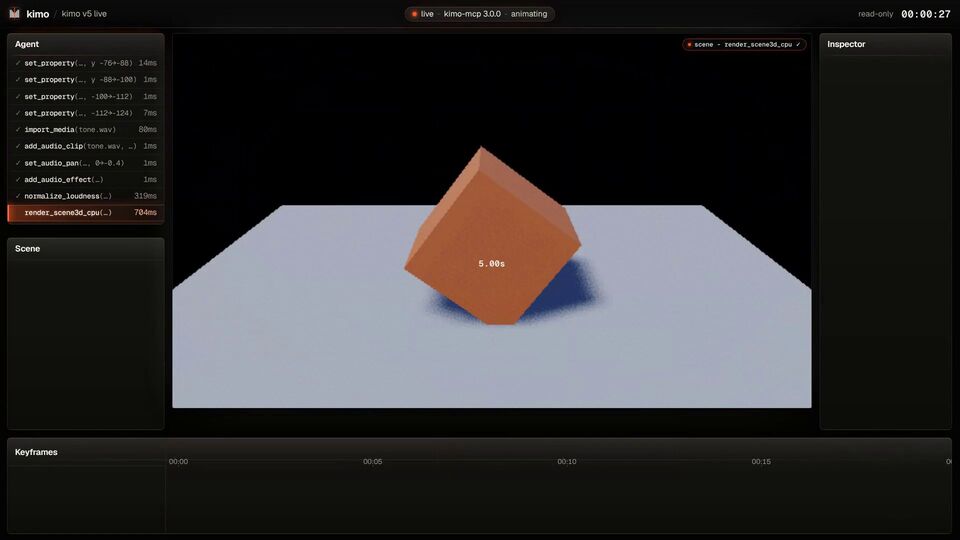 3D on the CPU. render_scene3d_cpu with cpu_lighting: lit, shadowed geometry. |
| Linux (Debian / Ubuntu) | Windows | macOS (from source, untested) |
|---|---|---|
| ``` curl --proto '=https' --tlsv1.2 -sSf \ https://sh.rustup.rs | sh sudo apt install build-essential cmake \ libssl-dev ffmpeg # spectator app only: sudo apt install libwebkit2gtk-4.1-dev \ libsoup-3.0-dev \ libayatana-appindicator3-dev \ librsvg2-dev ``` | 1. [Visual Studio Build Tools](https://visualstudio.microsoft.com/visual-cpp-build-tools/) with **Desktop development with C++** (MSVC, Windows SDK, CMake). 2. [rustup-init.exe](https://rustup.rs) (default `x86_64-pc-windows-msvc`). 3. [WebView2 Runtime](https://developer.microsoft.com/microsoft-edge/webview2/) (already on Windows 11). 4. ffmpeg, for example `winget install Gyan.FFmpeg`. | ``` xcode-select --install curl --proto '=https' --tlsv1.2 -sSf \ https://sh.rustup.rs | sh brew install cmake ffmpeg # spectator app only: brew install node ``` |