# Documentation
New to Namida or want to discover more? **[Checkout the docs here](https://docs.namida.app)**
# Sections:
- [Documentation](#documentation)
- [Features](#-features)
- [Library \& Indexing](#library--indexing)
- [Look \& Feel](#look--feel)
- [Sound](#sound)
- [Streaming & Youtube](#streaming--youtube)
- [System Integration](#system-integration)
- [Others](#others)
- [Some additional cool features](#some-additional-cool-features)
- [Video Integration](#video-integration)
- [Screenshots](#screenshots)
- [Usage Preview](#usage-preview)
- [Installation](#installation)
- [Companion Apps](#companion-apps)
- [Permission Note](#permission-note)
- [Special Thanks](#special-thanks)
- [Translate](#translate)
- [Contribute](#contribute)
- [Donate](#donate)
- [Social](#social)
- [LICENSE](#license)
# 🎉 Features
- Everything you might expect from a music player, in addition to the following:
## Library & Indexing
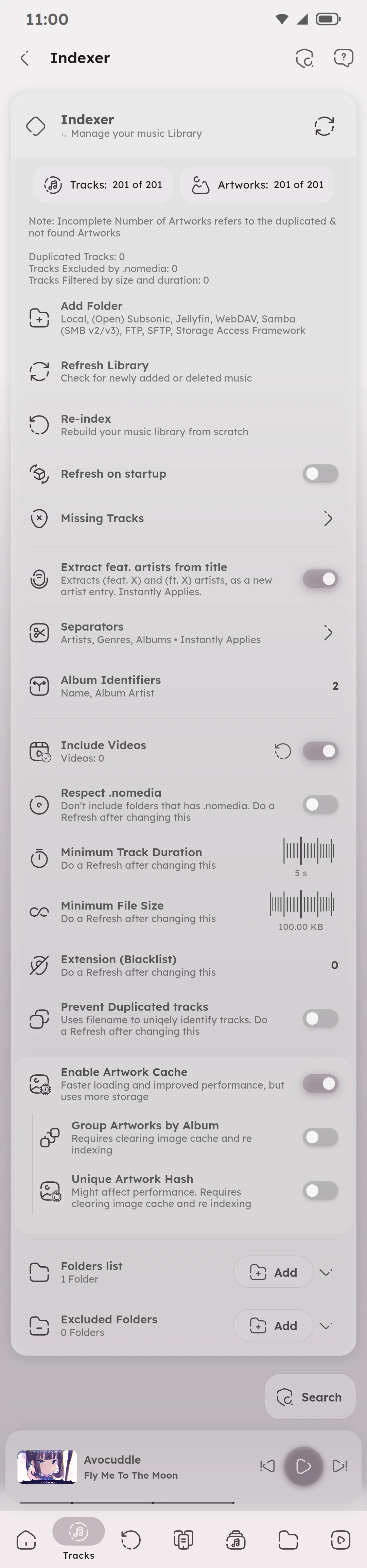
- Powerful Indexer & Tag Editor, powered by `taglib`.
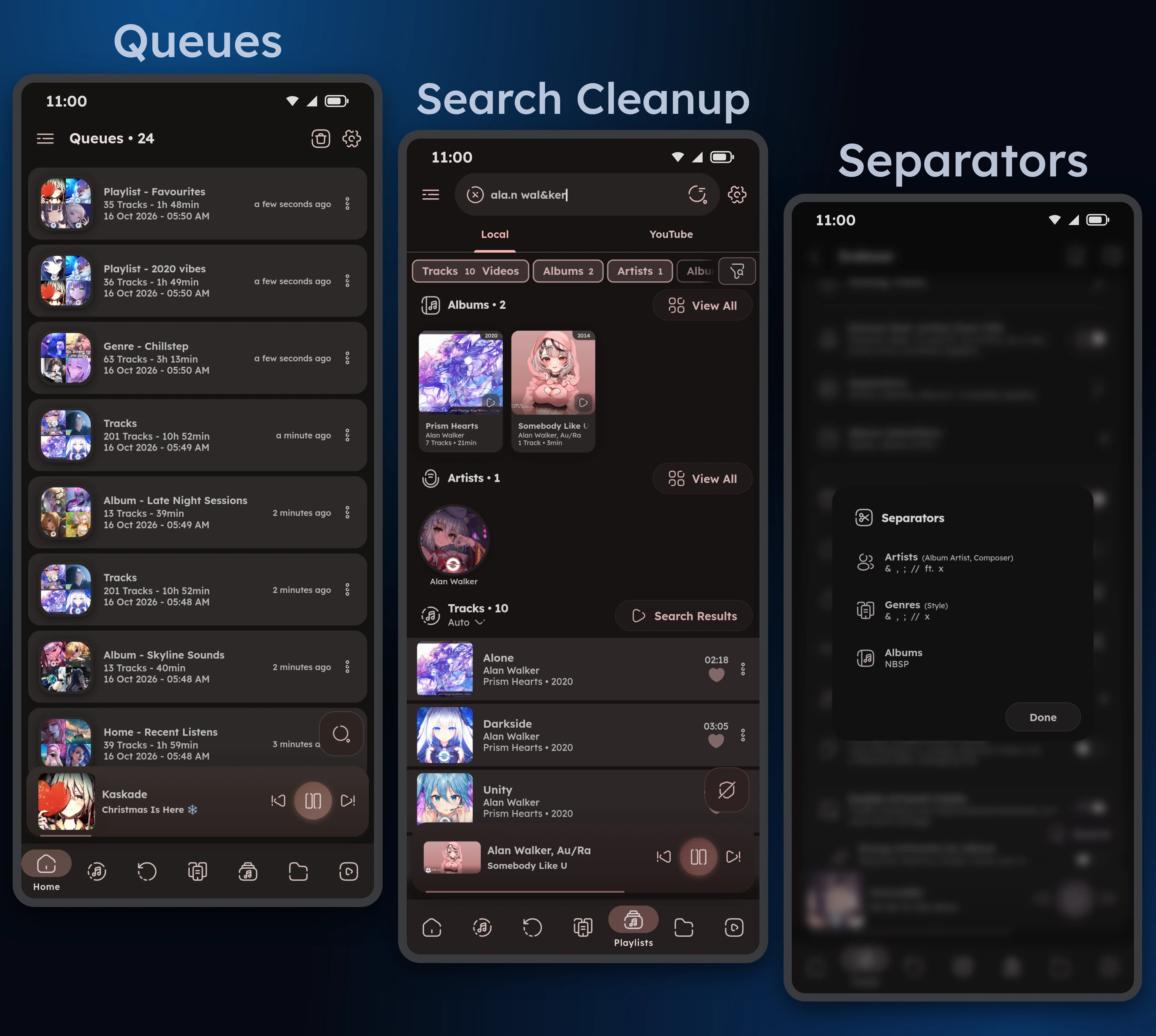
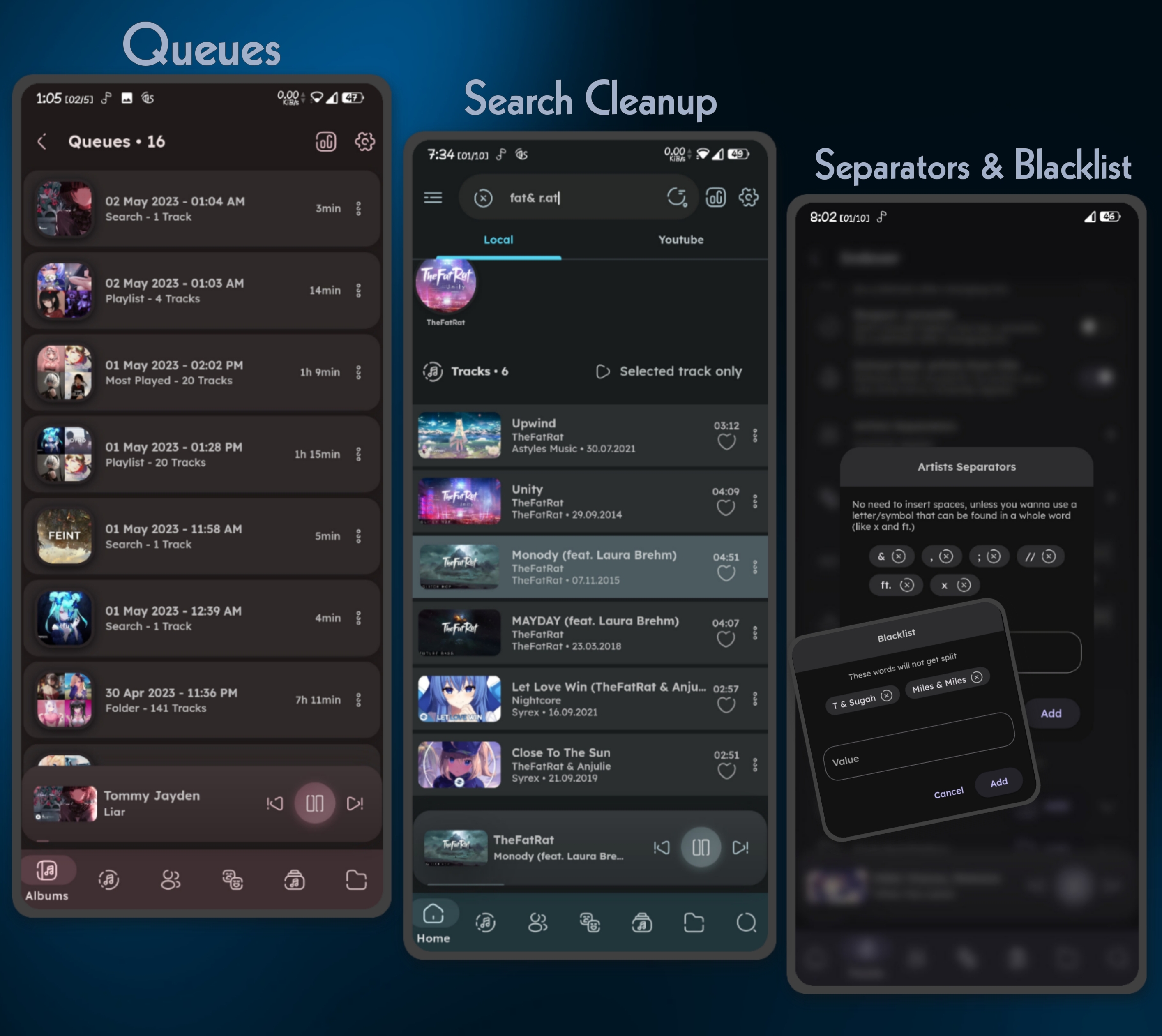
- Artists & Genres Separators.
- Prevent Duplicated Tracks, Minimum File Size & Duration.
- Folders-based Library, with excluded folders.
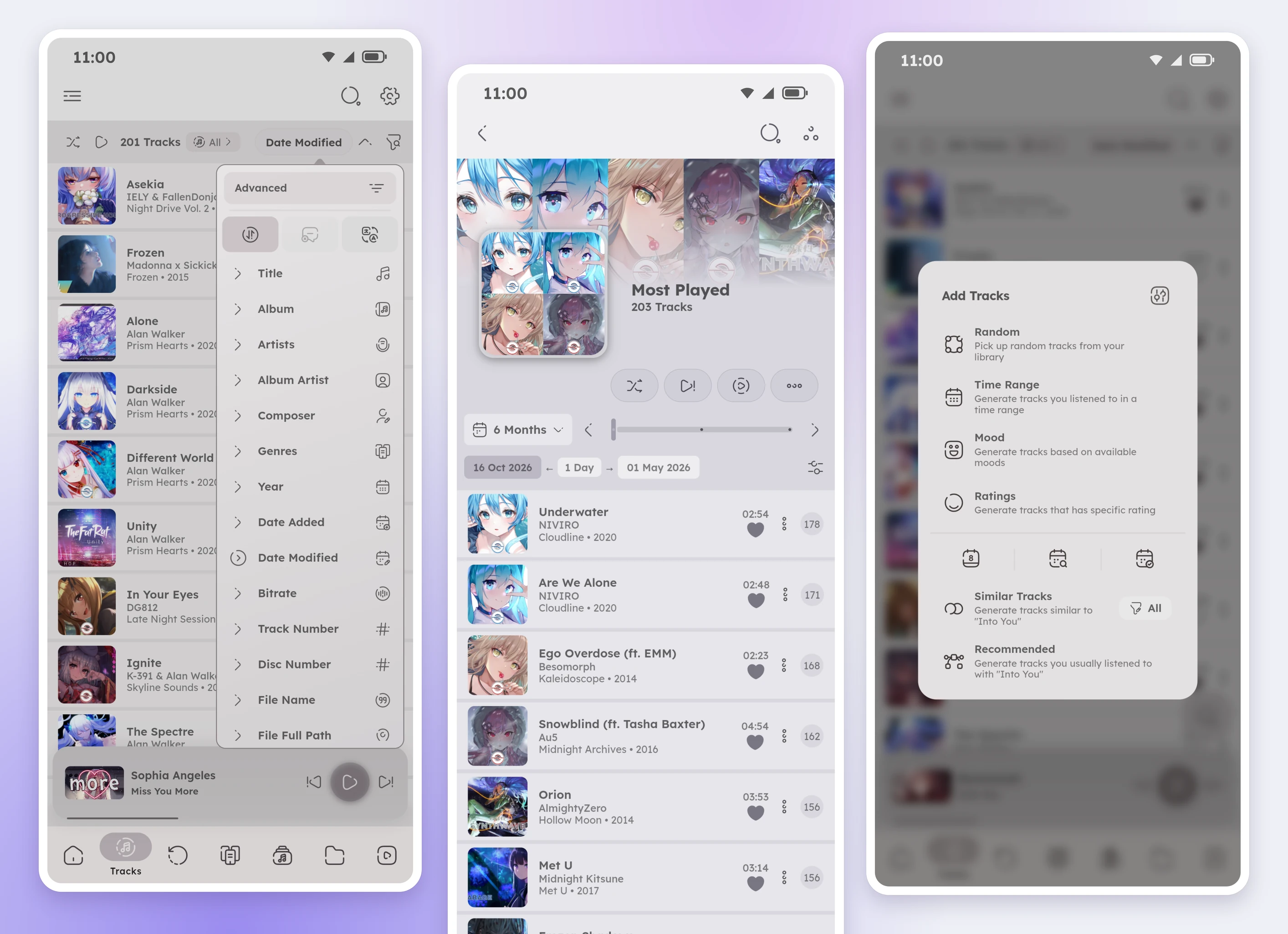
- Sort by almost any track or album property.
## Look & Feel
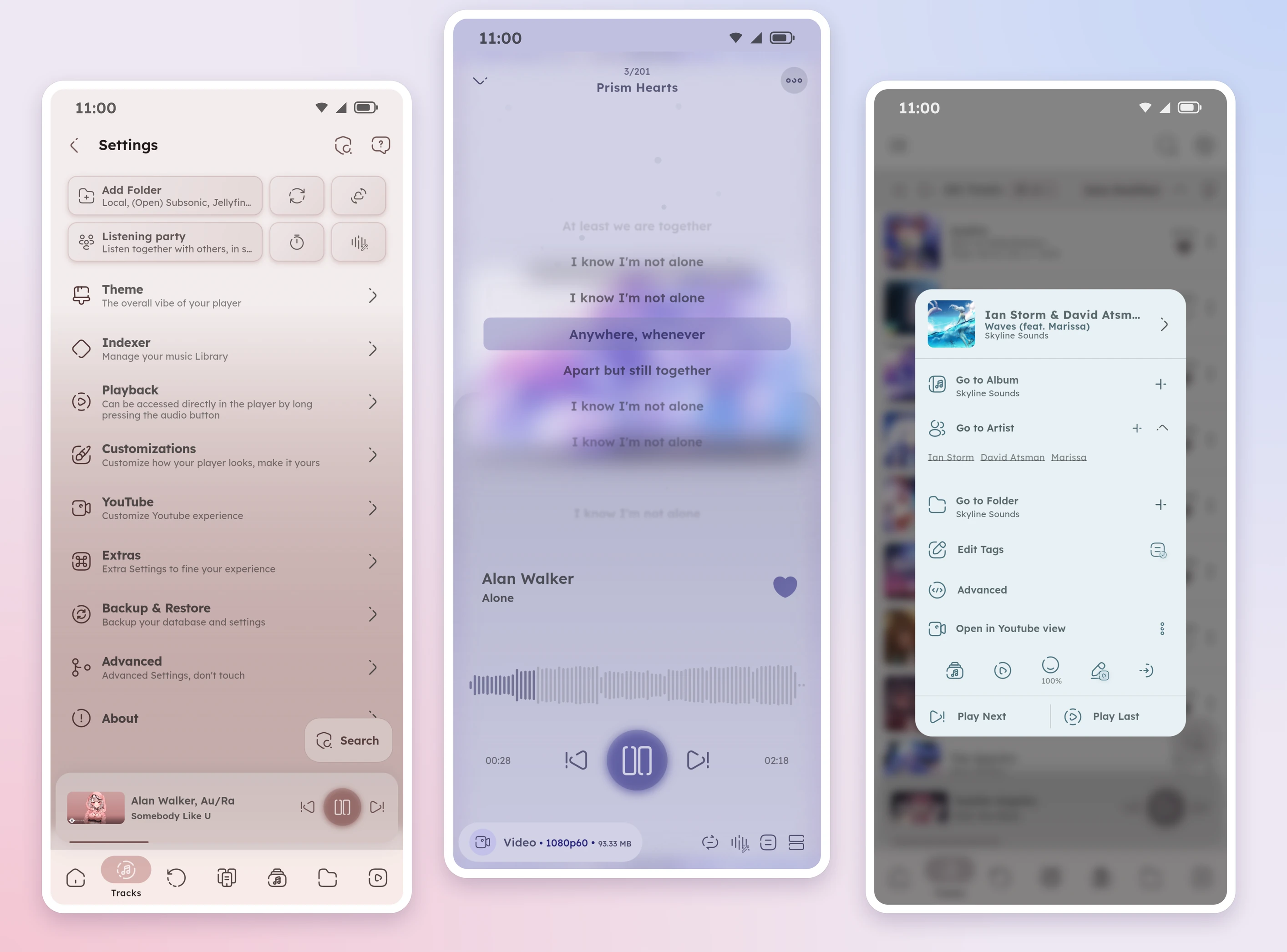
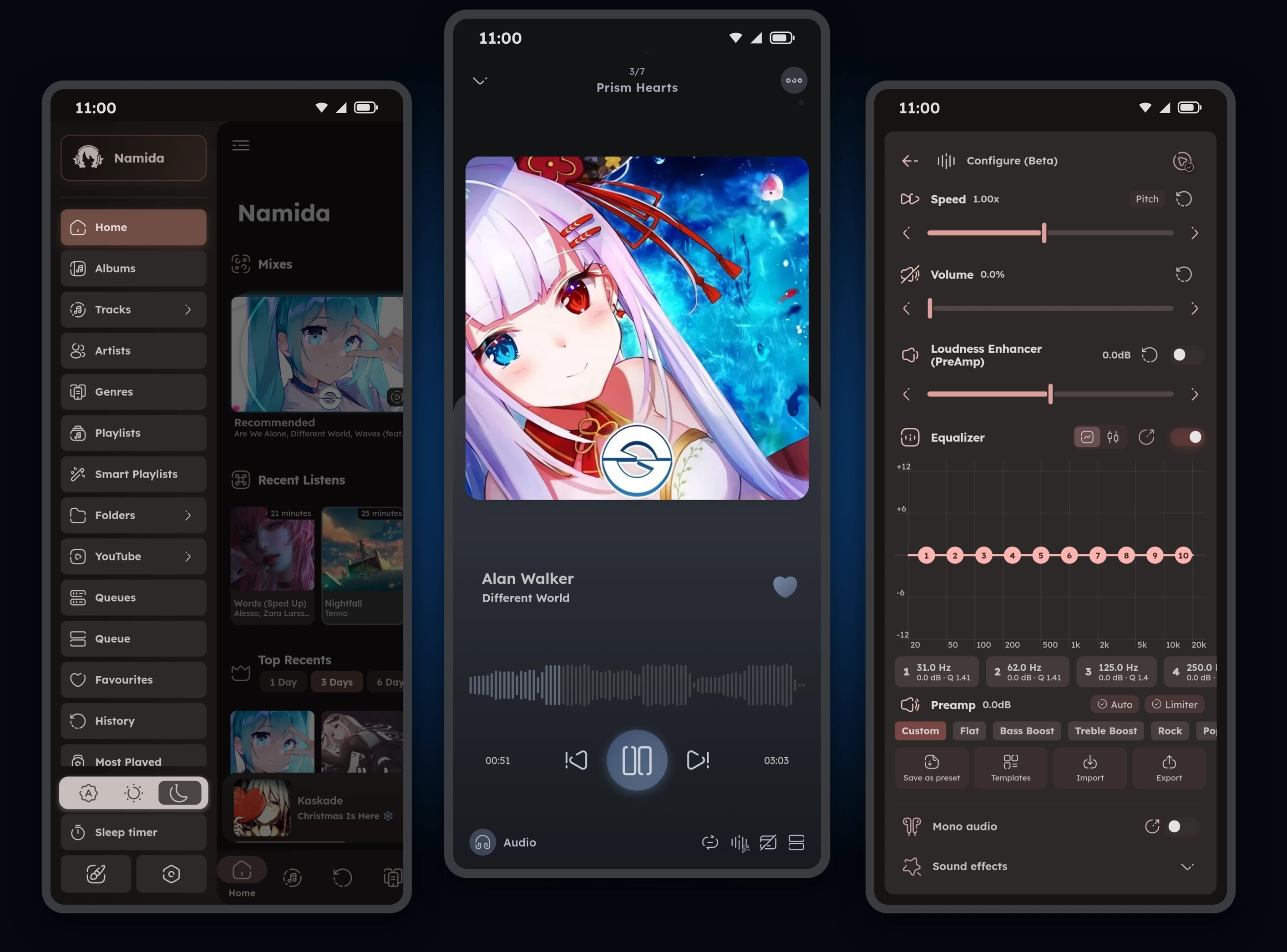
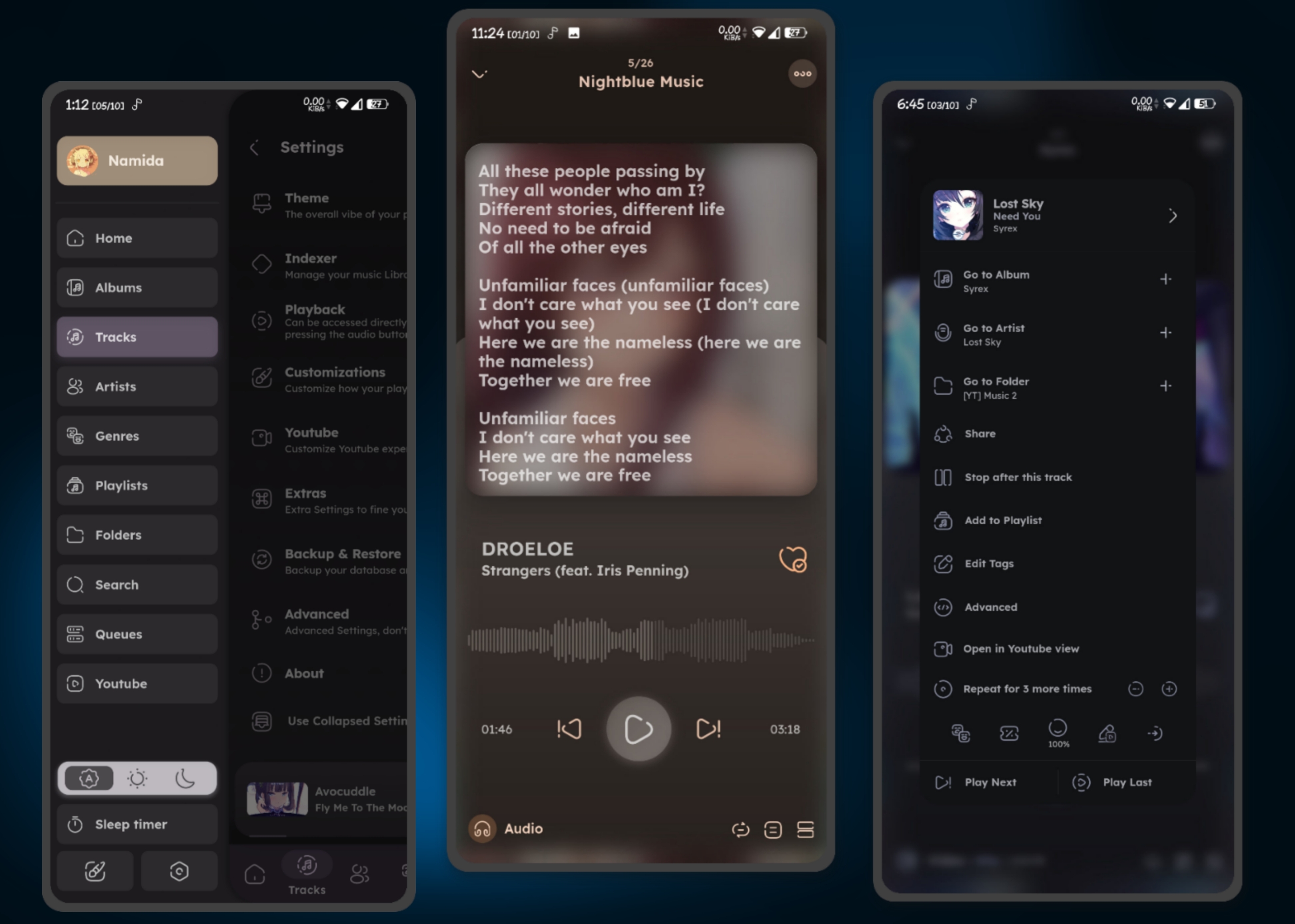
- Material3-like Theme with Dynamic Colors from the current artwork.
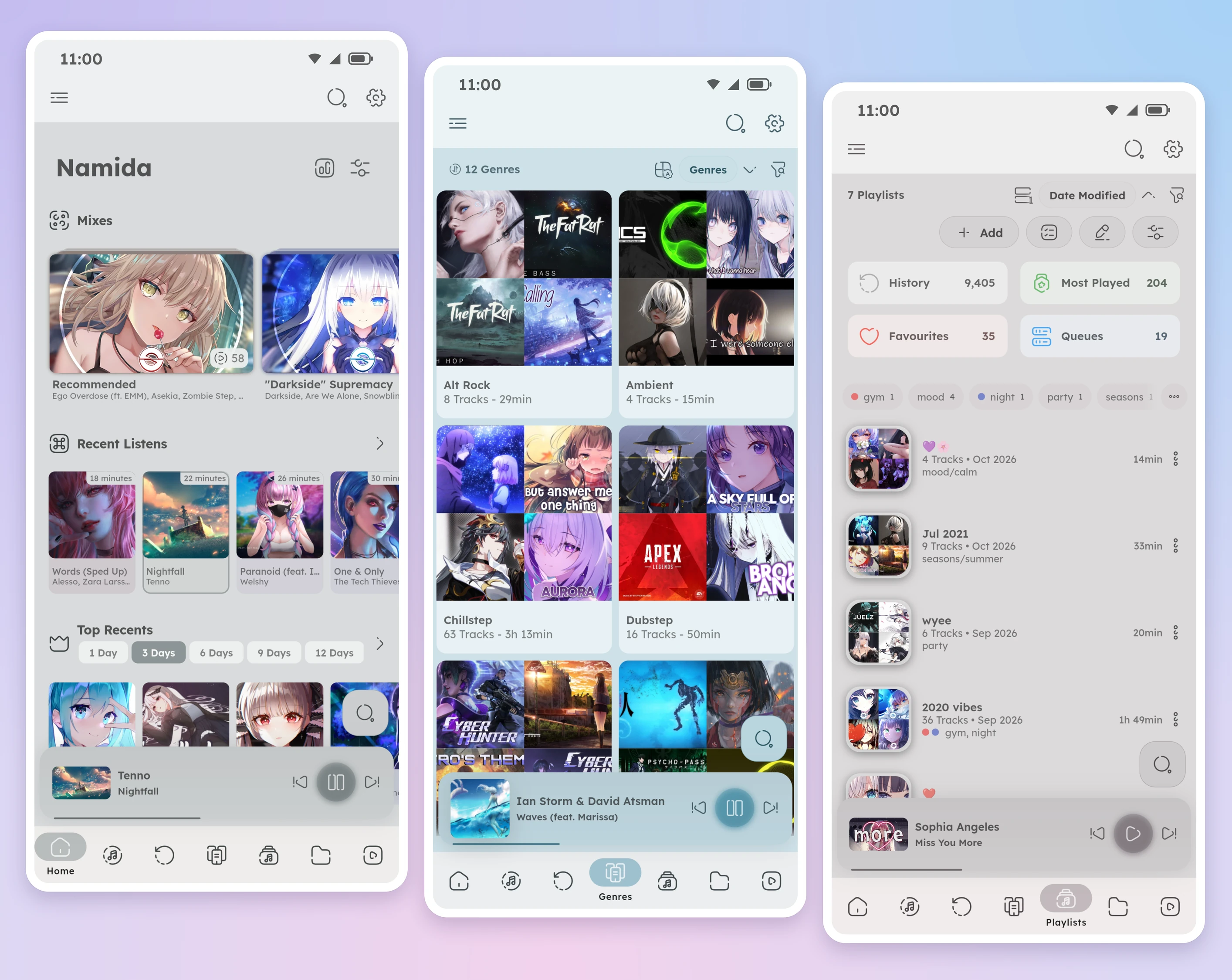
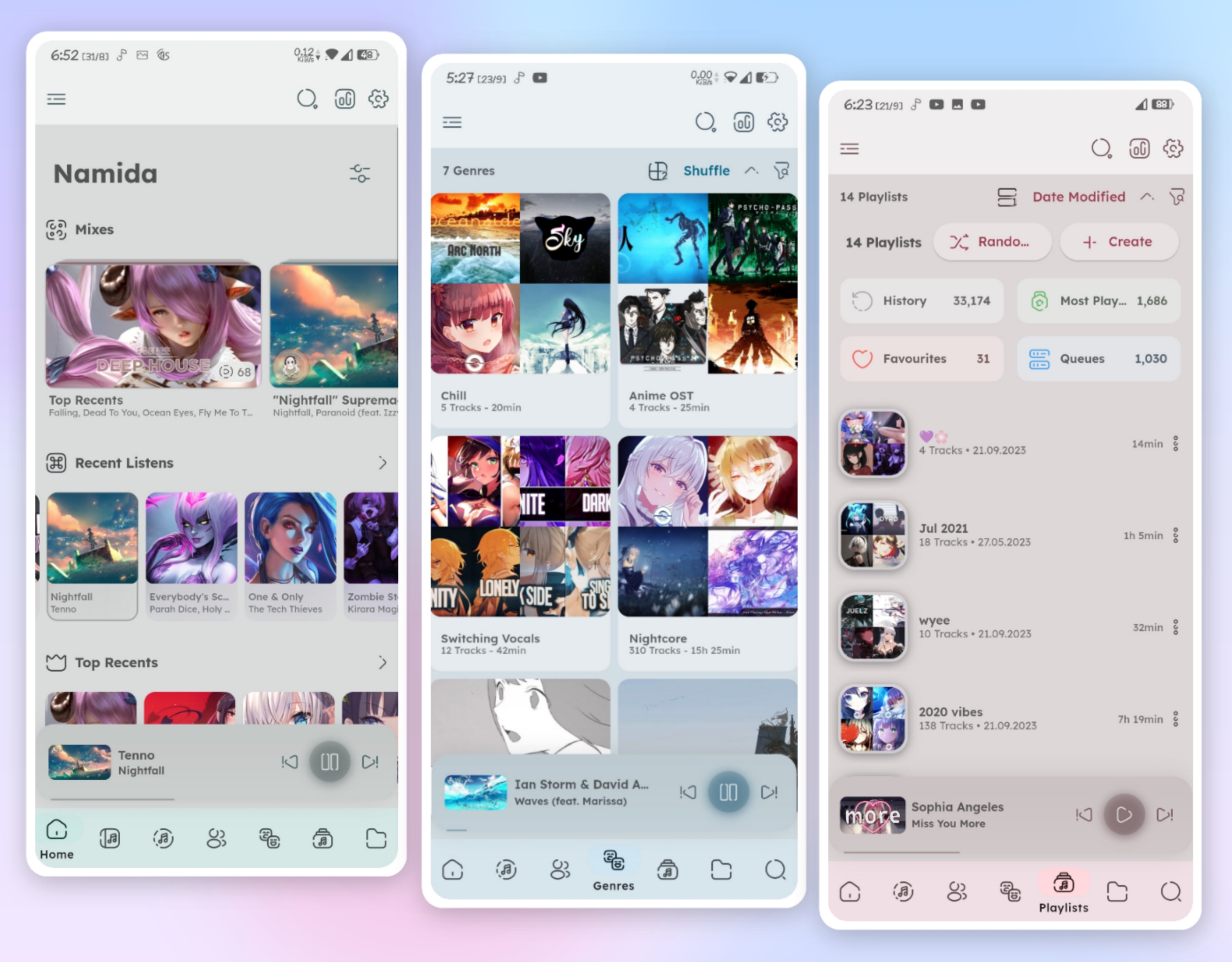
- Home, Tracks, Albums, Artists, Genres, Playlists, Folders & Queues Pages, plus cool ones like Most Played, Moods, Tags, Ratings, Languages, Stats & more.
- Waveform Seekbar & Widescreen Player Layout.
- Visualizers, Animated Backgrounds & Custom Wallpapers. new
- Lots of customizations (check out [customization section](#customization-settings)).
## Sound
- Parametric Equalizer with AutoEQ import. new
- Bit-perfect Playback, USB DAC Direct Access, Exclusive Mode (desktop) & 32-bit float audio. new
- Audio Path, see every step from the file to your device. new
- Output Device Selection & Mono Audio. new
- Sound Effects like Bass Enhancer, Reverb, Virtual Surround, 8D Audio & Vocal Remover (Android). new
- Smart Crossfade with Beat Matching new, Gapless Playback, Play/Pause Fade & Skip Silence.
- Speed & Pitch Control (semitones & 432Hz) & Loudness Enhancer.
- Per-track Speed, Pitch, Volume & Equalizer, and Sound Presets to switch them all at once. new
- Replay Gain support (Normalize loudness between tracks)
## Streaming & Youtube
- Best Video & Audio Quality, Audio Only & Data Saver Mode.
- Sign in with Multiple Profiles, get your Feed, Subscriptions, Playlists & Notifications.
- Multi Library (Local/YT/Subsonic/Jellyfin/WebDAV/SMB) & Offline Caching for Servers. new
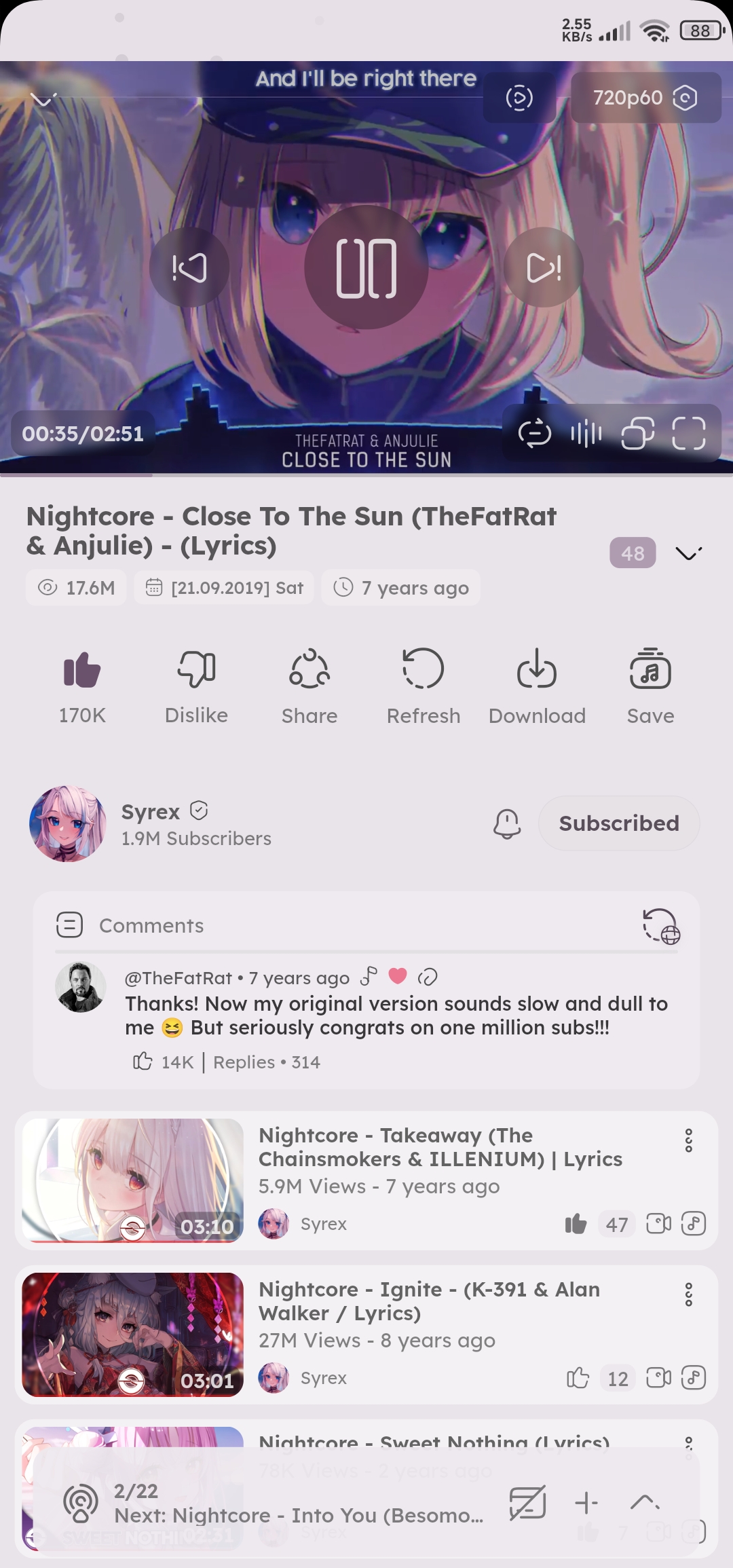
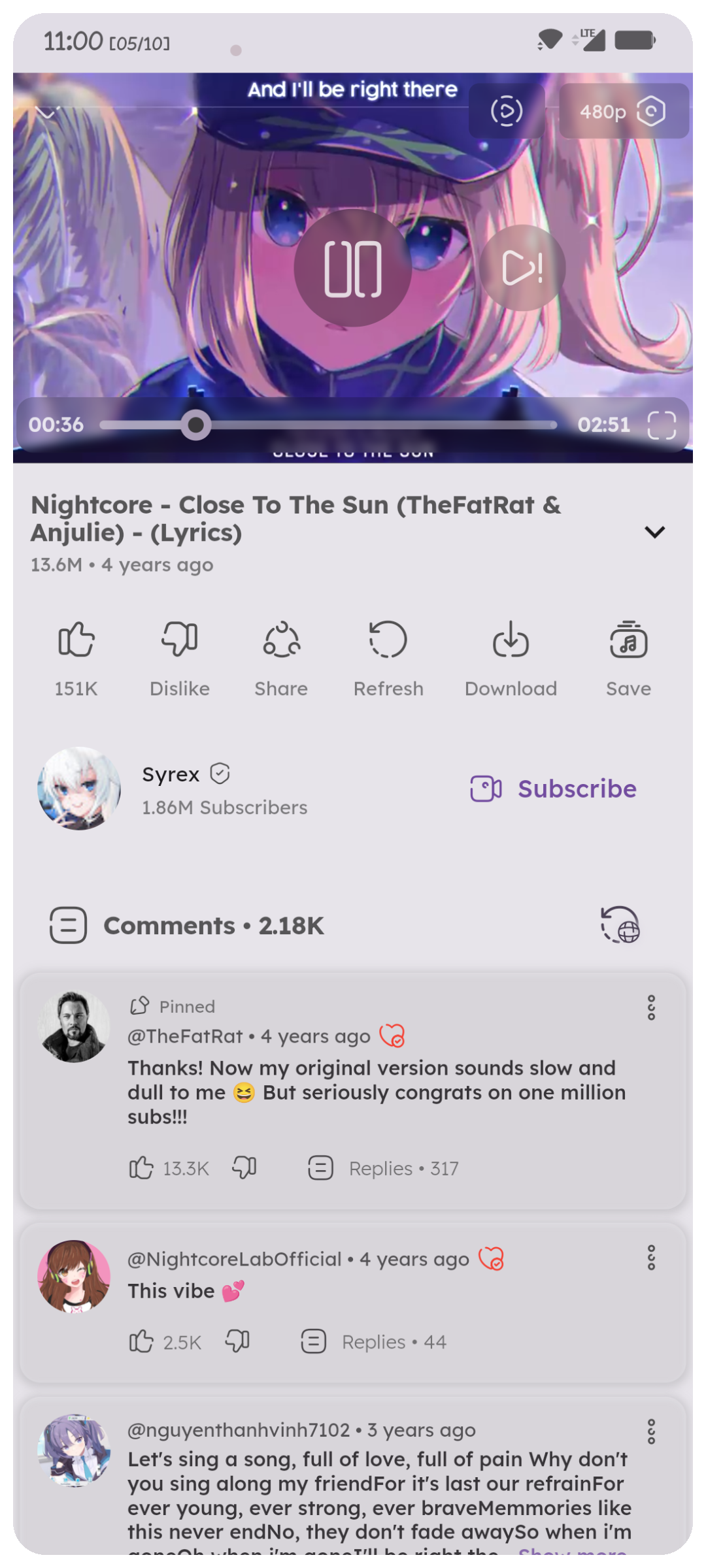
- Video View with [gestures](https://docs.namida.app/features/youtube/#video-view) for volume, brightness, seeking, fullscreen, speed up & more.
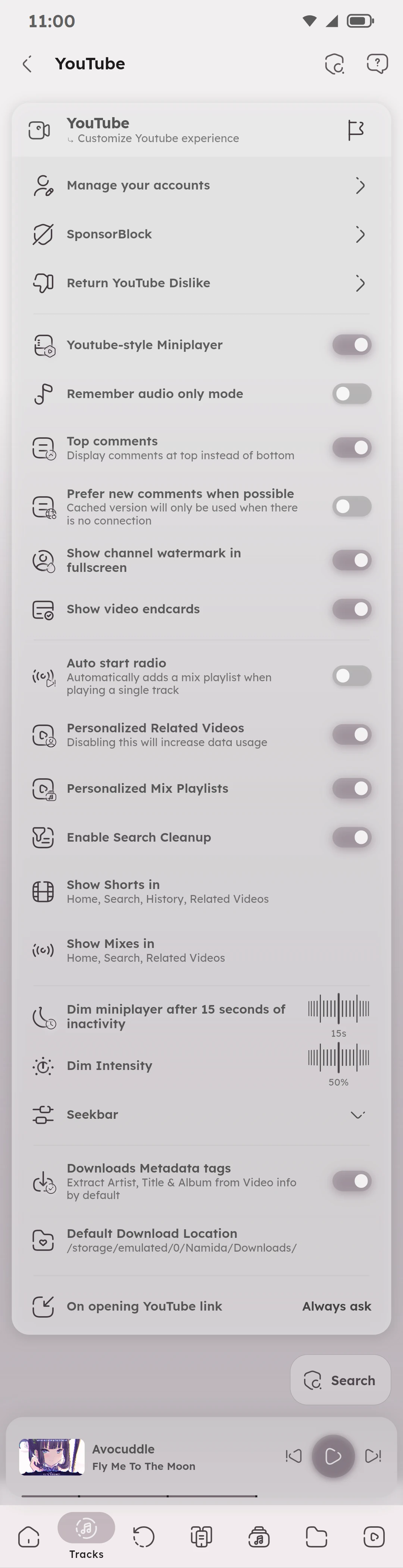
- SponsorBlock, Return Youtube Dislike, Segments & Heatmap.
- Subtitles & Captions.
- Downloads, Caching & Offline Playback, with a Cache Priority System.
- Split Downloads by Chapters & Remove Sponsor Segments. new
- Downloads Tags config & Filename builder (similar to yt-dlp).
- Auto title/artist/album extraction from video titles, for downloads & scrobbling.
Available formats & example
- Formats:
- `video_id`, `id`: video identifier
- `video_url`, `url`: video full url (https://www.youtube.com/watch?v=`id`)
- `video_title`, `fulltitle`: video full title
- `title`: extracted music title from video title (_Navjaxx - **Fading Light** (Slowed)_)
- `artist`: extracted music artist from video title (**\*Navjaxx** - Fading Light (Slowed)\*) or else `channel`
- `genre`: music genre. automatically set to **_Nightcore_** when the video title contains "nightcore".
- `ext`: format container extension (mp4, m4a, webm). this is not necessary as it would be added automatically
- `channel_fulltitle`: channel full name
- `channel`, `uploader`: channel name (excluding ` - Topic`)
- `channel_id`, `uploader_id`: channel id
- `channel_url`, `uploader_url`: channel url
- `timestamp`: UNIX timestamp of the video (milliseconds since epoch)
- `upload_date`: upload date of the video, converted to local time (yyyyMMdd)
- `view_count`: view count of the video
- `like_count`: like count of the video
- `description`: video description. links are wrapped in a markdown style
- `duration`: video duration in seconds (204)
- `duration_string`: video duration formatted (3:24)
- `playlist_title`: title of the playlist containing the video
- `playlist_id`: id of the playlist containing the video
- `playlist`: `playlist_title` if available or else `playlist_id`
- `playlist_count`: total videos count in the playlist
- `playlist_index`: index of the video in the playlists (starts at 0)
- `playlist_autonumber`: position of the video in the playlists (starts at 1)
- `none`: empty field. useful for tags to override any other settings
- Example:
```bash
# [04] music title [(channel name)]
[%(playlist_autonumber)s] %(title)s [(%(channel)s)]
# saving to separate folders
# music playlist/02. music title.m4a
%(playlist)s/%(playlist_autonumber)s. %(title)s.%(ext)s
```
## System Integration
- Home Screen Widget & Quick Settings Tiles.
- Android Auto & Wear OS. new
- Status Bar Lyrics. new
- Desktop: System Tray, Keyboard Shortcuts, System Wide Hotkeys & Floating Lyrics Window.
- Now Playing Broadcasts & Webhook for Tasker, scripts & scrobblers. new
## Others:
- Lyrics fetching & displaying (Synced, Plain & Word Synced lrc/ttml), and an Editor to sync them yourself. new
- Smart Playlists with flexible rules, usable in search too.
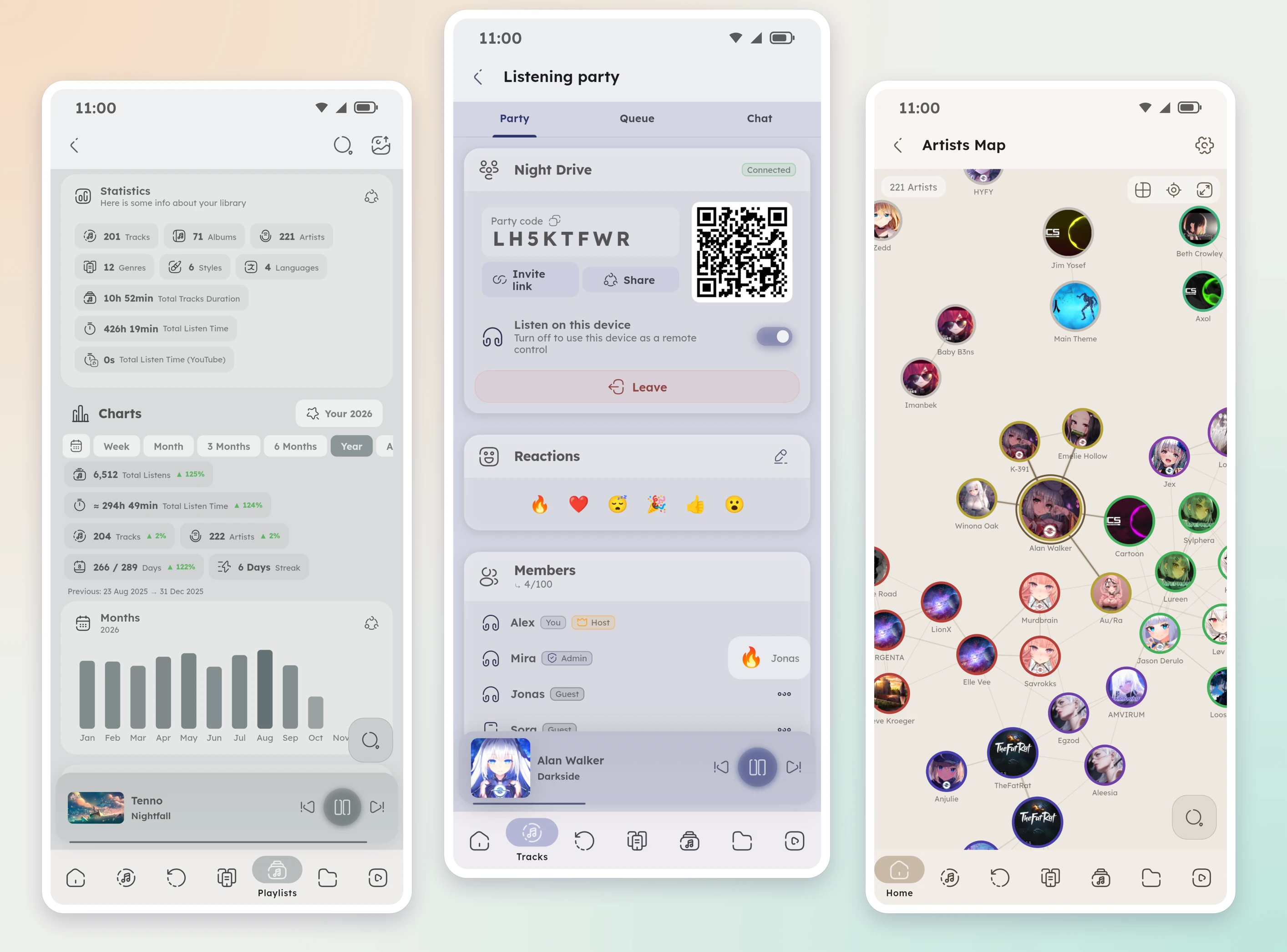
- Listening Party, listen to the same queue with friends in sync, online or on the same network. new
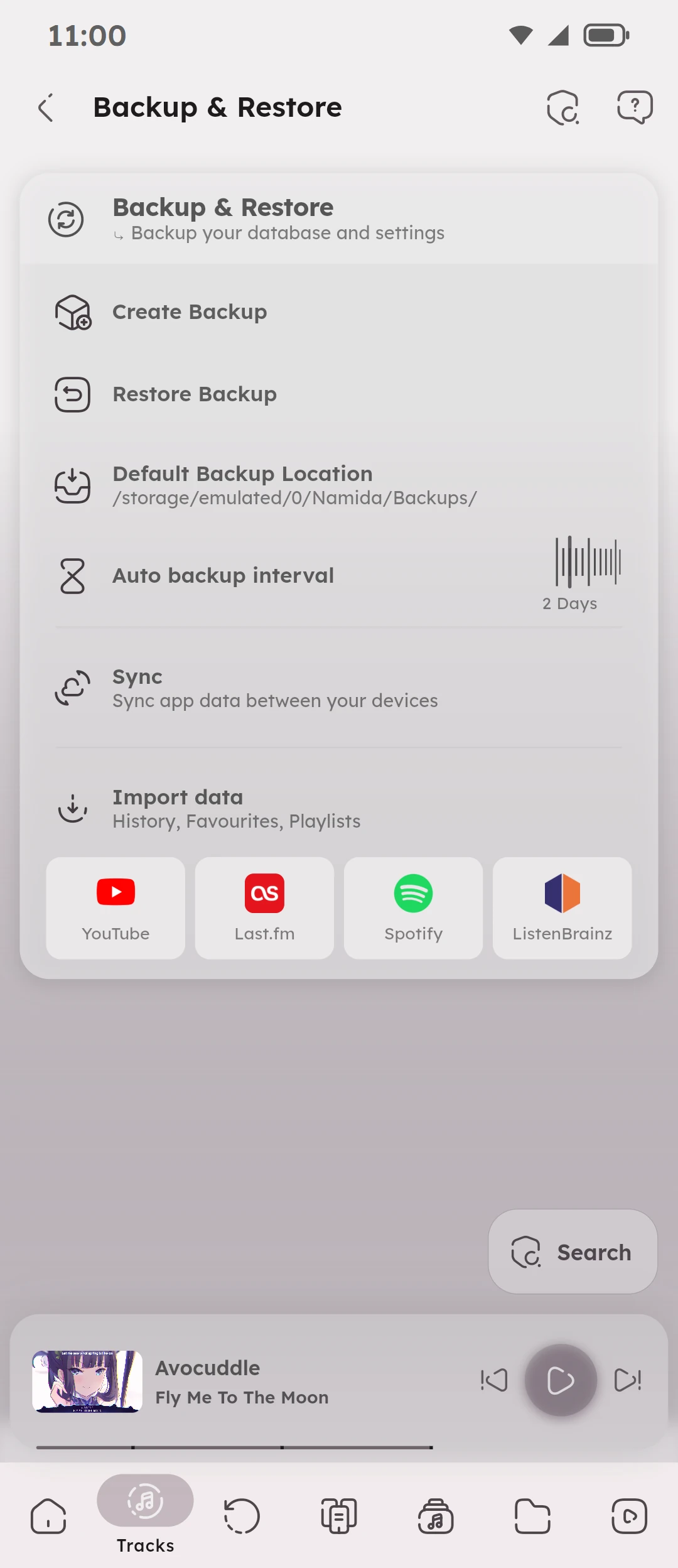
- Sync app data between your devices over local network (history, playlists, favourites, queues, lyrics, etc). new
- Bookmarks & Chapters for tracks and videos. new
- Stats Charts & Your Year Page.
- Search by title, artist, album, filename, lyrics & more, even with typos.
- Persistent Queues, your sessions are saved for later.
- Flexible History (editable, importable) with minimum seconds/percentage to count a listen.
- Most Played, your top tracks in any time range.
- Custom Playlists Order & Artworks, Auto Import from M3U files & Music Servers.
- Global Tracks Selection, select from multiple places into the same list.
- Swipe Actions for tracks & videos, Artwork Gestures (tap & long press).
- Folder images (`cover.jpg` etc) & `.info.txt` for small info.
- Sleep Timer (Tracks or Minutes) & Pausing Scenarios (calls, notifications, volume 0, etc).
## Some additional cool features:
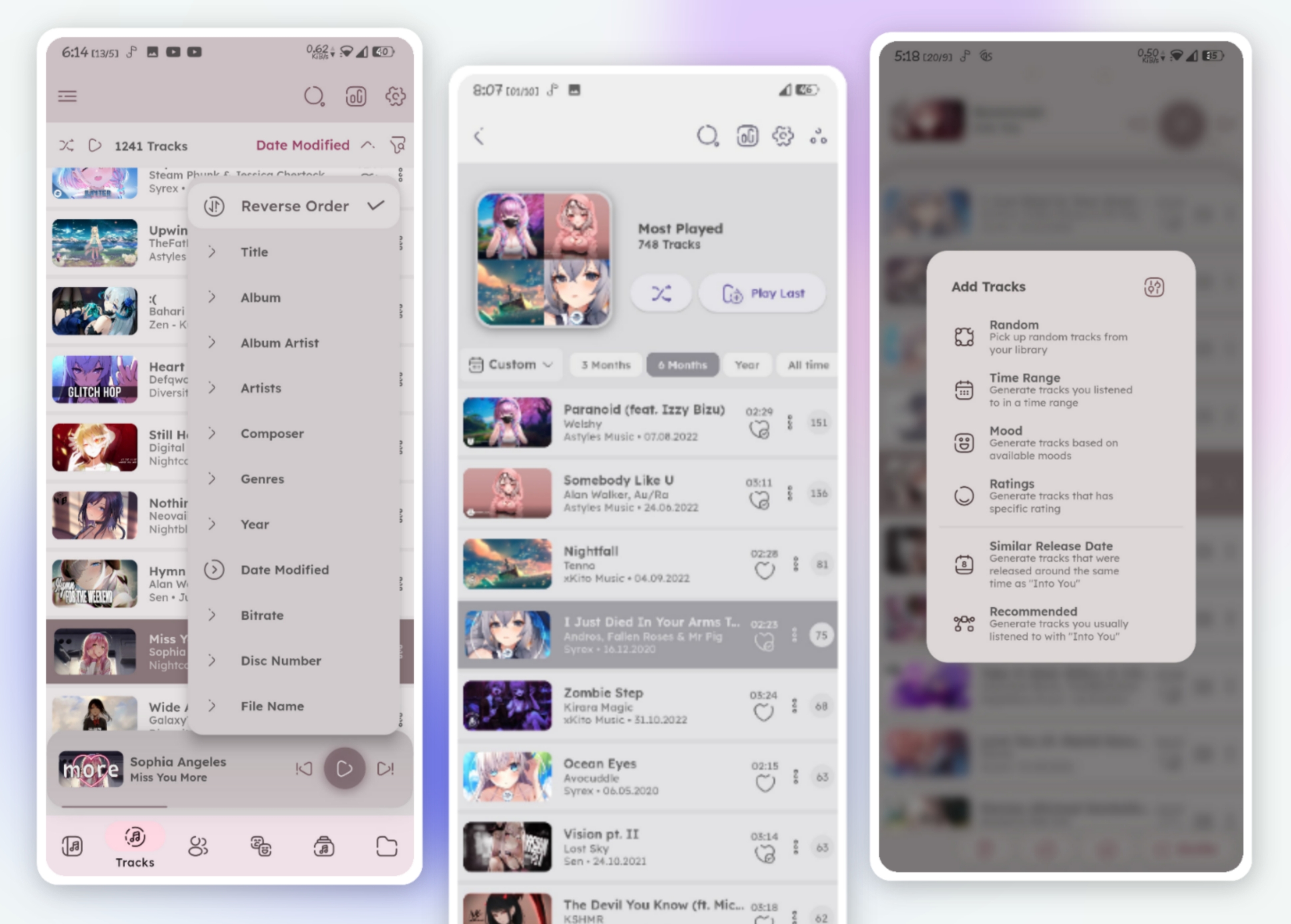
- Smort Tracks Generation: uuh.. with dis advanced algorithm brought for you, generate tracks u often listened to alongside the current one. also by release date, time range, ratings, moods, or randomly.
- Lost Memories: meet tracks you listened to around this time, but n years ago.
- Animating Thumbnail & Particles, moving with the audio peak.
- Miniplayer Party Mode, edge breathing effect with static or artwork colors.
- Track Play Mode, when playing from search: selected track only, search results, album, first artist or first genre.
- Insert after latest inserted, want to insert multiple tracks one after each other? this will get your back.
- Repeat for N times, in addition to normal repeat modes (all, none, one), this one lets you repeat the track for number of times before playing the next track.
- Extract feat. & ft. artists, u won't miss the featured artists in the title, they'll have their own entry inside artists tab.
-
CAN IMPORT YOUTUBE HISTORY & DATA
-
LASTFM, SPOTIFY & LISTENBRAINZ TOO AND MAYBE MORE IN FUTURE
- decent amount of options/customizations in settings & dialogs, make sure to check them out ^^
# Video Integration
- For Local Library, Namida is capable of playing videos related to the music, Video can be found either locally or fetched from youtube
###### How locally?
typically looks (inside the folders you specificed) for any matching title, matching goes as following:
-- Alan walker - Faded.m4a
-- video alAn WaLkER - faDed (480p).mp4
the video filename should contain at least one of the following:
1. the music filename as shown above.
2. title & first artist of the track.
3. track youtube id (in track comment tag/filename, see "#How youtube?" section below).
note: some cleanup is made to improve the matching, all symbols & whitespaces are ignored.
###### How youtube?
- looks up in the track comment tag (as they are mostly done by @yt-dlp) or filename for any matching youtube link, if found then it starts downloading (and caches) and plays once it's ready, streaming here isn't a good idea as the priority goes for the music file itself.
- for comment tag, any url format should get matched normally (example: `https://youtu.be/video_id`).
- for filenames, it should contain `v=video_id` or `id=video_id` in order to get matched.
- Since v4.0.0, full video library indexing & playback is supported, videos can now be played independently, as well as dedicated videos folder view.
# Screenshots
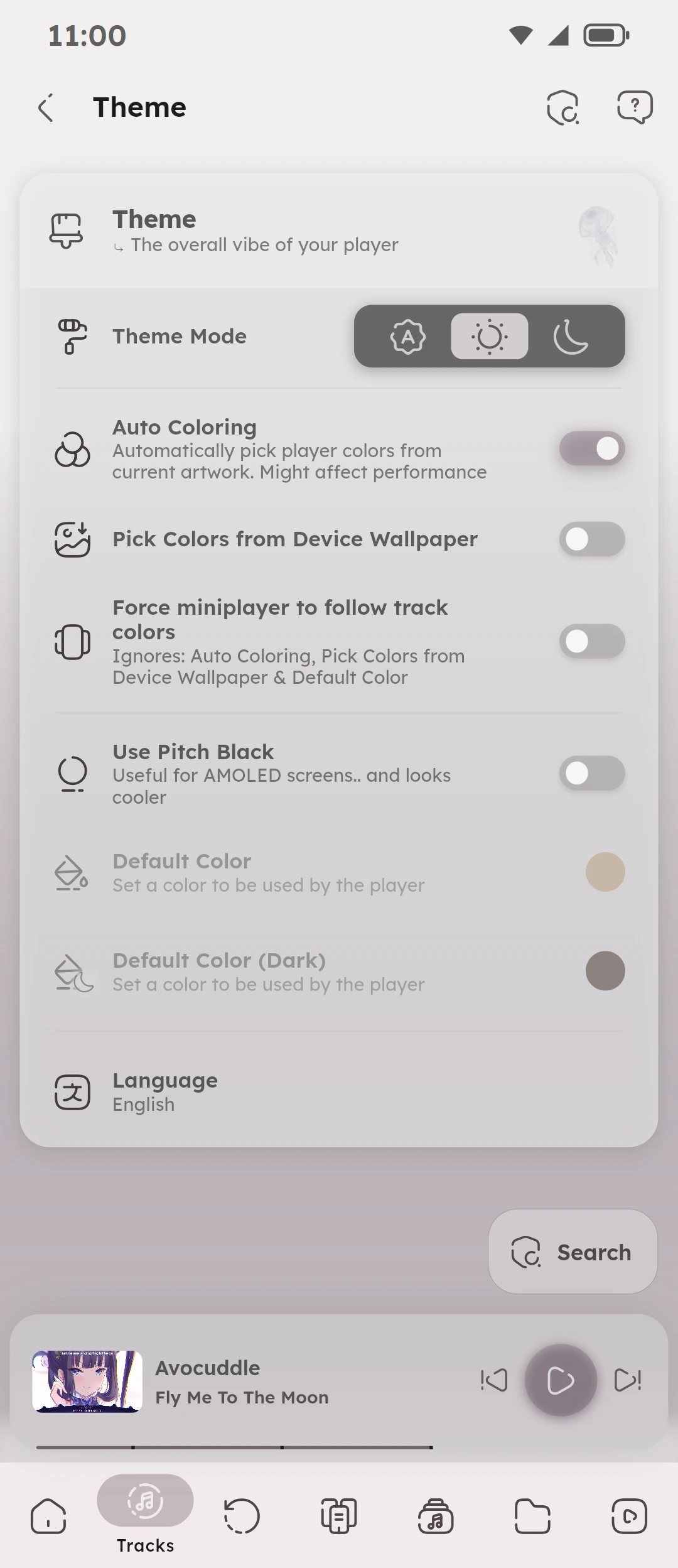
### Customization Settings
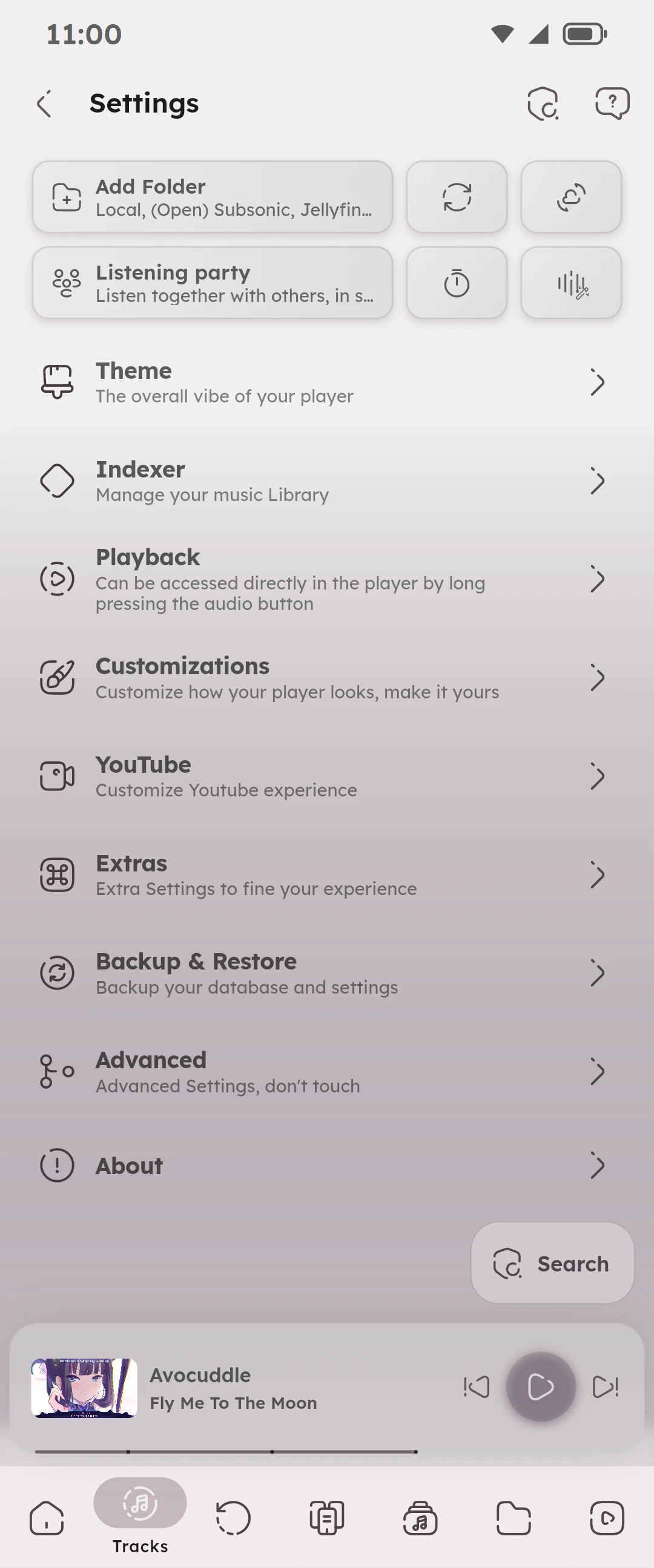
### All Settings
 Namida