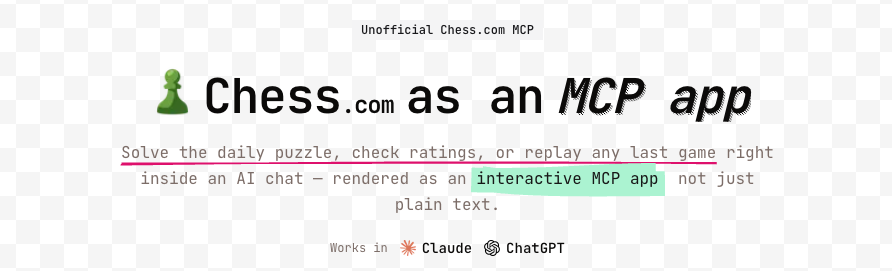



A reference example for building **MCP apps with interactive React views** —
where each tool ships with its own view instead of returning plain text. Built
with [Skybridge](https://docs.skybridge.tech), it looks up Chess.com players,
games, and the daily puzzle, and runs in ChatGPT and Claude.
## Try it
- **Live demo:** [chess.niklas.sh](https://chess.niklas.sh)
- **MCP server URL:** `https://mcp.chess.niklas.sh/mcp`
Just add the MCP server URL to any compatible client (ChatGPT, Claude, etc.) —
that's it. Then ask things like _"show me magnuscarlsen's last game"_ or
_"give me today's chess puzzle"_.
## Tools
| Tool | Input | Description |
| --- | --- | --- |
| **get-chess-player** | `username` | Player profile with rapid, blitz, and bullet ratings plus win/loss/draw records. |
| **get-last-game** | `username` | The player's most recent game — result, opponent, opening, and an interactive board replay. |
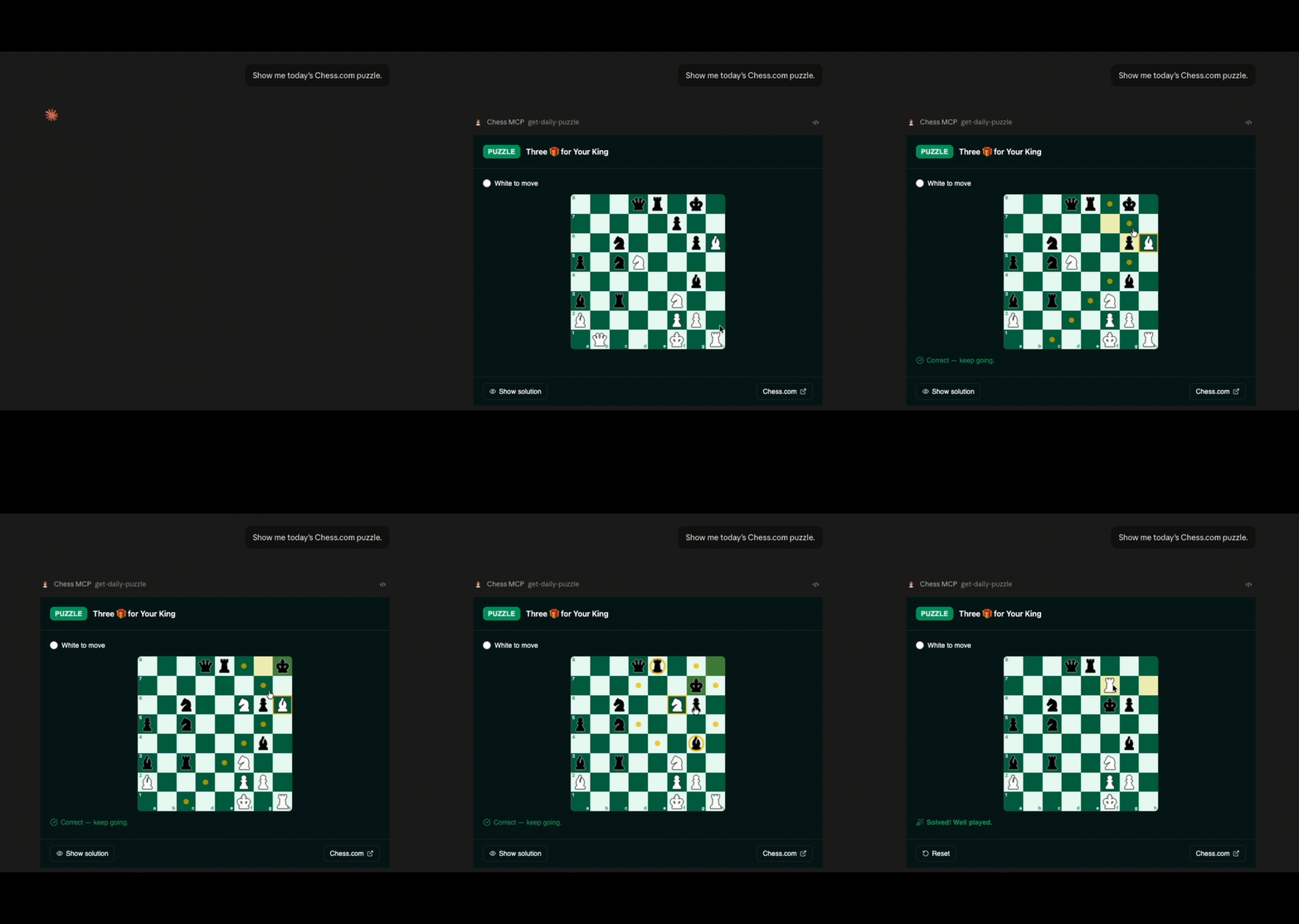
| **get-daily-puzzle** | _none_ | The Chess.com daily puzzle as an interactive board: solve it move by move with live feedback, reveal the solution, or reset and retry. |
## Getting Started
### Prerequisites
- Node.js 24.14.1+
- pnpm 9+
### Install
```bash
pnpm install
```
### Start the dev server
```bash
pnpm dev
```
This starts:
- The MCP server at `http://localhost:3000/mcp`.
- The Skybridge DevTools UI at `http://localhost:3000`.
All scripts (`dev`, `build`, `test`, `lint`, `typecheck`) are defined in
[`package.json`](./package.json).
## Project Structure
```
├── src/
│ ├── server.ts # Server entry: tool definitions + analytics middleware
│ ├── chess-com.ts # Typed Chess.com API client (zod boundary + helpers)
│ ├── analytics.ts # PostHog wrapper (no-op without a key)
│ ├── helpers.ts # Typed useToolInfo / useCallTool hooks
│ ├── views/ # One React view per tool
│ │ └── shared/ # Shared view code (chess board, helpers)
│ └── index.css # Global styles
├── vite.config.ts # Vite + Skybridge + Tailwind config
├── Dockerfile # Cloud Run image
└── package.json
```
## Testing
Test the app locally using the DevTools UI at `http://localhost:3000` while running `pnpm dev`.
Unit tests run with [Vitest](https://vitest.dev): `pnpm test`.
To connect with web clients like ChatGPT or Claude, expose your server with the `--tunnel` flag (`pnpm dev:tunnel`). See the [test guide](https://docs.skybridge.tech/quickstart/test-your-app).
## Deployment & Analytics
This app deploys to Google Cloud Run via release-please, and tool calls can be
tracked with PostHog (no-op unless configured). See
[`docs/deployment.md`](./docs/deployment.md) for the full setup.
## Resources
- [Skybridge Documentation](https://docs.skybridge.tech/)
- [Apps SDK Documentation](https://developers.openai.com/apps-sdk)
- [MCP Apps Documentation](https://github.com/modelcontextprotocol/ext-apps/tree/main)
- [Model Context Protocol Documentation](https://modelcontextprotocol.io/)
## License
The source code is released under the [Beerware License](./LICENSE).
The chess piece icons are from the ["Chess" pack on Flaticon](https://www.flaticon.com/packs/chess-75) and are used under the Flaticon Free License — they are not covered by the Beerware license. See [NOTICE](./NOTICE) for details.