# Chinese Traditional Colors
[简体中文](README.zh-CN.md) | English | [日本語](README.ja.md)
> Not another color-value list that looks beautiful but leaves you wondering what to do next.
>
> This is a practical workspace for moving from **finding a Chinese color to pairing, testing, and shipping it**: 742 high-resolution cards, 8,904 harmony sets, real-scene previews, shadcn themes, and terminal palettes.
[**Explore the colors →**](https://colors.xiaoxiaodong.ai/) · [Build a palette from one color](https://colors.xiaoxiaodong.ai/generator.html) · [Download every high-resolution card](https://github.com/nevertoday/zhongguo-traditional-colors/releases/latest/download/zhongguo-traditional-colors-images.zip)
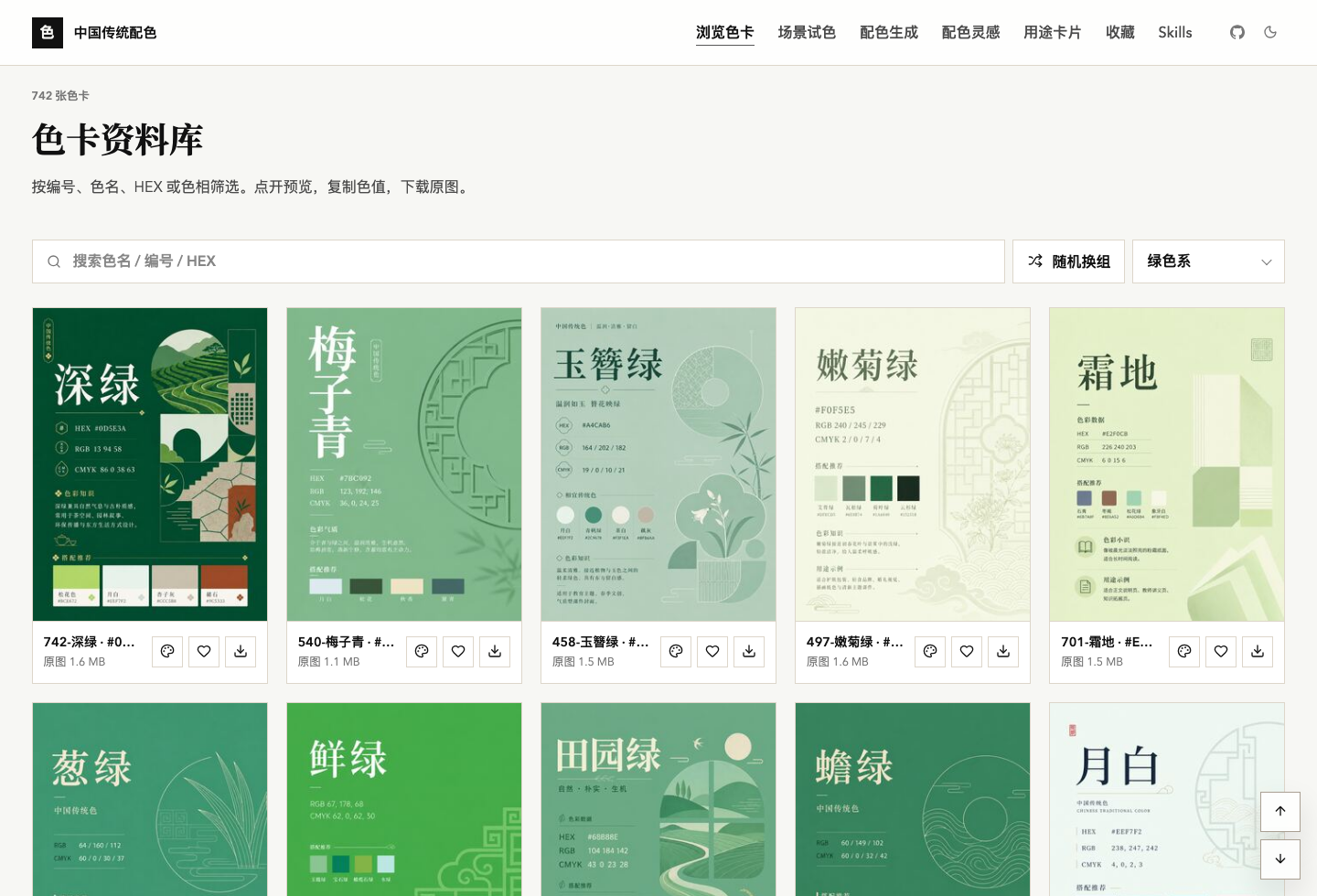
## Finding a beautiful color is easy. Making it work is the hard part.
A real project rarely needs just one HEX value. You also need to know whether the color belongs in a background, headline, button, or accent; what can sit beside it; whether the text remains readable; and how the choice becomes a theme your developer can actually use.
This project connects those decisions in one place. It helps you **find a color, then judge whether it survives a real layout**.
## Start with the job in front of you
| What you are trying to do | Open | What you get |
| --- | --- | --- |
| Find a named Chinese color with the right character | [Color gallery](https://colors.xiaoxiaodong.ai/#gallery) | Search by name, number, HEX, or hue; copy values or download the source card |
| Turn one anchor color into a usable set | [Palette generator](https://colors.xiaoxiaodong.ai/generator.html) | Five-color schemes you can lock, replace, rotate, copy, and export |
| See whether a color works beyond the swatch | [Scene testing](https://colors.xiaoxiaodong.ai/style-lab.html) | Web, slide, cover, poster, and brand-board previews |
| Explore adjacent, complementary, or tonal relationships | [Palette inspiration](https://colors.xiaoxiaodong.ai/palettes.html) | 8,904 harmony sets to browse, shuffle, copy, and save |
| Pair backgrounds, text, and buttons | [Usage cards](https://colors.xiaoxiaodong.ai/uses.html) | Layout previews and contrast checks for two-color combinations |
| Move a Chinese color into a product UI | [Theme Forge](https://colors.xiaoxiaodong.ai/theme-forge.html) | A light/dark shadcn semantic theme, OKLCH values, and `globals.css` |
| Give your terminal a coherent Chinese palette | [Terminal palette](https://colors.xiaoxiaodong.ai/terminal.html) | 16 ANSI colors plus configs for Ghostty, Alacritty, kitty, and more |
## See the color in context before committing to it
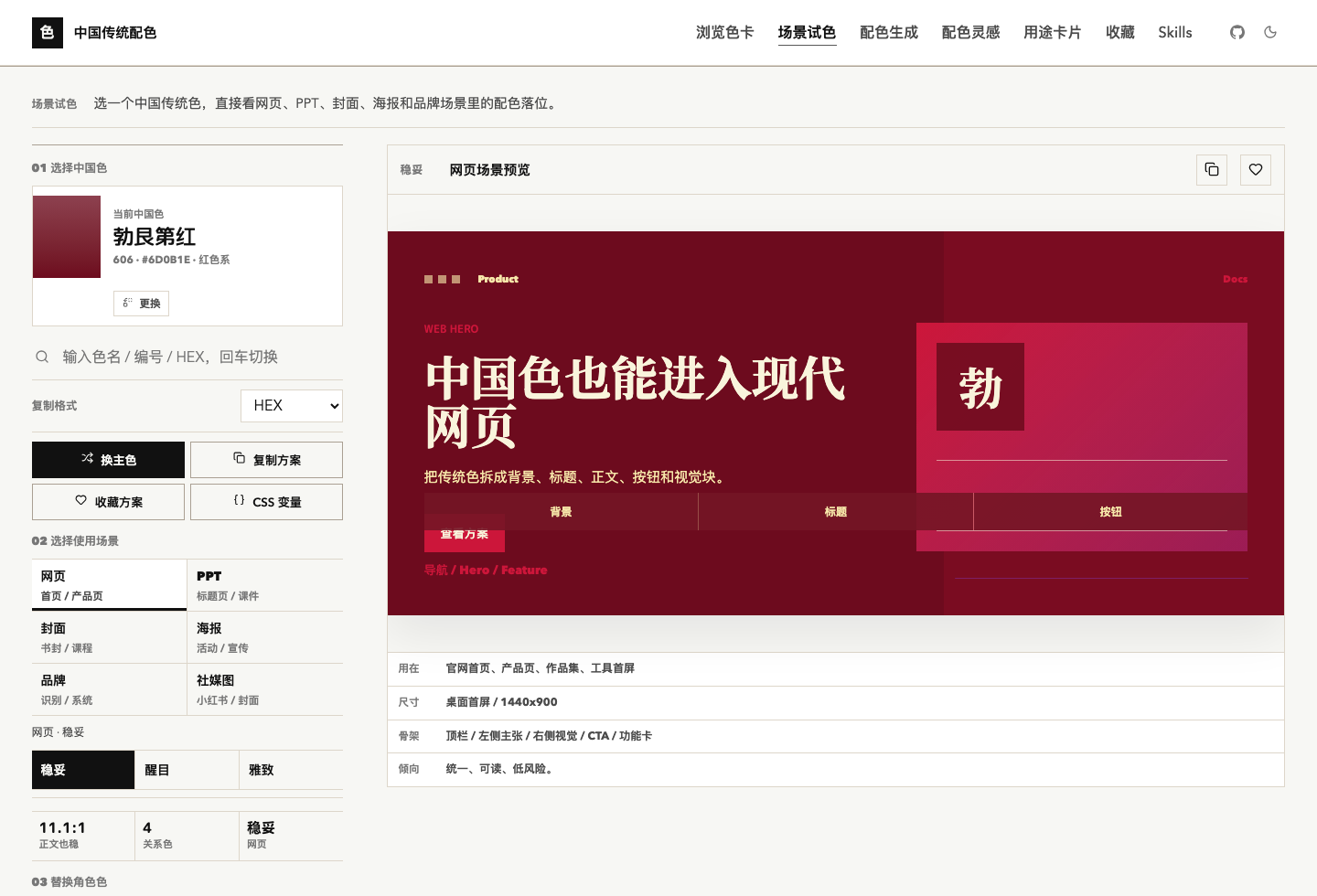
One anchor color is placed into background, headline, body, button, and accent roles across actual design scenes. You evaluate a layout, not an isolated square.
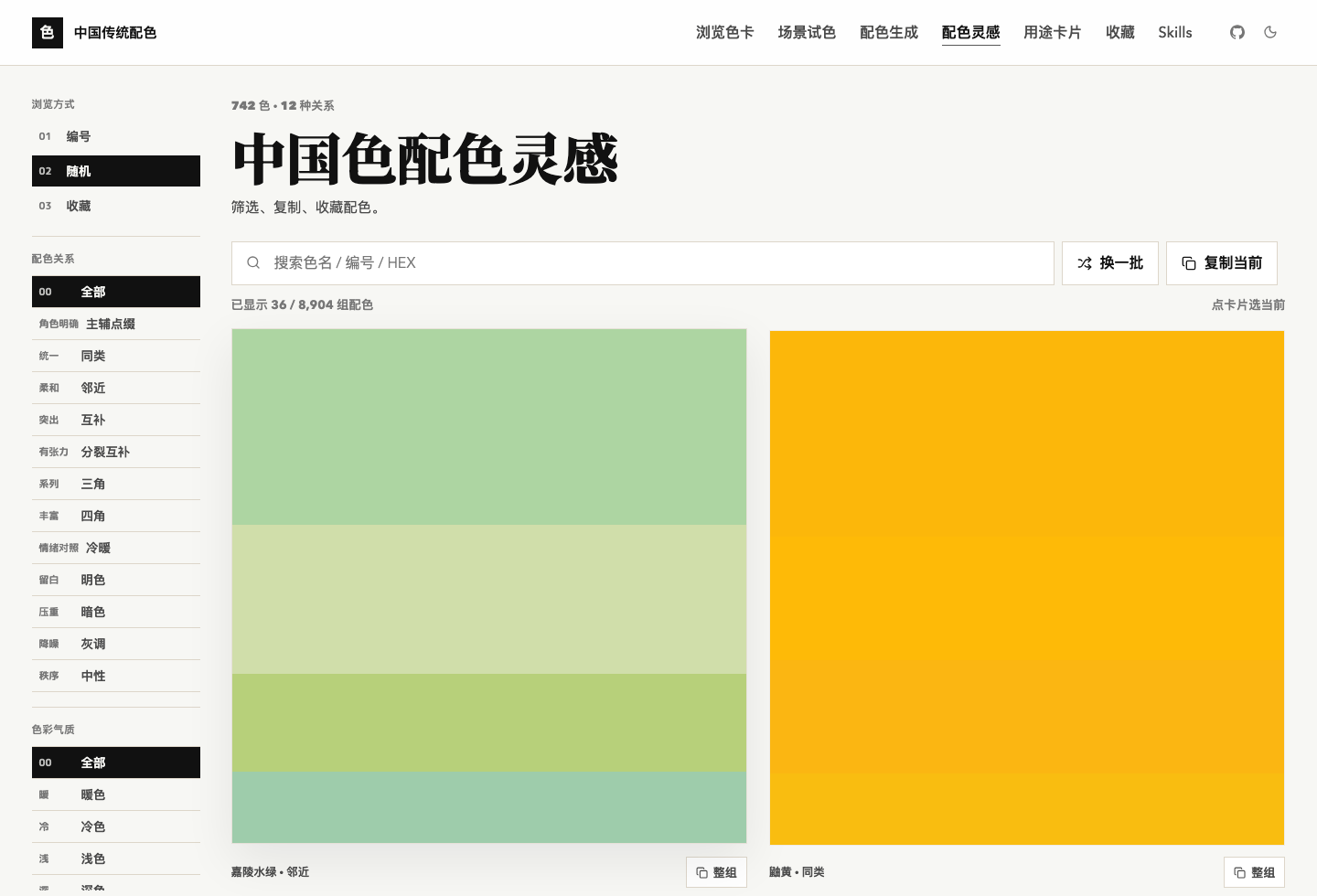
Harmony relationships narrow the search before trial and error takes over: same-family, analogous, complementary, triadic, warm/cool, light/dark, gray-tone, and neutral combinations are ready to inspect.
### From a color name to a developer-ready theme
Theme Forge turns one named anchor into a full set of shadcn semantic roles, handles light and dark modes, previews real components, checks foreground contrast, and exports `globals.css`.
[Open Theme Forge →](https://colors.xiaoxiaodong.ai/theme-forge.html)
## What is actually included
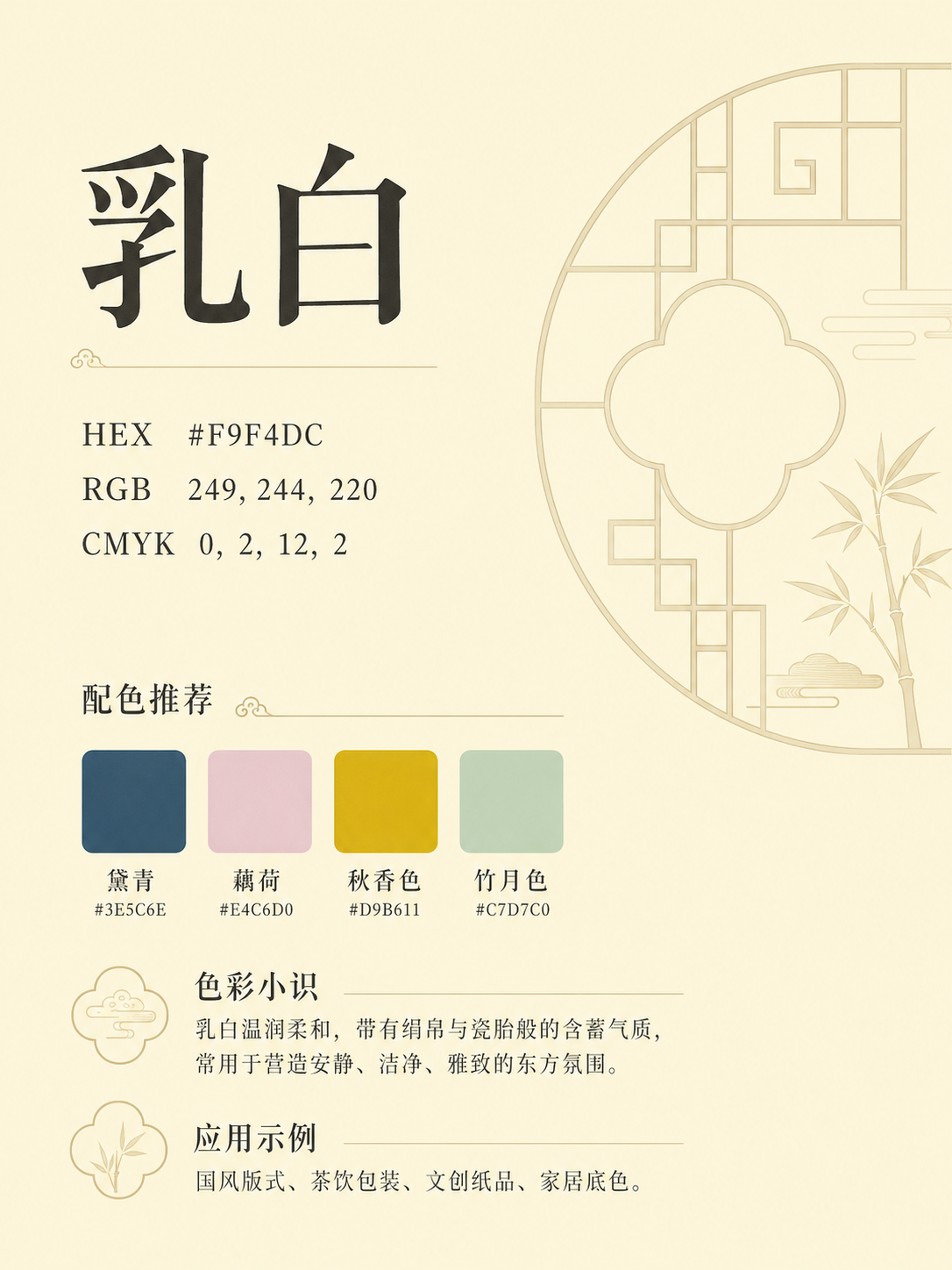
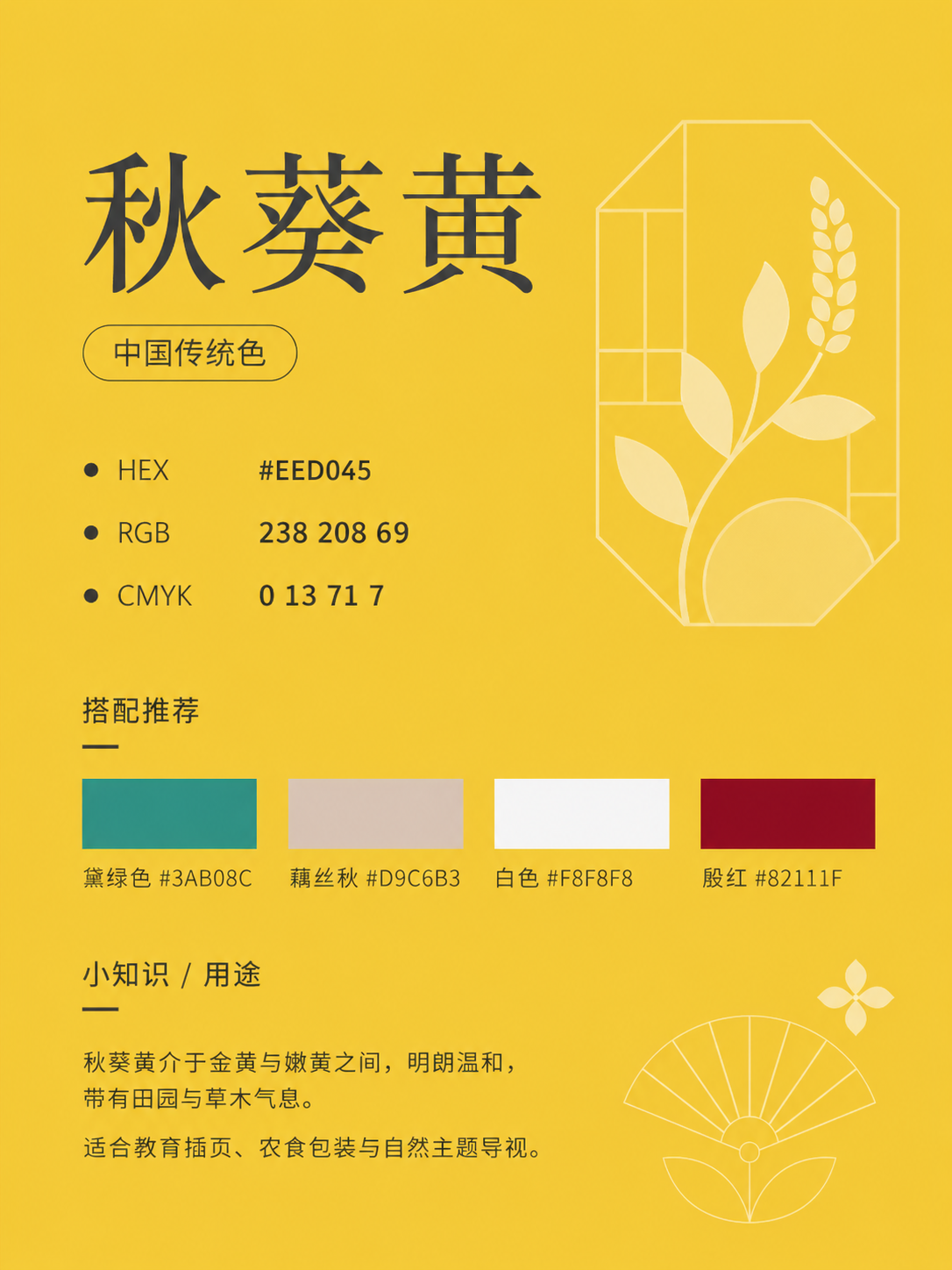
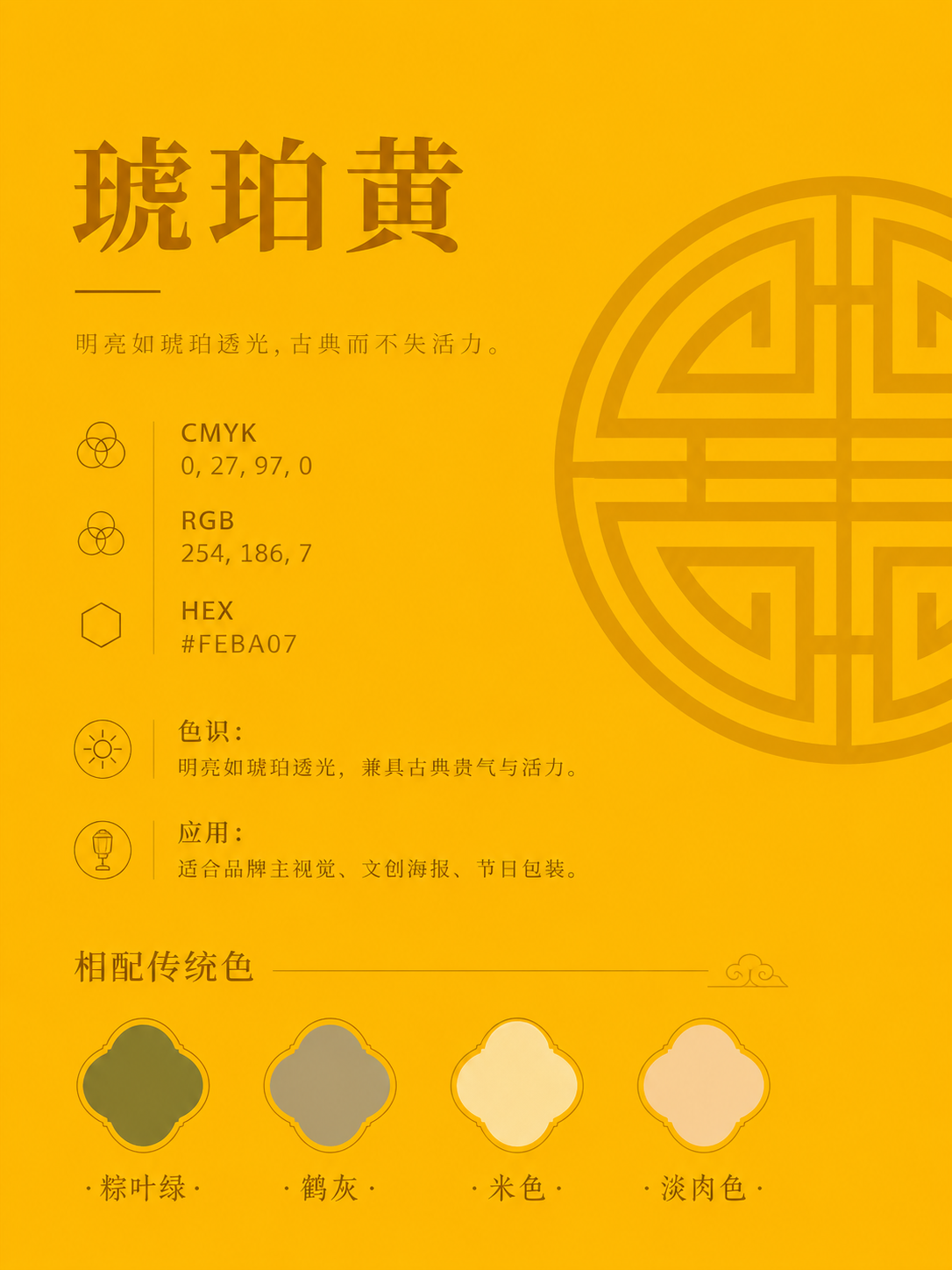
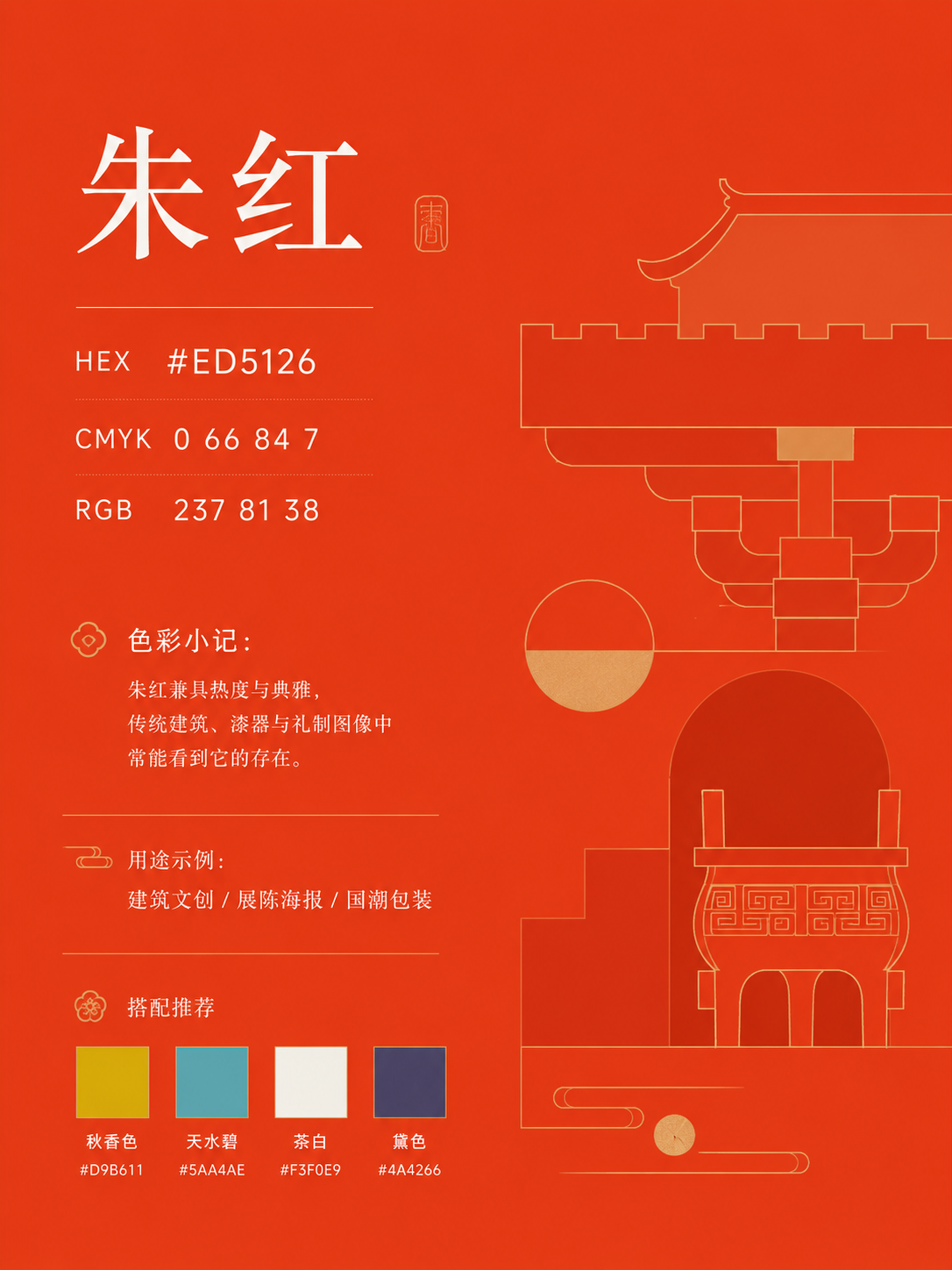
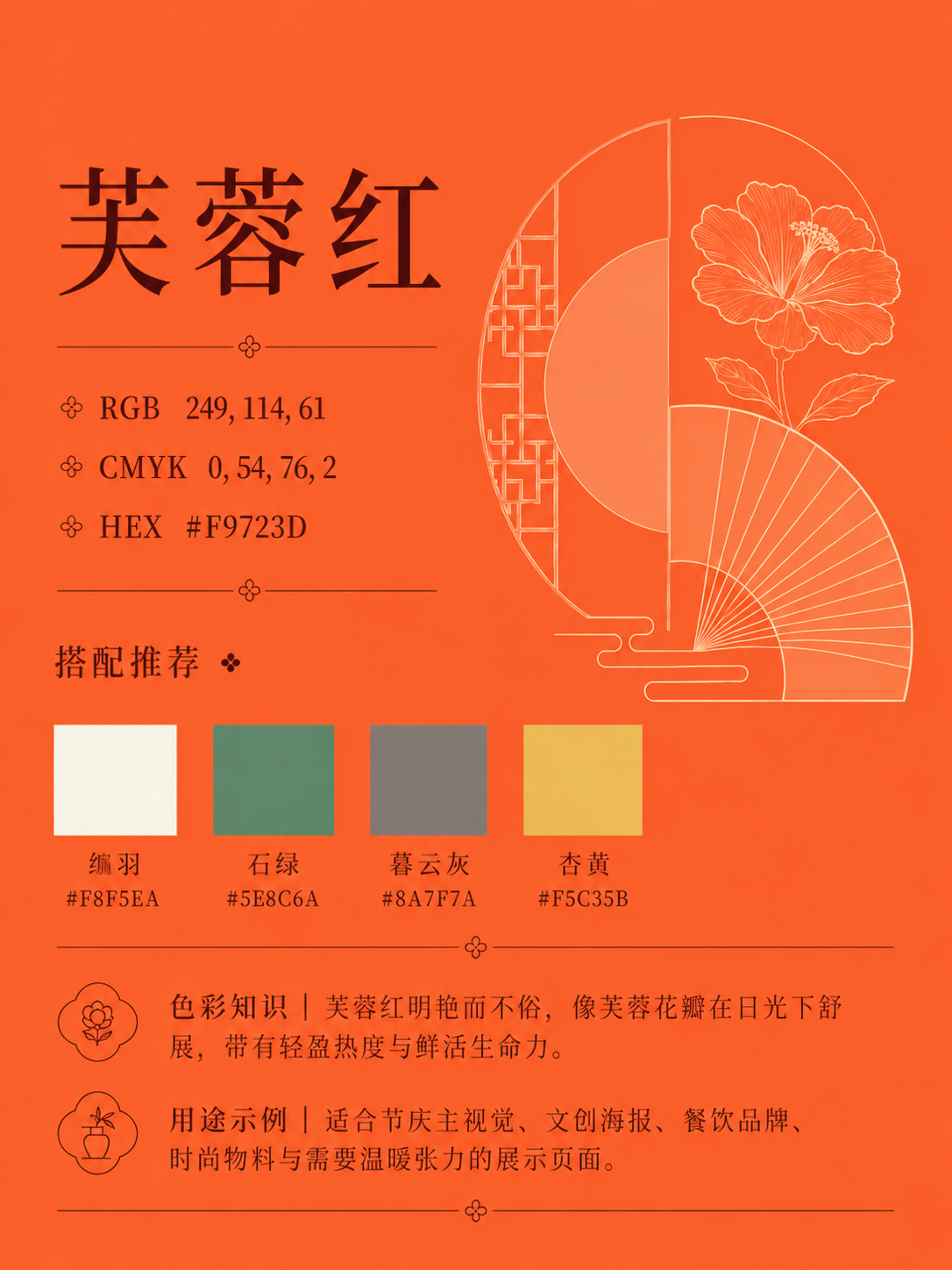
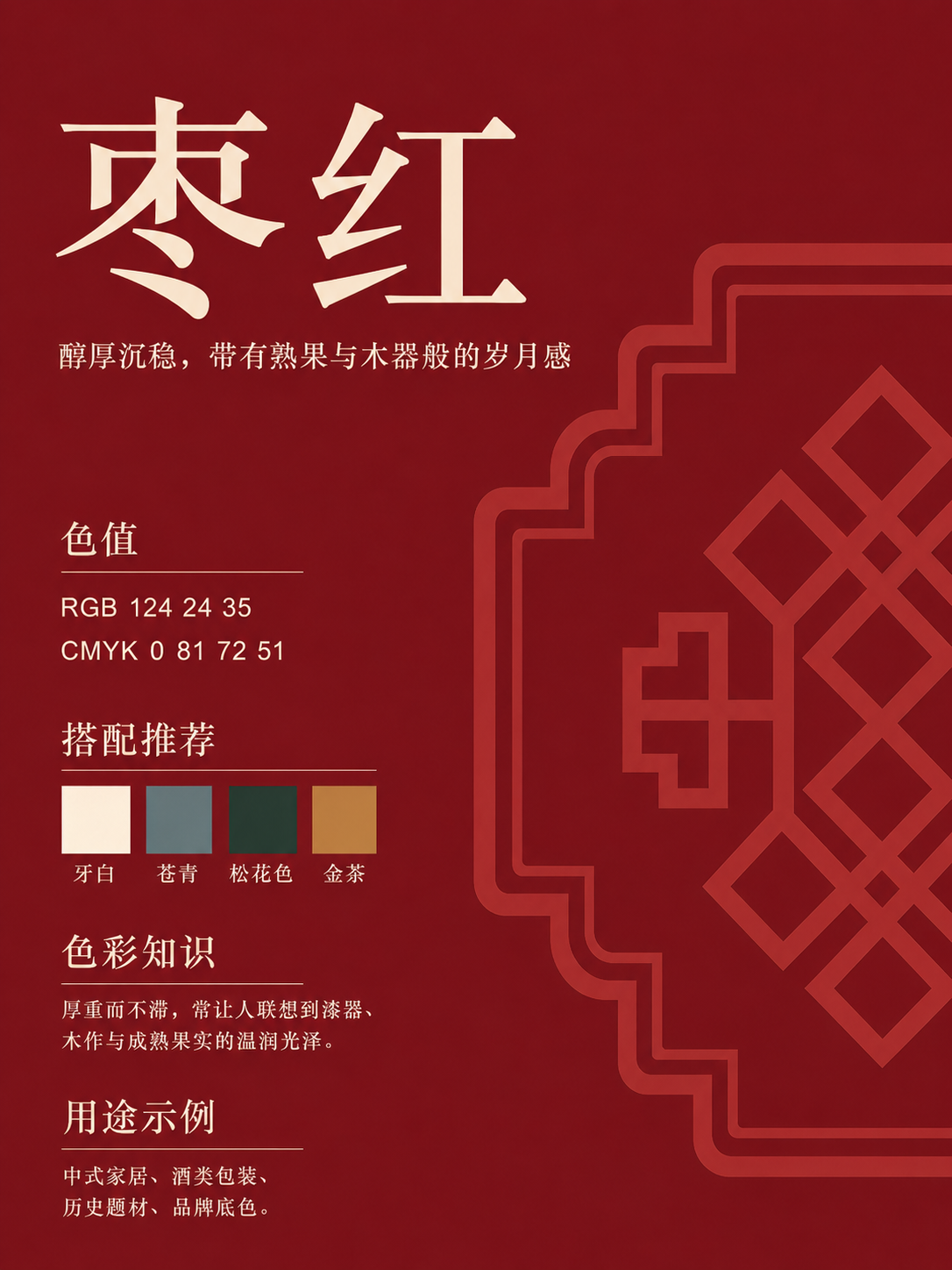
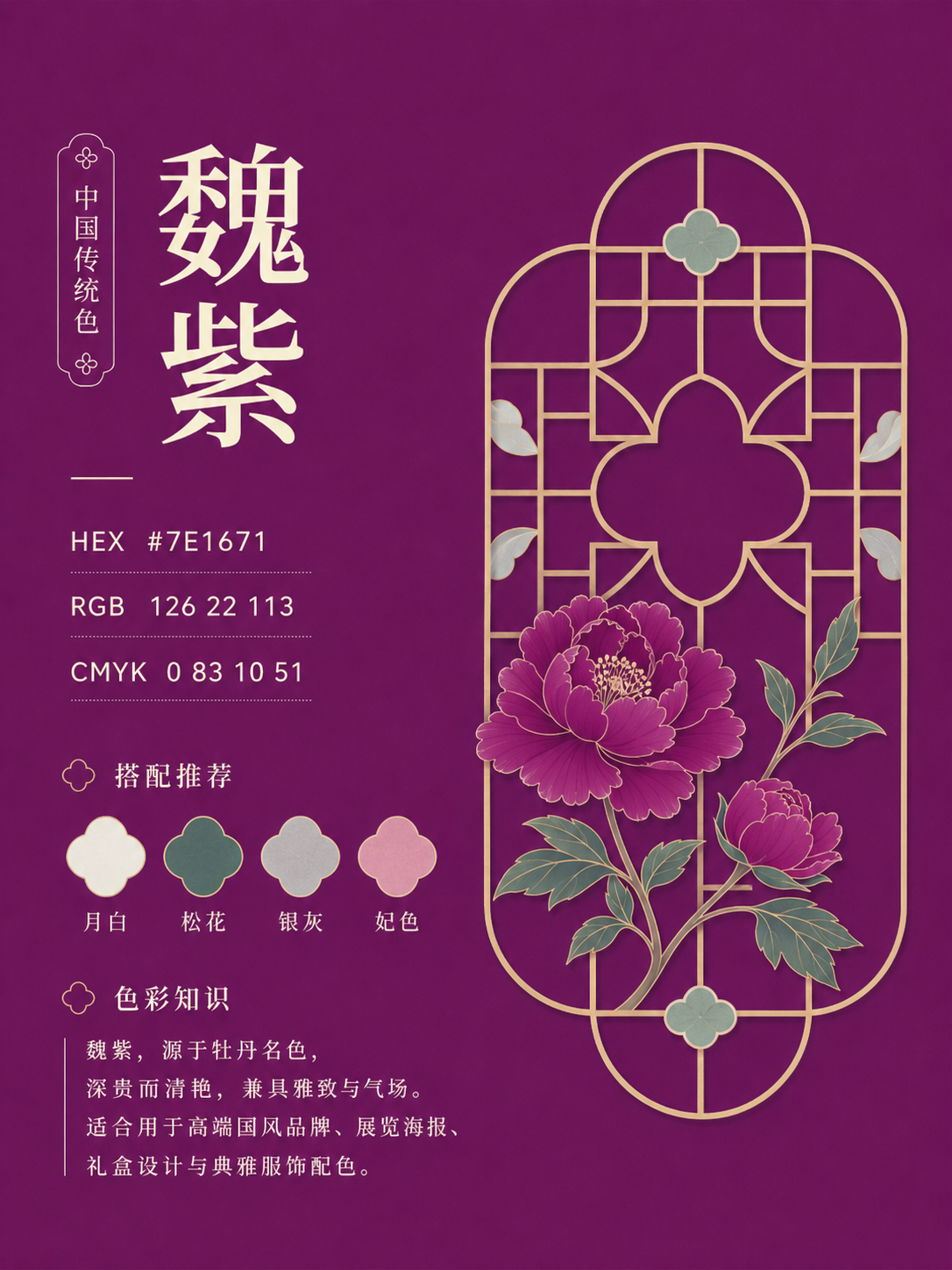
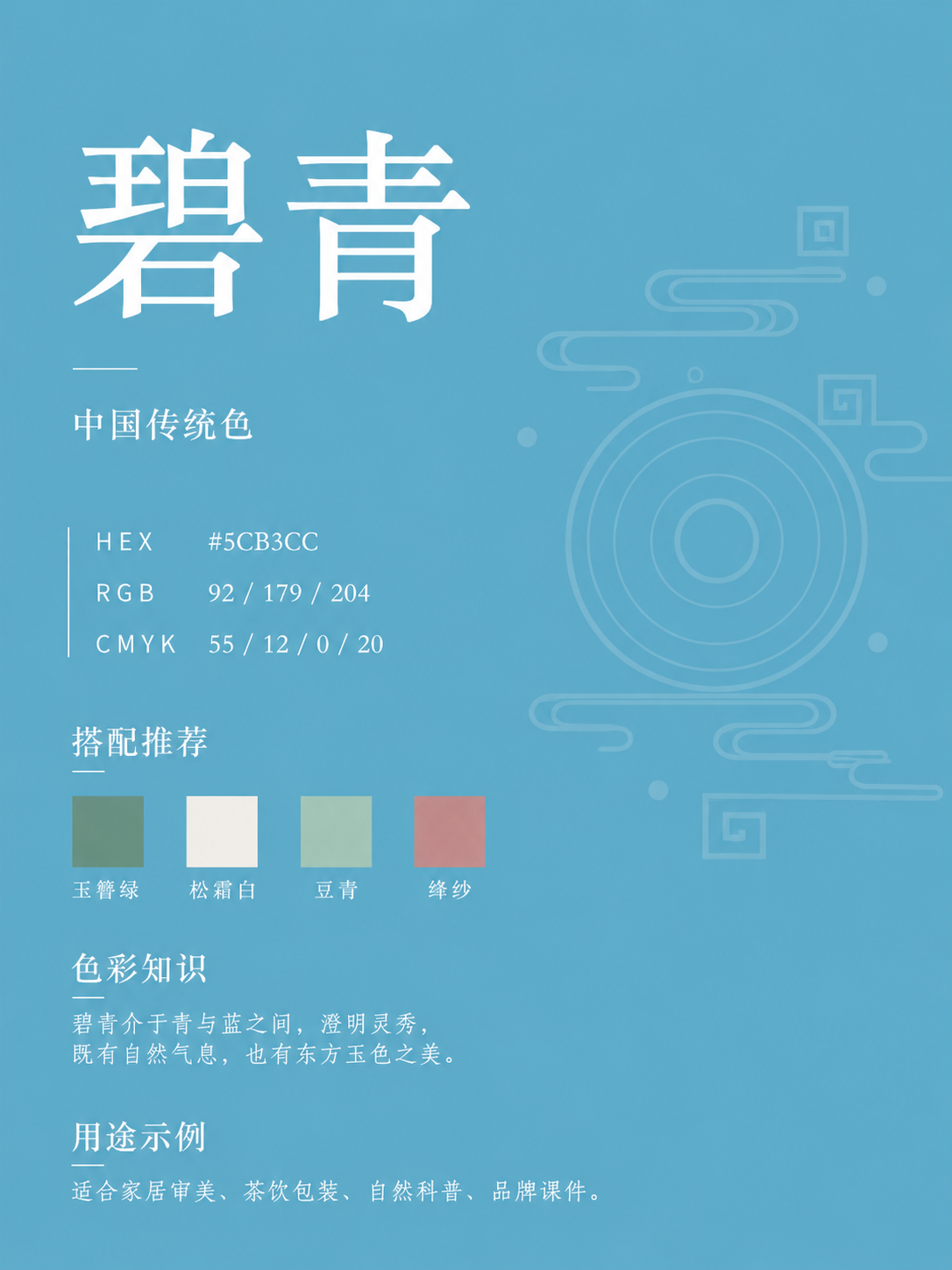
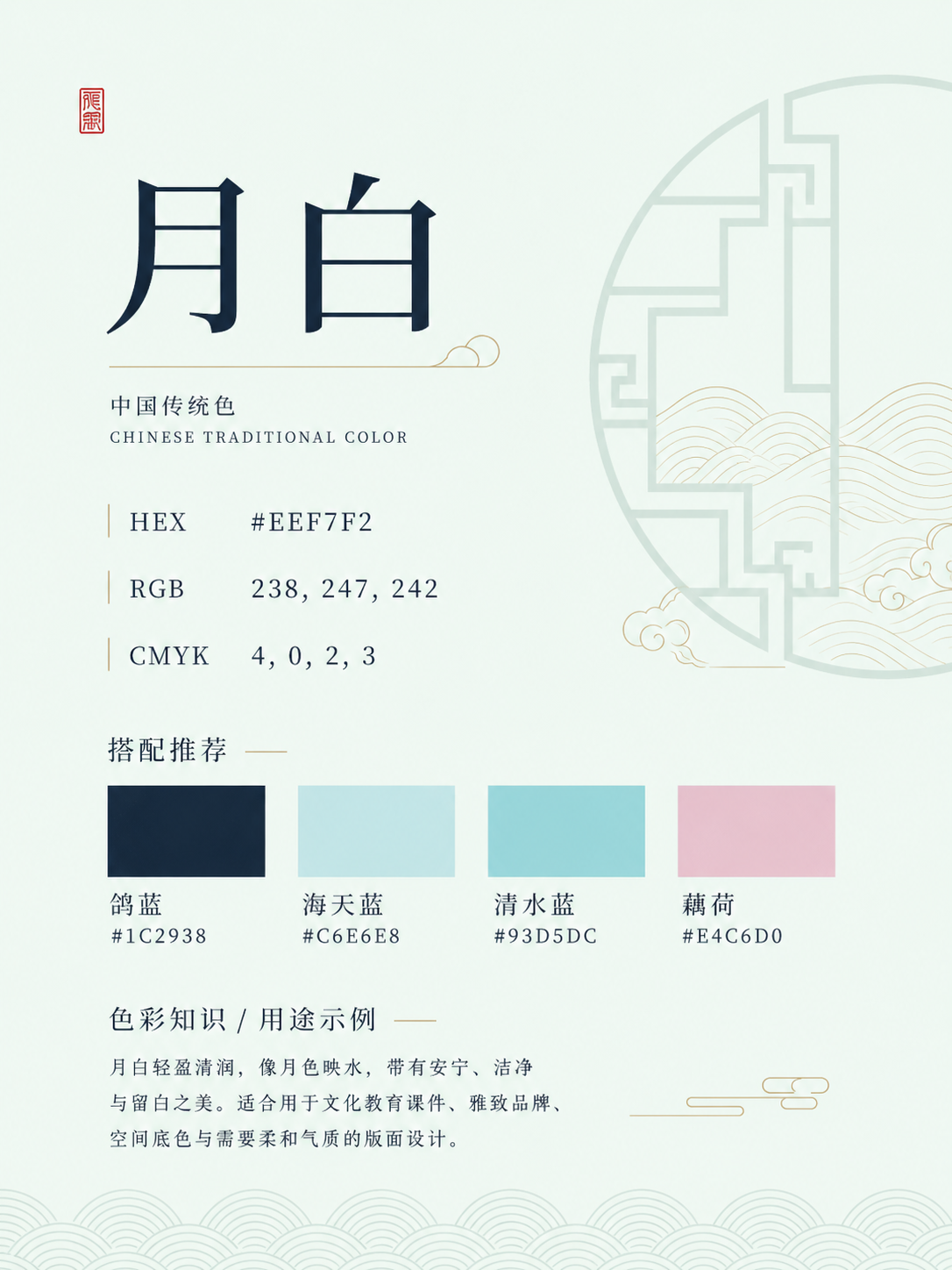
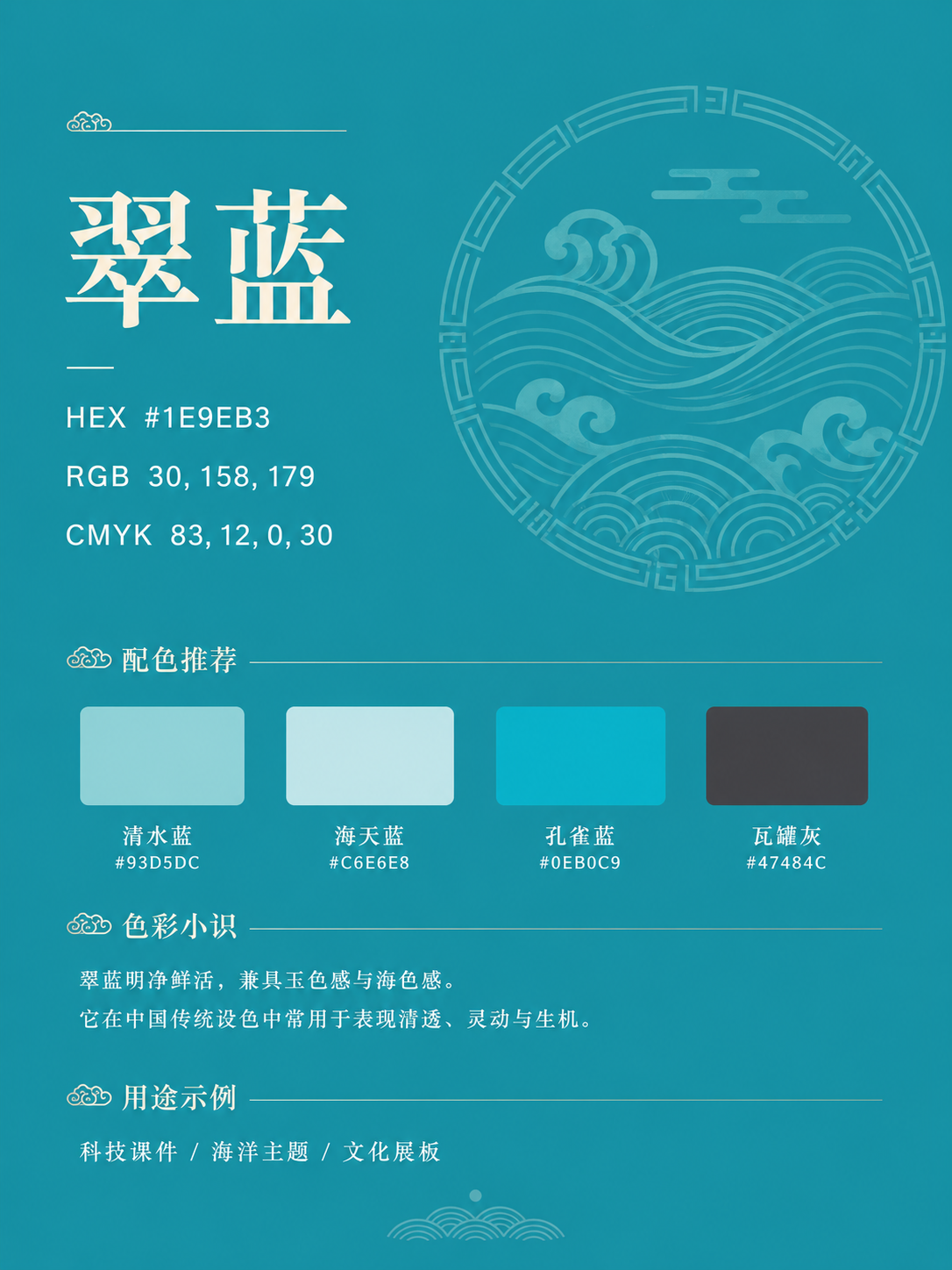
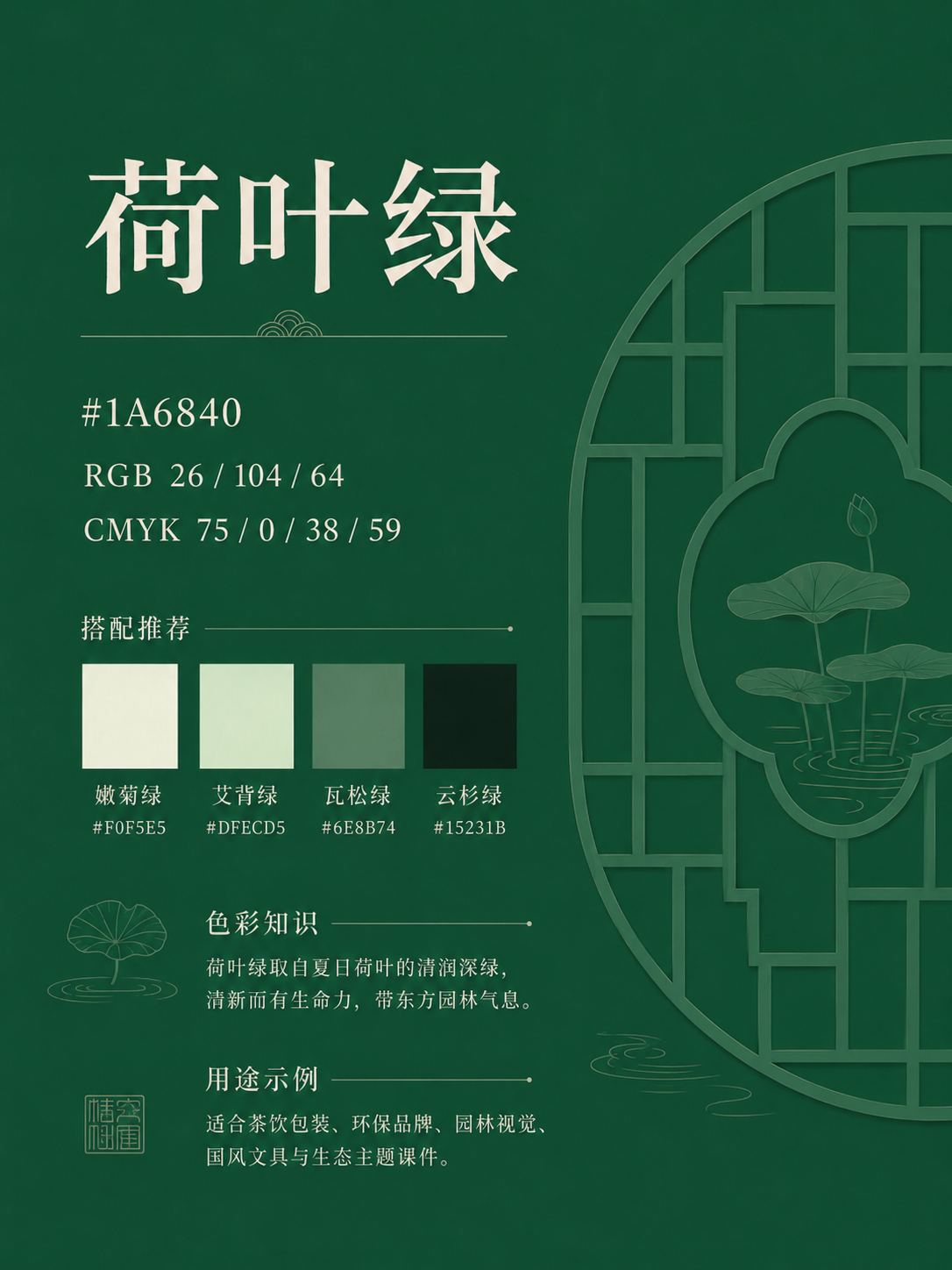
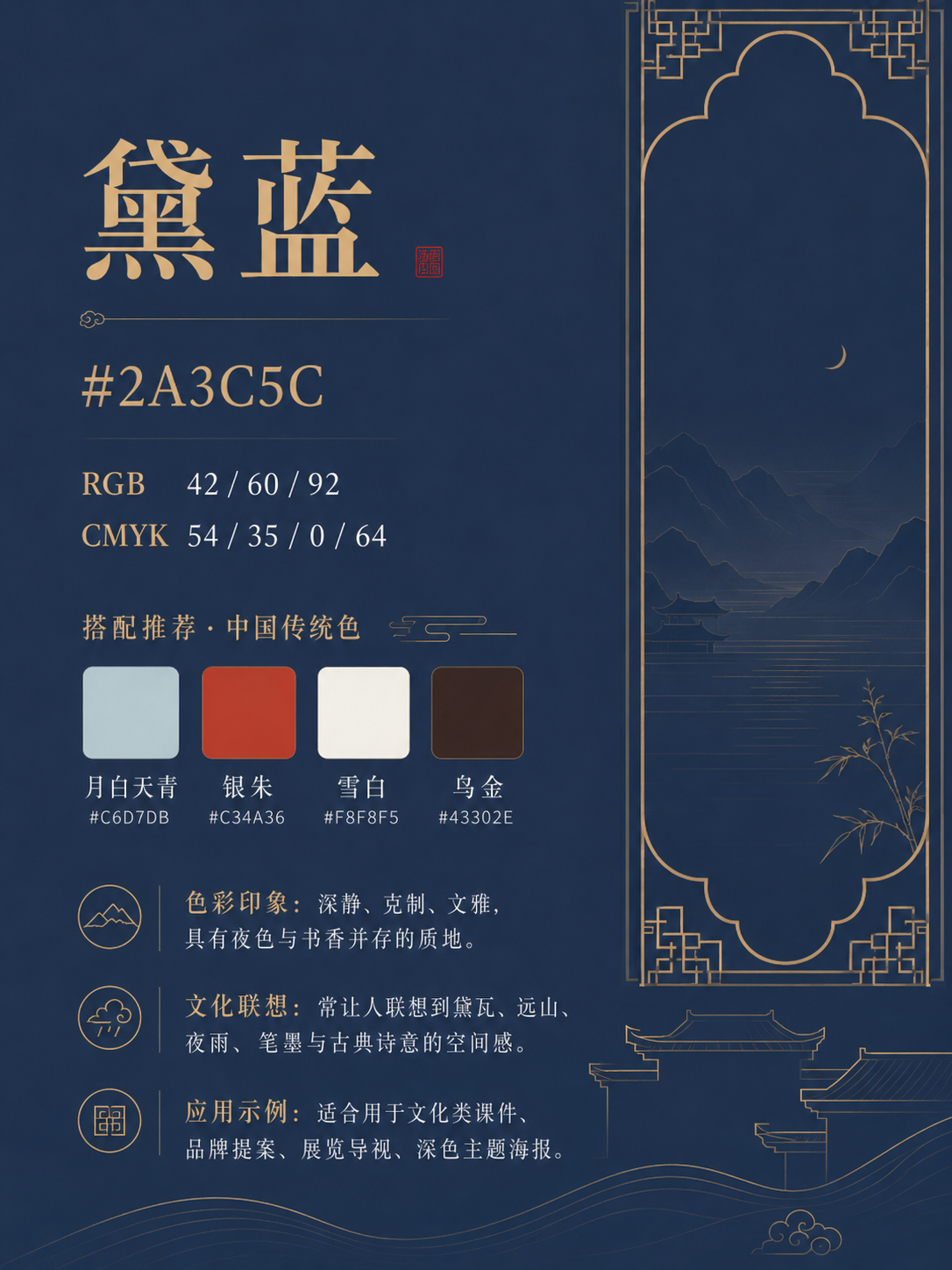
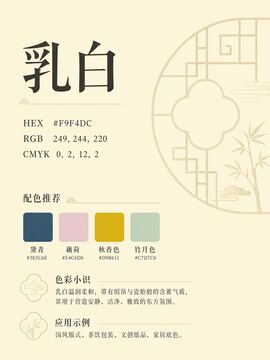
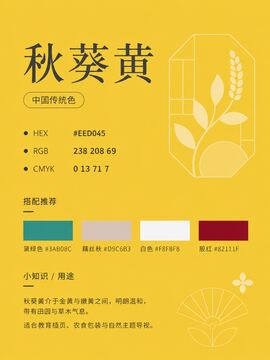
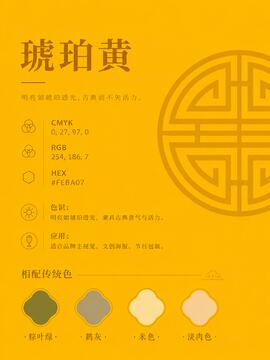
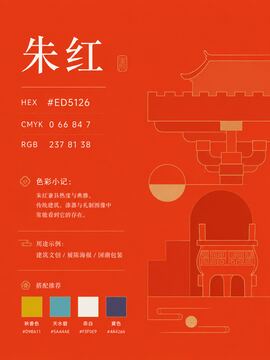
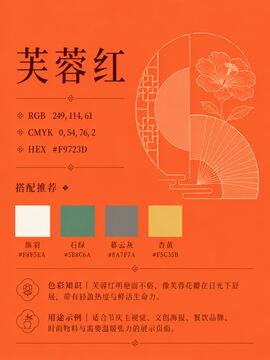
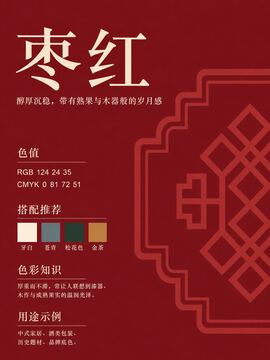
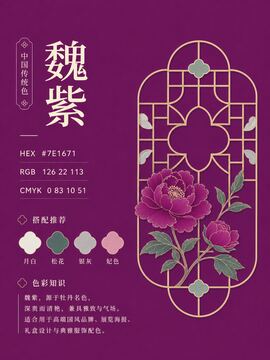
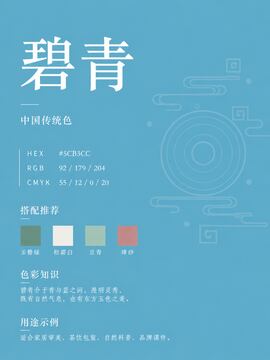
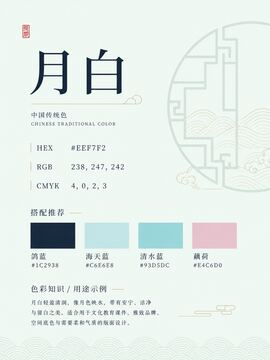
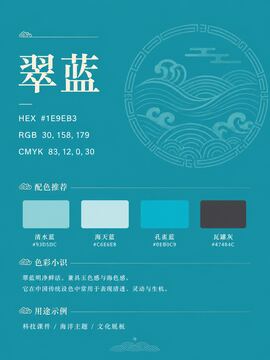
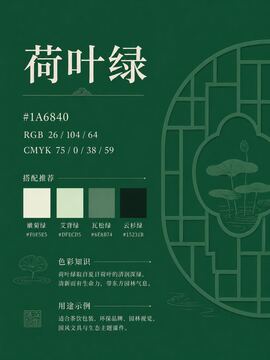
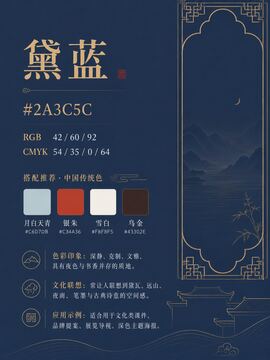
- **742 high-resolution PNG cards**, aligned one-to-one with the [original 742-color list](docs/chinese-color-master-list.md), with names, HEX, RGB, CMYK, palette notes, and mood keywords.
- **8,904 traceable harmony sets**, available as both [Markdown](docs/chinese-color-harmony.md) and [CSV](docs/chinese-color-harmony.csv) for browsing or reuse.
- **A complete static design workspace** for search, palettes, scene tests, gradients, usage cards, shadcn themes, and terminal themes.
- **Local, account-free favorites** for cards, palettes, usage pairs, generated schemes, and scene tests.
- **10 standalone Agent Skills** for briefs, palette building, layout placement, UI tokens, accessibility, brand systems, data visualization, legacy audits, content series, and print production.
## Take the workflow into Claude Code
Each `xxd-*` skill bundles the full color list and harmony data, so it can work independently without fetching reference data from the network.
```bash
git clone https://github.com/nevertoday/zhongguo-traditional-colors.git
cp -r zhongguo-traditional-colors/skills/xxd-palette-builder ~/.claude/skills/
```
| Where the work is stuck | Skill to use |
| --- | --- |
| The direction is still vague: “premium, Eastern, young, restrained” | [`xxd-color-brief`](skills/xxd-color-brief/SKILL.md) |
| One anchor color needs to become a role-based palette | [`xxd-palette-builder`](skills/xxd-palette-builder/SKILL.md) |
| A palette exists, but its layout roles are unclear | [`xxd-palette-applier`](skills/xxd-palette-applier/SKILL.md) |
| Development needs semantic UI tokens | [`xxd-ui-token`](skills/xxd-ui-token/SKILL.md) |
| Text, buttons, or charts may not be readable | [`xxd-accessible-color`](skills/xxd-accessible-color/SKILL.md) |
| The work extends to branding, charts, content systems, or print | [Browse all 10 skills](https://colors.xiaoxiaodong.ai/skills.html) |
## A small preview of the archive
The README shows 12 representative cards. Browse all 742 in the [online gallery](https://colors.xiaoxiaodong.ai/#gallery), the `images/` directory, or the [Release ZIP](https://github.com/nevertoday/zhongguo-traditional-colors/releases/latest/download/zhongguo-traditional-colors-images.zip).
## Download, run locally, or reuse the data
The source image set is about 998 MB, so the complete archive is distributed through [GitHub Releases](https://github.com/nevertoday/zhongguo-traditional-colors/releases/tag/v0.1.0) instead of bloating the repository.
- [Download every high-resolution PNG](https://github.com/nevertoday/zhongguo-traditional-colors/releases/latest/download/zhongguo-traditional-colors-images.zip)
- [Browse the original 742-color list](docs/chinese-color-master-list.md)
- [Download harmony data as CSV](docs/chinese-color-harmony.csv)
This is a static site. To preview it locally:
```bash
npm run manifest
npm run readme
npm run start
```
Then open `http://localhost:5173`. After adding or replacing cards, run `npm run manifest && npm run readme` to update the manifest and README gallery.
## A practical boundary
Traditional color values vary across sources, screens, print processes, inks, and materials. Use this project to search, compare, prototype, and communicate; verify against the real medium before production printing.
## Contributing and license
Issues and pull requests are welcome. New cards, corrected values, better sourcing, tool improvements, and clearer documentation are all useful; please read [CONTRIBUTING.md](CONTRIBUTING.md) first.
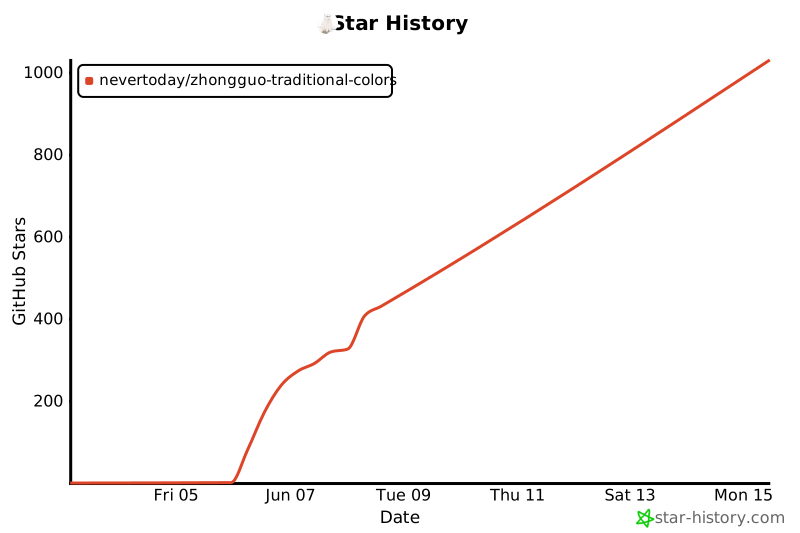
Released under the [MIT License](LICENSE). If the project saves you a round of hunting for references and repeatedly testing colors, consider starring it or sharing it with another maker.
[](https://www.star-history.com/#nevertoday/zhongguo-traditional-colors&Date)