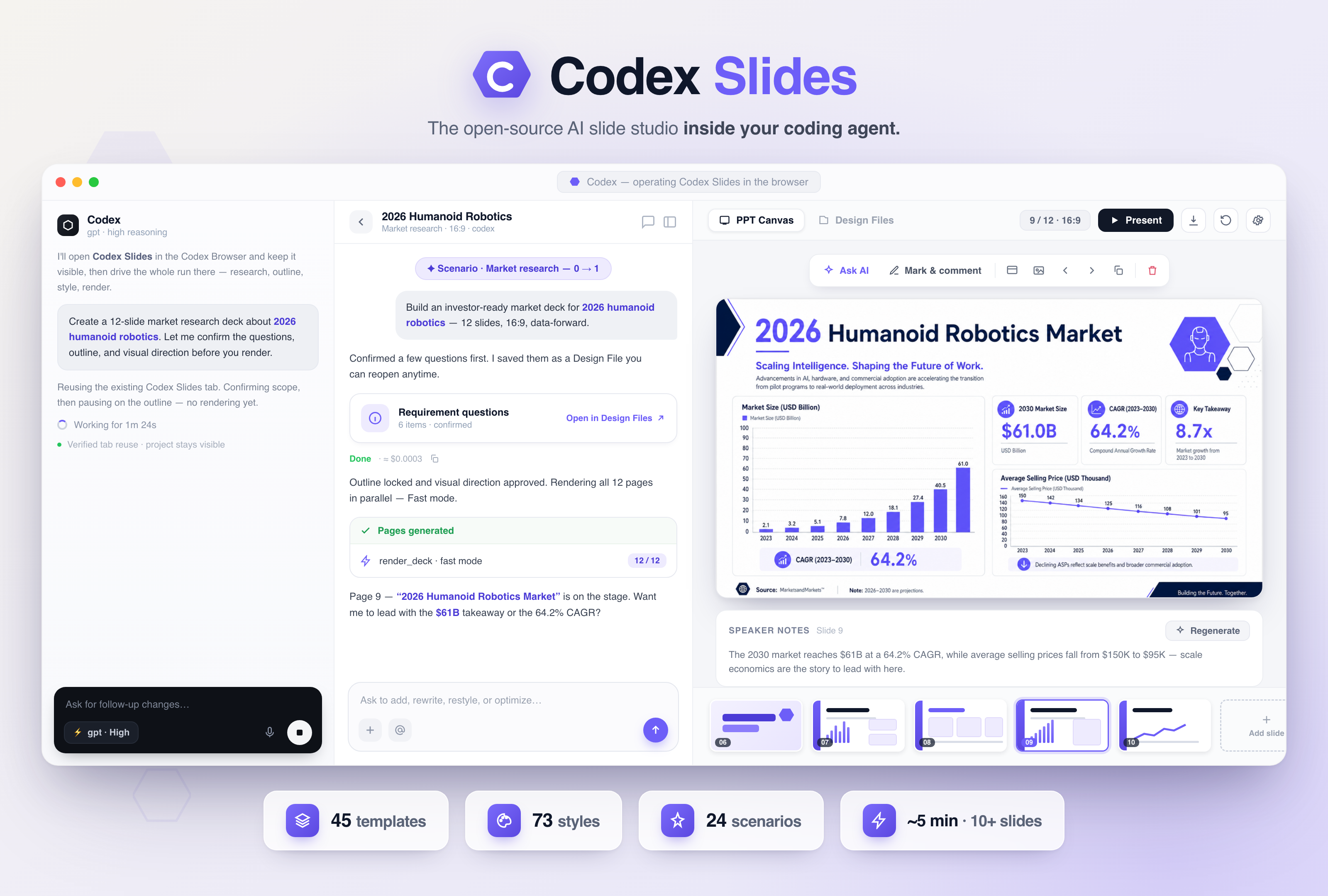
The open-source AI slide studio that lives inside Codex.
Turn a prompt, a repo, or a pile of files into a beautiful, presentation-ready deck — without leaving your coding agent.
⚡ 10+ high-quality slides in ~4–5 minutes — Fast mode renders every page in parallel, not one by one
45 deck templates · 73 community styles · 24 guided scenarios → production-ready PPTX / PDF · Browser-first · zero separate API keys · web & desktop



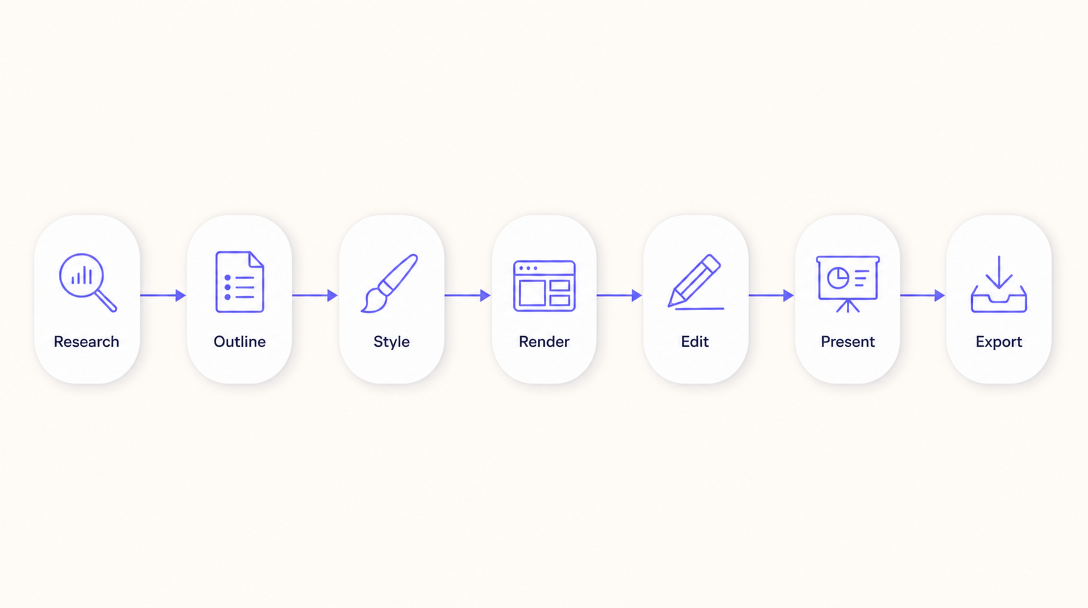
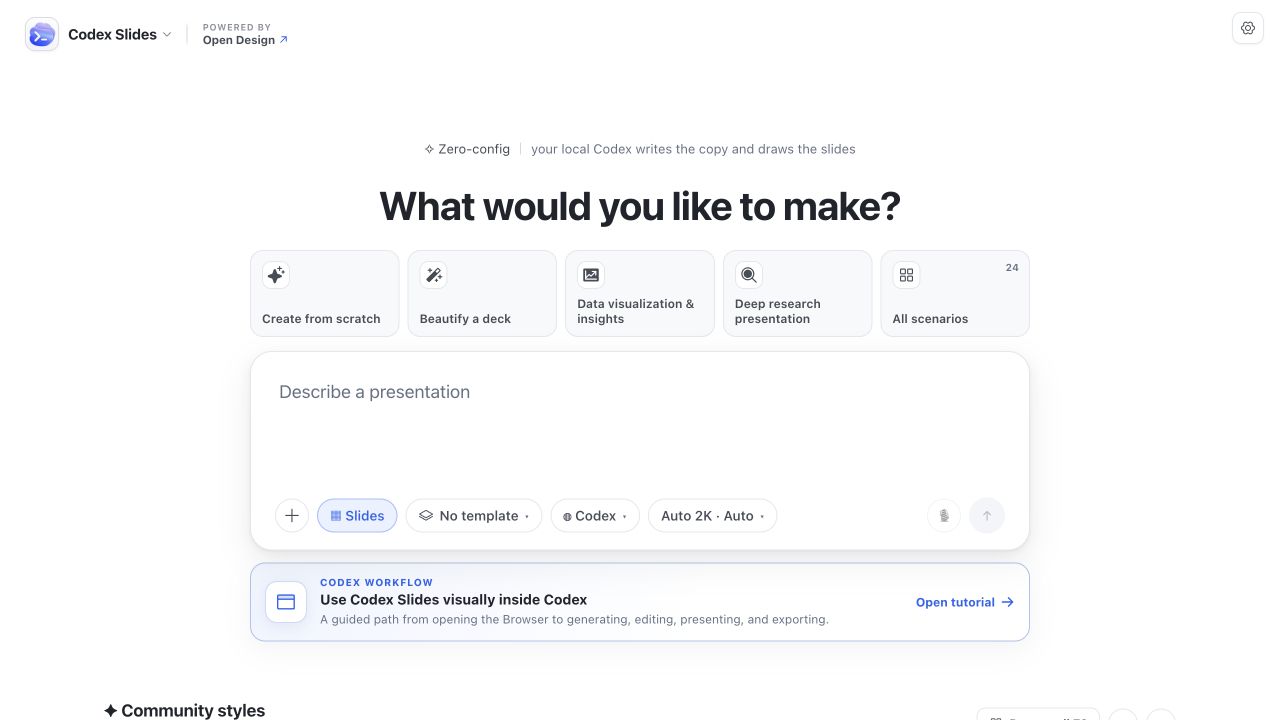
1 · Start at Home — describe what you want to make, attach source files, choose the engine and output settings, or jump into a guided workflow.
 |
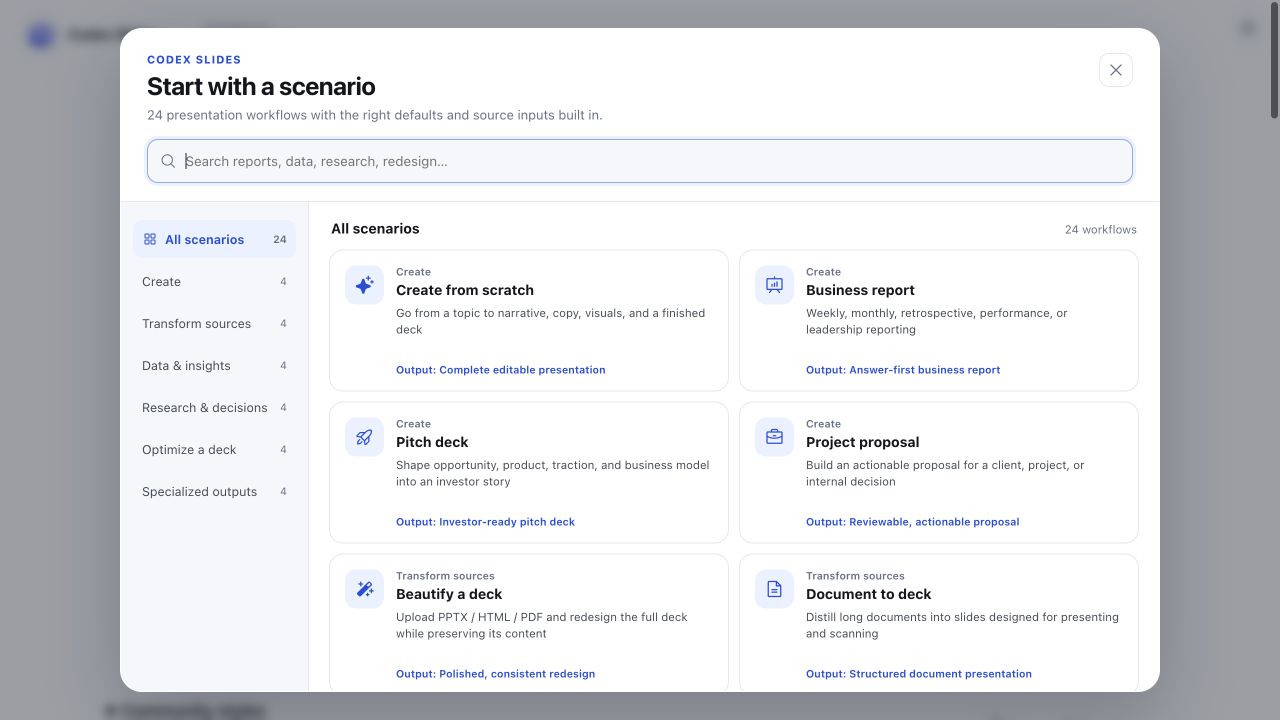 |
| 2 · Explore Community Styles — browse 73 visual directions across reports, infographics, diagrams, data, UI, posters, products, brand systems, architecture, photography, editorial, and illustration. | 3 · Pick a scenario — choose from 24 configured workflows for zero-to-one decks, source-to-slides, data stories, research, redesign, localization, training, keynotes, and more. |
 |
|
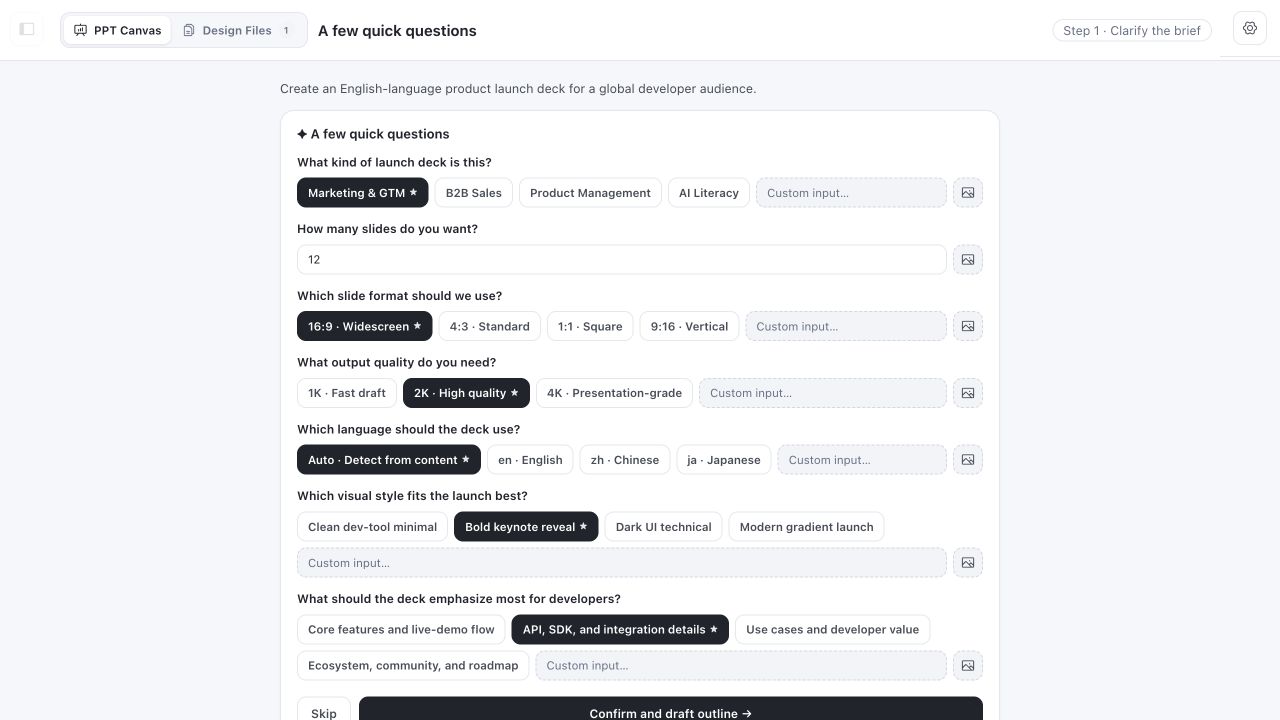
| 4 · Enter a durable project and clarify the brief — confirm audience, page count, aspect ratio, language, resolution, and visual intent before the outline begins. | |
 |
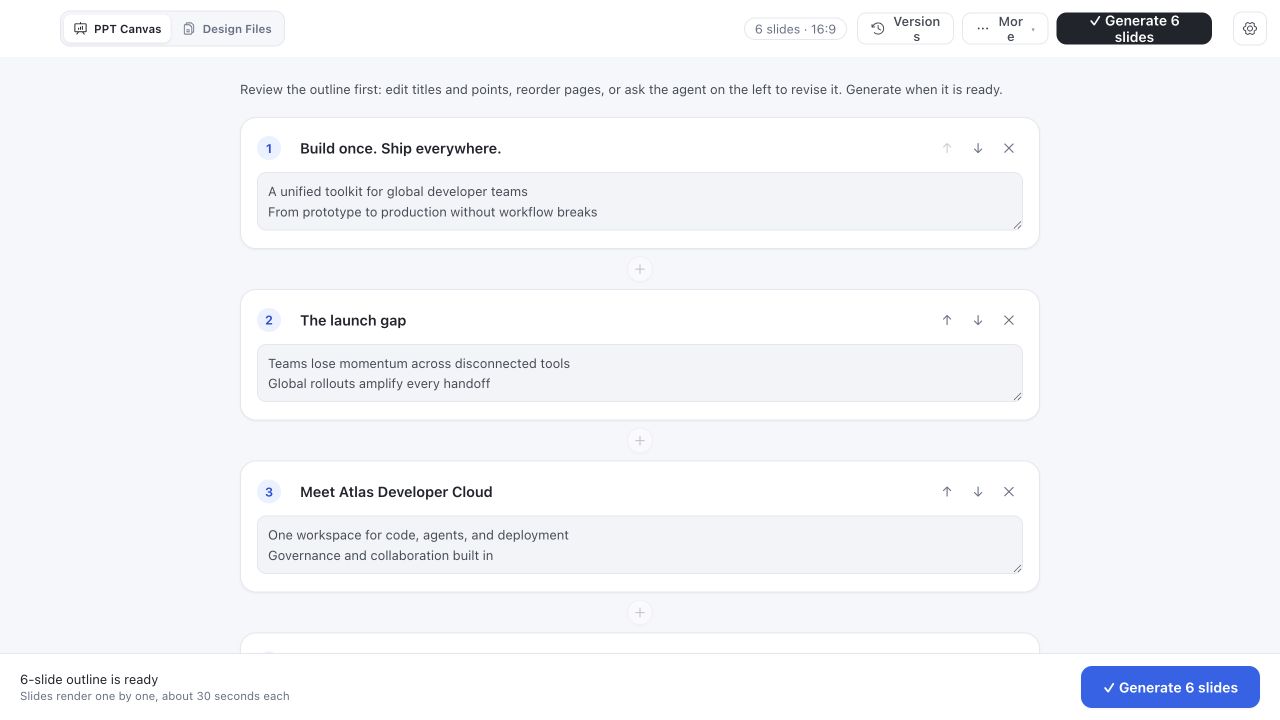 |
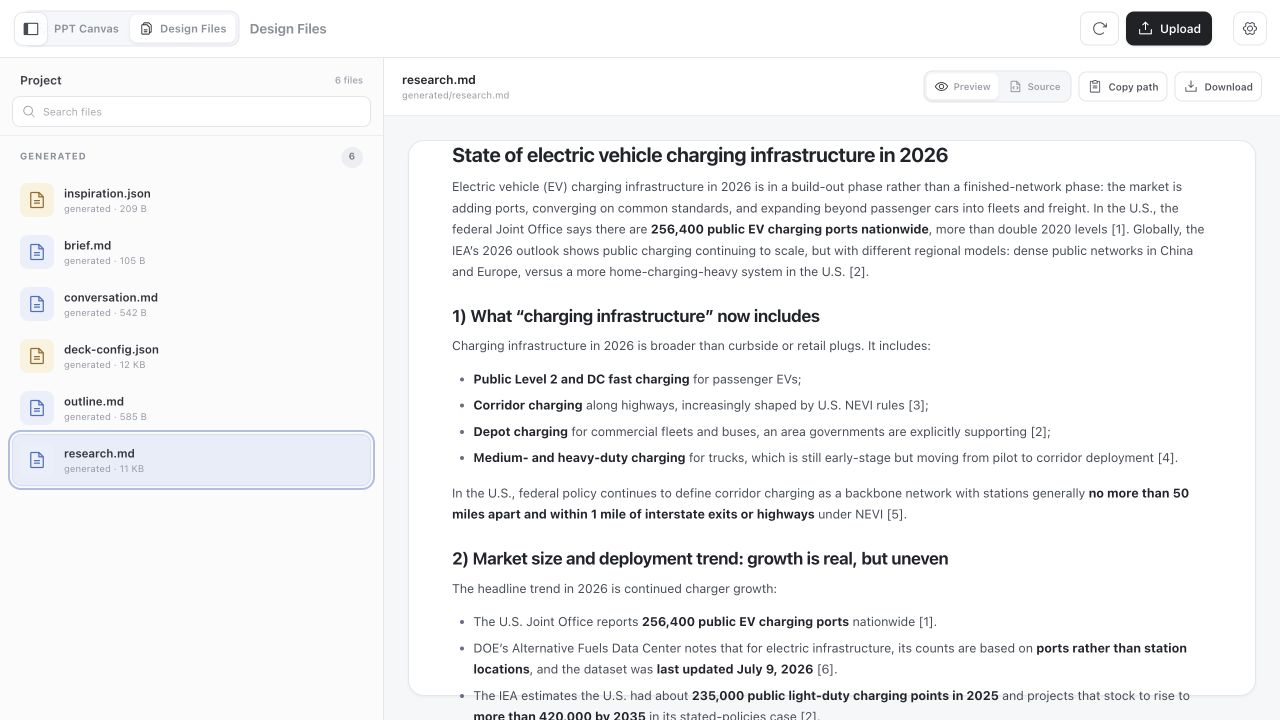
| 5 · Research — run optional multi-round web research, then keep the Markdown brief and sources inspectable inside Design Files. | 6 · Shape the outline — edit every title and talking point, add or remove slides, change the order, or ask the agent to revise the story. |
 |
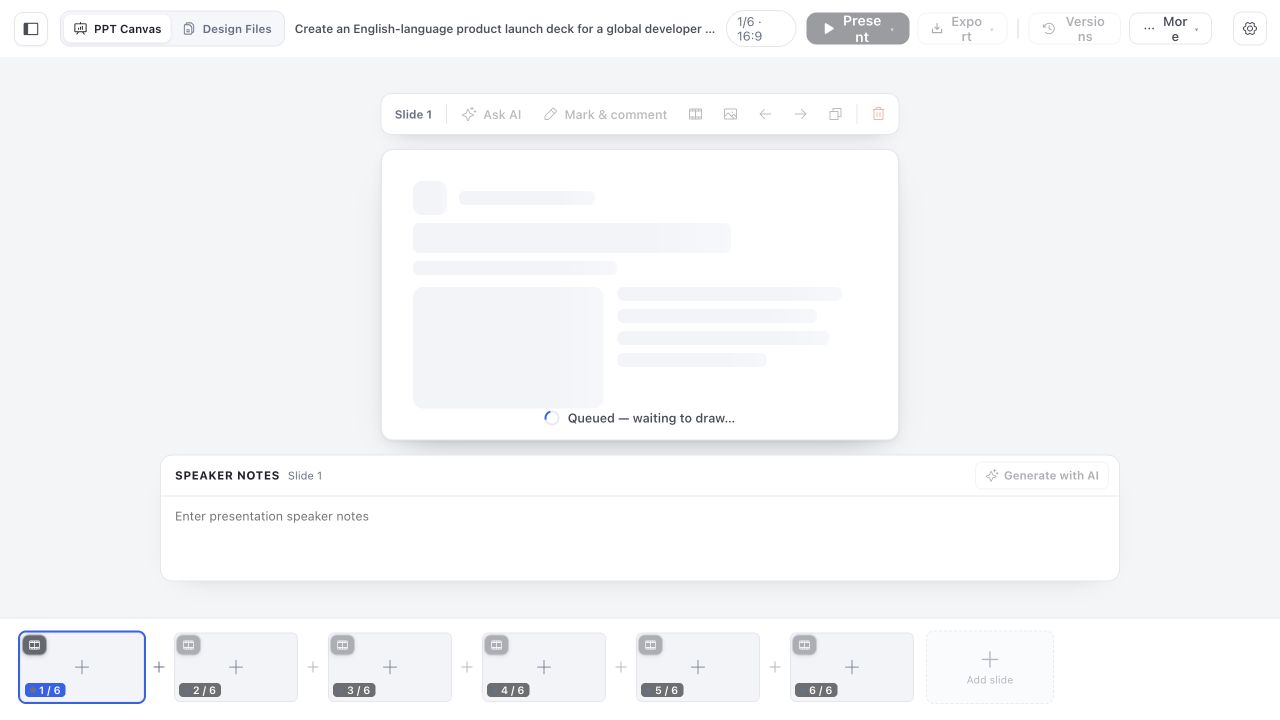 |
| 7 · Lock the visual direction — Codex Slides ranks Community Styles against the topic and outline; choose one, search the full library, or keep the default. | 8 · Generate progressively or in parallel — watch completed slides land in the canvas while remaining pages stay visible and resumable. Fast mode fans pages out in parallel and queues overflow. |
 |
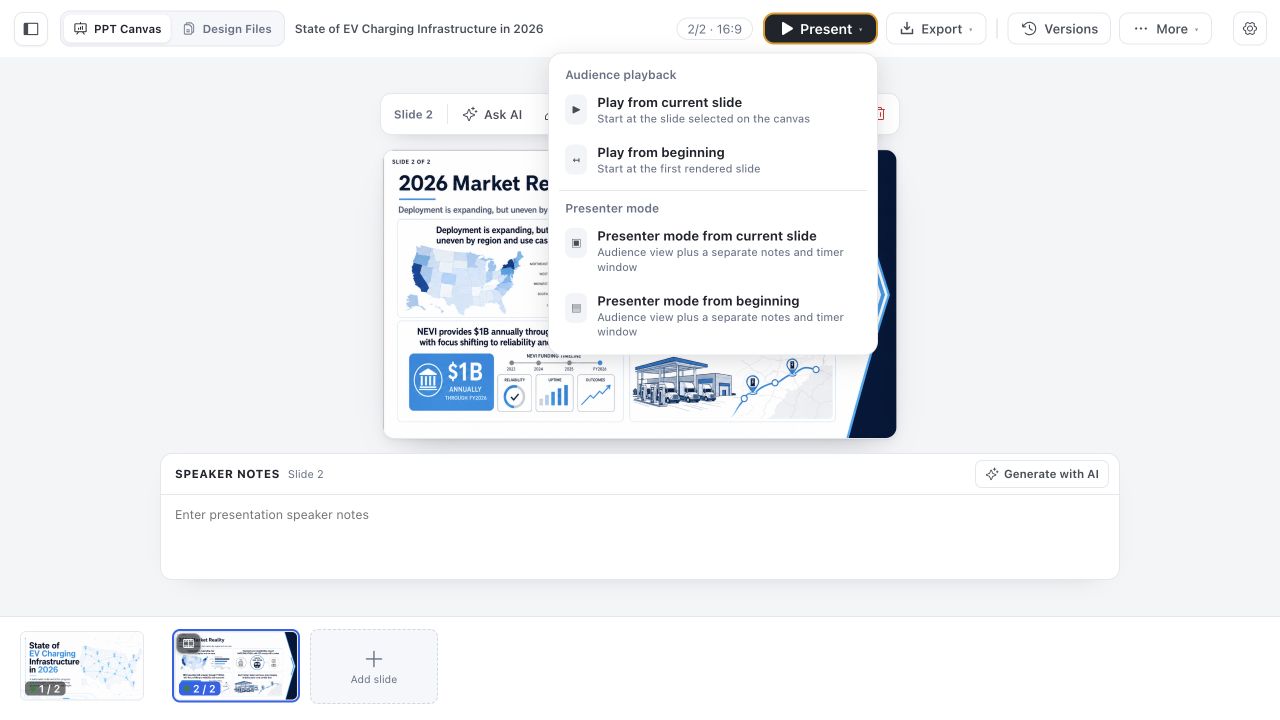 |
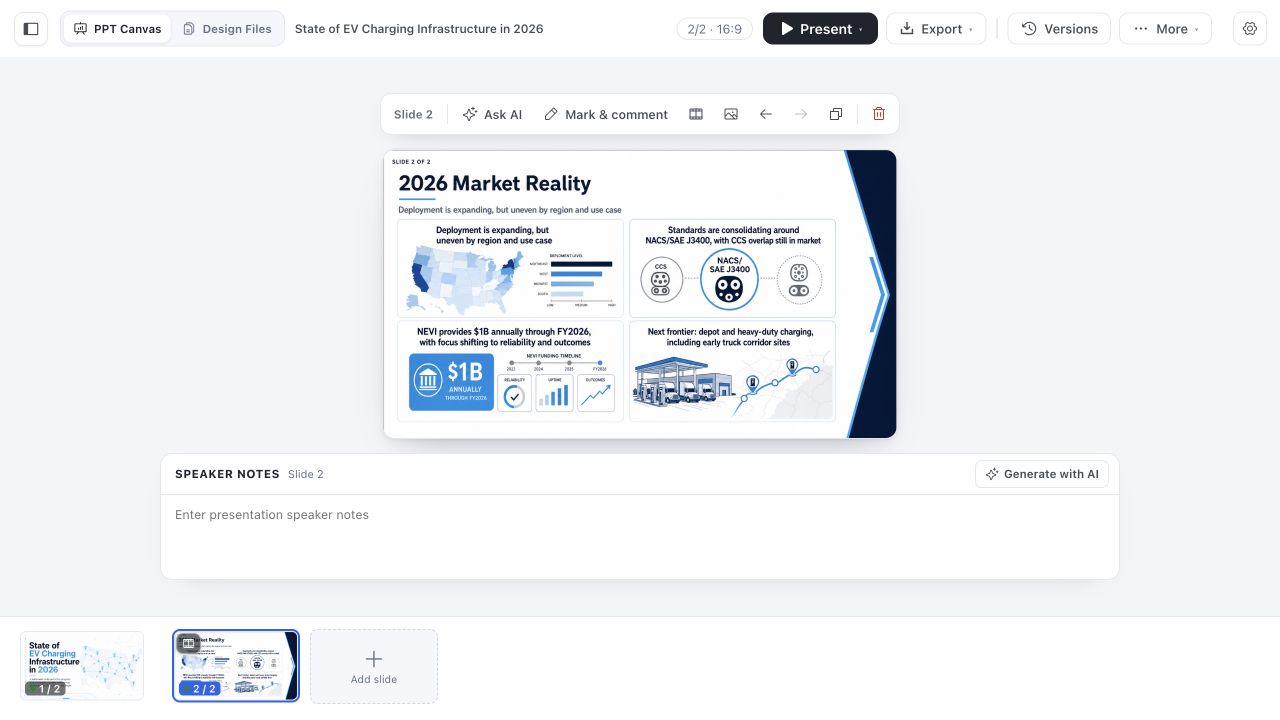
| 9 · Edit in place — keep the complete slide in frame while you ask AI, mark a region, rewrite or redraw a page, add and reorder slides, set transitions, replace images, and prepare speaker notes. | 10 · Present — start audience playback from any slide, or use Presenter Mode with a synchronized audience window, notes, navigation, and timer. |
 |
|
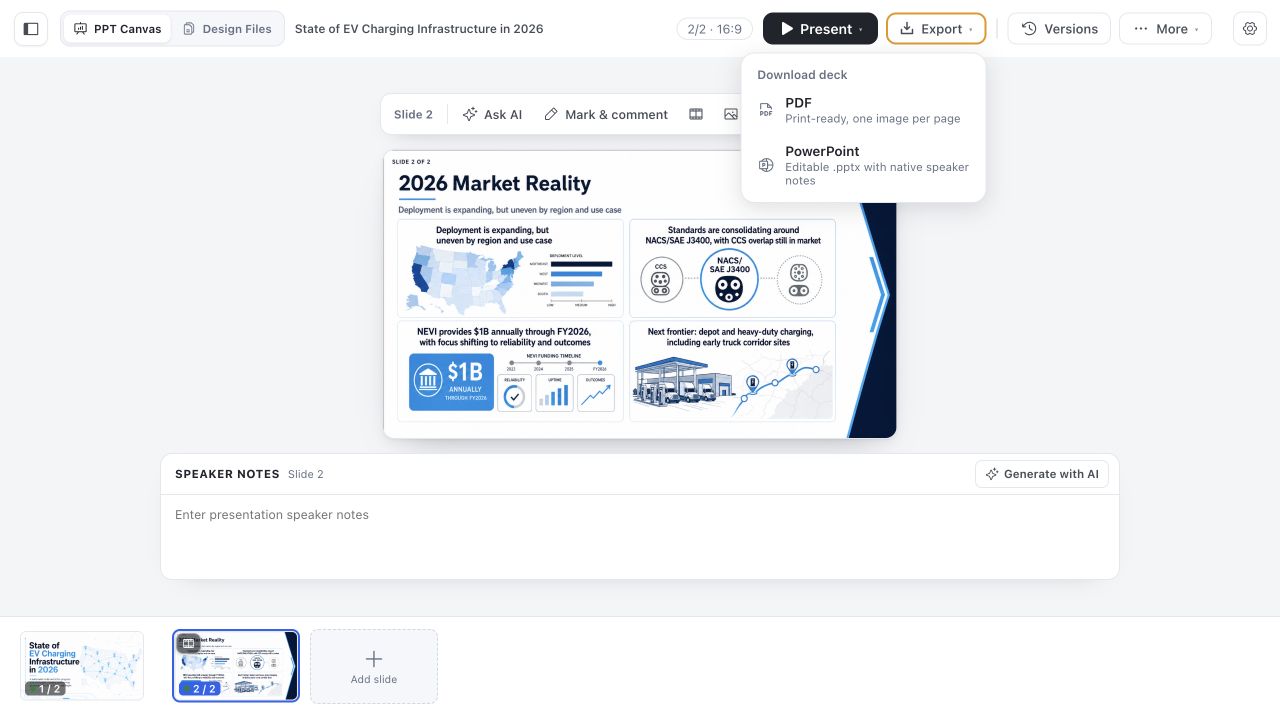
| 11 · Export — download a production-ready PowerPoint file or a print-ready PDF, with the project's speaker notes preserved. | |
 Business & market report — charts, KPI callouts, and a tidy consulting-grade grid. 📋 Copy the promptOpen Codex Slides in the Codex Browser and build a 12-slide market report on the 2026 humanoid-robotics market — size, CAGR, average selling price, and key takeaways — in a consulting-grade chart-and-KPI grid. Research first, then stop at the outline before rendering. |
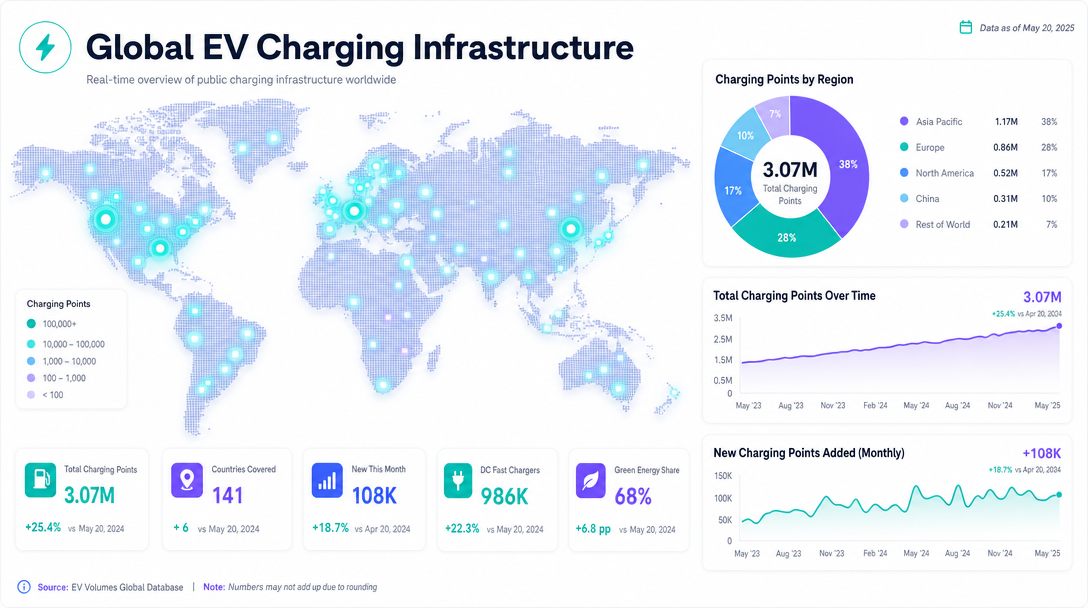 Data & dashboards — maps, donut and trend charts, and metric tiles. 📋 Copy the promptOpen Codex Slides and turn the attached dataset into a data dashboard on global EV-charging infrastructure — a world map of charging points, a regional donut, a growth trend line, and metric tiles. Analytical and dense. Confirm the outline first. |
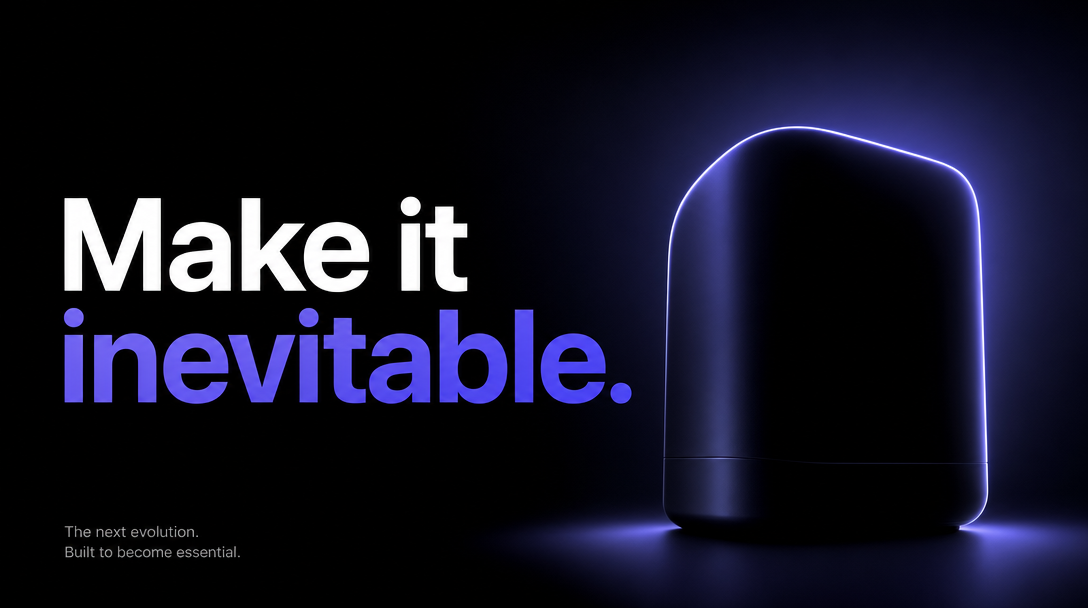 Product keynote — cinematic, high-contrast title moments for launches. 📋 Copy the promptOpen Codex Slides and create a cinematic product keynote — big high-contrast title moments, near-black slides with one glowing product hero and a single bold line per page. 16:9 at 4K. Show me the visual direction before generating. |
 Editorial — refined typography and a print-quality grid. 📋 Copy the promptOpen Codex Slides and design an editorial, magazine-style deck — a refined serif masthead, a strict multi-column print grid, warm photography, and generous white space. Use my essay as the source. Approve the outline, then export PDF. |
 Seed pitch — midnight & traction — a confident dark title system, one electric-blue accent. 📋 Copy the promptOpen Codex Slides in the Codex Browser and build a 10-slide seed pitch for a developer-tools startup — problem, insight, product, demo, traction, market, model, moat, team, ask. Use a confident dark "midnight" title system with one electric-blue accent. Stop at the outline, then render in Fast mode. |
 Product keynote — clean daylight — a bright, airy layout with soft 3D diagram nodes. 📋 Copy the promptOpen Codex Slides and create a 14-slide product keynote for an agent-native platform. Bright, airy "daylight" layout with soft 3D diagram nodes and one indigo accent, one idea per slide. Show me the visual-direction options, then generate at 4K. |
 Answer-first data story — leads with the headline, then a map and trends. 📋 Copy the promptOpen Codex Slides in the Browser and turn the attached dataset into a 9-slide data story that leads with the answer: a headline metric, a national map of where it's happening, trend and regional breakdowns, and a recommendation. Analytical and uncluttered. Confirm the outline first. |
 Editorial report — refined serif headlines and a strict print grid. 📋 Copy the promptOpen Codex Slides. Use the attached PDF as the content source and rebuild it as a 12-slide editorial report — refined serif headlines, an ink-and-paper craft palette, and a strict print grid. Keep every fact, add nothing. Stop for outline approval, then export PPTX and PDF. |
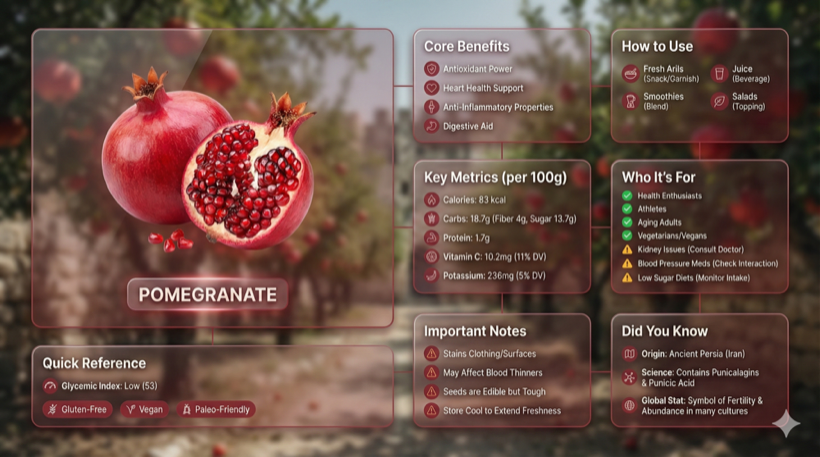 Liquid Glass bento dashboard — transparent glass cards over a soft blurred ground. 📋 Copy the promptOpen Codex Slides and build a 6-slide product overview in the Liquid Glass Bento style — an asymmetric bento grid of transparent glass cards over a soft blurred ground, one hero cell plus titled metric tiles. Use my attached specs as the facts. Approve the outline before rendering. |
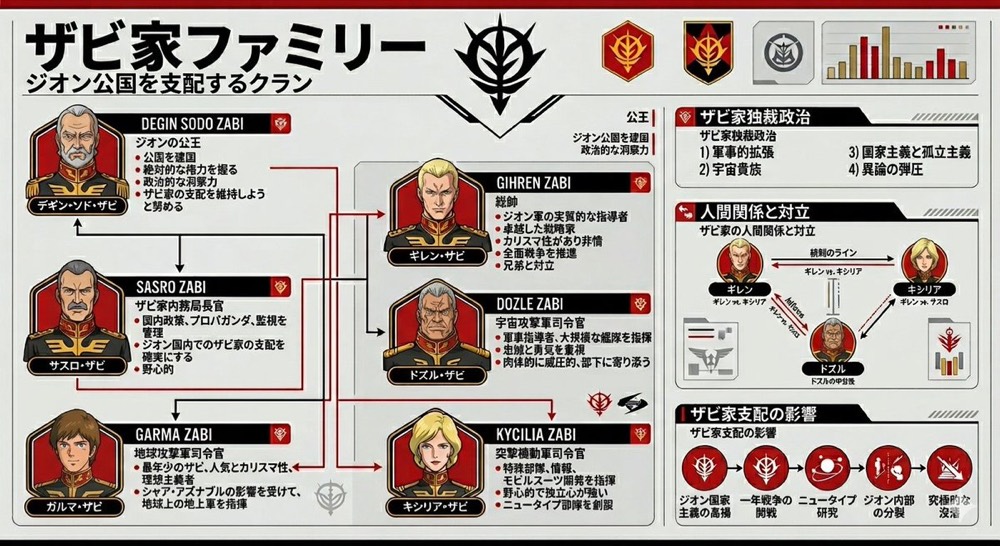 One-page summary infographic — a whole story in one dense, sectioned page. 📋 Copy the promptOpen Codex Slides and use the attached transcript as the source. Distill the whole meeting into a single dense "summary infographic" slide plus 4 supporting pages — decisions, owners, next steps, and risks, with icons and tidy sections. Show me the outline first. |
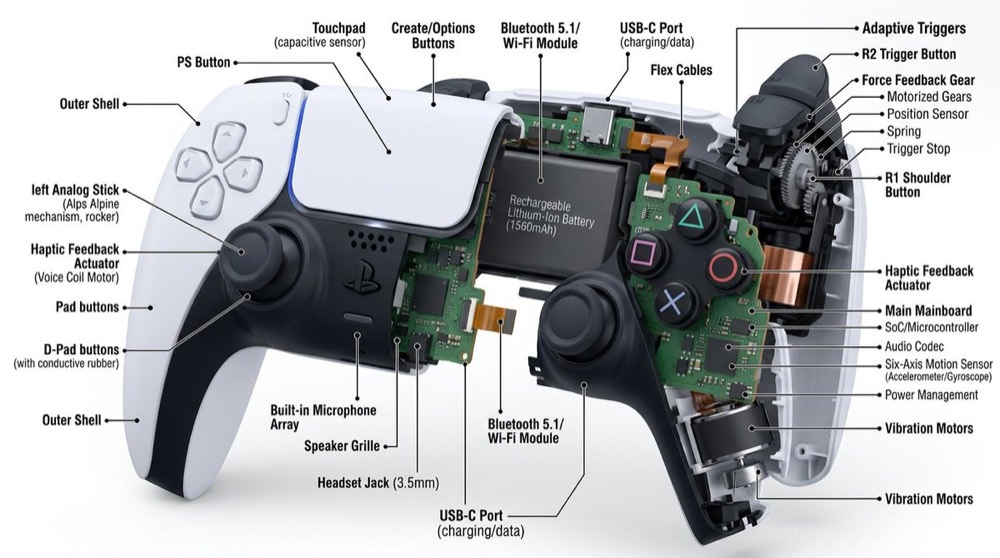 Technical cutaway — a labeled cross-section that formalizes a rough sketch. 📋 Copy the promptOpen Codex Slides. Use the attached whiteboard photo as a visual source and reconstruct the system as a 5-slide "technical cutaway" — a labeled cross-section hero, data flow, components, tradeoffs, and rollout. Keep my labels, formalize the sketch. Pause at the outline. |
 Bold product ad — a hero shot, one giant claim per page, a closing CTA. 📋 Copy the promptOpen Codex Slides and turn our launch one-pager into a 5-slide "bold product ad" sequence — a hero shot, one giant claim per page, high-contrast type, and a closing CTA. Punchy and confident. Confirm the visual direction, then render at 4K. |
 Golden serif quote moment — a warm canvas with one oversized light-gold line. 📋 Copy the promptOpen my finished deck and add three "golden serif quote" interstitials — a warm brown canvas with one oversized light-gold serif line and a soft portrait fade — between the major sections. Keep the rest of the visual system intact. Show me the result in Play mode. |
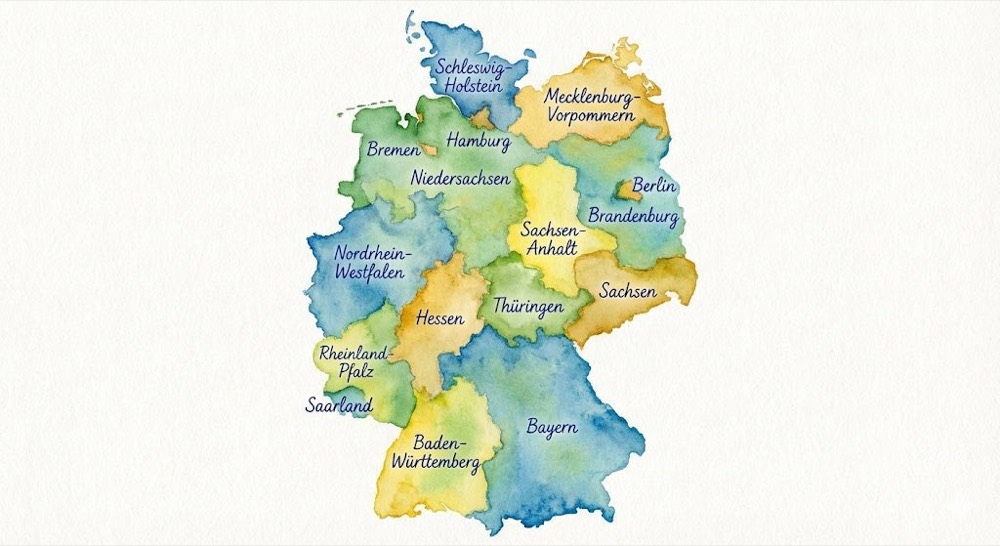 Watercolor annotated map — a hand-painted map anchoring a market story. 📋 Copy the promptOpen Codex Slides and create an 8-slide market-entry brief centered on a watercolor annotated map of our target regions, with a ranked opportunity table and a phased plan. Run quick research first and keep the sources in Design Files. Approve the outline before rendering. |
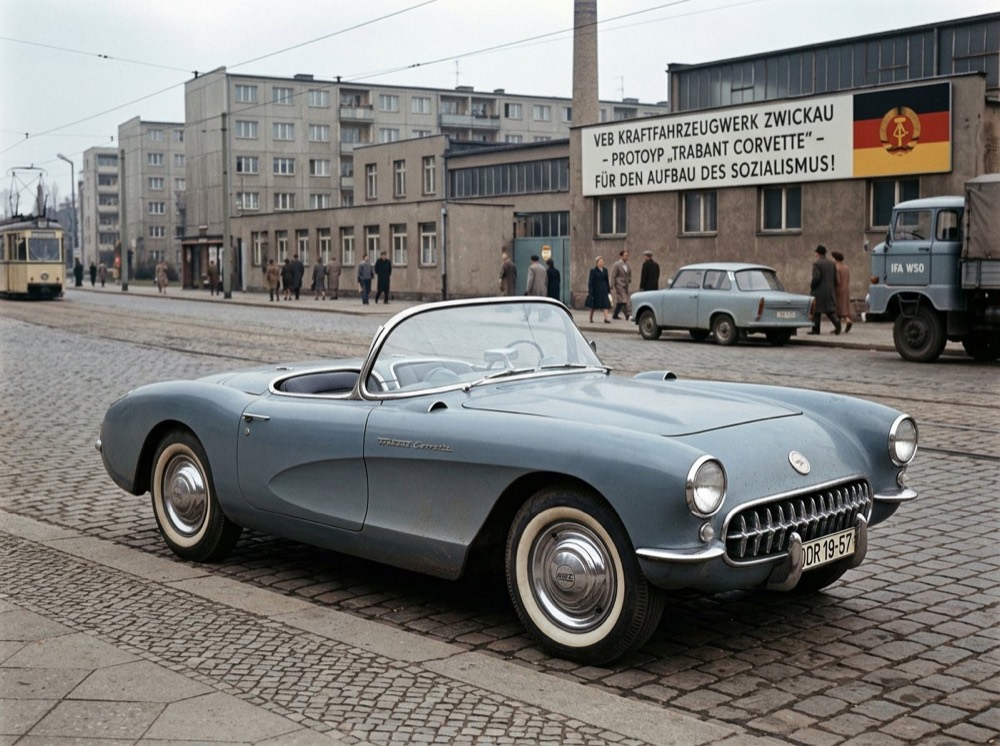 Retro industrial concept — moody studio renders with utilitarian type. 📋 Copy the promptOpen Codex Slides and create a 6-slide product concept deck in a retro-industrial style — moody studio renders, utilitarian type, and spec callouts — for a piece of hardware described in the attached brief. Show the visual direction, then generate. |
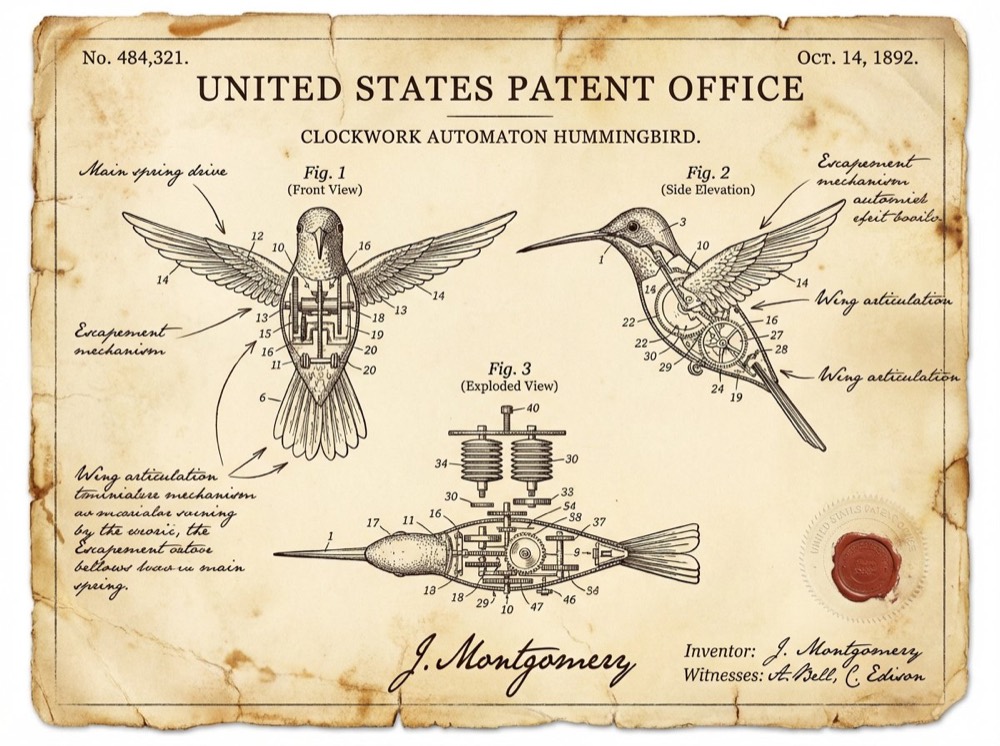 Vintage patent filing — aged paper, fine linework, numbered figure callouts. 📋 Copy the promptOpen Codex Slides and present our hardware concept as a 7-slide "vintage patent filing" — aged paper, fine technical linework, numbered callouts, and a formal figure caption on every page. Use the attached CAD notes as the source. Outline first. |
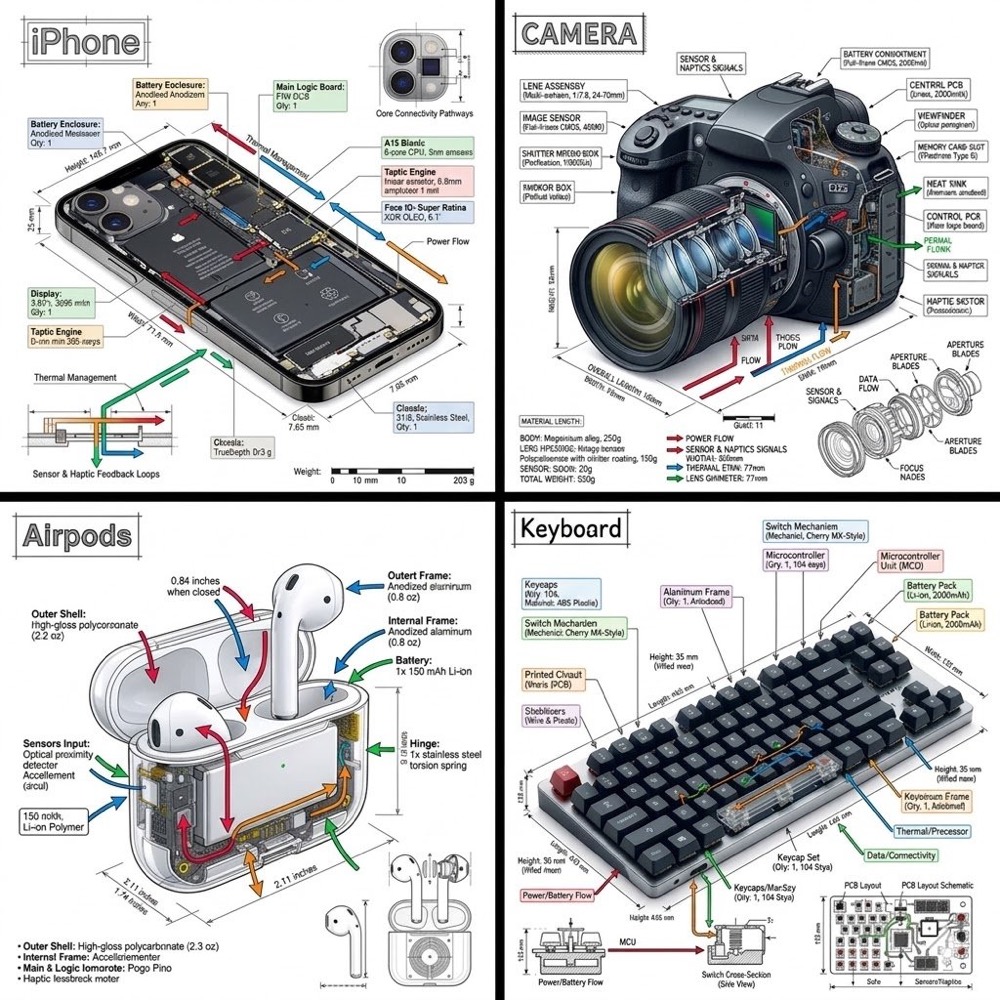 Engineering blueprint teardown — annotated diagrams on a precise technical grid. 📋 Copy the promptOpen Codex Slides and build a 9-slide competitive teardown of us vs. three named rivals in an engineering blueprint grid — annotated diagrams, a feature matrix, pricing, and where we win. Fair and specific, no strawmen. Show the outline before rendering. |
 Chalkboard lesson — hand-drawn diagrams and boxed definitions for teaching. 📋 Copy the promptOpen Codex Slides and build a 12-slide training module on "Reading a Flame Graph" in a warm chalkboard-lesson style — hand-drawn diagrams, boxed definitions, a worked example, and a short quiz. Write full speaker notes on every slide. Approve the outline before rendering. |
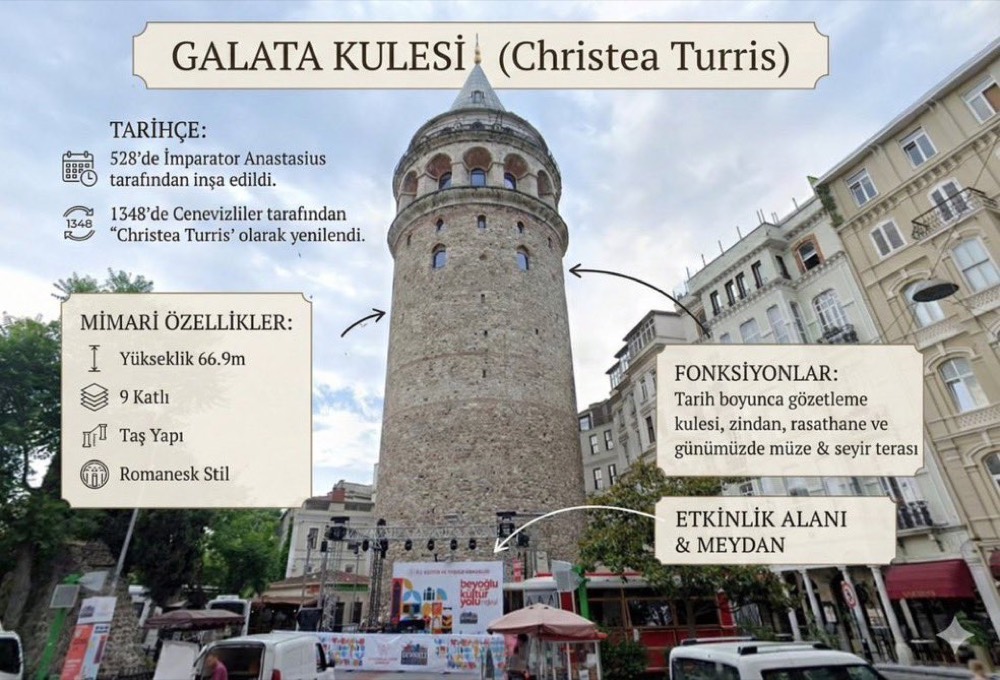 Visual info guide — a tidy, icon-led explainer for a research readout. 📋 Copy the promptOpen Codex Slides and turn the attached survey export into a 10-slide research readout as a clean visual info guide: method, three headline findings with supporting charts, verbatim quotes, and recommendations. Neutral, evidence-first. Outline first. |
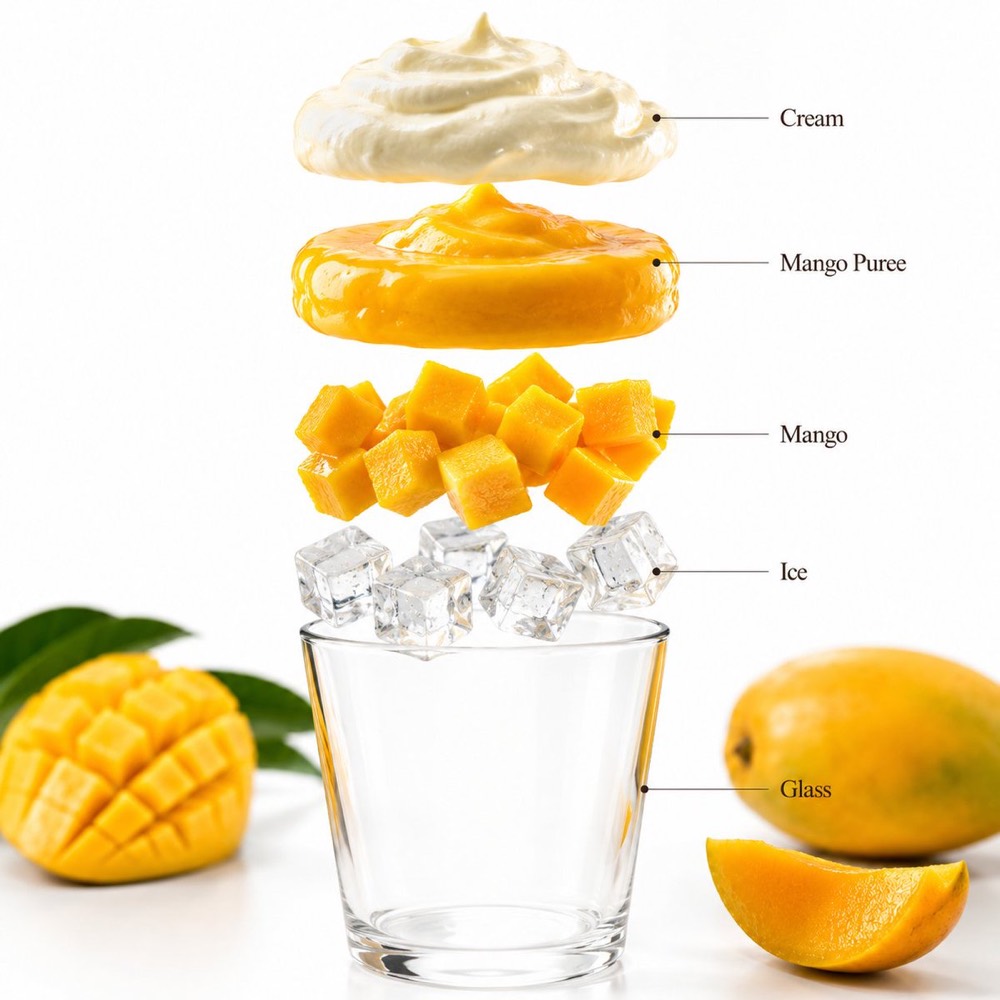 Exploded layer stack — a hero exploded diagram plus one slide per layer. 📋 Copy the promptOpen Codex Slides and explain our architecture as a 5-slide "exploded layer stack" — a hero exploded diagram plus one slide per layer with its role and interfaces. Use the attached design doc as the source. Pause at the outline. |

Open Codex Slides in Codex. Keep it visible. Make every slide steerable.