เว็บไซต์ · ดาวน์โหลด · OpenDesign Cloud · Discord · ติดตาม @nexudotio




English · Español · Português · Deutsch · Français · 简体中文 · 繁體中文 · 한국어 · 日本語 · العربية · Русский · Українська · Türkçe · ภาษาไทย
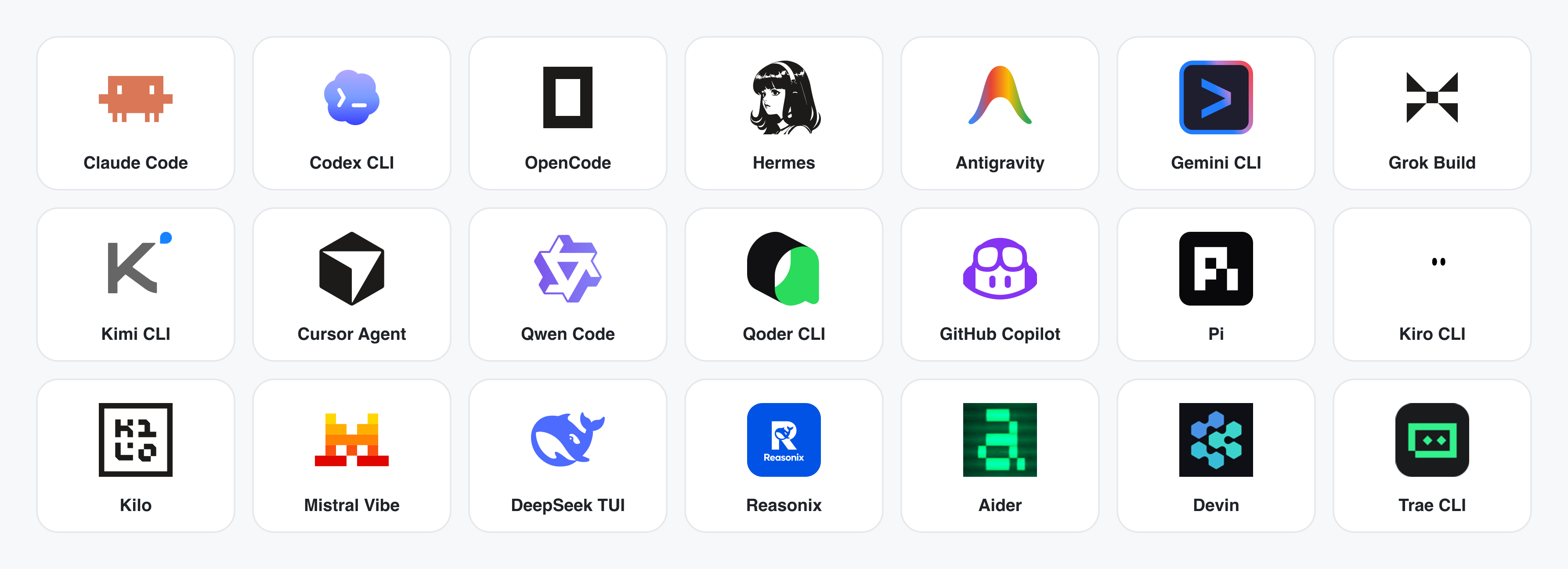
--- ## OpenDesign คืออะไร 🎨 **ทางเลือก Claude Design แบบ local-first และโอเพนซอร์ส.** 🖥️ **แอป desktop native สำหรับ macOS และ Windows.** ⚡ **functional skills 100+ รายการ + rendering-template catalog แยกต่างหาก** · ✨ **design-system packages ระดับแบรนด์ 151 ชุด** · 📦 **plugin พร้อมใช้ 277 ตัว.** 🖼️ สร้าง **prototype สำหรับ web · desktop · mobile**, **live dashboard / artifact**, **deck**, **image**, **video** และ motion graphics ด้วย **HyperFrames**. 🔒 preview ผ่าน sandboxed iframe · export เป็น HTML / PDF / PPTX / MP4. 🤖 **รันบน Claude Code · OpenClaw · Codex · Cursor · OpenCode · Qwen · Copilot · Amp · Hermes · Kimi · Antigravity และ local CLI executable ที่ไม่ซ้ำกัน 25 ตัว**, หรือ endpoint ที่เข้ากันได้กับ OpenAI ผ่าน BYOK. OpenDesign คือสิ่งที่เกิดขึ้นเมื่อ loop แบบ **agent-native** ที่ Anthropic เปิดตัวกับ Claude Design — ค้นหา brief, ล็อก direction, stream artifact, critique, deliver — เลิกเป็นระบบปิด แล้วกลายเป็น **filesystem ของ functional skills, rendering design templates, design systems และ plugins** ที่ coding agent บน laptop ของคุณอ่าน เขียน และ remix ได้. CLI ของคุณกลายเป็น design engine, laptop ของคุณกลายเป็น studio, และ `DESIGN.md` ของทีมกลายเป็น brand contract. มันยังเป็น **ทางเลือกแทน Figma สำหรับยุค agent** ด้วย แทนที่จะขยับ pixel บน canvas ระบบจะส่งมอบ artifact หน้าเดียวที่เป็น CSS จริง, font จริง, component จริง และ export ตรงเป็น HTML / PDF / PPTX / MP4 โดยถูก shape ด้วย design system ของคุณแล้ว และรันได้ใน agent ที่คุณใช้ทุกวัน. --- ## ทัวร์ผลิตภัณฑ์ ดู workflow หลักของ OpenDesign แบบรวดเร็ว เริ่มที่ **Home** ด้วย brief, ค้นหา skill ที่นำกลับมาใช้ซ้ำได้ใน **Plugins** และเปลี่ยนข้อมูลอ้างอิงแบรนด์ให้เป็น **Design System** จากนั้นเข้า **Studio** ของ project เพื่อสร้างและปรับปรุง prototype, deck, mobile app, image, document และ HyperFrame ได้ในที่เดียว ### หน้าหลัก
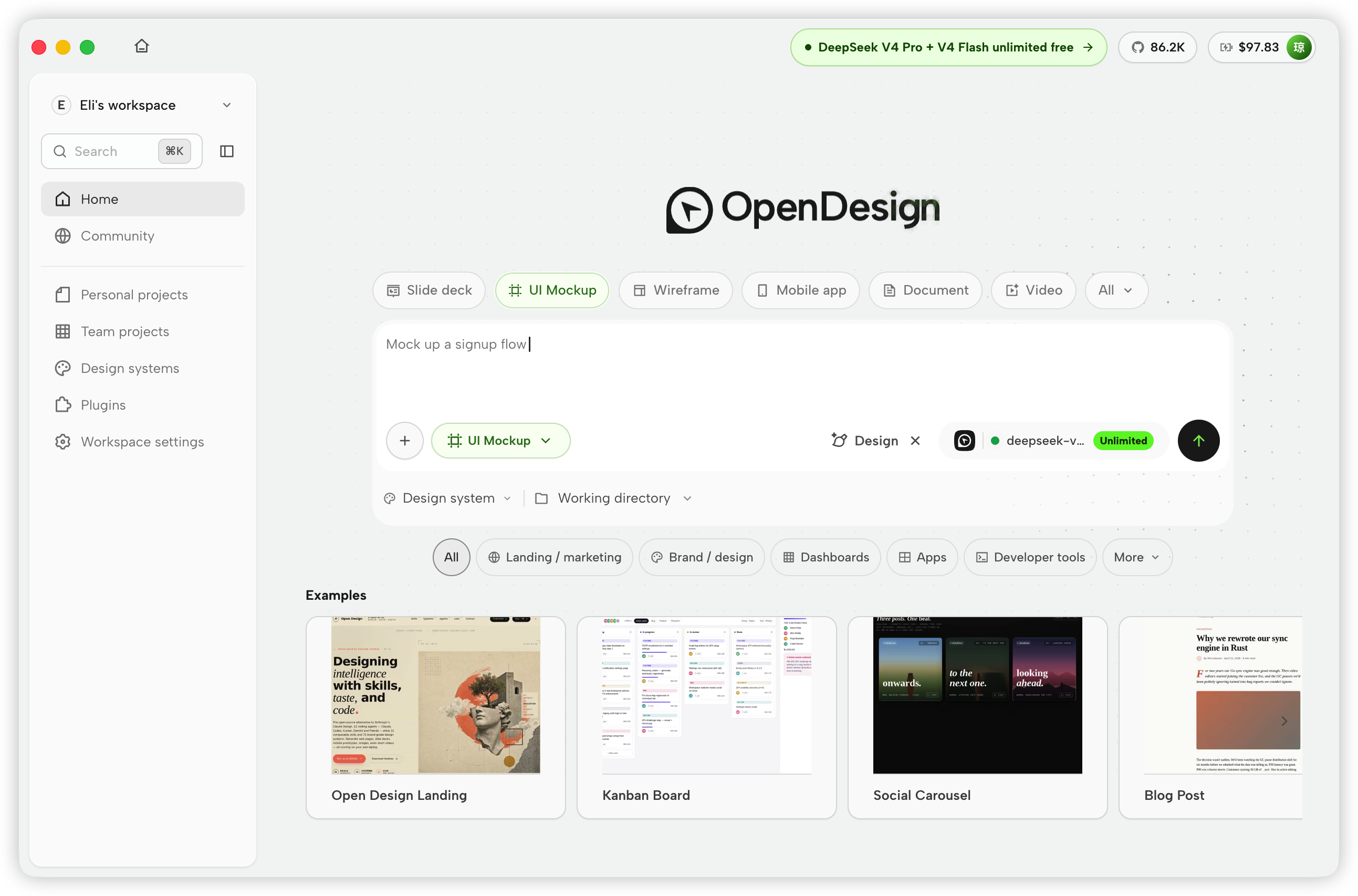 Home — เลือกประเภท artifact, ใส่ brief และกำหนด design system, working directory กับ model ก่อนเริ่มงาน |
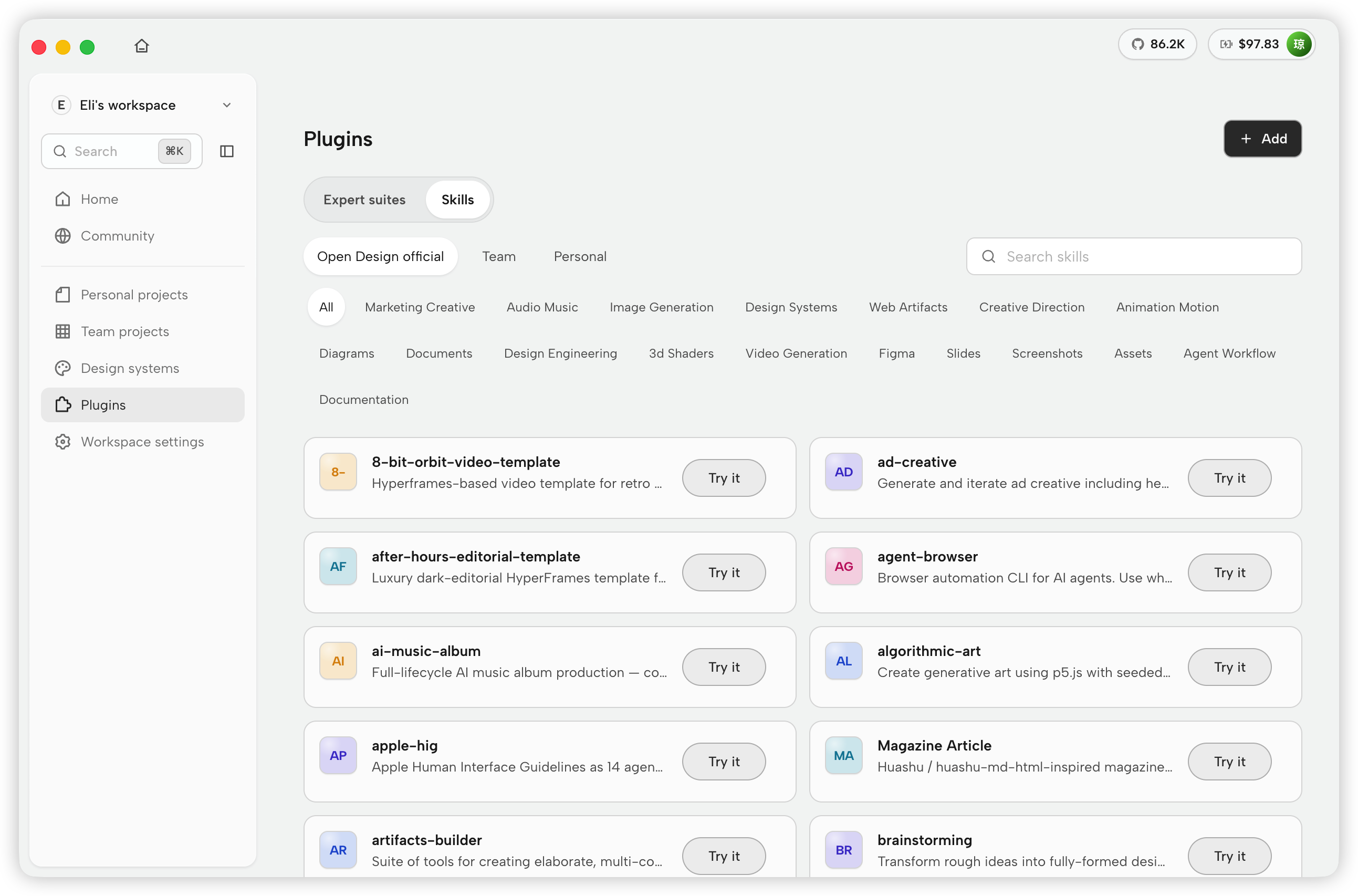 Plugins — เรียกดู skill อย่างเป็นทางการตามหมวดหมู่ ค้นหาใน catalog และเริ่ม workflow ด้วย Try it
|
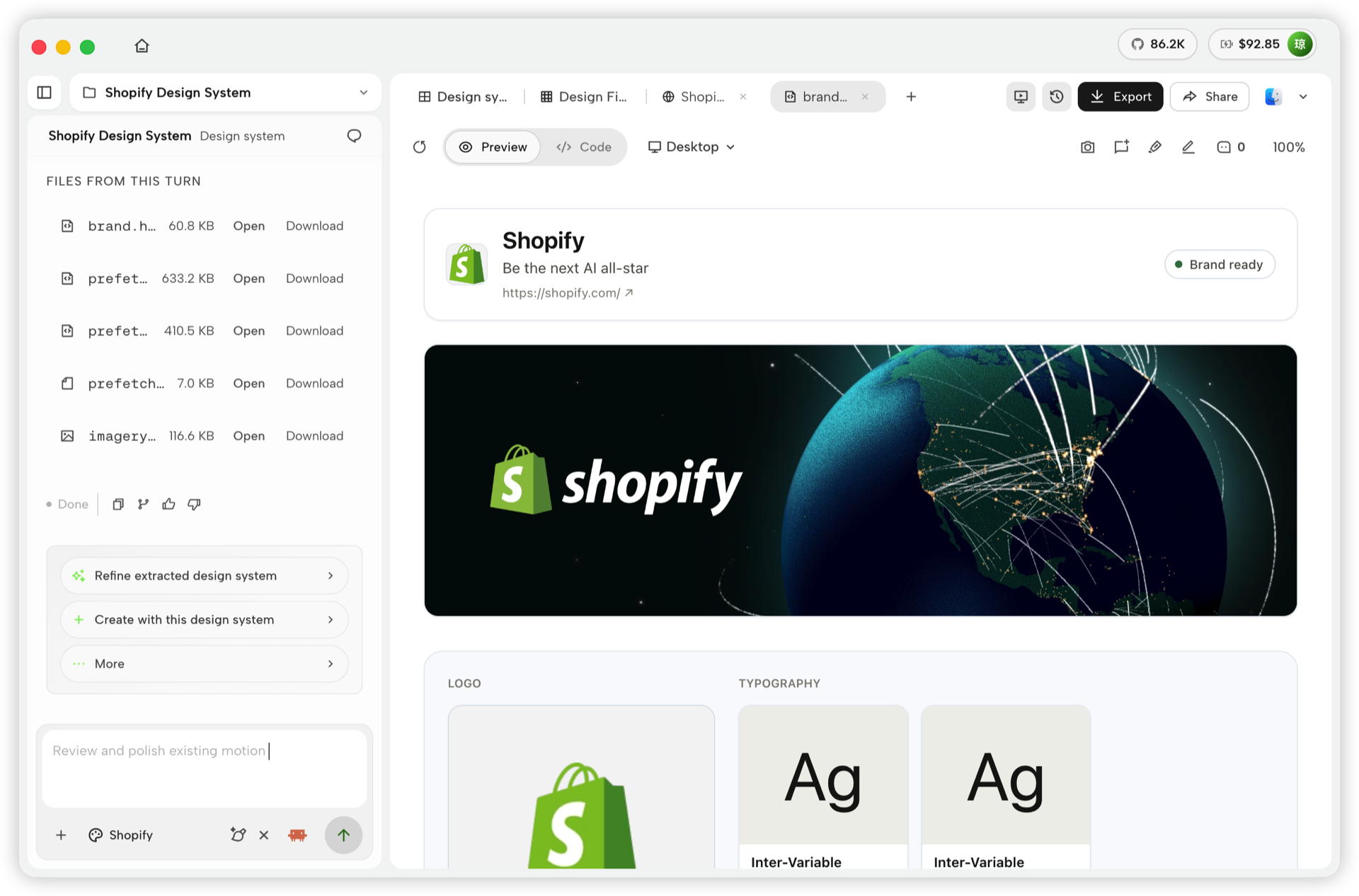 Design System — ดึงและปรับแต่งภาษาภาพของแบรนด์ preview ผลลัพธ์ และสร้างงานต่อด้วยระบบเดียวกันใน workspace เดียว |
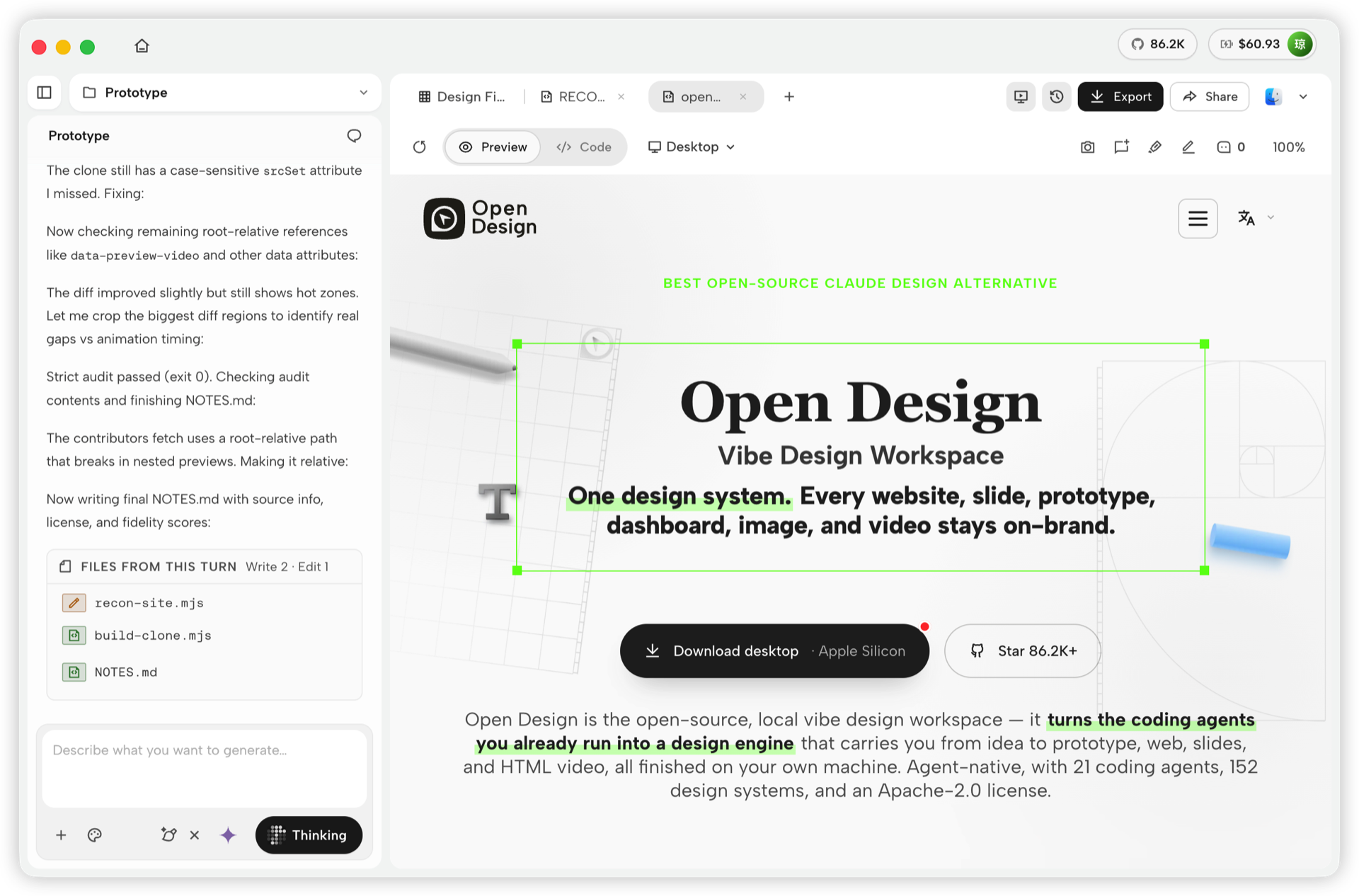 Prototype — สร้างหรือจำลอง web experience ตรวจสอบหน้าที่ render แล้ว และทำงานวนซ้ำกับ Agent ได้ในจุดเดียว |
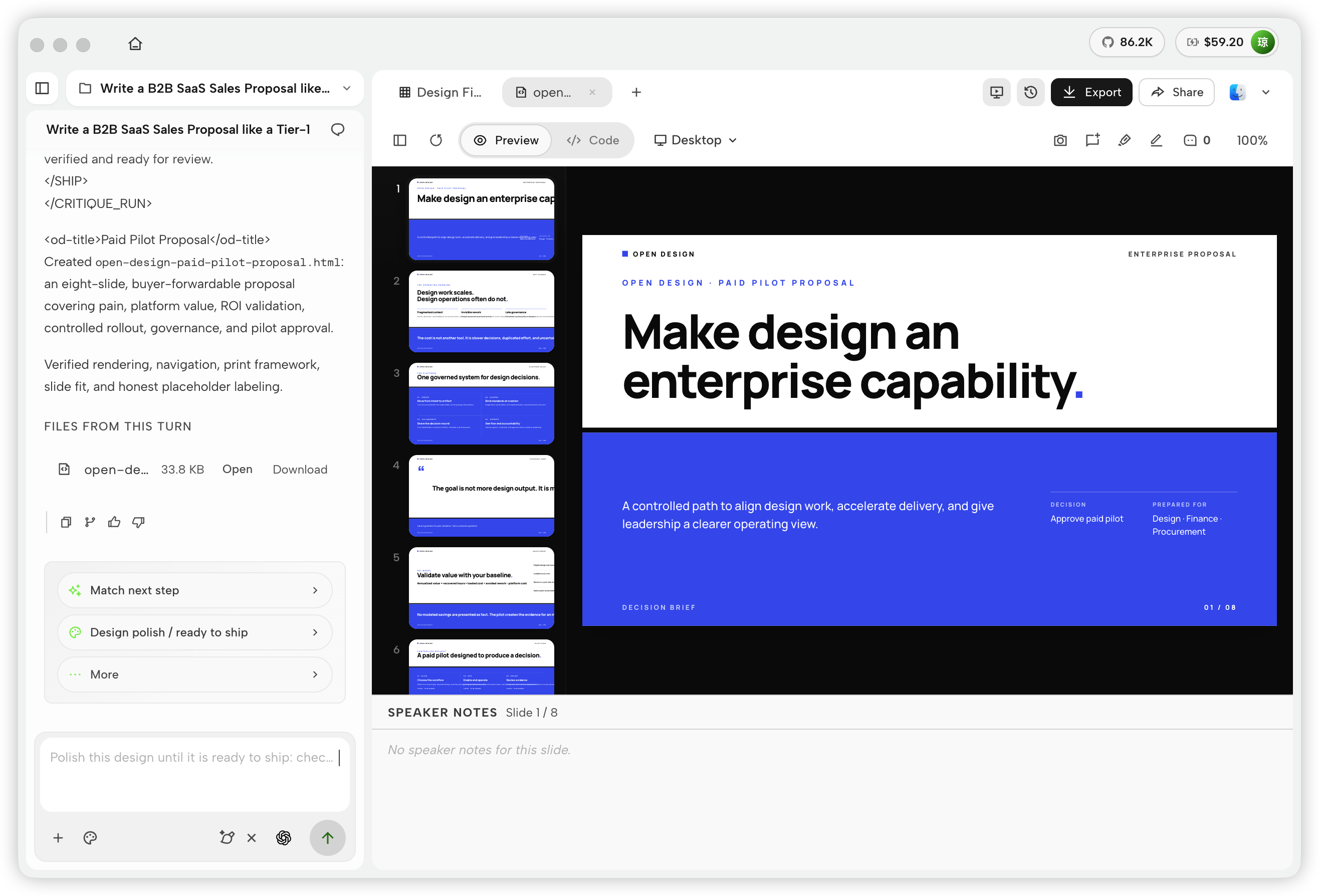 Deck — สร้าง presentation หลายสไลด์ ตรวจสอบ thumbnail และ speaker notes แล้ว export เมื่อพร้อม |
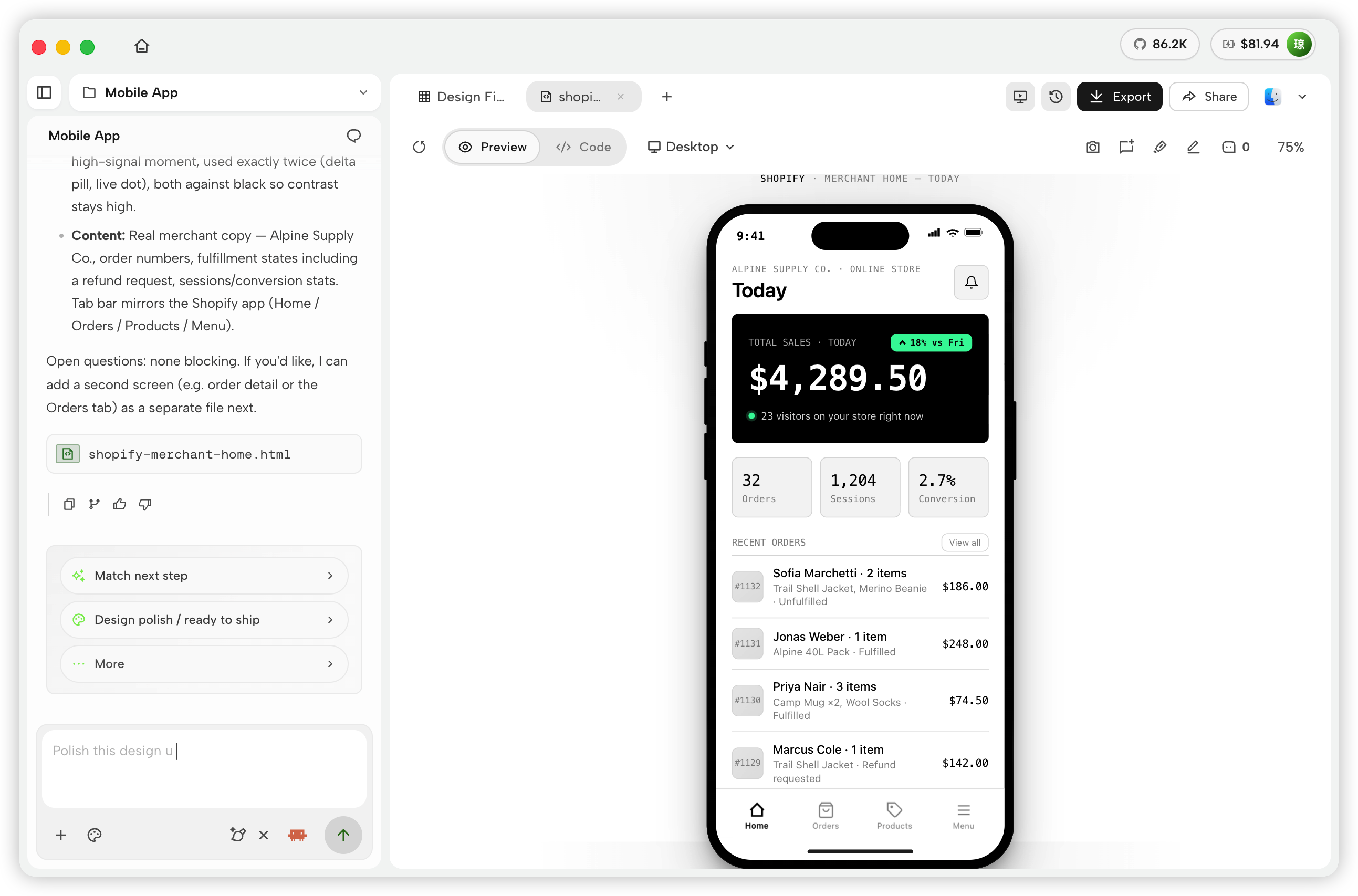 Mobile app — สร้างและขัดเกลา mobile interface ใน device preview โดยมีการสนทนา ไฟล์ output และ next-step actions อยู่ข้างกัน |
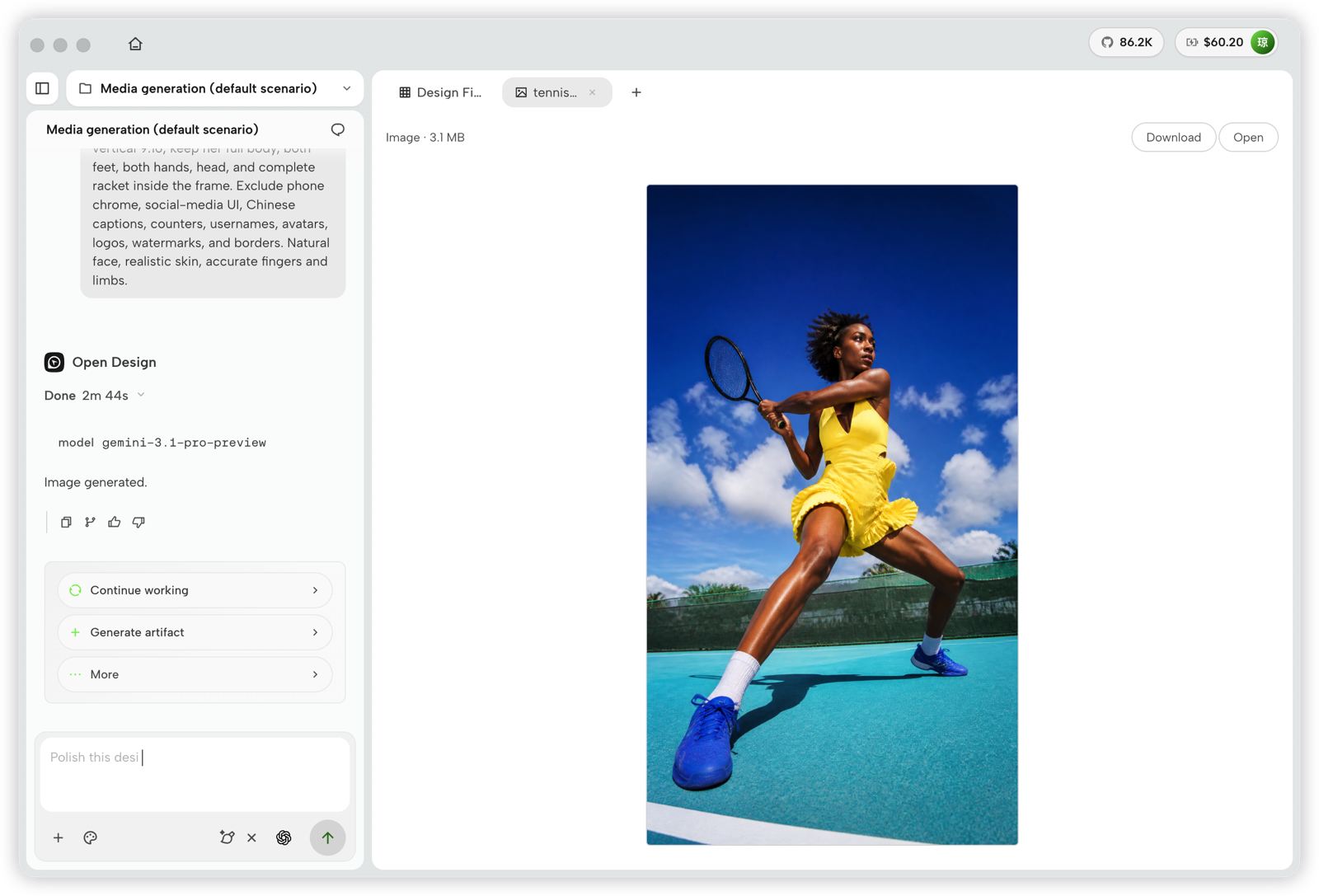 Image — สร้าง visual asset จากการสนทนาใน project, preview ผลลัพธ์แบบเต็มขนาด แล้วดาวน์โหลดหรือเปิดไฟล์ |
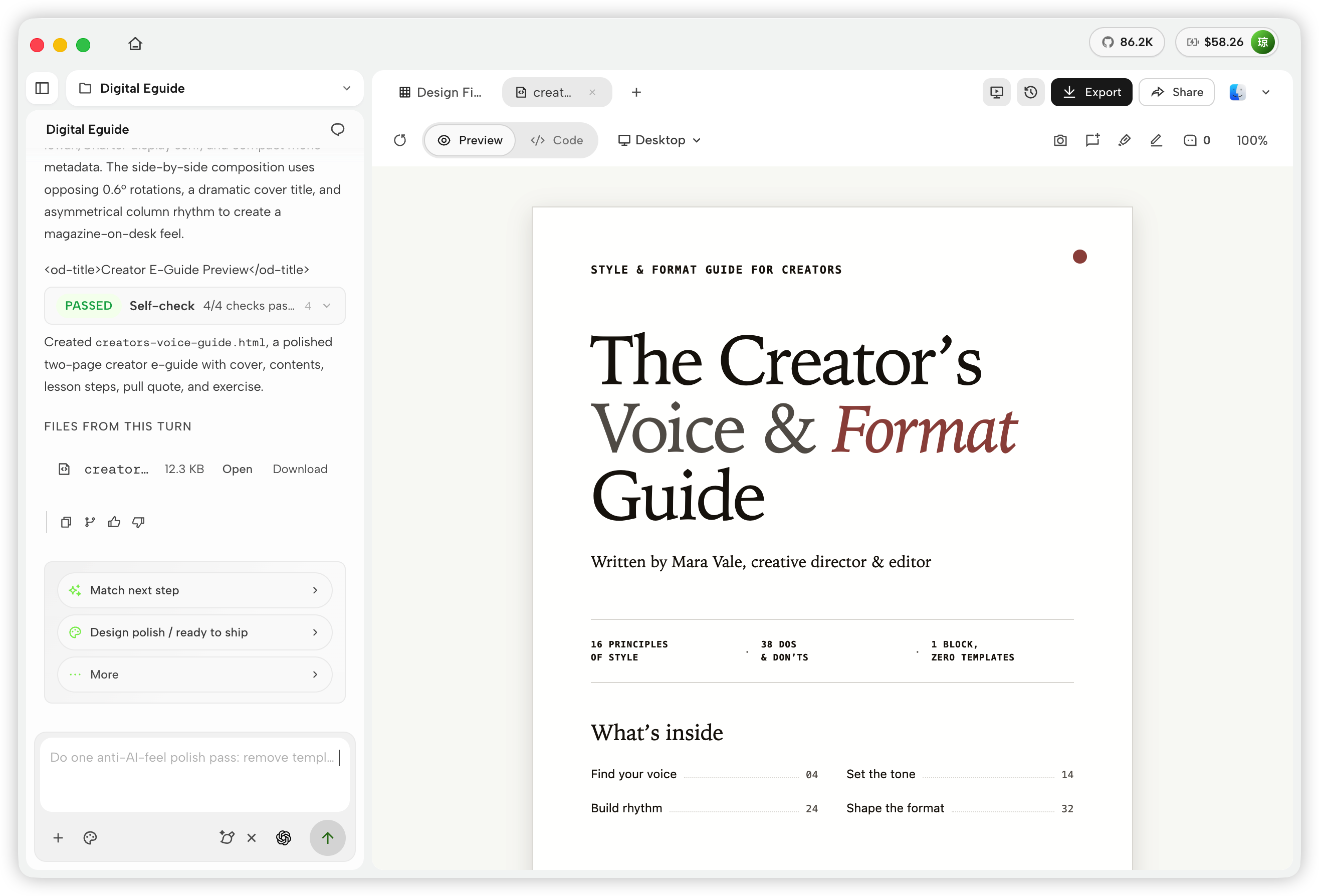 Document — สร้าง guide หลายหน้าและ editorial document ที่ขัดเกลาแล้ว ตรวจสอบ layout ที่ render และ export หรือ share เมื่อพร้อม |
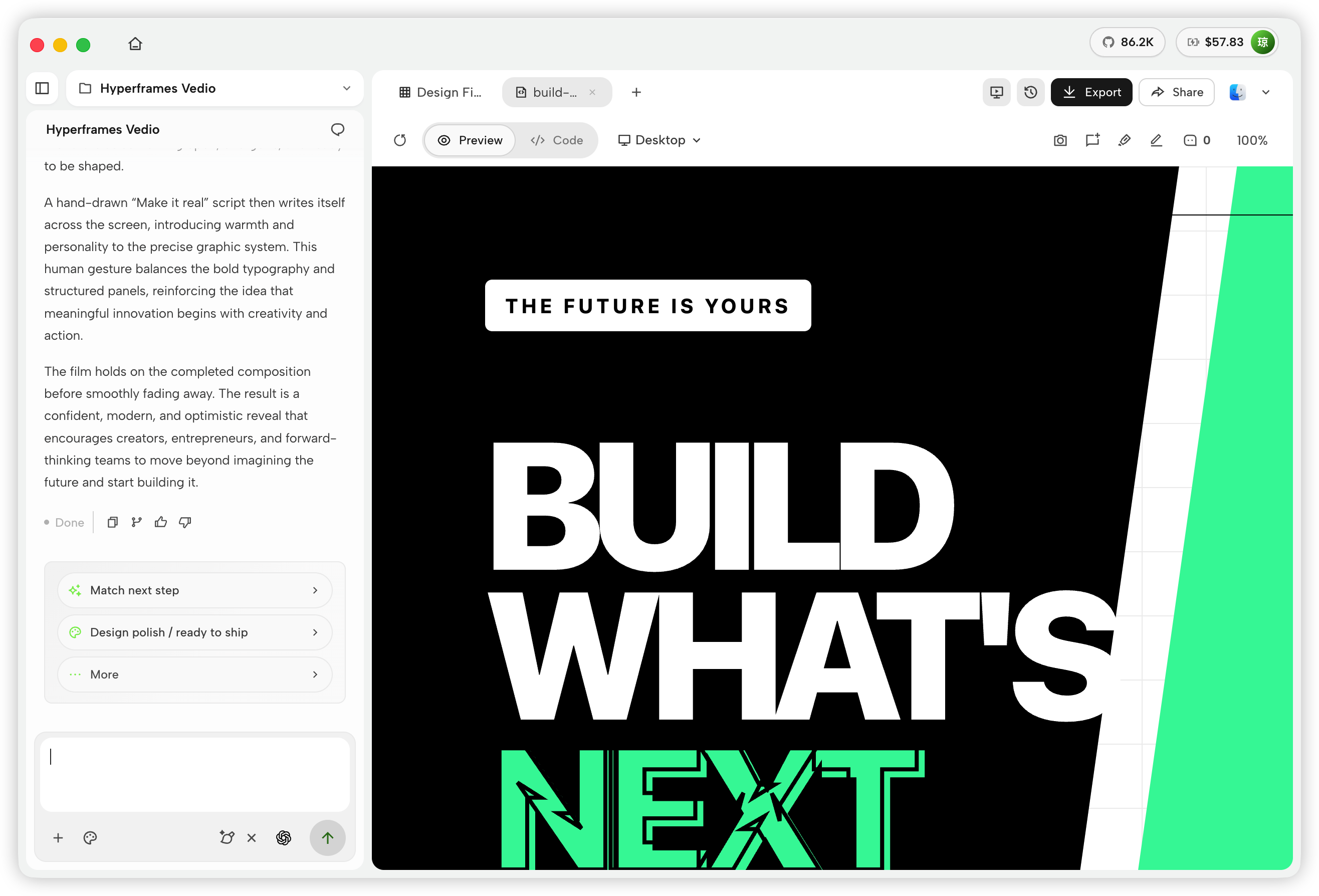 HyperFrame — สร้าง motion graphics ที่ควบคุมด้วย code, preview animation ใน Studio และ export วิดีโอที่เสร็จแล้ว |
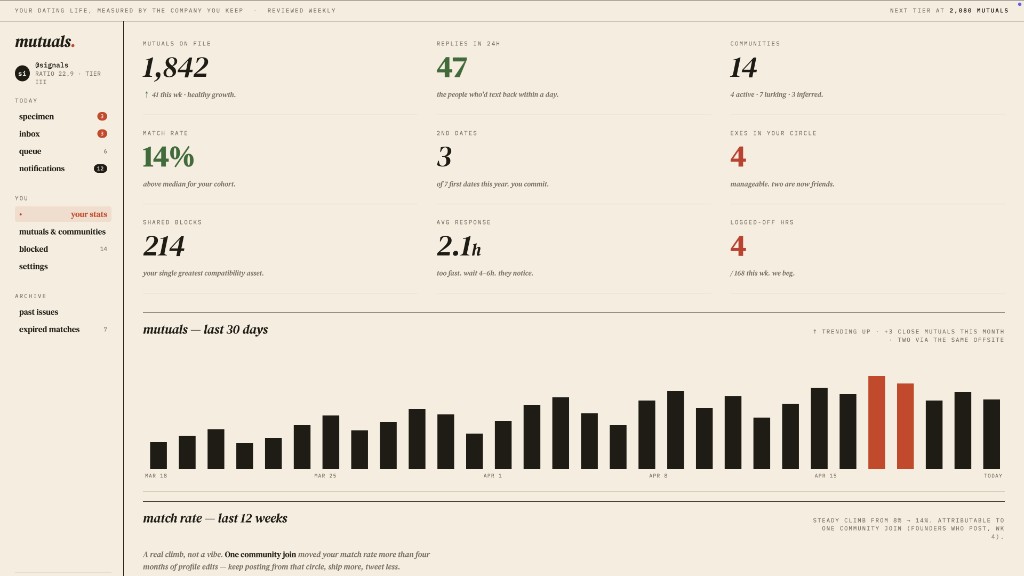 Web prototype — dashboard แบบ editorial พร้อม scrollbar, KPI และ chart. Render ตรงจาก design-templates/dating-web/.
|
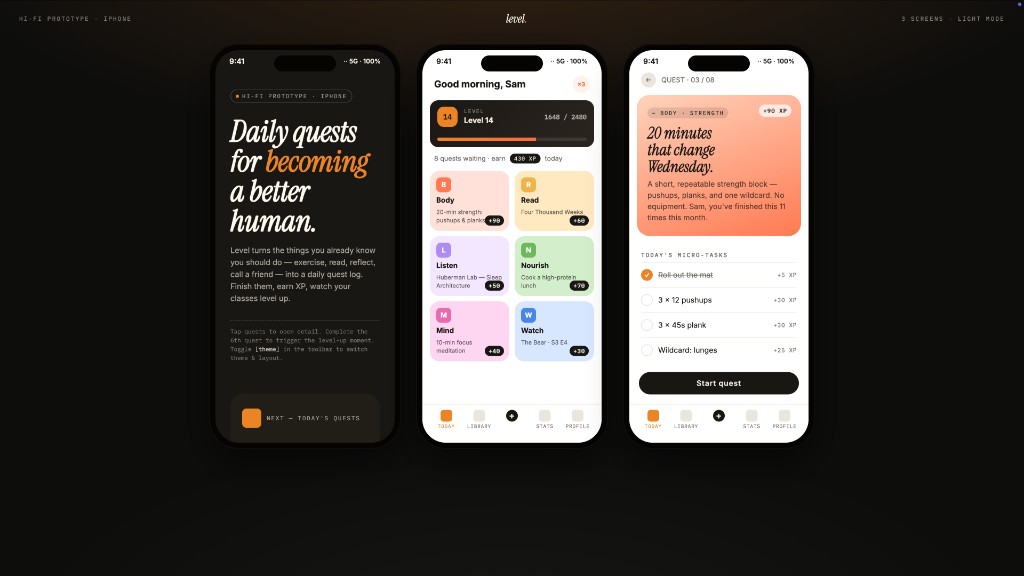 Mobile app prototype — flow gamified สามหน้าจอพร้อม XP ribbons และ quest detail. ส่งต่อให้ Cursor / Codex / Claude Code เพื่อเปลี่ยนเป็น React/Next/Vue ได้ทันที. |
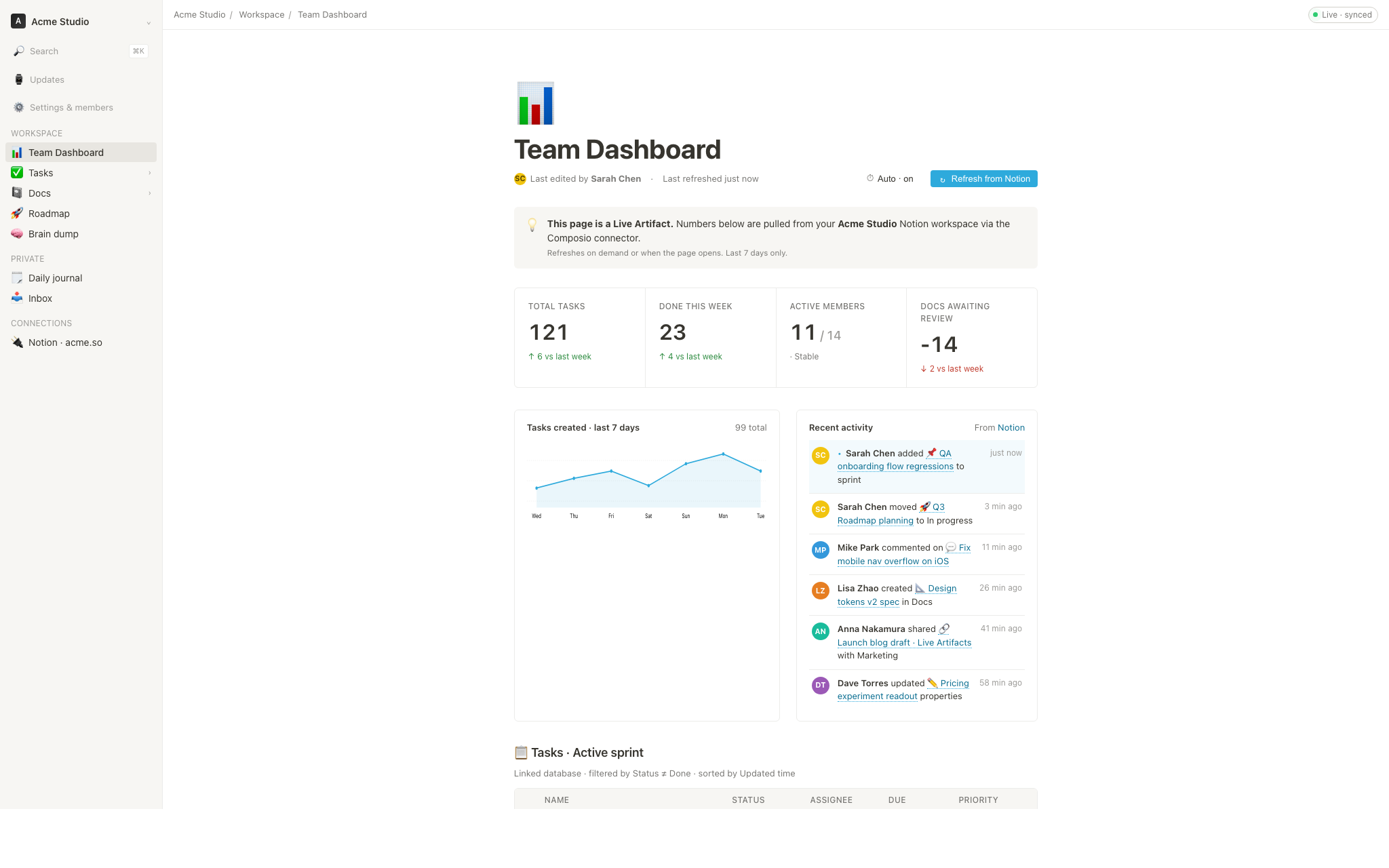 Live dashboard — KPI wall ที่แก้ไขได้ โดย tweaks panel แสดง parameter ที่ควรปรับ. Agent emit manifest แล้ว iframe re-render โดยไม่ reload. |
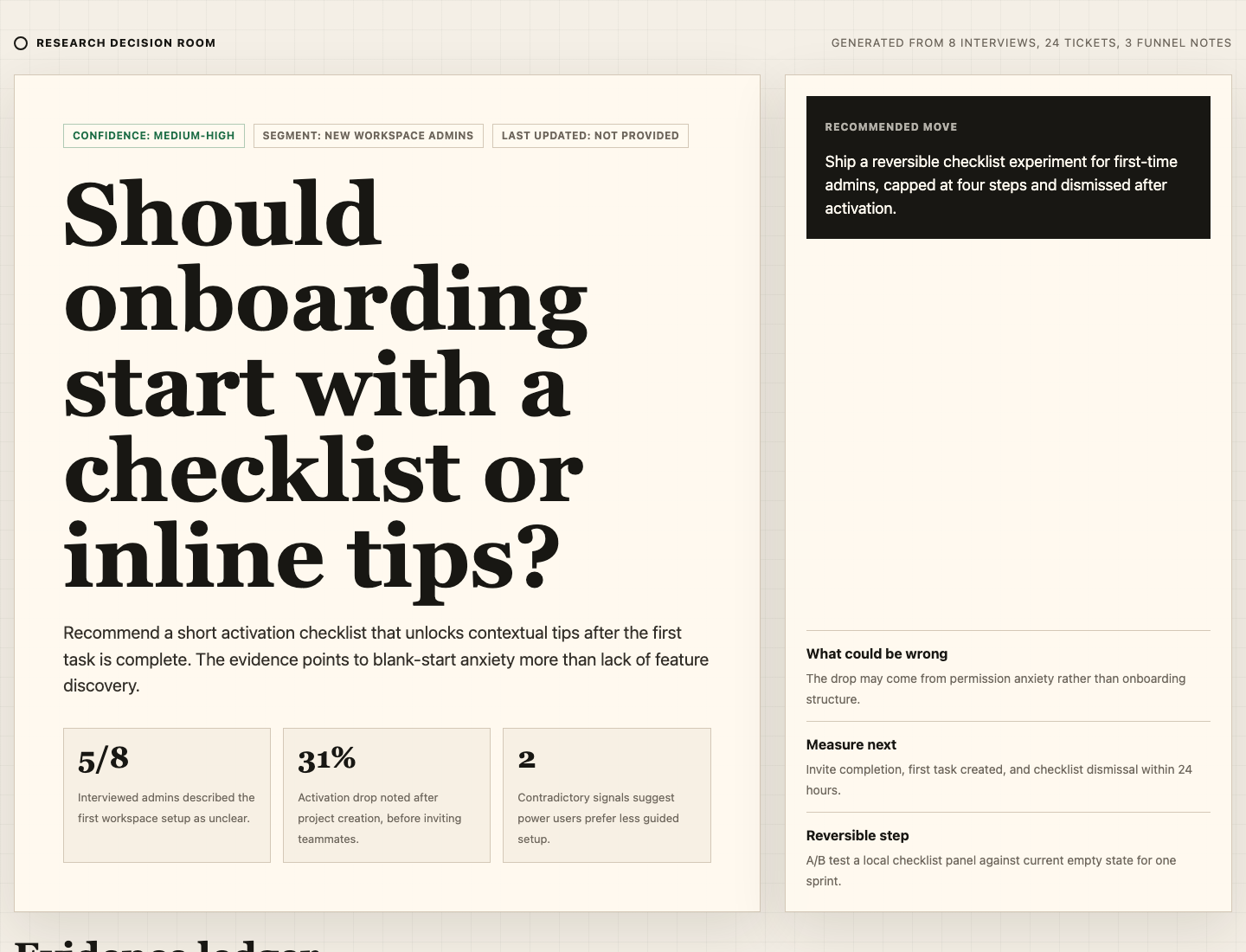 Decision room — briefing artifact หลาย source สำหรับประชุม product / research / ops. |
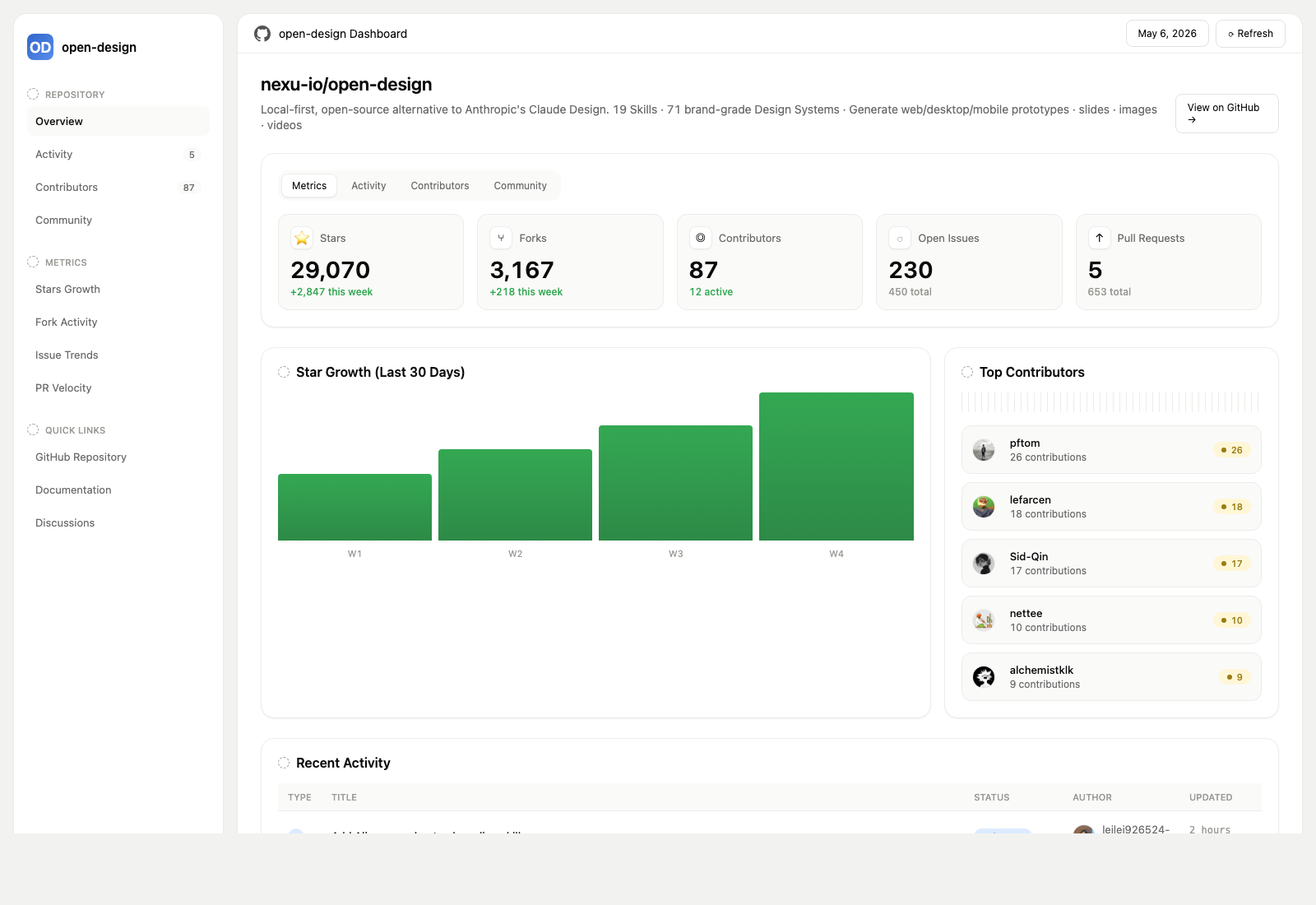 GitHub-style dashboard — metrics ของ repo ในรูปแบบ live artifact. |
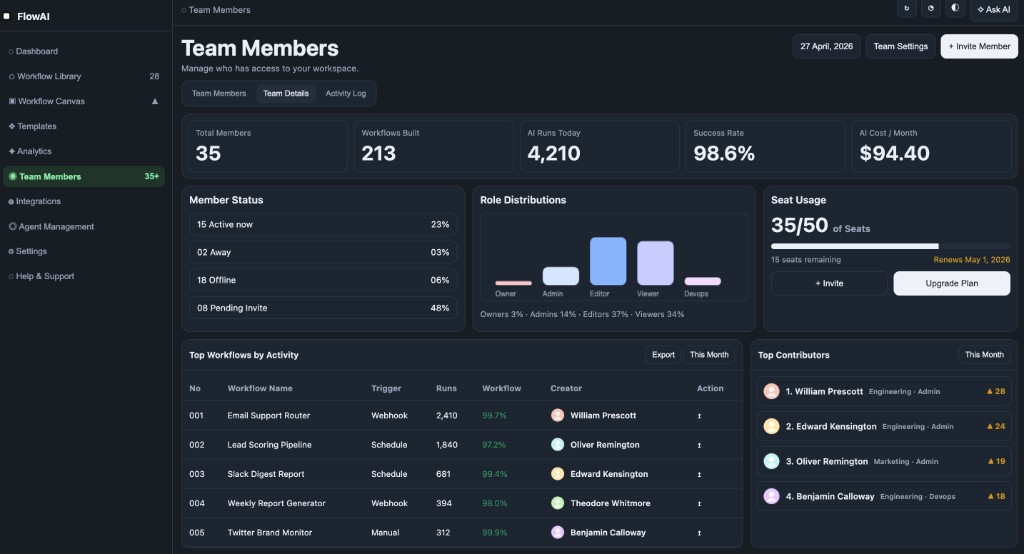 Flow live-dashboard template — KPI template เฉพาะ domain ที่ brand ผ่าน DESIGN.md ที่ active อยู่.
|
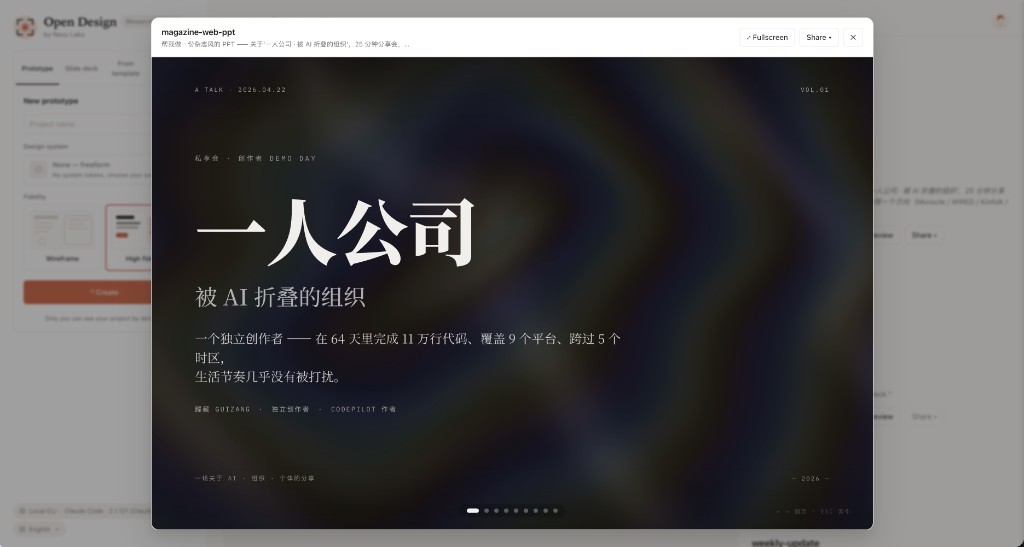 Deck mode (guizang-ppt) — layout แบบ magazine, WebGL hero, checklist P0/P1/P2. Bundle ตรงจาก op7418/guizang-ppt-skill พร้อมคง license เดิม.
|
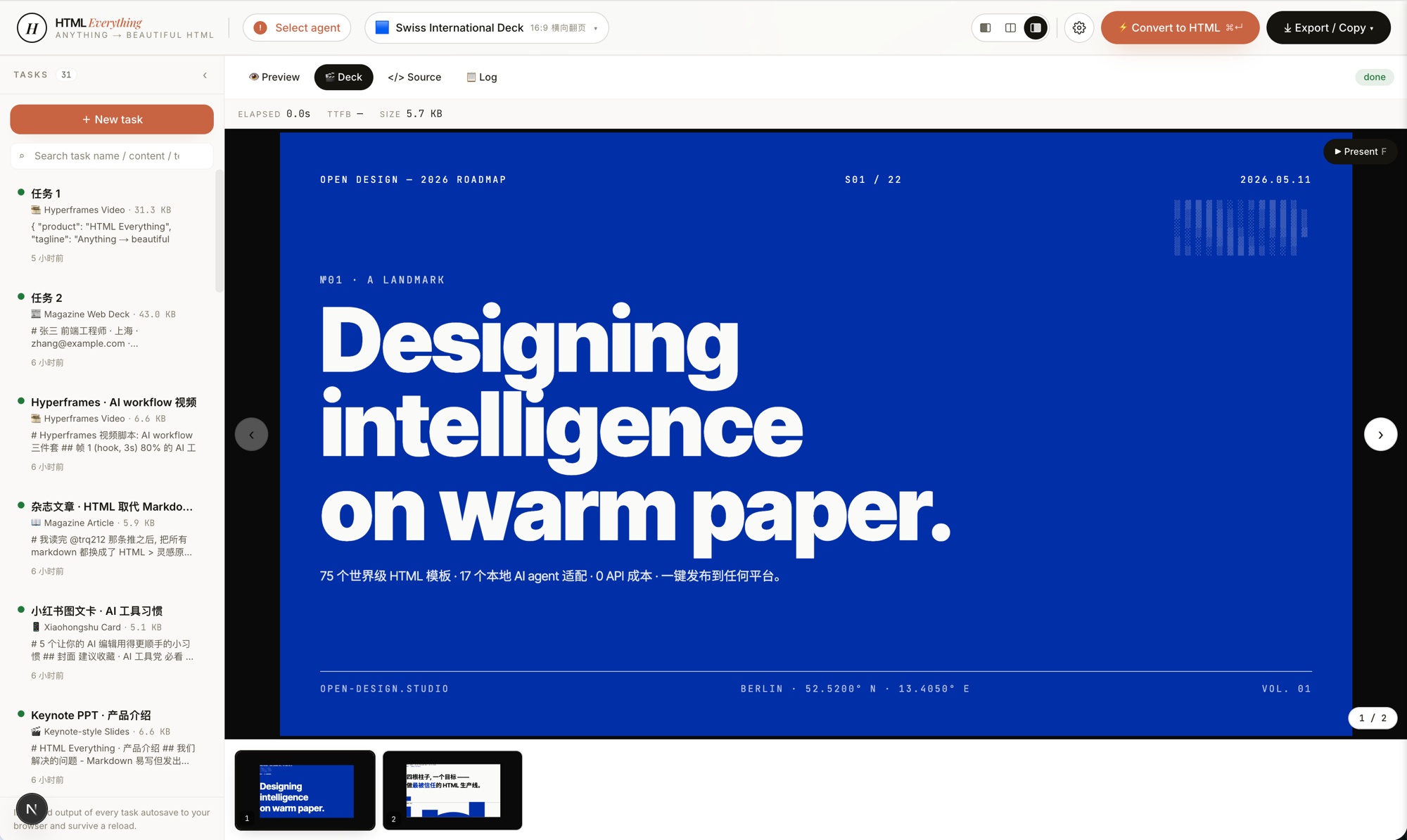 Swiss International-style deck — ยึด grid, accent monochrome. เป็นหนึ่งใน 15 deck templates และ 36 themes ใน design-templates/html-ppt-*/.
|
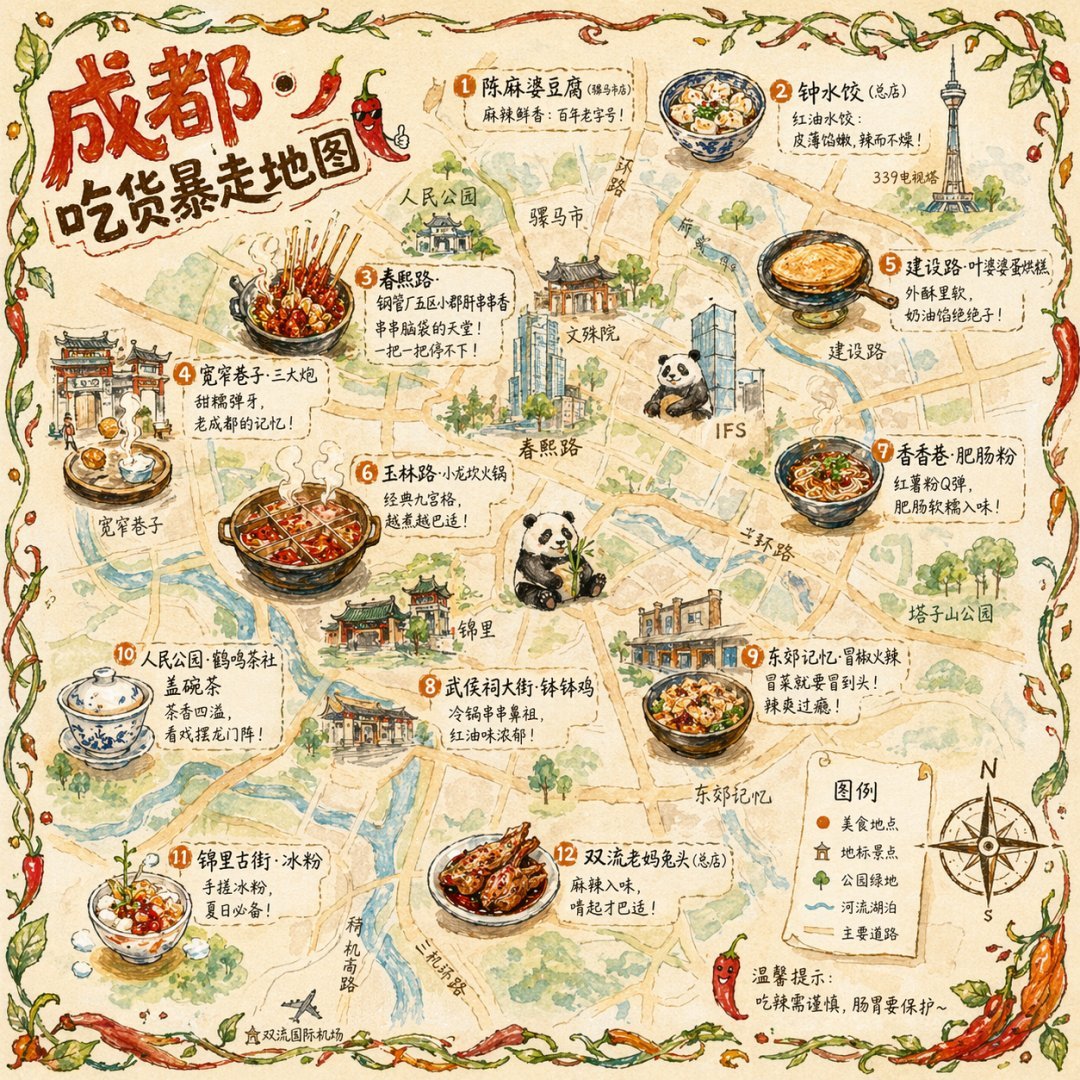 แผนที่อาหารเมืองแบบ illustration โปสเตอร์ท่องเที่ยว editorial แบบวาดมือ |
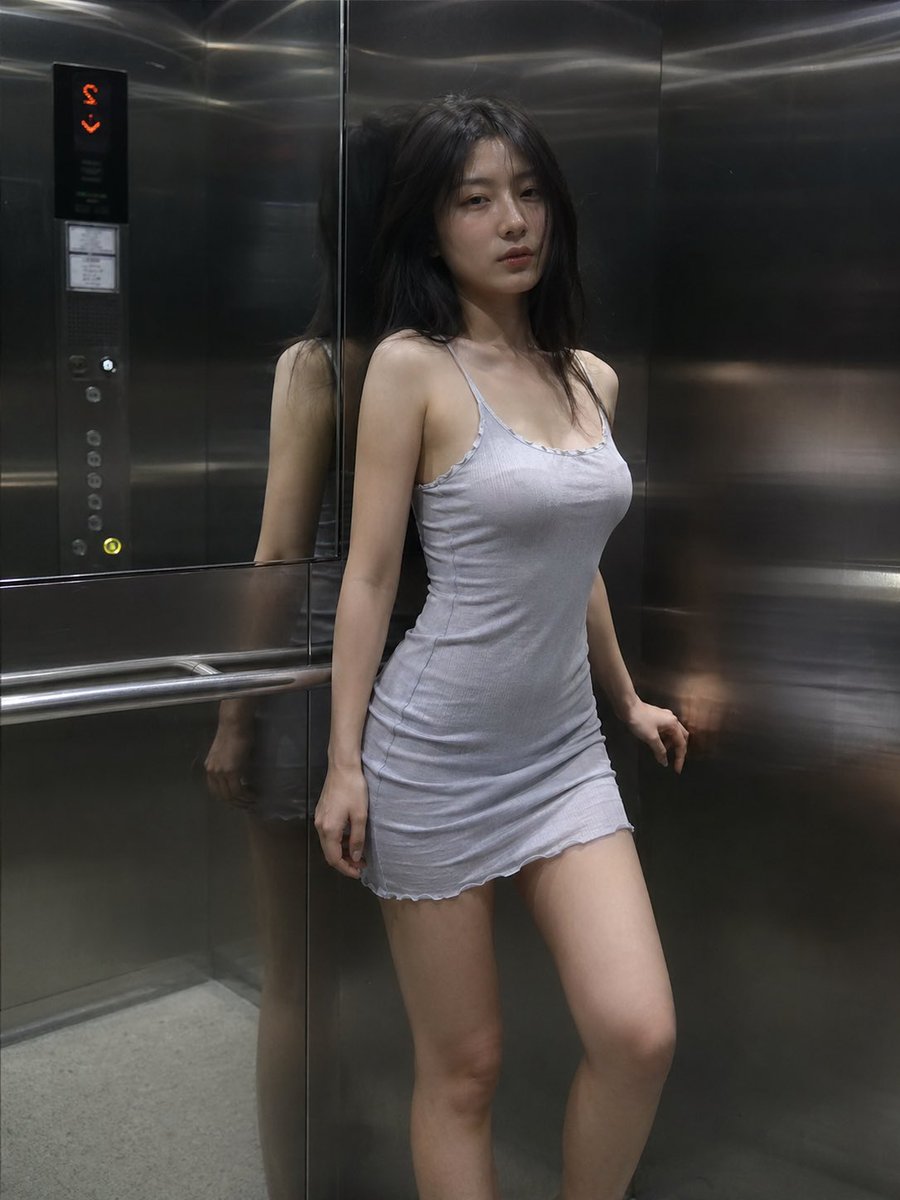 ฉากลิฟต์แบบ cinematic ภาพนิ่ง editorial เฟรมเดียว |
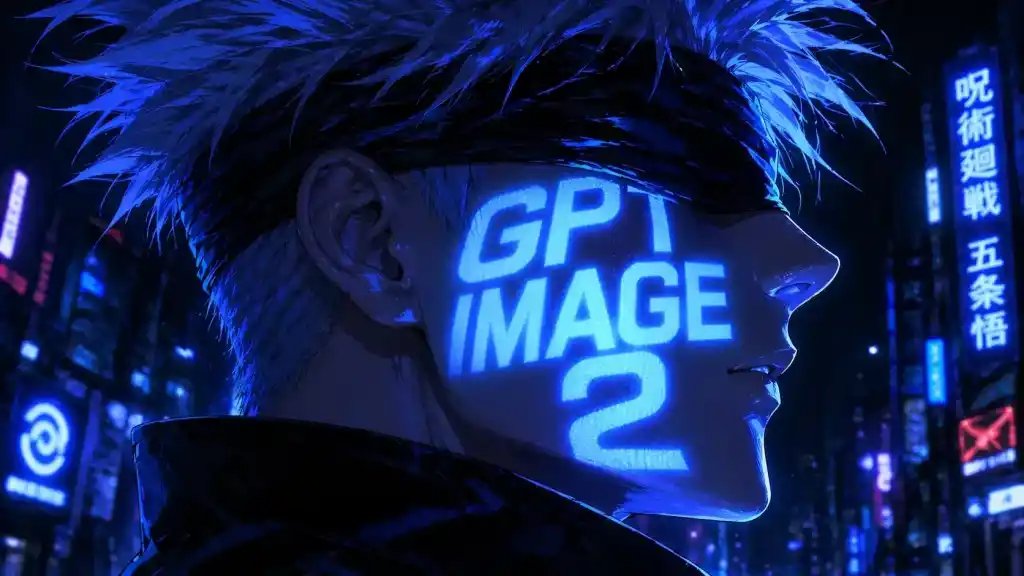 Cyberpunk portrait Profile avatar — neon face text |
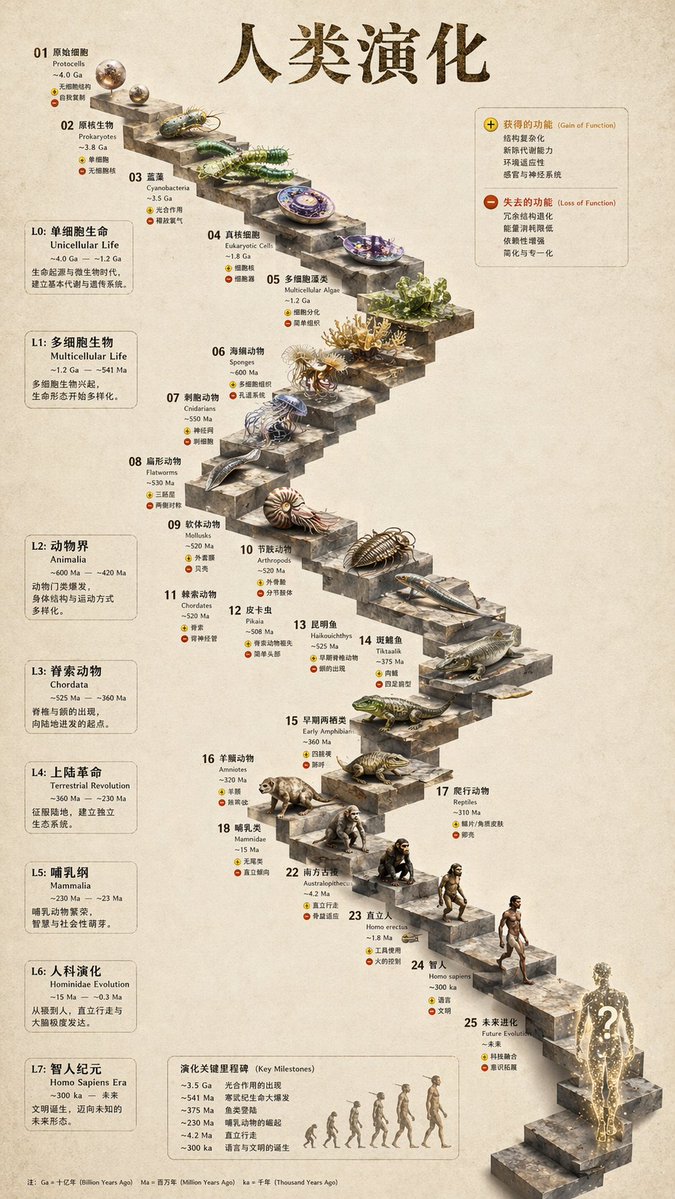 บันไดหิน 3D infographic หินสกัด |
 Glamorous portrait editorial studio shot |
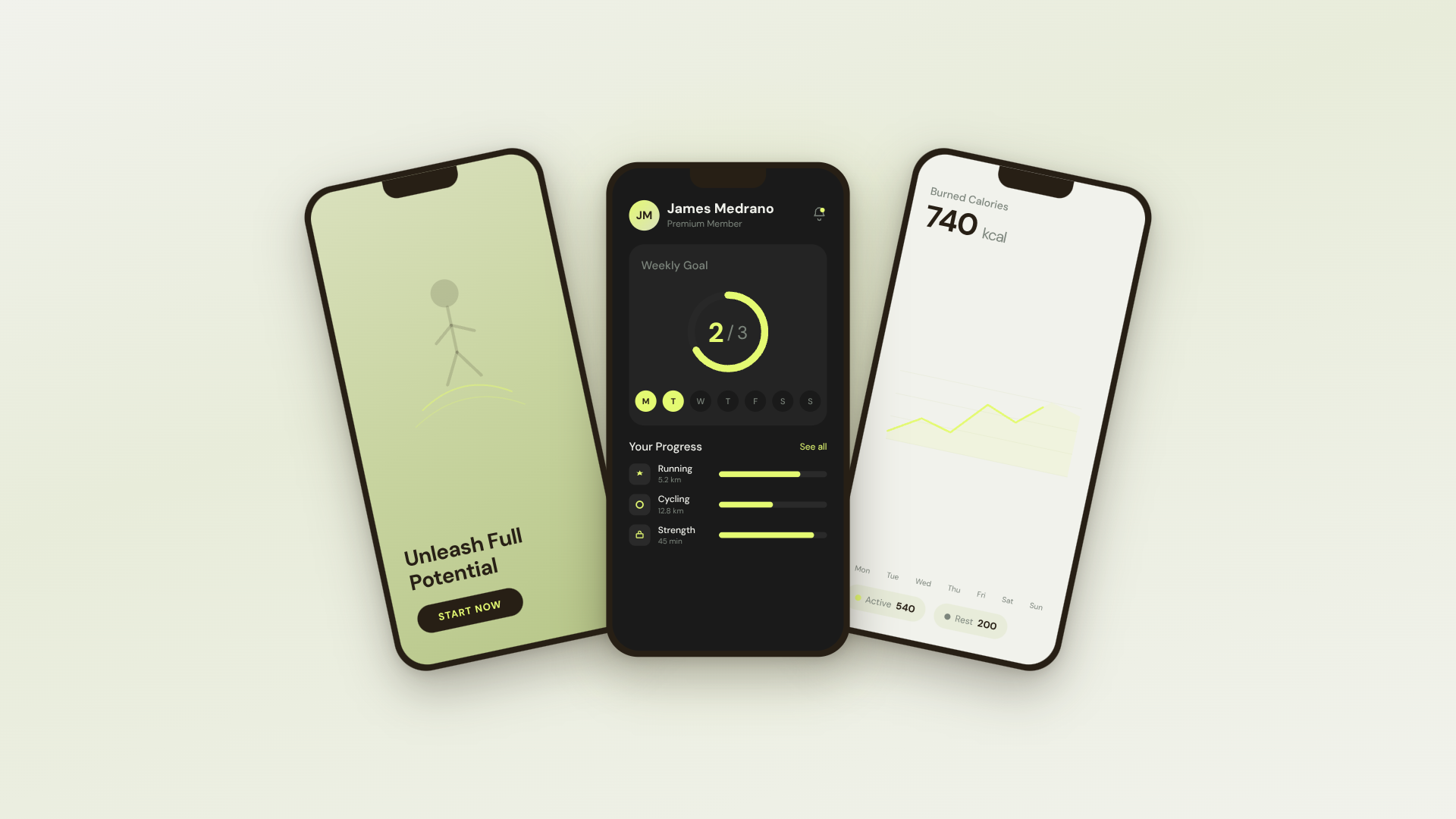 30s SaaS product promo · 16:9 · UI 3D reveals |
 TikTok karaoke talking-head · 9:16 · TTS + word-synced captions |
 30s brand sizzle reel · 16:9 · audio-reactive kinetic type |
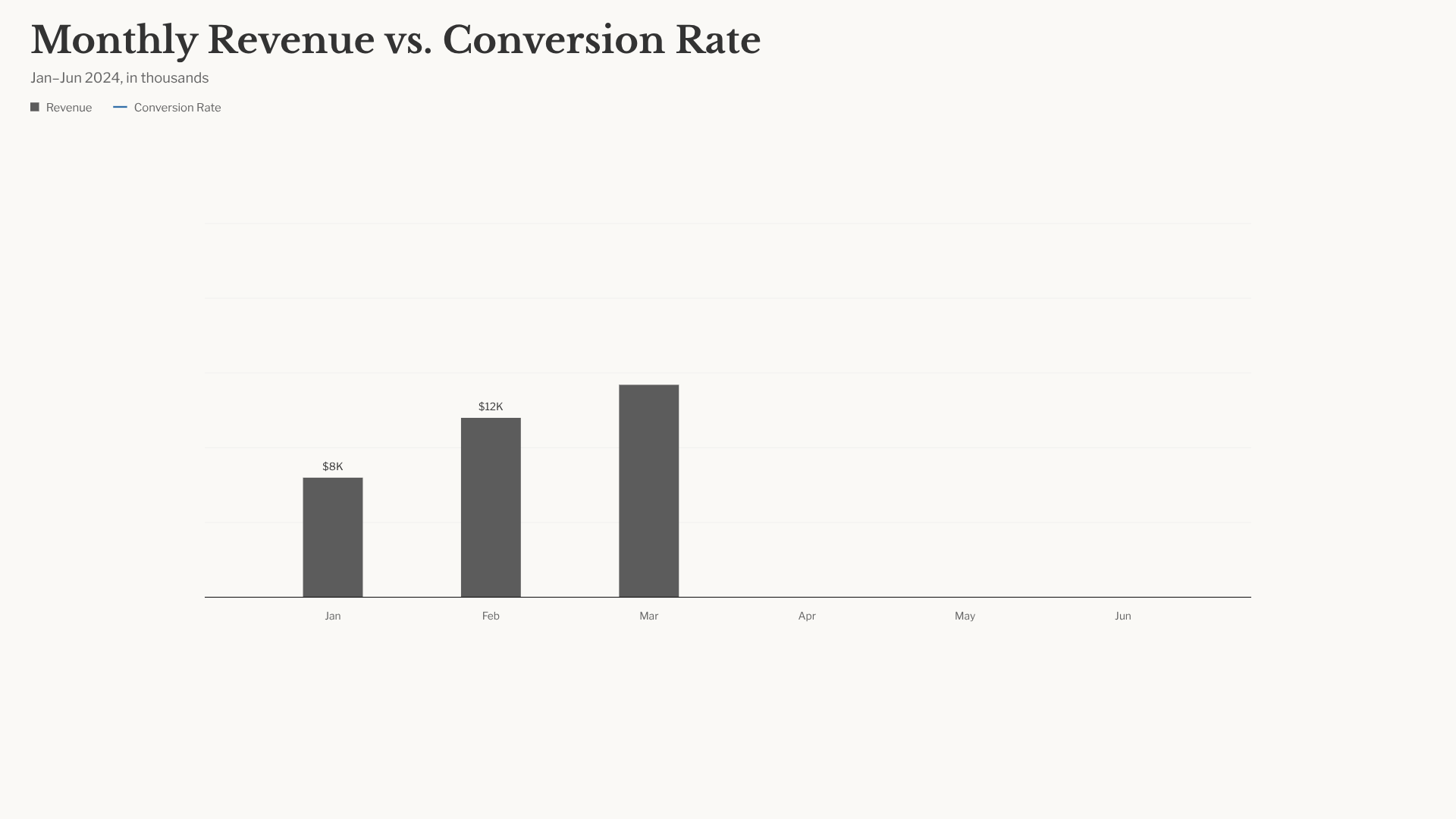 Bar chart race · 16:9 · data infographic สไตล์ NYT |
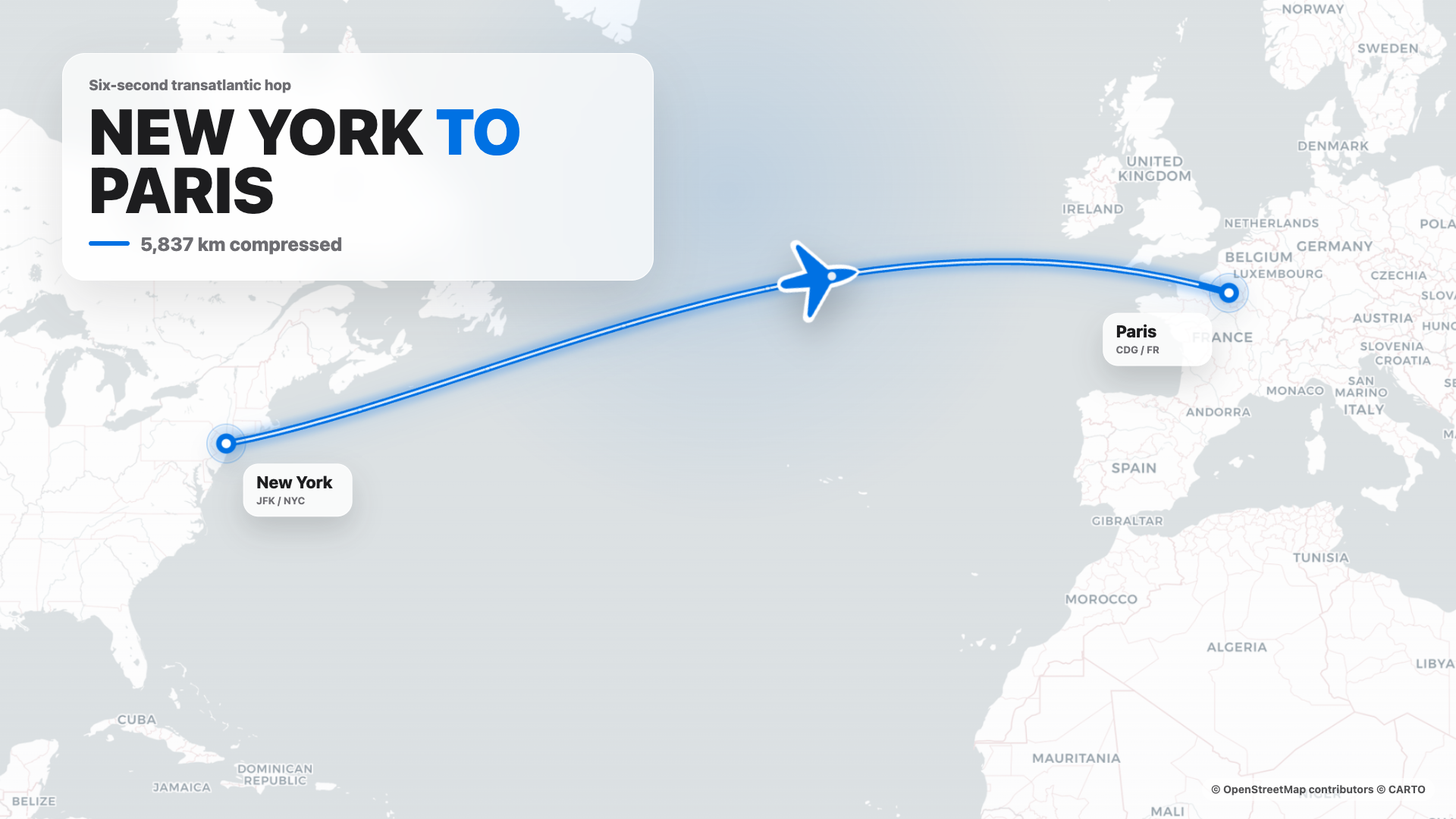 Flight map · 16:9 · route reveal สไตล์ Apple |
4s cinematic logo outro · 16:9 · piece-by-piece assembly + bloom |
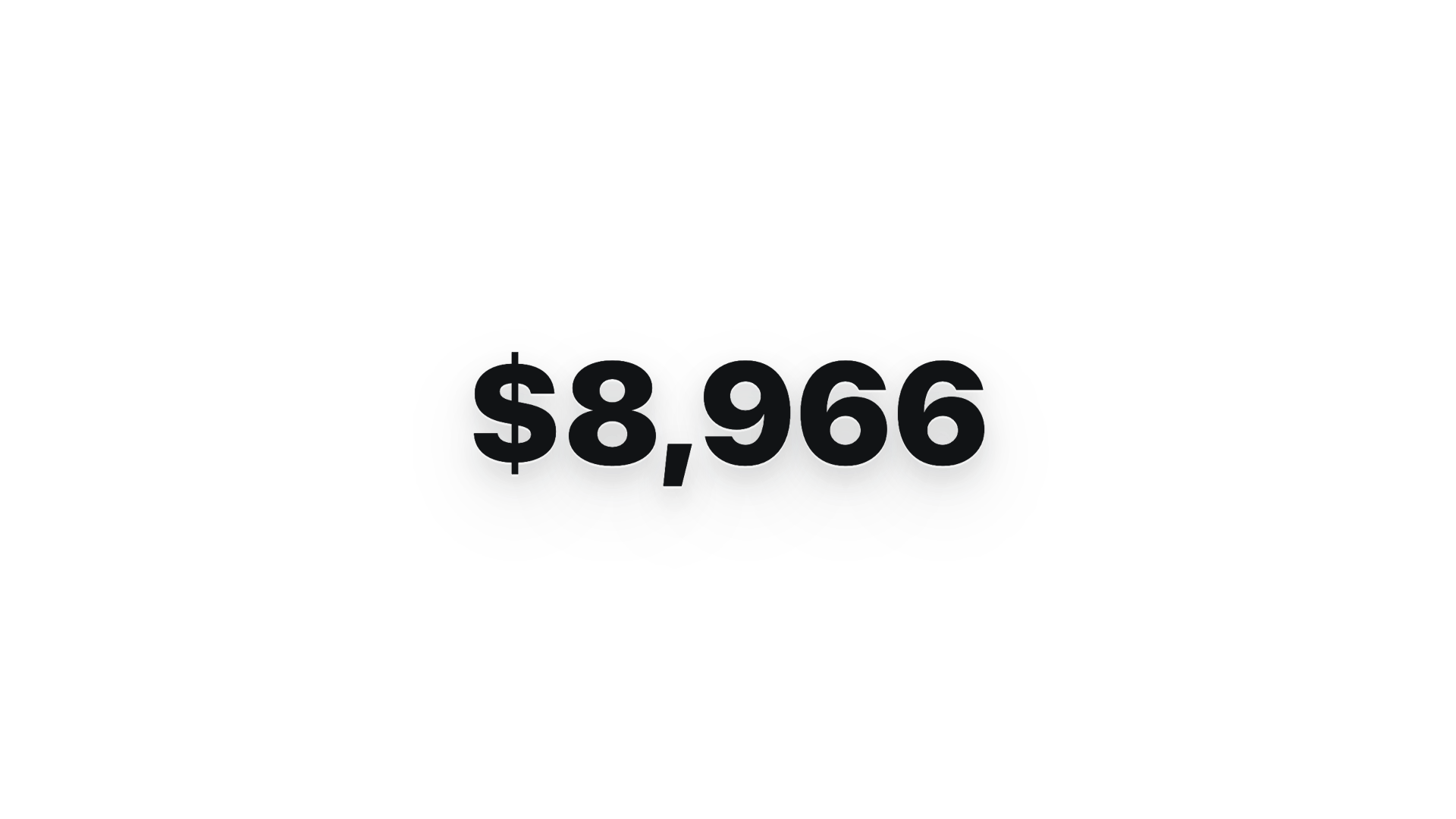 $0 → $10K money counter · 9:16 · hype สไตล์ Apple |
 Website-to-video · 16:9 · capture เว็บไซต์ที่ 3 viewport |
 @Nagendhra-web Maintainer |
 @Sid-Qin Maintainer |
 @YOMXXX Maintainer |