The open-source Claude Motion & CapCut alternative










Install · Agents · Use cases & remakes · Why OpenMotion · Setup & architecture · Community

 OpenAI · Build a story from multiple scenes Connect different scenes around one narrative idea, then expand into a broader montage. View template |
 Anthropic · Recut a making-of collage Layer clips and screenshots in sequence, keeping the main title readable above them. View template |
 Notion · Show a problem, then the solution Move from crowded tasks to coordinated agents; adapt the sequence to your own product. View template |
 OpenAI · Turn demand into a product reveal Build momentum with overlapping requests, then reveal the app in one clear beat. View template |
 Kimi · Connect worlds through motion Use code strips, offset slices and transitions to connect a series of brand scenes. View template |
 Slack · Rebuild a brand mark Break a mark into simple shapes and reassemble it with your own colors and name. View template |
 Anthropic · Explain a connected workflow Follow one question through data, actions and slides, keeping the context visible. View template |
 Stripe · Show an approval step by step Carry the same request from a conversation to phone confirmation with clear visual continuity. View template |
 OpenAI · Turn complex ideas into diagrams Transform one geometric diagram into the next using shared points and connecting lines. View template |
 Anthropic · Make results progressively visible Move from an overview to individual findings, then show the action taken for each result. View template |
 ElevenLabs · Visualize a song taking shape Connect the prompt, sections and tempo to a waveform and the finished piece. View template |
 Deezer · Animate a music poster Keep the headline steady while flowing waves add rhythm around it. View template |
| 🎓 Teach & explain | ||
|---|---|---|
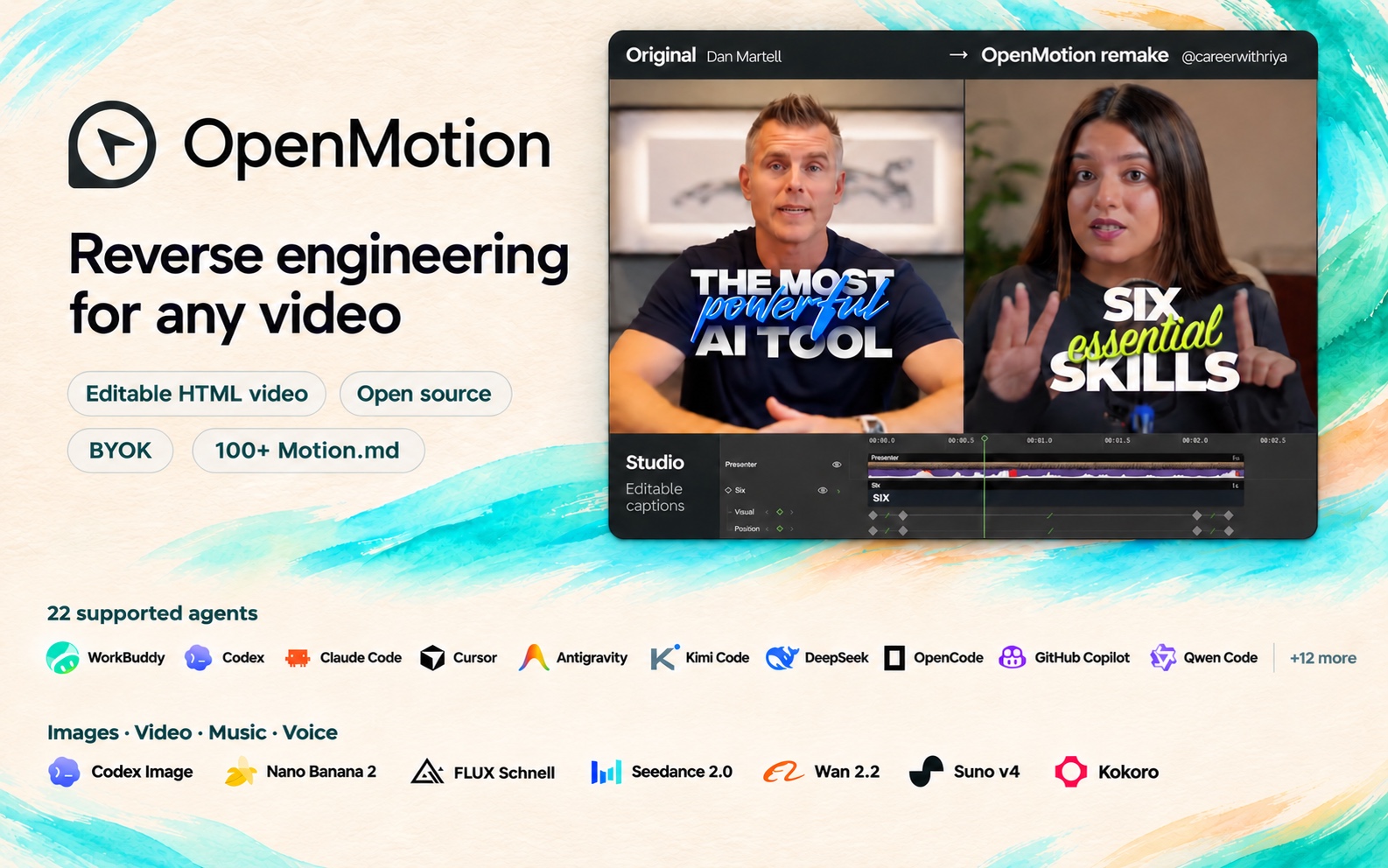
 6 essential skills to transform your career Numbered points + kinetic keywords Reference · @careerwithriya |
 What's the best AI tool right now? Presenter + floating tool cards Reference · Dan Martell |
 10 Days of AI Basics, Day 1 A personal lesson + readable captions Reference · @harpercarrollai |
| 🖥️ Show the workflow | ||
 5 tools I use every day Desk-side story + workflow inserts Reference · Ali Abdaal |
 Tool demo with callouts Presenter + screens + callouts Reference · @john.tagudin |
 Top 5 plugins to install in Claude A spoken list + supporting screenshots Reference · @aiwithsachi |
| 🎬 Tell a story, show a product | ||
 The Founder Experiments, Ep. 1 Founder diary + everyday B-roll Reference · @khris.sheer |
 AI creator with product Product story + proof + picture-in-picture Reference · @ugc.rachelll |
 Stop Paying for 5 AI Tools Product tutorial + live demonstration Reference · Kevin Stratvert |
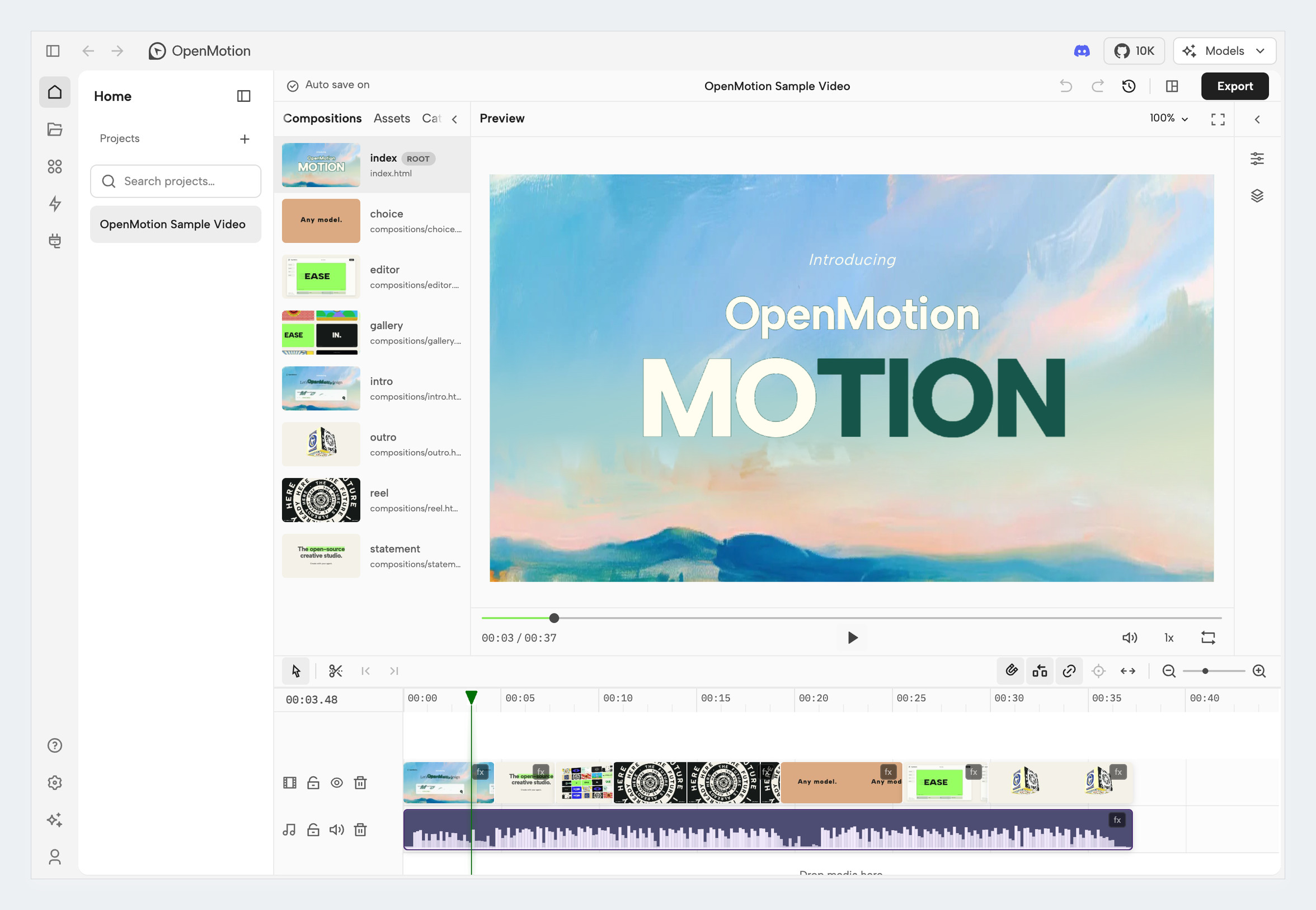 Review your video, arrange clips and export from the same Studio workspace.
#### What you can change in Studio
| In the Studio | What you can do today |
| --- | --- |
| **Story and timeline** | Import and arrange media; have the agent trim, reorder and revise against a script or confirmed timecodes |
| **Motion and captions** | Author animated type, transitions, callouts, charts and captions around your content |
| **Media and sound** | Import your material and generate images, video, music and TTS voice-over through the built-in model integrations |
| **Image revision** | Generate candidates with a reference-capable image model and adopt a replacement while preserving timing and animation |
| **Preview and versions** | Review in Studio, edit by hand or with your agent, and return to the project for the next revision |
| **Export and source** | Render a fixed version to MP4 and retain the HTML, CSS, JavaScript and media |
> “Keep the reveal we approved. Replace the middle scene with this screen recording, tighten the opening using these timecodes, and hold our final CTA for two more seconds.”
[Projects and versions](docs/project-workspace.md)
#### From a reference clip to an editable remake
1. **Break down the reference.** Pick a sequence. Record its shot order, transitions and sound cues in Motion.md, and mark what you want to replace.
2. **Rebuild the shots.** Your agent rebuilds the HTML scenes using your brand kit, copy and visuals, then arranges them on an editable timeline in Studio.
3. **Compare the cuts.** Watch the same moment in the original and the remake. Adjust the timing, movement and sound, then play the sequence through.
4. **Export and share.** Render the MP4 and keep the HTML source and media. To share a project others can adapt, include its Motion.md, a preview and assets you can redistribute. [Project contribution checklist](library/ENTRY_TEMPLATE.md)
### 2. Free and open source. Use your local agent and bring your own keys.
**Choose your agent.** WorkBuddy, Codex, Claude Code and DeepSeek Harness have installation instructions. Other buttons open the shared MCP and CLI setup.