MaterialKit
===========
[](https://developer.apple.com/iphone/index.action)
[](https://developer.apple.com/swift)
[](http://mit-license.org)
[](https://github.com/nghialv/MaterialKit/issues?state=open)
#### NOTE: This project is unmaintained.
Material design components (inspired by [Google Material Design](http://www.google.com/design/spec/material-design/introduction.html)) for iOS written in Swift
Please feel free to make pull requests.
Features
-----
- Highly customizable
- Complete example
- Supports @IBDesignable to live-render the component in the Interface Builder
- By supporting @IBInspectable, the class properties can be exposed in the Interface Builder, and you can edit these properties in realtime
- [x] MKButton: floating action button, raised button, flat button, ripple effect
- [x] MKTextField: ripple effect, floating placeholder
- [x] MKTableViewCell
- [x] MKLabel
- [x] MKImageView
- [x] MKLayer
- [x] MKColor
- [x] MKActivityIndicator
- [x] MKRefreshControl
- [x] MKNavigationBar
Components
-----
#### MKButton
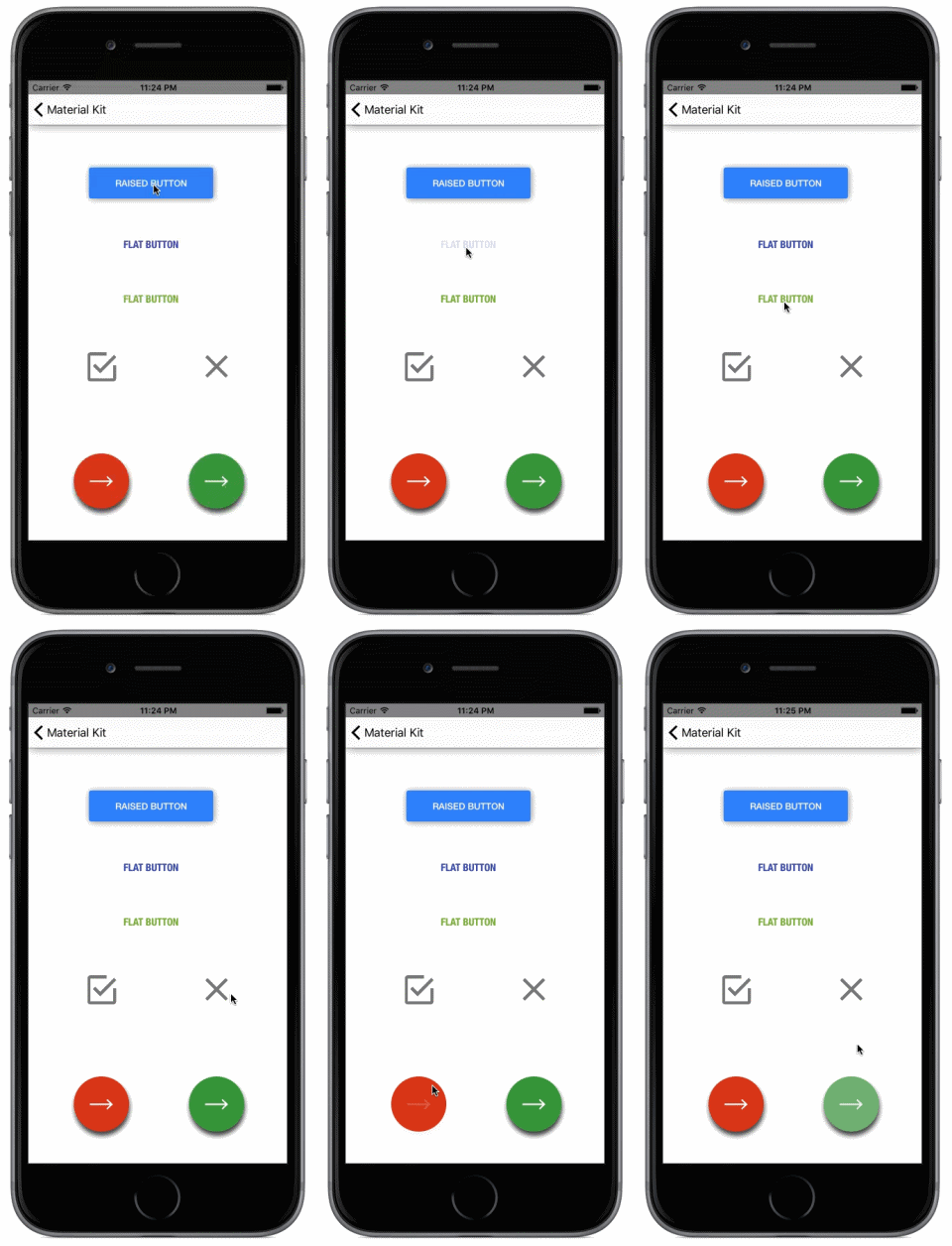
- There are 3 types of main buttons: `Floating Action Button`, `Raised Button`, `Flat Button`
- Customizable attributes: color, ripple location, animation timing function, animation duration...
``` swift
let button = MKButton(frame: CGRect(x: 10, y: 10, width: 100, height: 35))
button.maskEnabled = true
button.rippleLocation = .TapLocation
button.rippleLayerColor = UIColor.MKColor.LightGreen
```
#### MKTextField


- Single-line text field
- Floating placeholder
- Ripple Animation
- Customizable attributes: color, ripple location, bottom border, animation timing function, animation duration...
``` swift
textField.rippleLocation = .Left
textField.floatingPlaceholderEnabled = true
textField.placeholder = "Description"
textField.layer.borderColor = UIColor.MKColor.Green.CGColor
textField.rippleLayerColor = UIColor.MKColor.LightGreen
```
#### MKTableViewCell
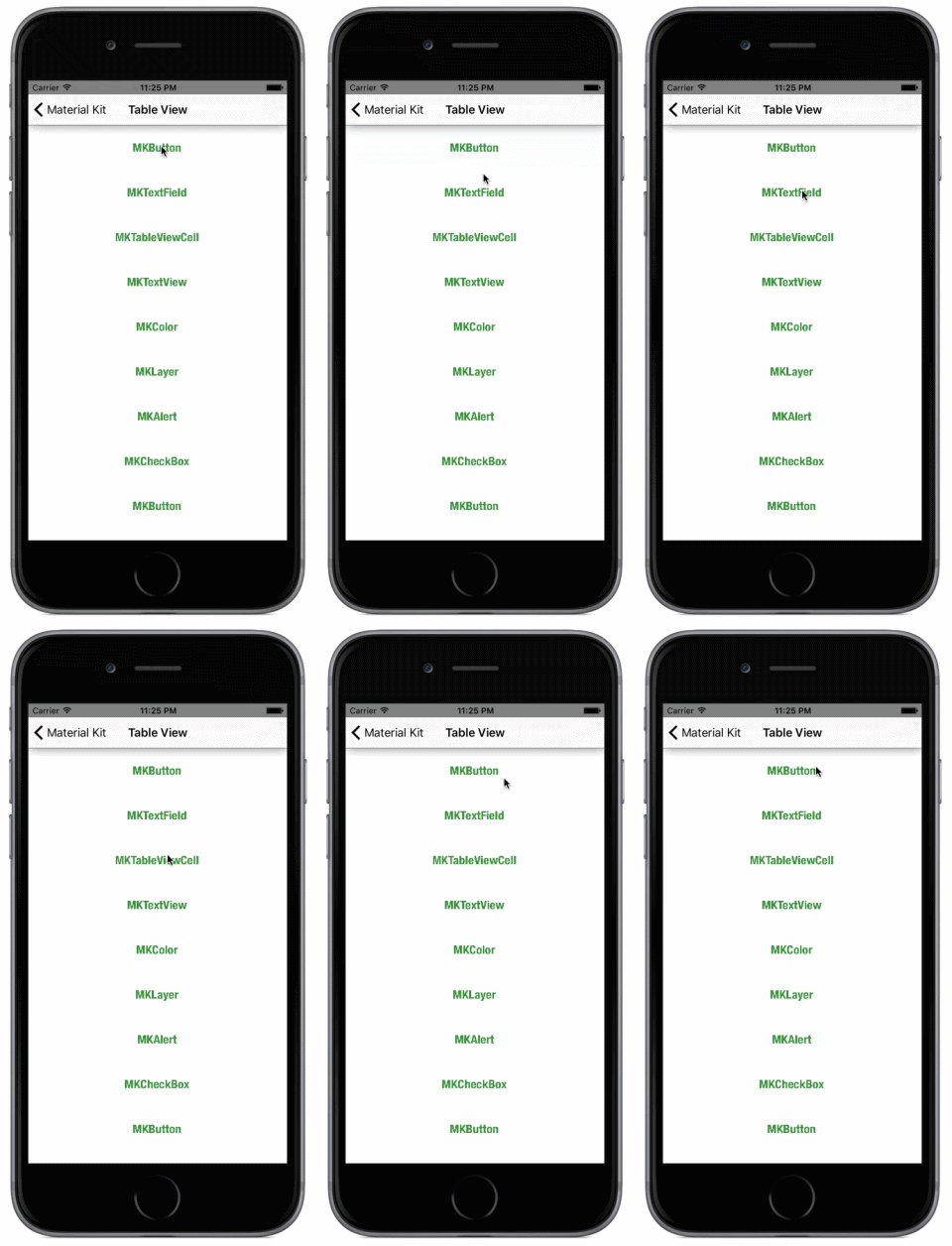
- Customizable attributes: color, ripple location, animation timing function, animation duration...
``` swift
var cell = tableView.dequeueReusableCellWithIdentifier("MyCell") as MyCell
cell.rippleLocation = .Center
cell.rippleLayerColor = UIColor.MKColor.Blue
```
#### MKRefreshControl
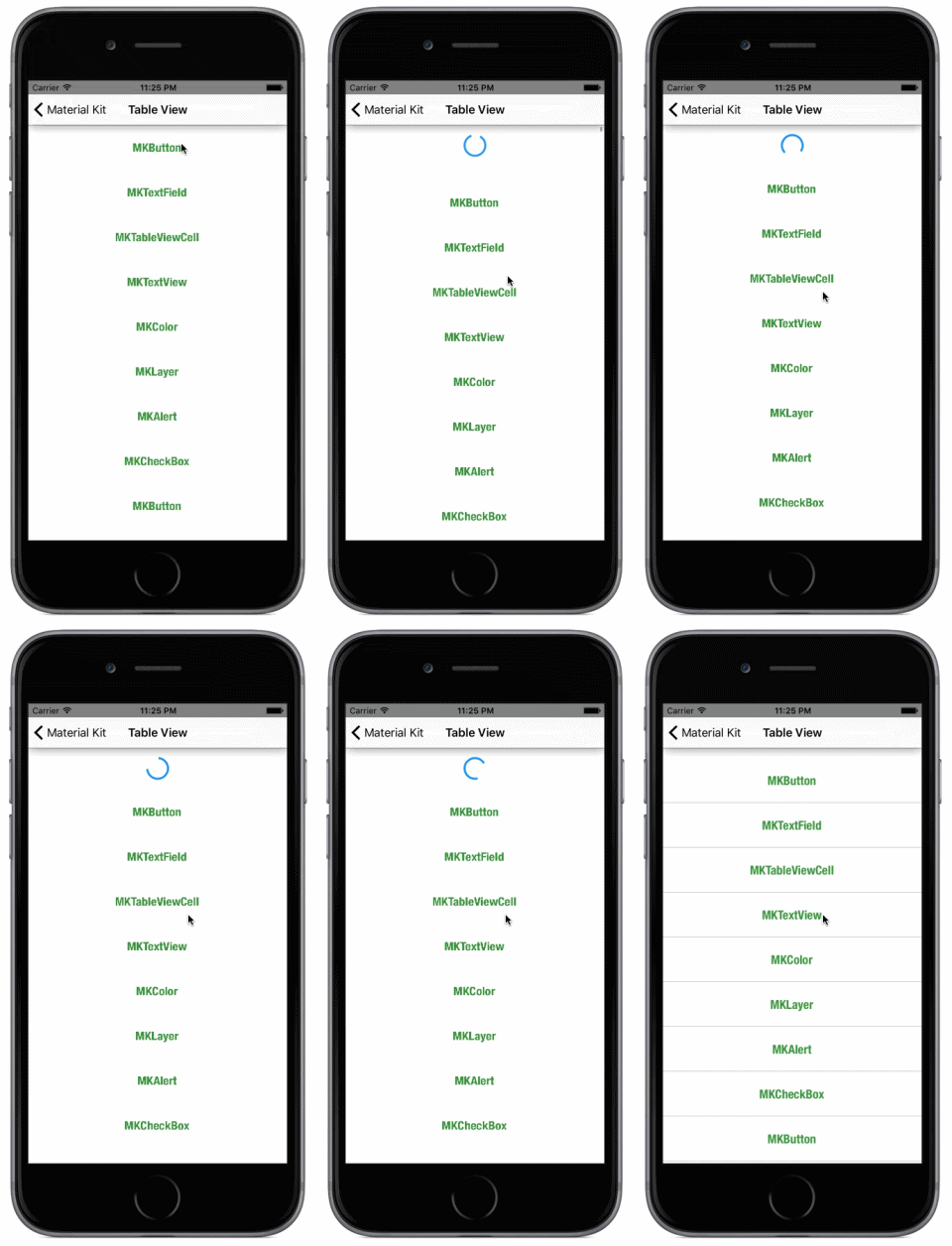
- Customizable attributes: color, height
``` swift
var refreshControl = MKRefreshControl()
refreshControl.addToScrollView(self.tableView, withRefreshBlock: { () -> Void in
self.tableViewRefresh()
})
refreshControl.beginRefreshing()
```
#### MKImageView (BarButtonItem), MKActivityIndicator
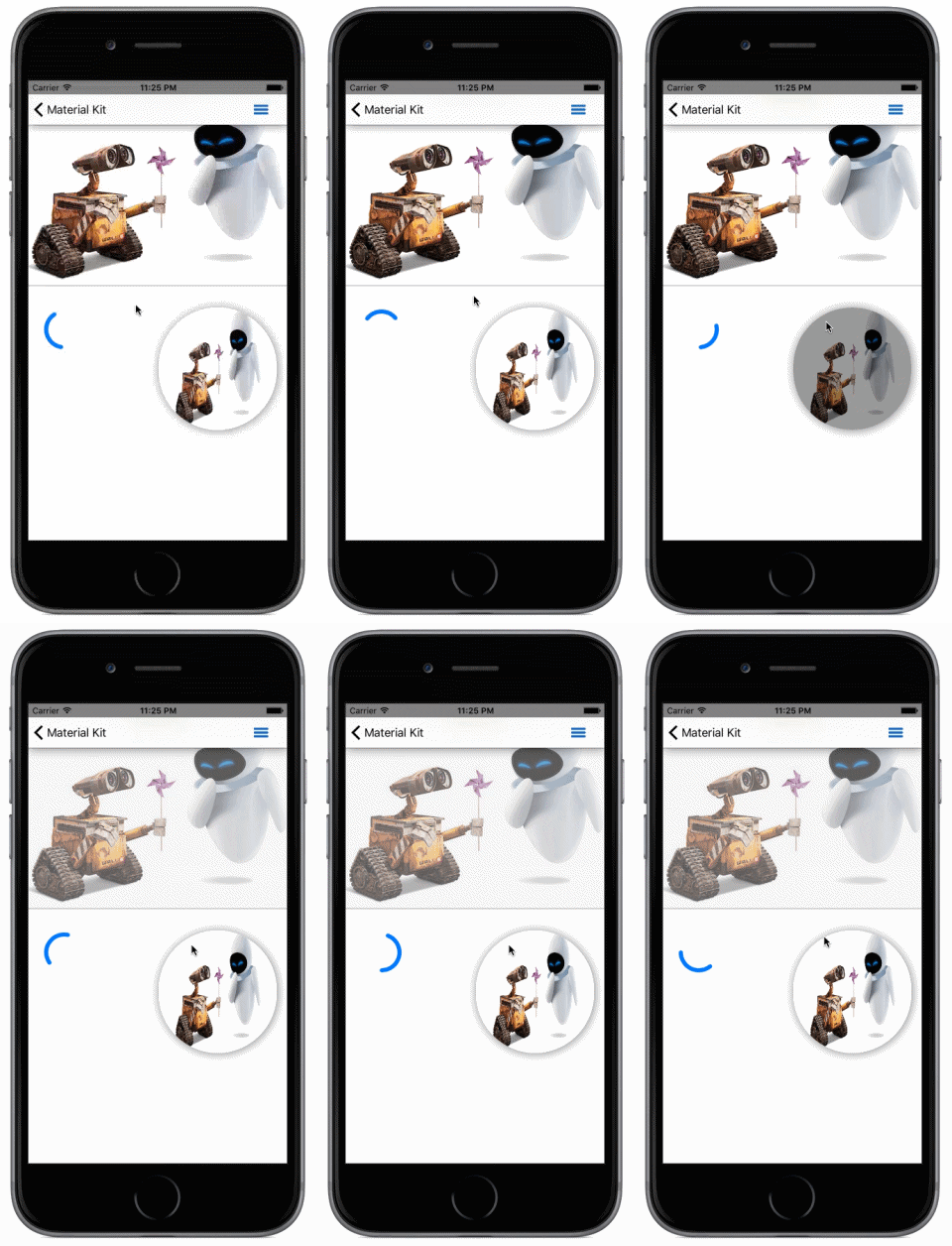
- Customizable attributes: color, ripple location, animation timing function, animation duration...
- Play ripple animation whenever you want by calling `animateRipple` method
or by setting `userInteractionEnabled = true` ripple animation will be played when the label/imageview is tapped
- Easy to customize UIBarButtonItem or UITabBarButton by using MKLabel or MKImageView
``` swift
// customize UIBarButtonItem by using MKImageView
let imgView = MKImageView(frame: CGRect(x: 0, y: 0, width: 44, height: 32))
imgView.image = UIImage(named: "uibaritem_icon.png")
imgView.rippleLocation = .Center
imgView.userInteractionEnabled = true
let rightBarButton = UIBarButtonItem(customView: imgView)
self.navigationItem.rightBarButtonItem = rightBarButton
```
#### MKLayer
A subclass of CALayer.
#### MKColor
A category for UIColor that adds some methods to get flat colors designed by [Google](http://www.google.com/design/spec/style/color.html)
``` swift
// get color from UIColor
let lightBlueColor = UIColor.MKColor.LightBlue
```
### MKNavigationBar
A custom UINavigationBar which supports elevation and adding a tint above itself
- Customizable attributes: color, dark color, elevation, shadow opacity, tint color...
- Set the class of the navigation bar in the storyboard designer to MKNavigationBar and set the custom properties
### MKSwitch
On/off switches toggle the state of a single settings option. The option that the switch controls, as well as the state it’s in, should be made clear from the corresponding inline label. Switches take on the same visual properties of the radio button.
Installation
-----
* Installation with CocoaPods
```
pod 'MaterialKit', '~> 0.4'
```
* Copying all the files into your project
* Using submodule
Requirements
-----
- iOS 8.0+
- Xcode 6.1
License
-----
MaterialKit is released under the MIT license. See LICENSE for details.