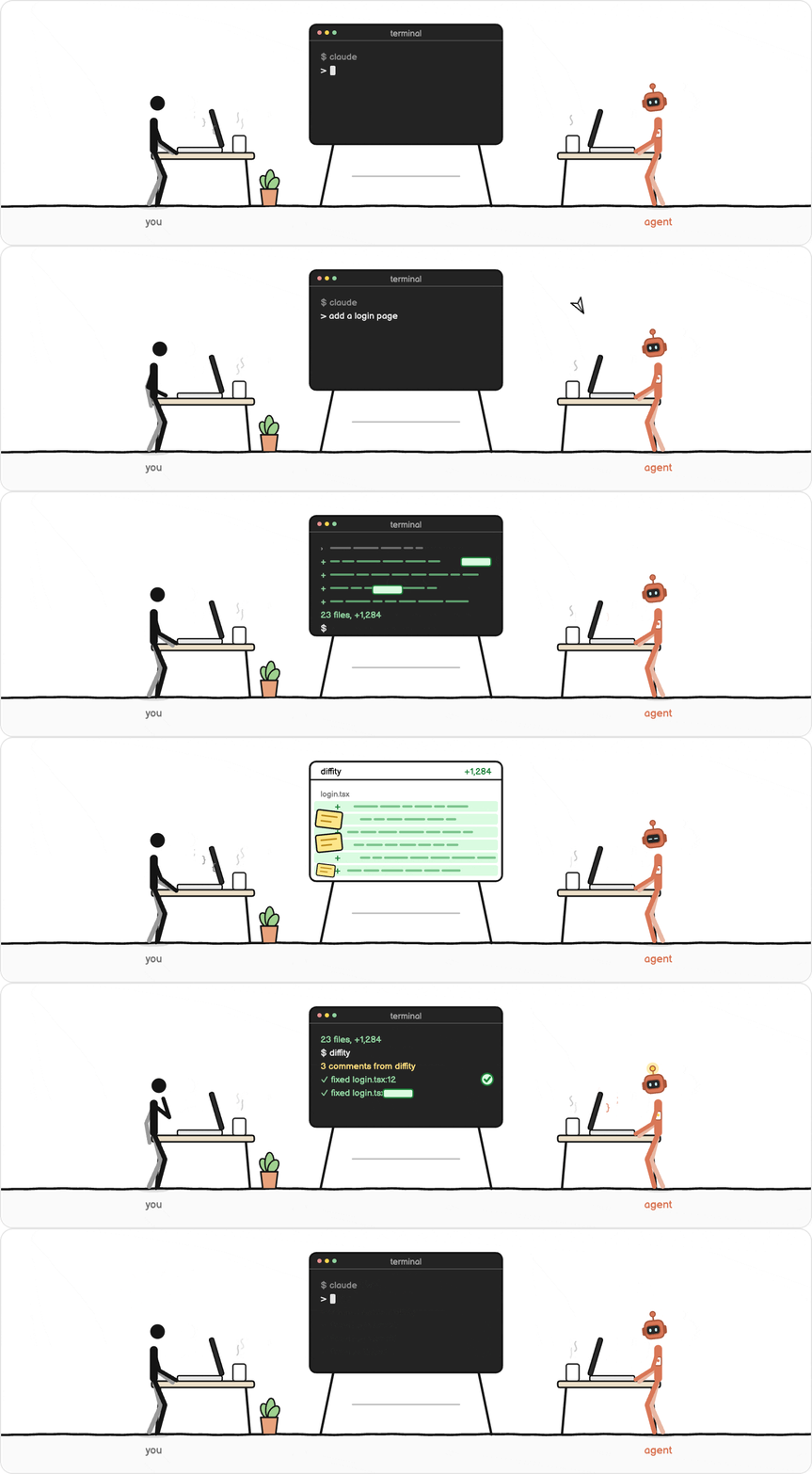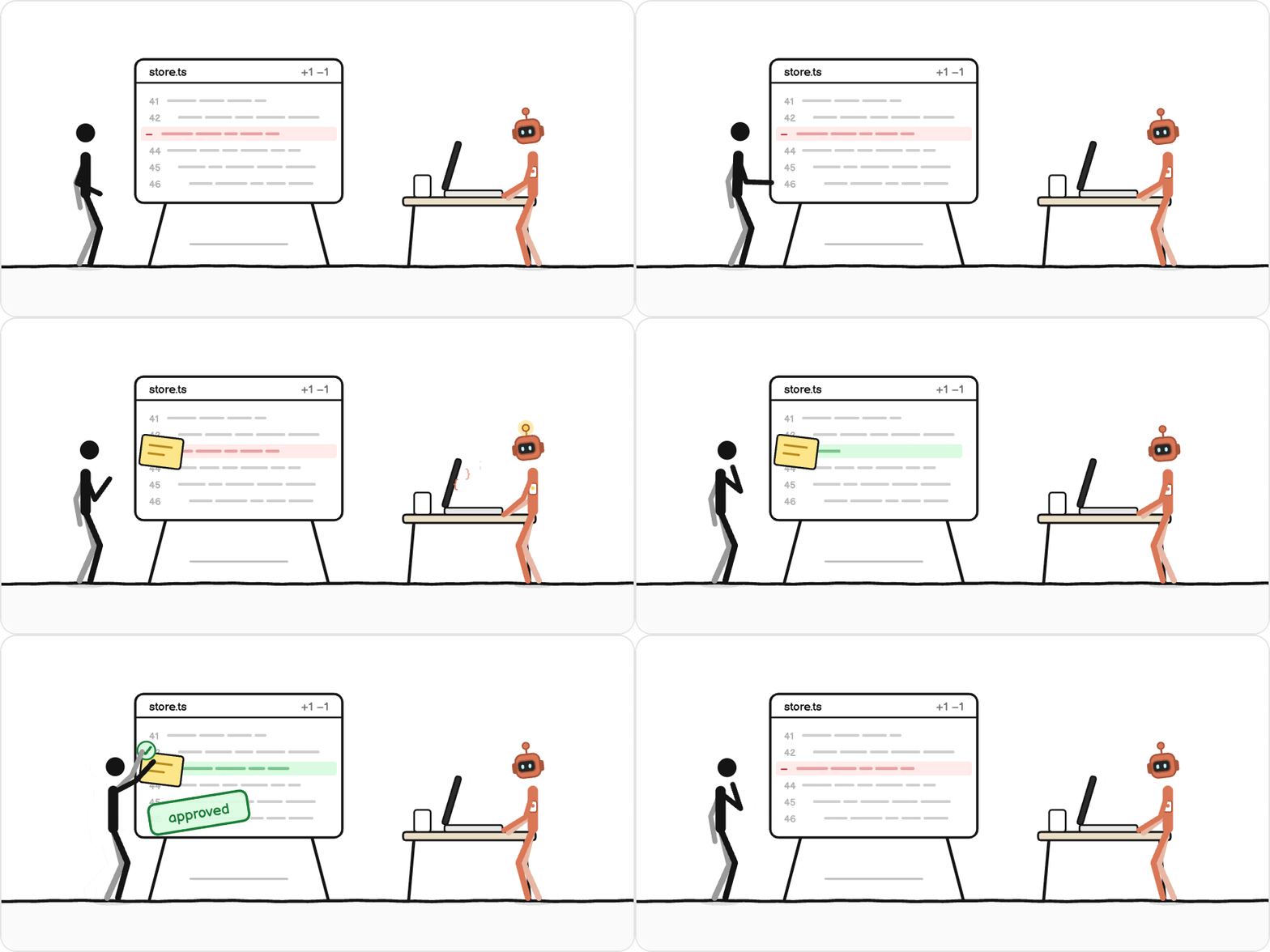
# /stick-scene Skill to make your agent draw little stick-figure scenes that show what your product does. A stick figure asks a robot agent for a change, reviews the code it wrote, comments on a line and sends it back to be fixed Each scene is one `` with no dependencies. It idles quietly, breathing and glancing around, and plays a short action when it scrolls into view, on click or on hover. ## Make a scene Install the skill ```bash npx skills add nilbuild/stick-scene ``` Then ask your agent ```bash /stick-scene [what you want to show] /stick-scene a scene for the hero of this landing page /stick-scene show that our CLI turns a YAML file into JSON /stick-scene one scene for each feature section on the homepage /stick-scene show an agent fixing the comments I leave on a diff ``` It reads your project, pitches two or three ideas for you to pick from, writes the scene, renders it frame by frame to check that nothing overlaps or gets cut off, and adds it to your page. ## Ask for changes If something looks off, say what is wrong e.g. - "the note covers his face", "the bubble runs off the edge" - "make the robot think for a moment before it starts" - "slower", "loop it", "only play it on click" - "use our brand green", "add a second agent in teal" - "light up the steps on the page as it plays" ## Examples Every scene below is in [`examples/`](examples).

Review: comment on a line, the agent fixes it, you approve

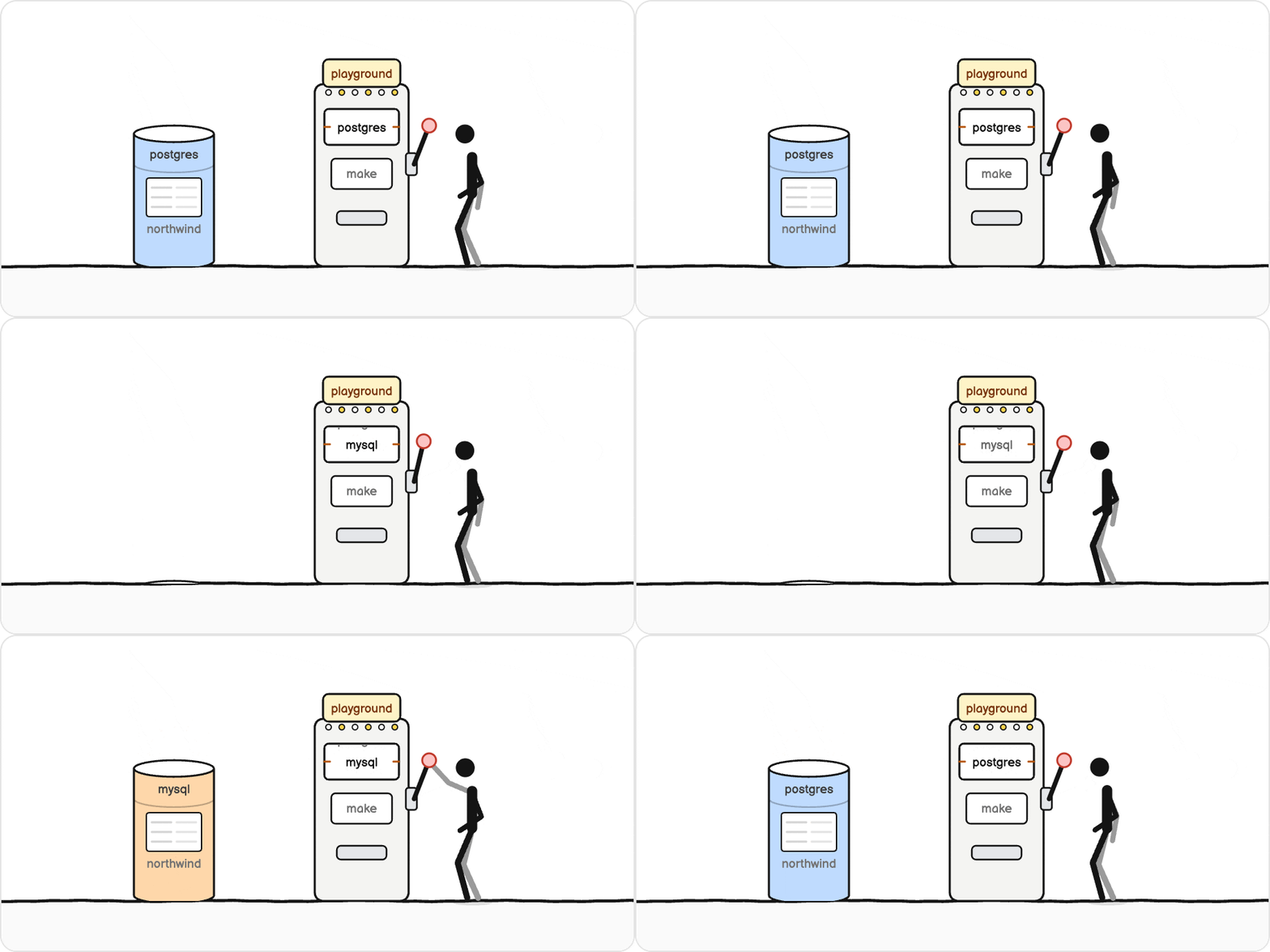
Database: pull the lever and a database rises

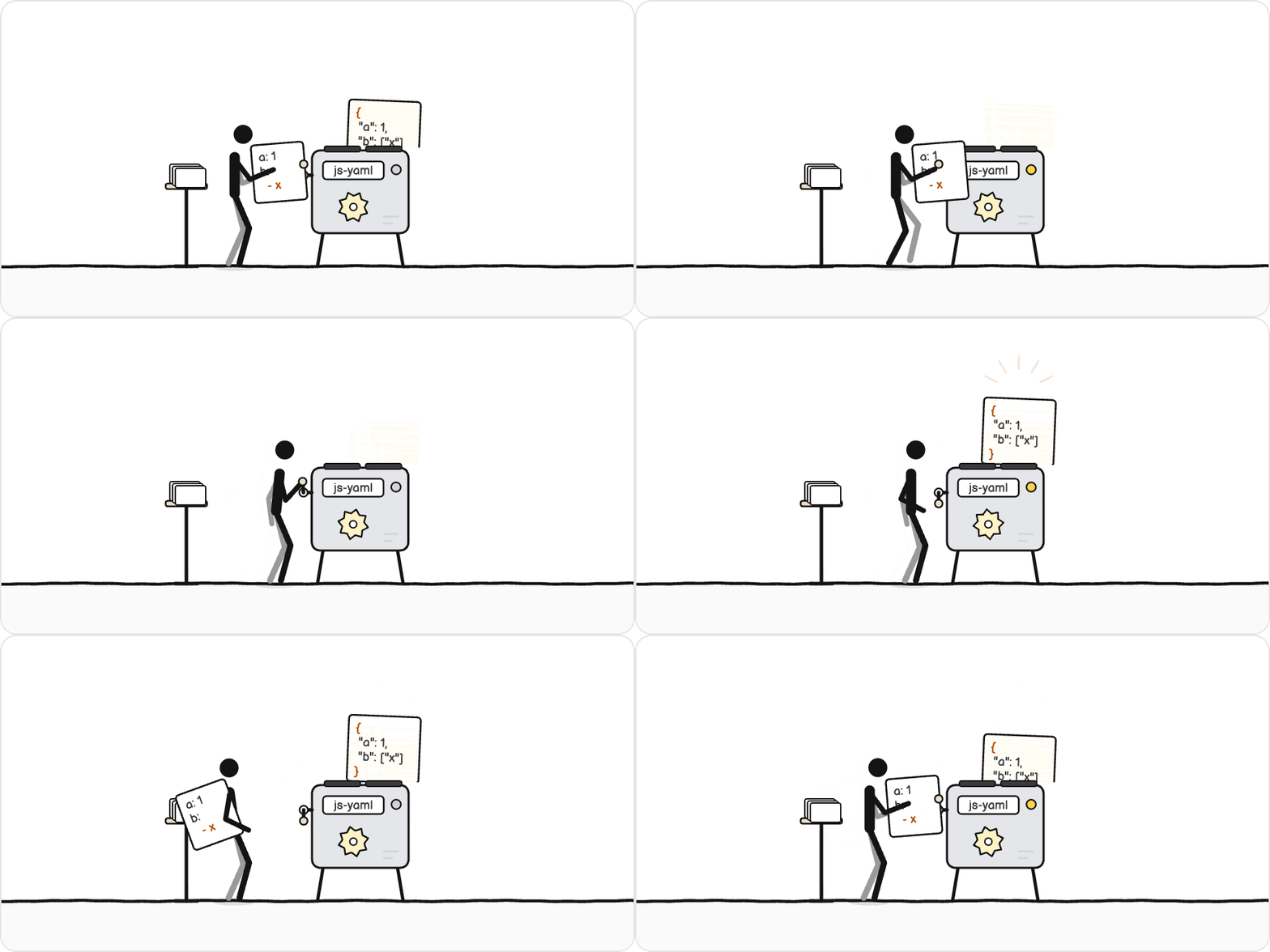
Converter: feed YAML in, turn the crank, JSON pops out

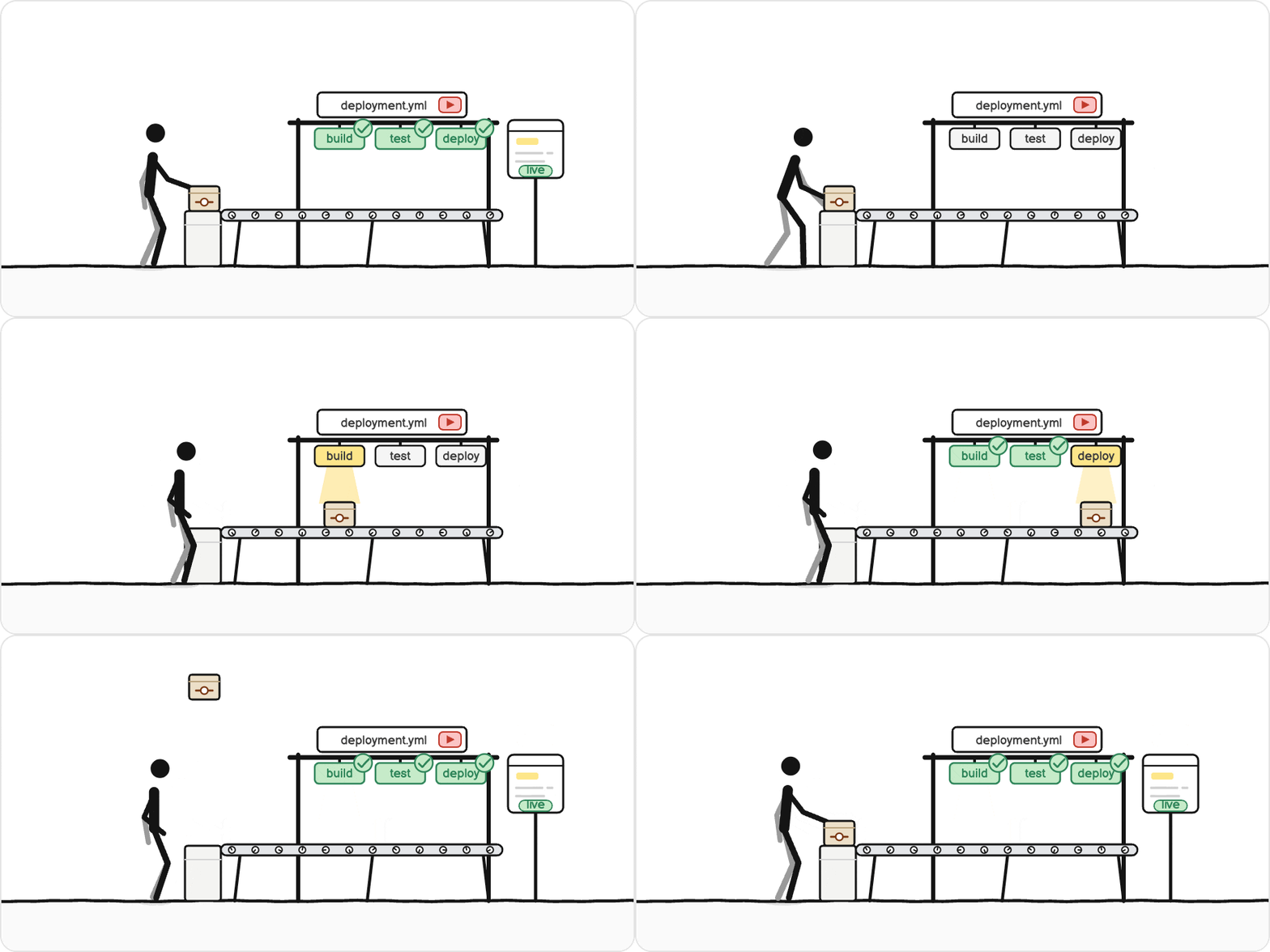
CI: push a commit down the workflow

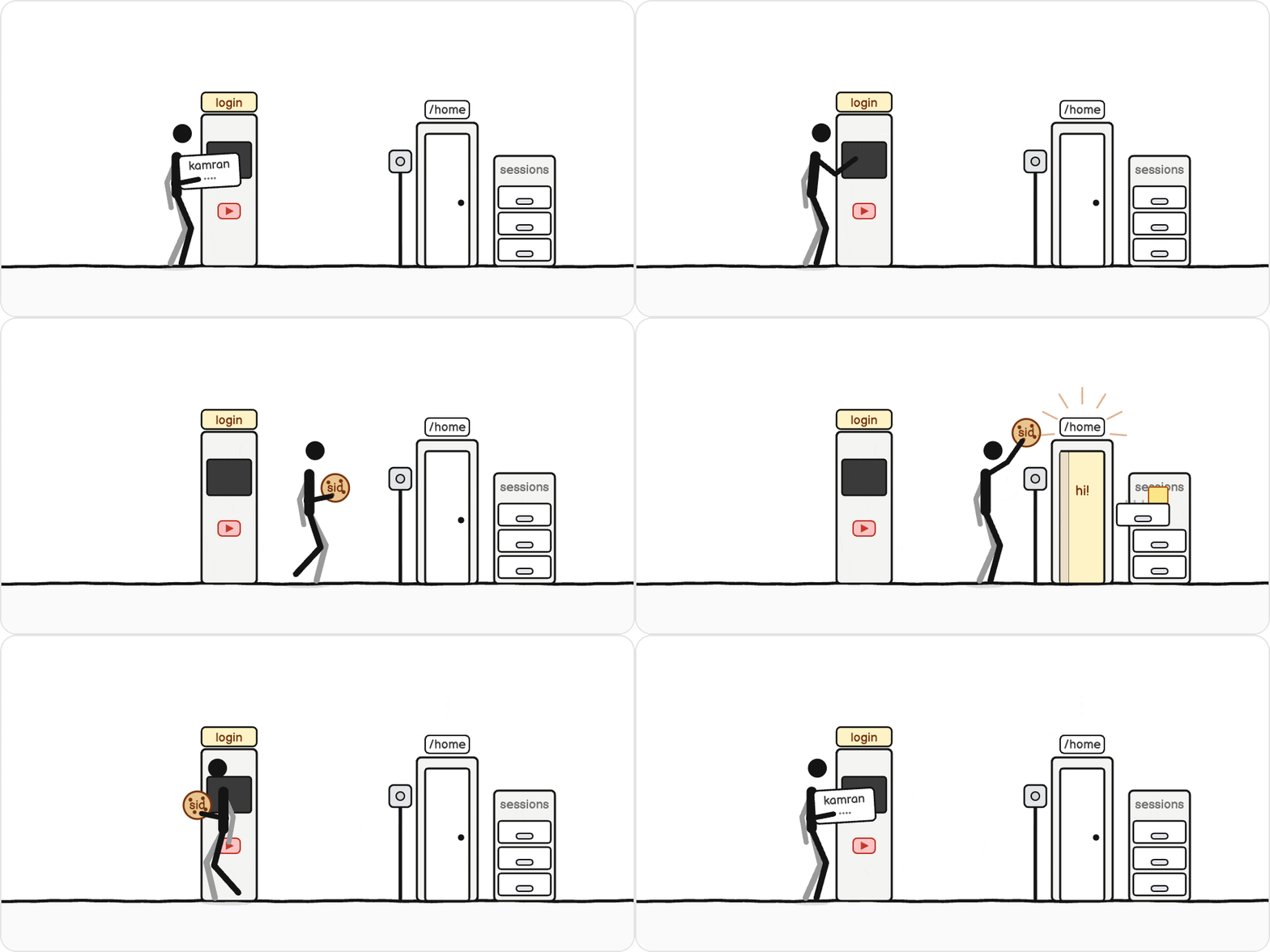
Login: log in once and a cookie opens the door

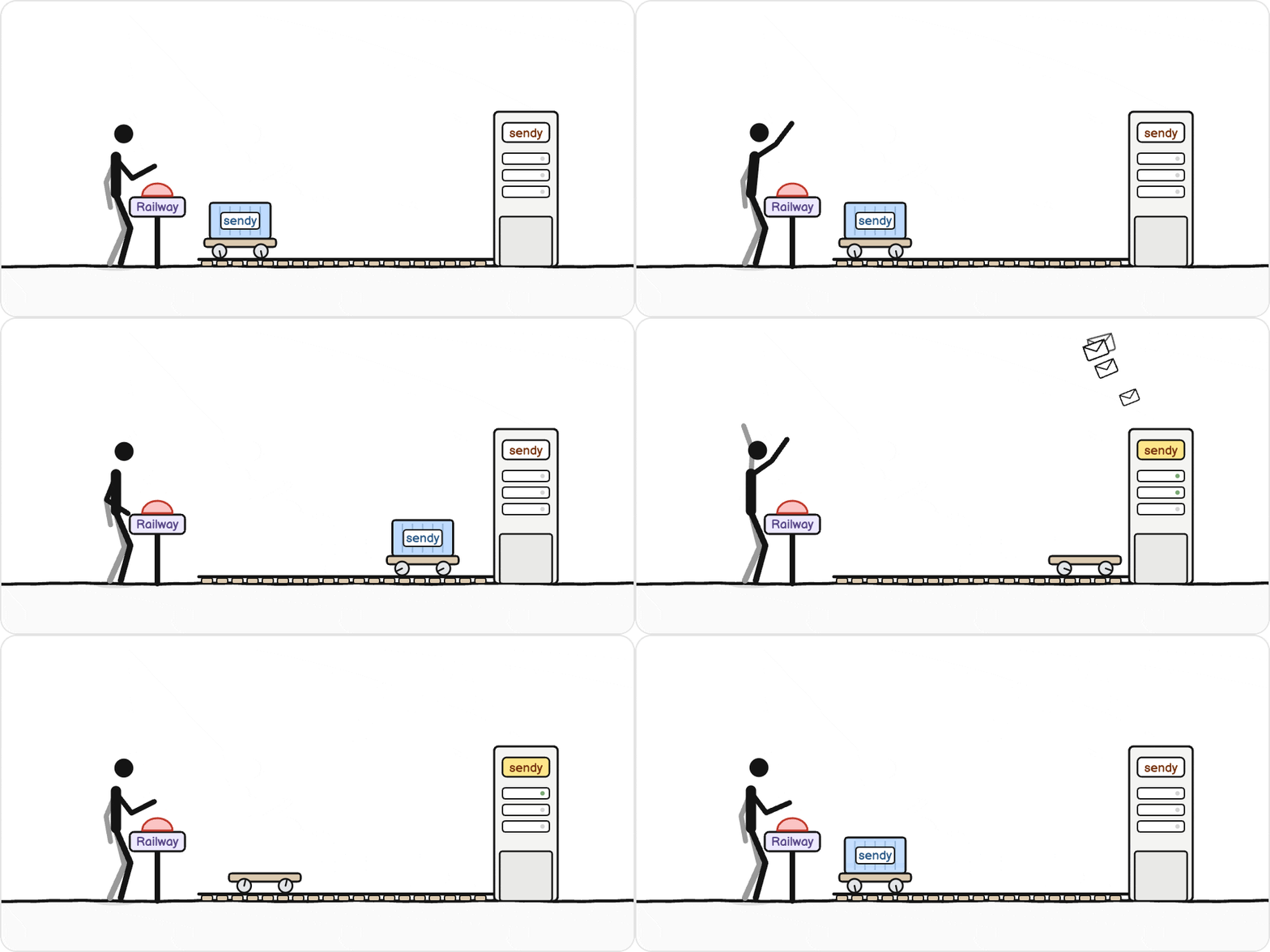
Email: one click and the letters fly out

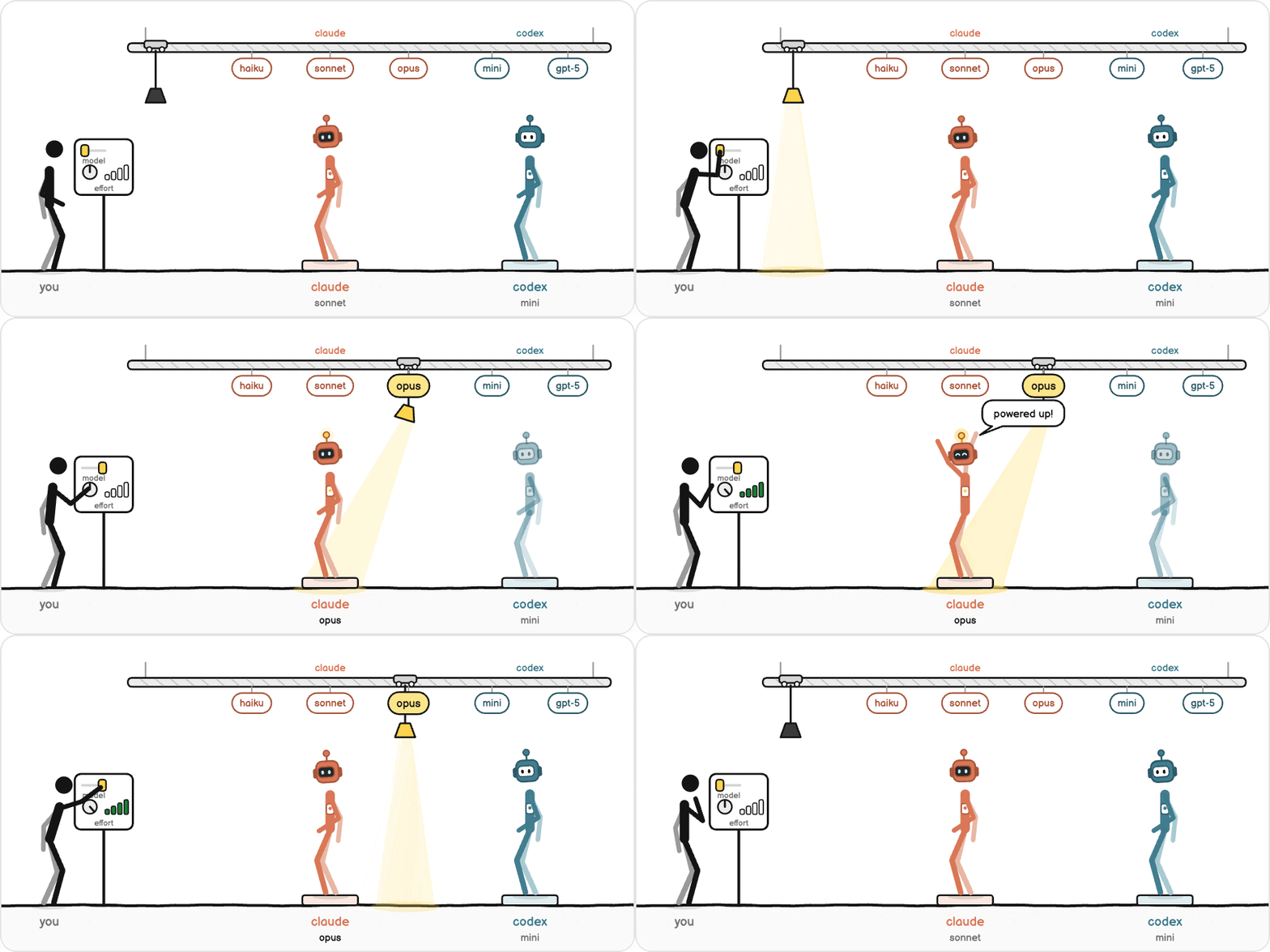
Models: a spotlight picks the model, a knob sets the effort

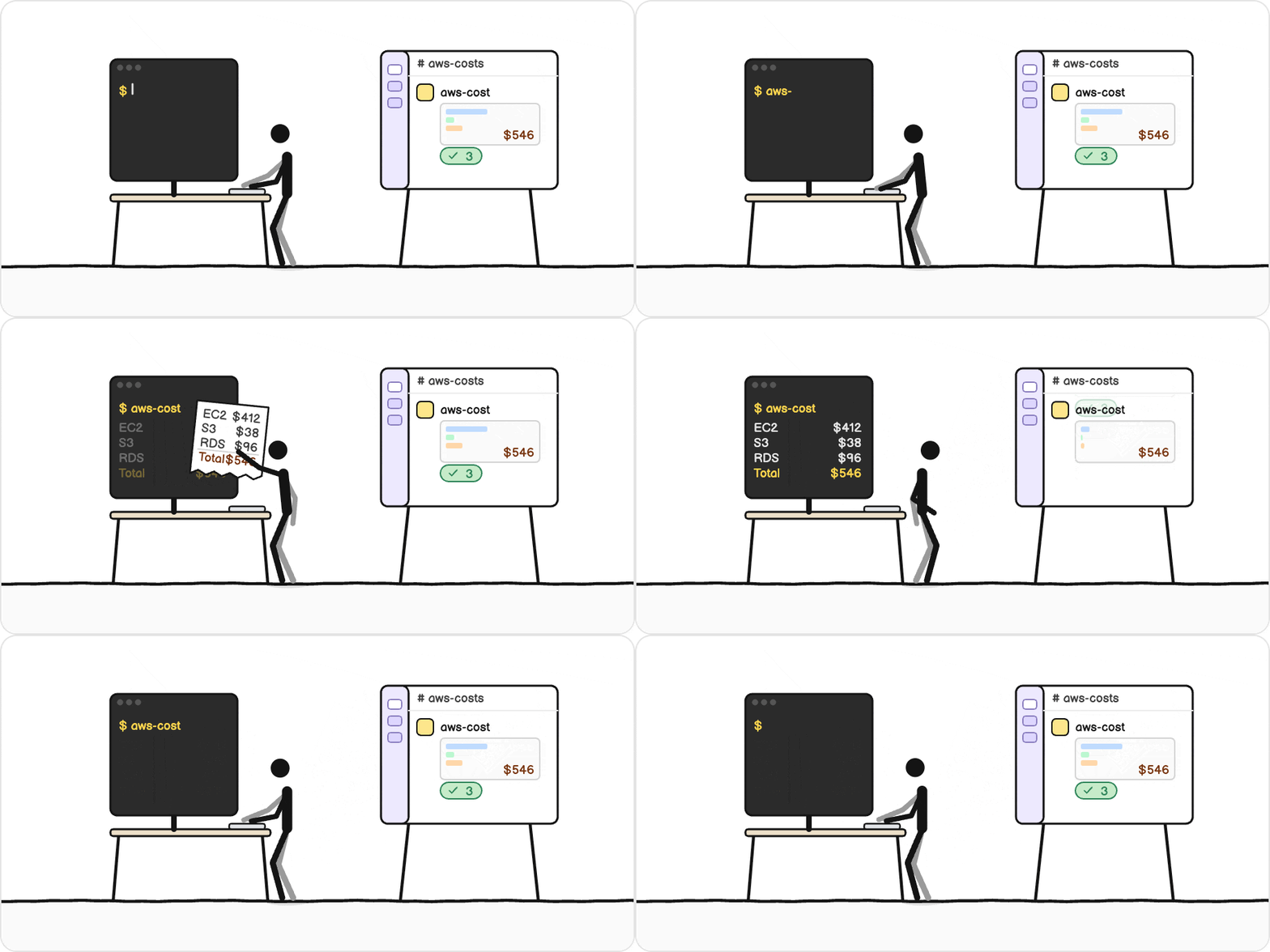
Reports: the bill prints and goes into Slack

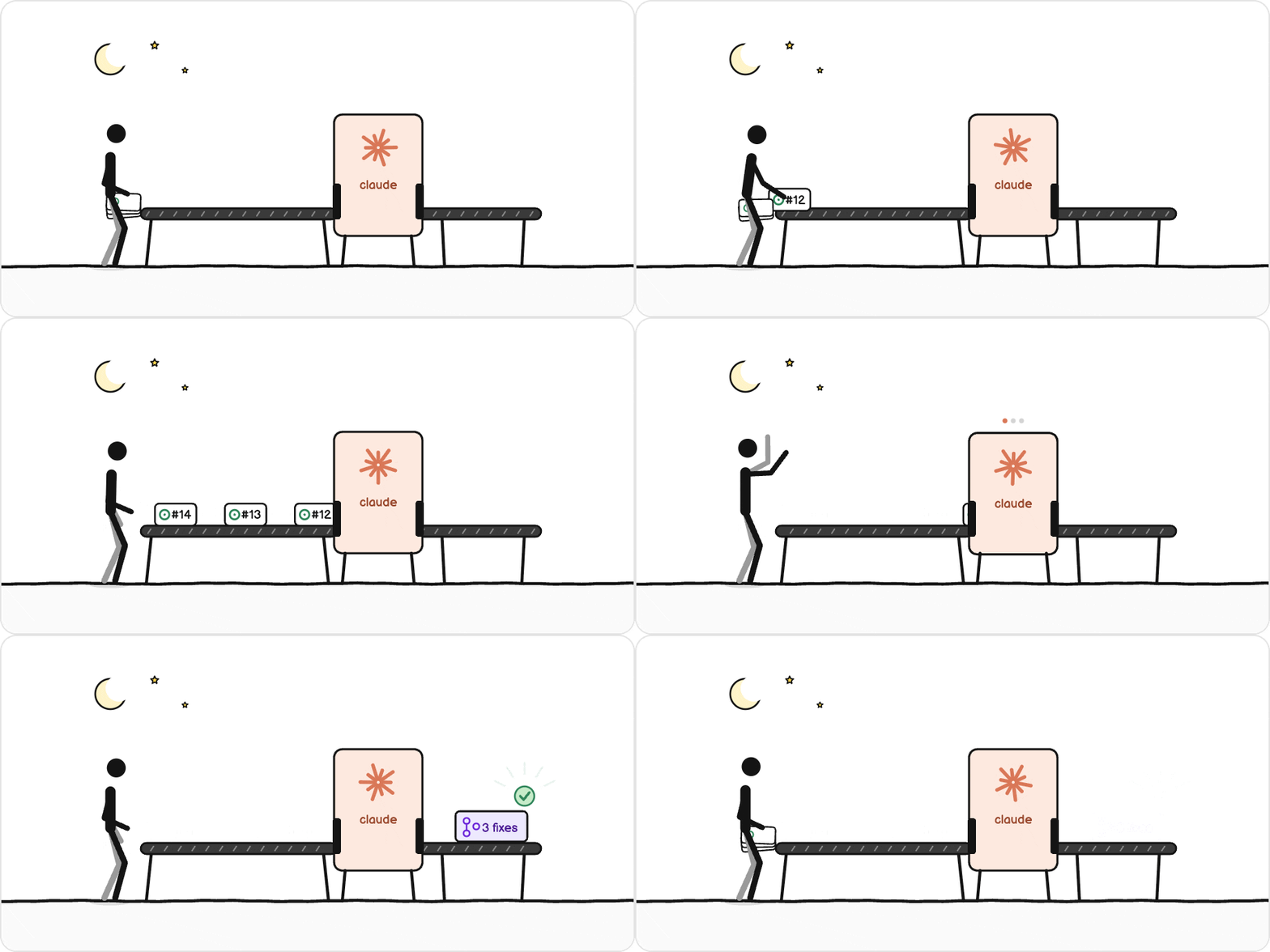
Queue: issues line up and the agent works through them overnight

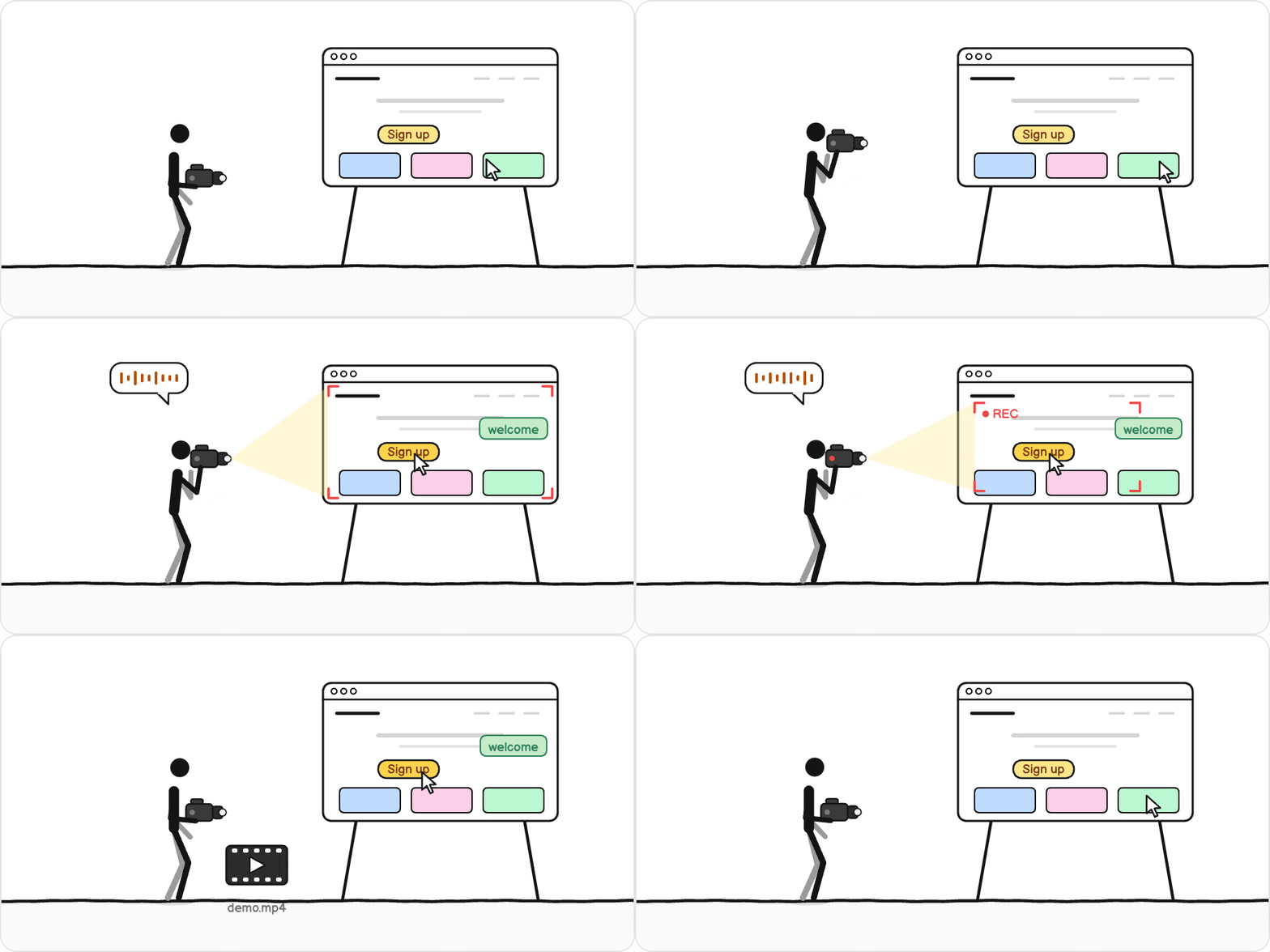
Recording: the camera operator films the app

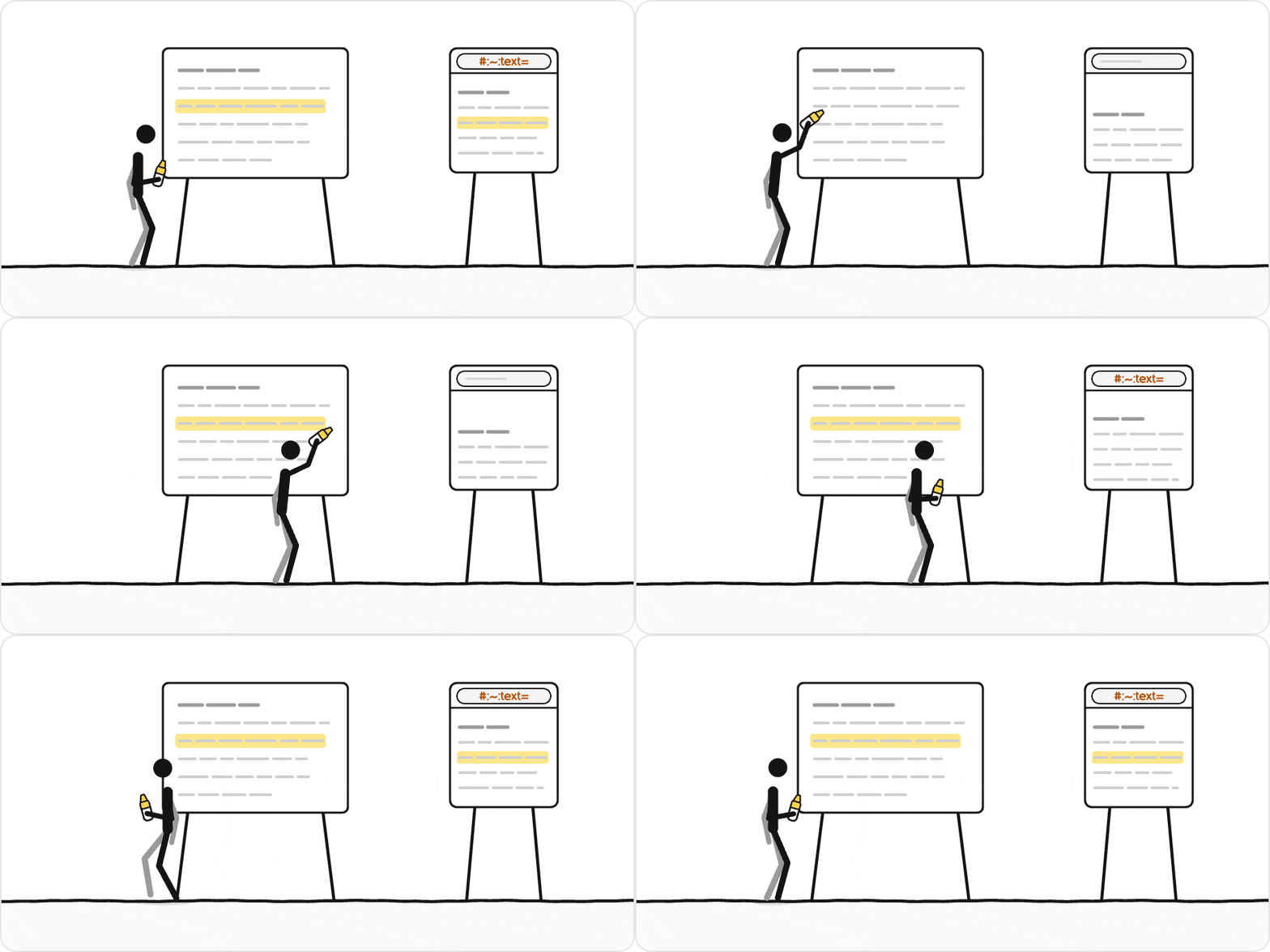
Highlights: mark a line, copy the link, it opens highlighted

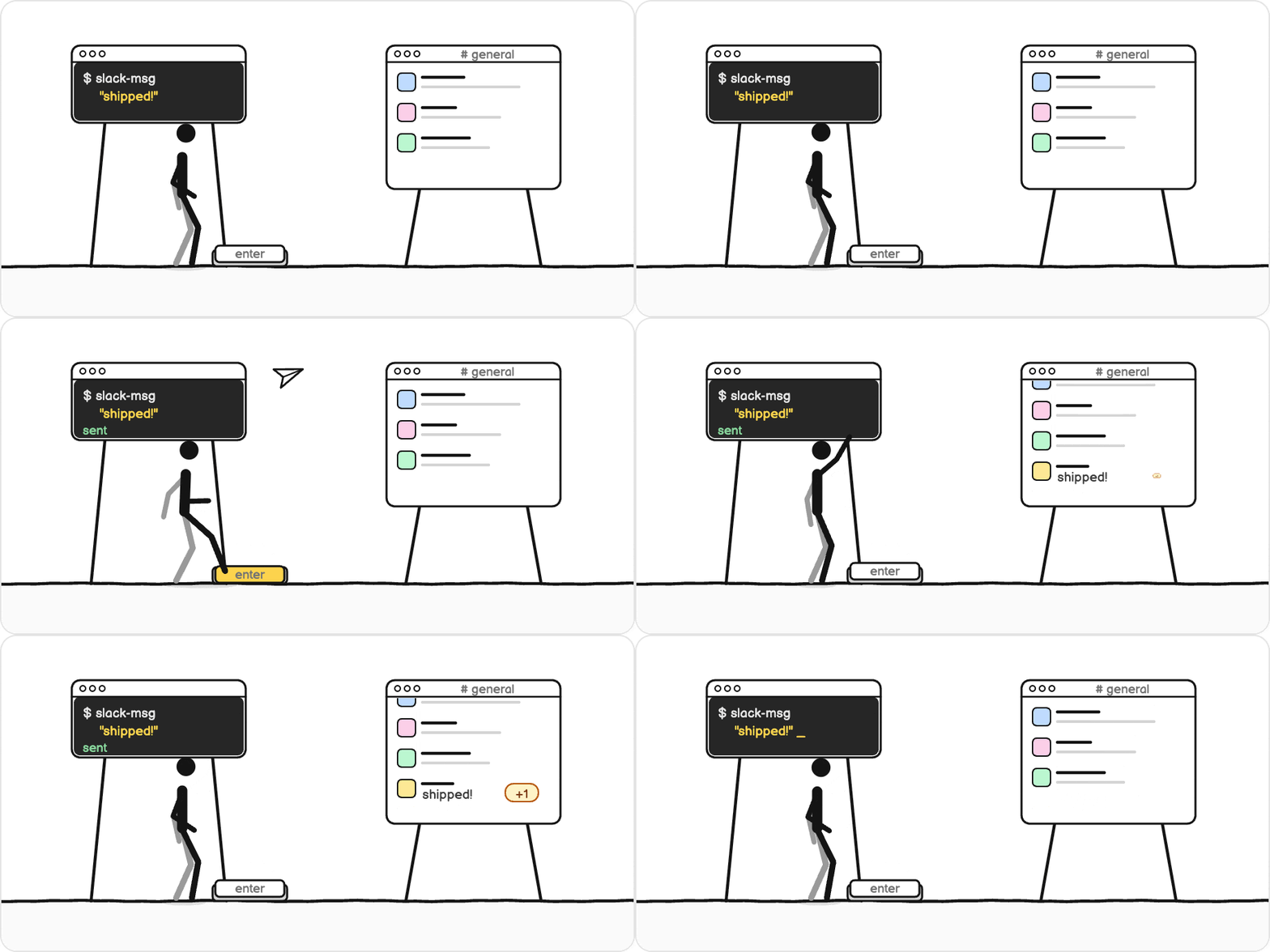
Messages: stomp on enter and it lands in Slack
## Use a scene Copy `runtime/stick.js` and your scene into the site's static folder and add ```html ``` | Attribute | | | --- | --- | | `scene` | the id the scene registers | | `play` | `view` plays once when it scrolls into view, then on click. Also `click`, `hover`, `loop` and `idle` | | `no-floor` | drop the grey band under the ground line, for plain white pages | | `no-ground` | drop the ground line too | | `zoom` | scale the drawing inside the box, default `1` | | `label` | what a screen reader hears, defaults to the scene's own sentence | Size it with CSS. Scenes off screen don't draw, and with reduced motion on, a scene shows one still frame and never plays. ## License MIT © [Kamran Ahmed](https://kamran.fyi).