# PMB
### Local-first memory for your AI coding agent.
### SQLite is the source of truth. No cloud, no API keys, no re-explaining.
[](https://pmbai.dev)
[](https://pypi.org/project/pmb-ai/)
[](https://github.com/oleksiijko/pmb/actions/workflows/ci.yml)
[](https://docs.pmbai.dev)
[](https://pypi.org/project/pmb-ai/)
[](LICENSE)
[](https://modelcontextprotocol.io)
[](https://github.com/mcp/oleksiijko/pmb-ai)
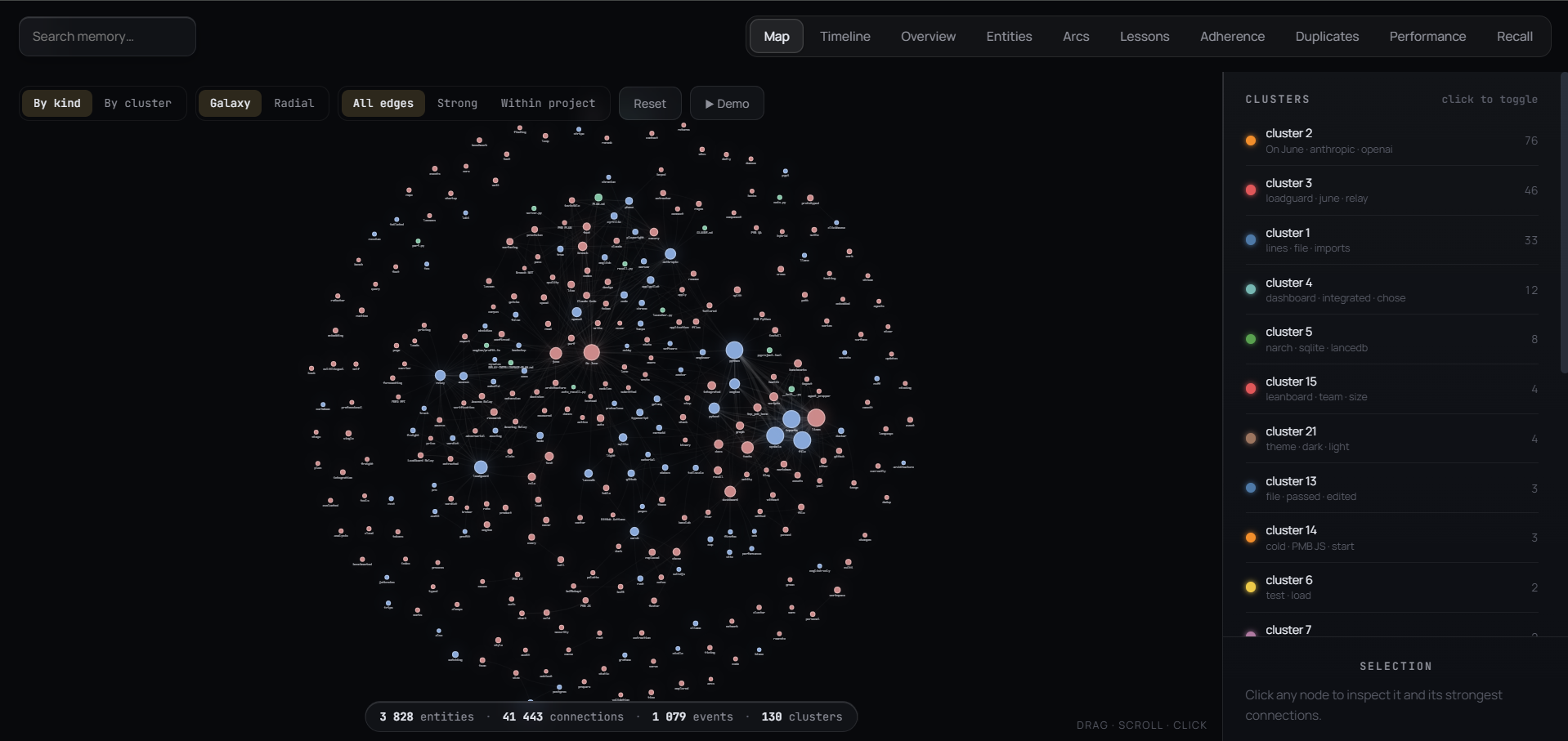
*Local-first memory, visualized. 3,800+ entities and 41,000+ connections, captured automatically as you work.*
[**Website**](https://pmbai.dev) · [**Docs**](https://docs.pmbai.dev) · [Quickstart](#quickstart) · [Demo](#demo) · [Why PMB](#why-pmb) · [How it works](#how-it-works) · [FAQ](#faq)
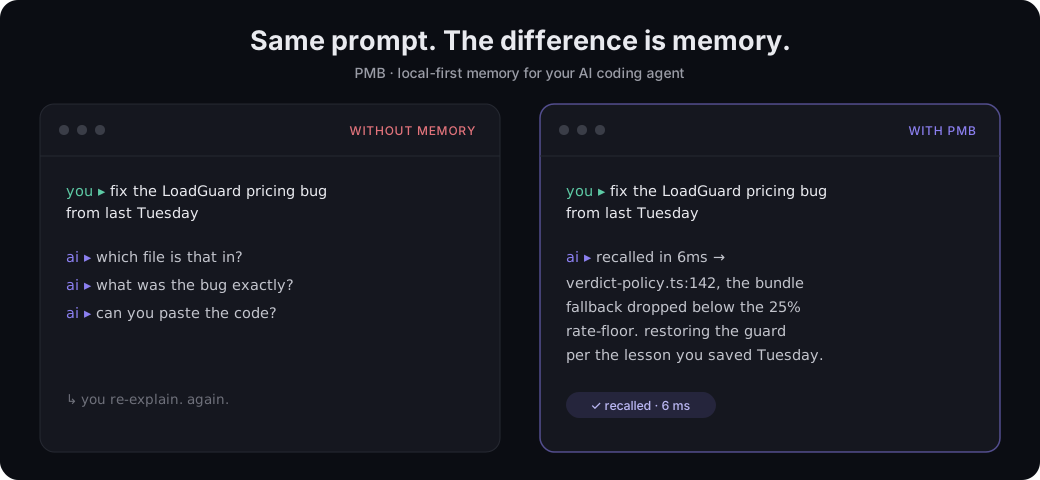
**Your AI agent forgets everything between sessions.** So you re-explain the same
decisions, lessons and constraints over and over. PMB remembers them in one
local workspace and feeds them back through MCP - no cloud, no API keys, no LLM
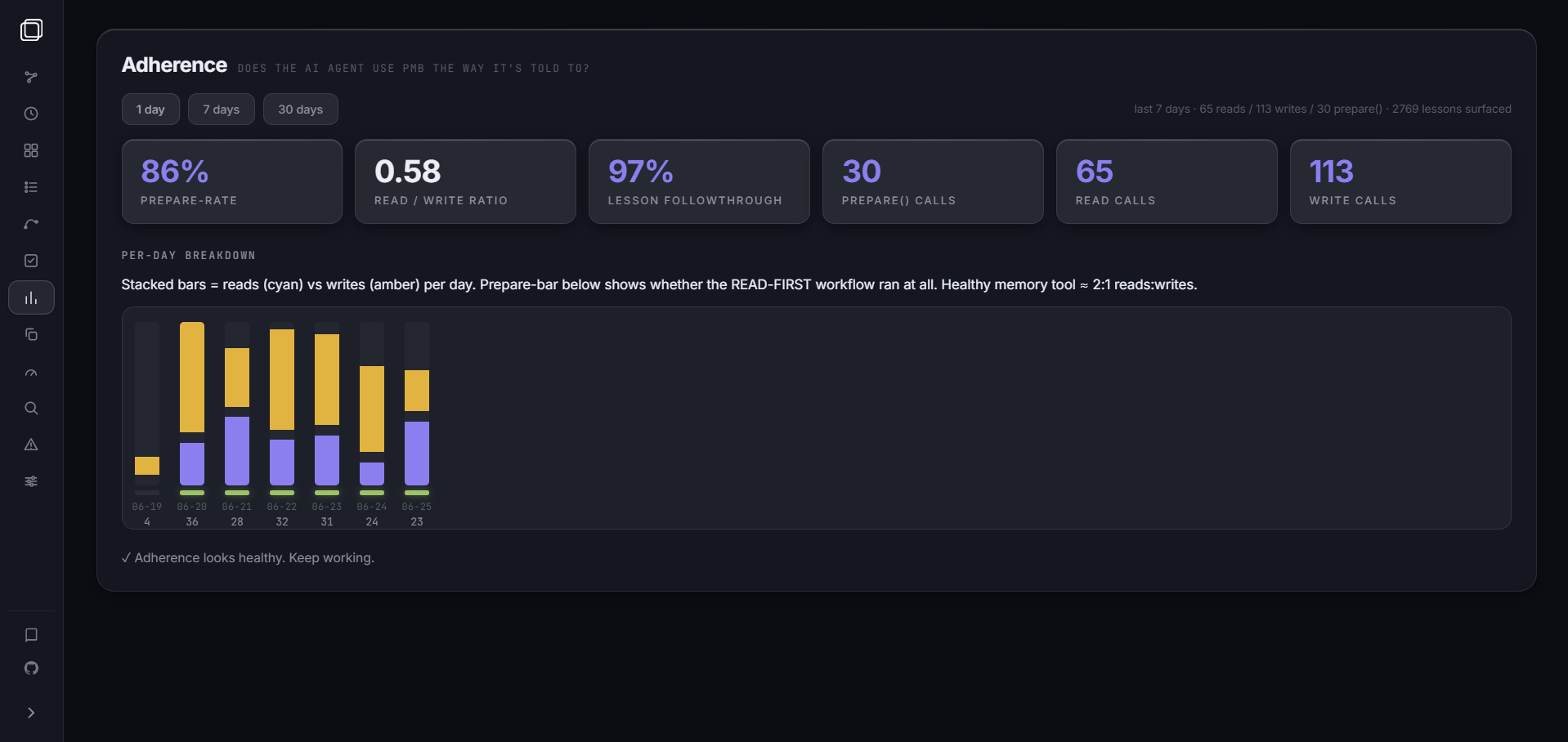
call on the read path. And it tells you **when memory is actually helping**,
instead of claiming "+X%".
⭐ **Star the repo if PMB saves you a re-explanation.**
---
PMB gives Claude Code, Cursor, Codex and the other MCP-aware agents a real
memory: decisions you made last week, lessons you taught them, personal facts,
project structure, PDFs. They survive every restart, every model upgrade, every
agent switch - because they live in a **local workspace you own**, with SQLite
as the durable source of truth and rebuildable search indexes beside it.
No API keys. No subscription. No LLM call on the read path. Just local files.
## Quickstart
```bash
pip install pmb-ai # 1. install
pmb setup # 2. detect your agent + wire the MCP entry
pmb warmup # 3. preload the model (first recall is instant)
# 4. restart your agent, then just talk to it - memory is automatic
pmb stats # 5. see what's stored
pmb recall "auth decision" # 6. search memory from the terminal
pmb doctor # 7. confirm everything is wired
```
That's it - your agent now remembers. No account, no keys, nothing leaves your machine.
> **Command name:** the CLI is **`pmb`**. Via `pip` you also get the alias
> **`pmb-ai`**; via `npm` (`npx pmb-ai setup`) the command is `pmb-ai` and it
> installs the Python package first, then runs setup. Same tool - use whichever
> your install gave you.
> **Links:** [pmbai.dev](https://pmbai.dev) (site) ·
> [docs.pmbai.dev](https://docs.pmbai.dev) (docs) ·
> [Getting started](docs/guide/getting-started.md) ·
> [Deleting memories](docs/guide/deleting-memories.md).
---
## Demo
*What it feels like - same prompt, with and without memory:*
*Map - every entity and connection in your project, as a live graph.*
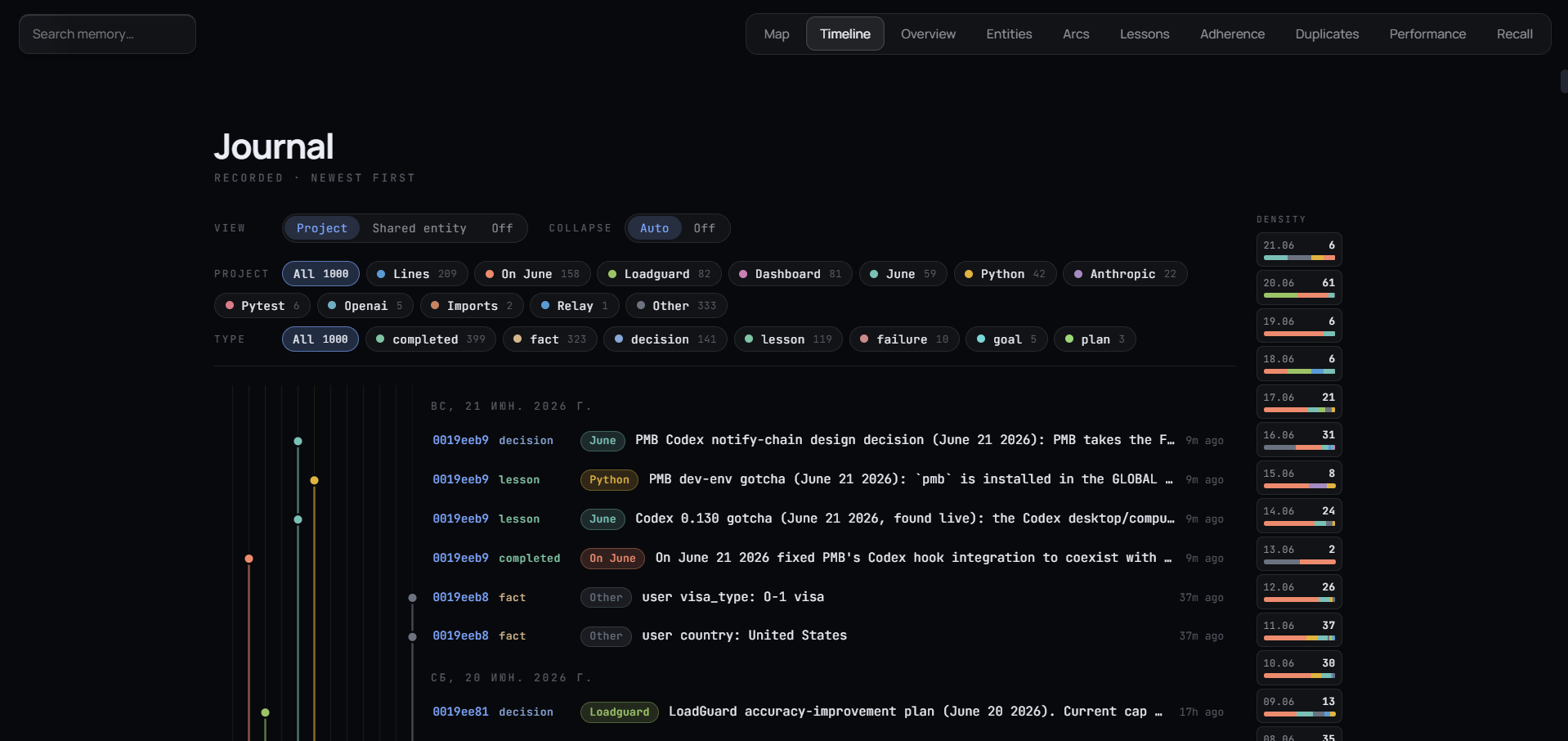
*Timeline - your memory as a journal, newest first.*
Nine tabs: **Map** (entity graph, live), **Timeline** (git-graph by project),
**Overview**, **Entities**, **Arcs** (narrative threads), **Lessons** (per-rule
follow-rate, dead-lesson detection), **Duplicates** (inline merge),
**Performance** (per-tool latency), **Recall** (debug ranker).
---
## What you can store
```bash
# Personal facts that change (time-travel: old values archived, never lost)
record_keyed_fact("user", "city", "Warsaw")
# Project structure - symbols, imports, .gitignore-aware
pmb index project .
# Why each file exists + the intent behind every commit (Haiku-summarised, local)
pmb track modules # one-line purpose per indexed file
pmb track changes # new commits: what changed and WHY
# PDFs (research papers, manuals, contracts)
pmb index pdf paper.pdf
pmb index pdf ~/docs --recurse
# Whatever your agent logs as it works: decisions, lessons, completed tasks, goals
```
PMB is content-agnostic. If it's text the agent will care about later, PMB
remembers and retrieves it.
## What the agent gets back
A single MCP call - `prepare(message)` - returns the right things at the right
level of detail, in 4-16 ms:
| Field | What it is |
|---|---|
| `project_context` | Full project overview if the message mentions a project: key facts, lessons (RULES to follow), decisions, open goals, related entities, the project's narrative arc |
| `lessons` | Procedural rules matching the query, each with a `surface_id` so the agent can confirm it followed the rule later |
| `recent_activity` | Last 24 h of decisions / edits / completions for session continuity |
| `open_goals` | In-progress goals so the agent knows what you're pursuing |
| `active_arcs` | Narrative arcs the project is currently living in |
For everything else there's `recall(query)` (hybrid search, 35 ms warm) and 27
other tools in [docs/reference/COMMANDS.md](docs/reference/COMMANDS.md).
---
## How it works
```mermaid
flowchart LR
A[Your agent] -->|MCP stdio| B[PMB MCP server]
B --> C[Engine]
C -->|read 35 ms| R[Hybrid recall