MWeb Now Have Official Site
中文:http://zh.mweb.im
English:http://www.mweb.im
Notice: This page will not update!
MWeb Help
Markdown syntax guide
Markdown syntax guide suggest version
Markdown syntax guide full version
MWeb Q & A
MWeb Q & A
If you can't find the answer, please send feedback to me: Help --> Send Feedback
Some may useful articles
Custom site theme or design you owner theme...
MWeb Screenshot and in Yosemite
MWeb 1.1 release
MWeb 1.2 release
Use GoodSync synchronize MWeb's static websites to FTP,SFTP,WebDAV,Amazon S3 automatically
Introduction MWeb
MWeb is a markdown editor for static websites and blogs on OS X, like Octopress or Jekyll but easy to use. You can write document with markdown,drag & drop or paste photos to the editor, MWeb will automatically add markdown code and display photos in editor. You can choose some categories to organize the document, and build static websites and blogs One Click.
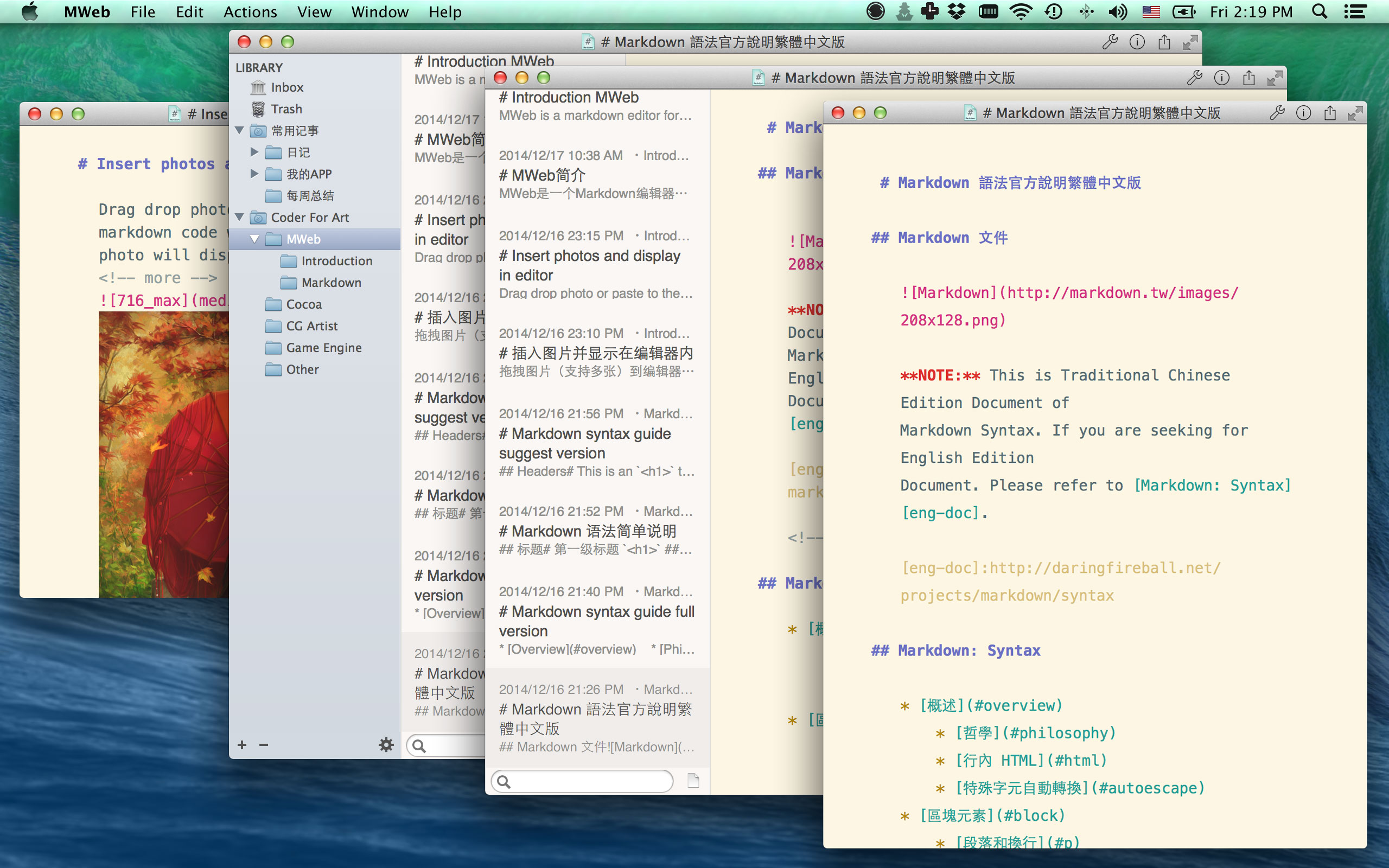 


A markdown editor
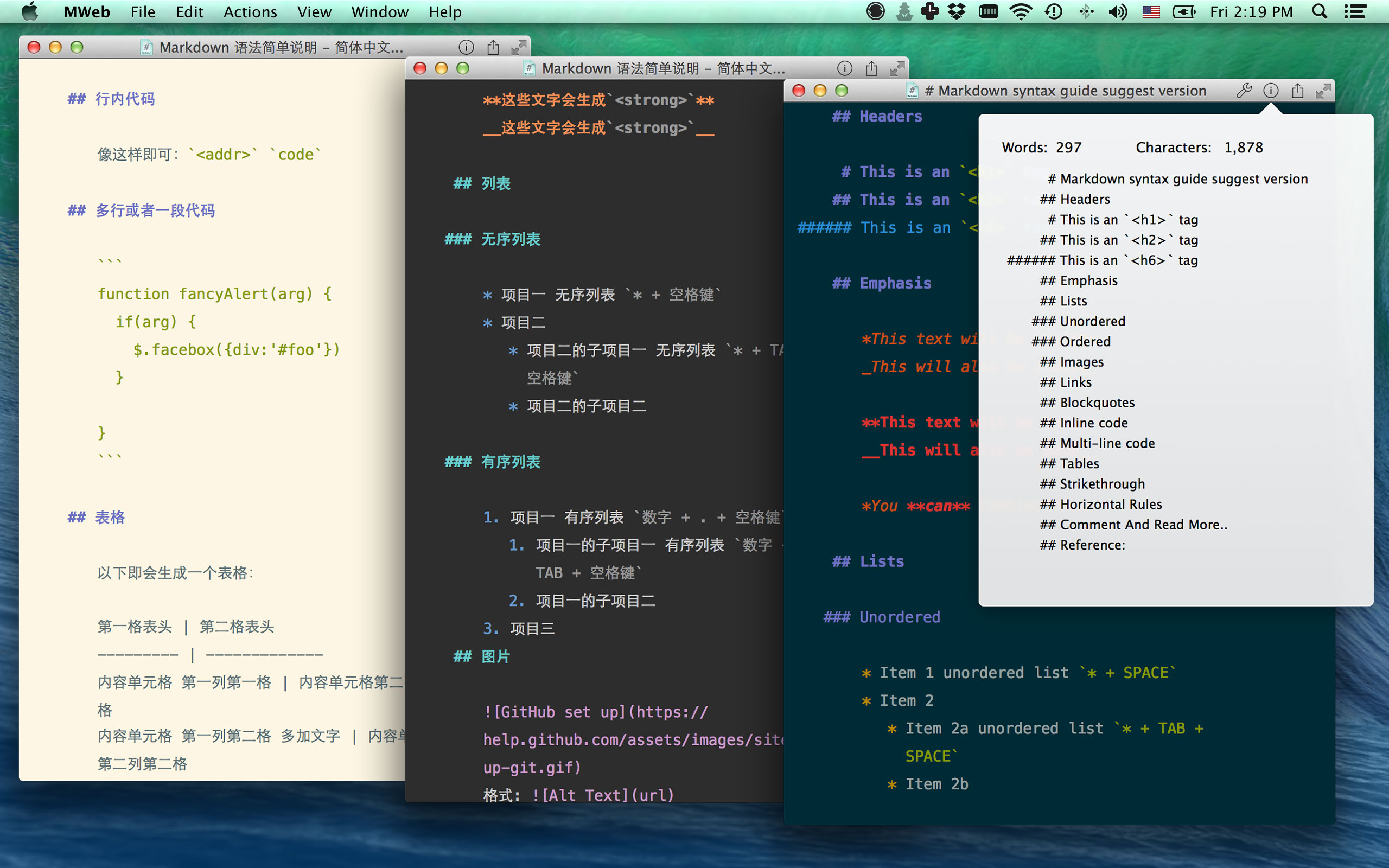
MWeb is a markdown editor support markdown syntax highlight, preview,syntax highlighting in fenced code blocks,Math ML,export to HTML/PDF, a custom editor theme, words counter, outline, autosave, full document versions and more.. It has two patterns:
- Library pattern, you can organize documents with categories,drag & drop or paste photos to the editor and display. You can build static websites and blogs.
CMD + Lto display the Library pattern. - No library pattern, it just like
TextEditbut has full markdown support like syntax highlight, preview, outline etc..

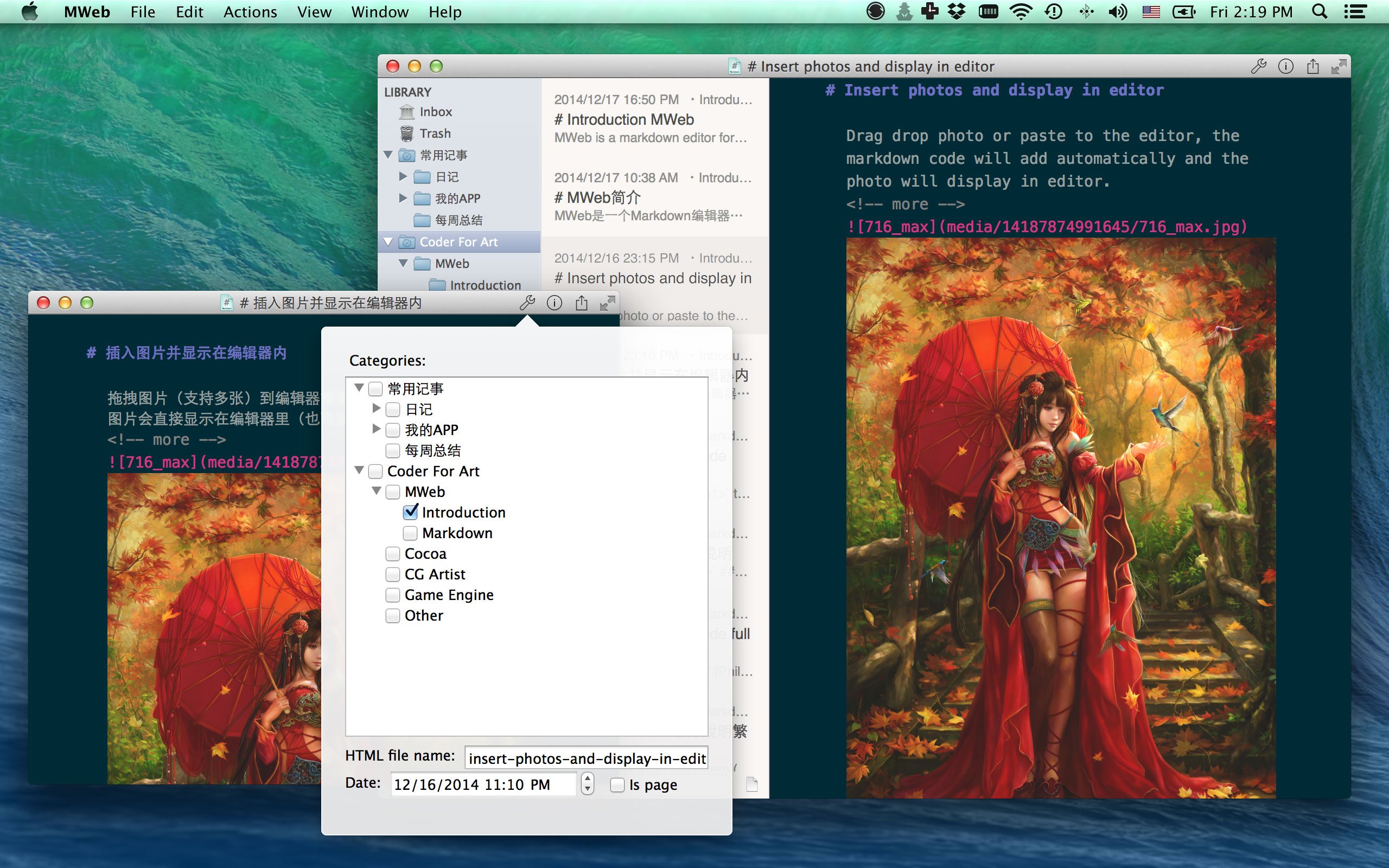
Drag & drop or paste photos to the editor and display
Drag & drop or paste photo to the editor, the markdown code will automatically add and the photo will display in editor.


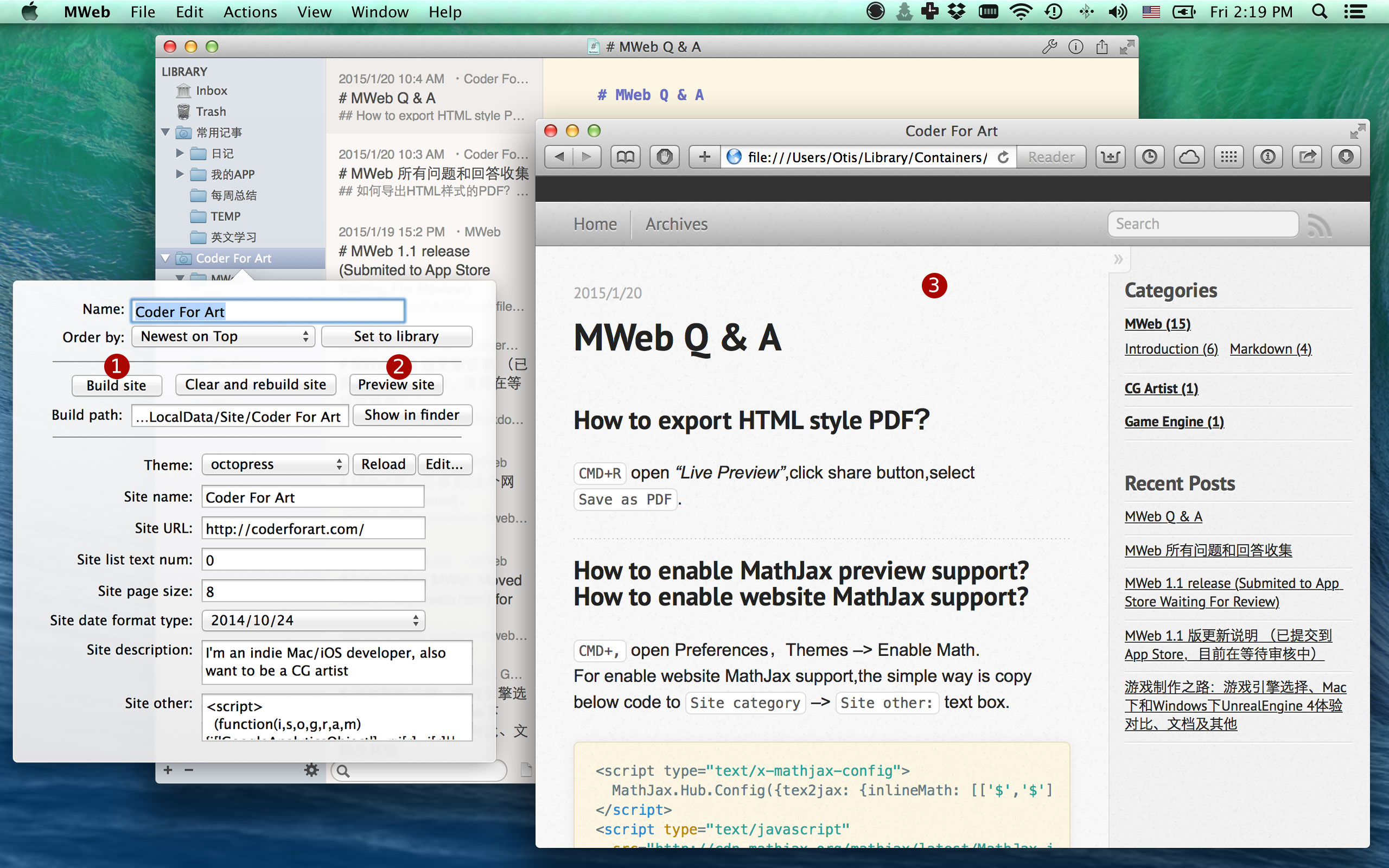
Easy to build static websites and blogs
Selected a category --> Set to site, setting site name and description and just click Build site. click Clear and rebuild site button when the Theme is change. click Preview site button to preview. Just double click Coder For Art category and try.

More info, please read this post: Custom site theme or design you owner theme...
Three view pattern
Editor Only:CMD + 1, Two Panes:CMD + 2, Three Panes:CMD + 3. The editor area will not resize when the view pattern change.
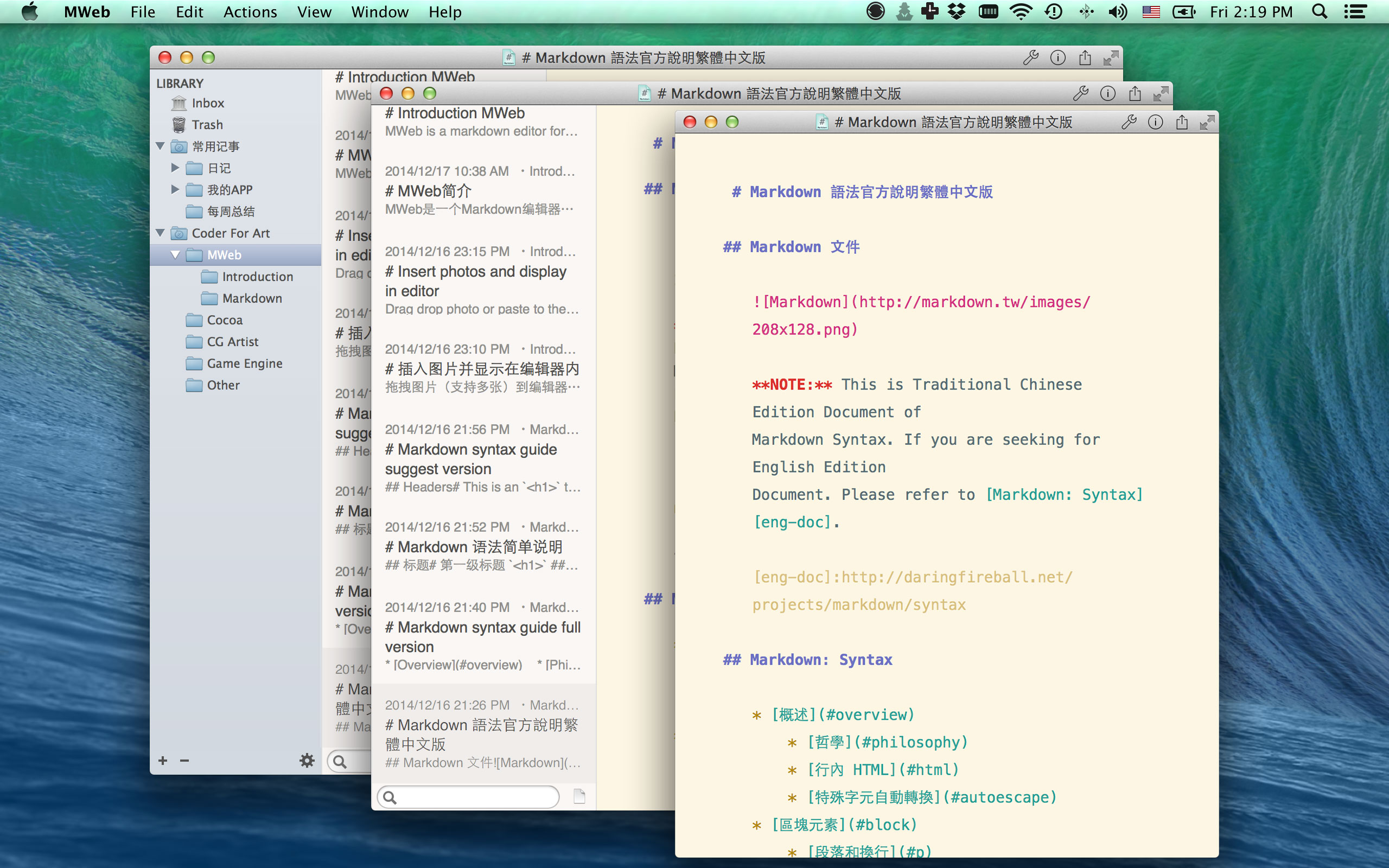 

Preview, Share,Save as PDF, More Screenshot
Preview:CMD + R,Close Preview:CMD + W
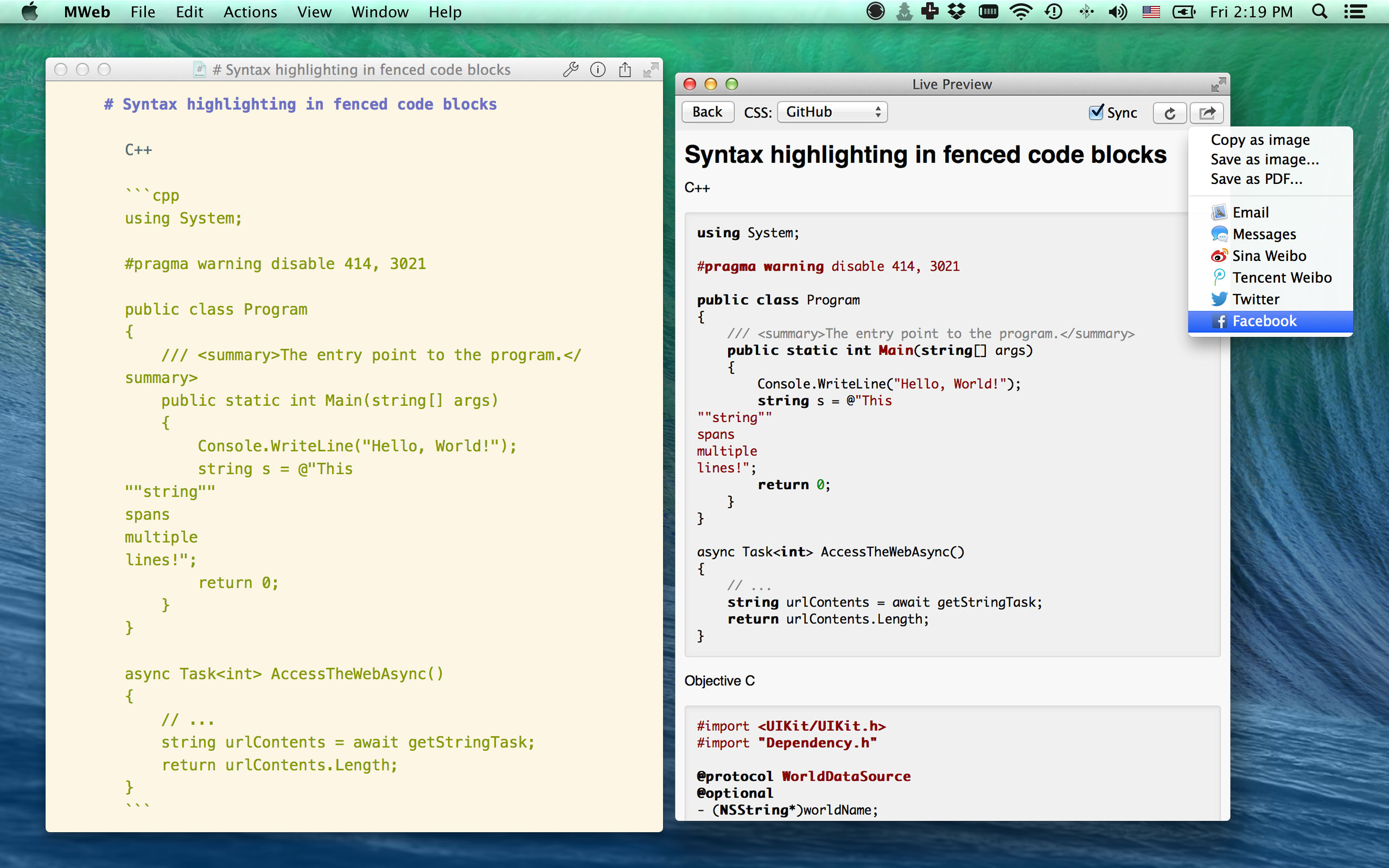 

Save as PDF: Difference between in editor share button and Preview share button.
More Screenshot: MWeb Screenshot and in Yosemite