PinPhoto will taken off from Mac App Store! Please use http://www.snipaste.com/ , that is more powerful tool, it's free !
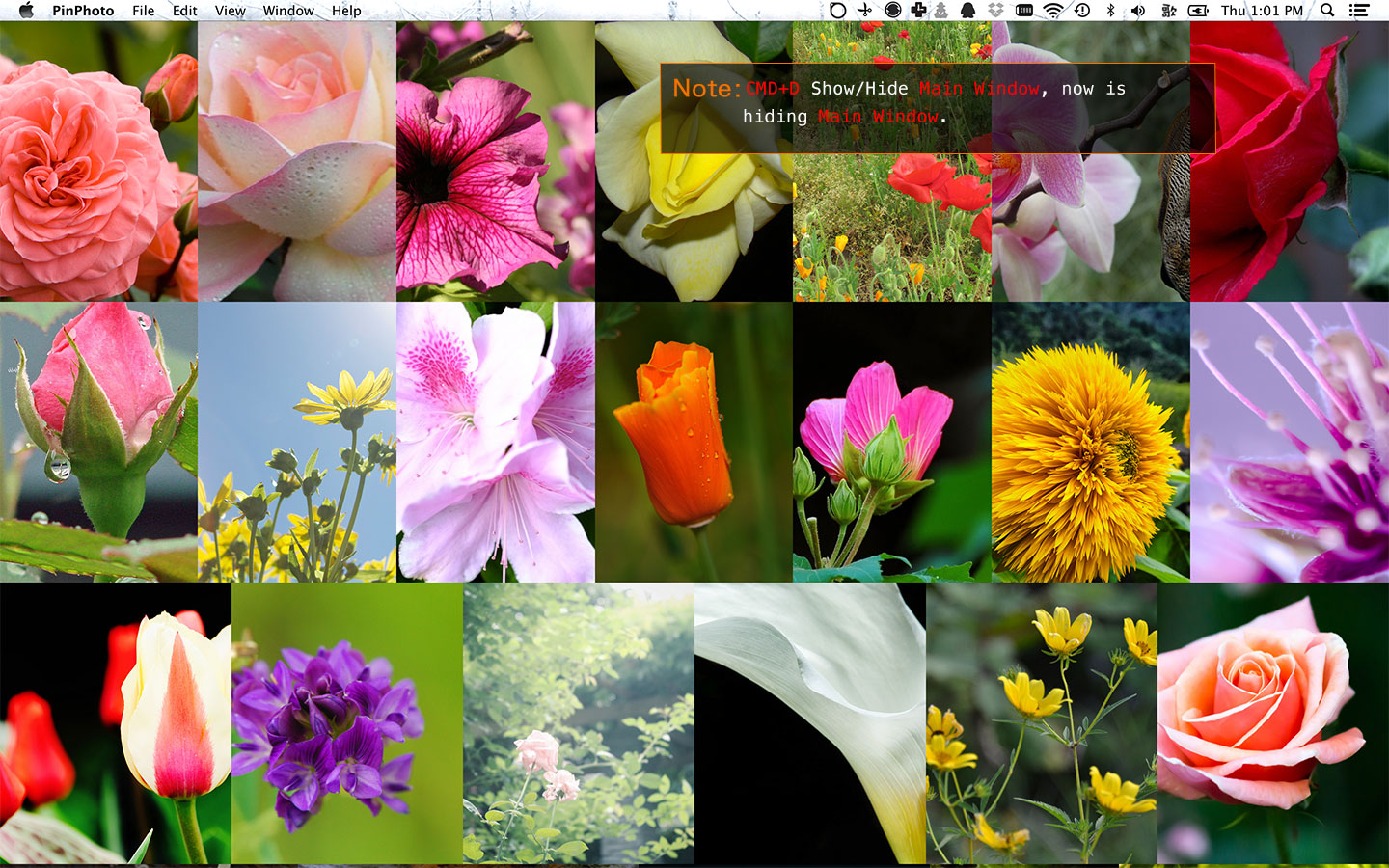
Placement your photos to anywhere on the screen and save as a document, PinPhoto will restore the state when you reopen.

Introduction PinPhoto
New PinPhoto document and import photos
CMD+N to new PinPhoto document. Use Drag & drop or Import button to add photos. You can also press CMD+V to paste photo when you copy a photo to pasteboard.
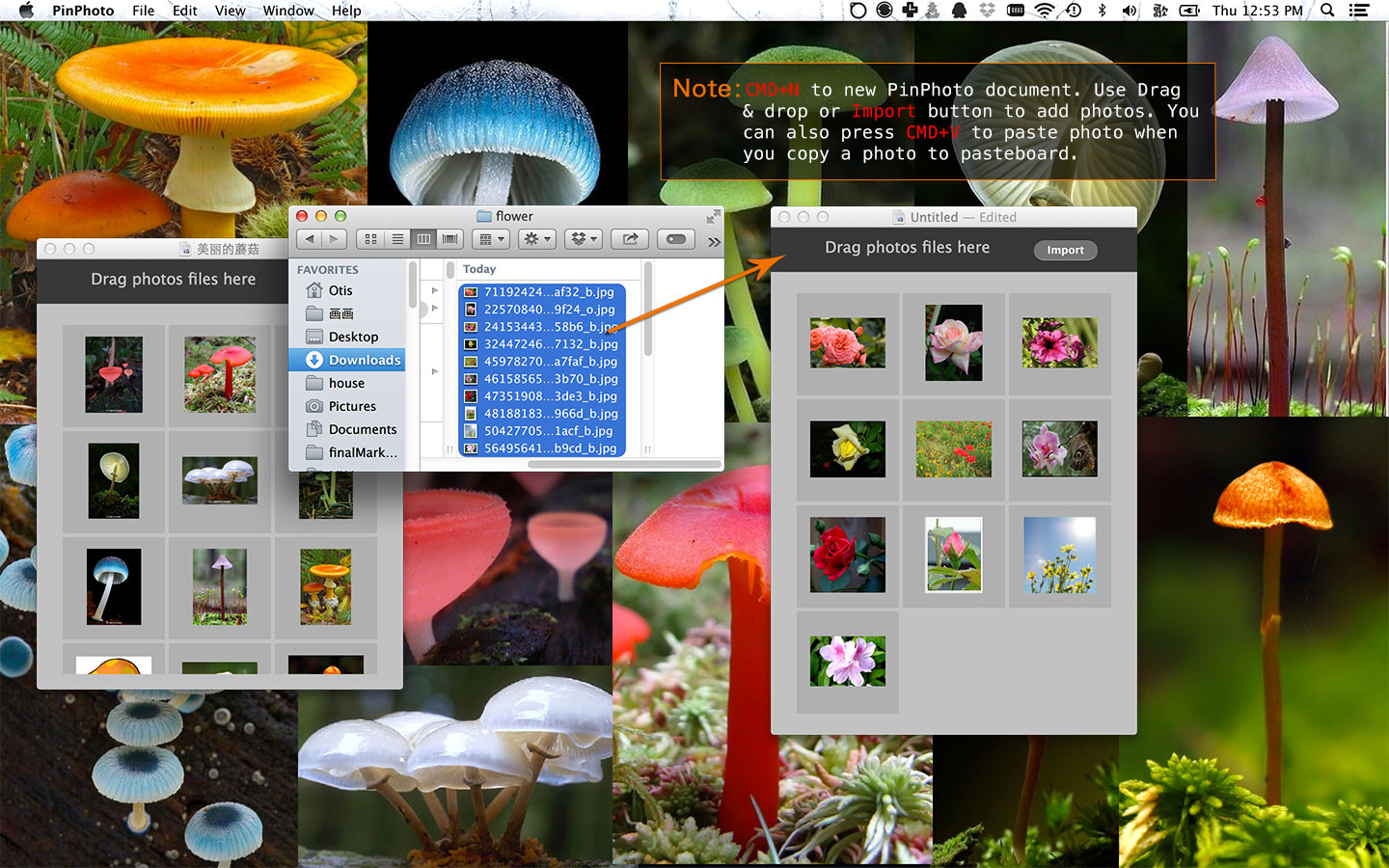
Tip: If you want to add some lovely photo from website to PinPhoto document, right click website's photo, choose Copy Image, and go to PinPhoto document press CMD+V.
Open and placement the photos
Click Main Window photos list's photo to open Photo View. Mouse moves to the top of Photo View and drag to change the position. You can use two finger zoom the photo. Use the right click context menu or main menu --> view for more.
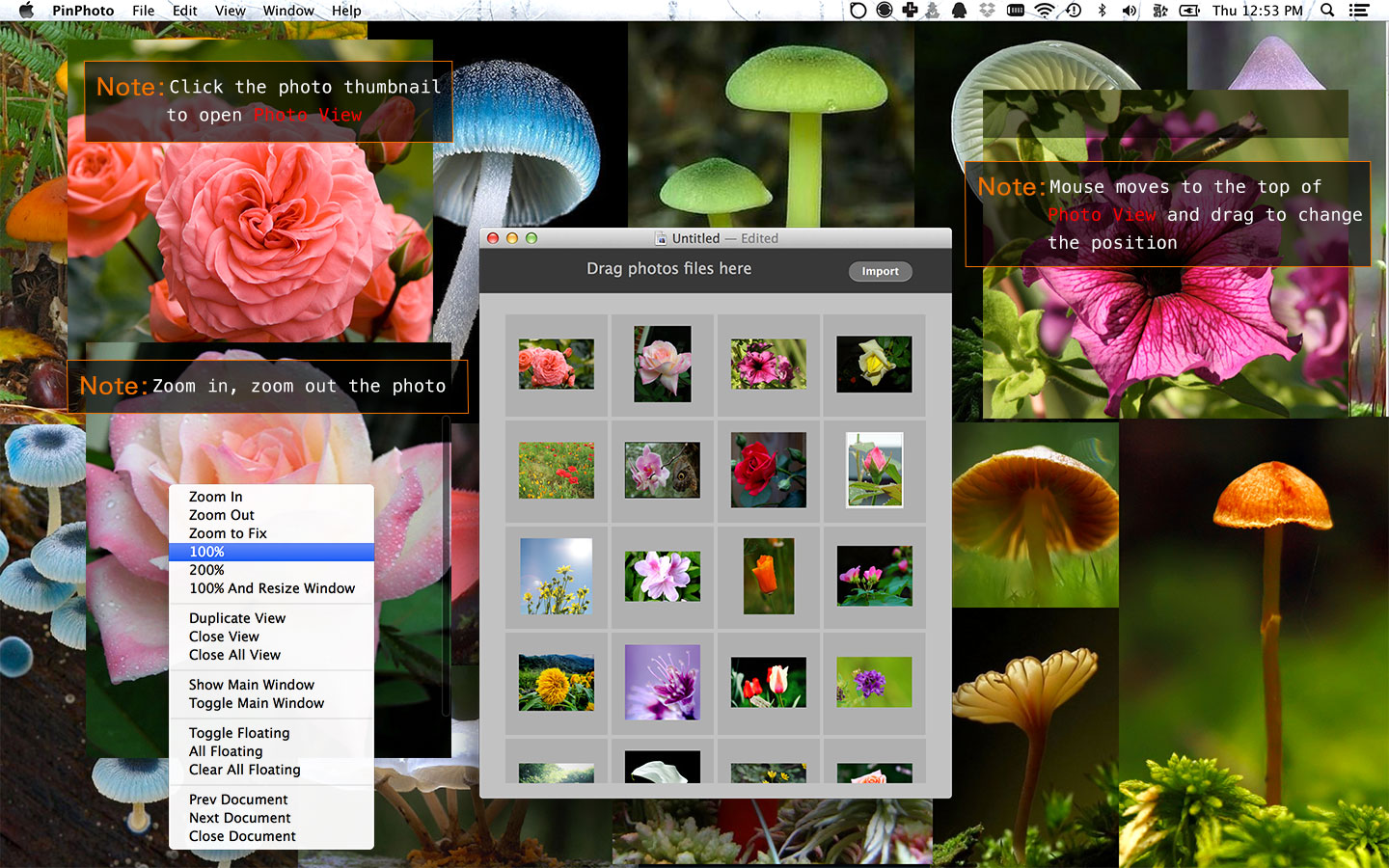
Right click context menu:
- Zoom In:
CMD+= - Zoom Out:
CMD+- - Zoom to Fix:
CMD+9 - 100%: actual size -
CMD+0 - 200%: double's actual size -
CMD+8 - 100% And Resize Window: actual size photo and view
- Duplicate View
- Colse View -
CMD+W - Close All View
- Show Main Window:
CMD+F - Toggle Main Window:
CMD+D - Toggle Floating:
CMD+T - All Floating:
CMD+Shift+T - Clear All Floating:
CMD+Option+T - Prev Document:
⇤ - Next Document:
⇥ - Close Document:
CMD+Shift+w
Automatic placement selected photos:
You can select some photos --> right click --> choose Open & Placement Selected Photos. PinPhoto will placement selected photos on full screen automatically.
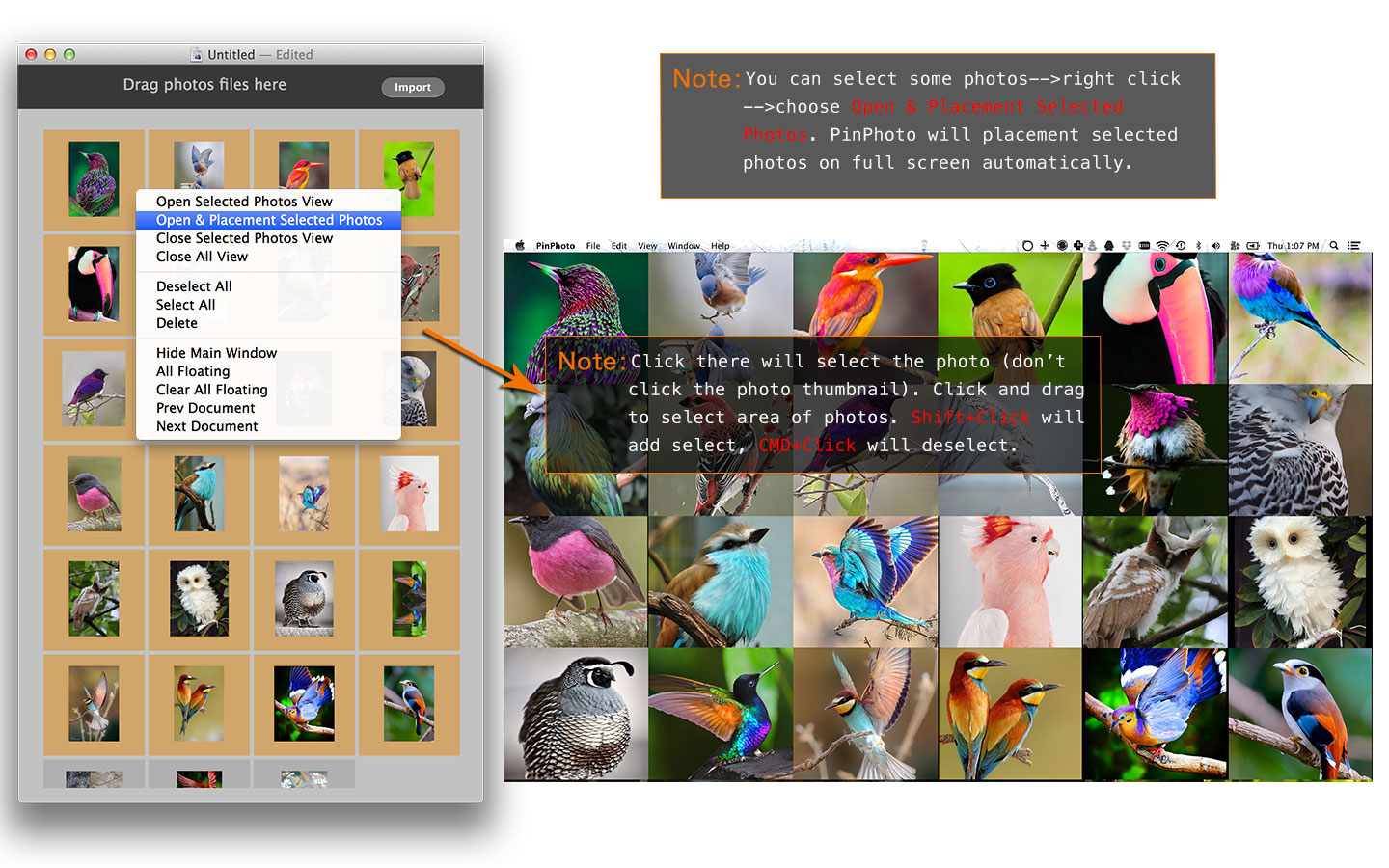
Right click context menu:
- Open Selected Photos View
- Open & Placement Selected Photos
- Close Selected Photos View
- Close All View
- Deselect All
- Select All
- Delete:
CMD+Delete - Hide Main Window
- All Floating:
CMD+Shift+T - Clear All Floating: -
CMD+Option+T - Prev Document:
⇤ - Next Document:
⇥
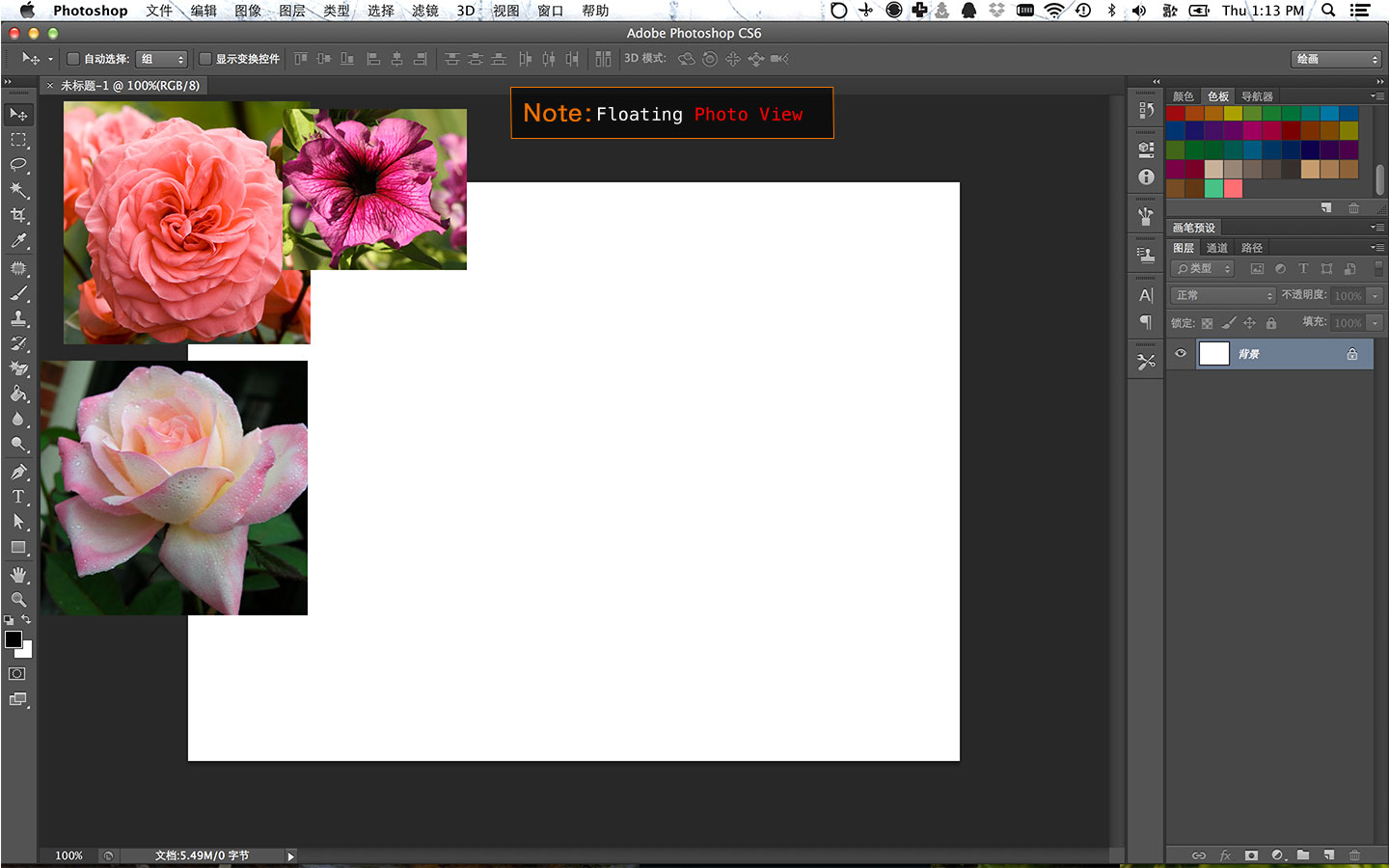
Floating Photo View
CMD+T to toggle floating Photo View, CMD+Shift+T floating all Photo View, CMD+Option+T cancels floating all Photo View.
Hide/Show Main Window
CMD+D toggle hide/show Main Window, CMD+F show Main Window
Switch opened PinPhoto documents
To switch prev document,please use ⇤ key. To switch next document,please use ⇥ key.
Questions?
Please use Help --> Send Feedback in PinPhoto or Twitter: @oulvhai