[](./LICENSE)
[](https://nodejs.org)
[](#deploy-it-yourself)

[](https://flueframework.com)
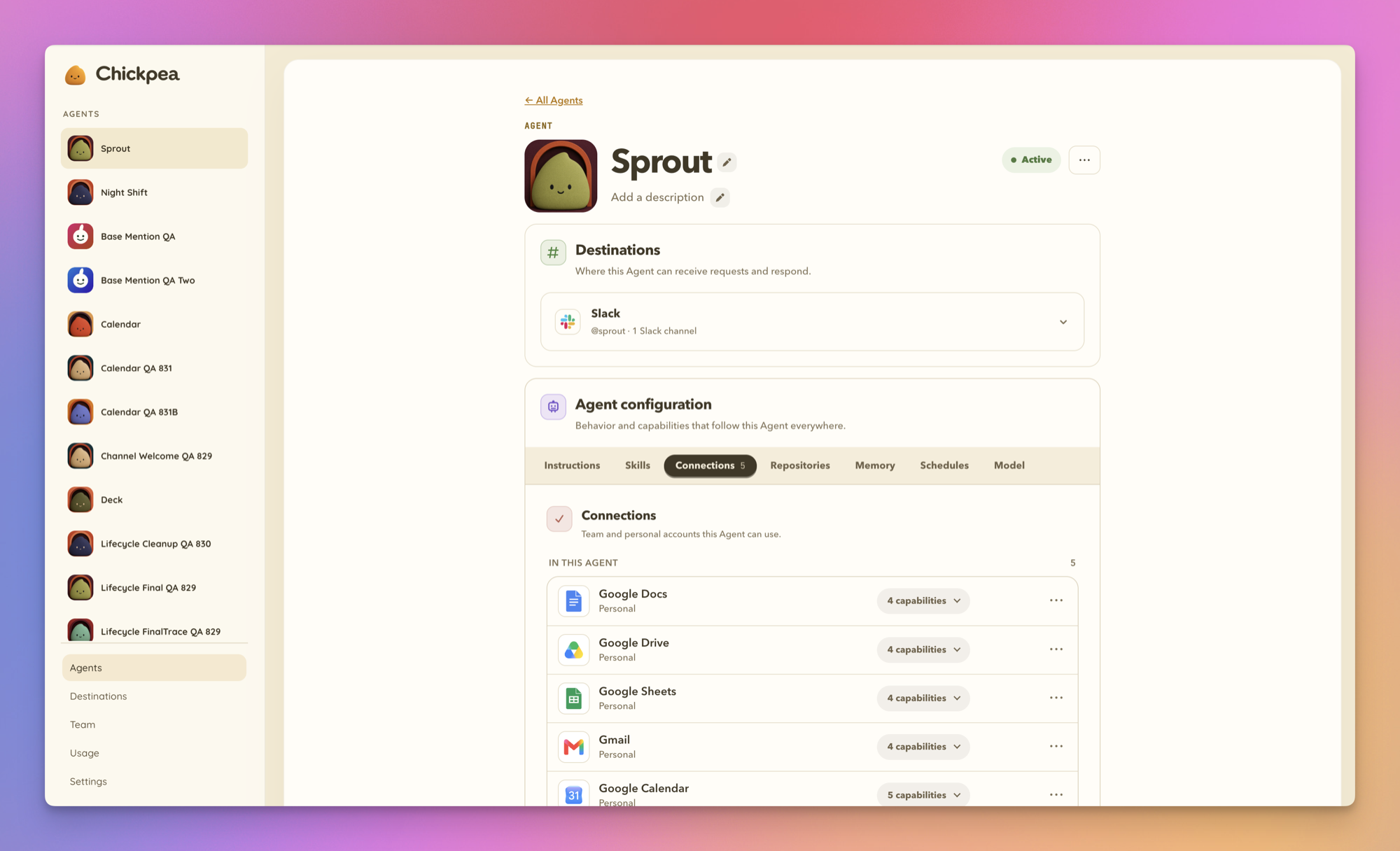
Paste one prompt into Claude Code, Codex, or Cursor. Chickpea runs in your own Cloudflare account or on your own Mac.
Already installed? [Connect via MCP](#connect-via-mcp) · [Update](#update-chickpea)
[Website](https://chickpea.co) · [Docs](https://docs.chickpea.co)
[Why it exists](#why-chickpea-exists) · [Features](#what-your-workspace-gets) · [How it works](#how-it-works) · [Managing](#managing-chickpea) · [CLI](#cli) · [Security](#security-model) · [Deployment](#deploy-it-yourself) · [Good to know](#good-to-know) · [FAQ](#faq)

Chickpea gives your team AI teammates in Slack. You address them by name. `@support` answers the billing question in the channel where someone asked it. `@revops` posts Monday's pipeline numbers from HubSpot on a schedule. `@oncall` reads the repo before it answers. Each one has its own instructions, memory, connected accounts, and list of channels it's allowed to work in. You set all of that up by asking, in Slack.
The difference is where they work. Chickpea is licensed under Apache 2.0 and you deploy it yourself, to your own Cloudflare account or your own server, pointed at whichever model provider you want. Under the hood every Agent runs on [Flue](https://flueframework.com), the open agent framework from the Astro team, now part of Cloudflare. More in [How It Works](#how-it-works).
---
## Why Chickpea Exists
Your team already uses AI all day, one person at a time in a private tab, and the answer stays in that one person's history. Ask in the channel instead:
> **`@growth`** which pages lost impressions in Search Console last month?
`@growth` checks Search Console, cross-references Google Analytics, and answers in the thread. `@sales` pulls the recurring objections out of this week's Gong calls. `@eng` names the top new Sentry issue since Friday's deploy. Ask any of them to update a HubSpot record or move something on your Google Calendar, and they make the change, as long as the connection allows writes. Everyone in the channel sees the answer, and anyone can pick it up later without starting over.
The hosted versions of this idea run on the vendor's infrastructure, with the vendor's model, on the vendor's schedule. Good products, and for a lot of teams that trade is fine. Some teams can't make it, for reasons of policy or data, and they have mostly gone without.
Chickpea is for those teams. Each Agent keeps its own connected accounts and its own channels, so the support Agent can't read finance's inbox; nobody ever gave it to them. If you need a wall between two jobs, make a second Agent.
---
## What Your Workspace Gets
| Feature | What it does | |
|---|---|---|
| **Addressable Agents** | Each Agent gets a real Slack handle (a zero-member user group like `@support`), a distinct generated avatar, and its own name on every reply. | |
| **Agent memory** | One memory per Agent, shared across its DMs and every granted channel, editable and deletable in Admin. | [Details](#memory) |
| **Connection accounts** | Team accounts and personal accounts, each owned by one Agent. 105 connector presets, plus native API and MCP for anything custom. | [Details](#connections-and-authority) |
| **Model choice** | Anthropic, OpenAI, Google Gemini, OpenRouter, or Cloudflare Workers AI, pinned per Agent. | [Details](#models-and-providers) |
| **Skills** | Import from a GitHub repo or a `skills.sh` link, in Admin or by handing the link to an Agent in Slack. You see which skills were found before anything is installed. | |
| **Repositories** | Grant GitHub repositories to an Agent through the Chickpea GitHub App (Settings → GitHub). Access uses short-lived installation tokens scoped to the granted repositories. | |
| **Coding sandbox** | Optional Cloudflare container tier for Agents that need to clone a repo, install packages, and run tests. | [Details](#coding-sandbox) |
| **Browser** | Optional. Agents open a real browser in your own Browserbase project to check live pages, sign in with website logins you grant, and attach a screenshot or recording as proof. Connect it in Settings → Browser. | |
| **Schedules** | Agent-owned recurring or one-time work, set up conversationally in Slack, delivered to a granted channel or a private DM thread. | [Details](#schedules) |
| **Manage from Slack** | Admin, Slack, and an MCP server are three doors to the same controls. Create Agents, install skills, set schedules, and edit memory by asking, with consequential changes gated behind an approval. Connect your coding agent from Settings → MCP or with one pasted line. | [Details](#managing-chickpea) |
| **Slack-native answers** | Progressive streaming for long replies, adaptive tables (prose, inline Markdown, or a native sortable Slack table) when the data earns one, and progress in Slack's working indicator while long work runs. | |
| **Reads Slack** | Agents see who said what in a thread, including alert and bot posts, and can read a linked thread, another channel they are added to, or a person's profile, within the requester's own channel access. Nothing is kept beyond the threads an Agent is part of. | [Details](docs/runbooks/slack-reading.md) |
| **Reads attachments** | Images, PDFs, UTF-8 text and source files, Slack's generated previews for docs, slides, and sheets, and zip archives, listed on arrival and read file by file on request. Earlier files in the conversation stay readable in follow-up messages. A file is untrusted reference material: its contents inform the answer, and text inside it never authorizes a tool or a change. | [Details](docs/runbooks/slack-reading.md#files) |
| **Files** | Agents attach final or revised sandbox deliverables, including Markdown, through their Slack reply. Scratch files stay private, and explicit no-attachment requests are respected. Missed exports get one repair attempt; files that cannot be attached are identified in the reply. Files upload straight to Slack on both direct and shared-app installs, up to Slack's 1 GB limit; browser recordings stream, and the shared gateway only issues the upload ticket. Works without a coding sandbox or repository grant on Cloudflare and Node. | |
| **Live activity status** | Slack's native under-composer status shows real phases as they happen: `Checking Gmail…`, `Drafting the response…`. | |
---
## How It Works
### In Slack
Someone in `#billing` types:
> **`@support`** can we refund order 4821? The customer says the card was charged twice.
1. **Slack renders the mention.** `@support` is a Slack user group with zero members, created when the Agent was. To Slack it is an ordinary handle. To Chickpea it is an address.
2. **Chickpea checks the grant.** One deployment holds every Agent, and a channel grant says which Agent may work in which channel. If `@support` has no grant for `#billing`, nothing happens. Mention several Agents in one message and each answers in turn, in the order you named them; the first one keeps the thread.
3. **The Agent runs as itself.** Its own instructions, its own memory, its own skills, and its own connected accounts, say Zendesk and Stripe. Nothing that belongs to `@revops` is in the room.
4. **The reply lands in the thread under `@support`'s name and avatar,** streamed as it's written. The thread now belongs to `@support`. Anyone in the channel can follow up there without mentioning it again, and mentioning `@finance` in the same thread hands the work over in the open.
5. **Agents ask each other, in the open.** If `@support` needs something only `@finance` knows, its reply mentions `@finance` and Finance answers in the same thread, without taking it over. A person's message can lead to at most eight such asks before the Agents pause for a person. See [Agent conversations](docs/runbooks/agent-conversations.md).
Want another teammate? Ask `@Chickpea` for one, in Slack or in Admin. [Managing Chickpea](#managing-chickpea) covers what else you can do from each.
Drawn out, a workspace looks like this. Solid lines are channel grants, dotted lines are connected accounts.
```mermaid
flowchart LR
zs["Zendesk · Stripe"] -.- support["@support"]
gh["GitHub · Sentry"] -.- oncall["@oncall"]
hs["HubSpot · Google Sheets"] -.- revops["@revops"]
subgraph cp["Chickpea, one deployment"]
support
oncall
revops
end
subgraph slack["Slack workspace"]
billing["#billing"]
eng["#eng"]
fin["#finance (private)"]
end
support --- billing
oncall --- billing
oncall --- eng
revops --- fin
```
`@oncall` can answer in `#billing` but has no Zendesk. `@support` has Zendesk but cannot see `#eng`. Publishing an Agent to a channel hands that channel's members everything the Agent can do and reach, so think about that before you publish.
Publishing to a public channel joins the bot automatically. Private channels need someone to `/invite @Chickpea` first, and the grant stays pending until then. Where an Agent is published also decides who can DM it. In a public channel, any workspace member can. Only in private channels, only those members can. Unpublished, only its creator can.
In every channel, a top-level message that mentions no one is dropped before any model is involved. Chickpea is not sitting in your channels forming opinions.