 # Aerial
**A calm home screen for Android TV.**
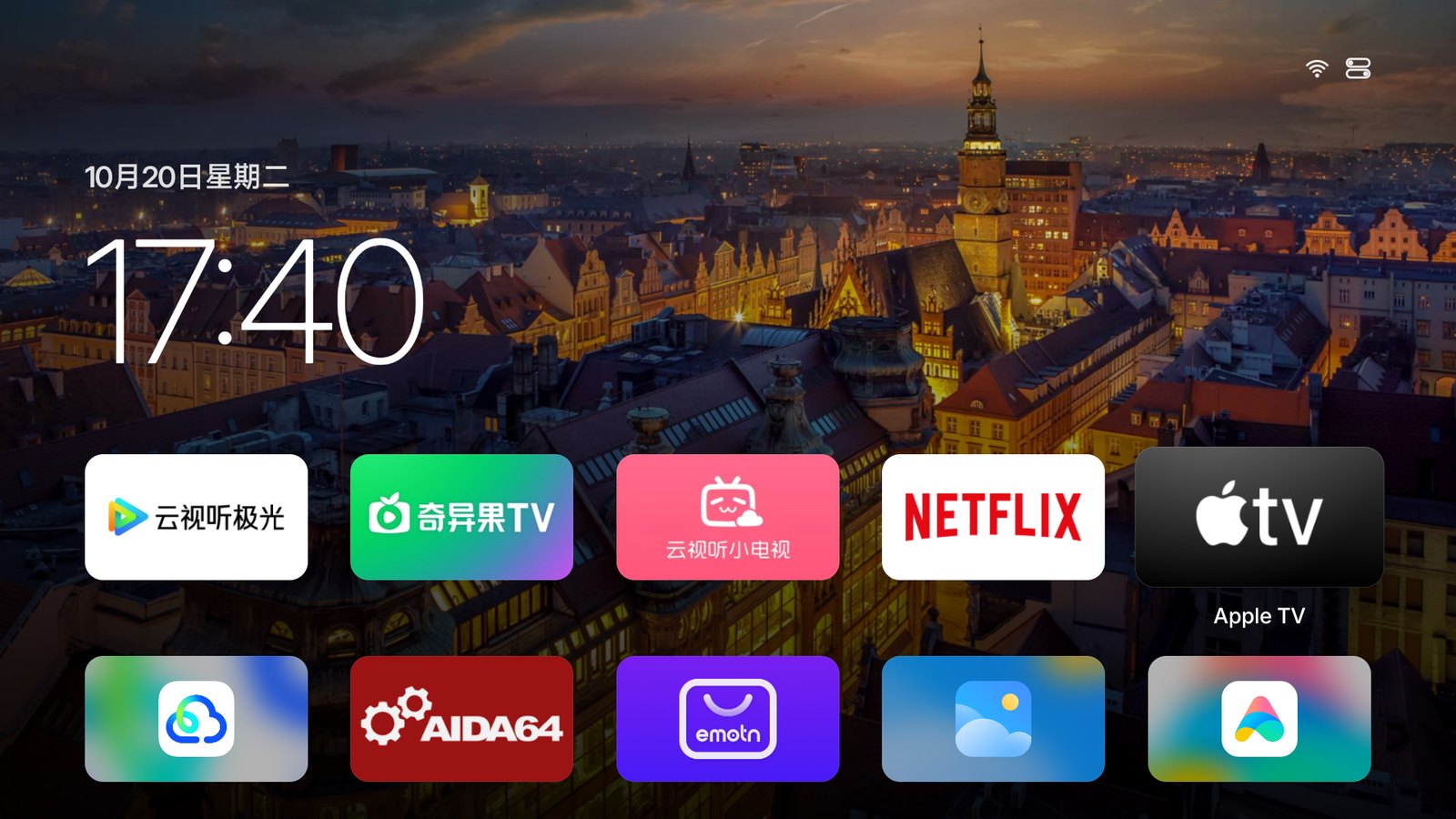
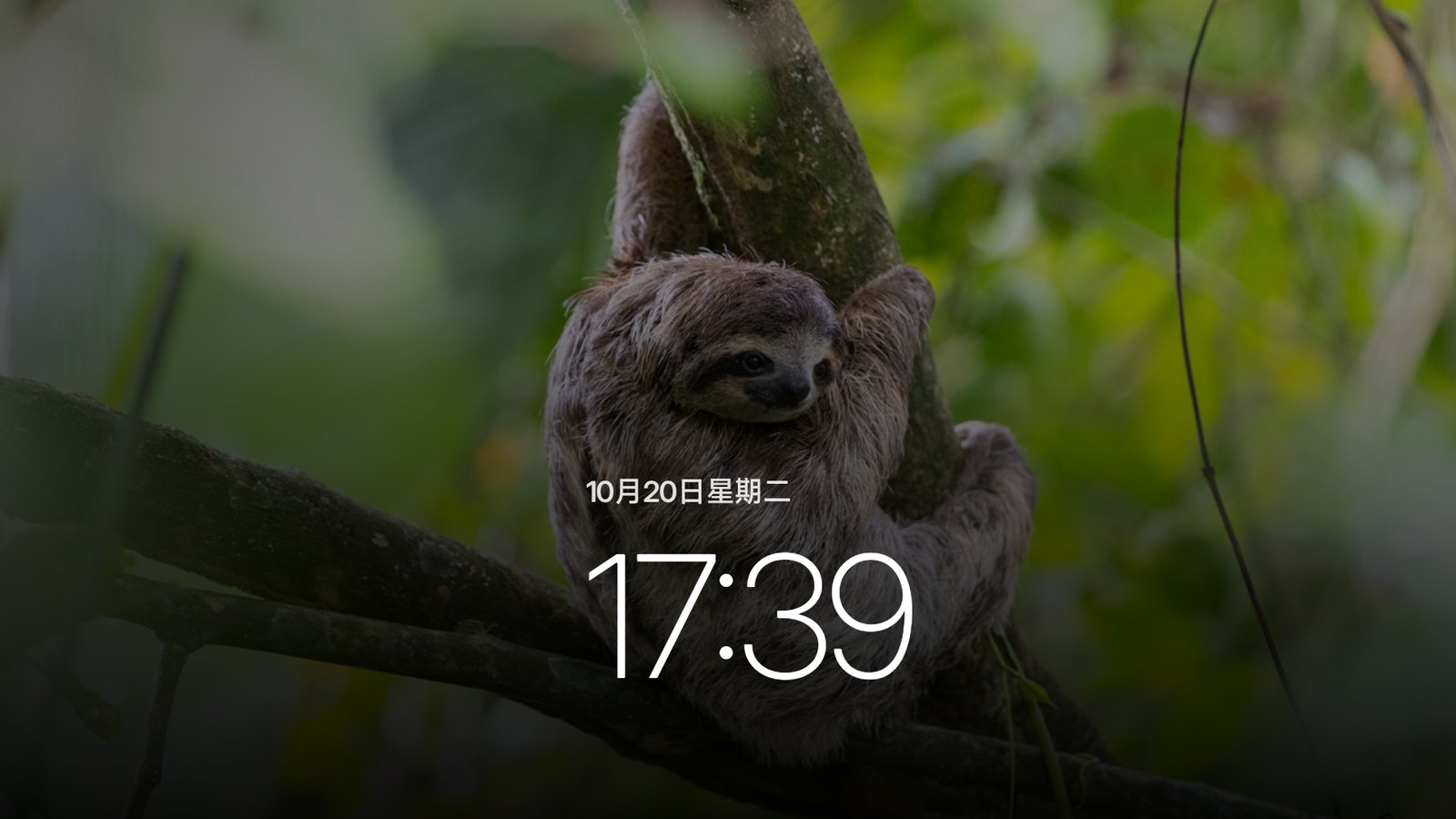
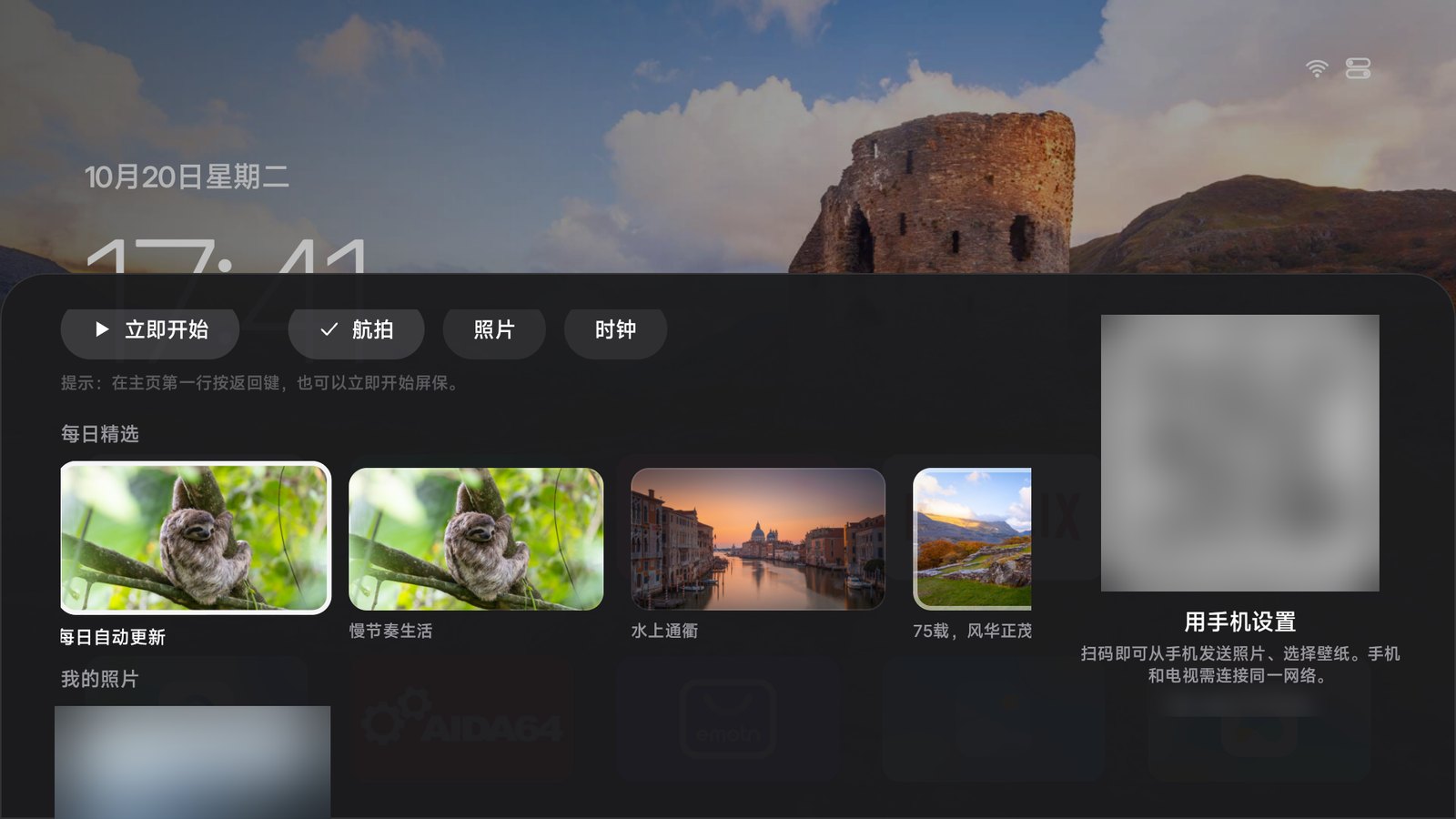
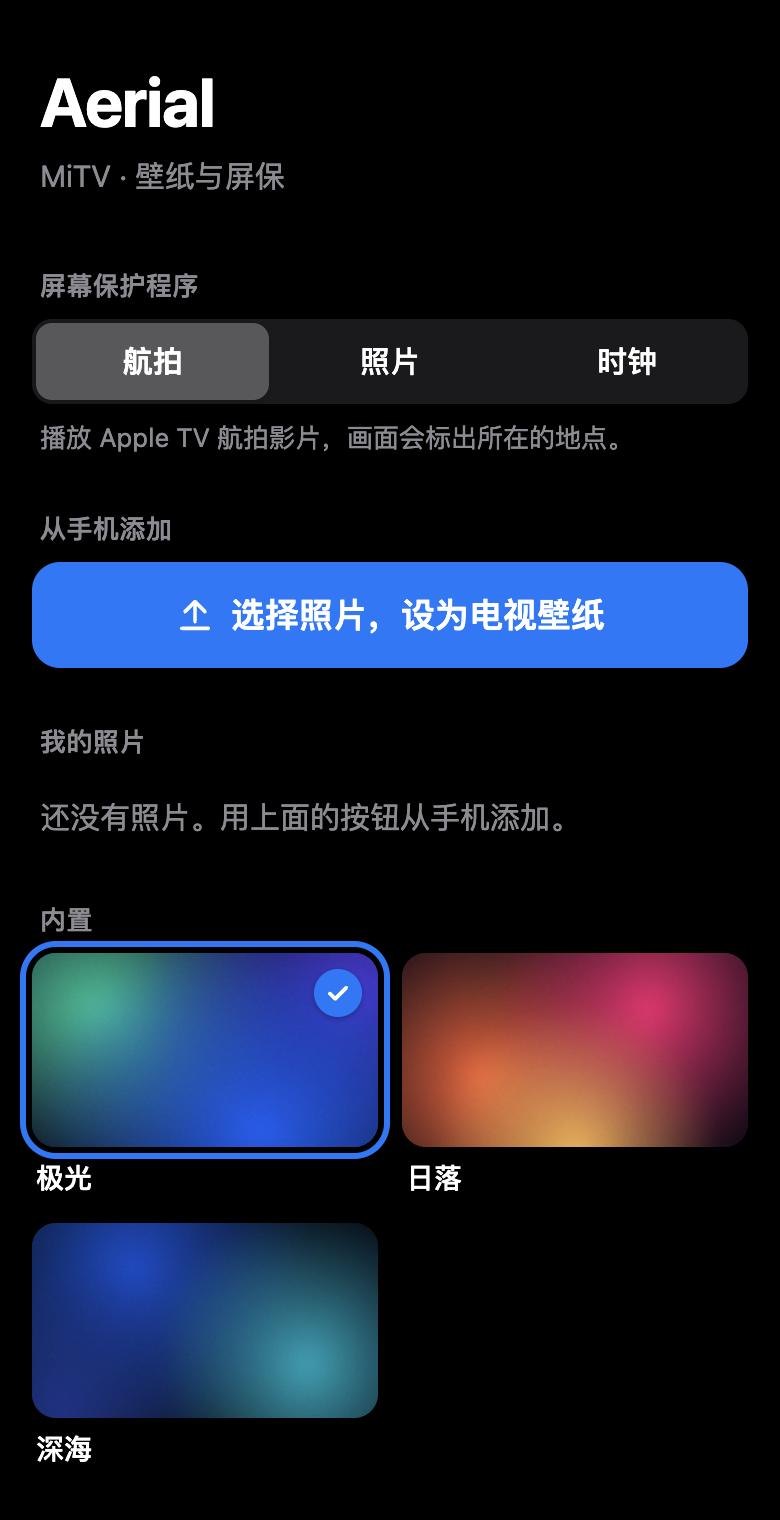
A tvOS-style launcher with no ads and no recommendation feeds. Just your apps, your wallpaper and Apple TV's aerial screensavers.
# Aerial
**A calm home screen for Android TV.**
A tvOS-style launcher with no ads and no recommendation feeds. Just your apps, your wallpaper and Apple TV's aerial screensavers.Built for the Xiaomi, TCL and other TVs sold in China. It takes over at boot and survives standby. [中文](README.md) · **English**






 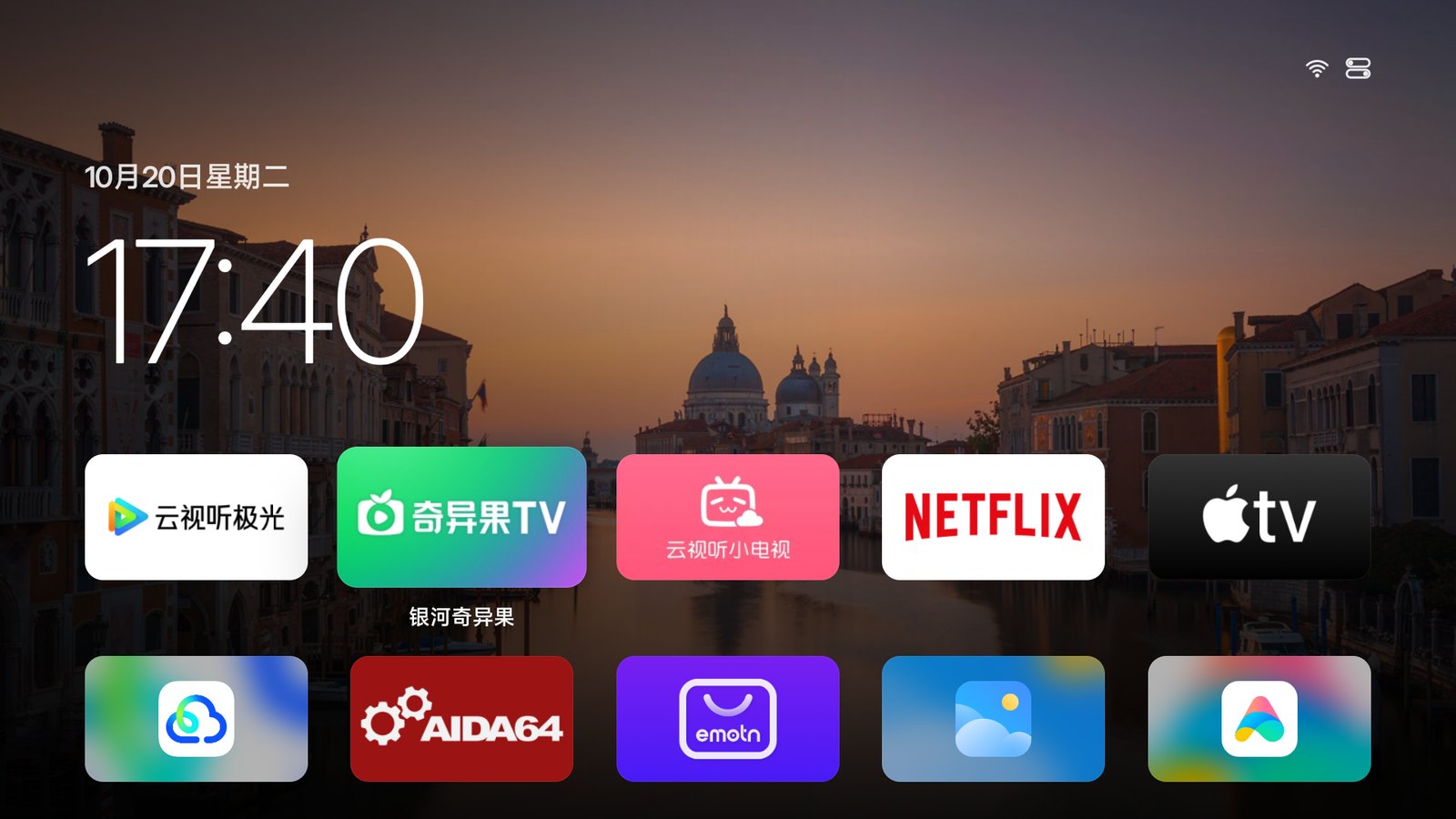
| The TV's stock home screen | With Aerial |
|:---:|:---:|
|

| The TV's stock home screen | With Aerial |
|:---:|:---:|
| 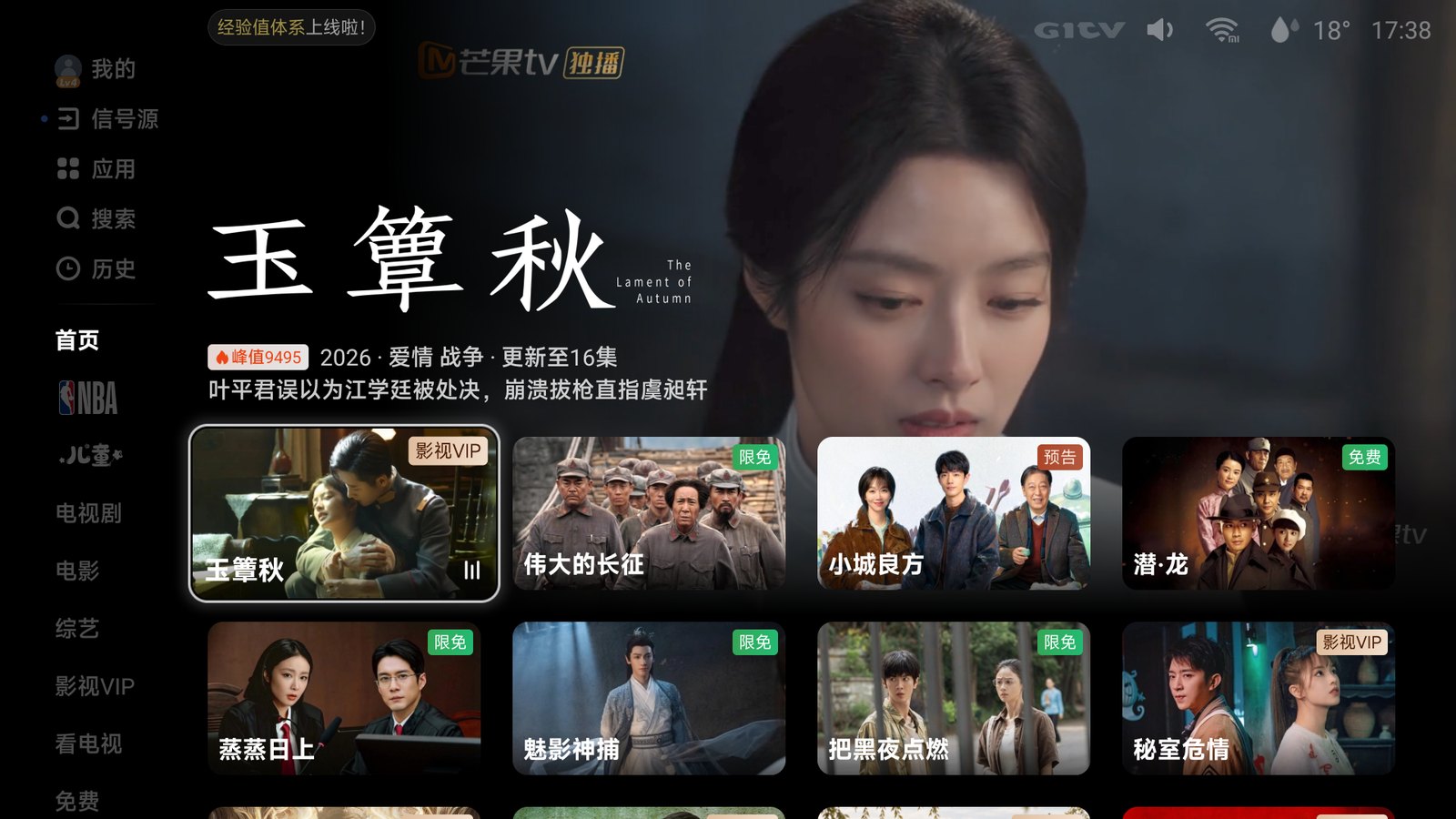 |
|  |
|

 **Xiaomi / Redmi** | Settings (设置) → About (关于) → press OK on **Model** (产品型号) until developer mode is on. Then Settings → Account & Security (账号与安全): turn on **ADB debugging** (ADB 调试) and **Install unknown apps** (安装未知来源的应用) |
|
**Xiaomi / Redmi** | Settings (设置) → About (关于) → press OK on **Model** (产品型号) until developer mode is on. Then Settings → Account & Security (账号与安全): turn on **ADB debugging** (ADB 调试) and **Install unknown apps** (安装未知来源的应用) |
|  **TCL / FFALCON** | Settings (设置) → About (关于) → **Device info** (本机信息), then quickly press **Up, Down, Left, Right**. Turn on **ADB** in the **More** (更多) group that appears |
|
**TCL / FFALCON** | Settings (设置) → About (关于) → **Device info** (本机信息), then quickly press **Up, Down, Left, Right**. Turn on **ADB** in the **More** (更多) group that appears |
|  **Haier / MOOKA** | Press the Source button **on the TV itself**, then **Left, Left, Up, Right** on the remote to open the factory menu (海尔工厂菜单). Set **ADB 调试开关** (ADB debugging) to on and change nothing else (user reports) |
|
**Haier / MOOKA** | Press the Source button **on the TV itself**, then **Left, Left, Up, Right** on the remote to open the factory menu (海尔工厂菜单). Set **ADB 调试开关** (ADB debugging) to on and change nothing else (user reports) |
|  **OPPO** | Settings (设置) → System (系统) → About (关于本机) → **Model** (设备型号), press **Up, Up, Right, Right**, then OK (user reports) |
|
**OPPO** | Settings (设置) → System (系统) → About (关于本机) → **Model** (设备型号), press **Up, Up, Right, Right**, then OK (user reports) |
|  **Other Android TVs** | Settings → Device Preferences → About → press **Build** (not Android version) 7 times, then turn on **USB debugging** in Developer options |
The TV's IP address is under Settings → Network. The first time your computer connects, the TV asks to allow debugging: choose **Always allow**.
### 2. Install (pick one)
**With an agent (recommended)**: paste this into an agent that can run commands on your computer, such as:
**Other Android TVs** | Settings → Device Preferences → About → press **Build** (not Android version) 7 times, then turn on **USB debugging** in Developer options |
The TV's IP address is under Settings → Network. The first time your computer connects, the TV asks to allow debugging: choose **Always allow**.
### 2. Install (pick one)
**With an agent (recommended)**: paste this into an agent that can run commands on your computer, such as:
 Claude Code
  Codex
Codex  WorkBuddy
  Trae or Cursor
```text
Please install Aerial, an open-source home screen for Android TV, on my TV, and make it the home screen the TV starts into.
TV IP address:
Trae or Cursor
```text
Please install Aerial, an open-source home screen for Android TV, on my TV, and make it the home screen the TV starts into.
TV IP address: