# BingPaper
Use Bing daily photo as your wallpaper for macOS.
## Screenshots
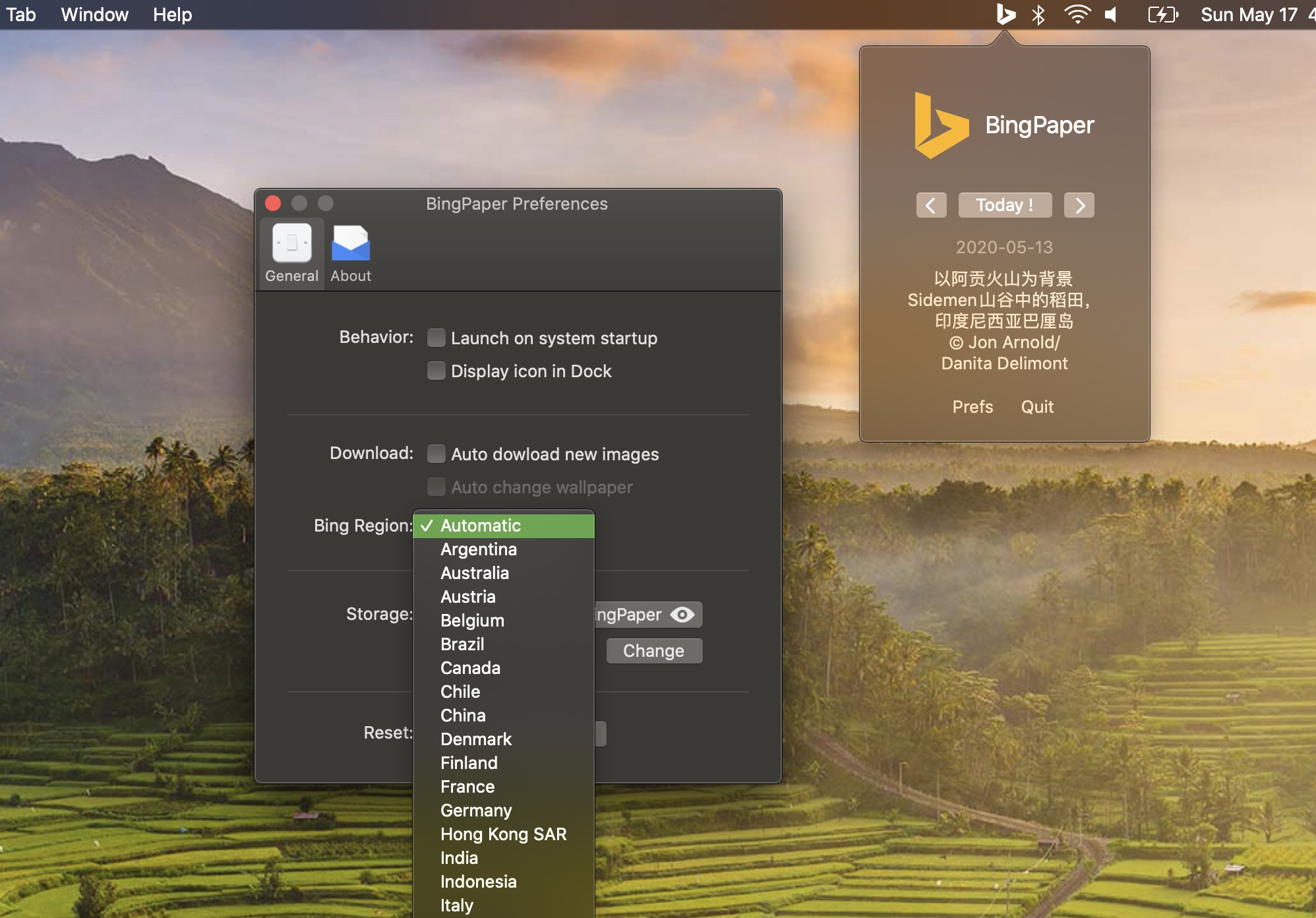
#### Version 0.11.1
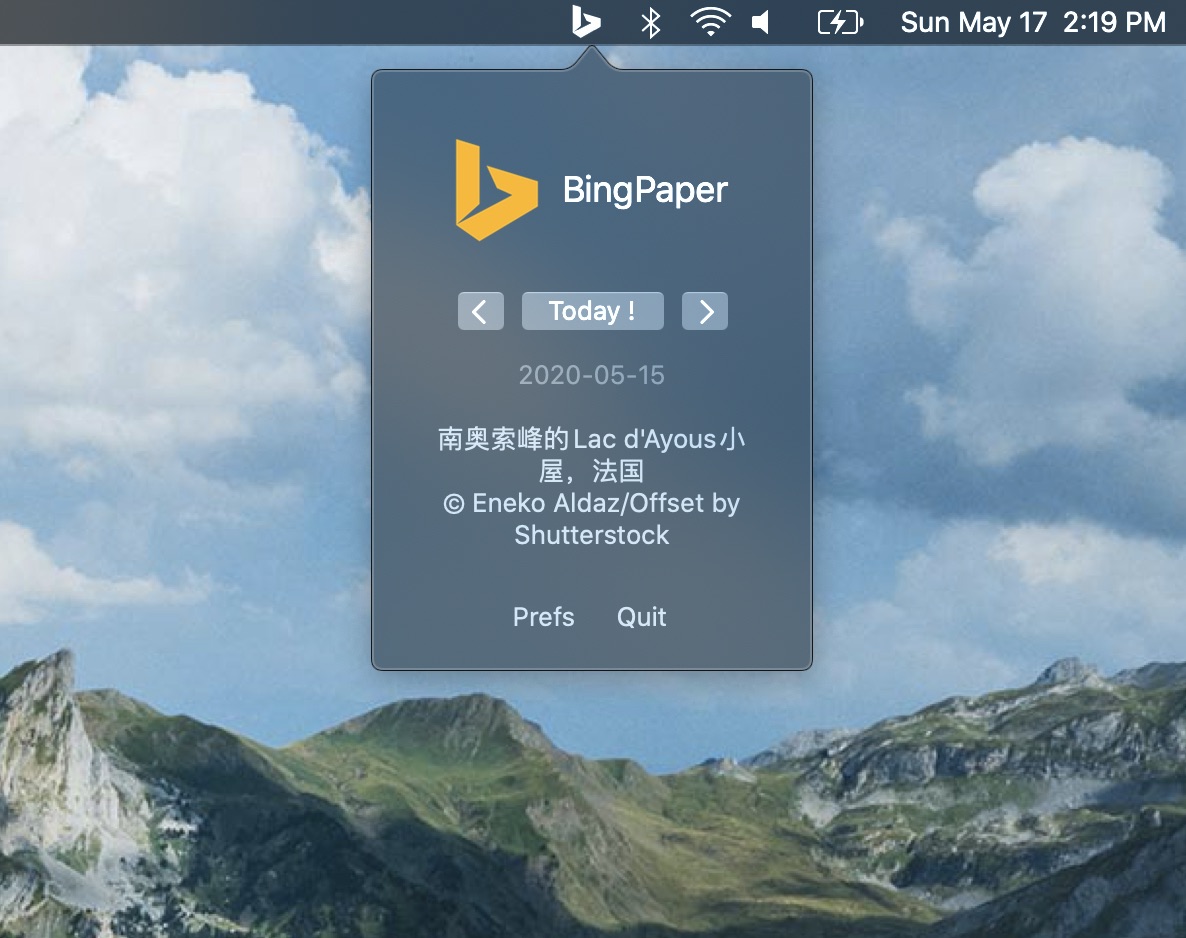
 #### Version 0.10.1
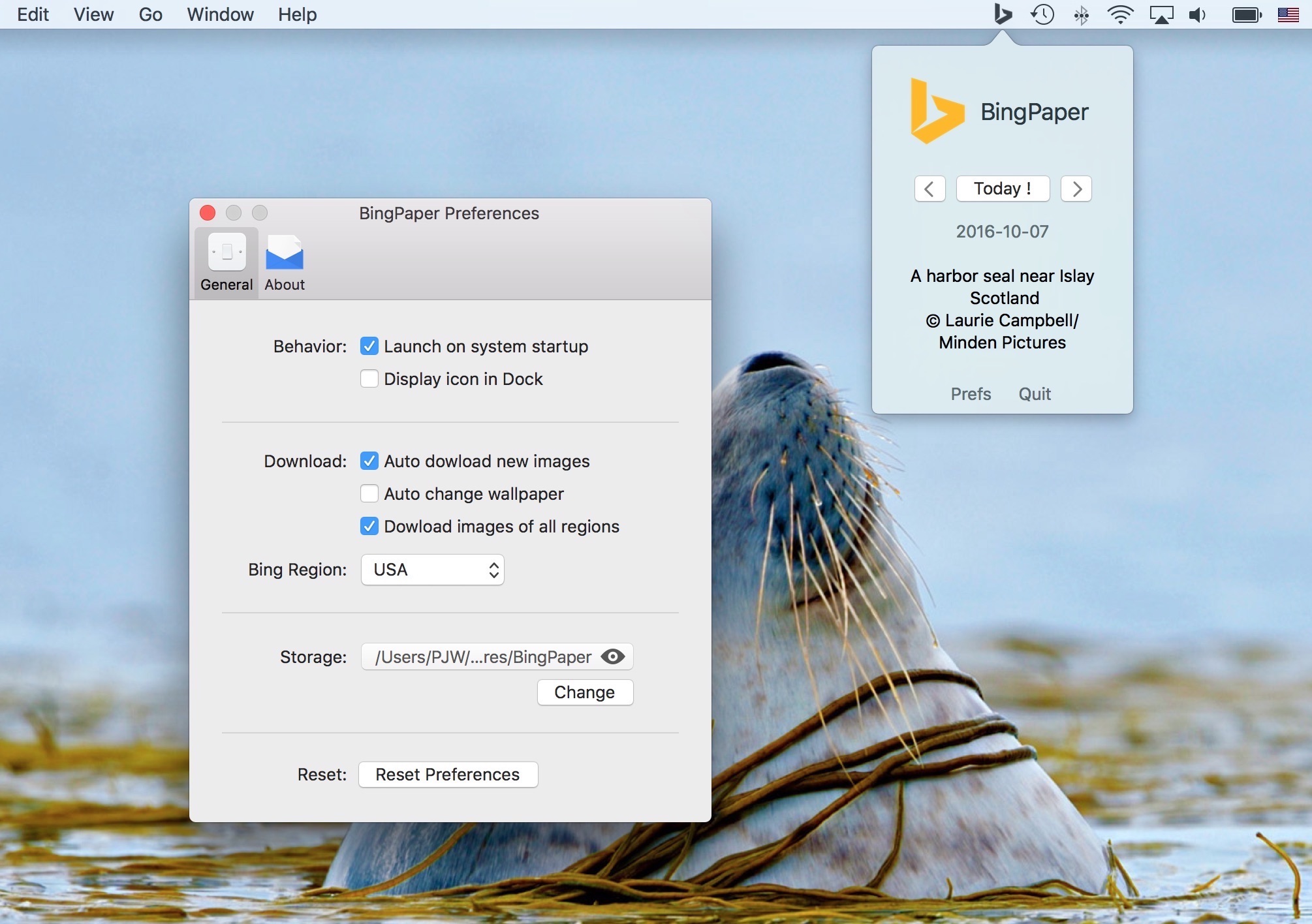
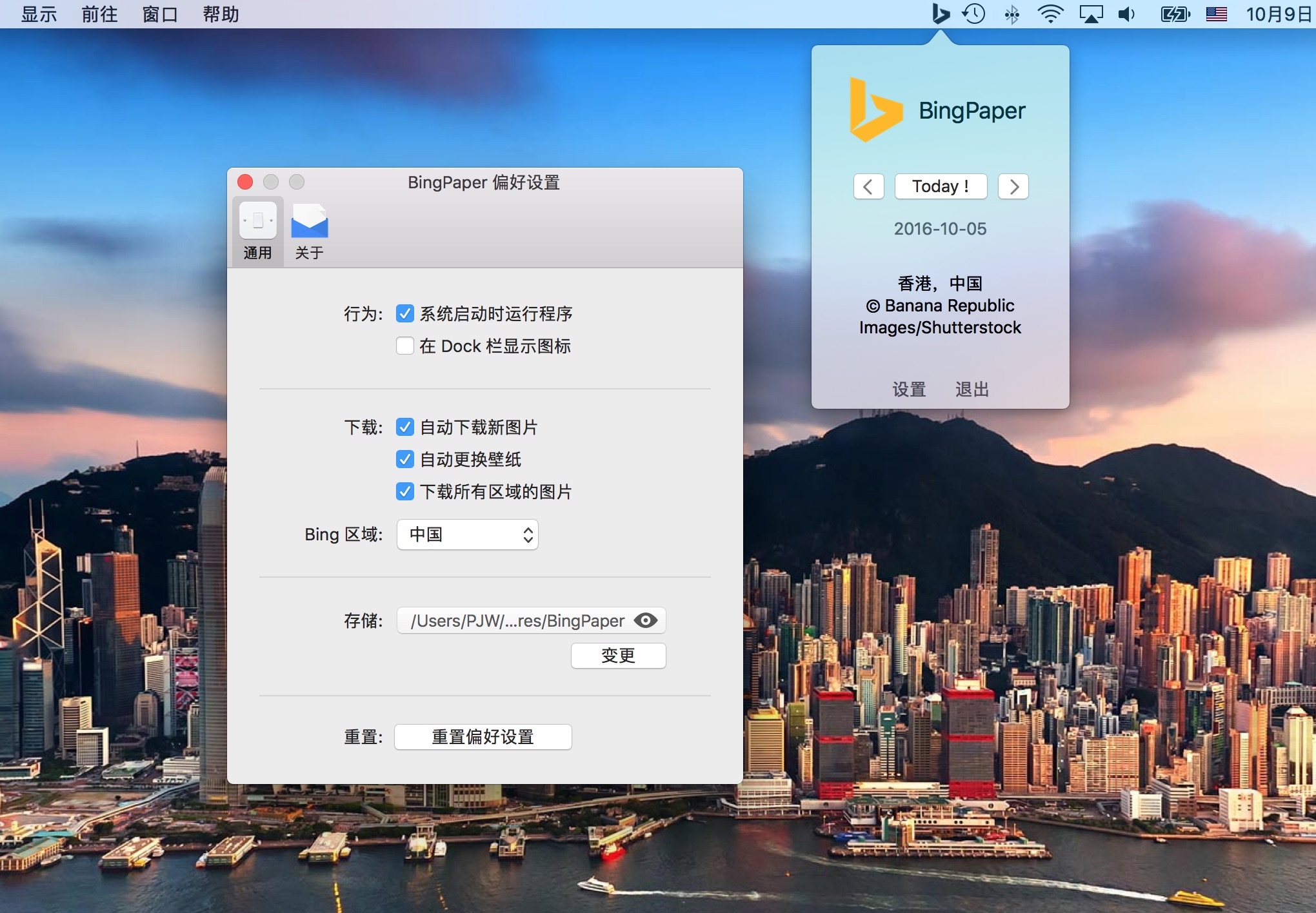
 #### Version 0.9.7
 ## Features
- Automatic start at system startup
- Auto download new Bing images
- Auto change wallpaper
- Show the Bing image information
- Use history images as wallpaper
- Choose Bing region
- Choose image storage location
- Hide/Show the dock icon
- Dark mode
_Feel free to [give feedback](https://github.com/pengsrc/BingPaper/issues/new) or contribute to this project._
## Usage
### Download the Application
You can download the application directly from the [releases tab](https://github.com/pengsrc/BingPaper/releases), and put the `BingPaper.app` application in to your `/Applications` folder.
___Notice:___ _I did't signed the released application, so you have to disable the gatekeeper on your mac to run it._
### Build from Source
Also can you build the application from source code.
___Download or Clone the Project___
``` bash
$ git clone git@github.com:pengsrc/BingPaper.git
```
___Install the Dependences___
[CocoaPods](https://cocoapods.org) was used to manage the project dependences.
``` bash
$ pod install
```
___Build and Run___
Finally, just hit `⌘ + R` to run the application or `⌘ + B` to build the application, then you can drag the built app into your `/Applications` folder.
## Contributing
1. Fork it ( https://github.com/pengsrc/BingPaper/fork )
2. Create your feature branch (`git checkout -b the-new-feature`)
3. Commit your changes (`git commit -asm 'Add some feature'`)
4. Push to the branch (`git push origin the-new-feature`)
5. Create a new Pull Request
## LICENSE
The GPLv3 License. Read [GNU General Public License](https://www.gnu.org/licenses/gpl-3.0.en.html) for further information.
## Features
- Automatic start at system startup
- Auto download new Bing images
- Auto change wallpaper
- Show the Bing image information
- Use history images as wallpaper
- Choose Bing region
- Choose image storage location
- Hide/Show the dock icon
- Dark mode
_Feel free to [give feedback](https://github.com/pengsrc/BingPaper/issues/new) or contribute to this project._
## Usage
### Download the Application
You can download the application directly from the [releases tab](https://github.com/pengsrc/BingPaper/releases), and put the `BingPaper.app` application in to your `/Applications` folder.
___Notice:___ _I did't signed the released application, so you have to disable the gatekeeper on your mac to run it._
### Build from Source
Also can you build the application from source code.
___Download or Clone the Project___
``` bash
$ git clone git@github.com:pengsrc/BingPaper.git
```
___Install the Dependences___
[CocoaPods](https://cocoapods.org) was used to manage the project dependences.
``` bash
$ pod install
```
___Build and Run___
Finally, just hit `⌘ + R` to run the application or `⌘ + B` to build the application, then you can drag the built app into your `/Applications` folder.
## Contributing
1. Fork it ( https://github.com/pengsrc/BingPaper/fork )
2. Create your feature branch (`git checkout -b the-new-feature`)
3. Commit your changes (`git commit -asm 'Add some feature'`)
4. Push to the branch (`git push origin the-new-feature`)
5. Create a new Pull Request
## LICENSE
The GPLv3 License. Read [GNU General Public License](https://www.gnu.org/licenses/gpl-3.0.en.html) for further information.