
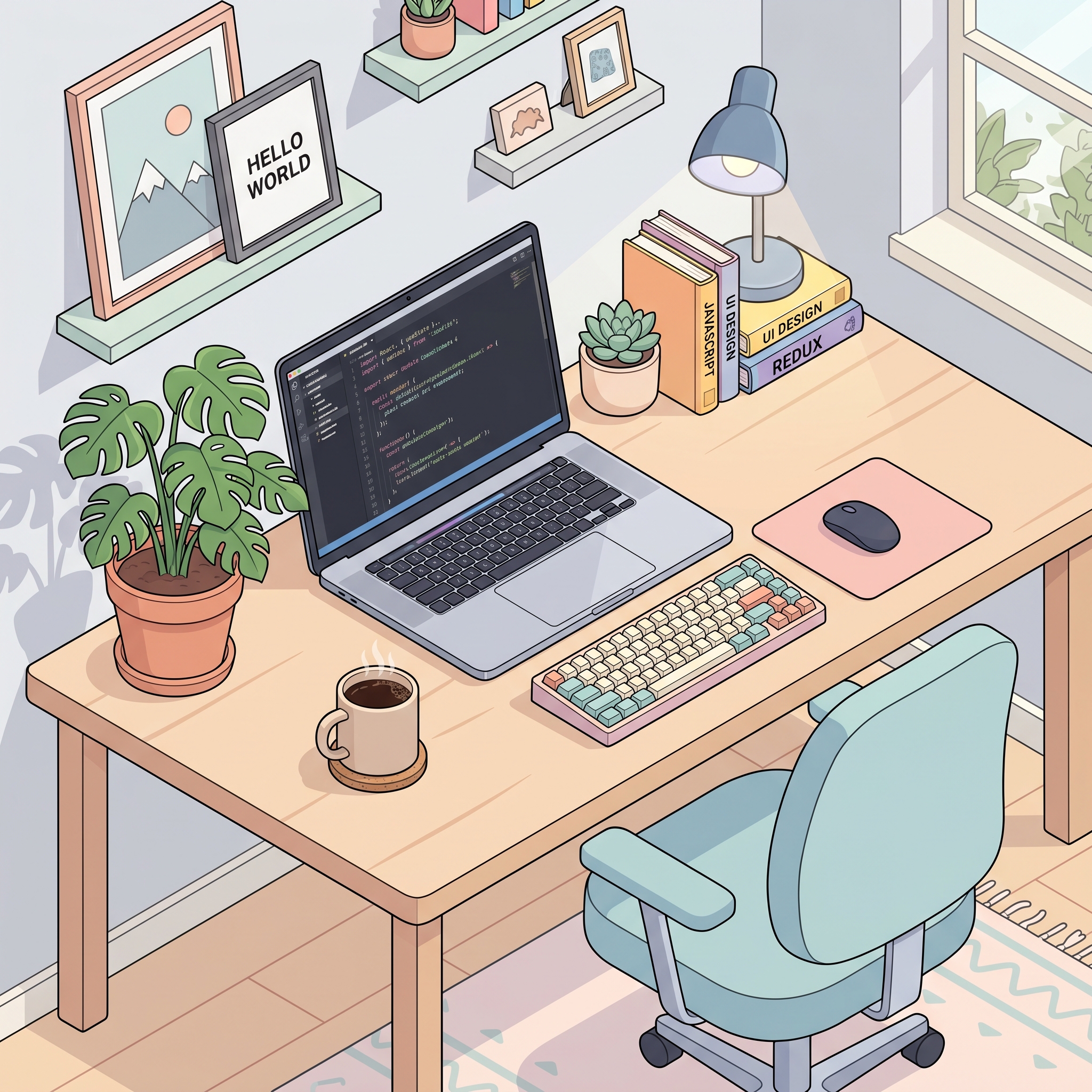

All generated by this server — a photoreal product shot, an isometric illustration with legible text, and a vector sticker. No edits.
> **Note:** This server uses the Gemini **Interactions API**, which is currently in **beta**. The Gemini 3 image models (`gemini-3-pro-image`, `gemini-3.1-flash-image`) may require access on your API key. The `nano` tier (`gemini-2.5-flash-image`) is the most widely available. See [Requirements](#requirements). ## Features - **Text-to-image** — high-quality images from a prompt, up to 4K, with aspect-ratio and resolution control - **Multi-turn editing** — iterate conversationally; each result returns an `interaction_id` you pass back to keep editing - **Reference images** — up to 14 inputs for virtual try-on, product placement, compositing, style transfer, photo restoration, attribute replacement, 2D→3D mockups - **Search grounding** — ground images in real-time data (weather, news, scores) with Google Search and Google Image Search - **Interleaved stories** — one prompt → a sequence of captioned images (storyboards, comics, recipes, illustrated explainers) - **Style-consistent icon sets** — chained generation keeps a uniform look across an icon set - **Image from video** — generate thumbnails/posters from a public YouTube URL - **Inline previews** — downscaled previews returned to the client so the model can see what it generated and self-correct - **Robust** — automatic retries with backoff on rate limits and transient errors; clear, actionable error messages ## Quick Start ### 1. Get a Gemini API key Create a key at [Google AI Studio](https://aistudio.google.com/apikey). ### 2. Install ```bash git clone https://github.com/petrkindlmann/nano-banana-mcp.git cd nano-banana-mcp npm install ``` ### 3. Register with your MCP client #### Claude Code ```bash claude mcp add nano-banana --scope user \ --env GEMINI_API_KEY=your_key_here \ -- node /absolute/path/to/nano-banana-mcp/index.js ``` #### Claude Desktop / Cursor / Windsurf / VS Code Add to your MCP config (e.g. `~/Library/Application Support/Claude/claude_desktop_config.json` on macOS): ```json { "mcpServers": { "nano-banana": { "command": "node", "args": ["/absolute/path/to/nano-banana-mcp/index.js"], "env": { "GEMINI_API_KEY": "your_key_here" } } } } ``` Restart your client. The five tools below will appear. ### Configuration | Env var | Required | Description | | --- | --- | --- | | `GEMINI_API_KEY` | ✅ | Your Gemini API key. | | `NANO_BANANA_MODEL_LITE` | — | Override the `lite` tier's model ID. | | `NANO_BANANA_MODEL_NANO` | — | Override the `nano` tier's model ID. | | `NANO_BANANA_MODEL_FLASH` | — | Override the `flash` tier's model ID. | | `NANO_BANANA_MODEL_PRO` | — | Override the `pro` tier's model ID. | The model IDs are beta/preview models that Google rotates and occasionally retires. If a newer version ships — or a configured ID is deprecated — point a tier at a new model without editing code: ```json "env": { "GEMINI_API_KEY": "your_key_here", "NANO_BANANA_MODEL_FLASH": "gemini-3.2-flash-image" } ``` Each tier keeps its capability profile (sizes, grounding) regardless of the ID you assign it. ## Usage Just ask in natural language — your MCP client picks the right tool and arguments. > **You:** Generate a 16:9 hero image of a misty pine forest at dawn, cinematic, save it to `hero.jpg` > > **Claude:** *calls `generate_image` → saves `hero.jpg`, returns an `interaction_id` and a preview* > > **You:** Make the fog heavier and add a deer in the clearing > > **Claude:** *calls `edit_image` with the previous `interaction_id` → `hero-v2.jpg`* Multi-turn editing is the recommended way to iterate: each result carries an `interaction_id`, and passing it back keeps the full conversation context so edits stay consistent. ## Tools | Tool | Description | | --- | --- | | `generate_image` | Generate a single image from a text prompt. Optional search grounding, thinking, and aspect/size control. | | `edit_image` | Edit or iterate on an image — chain via `previous_interaction_id`, or pass reference images from disk. | | `generate_story` | Generate interleaved text + images from one prompt (storyboards, comics, recipes, explainers). | | `generate_icon_set` | Generate a set of style-consistent icons via chained generation. | | `generate_from_video` | Generate an image from a public YouTube video URL (flash model only). | ### Models | Tier | Model ID | Sizes | Search grounding | Thinking | Video input | | --- | --- | --- | --- | --- | --- | | `lite` | `gemini-3.1-flash-lite-image` | 512, 1K | — | — | — | | `nano` | `gemini-2.5-flash-image` | 1K | — | — | — | | `flash` | `gemini-3.1-flash-image` | 512, 1K, 2K, 4K | web + image | — | ✅ | | `pro` | `gemini-3-pro-image` | 512, 1K, 2K, 4K | web | ✅ | — | Every tier accepts all 14 aspect ratios (`1:1`, `2:3`, `3:2`, `3:4`, `4:3`, `4:5`, `5:4`, `9:16`, `16:9`, `21:9`, `1:4`, `4:1`, `1:8`, `8:1`). Output files always match their extension (`.png`, `.jpg`, `.webp`): the API returns JPEG (PNG for `nano`), and the server converts locally when the extension asks for something else. **Which should I use?** - **`flash` (default) — your go-to.** Best all-around balance of quality, cost, and latency. Up to 4K, web + image search grounding, and the only tier that accepts video input. - **`pro` — the highest-quality renderer.** Use for professional/deliverable assets, complex multi-element instructions, and legible **text rendered inside the image** (infographics, posters, menus). A built-in "Thinking" pass refines composition before rendering. Slower and pricier. - **`lite` — speed and volume.** Nano Banana 2 Lite: Google's fastest, cheapest image model. 1K max, no grounding. Reach for it when generating many images fast — drafts, thumbnails, quick local edits. - **`nano` — the original Nano Banana.** 1K-only, no grounding/thinking. The most widely available tier if your key lacks Gemini 3 access. > `generate_story` defaults to `pro` (best interleaved quality); `generate_from_video` > is locked to `flash` (the only tier that accepts video). ### `generate_image` | Arg | Type | Default | Notes | | --- | --- | --- | --- | | `prompt` | string | — | **Required.** What to generate. | | `output` | string | — | **Required.** Output file path. Extension picks the format: `.png` (default), `.jpg` or `.webp`. | | `model` | `lite`/`nano`/`flash`/`pro` | `flash` | Model tier. | | `ratio` | string | `1:1` | e.g. `16:9`, `9:16`, `21:9`, `1:8`; unsupported ratios snap to the closest one. | | `size` | `512`/`1K`/`2K`/`4K` | `1K` | `2K`/`4K` need flash/pro; nano is 1K-only. | | `use_search` | boolean | `false` | Ground with Google Search (flash/pro). | | `use_image_search` | boolean | `false` | Also use Google Image Search as visual context (flash). | | `show_thinking` | boolean | `false` | Include the model's thought summaries (pro). | | `preview` | boolean | `true` | Return a small preview image to the client. | Returns the file path **and** an `interaction_id` — pass it to `edit_image` to keep iterating. ### `edit_image` Same image controls as `generate_image`, plus: | Arg | Type | Notes | | --- | --- | --- | | `previous_interaction_id` | string | Continue a previous generation/edit conversationally (the recommended way to iterate). | | `reference_images` | string[] | Paths to reference images on disk (max 14; flash: 10 object + 4 character, pro: 6 + 5). | ### `generate_story` | Arg | Type | Default | Notes | | --- | --- | --- | --- | | `prompt` | string | — | **Required.** e.g. *"A 6-panel storyboard of a fox learning to fly, illustrations interleaved with captions."* | | `output_dir` | string | — | **Required.** Directory for the numbered images. | | `basename` | string | `story` | Filename prefix. | | `model` | `lite`/`nano`/`flash`/`pro` | `pro` | `pro` gives the best interleaved quality. | | `ratio` / `size` | string | — | Optional; omit to let the model decide. | ### `generate_icon_set` | Arg | Type | Default | Notes | | --- | --- | --- | --- | | `prompts` | string[] | — | **Required.** One prompt per icon. | | `output_dir` | string | — | **Required.** Files are named after each prompt (`icon-shopping-cart.png`). | | `model` | `lite`/`nano`/`flash`/`pro` | `flash` | | | `size` | `512`/`1K`/`2K`/`4K` | `1K` | | ### `generate_from_video` | Arg | Type | Default | Notes | | --- | --- | --- | --- | | `youtube_url` | string | — | **Required.** Public YouTube URL. | | `prompt` | string | — | **Required.** What to generate from the video. | | `output` | string | — | **Required.** Output file path. | | `ratio` | string | `16:9` | | | `size` | `512`/`1K`/`2K`/`4K` | `1K` | | | `preview` | boolean | `true` | | ## Prompt tips For best results, write full sentences describing **subject + setting + lighting + camera/lens + mood** — narrative beats keyword soup. > A photorealistic close-up portrait of an elderly Japanese ceramicist with deep > wrinkles and a warm smile. Soft golden-hour light streaming through a window. > Captured with an 85mm portrait lens, soft bokeh background. Serene and masterful mood. ## Requirements - **Node.js 20.9+** (required by `@google/genai` and `sharp`) - A **Gemini API key** (`GEMINI_API_KEY`) - The Interactions API is **beta**; Gemini 3 image tiers (`flash`, `pro`) may require access. The `nano` tier is the most widely available — set `model: "nano"` if `flash`/`pro` are unavailable on your key. ## Development ```bash npm test # unit tests (node:test) — no API key needed npm run smoke # live smoke test — requires GEMINI_API_KEY ``` The codebase is split into focused modules: - `lib/config.js` — model tables, aspect-ratio/size validation, helpers - `lib/gemini.js` — API client, retries, response extraction, previews - `lib/tools.js` — tool schemas and handlers - `index.js` — MCP server wiring ## License [MIT](LICENSE)