# PTPopupWebView
[](http://cocoapods.org/pods/PTPopupWebView)
[](http://cocoapods.org/pods/PTPopupWebView)
[](http://cocoapods.org/pods/PTPopupWebView)
PTPopupWebView is a simple and useful WebView for iOS, which can be popup and has many of the customized item.

## Requirement
iOS 8.0
## Installation
PTPopupWebView is available through [CocoaPods](http://cocoapods.org). To install
it, simply add the following line to your Podfile:
```ruby
use_frameworks!
pod "PTPopupWebView"
```
## Usage
To use this library, there are two ways,
1. Use [PTPopupWebViewController](Documents/PTPopupWebViewController.md), this is simple when use as modal popup.
2. Directly use [PTPopupWebView](Documents/PTPopupWebView.md).
Details, see the Demo and the [Class Reference](#ClassReference).
## Class Reference
[Class Reference](Documents/README.md)
## Demo
To run the example project, clone the repo, and run `pod install` from the Example directory first.
#### Introduction
At first, to popup webpage is only code below.
```
let popupvc = PTPopupWebViewController()
popupvc.popupView.URL(string: "https://github.com/")
popupvc.show()
```
#### Popup Transition Style
Popup Appear/Disappear Style can be changed as below.
```swift
// Pop Style (default transition style. 1st parameter is animation duration, and 2nd is using spring animation flag.)
let popupvc = PTPopupWebViewController()
.popupAppearStyle(.Slide(.Bottom, 0.4, true))
.popupDisappearStyle(.Slide(.Bottom, 0.4, true))
```
```swift
// Spread Style (parameter is animation duration)
let popupvc = PTPopupWebViewController()
.popupAppearStyle(.Spread(0.25))
.popupDisappearStyle(.Spread(0.25))
```
```swift
// Slide Style (1st parameter is direction, 2nd is animation duration, and 3rd is using spring animation flag.)
let popupvc = PTPopupWebViewController()
.popupAppearStyle(.Slide(.Bottom, 0.4, true))
.popupDisappearStyle(.Slide(.Bottom, 0.4, true))
```
```swift
// Fade Style (parameter is animation duration)
let popupvc = PTPopupWebViewController()
.popupAppearStyle(.Fade(0.25))
.popupDisappearStyle(.Fade(0.25))
```
```swift
// Without Transition Style
let popupvc = PTPopupWebViewController()
.popupAppearStyle(.None)
.popupDisappearStyle(.None)
```
|Pop|Spread|Slide|
|---|---|---|
||||
|Fade|None|
|---|---|
||
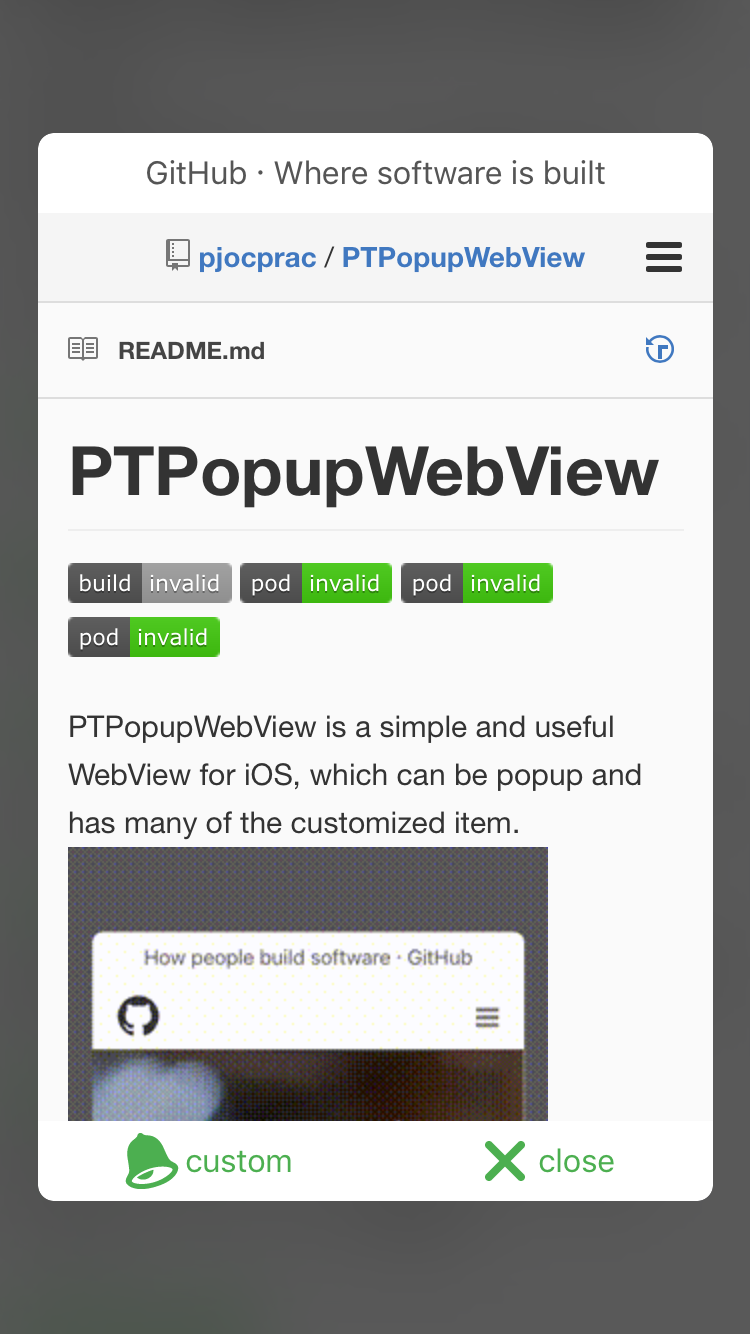
#### Custom Action
Custom action button can do user defined action with PTPopupWebViewButton's handler property.
```swift
popupvc.popupView
// add custom action button
.addButton(
PTPopupWebViewButton(type: .Custom)
.title("custom"))
.handler() {
// write handler code here
// this demo show alert view
let alert:UIAlertController = UIAlertController(title: "Custom Action",message: popupvc.popupView.webView.title!,preferredStyle: UIAlertControllerStyle.Alert)
alert.addAction(UIAlertAction(title: "OK", style: UIAlertActionStyle.Default, handler: nil))
popupvc.presentViewController(alert, animated: true, completion: nil)
}
// add close button
.addButton(PTPopupWebViewButton(type: .Close).title("close"))
popupvc.show()
```
|Custom Action|
|---|
||
#### View Style
Details code reference to the source code of the demo application.
##### Title Style
|Colored Title|Hide Title|
|---|---|
|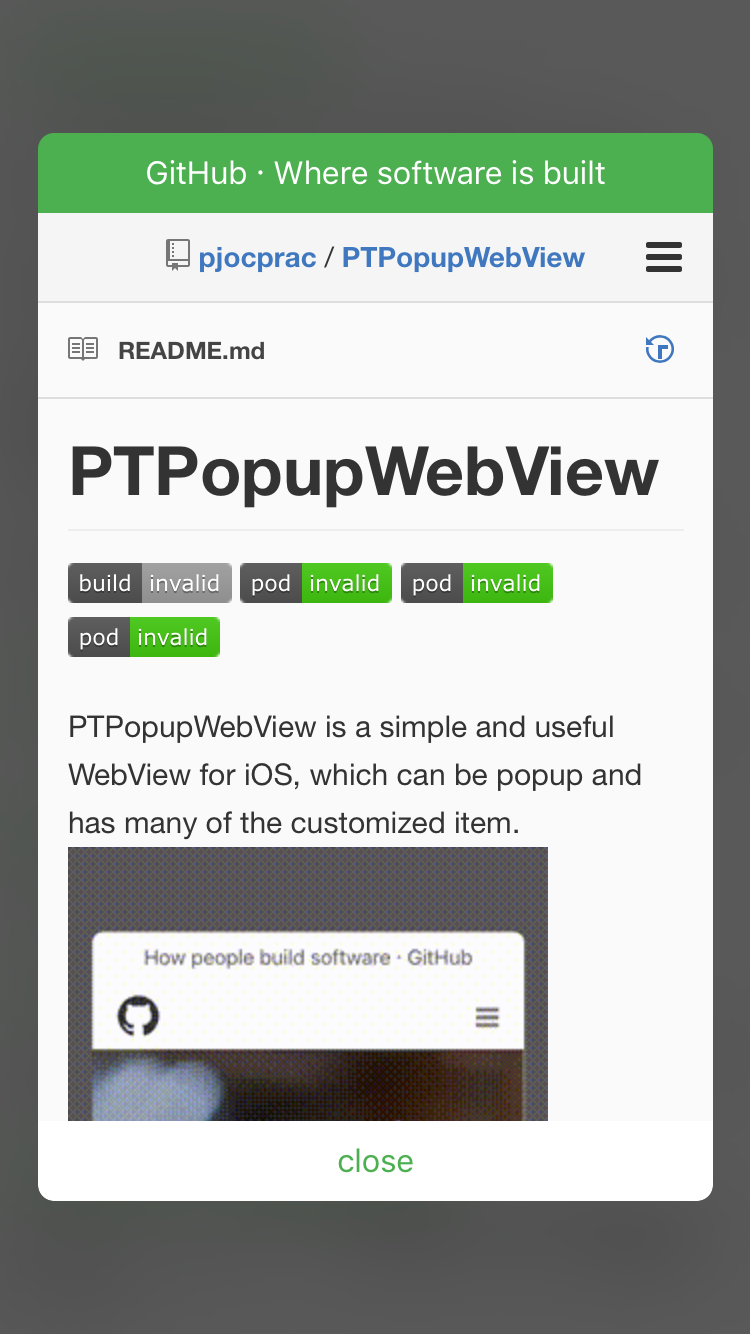 |
|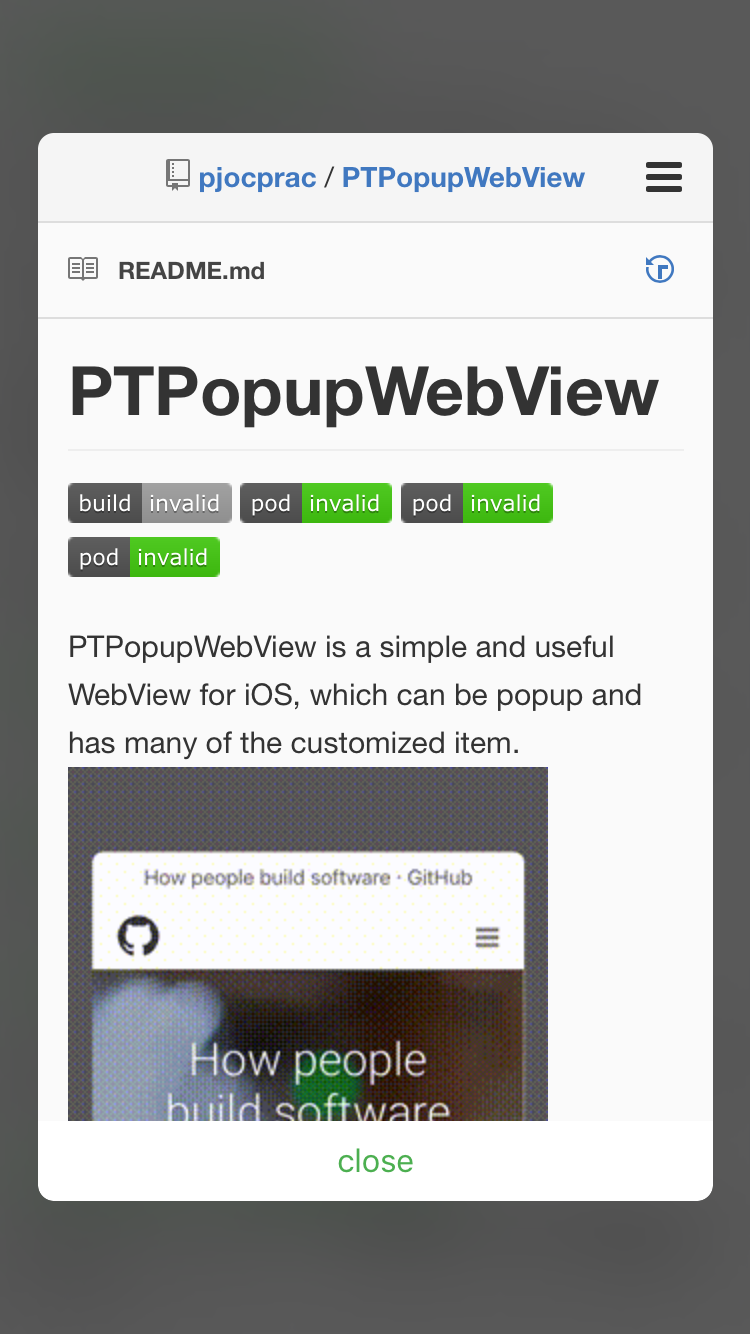 |
##### Button Style
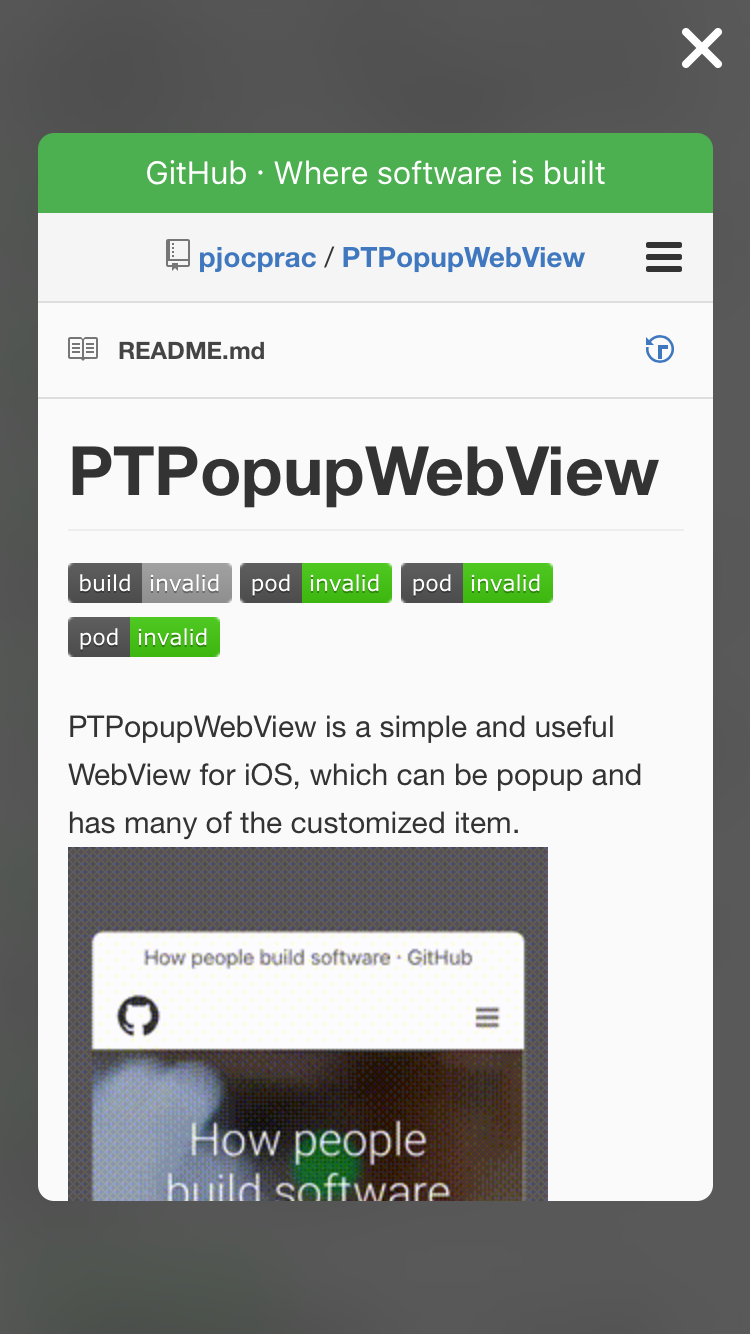
|Colored Button|Custom Image Button|Hide Button|
|---|---|---|
|
|
##### Button Style
|Colored Button|Custom Image Button|Hide Button|
|---|---|---|
|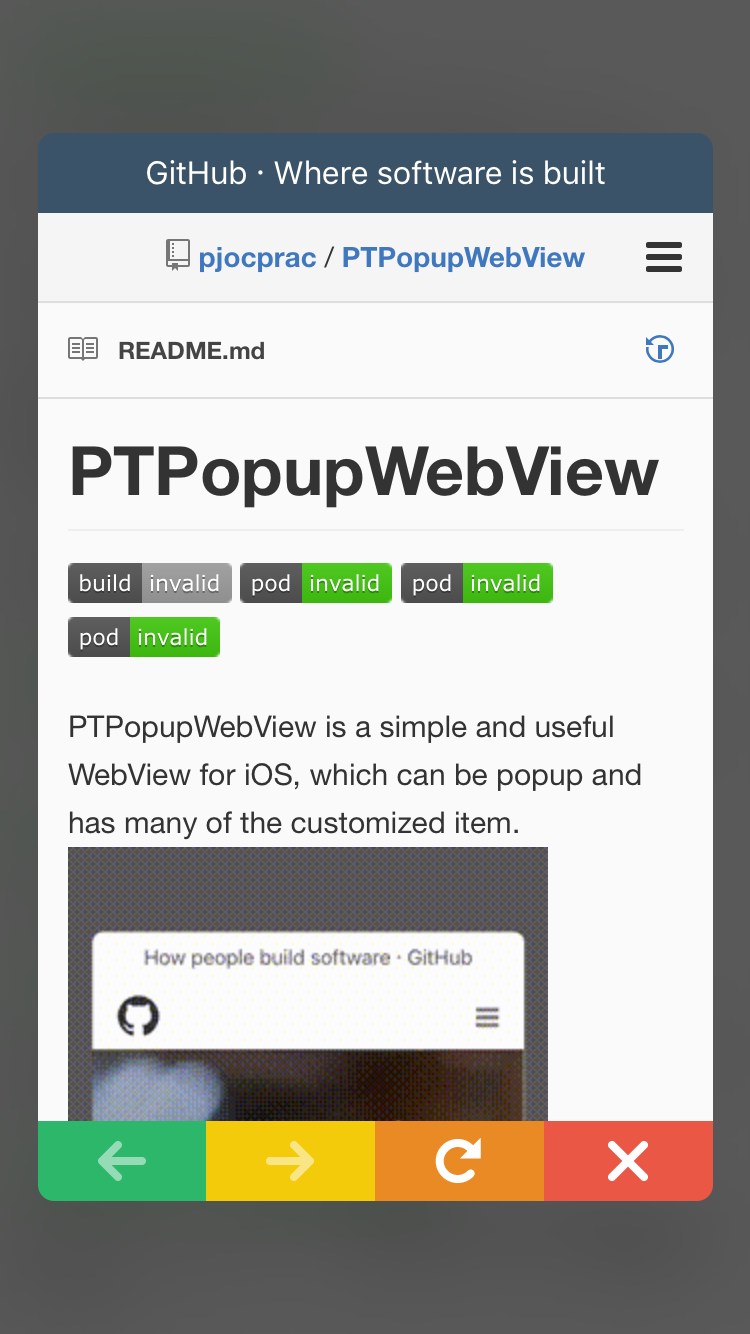 |
| |
| |
##### Other Style
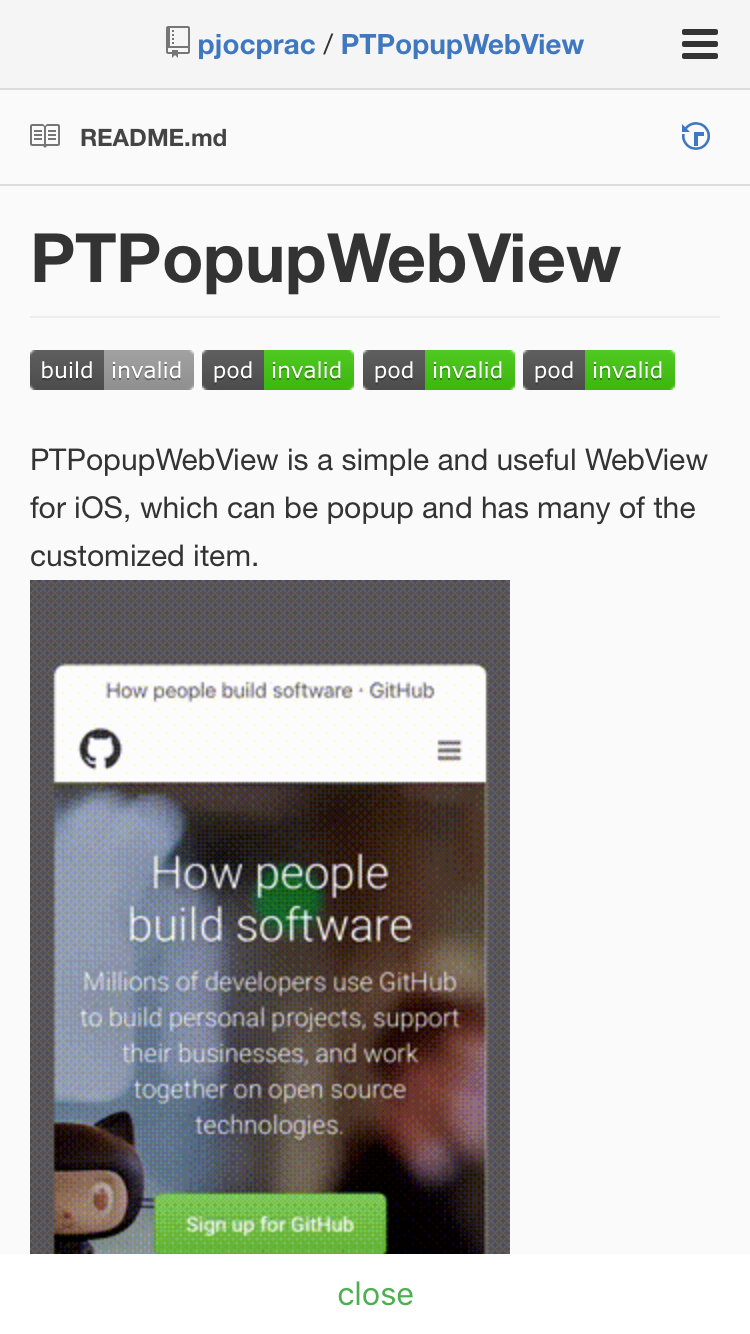
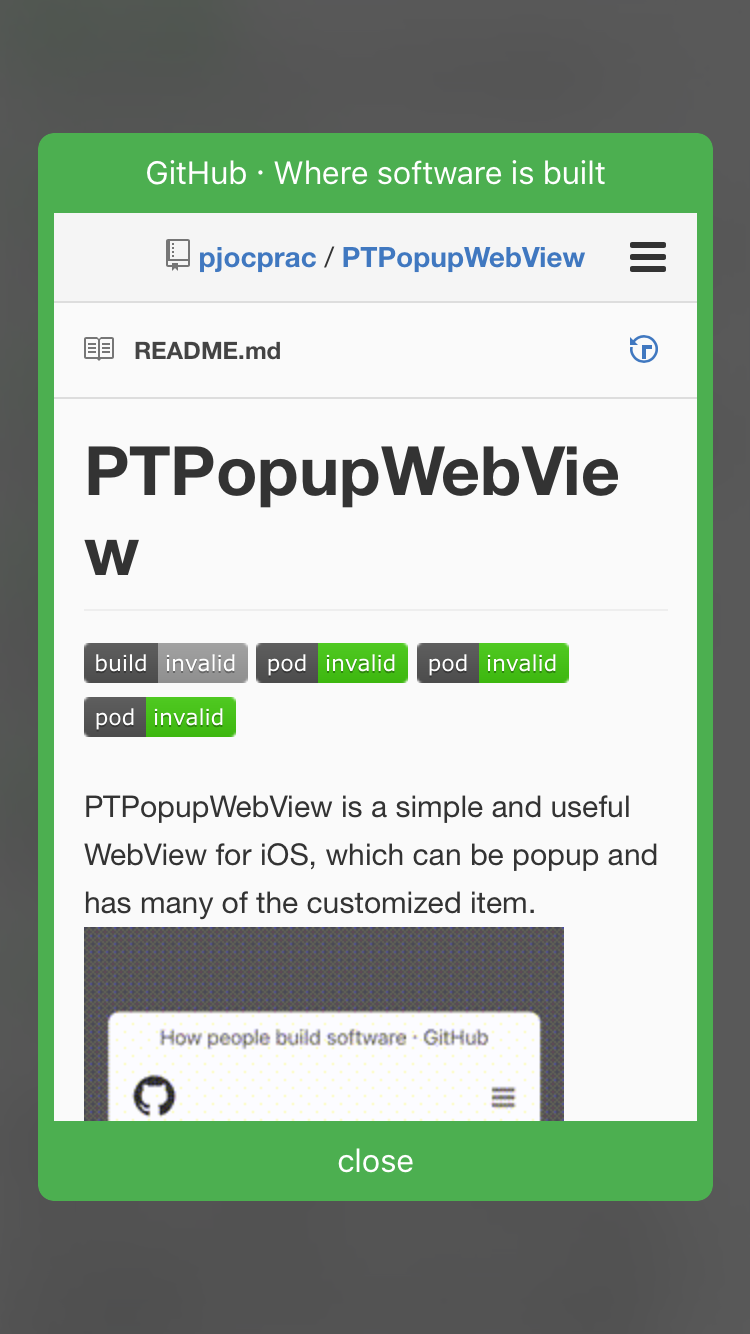
|FullScreen|With Frame|
|---|---|
|
|
##### Other Style
|FullScreen|With Frame|
|---|---|
| |
| |
## Author
Takeshi Watanabe, watanabe@tritrue.com
## License
PTPopupWebView is available under the MIT license. See the LICENSE file for more info.
|
## Author
Takeshi Watanabe, watanabe@tritrue.com
## License
PTPopupWebView is available under the MIT license. See the LICENSE file for more info.