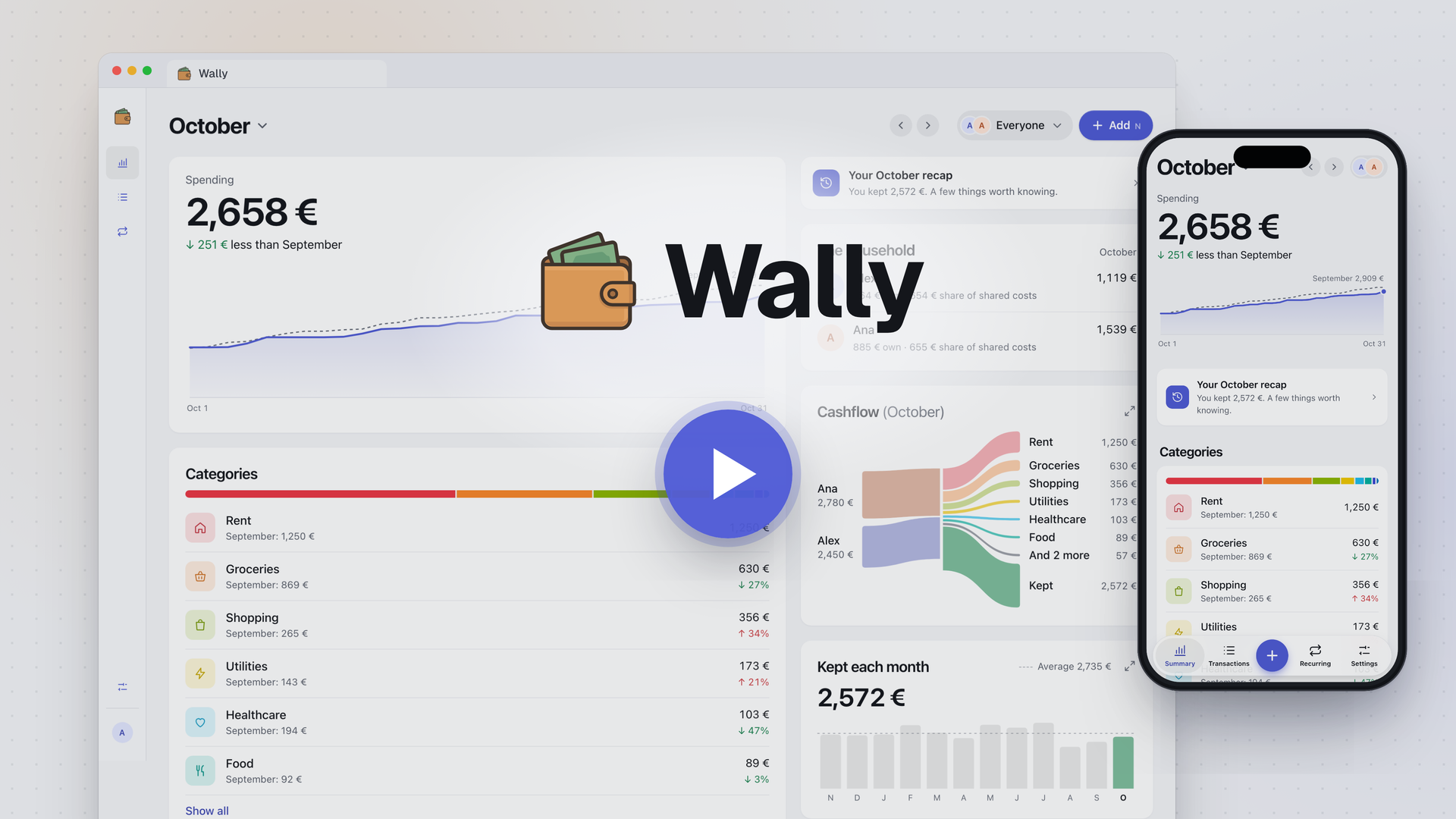
Wally


Wally is a lightweight, self-hosted money log for a household: what came in, where it went, and what's coming.
## Features
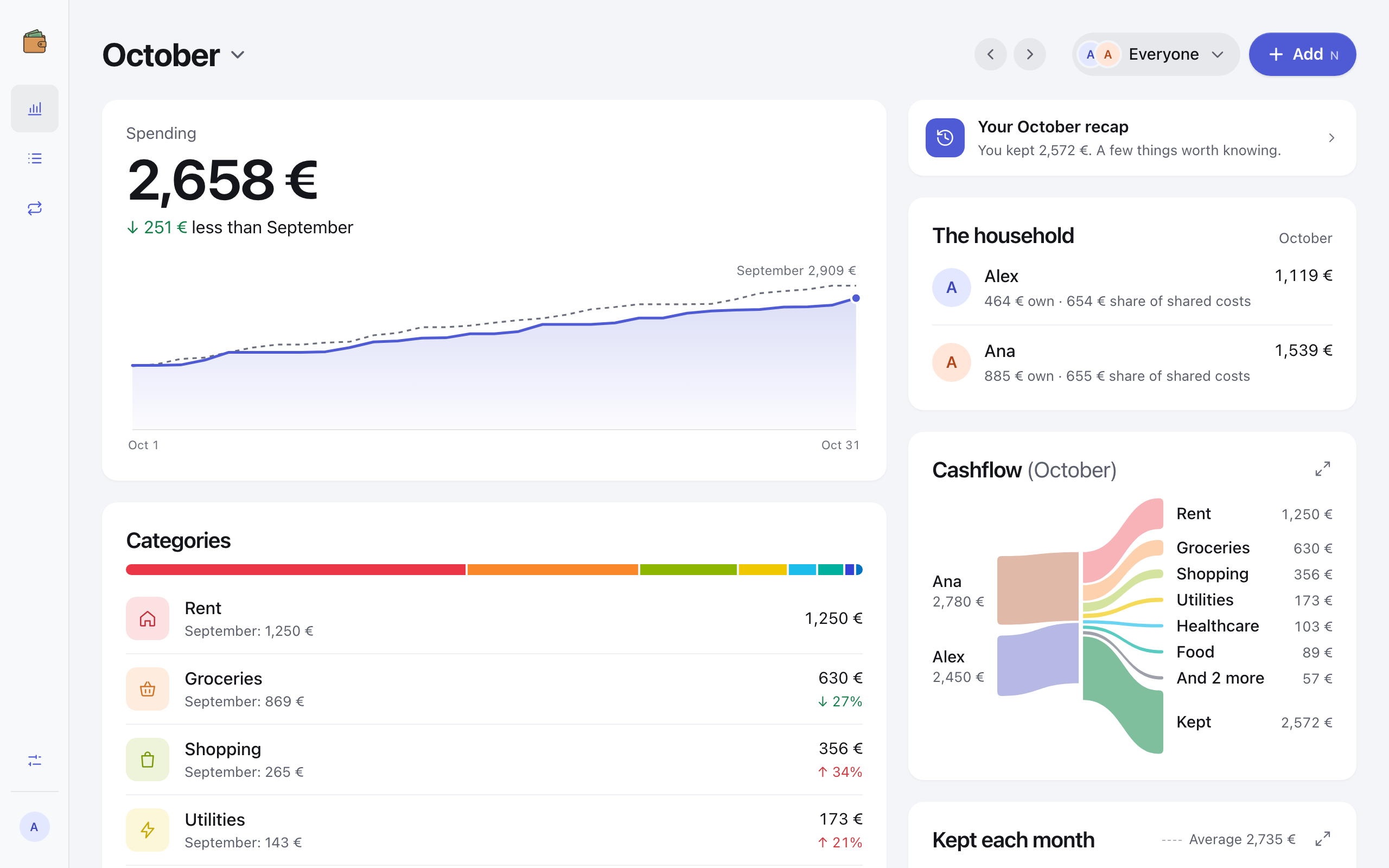
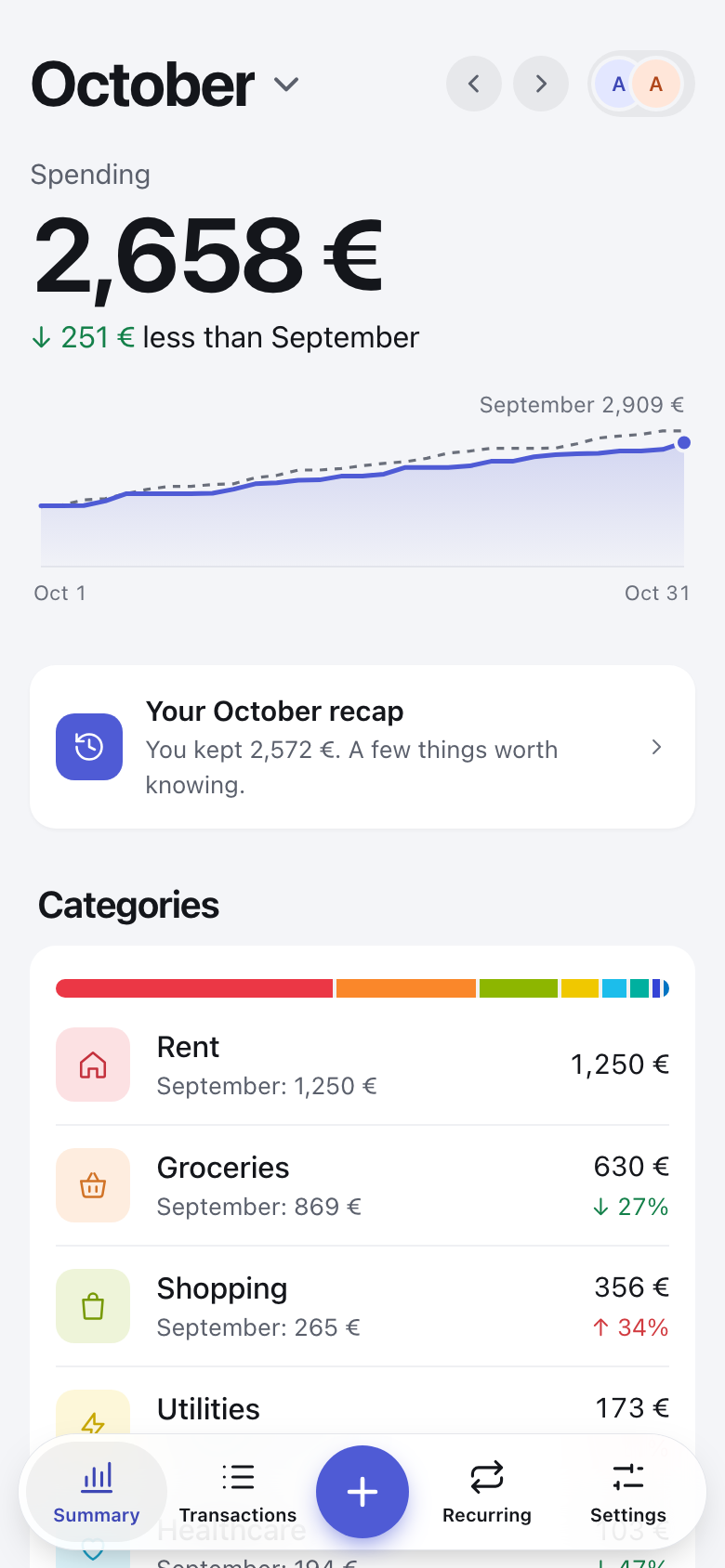
- **Summary**: this month against last month, where the money went, what you kept each month and what's coming. Every number opens the transactions behind it.
- **Transactions**: search every month, filter and sort, a calendar, and bulk changes with Undo.
- **Recurring**: rent, subscriptions and salaries, added on their day. Price rises stand out.
- **A household**: each person's own spending, and shared costs split evenly, by income or by hand.
- **Month in review**: a recap of last month, ready on the 1st.
- **End-to-end encryption**, on by default with a password: whoever runs the server can't read your data.
- **On your phone**: installs on the home screen and opens full screen. Light and dark, 13 languages.
Wally never connects to a bank: you add what you spend.
## Quick Demo
Want to try Wally quickly? Run this command to start a demo instance with sample data:
```bash
docker run --rm -e DEMO=true -p 80:80 poliuscorp/wally
```
Then open [http://localhost](http://localhost) in your browser.
> **Note:** This runs in demo mode with pre-loaded data. Your changes won't persist after stopping the container. For a permanent installation, see below.
## Installation
Wally keeps its database in the folder you mount at `/wally/data`, so your data stays when the container restarts or is updated. Both examples use a `data` folder next to where you run them.
### Run with Docker CLI
```bash
docker run -d \
--name wally \
--restart unless-stopped \
-p 80:80 \
-v ./data:/wally/data \
poliuscorp/wally
```
### Run with Docker Compose
```yaml
services:
wally:
image: poliuscorp/wally
container_name: wally
restart: unless-stopped
ports:
- "80:80"
volumes:
- ./data:/wally/data
```
Then open [http://localhost](http://localhost).
## Video