

[](https://github.com/Carthage/Carthage)
# FillableLoaders
#### Completely customizable progress based loaders drawn using custom `CGPath`s written in Swift

Waves

Plain

Spike

Rounded
### Demo:
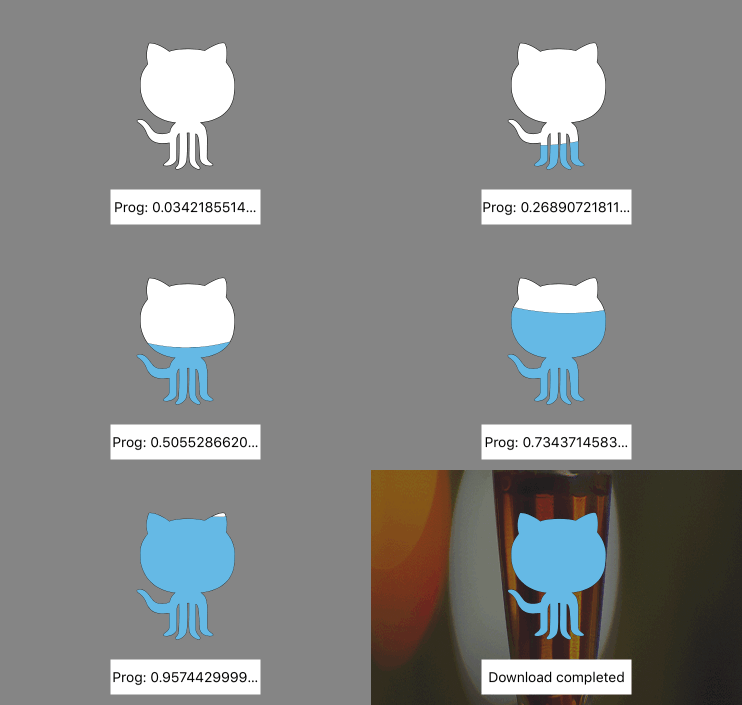
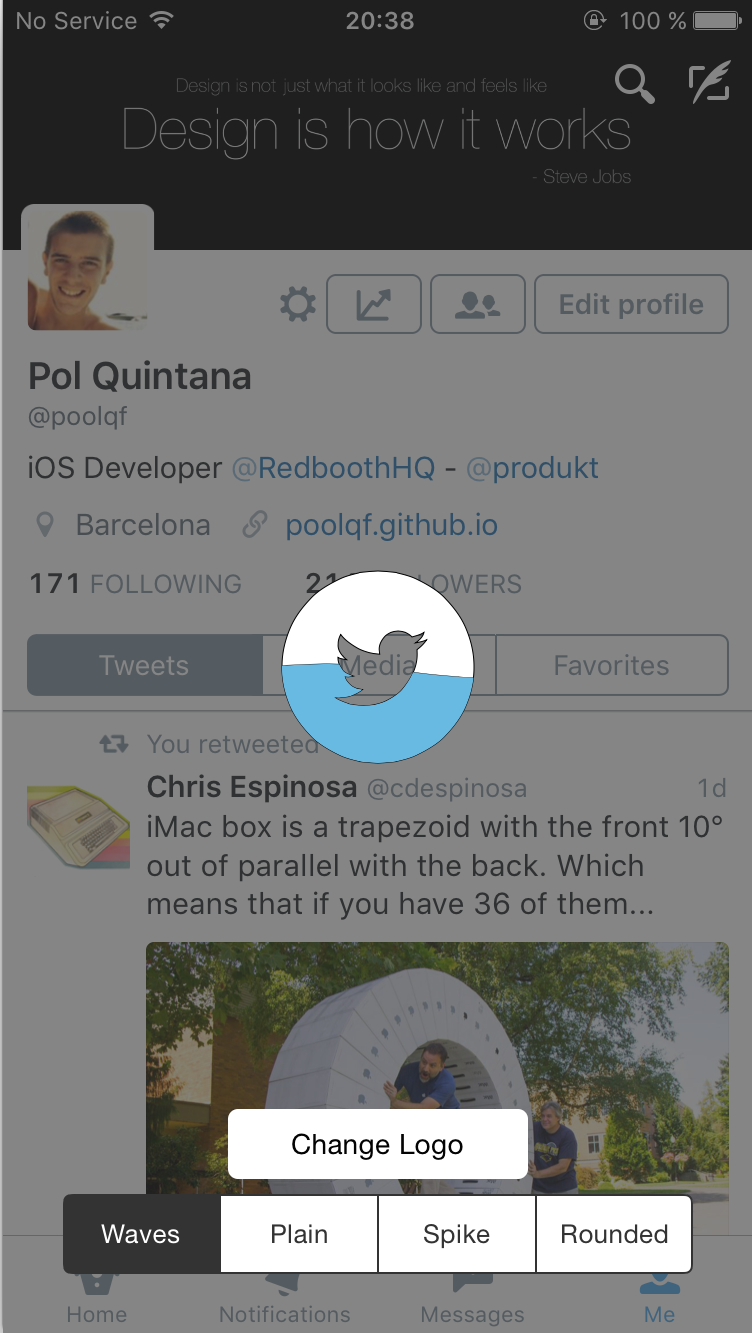
### Changelog:
- __1.3.0__ (24 Sep 2016)
- Swift 3.0
- __1.2.6__ (8 Apr 2016)
- Fixing issue with width assert
- Adapted to Swift 2.2
- __1.2.5__ (11 Dec 2015)
- Precompiled framework using Xcode 7.2
- __1.2.4__ (28 Oct 2015)
- Fixing issue when showing loader after removing it
- __1.2.2__ (27 Oct 2015)
- Precompiled framework using Xcode 7.1
- __1.2.1__ (25 Oct 2015)
- Added the possibility to add a loader to a desired UIView
- Updated to Swift 2.0
- __1.1.1__ (2 Sep 2015)
- Added Carthage Support
- Added animation when hidding loader
- __1.0.1__ (17 Aug 2015)
- Removed unused code
- __1.0.0__ (7 Aug 2015)
- Progress based loaders :tada:
- Added documentation to all the public properties and functions
- __0.0.2 Initial Release__ (3 Aug 2015)
### Quick Start:
#### - Progress based behaviour
Therea are only 2 necessary things to make the progress based loader work:
- Create the loader using `showProgressBasedLoaderWithPath(path:)` or `createProgressBasedLoaderWithPath(path:)`
- To update the fill progress, update the `progress` property of the loader, which goes from `0.0` to `1.0`
#### - Creation
There are four main methods to create the loaders:
`showProgressBasedLoaderWithPath(path:)`, `createProgressBasedLoaderWithPath(path:)`,`showLoaderWithPath(path:)` and `createLoaderWithPath(path:)`
`showLoaderWithPath(path:)` or `showProgressBasedLoaderWithPath(path:)` are going to call the create one, and after it, are going to call the `showLoader()` method.
So, it is just a helper method to do everything at once.
If you want to create the loader, and not show it at the same moment, you can use `createProgressBasedLoaderWithPath(path:)` or `createLoaderWithPath(path:)` to create it, and when you want to show it, just call `showLoader()`
Sample code:
``` swift
//PROGRESS BASED:
var loader = WavesLoader.createProgressBasedLoaderWithPath(path)
loader.loaderColor = UIColor.redColor()
...
//Do other stuff
...
loader.showLoader()
//BASIC
var loader = WavesLoader.createLoaderWithPath(path)
loader.loaderColor = UIColor.redColor()
...
//Do other stuff
...
loader.showLoader()
```
#### - Showing loader in desired view:
All the methods wave the variant version where you can pass it the view in which you want to add the loader:
- `showProgressBasedLoaderWithPath(path:onView:)`
- `createProgressBasedLoaderWithPath(path:onView:)`
- `showLoaderWithPath(path:onView:)`
- `createLoaderWithPath(path:onView:)`
#### - Deletion:
Just call the method `removeLoader()` and the loader will disappear and will also be removed from its superview.
Sample code:
``` swift
loader.removeLoader()
```
### Customization:
Apart from being able to customize the loader shape, you can also customize other properties of the loader. Take a look at the list:
- __progressBased__: Bool
Indicates if the loader movement is progress based or not (Default: false)
- __progress__: CGFloat
Loader fill progress from 0.0 to 1.0 . It will automatically fire an animation to update the loader fill progress
- __backgroundColor__: UIColor?
Background of the loader view (transparent by default)
- __loaderColor__: UIColor?
Color of the filled loader
- __loaderBackgroundColor__: UIColor?
Color of the unfilled loader
- __loaderStrokeColor__: UIColor?
Color of the path stroke
- __loaderStrokeWidth__: CGFloat
Width of the path stroke
- __loaderAlpha__: CGFloat
Alpha of the loader view (1.0 by default)
- __cornerRadius__: CGFloat
Corner radius of the loader view (0.0 by default)
- __duration__: NSTimeInterval
Duration of the animations (10.0 by default)
- __rectSize__: CGFloat
Height of the loader view
- __swing__: Bool
Bool to indicate if the loader has to swing when going up (small rotation, not available for the Plain loader)
##### Extra property for `Spikes` and `Rounded` loaders:
- __-spikeHeight__: CGFloat
Height of the spike
### Installation:
#### • CocoaPods
```
use_frameworks!
pod 'FillableLoaders', '~>1.3.0'
```
#### • Carthage
```
github "poolqf/FillableLoaders" ~> "1.3.0"
```
#### • Manually
To manually add `FillableLoaders` to your project you just need to copy the `Source` folder files.
### How to create my own CGPath?
###### :warning: The CGPath bounds cannot exceed the bounds of the loaderView:
- Width: Screen width
- Height: rectSize property
#### • Manually
``` swift
let path = CGPathCreateMutable()
CGPathMoveToPoint(path, nil, 0, height/2)
CGPathAddLineToPoint(path, nil, width + 100, height/2)
CGPathAddLineToPoint(path, nil, width + 100, height*2)
CGPathAddLineToPoint(path, nil, 0, height*2)
CGPathCloseSubpath(path)
return path
```
#### • PaintCode
__[PaintCode](http://www.paintcodeapp.com)__ is a realy powerful Mac app that can do a lot of things.
You can just draw things, and it will __automagically__ create the code for you
In this case we can use it to create BezierPaths, and extract from there the CGPath.
In the case of drawing a star, it is going to give us this code:
``` swift
//// Star Drawing
var starPath = UIBezierPath()
starPath.moveToPoint(CGPointMake(180, 25))
starPath.addLineToPoint(CGPointMake(195.16, 43.53))
starPath.addLineToPoint(CGPointMake(220.9, 49.88))
starPath.addLineToPoint(CGPointMake(204.54, 67.67))
starPath.addLineToPoint(CGPointMake(205.27, 90.12))
starPath.addLineToPoint(CGPointMake(180, 82.6))
starPath.addLineToPoint(CGPointMake(154.73, 90.12))
starPath.addLineToPoint(CGPointMake(155.46, 67.67))
starPath.addLineToPoint(CGPointMake(139.1, 49.88))
starPath.addLineToPoint(CGPointMake(164.84, 43.53))
starPath.closePath()
UIColor.grayColor().setFill()
starPath.fill()
```
The only thing we have to do here is extract the CGPath from the UIBezierPath like so:
``` swift
let myPath = starPath.CGPath
var myLoader = WavesLoader.showProgressBasedLoaderWithPath(myPath)
```
#### • SVG + PaintCode
A feature that I `LOVE` from PaintCode is that you can import an .svg file, and it is going to create the code to create its BezierPath. Completely awesome.
That's how I did the Github and Twitter logos, for example.
### Technical details:
- Swift 3.0
- Animations using CAKeyFrameAnimation
### Licenses
All source code is licensed under the MIT License.
If you use it, i'll be happy to know about it.
### Pol Quintana - [@poolqf](https://twitter.com/poolqf)