# PortKiller



A powerful cross-platform port management tool for developers.
Monitor ports, manage Kubernetes port forwards, integrate Cloudflare Tunnels, and kill processes with one click.
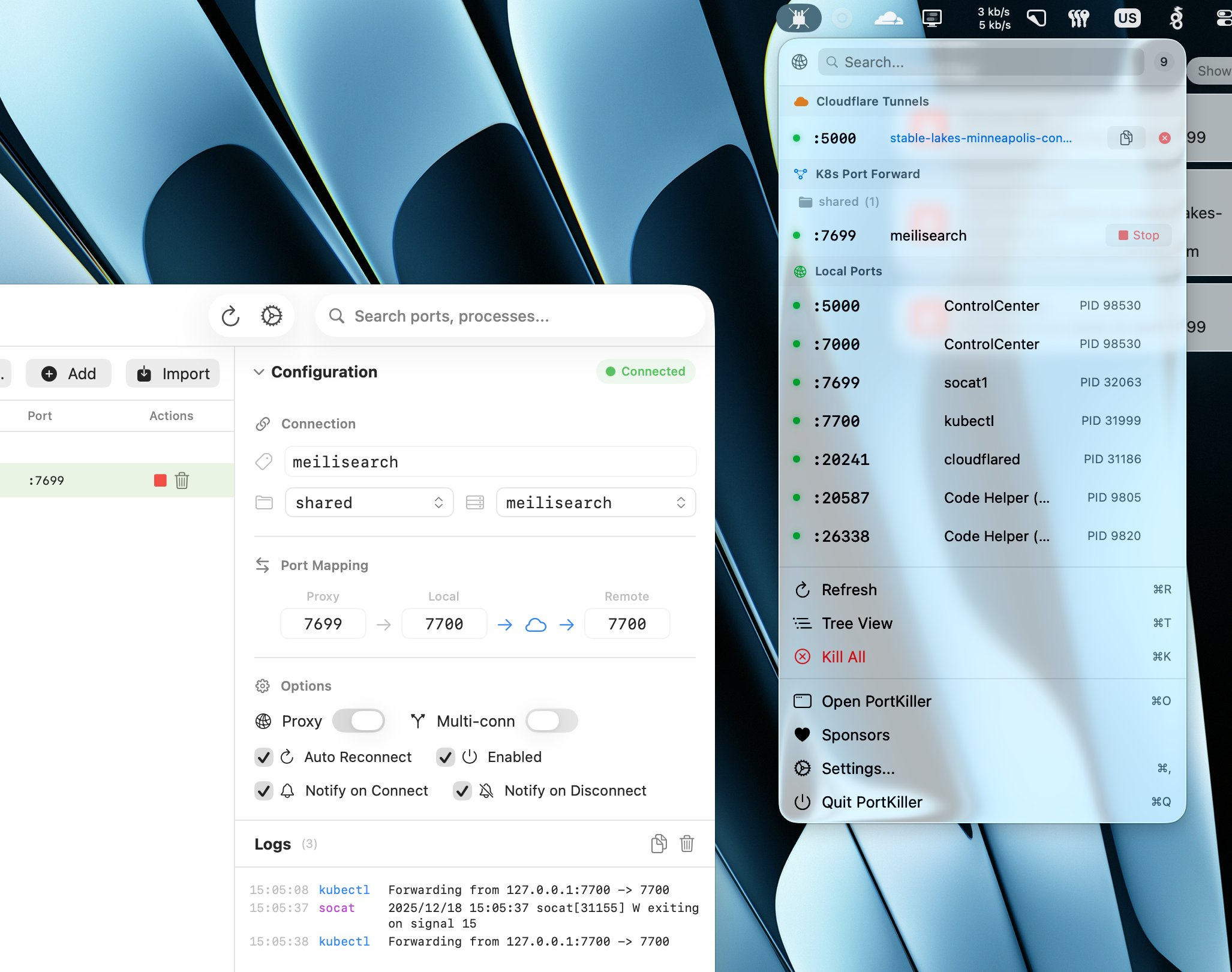
### macOS
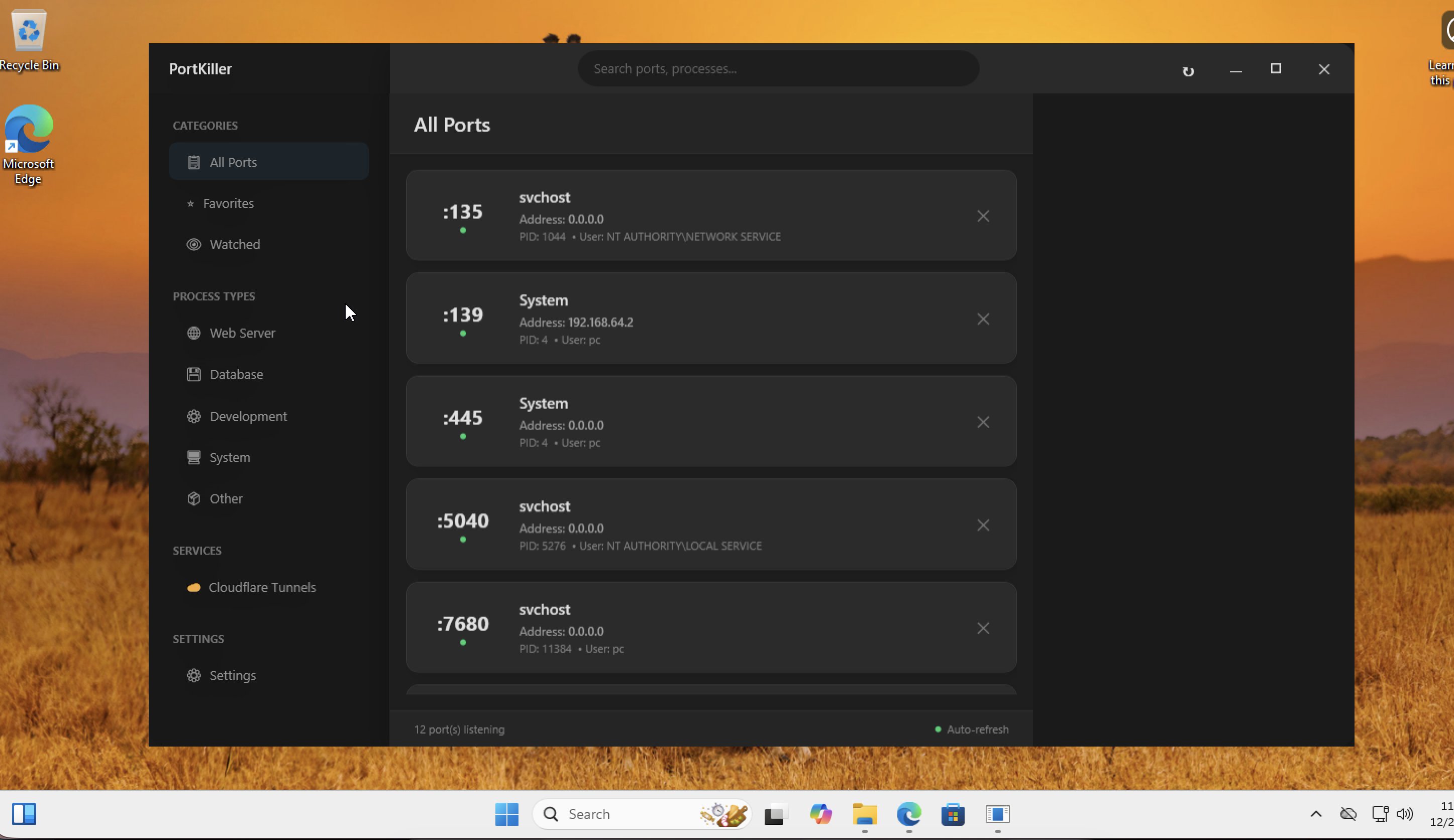
### Windows
## Installation
### macOS
**Homebrew:**
```bash
brew install --cask productdevbook/tap/portkiller
```
**Manual:** Download `.dmg` from [GitHub Releases](https://github.com/productdevbook/port-killer/releases).
### Windows
Download `.zip` from [GitHub Releases](https://github.com/productdevbook/port-killer/releases) and extract.
## Features
### Port Management
- 🔍 Auto-discovers all listening TCP ports
- ⚡ One-click process termination (graceful + force kill)
- 🔄 Auto-refresh with configurable interval
- 🔎 Search and filter by port number or process name
- ⭐ Favorites for quick access to important ports
- 👁️ Watched ports with notifications
- 📂 Smart categorization (Web Server, Database, Development, System)
### Kubernetes Port Forwarding
- 🔗 Create and manage kubectl port-forward sessions
- 🔌 Auto-reconnect on connection loss
- 📝 Connection logs and status monitoring
- 🔔 Notifications on connect/disconnect
### Cloudflare Tunnels
- ☁️ View and manage active Cloudflare Tunnel connections
- 🌐 Quick access to tunnel status
### Cross-Platform
- 📍 Menu bar integration (macOS)
- 🖥️ System tray app (Windows)
- 🎨 Native UI for each platform
## Contributing
See [CONTRIBUTING.md](CONTRIBUTING.md) for development setup.
## Sponsors

## License
MIT License - see [LICENSE](LICENSE).