# Adminator — 2026 Admin Dashboard Template [![npm version](https://img.shields.io/npm/v/adminator-admin-dashboard.svg?logo=npm&label=npm)](https://www.npmjs.com/package/adminator-admin-dashboard) [![npm downloads](https://img.shields.io/npm/dw/adminator-admin-dashboard.svg?logo=npm&label=downloads)](https://www.npmjs.com/package/adminator-admin-dashboard) [![jsDelivr](https://img.shields.io/jsdelivr/npm/hw/adminator-admin-dashboard.svg?logo=jsdelivr&label=jsDelivr)](https://www.jsdelivr.com/package/npm/adminator-admin-dashboard) [![GitHub stars](https://img.shields.io/github/stars/puikinsh/Adminator-admin-dashboard?style=flat&logo=github&label=stars)](https://github.com/puikinsh/Adminator-admin-dashboard/stargazers) [![License: MIT](https://img.shields.io/badge/License-MIT-green.svg)](LICENSE) [![Made with Webpack 5](https://img.shields.io/badge/Webpack-5-8dd6f9.svg?logo=webpack&logoColor=black)](https://webpack.js.org/) [![No jQuery](https://img.shields.io/badge/jQuery-free-success.svg)](#tech-stack) [![Dark mode](https://img.shields.io/badge/dark%20mode-ready-5a0fc8.svg)](#theming) **Adminator 4** is a vanilla-JS admin dashboard template with a token-driven CSS-variable design system, dark mode, and zero framework dependencies. **No jQuery. No Bootstrap.** Just clean HTML, modern CSS, and ~700 KB of production JS for the entire 18-page template. > **Heads up — v4.0.0 is a ground-up rewrite.** New design system, new shell architecture, Bootstrap removed. If you prefer the previous design, the v3 codebase lives on the [`legacy-v3`](https://github.com/puikinsh/Adminator-admin-dashboard/tree/legacy-v3) branch and will continue to receive security updates. **[adminator.colorlib.com →](https://adminator.colorlib.com/)** · **[Live Demo →](https://preview.colorlib.com/theme/adminator/index.html)** · **[Documentation →](https://adminator.colorlib.com/docs/)** · **[Looking for premium templates? Visit DashboardPack →](https://dashboardpack.com/)** ## Preview ### Light mode ![Adminator 2026 — Light Mode](screenshots/adminator-2026-dashboard-light.png) ### Dark mode ![Adminator 2026 — Dark Mode](screenshots/adminator-2026-dashboard-dark.png) ### A few of the 18 pages
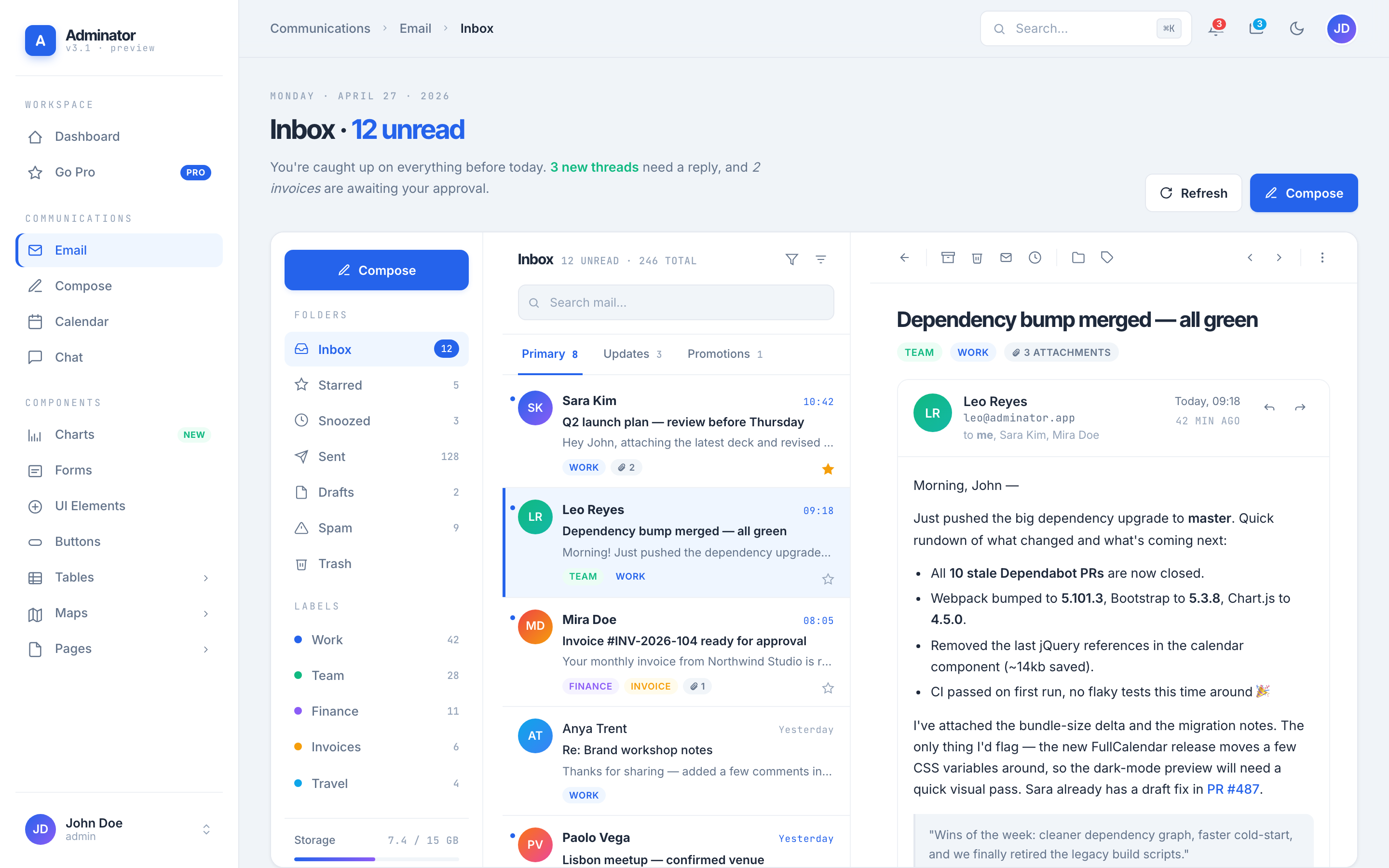
Email
Email — 3-pane inbox
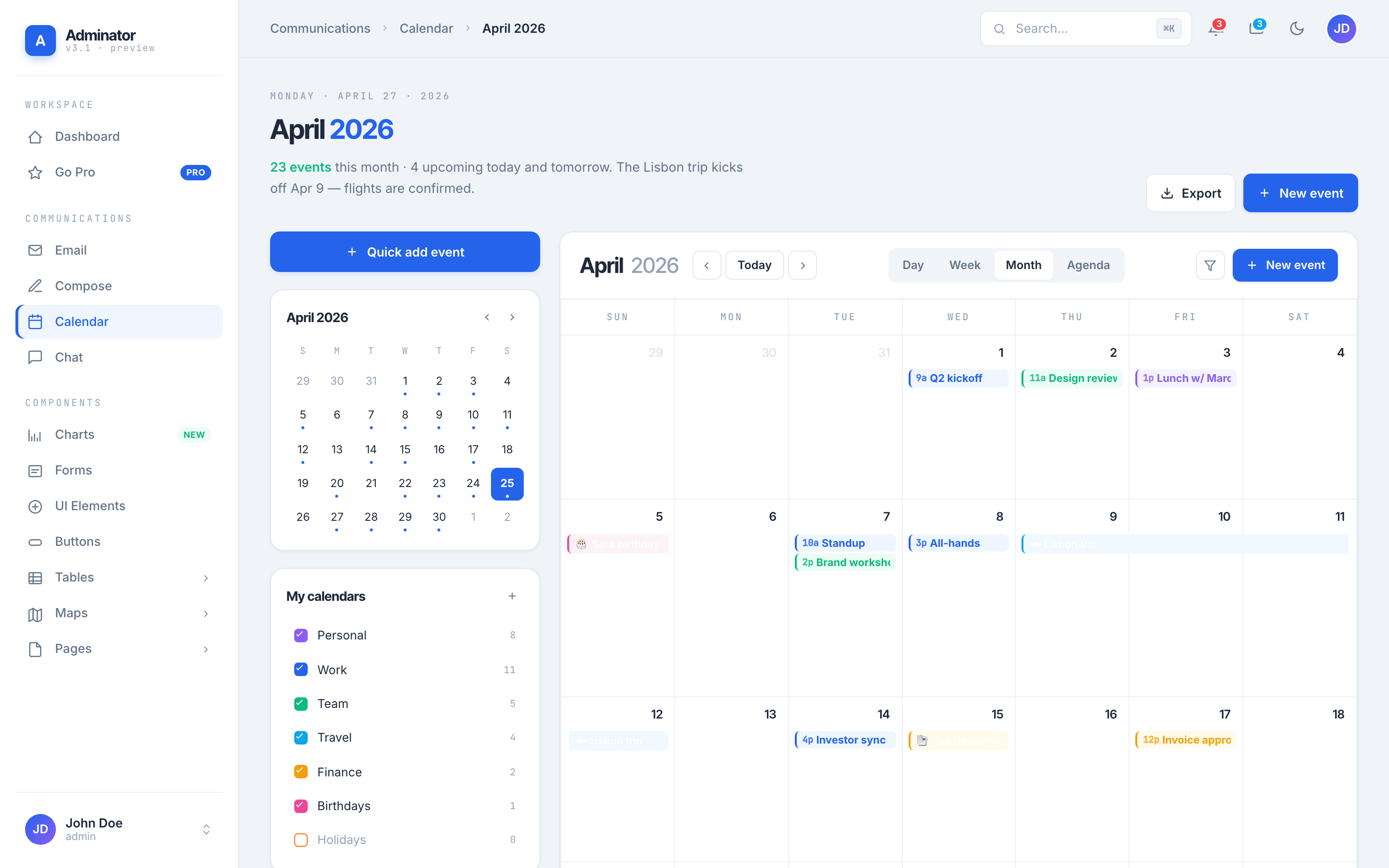
Calendar
Calendar — full FullCalendar
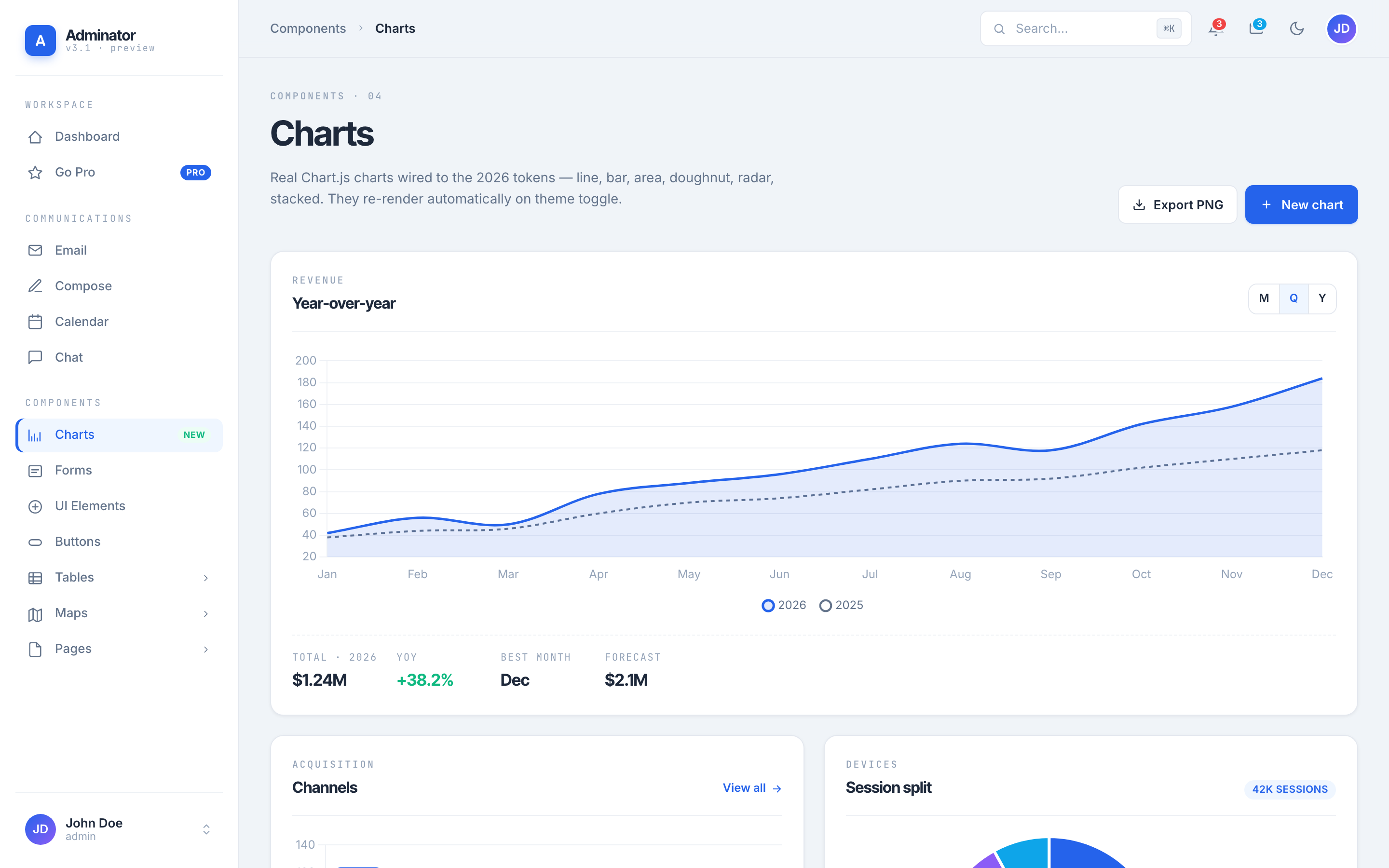
Charts
Charts — themed Chart.js
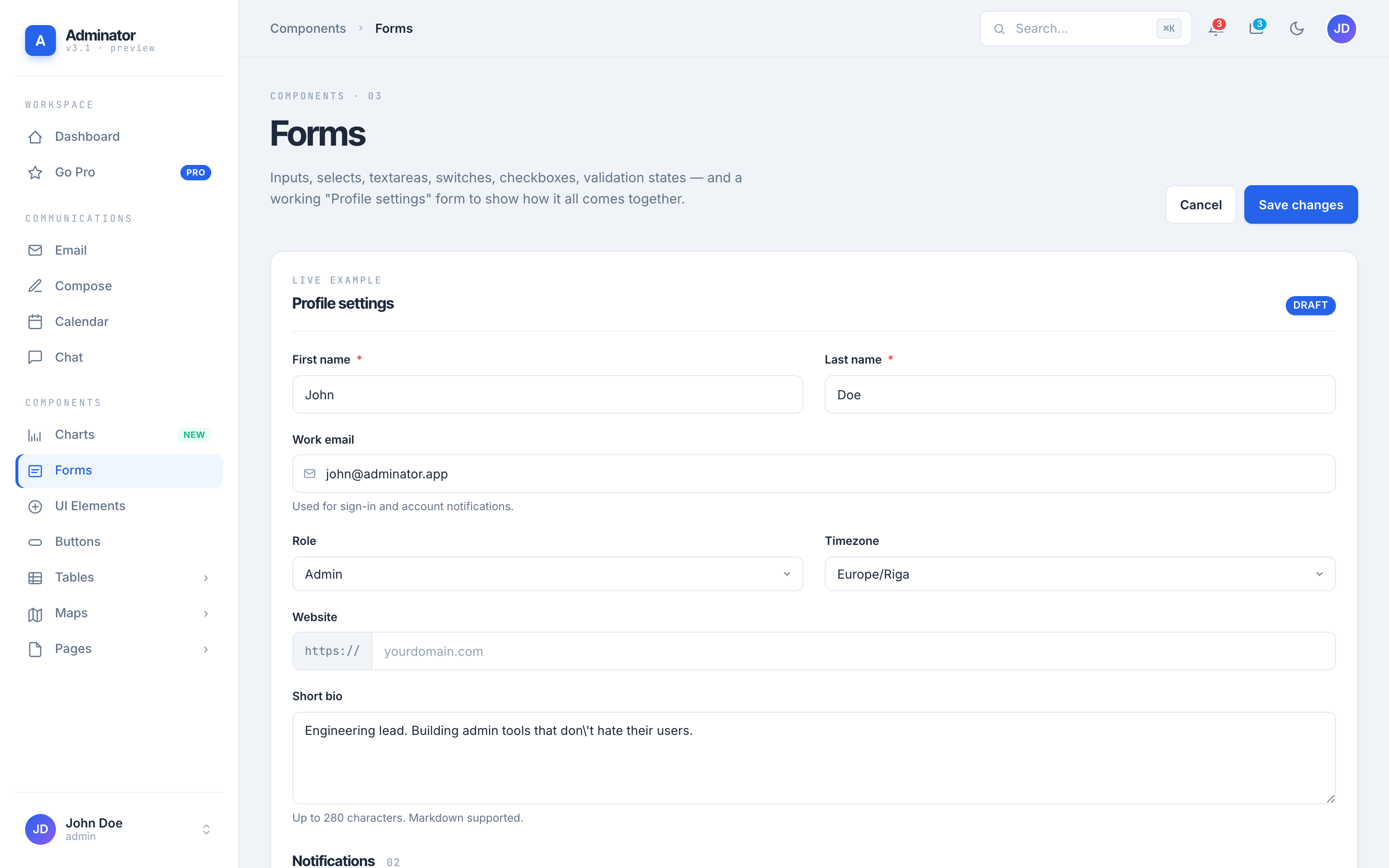
Forms
Forms — inputs, switches
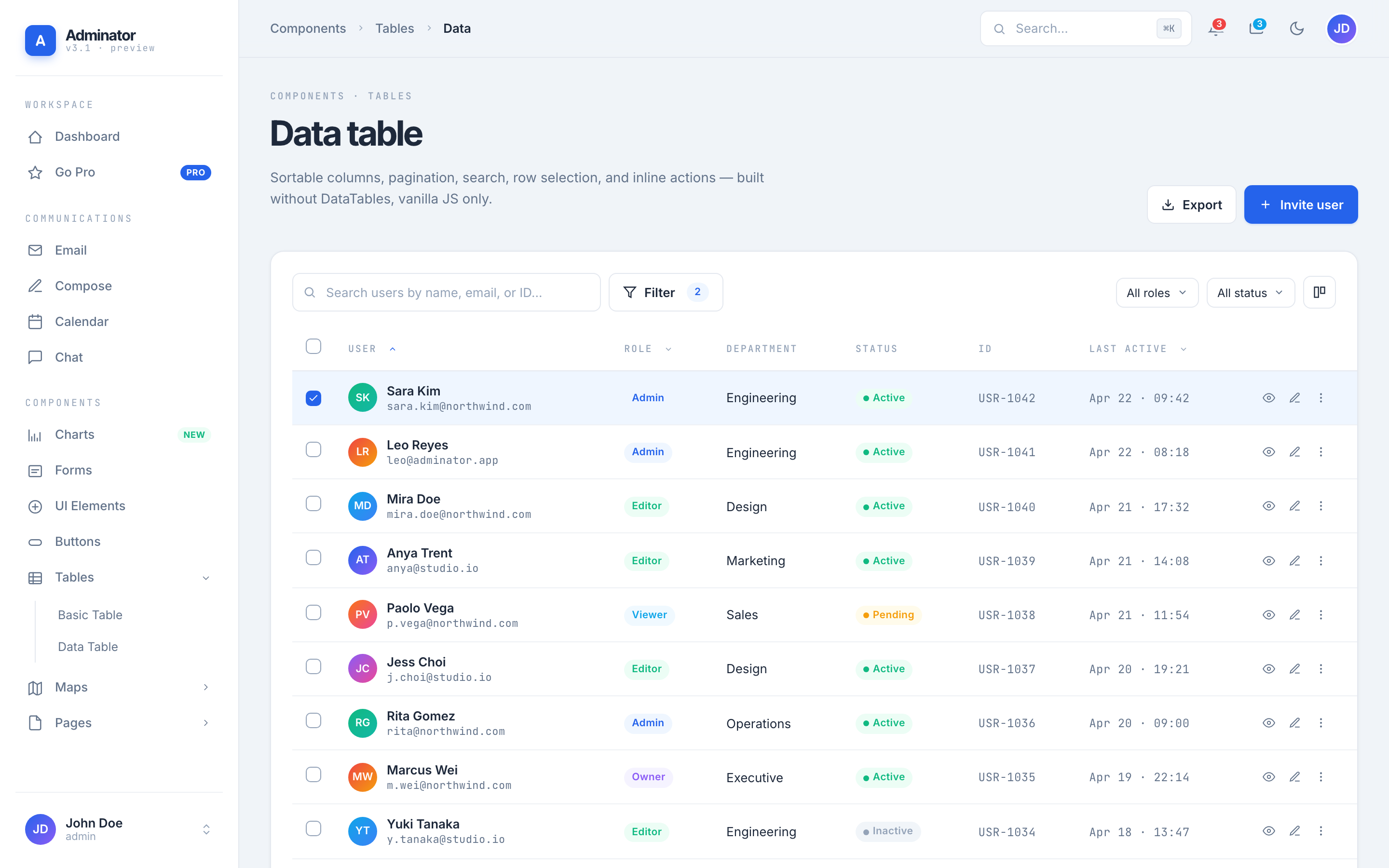
Data Table
Data Table — sort, filter, paginate
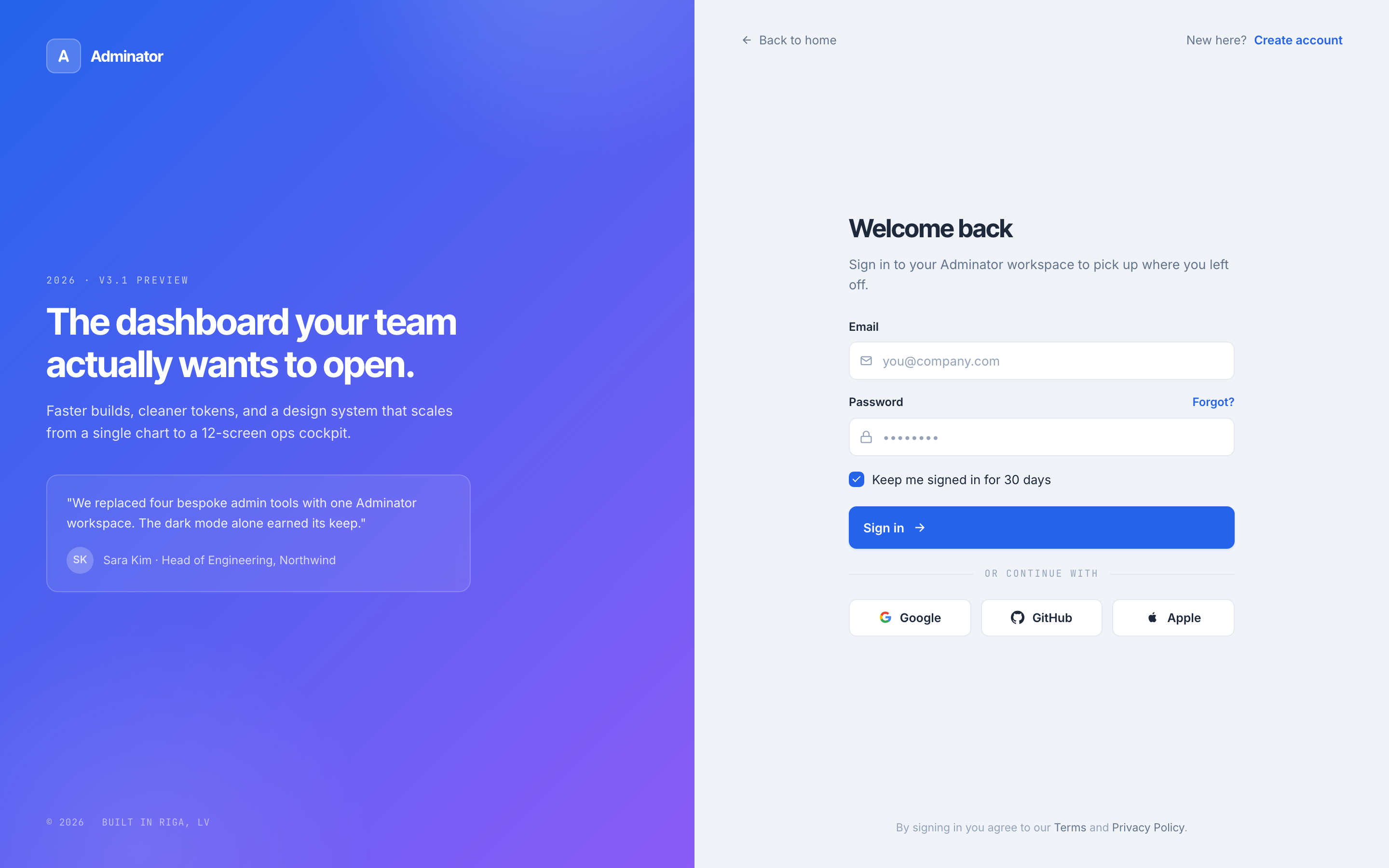
Sign In
Sign In — split-screen auth
## Upgrade to a Premium Dashboard Need advanced features, dedicated support, and production-ready code? Explore our handpicked collection of professional admin templates on [DashboardPack](https://dashboardpack.com/?utm_source=github&utm_medium=readme&utm_campaign=adminator).
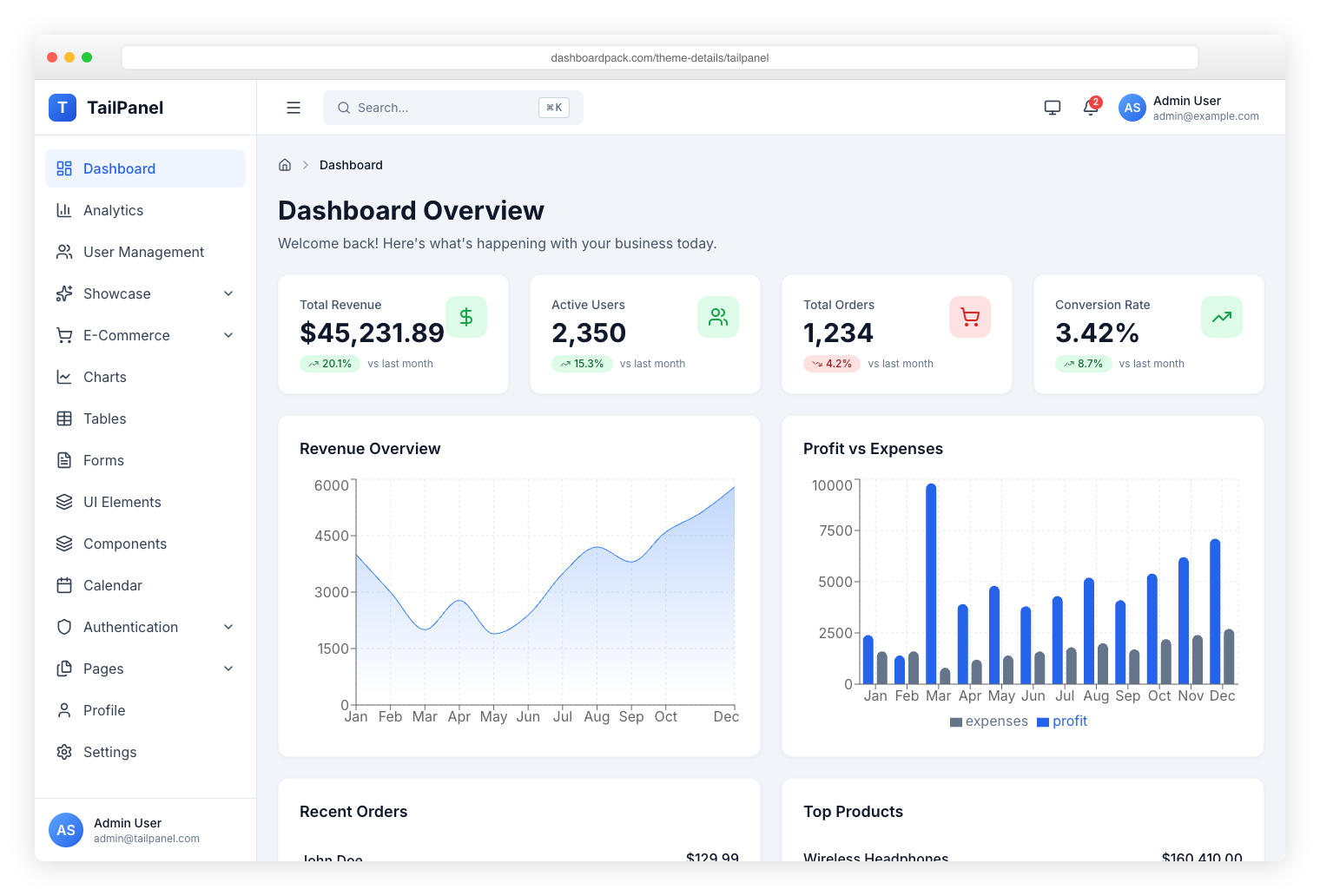
TailPanel — modern React and Tailwind CSS admin panel
TailPanel
React + TypeScript + Tailwind CSS + Vite. 9 dashboard designs, dark and light themes.
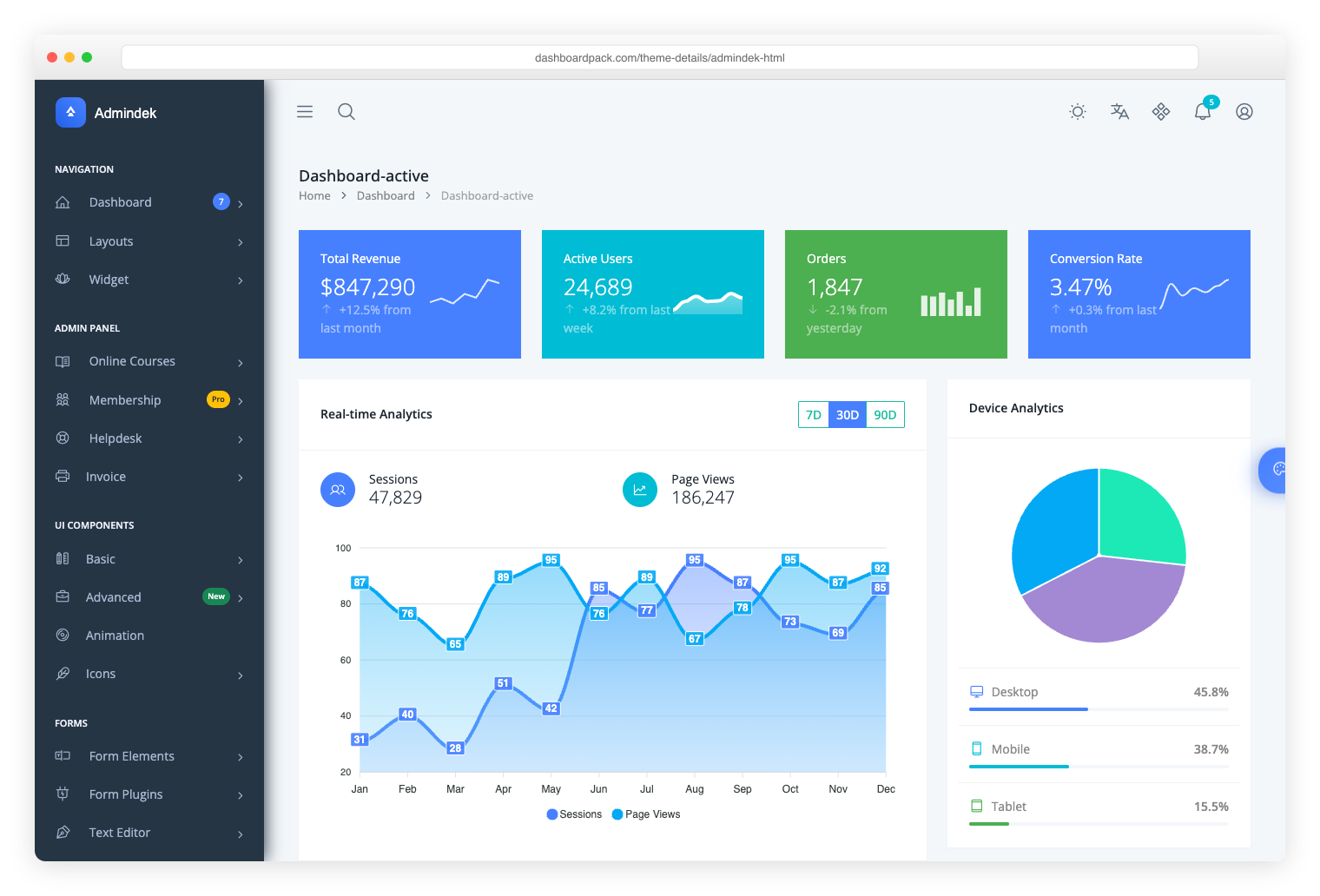
Admindek — feature-rich Bootstrap 5 dashboard with dark mode
Admindek
Bootstrap 5 + vanilla JS. 100+ components, dark/light modes, RTL support, 10 color presets.
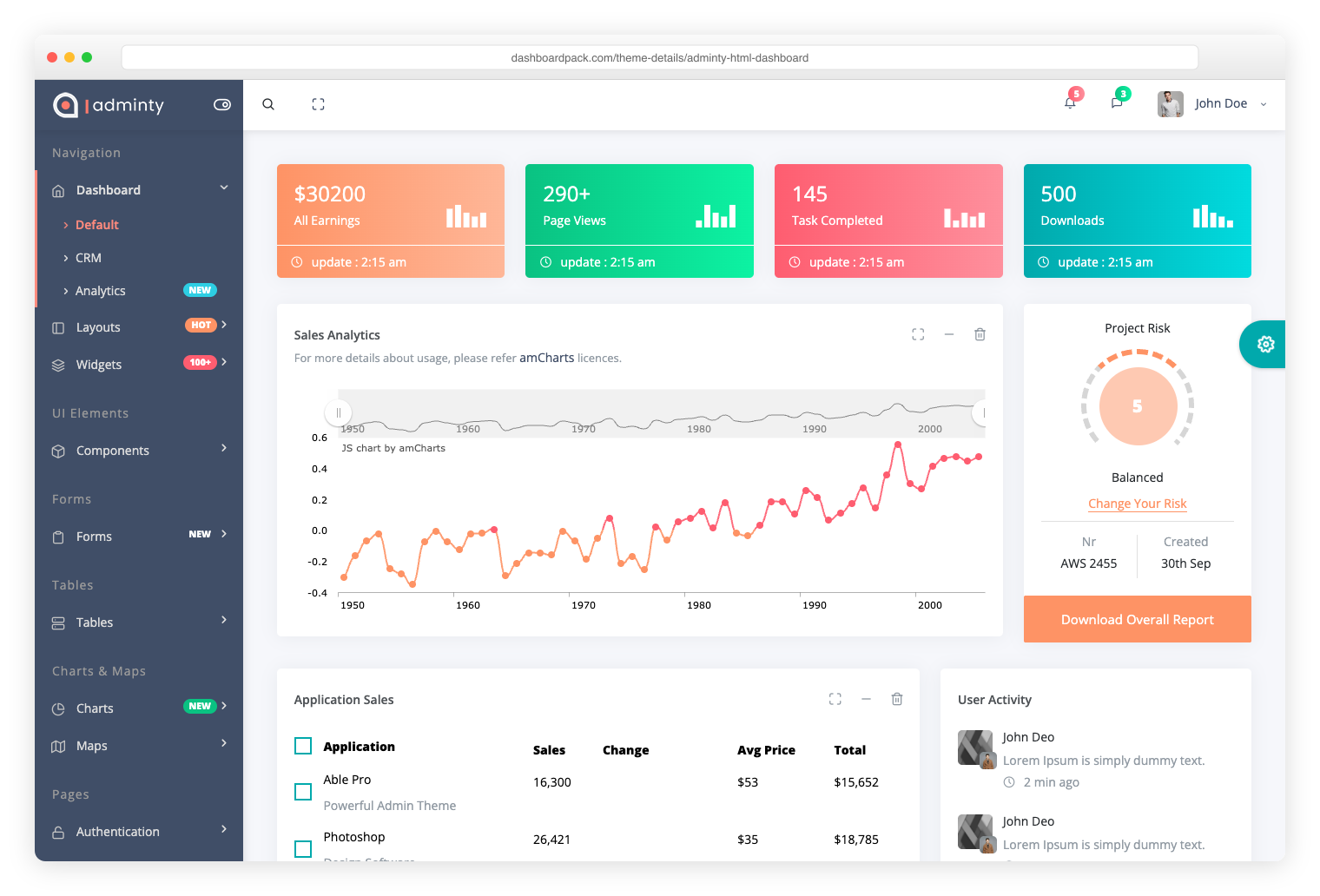
Adminty — Bootstrap 5 admin template with 160+ pages
Adminty
Bootstrap 5. 160+ ready-made pages, full UI component library for rapid development.
ArchitectUI — modular Bootstrap admin with 250+ widgets
ArchitectUI
Bootstrap 5. 250+ components, modular architecture, 9 unique dashboard layouts.
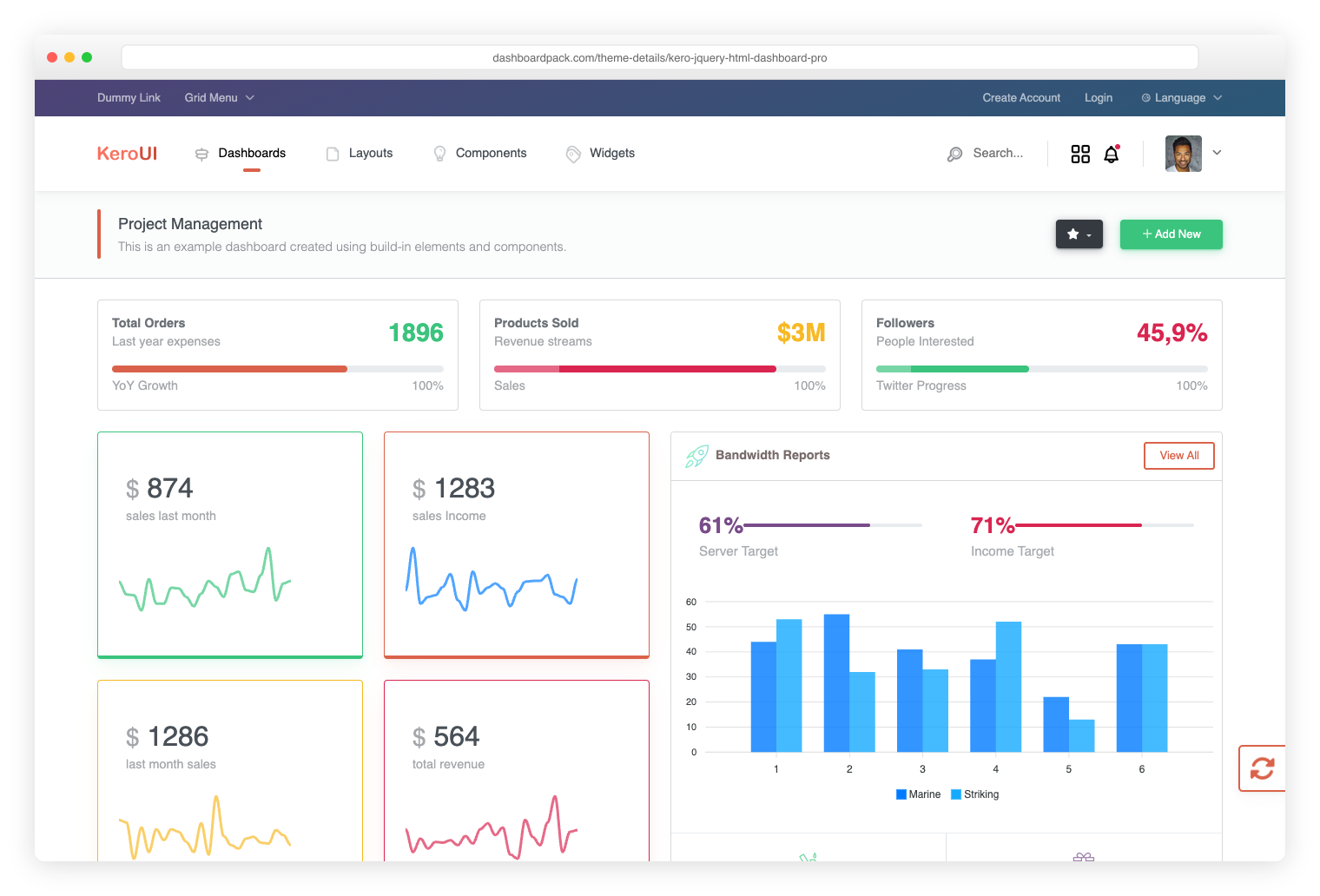
Kero — Bootstrap 5 dashboard with horizontal and sidebar layouts
Kero
Bootstrap 5 + Webpack. Dual layout system (horizontal + sidebar), SASS theming.
Cryptocurrency Dashboard — ICO and Bitcoin admin panel
Cryptocurrency Dashboard
Bootstrap. Built specifically for ICO platforms, Bitcoin tracking, and crypto portfolios.

View All Premium Templates

## Table of Contents - [What's New in v4.0.0](#whats-new-in-v400) - [Quick Start](#quick-start) - [Pages Included](#pages-included) - [Architecture](#architecture) - [Theming](#theming) - [Tech Stack](#tech-stack) - [Migrating from v3](#migrating-from-v3) - [Staying on v3](#staying-on-v3) - [Browser Support](#browser-support) - [Changelog](#changelog) - [Authors](#authors) - [License](#license) ## What's New in v4.0.0 A ground-up redesign and rewrite. The whole template is built around a single CSS-variable token system, with a JS shell that renders the sidebar, topbar, and footer once for all 18 pages. **Bootstrap is gone.** Production JS dropped from ~4.5 MB to ~700 KB — an **85% reduction**. ### Highlights - **Token-driven design system.** All colors, typography, spacing, and shadows live in `_tokens.scss` as CSS variables with light + dark variants. Edit one variable, every component updates. - **Real dark mode.** A single `data-theme` attribute on `` swaps the entire UI — including Chart.js, FullCalendar, and jsvectormap, which all re-render via a `MutationObserver` to read the new token values. - **Zero framework CSS.** No Bootstrap. No utility-class soup. Every UI primitive (buttons, dropdowns, alerts, badges, modals, tabs, accordions, switches, progress bars) is custom-built and theme-aware. - **Single JS shell.** Sidebar/topbar/footer render from a single `NAV` manifest in `Shell.js`. Pages declare `` and three placeholders. Add a nav item by editing one array. - **Real, themed library integrations.** Chart.js (6 chart types), FullCalendar (all four views, 24 seed events), jsvectormap (world map with 10 markers). All read CSS variables and re-render on theme toggle. - **All 18 pages redesigned**: Dashboard, Email, Calendar, Chat, Compose, Charts, Forms, UI Elements, Buttons, Basic Table, Data Table, Google Maps, Vector Maps, Blank, Sign In, Sign Up, 404, 500. ### Bundle size Since v4.2.0 the three heavy libraries are lazy-loaded, so what a page costs depends on what it actually renders. | Metric | v3.0.0 | v4.0.0 | v4.2.0 | | ----------------------------------- | ------- | ------- | --------------------- | | JS + CSS on **every** page | ~4.8 MB | 726 KB | **130 KB** (28 KB gz) | | Chart.js, fetched by 2 of 18 pages | bundled | bundled | 200 KB (67 KB gz) | | FullCalendar, fetched by 1 of 18 | bundled | bundled | 287 KB + 15 KB CSS (84 gz) | | jsvectormap, fetched by 1 of 18 | bundled | bundled | 133 KB (49 KB gz) | | Top-level npm dependencies | 16 | 8 | **3** | See [CHANGELOG.md](CHANGELOG.md) for the full release notes, including the migration guide. ## Quick Start ### Prerequisites - **Node.js** 22.22.2 or higher (24 LTS recommended — see `.nvmrc`) - **npm** 10 or higher (ships with Node.js) ### Install and run ```bash # Clone the repo git clone https://github.com/puikinsh/Adminator-admin-dashboard.git adminator cd adminator # Install the locked dependencies (Node.js >= 22.22.2) npm ci # Start the dev server (http://localhost:4000) npm start ``` ### Build commands ```bash # Development server with HMR npm start # Production build (extracted CSS, minified) npm run release:minified # Default build (extracted CSS, unminified — useful for debugging) npm run build # Lint everything (JS + SCSS) — must be 0/0 to ship npm run lint # Verify lint, unit tests, production assets, and bundle budgets npm run check # Serve the existing production build without recompiling (port 3001) npm run preview # Browser checks: all 18 pages in both themes at desktop/mobile widths npx playwright install chromium npm run test:browser # Write dist/bundle-report.html without opening a browser npm run build:analyze # Wipe dist/ npm run clean ``` The development server binds to `127.0.0.1` by default. For deliberate LAN testing, run `npx cross-env HOST=0.0.0.0 npm start`. webpack caches compilations in `node_modules/.cache/webpack/`; minified, unminified, and development builds use separate caches. PR checks test Node 22/24, enforce production bundle budgets, and exercise Chromium on Node 24. Routine PRs do not require a version bump. Bump `package.json` for a release; pushes to `master` validate every change and create archives only for an unreleased version. Dependabot checks npm and GitHub Actions weekly. ### Release and publication The canonical release history is [CHANGELOG.md](CHANGELOG.md), also published at [adminator.colorlib.com/docs/changelog/](https://adminator.colorlib.com/docs/changelog/). The release workflow extracts the current version's notes with `node scripts/release-notes.mjs` and includes them in the GitHub release alongside both ZIP variants. The product website and live documentation are maintained in the `ColorlibHQ/tailwind-templates` monorepo under `templates/adminator-landing/` and deployed to the existing `adminator-colorlib` Cloudflare Pages project. Demo files are served from the `colorlib-preview` R2 bucket at `theme/adminator/`; downloadable ZIPs live in `colorlib-downloads` at `theme/adminator.zip` and a versioned key. For publication, verify the release, upload hashed demo assets before HTML, preserve older hashed assets for cached pages, update both download keys, deploy the website/docs, and verify the live routes and files. npm publication is a separate authenticated step; check its current registry version before announcing an npm release. ### Install via npm The current v4 line is published as [`adminator-admin-dashboard`](https://www.npmjs.com/package/adminator-admin-dashboard) on npm: ```bash npm install adminator-admin-dashboard ``` The package ships both `src/` and a pre-built `dist/`. Import the source stylesheet in a Sass-enabled bundler: ```js // In a Sass-enabled bundler / app import 'adminator-admin-dashboard/src/assets/styles/2026/index.scss'; // dist/index.html + 17 other prebuilt pages are also in node_modules ``` Or copy the prebuilt files out of `node_modules/adminator-admin-dashboard/dist/` and serve them statically. Built CSS/JS filenames contain content hashes; use the references in the generated HTML instead of assuming a fixed `dist/style.css` filename. > **⚠️ Don't pin to `@^2` or `@^3`.** Older majors on npm (2.7.x – 2.9.0) point to legacy code from before the 2026 redesign — they predate the token-driven design system, dark mode, and the new shell architecture. The latest `4.x` is what corresponds to this repository. ### CDN (jsDelivr) The npm package ships the pre-built `dist/`, so the full static template is reachable via [jsDelivr](https://www.jsdelivr.com/package/npm/adminator-admin-dashboard) without installing anything. Each demo HTML references its CSS/JS via relative paths, so every page renders complete with all assets straight from the CDN: ```text https://cdn.jsdelivr.net/npm/adminator-admin-dashboard@4/dist/index.html https://cdn.jsdelivr.net/npm/adminator-admin-dashboard@4/dist/email.html https://cdn.jsdelivr.net/npm/adminator-admin-dashboard@4/dist/calendar.html https://cdn.jsdelivr.net/npm/adminator-admin-dashboard@4/dist/charts.html https://cdn.jsdelivr.net/npm/adminator-admin-dashboard@4/dist/datatable.html ``` Useful for design-system inspection, quick prototyping, or embedding a single page in a sandbox. Pin to `@4` for the latest 4.x, or to `@4.1.5` for an exact release. **Heads-up on hashing.** Webpack emits content-hashed asset filenames (`style.ee7b6e3f.css`, `2026.f17e3cec.js`), so direct CDN URLs for those individual chunks change on every release. For a single-file `