# Concept - Bootstrap 5 Admin Dashboard
A modern, responsive admin dashboard template built with Bootstrap 5, featuring a clean design and comprehensive functionality for web applications.

## 🌟 Live Demo
Experience the full power of Concept dashboard:
**[View Live Demo →](https://colorlib.com/polygon/concept/index.html)**
Explore all features, pages, and components in action. Perfect for evaluating the template before implementation.
## Overview
Concept is a modern admin template built from the ground up with Bootstrap 5.3.8, Vite 7.3, and ES6 modules. This jQuery-free dashboard provides a solid foundation for building admin panels, analytics dashboards, and management systems.
## Features
### Core Technologies
- **Bootstrap 5.3.8** - Latest Bootstrap framework with modern components
- **Vite 7.3** - Next-generation frontend tooling with lightning-fast HMR and CSS code-splitting
- **Handlebars** - Template engine with reusable partials
- **SCSS** - Advanced styling with variables and mixins
- **ES6 Modules** - Modern JavaScript architecture
- **jQuery-free** - Pure vanilla JavaScript implementation
### Dashboard Pages
- **E-commerce Dashboard** - Main dashboard with revenue cards, charts, and recent orders
- **Finance Dashboard** - Financial metrics, transaction charts, and portfolio overview
- **Sales Dashboard** - Sales funnel, team performance, and revenue analytics
- **Influencer Dashboard** - Social media metrics, engagement tracking, and campaign performance
### UI Components
- **Cards** - Various card layouts with images, colors, borders, and lists
- **Typography** - Complete typography showcase with Bootstrap 5 utilities
- **Forms** - Form elements, validation, and multiselect components
- **Charts** - Chart.js integration with line, bar, pie, and doughnut charts
- **Tables** - Basic tables and DataTables integration with sorting/filtering
### Applications
- **Calendar** - Full-featured calendar with FullCalendar integration
- **User Management** - User list with DataTables, filters, and bulk actions
- **Timeline** - Activity feed with filters and real-time updates
- **Settings** - Comprehensive settings page with multiple sections
### Additional Pages
- **404 Error Page** - Modern error page with helpful navigation
- **Blank Page Template** - Starting point for custom pages
## Premium Dashboard Collection
Building something bigger? These premium admin templates from [DashboardPack](https://dashboardpack.com/?utm_source=github&utm_medium=readme&utm_campaign=concept) deliver pixel-perfect designs, extensive page libraries, and long-term support.
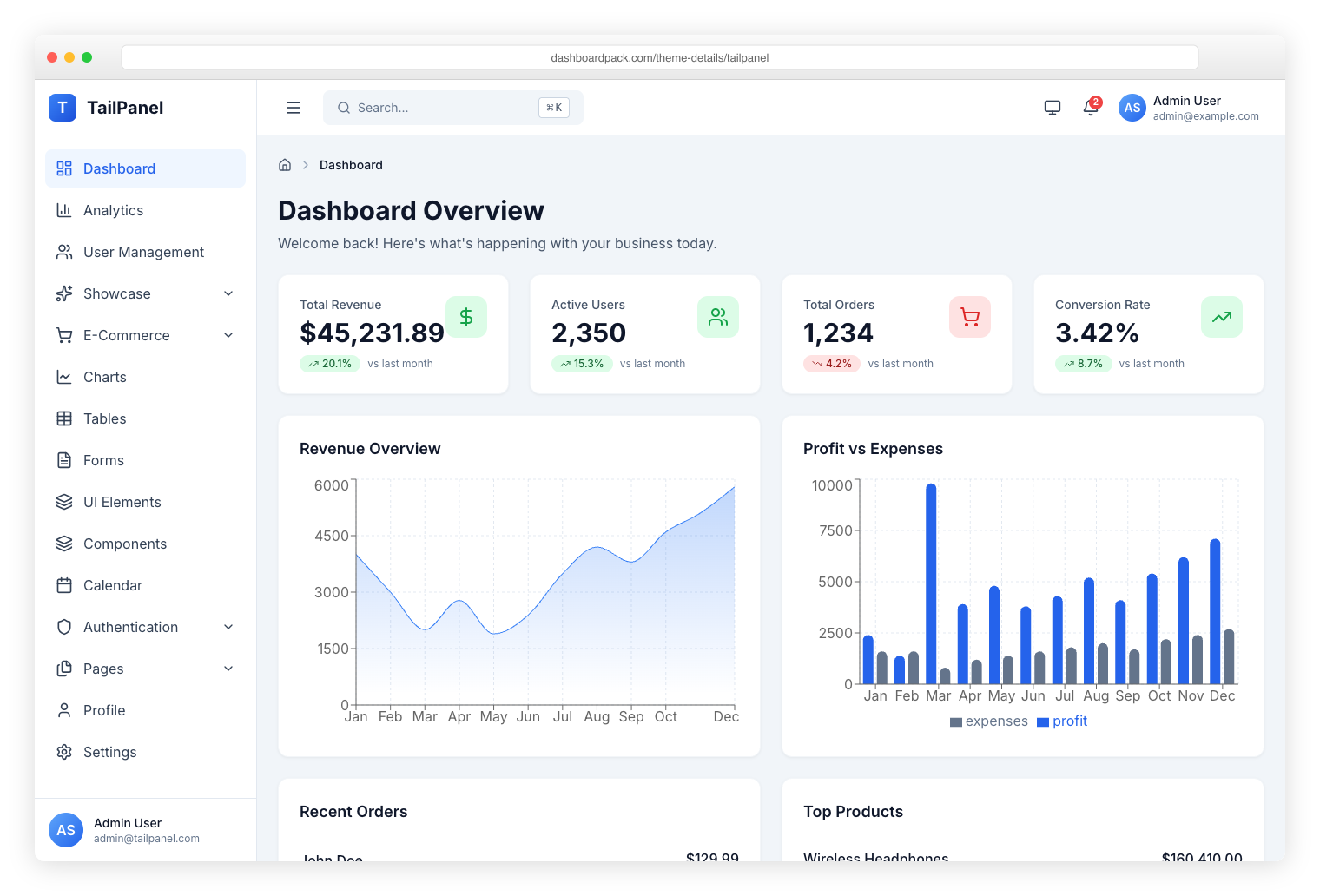
TailPanel
React + TypeScript + Tailwind CSS. 9 dashboards, dark/light mode, Vite HMR.
|
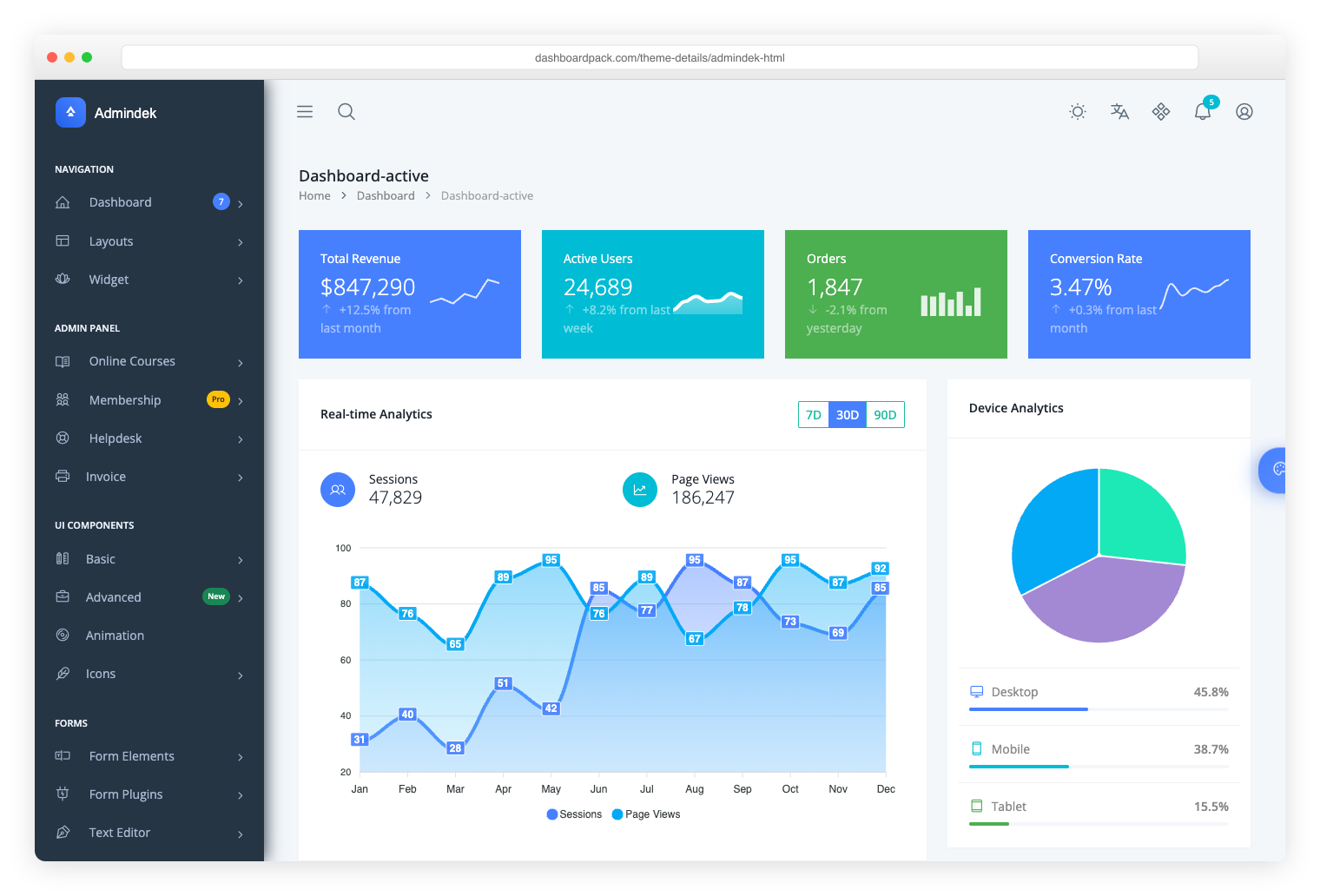
Admindek
Bootstrap 5 + vanilla JS. 100+ components, dual themes, RTL language support.
|
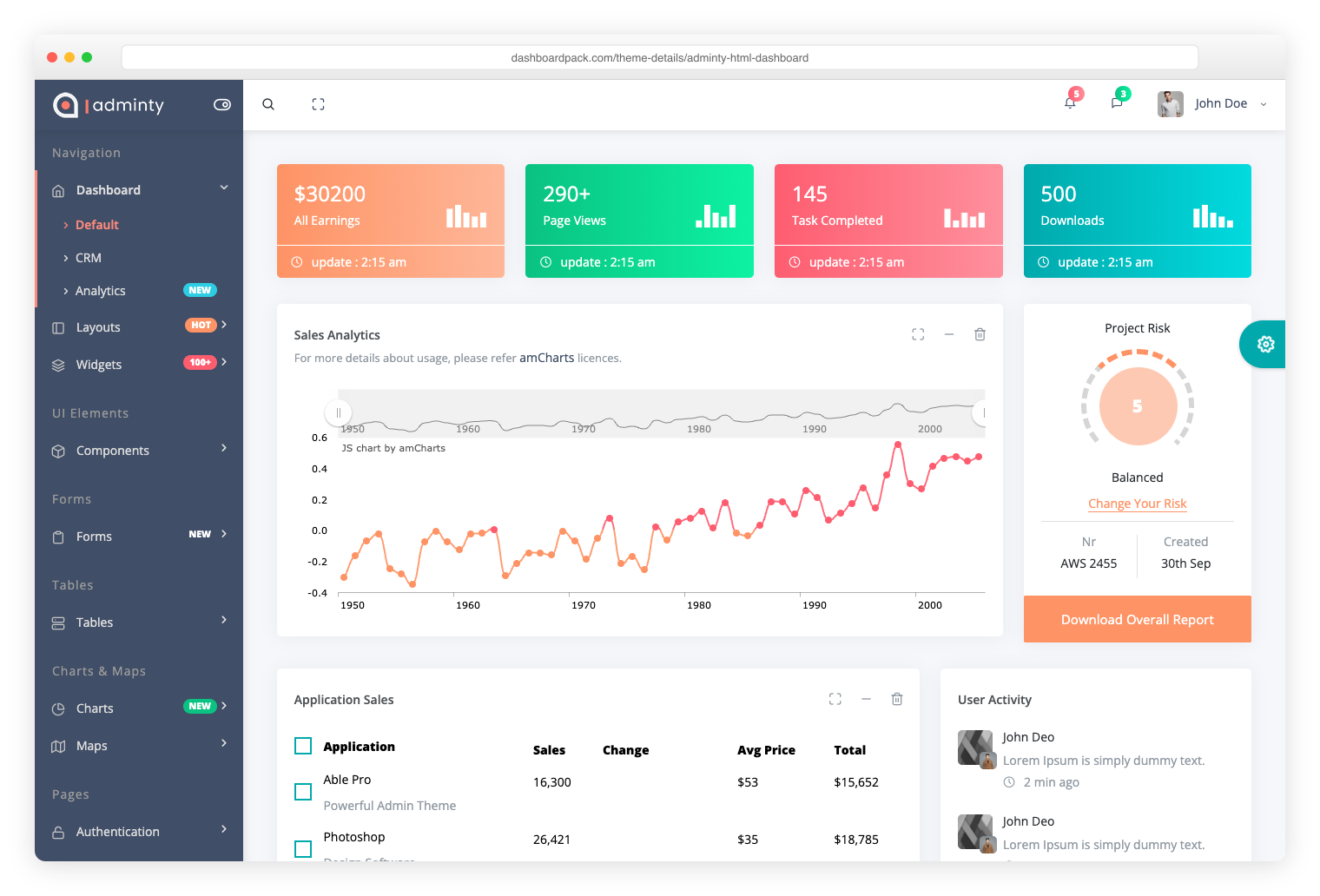
Adminty
Bootstrap 5. 160+ pages spanning dashboards, apps, forms, tables, and charts.
|
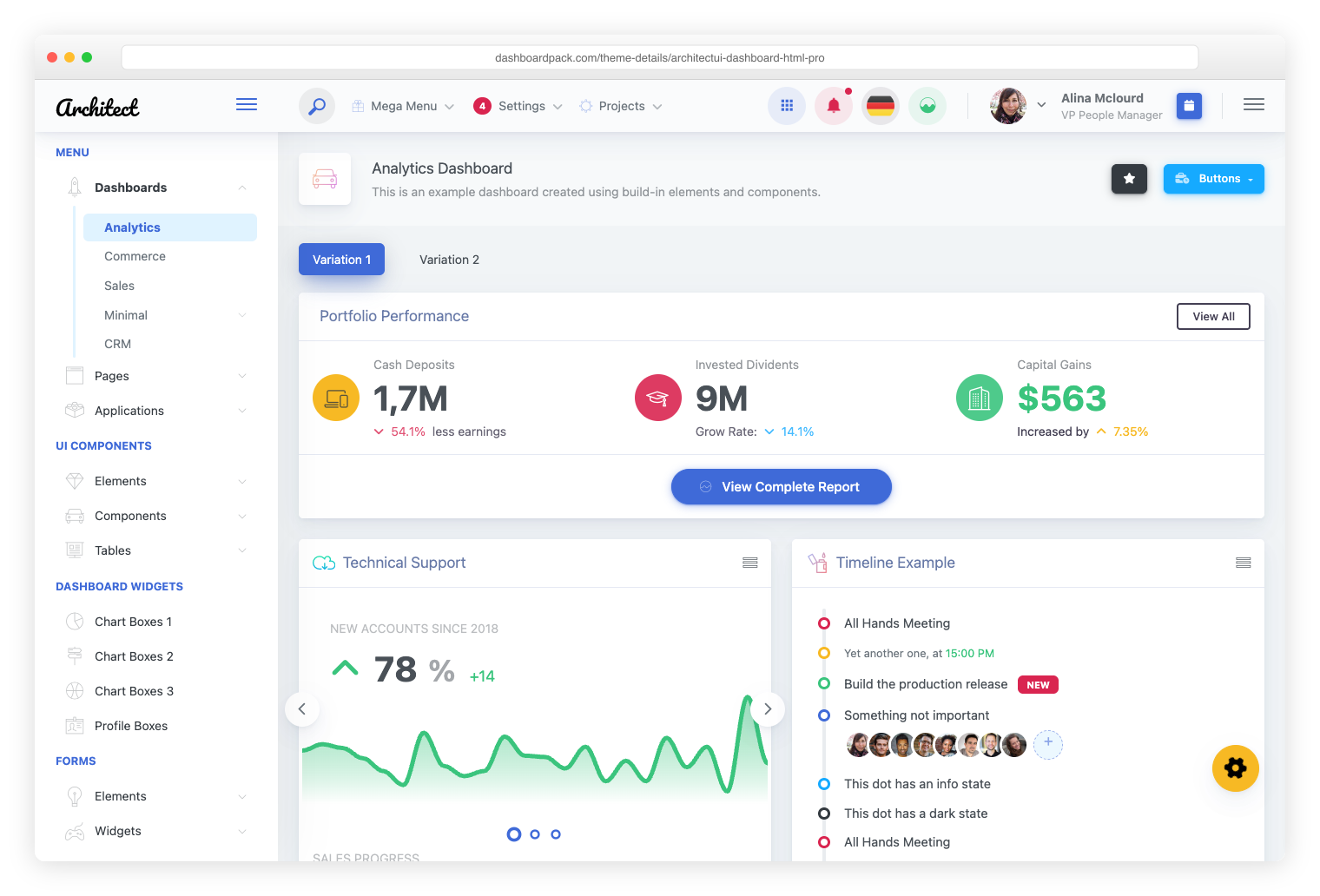
ArchitectUI
Bootstrap 5. 250+ unified components, 9 dashboards, easy to extend and customize.
|
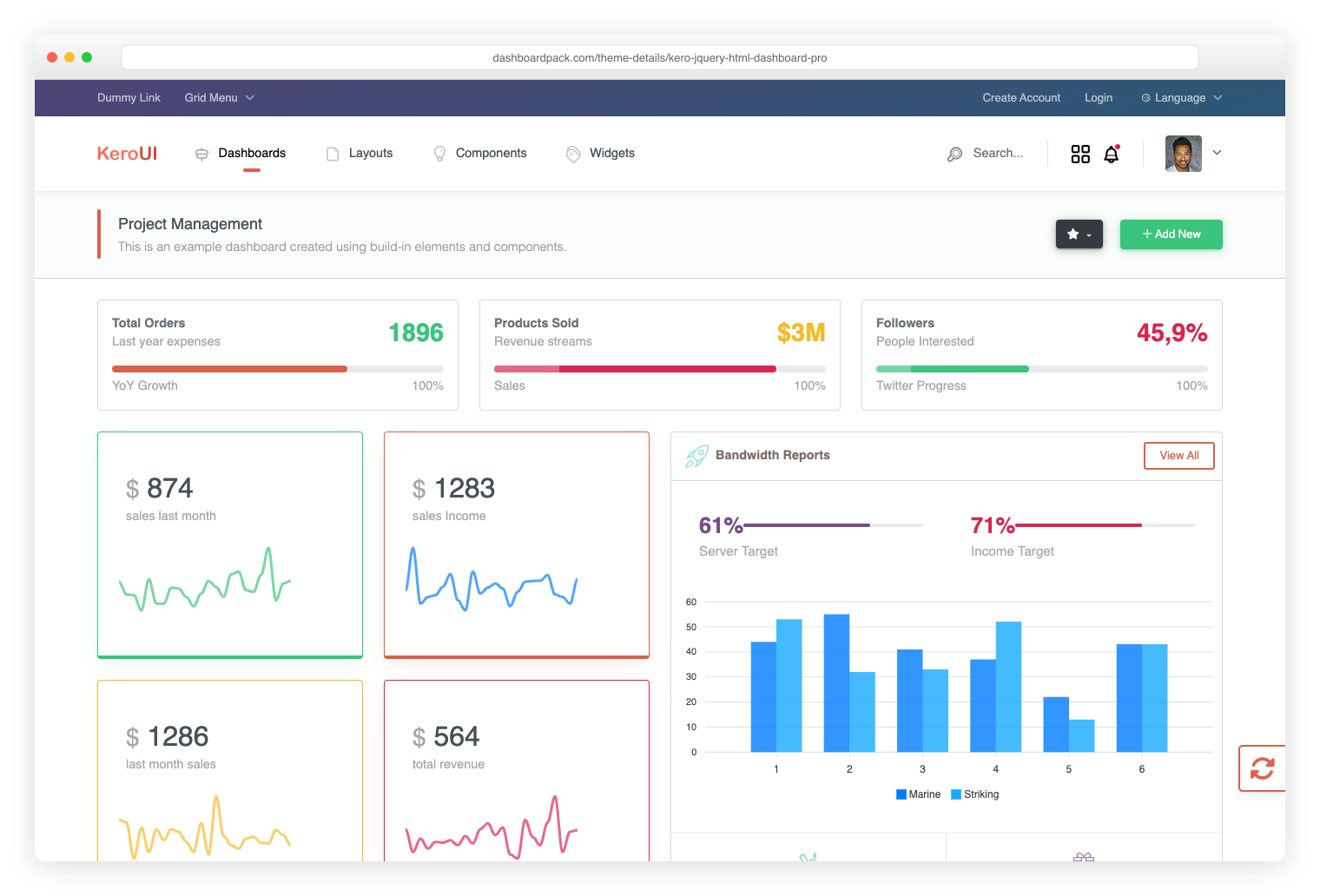
Kero
Bootstrap 5 + Webpack. Horizontal or sidebar navigation, full SASS customization.
|
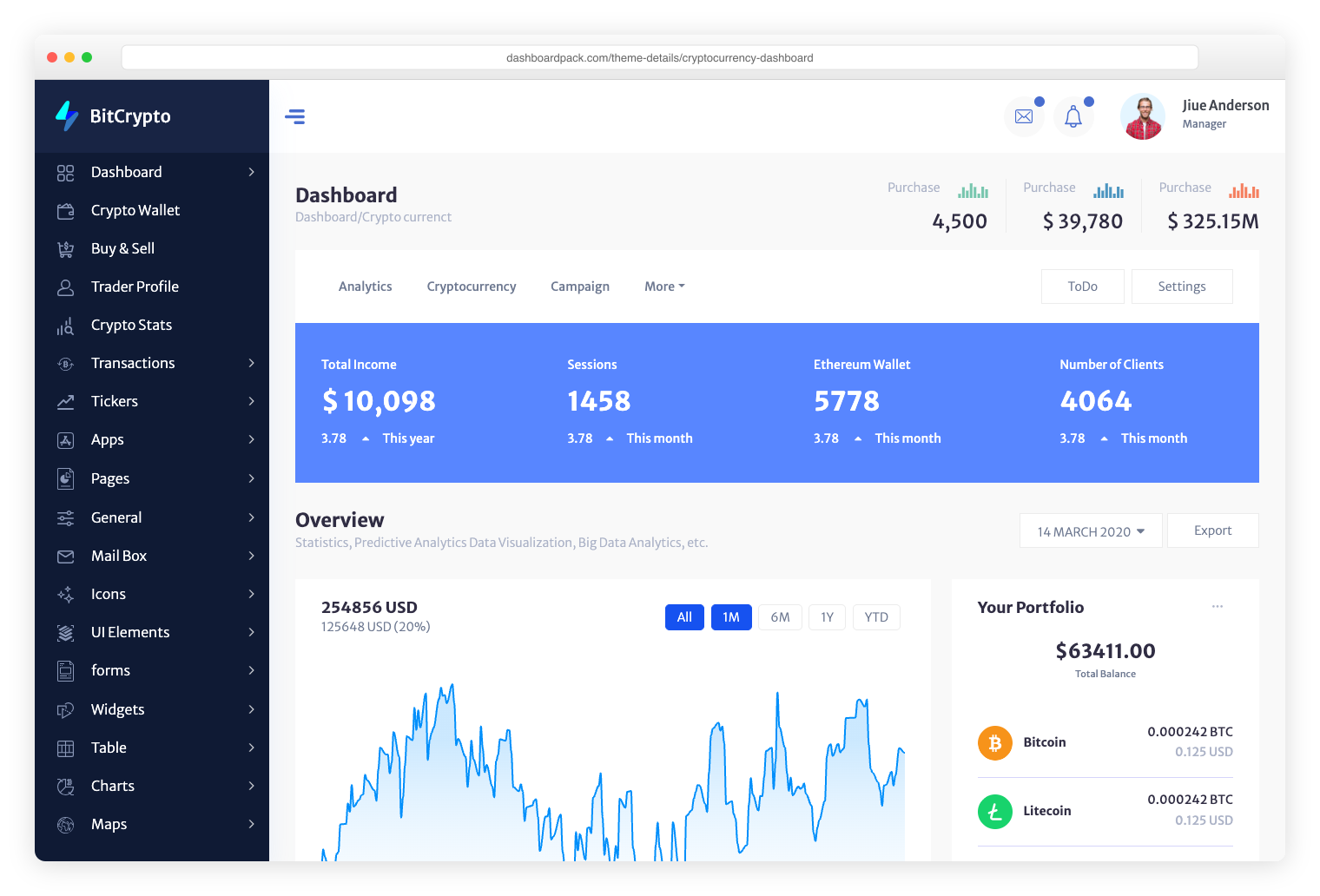
Cryptocurrency Dashboard
Bootstrap. Optimized for ICO dashboards, token sales, and crypto asset tracking.
|
Discover All Premium Templates
## Installation
### Prerequisites
- Node.js 16.x or higher
- npm 8.x or higher
### Setup Instructions
1. Clone or download the repository:
```bash
git clone https://github.com/puikinsh/concept.git
cd concept
```
2. Install dependencies:
```bash
npm install
```
3. Start the development server:
```bash
npm run dev
```
4. Build for production:
```bash
npm run build
```
5. Preview production build:
```bash
npm run preview
```
### Code Quality Scripts
```bash
# Lint JavaScript files
npm run lint # Auto-fix issues
npm run lint:check # Check only
# Format code with Prettier
npm run format # Auto-format files
npm run format:check # Check formatting
```
## Project Structure
```
concept/
├── src/
│ ├── assets/ # Static assets (images, fonts)
│ ├── js/ # JavaScript modules
│ │ ├── components/ # Reusable components
│ │ └── pages/ # Page-specific scripts
│ ├── pages/ # HTML pages
│ │ ├── dashboards/ # Dashboard pages
│ │ ├── ui-elements/ # UI component pages
│ │ └── misc/ # Miscellaneous pages
│ ├── partials/ # Handlebars partials
│ │ └── layouts/ # Layout components
│ ├── scss/ # SCSS styles
│ │ ├── components/ # Component styles
│ │ ├── layouts/ # Layout styles
│ │ └── pages/ # Page-specific styles
│ └── index.html # Main entry point
├── dist/ # Production build output
├── docs/ # Documentation
├── scripts/ # Build and utility scripts
├── package.json # Project dependencies
└── vite.config.js # Vite configuration
```
## Key Dependencies
### Core
- `bootstrap@5.3.8` - UI framework
- `@fortawesome/fontawesome-free@7.2.0` - Icon library
- `vite@7.3.1` - Build tool
- `sass@1.97.3` - CSS preprocessor
### JavaScript Libraries
- `chart.js@4.5.1` - Charts and graphs
- `datatables.net-bs5@2.3.7` - Advanced tables
- `@fullcalendar/core@6.1.20` - Calendar functionality
- `tom-select@2.5.2` - Enhanced select boxes
### Build Tools
- `vite-plugin-handlebars@2.0.0` - Handlebars support
- `eslint@10.0.2` - Code linting with Prettier integration
## Browser Support
- Chrome (latest)
- Firefox (latest)
- Safari (latest)
- Edge (latest)
- Chrome Mobile (latest)
- Safari Mobile (latest)
## Development Guidelines
### Adding a New Page
1. Create the HTML file in `src/pages/`
2. Add the page to `vite.config.js` in the `rollupOptions.input` section
3. Create corresponding JavaScript in `src/js/pages/`
4. Create SCSS file in `src/scss/pages/` and import in `main.scss`
5. Update sidebar navigation in `src/partials/layouts/sidebar.hbs`
### Component Structure
JavaScript modules follow this pattern:
```javascript
export function initializeComponent() {
// Component logic
}
// Auto-initialize on DOM ready
if (document.readyState === 'loading') {
document.addEventListener('DOMContentLoaded', initializeComponent);
} else {
initializeComponent();
}
```
### SCSS Organization
- Use Bootstrap variables for consistency
- Follow BEM naming convention where applicable
- Keep component styles modular
- Use mixins for repeated patterns
## Performance Optimization
- Vite's JS and CSS code-splitting for optimal per-page loading
- Lazy loading for heavy components
- Optimized images and assets
- ES6 modules for tree shaking
- No legacy browser polyfills — targets modern evergreen browsers
## Deployment
The production build can be deployed to any static hosting service:
1. Build the project: `npm run build`
2. Deploy the `dist/` folder to your hosting service
3. Configure your server to serve `index.html` for all routes
### Recommended Hosting
- Netlify
- Vercel
- GitHub Pages
- AWS S3 + CloudFront
- Any static file server
## 📚 Documentation
Comprehensive documentation is available in the `docs/` directory:
- **[Getting Started](docs/getting-started/introduction.md)** - Introduction and overview
- **[Quick Start Guide](docs/getting-started/quick-start.md)** - Get running in 5 minutes
- **[Visual Installation Guide](docs/getting-started/visual-guide.md)** - Step-by-step with screenshots
- **[Dashboard Overview](docs/dashboard-overview.md)** - All dashboard variants explained
- **[Component Showcase](docs/components/showcase.md)** - Visual component examples
- **[Deployment Guide](docs/deployment/complete-guide.md)** - Deploy to any platform
- **[Customization](docs/customization/)** - Theme and component customization
### 🚀 Important: Deployment Fix Applied
Navigation links have been updated to work with static hosting. The template now deploys correctly to:
- Netlify (with `_redirects` file included)
- Vercel
- GitHub Pages
- Traditional web servers
- Docker containers
See the [Complete Deployment Guide](docs/deployment/complete-guide.md) for details.
## Contributing
1. Fork the repository
2. Create your feature branch (`git checkout -b feature/amazing-feature`)
3. Commit your changes (`git commit -m 'Add some amazing feature'`)
4. Push to the branch (`git push origin feature/amazing-feature`)
5. Open a Pull Request
## License
This project is licensed under the MIT License - see the LICENSE file for details.
## 🔗 Related Resources
### Colorlib Admin Dashboard Articles
**[Colorlib.com](https://colorlib.com/)** - Free web design resources and template collections:
- **[42 Free Bootstrap Admin Dashboard Templates 2025](https://colorlib.com/wp/free-bootstrap-admin-dashboard-templates/)** - Comprehensive collection including AdminLTE, Adminator, ArchitectUI, and more
- **[42 Free HTML5 Admin Dashboard Templates 2025](https://colorlib.com/wp/free-html5-admin-dashboard-templates/)** - HTML5-based admin templates with responsive designs and Bootstrap framework
### Popular Template Categories
- **Finance & Analytics Dashboards** - Templates for financial data and reporting
- **E-commerce Admin Panels** - Store management and inventory solutions
- **CRM & Sales Dashboards** - Customer relationship management interfaces
- **Project Management** - Team collaboration and task tracking templates
## Support
For support, please open an issue in the GitHub repository.
## Changelog
### Version 4.0.0 (2026-02-27)
- Major codebase modernization and refactor
- ESLint upgraded to v10, jQuery fully removed, `@vitejs/plugin-legacy` dropped
- Shared toast and button-loading utilities extracted (replaced 10+ duplicated functions)
- CSS code-splitting enabled, 37+ `!important` overrides eliminated
- Skip-to-content link and `prefers-reduced-motion` accessibility improvements
- All 18 dependencies updated to latest versions
- Build time reduced from ~9.5s to ~3.7s, package count from 280 to 144
- See [CHANGELOG.md](CHANGELOG.md) for detailed changes
### Version 3.1.0 (2025-12-02)
- Fixed js-yaml prototype pollution security vulnerability
- Updated all dependencies to latest stable versions
- See [CHANGELOG.md](CHANGELOG.md) for detailed changes
### Version 3.0.0 (2025-08-27)
- Updated Bootstrap to 5.3.8
- Added comprehensive CLAUDE.md documentation for AI-assisted development
- ESLint and Prettier integration for code quality
- See [CHANGELOG.md](CHANGELOG.md) for detailed changes