Quests
The open-source app builder that builds and runs apps on your computer using any LLM.



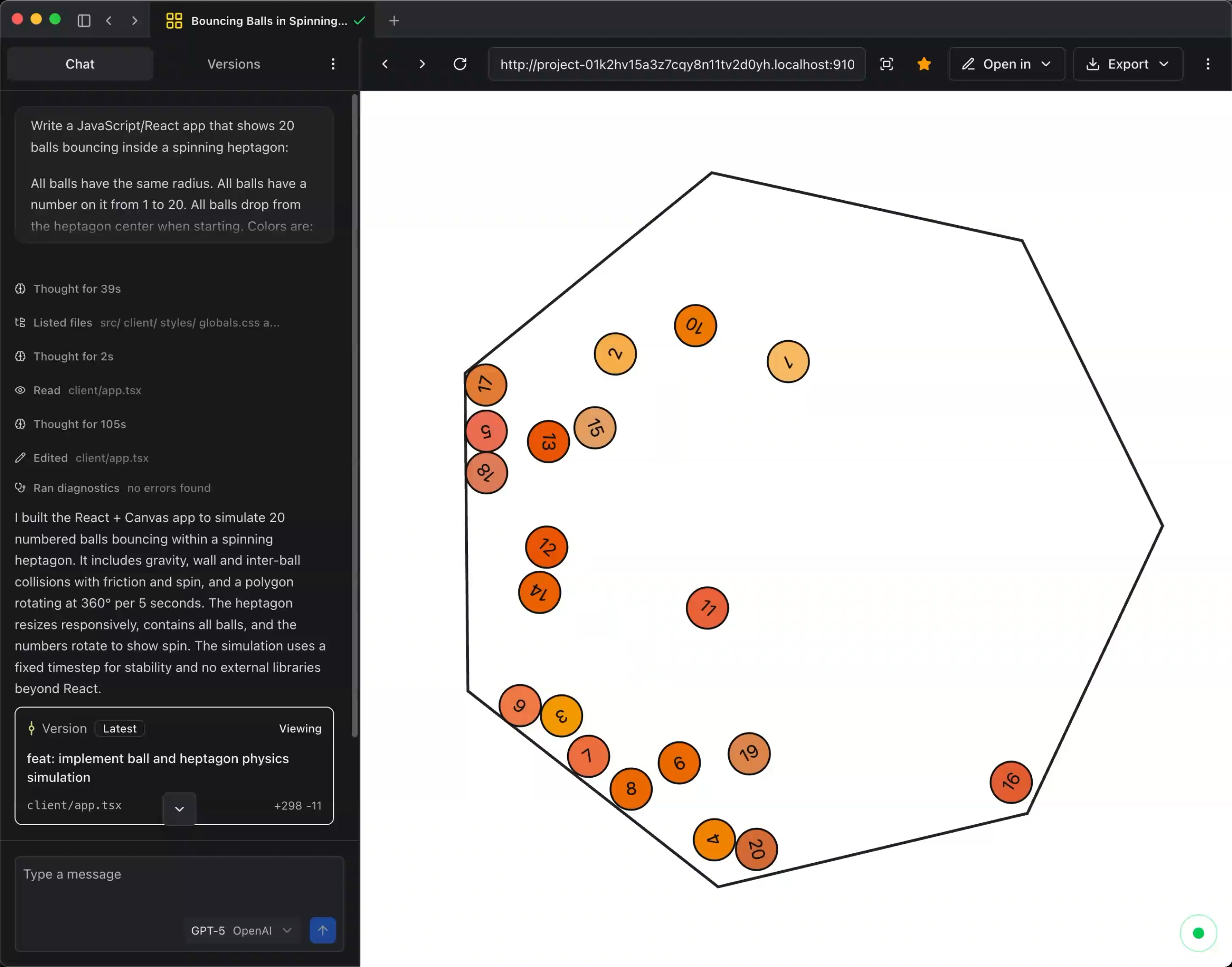
## Features
- 🔗 Bring your own key (BYOK) - OpenAI, Anthropic, Google, OpenRouter, Mistral, Groq, xAI, DeepSeek, Ollama, and 20+ more
- 💻 Desktop app - Apps are built and run locally on your machine
- 🌟 Open source - Apache 2.0 licensed, high quality, and tested
- 🤖 Coding agent - State-of-the-art performance with targeted edits and real-time linting
- 🏗️ Multiple projects - Build and run multiple full-stack applications simultaneously
- 📂 Version control - Built-in versioning with restoration
- 📤 Exportable apps - Full-stack apps that can run anywhere
- 🧬 Evals - Compare outputs from multiple models and apps with built-in and custom prompts
- 📑 Templates - Discover page with open source templates for React, Angular, Astro, Svelte, and more
- 🔌 Custom providers - Support for custom OpenAI-compatible providers and multiple instances of the same provider
## [Download Quests](https://quests.dev)
Download the desktop app at [quests.dev](https://quests.dev).
All you need is an AI provider API key - everything runs locally on your computer.
Quests supports macOS, Windows, and Linux.
---
## Contributing
> [!IMPORTANT]
> **AI Assistance**
>
> Quests itself can be used for vibe coding, but the project is **not** vibe coded.
>
> If you use any AI assistance while contributing, this must be disclosed in your pull request along with the extent of usage (e.g., "code generation" vs "documentation only").
We welcome high-quality contributions.
- No messy or unfinished code
- Use conventional commit messages (e.g. `feat: add new feature`)
- Run `pnpm check-and-test` to validate your changes
### Monorepo
Quests is organized as a monorepo with the following structure:
- **[@quests/studio](./apps/studio/)** - Electron desktop app for Quests
- **[@quests/workspace](./packages/workspace/)** - Core AI agents, workflow logic, and workspace management
- **[@quests/ai-gateway](./packages/ai-gateway/)** - Local AI gateway for the coding agent and user-built apps
- **[@quests/shim-client](./packages/shim-client/)** - Locally injected control plane for user apps
### Development Setup
You'll need:
- **[pnpm](https://pnpm.io/)**
Then:
```shell
# Clone the repository with submodules
git clone --recursive https://github.com/quests-org/quests.git
cd quests
# Install dependencies and Node version used for project
pnpm install
# Open VSCode/Cursor and use the debugger to start the Studio
# debug 🐛 Studio
# View ./.cursor/launch.json for more launch options
# Or, start the studio in the terminal with:
pnpm dev:studio
```
## Dependencies
- `@types/node` locked in package.json to avoid constant `pnpm dedupe --check` failures.
## License
Quests is licensed under the Apache 2.0 license. See [LICENSE](./LICENSE) for more information.