https://github.com/user-attachments/assets/909edf0e-5a79-40c2-a3ef-cb5b2b18abfc
# Features
- 🎨 **Advanced Customization**: Tailor the application with a wide range of settings
- ✈️ **Connect Newelle to anything**: Interfaces allow you to control Newelle from Telegram, via API or anything else
- 🚀 **Flexible Model Support**: Choose from mutliple AI models and providers to fit your specific needs
- 📚 **Local models**: Download local models directly from Newelle, and run them using Llama.cpp or Ollama.
- 💻 **Terminal Command Exection**: Execute commands suggested by the AI on the fly
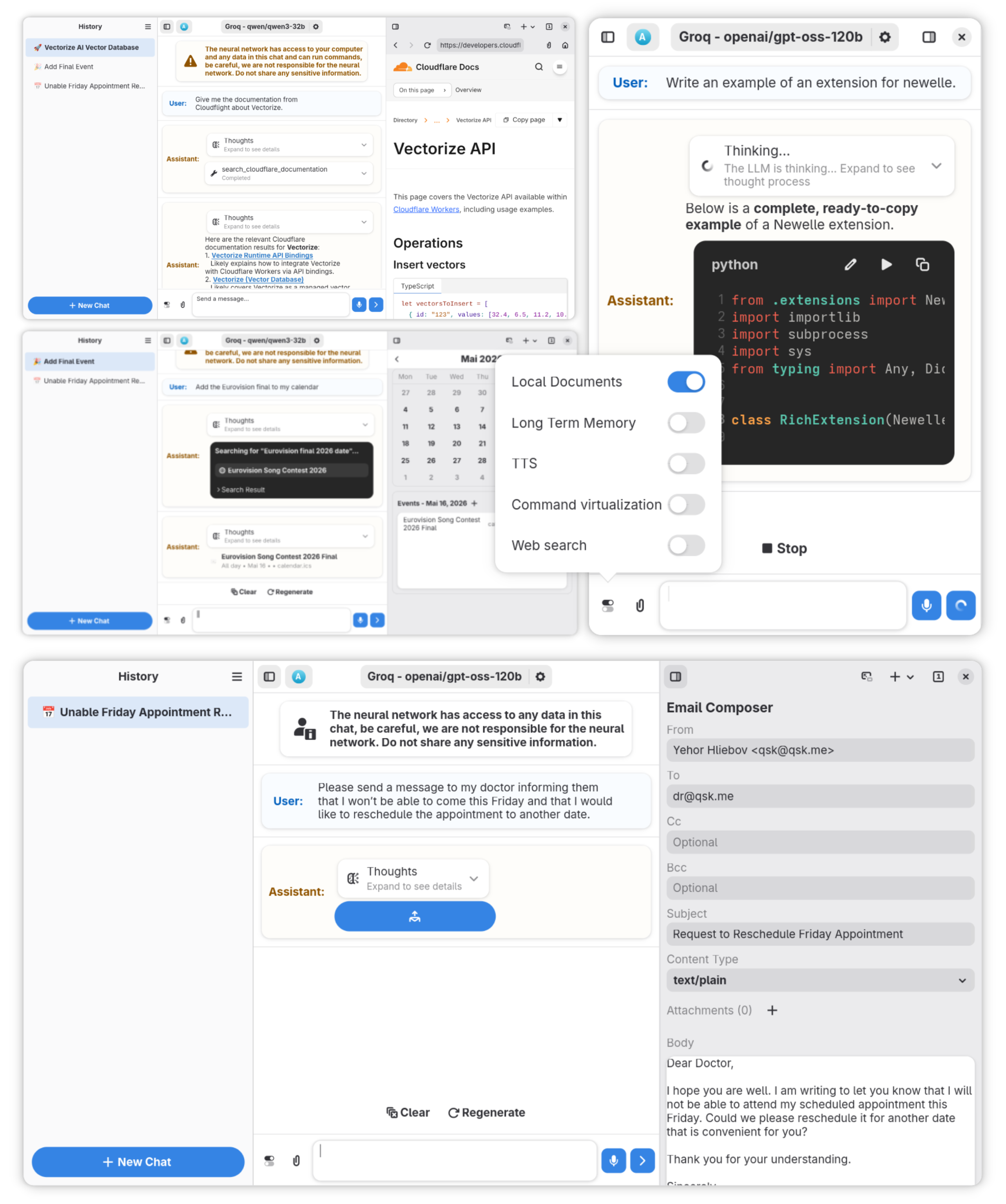
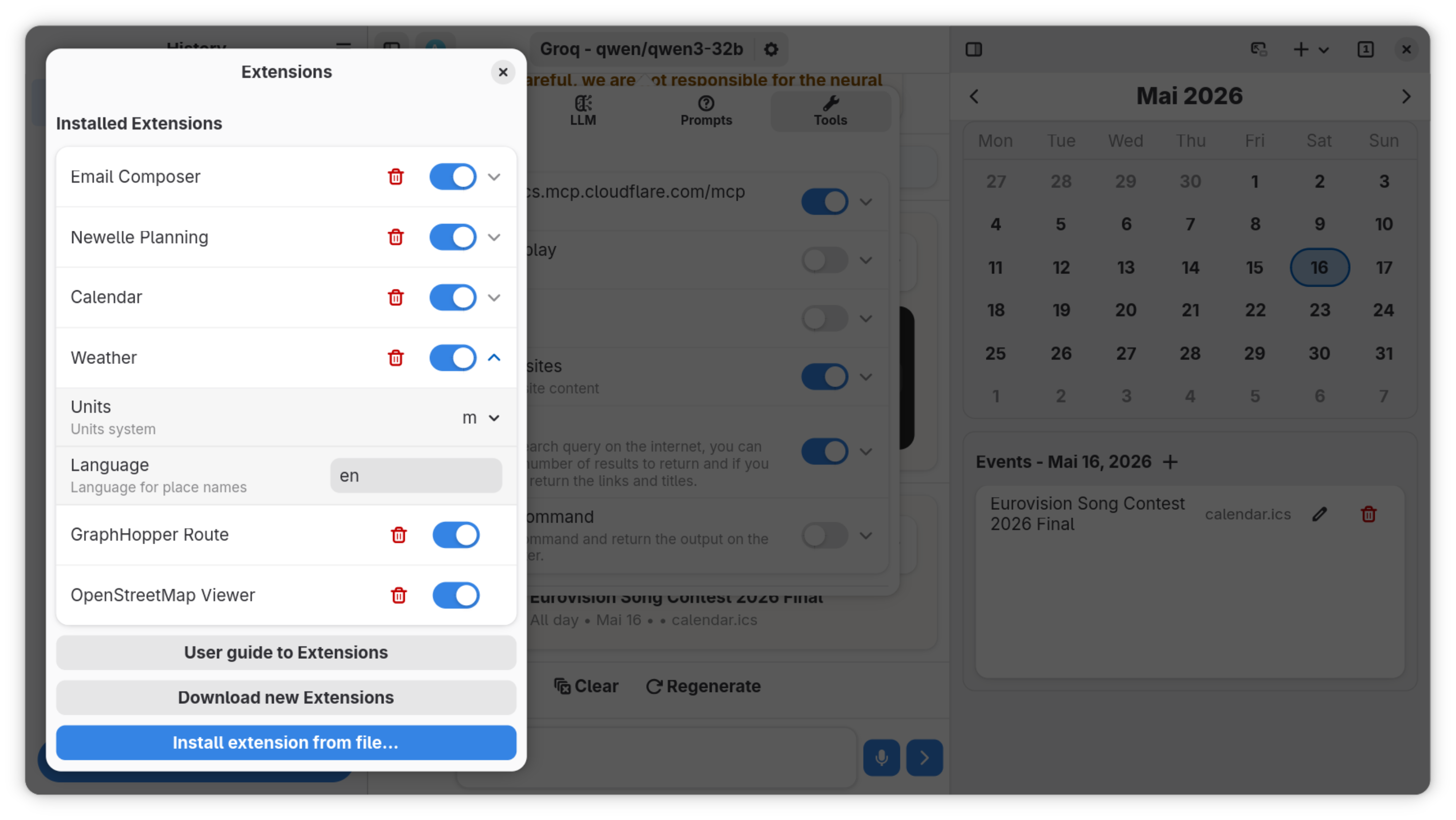
- 🧩 **Extensions**: Add your own functionalities and models to Newelle
- ✨ **Skills**: Newelle supports skills from Claude, Codex...
- 🛠 **Tools & MCP support**: Add tools via MCP servers or extensions, supporting tool search
- 🗣 **Voice support**: Chat hands free with Newelle, supporting many Speech To Text and TTS models (With wakeword support)
- 📞 **Call Mode**: Chat in real time with AI models
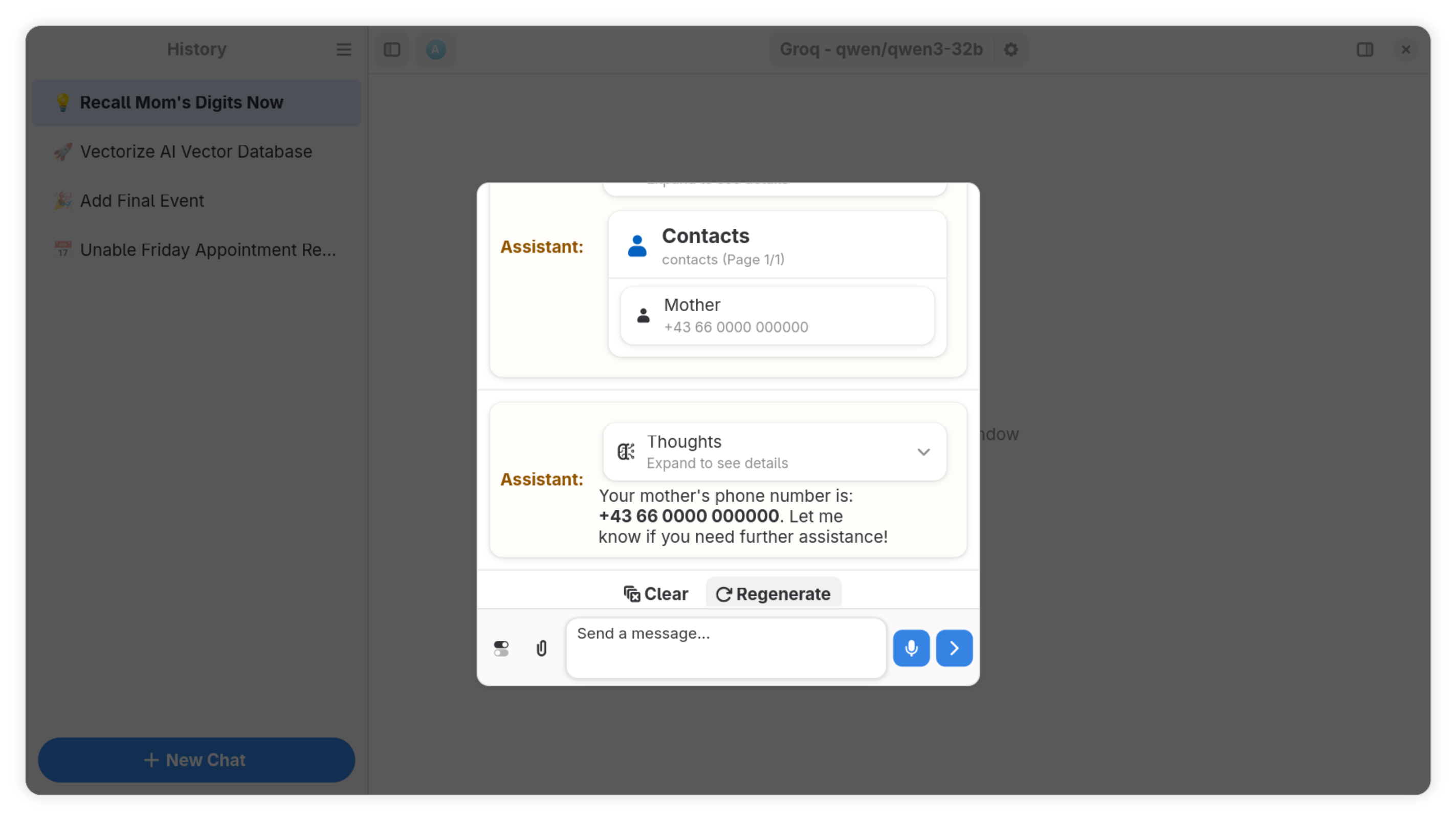
- 🧠 **Long Term Memory**: Remember conversations from previous chats
- 💼 **Chat with documents**: Chat with your own documents
- 🖼 **Image Generation**: Generate images directly in Newelle with stablediffusion or use third party services
- 🔎 **Web Search**: Provide reliable answers using Web Search
- 🌐 **Website Reading**: Scrape informations from websites by appending the prefix #https://.. in the prompt
- 🖍 **Dynamic Context Management**: Dynamically summarize and remove non relevant messages to fit in the context
- 🔓 **File Permissions**: Set permissions to which files to edit/read
- ⏰ **Scheduled Tasks**: Schedule tasks to run in the background
- 👤 **Profile Manager**: Create settings profiles and switch between them
- 📁 **Builtin File Manager**: Manage you files with the help of AI
- 📝 **Rich Formatting**: Supports both Markdown and LaTeX
- 💬 **Multichat**: Run multiple chats at the same time
- 🌳 **Chat Branching**: Create alternative versions of your chats strating from any message in one click
- ✏️ **Chat editing**: Edit or remove any message and manage your prompts easily
- 🗂 **Chat Folders**: Organize your chats into folders
# Extensions
Newelle supports extensions to extend its functionality. You can either
use [existing extensions](https://github.com/topics/newelle-extension) or create your own to add new features to the
application.
## Mini Window Mode
A lightweight version of Newelle that can be triggered via keyboard shortcuts.
### Configuration
#### 1. Setup Hotkeys
As an example, to set the mini window launch's hotkey to Ctrl+Space, execute this command:
```bash
/bin/bash -c 'flatpak run --command=gsettings io.github.qwersyk.Newelle set io.github.qwersyk.Newelle startup-mode "mini" && flatpak run io.github.qwersyk.Newelle'
```
After that, enable the hotkey in settings.
#### 2. Enable Window Centering
For GNOME desktop environment users, you may need to enable automatic window centering:
```bash
gsettings set org.gnome.mutter center-new-windows true
```
# Installation
There are two ways of doing this
* `install.sh`
1. Install the latest Gnome SDK
2. Run `sh install.sh`
3. Profit!
* Gnome Builder
1. Install GNOME Builder on your system.
2. Clone the Newelle repository from GitHub.
3. Open the project in GNOME Builder and compile it.
4. Once compiled, you can run the program from the compiled executable.
With nix, you can run the app without installing by executing this command:
```sh
nix run github:qwersyk/Newelle
```
If you want the latest commit version, you can clone this repository and execute `nix run .` to start the program or `nix develop .` to start a developer shell
> [!WARNING]
> Localizations will not work on these builds! If you want your language to work, go to the
> "Builder" section instead
1. Download the latest release from the [Github Actions](https://github.com/qwersyk/Newelle/actions)
2. Extract the downloaded package.
3. Install a flatpak package.
1. Ensure you have set up both flatpak and flathub
2. Install Newelle by executing: `flatpak install flathub io.github.qwersyk.Newelle`
# Permission
> [!IMPORTANT]
> The Flathub version of Newelle is restricted to the `.var/app/io.github.qwersyk.Newelle` folder and operates within a
> Flatpak virtualized environment, limiting its capabilities.
To extend Newelle's permissions, either execute this command to temporarily grant its access:
```sh
flatpak run --talk-name=org.freedesktop.Flatpak --filesystem=home io.github.qwersyk.Newelle
```
or adjust the permissions permanently using [Flatseal](https://flathub.org/apps/details/com.github.tchx84.Flatseal):
- Open Flatseal, find "newelle" and enable both "All user files" and "Session Bus"
- Add `org.freedesktop.Flatpak` to run outside the sandbox.
> [!WARNING]
> Be cautious when enabling these options. They reduce security by exposing your data and terminal. Avoid sharing
> personal information, and understand that we can't guarantee the privacy of your chat data or prevent potential risks
> from proprietary models.
# Honorable Mentions of Newelle's forks
**[Nyarch Assistant](https://github.com/NyarchLinux/NyarchAssistant)** - Your ultimate Waifu AI Assistant