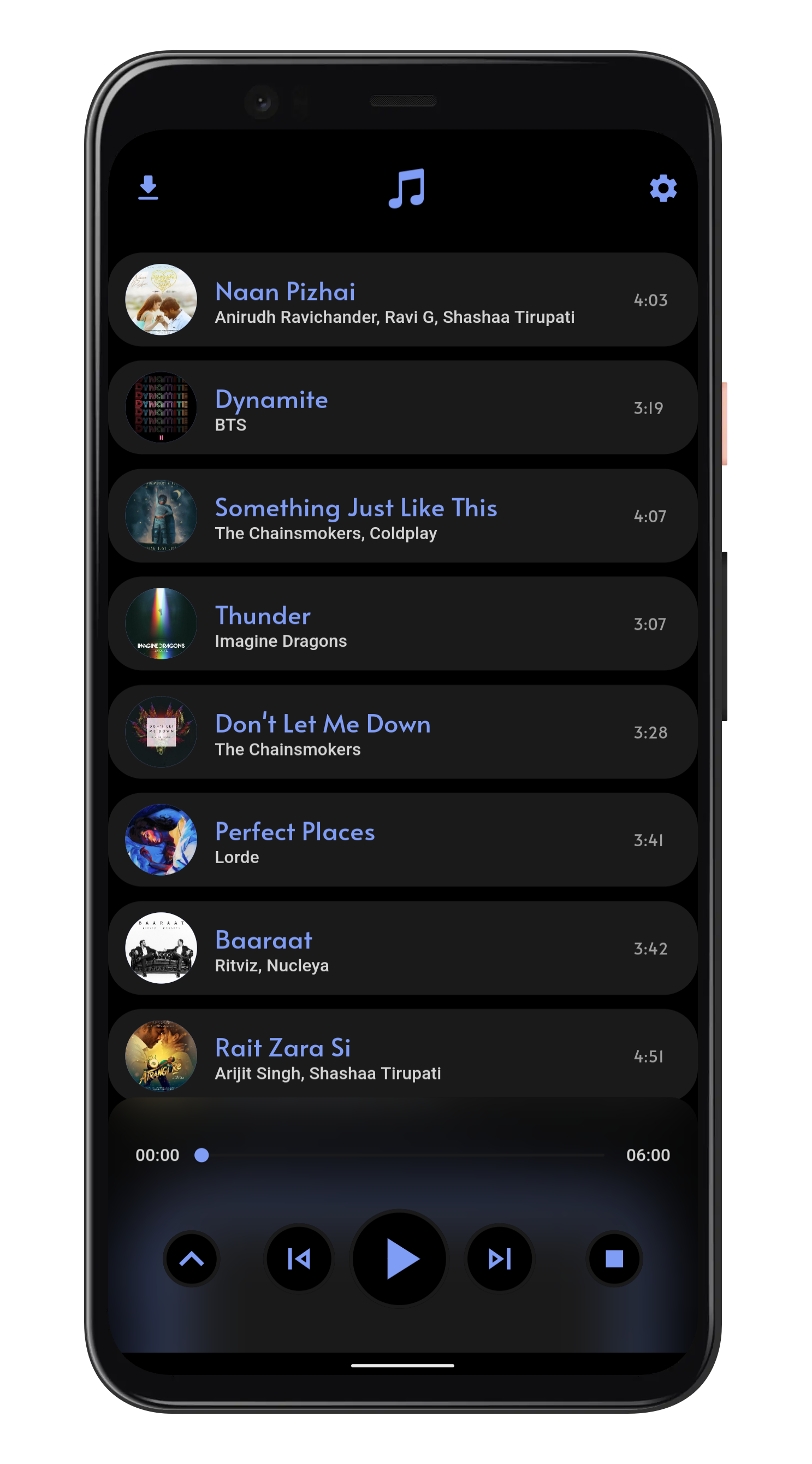
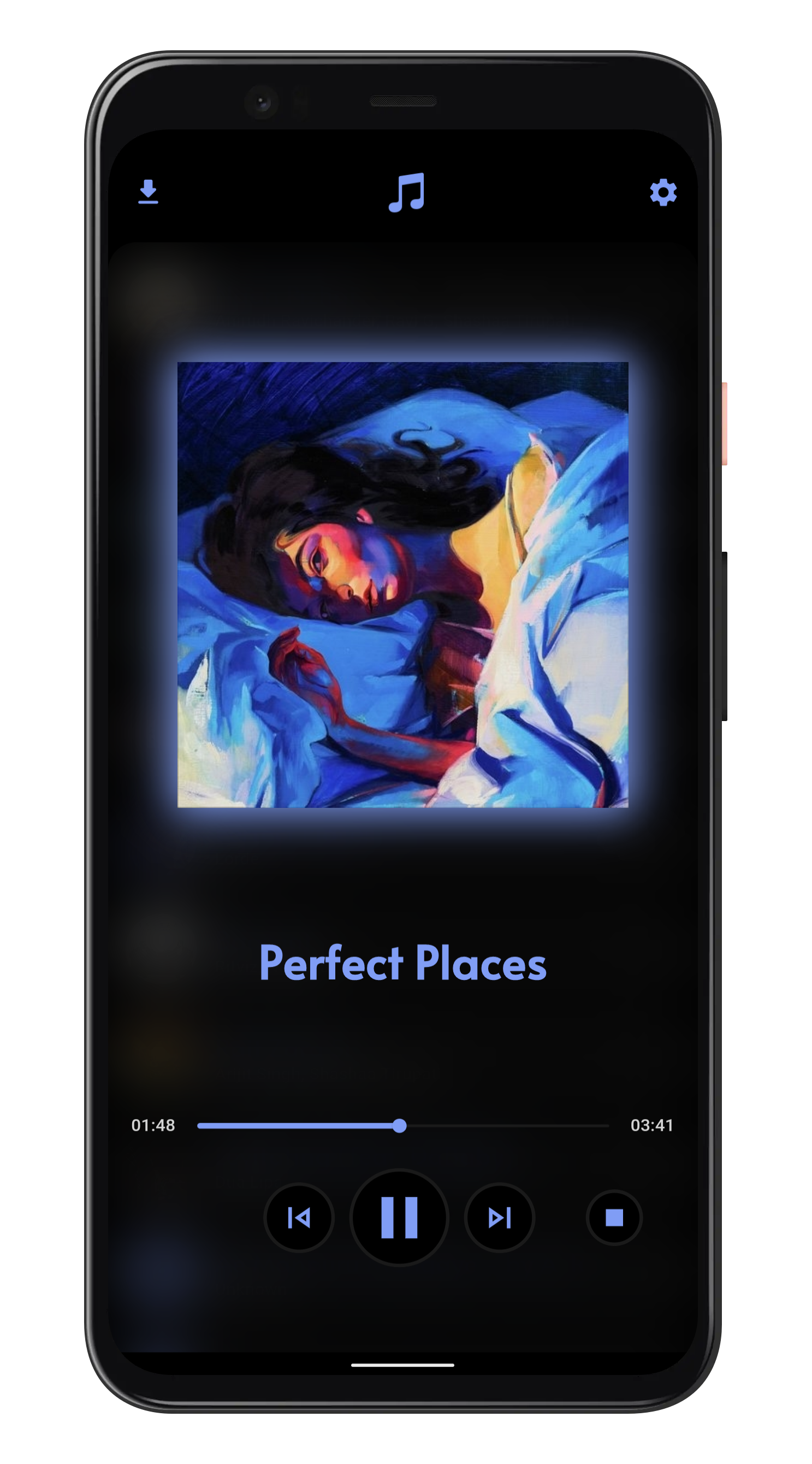
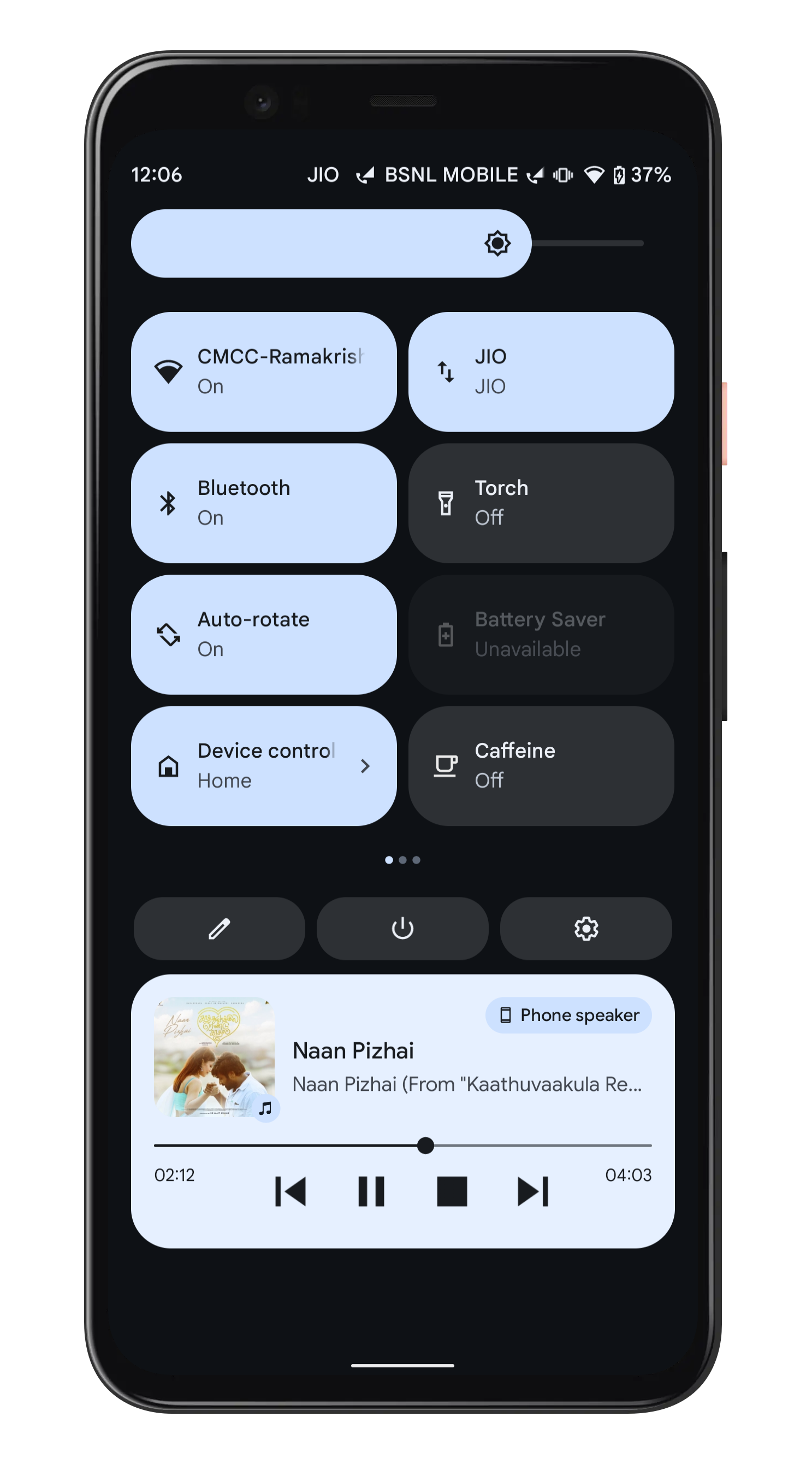
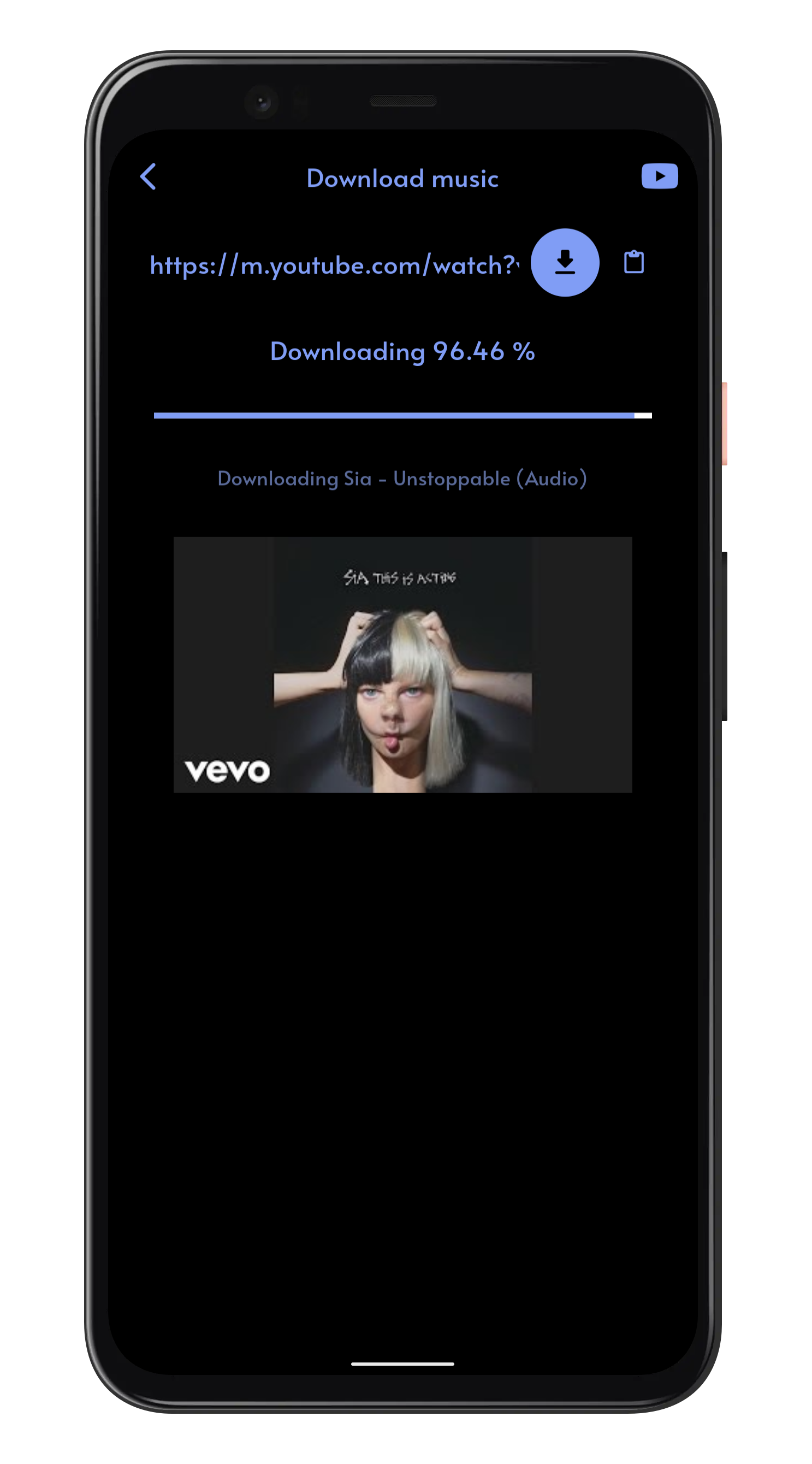
## Features 🧐️
* Download audio from YouTube with the highest possible bitrate
* Play on-device music files
* Dark and light themes
* In-app YouTube browser to search and download your favorite music quickly
## Getting Started 🏃♂️️
- These instructions will get you a copy of the project up and be running on your local machine for development and testing purposes.
### Prerequisites ✍️
- [Android Studio](https://developer.android.com/studio), with a recent version of the Android SDK.
- [Flutter](https://flutter.dev/)
### Setting up your development environment 🏭️
1. Download and install Git.
2. Fork [Raag](https://github.com/raag-music/raag.git)
3. Clone your fork of the project locally. At the command line:
```
$ git clone https://github.com/YOUR-GITHUB-USERNAME/raag.git
```
4. Open Raag in your favourite editor (VS Code, Android Studio etc)
5. To install the dependencies run the following command in the terminal.
```
$ flutter pub get
```
6. Connect your Android emulator or your mobile device to your computer.
7. Build the application in your device by clicking **Run** button or run the following in terminal.
```
$ flutter run
```
## Screenshots 🤩️
## How to Contribute 🤔
To contribute to this project you can FORK & clone 🍴 the project as mentioned in *Setting up your development environment*, and make an issue on bug fixing or adding new features, and make a PR 😊.
## License 📄️
This project is licensed under the [GPL General Public License v2.0](https://github.com/BolisettySujith/raag/blob/master/LICENSE).
## Resouces 🎓
A few resources to get you started if this is your first Flutter project:
- [Lab: Write your first Flutter app](https://flutter.dev/docs/get-started/codelab)
- [Cookbook: Useful Flutter samples](https://flutter.dev/docs/cookbook)
For help getting started with Flutter, view the [online documentation](https://flutter.dev/docs), which offers tutorials,
samples, guidance on mobile development, and a full API reference.
- Icon source: Musical Notes icon icon by Icons8








 button or run the following in terminal.
```
$ flutter run
```
## Screenshots 🤩️
button or run the following in terminal.
```
$ flutter run
```
## Screenshots 🤩️