# Retypeset
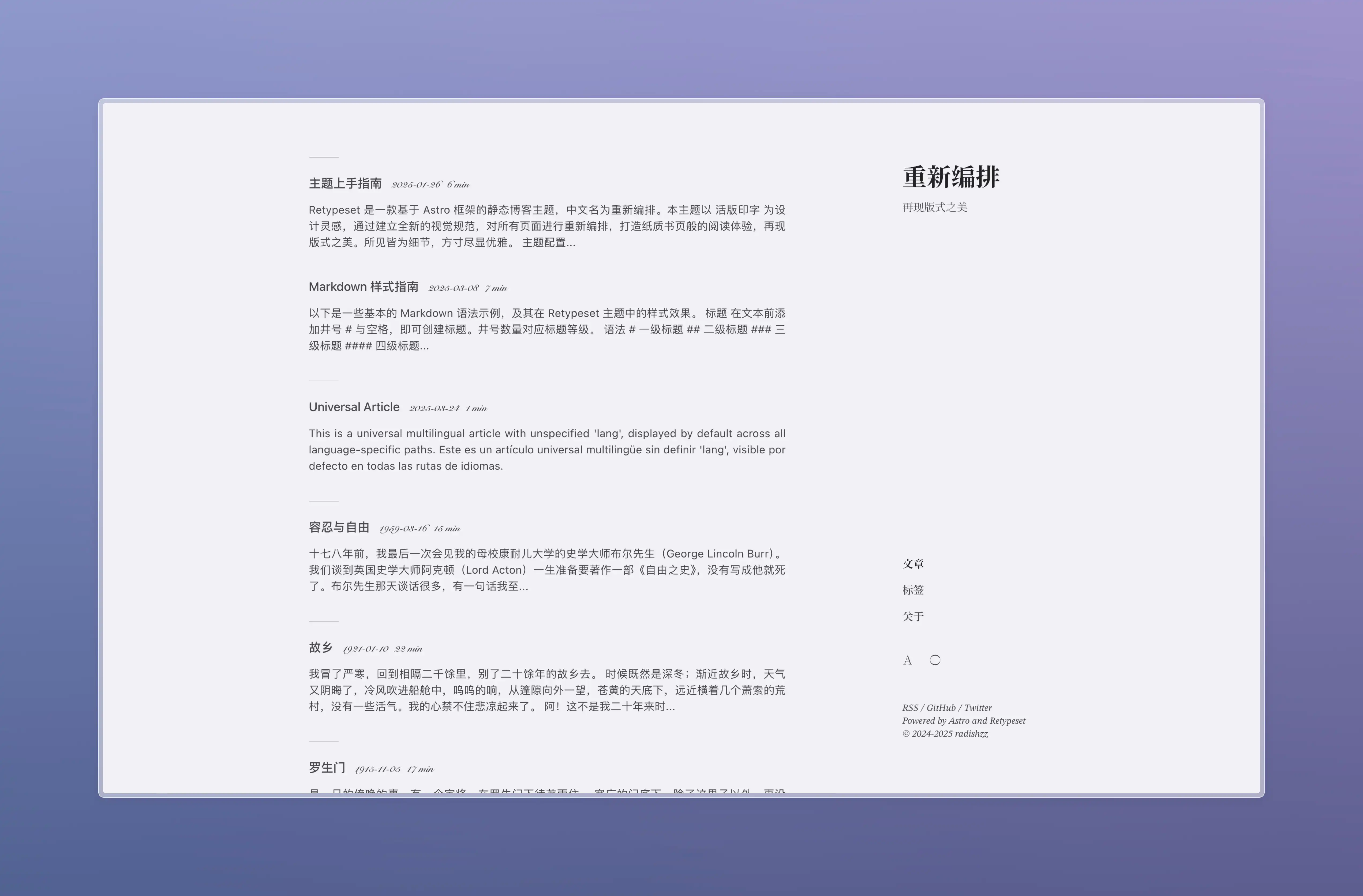
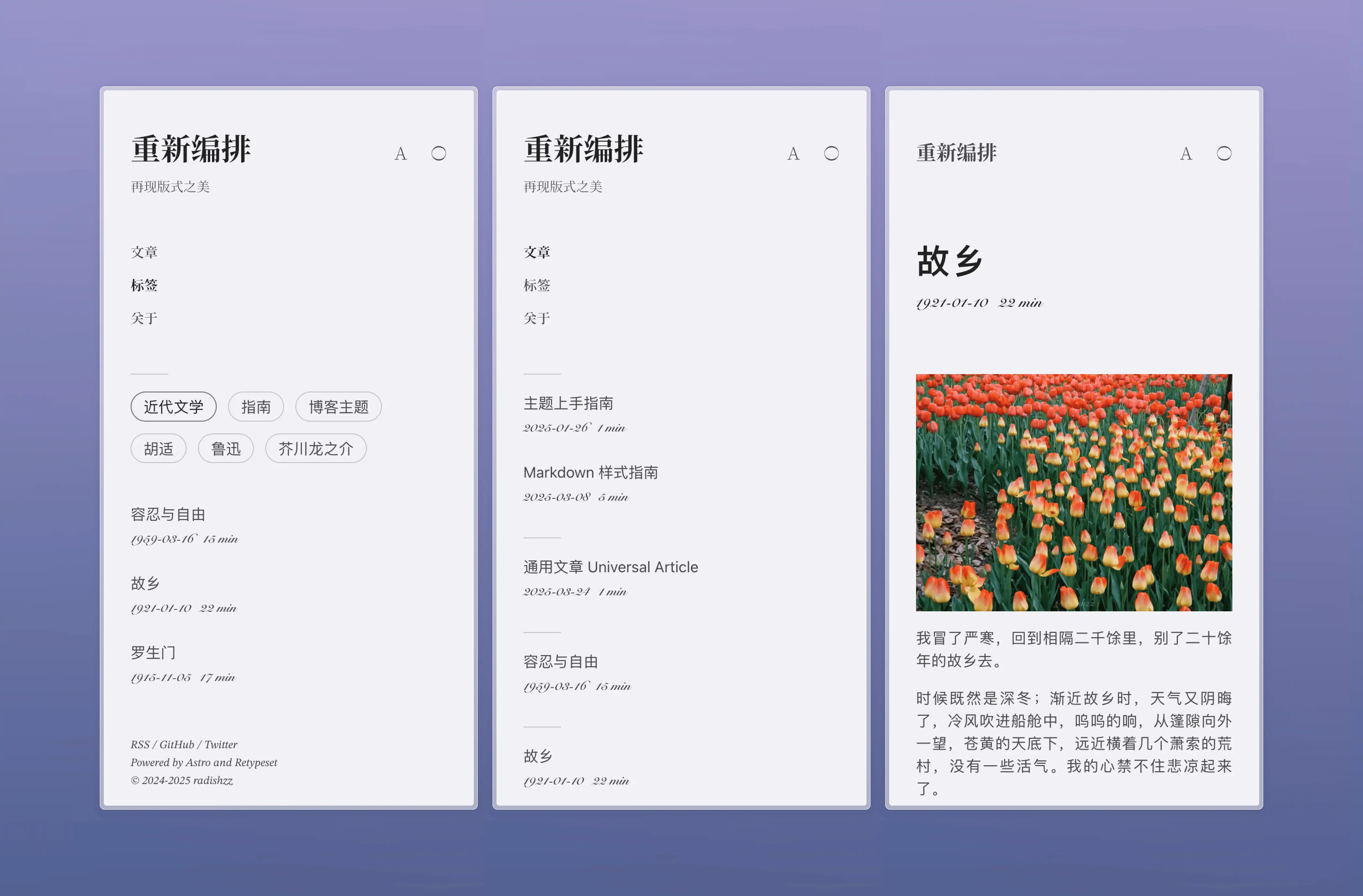
Retypeset 是一款基於 [Astro](https://astro.build/) 框架的靜態部落格主題,中文名為重新編排。本主題以 [活版印字](https://astro-theme-typography.vercel.app/) 為設計靈感,通過建立全新的視覺規範,對所有頁面進行重新編排,打造紙質書頁般的閱讀體驗,再現版式之美。所見皆為細節,方寸盡顯優雅。
## 預覽
- [重新编排](https://retypeset.radishzz.cc/)
- [重新編排](https://retypeset.radishzz.cc/zh-tw/)
- [再組版](https://retypeset.radishzz.cc/ja/)
- [Retypeset](https://retypeset.radishzz.cc/en/)
- [Retipografía](https://retypeset.radishzz.cc/es/)
- [Переверстка](https://retypeset.radishzz.cc/ru/)
## 特色
- 基於 Astro 與 UnoCSS 開發
- 支援 SEO、Sitemap、OpenGraph、RSS、MDX、LaTeX、Mermaid 和 TOC
- i18n 多語言
- 亮色 / 暗色模式
- 優雅的過渡動畫
- 豐富的主題配置
- 中文排版優化
- 響應式設計
- 評論系統
## 效能

## 開始使用
1. [Fork](https://github.com/radishzzz/astro-theme-retypeset/fork) 此倉庫,或使用此模板創建新倉庫。
2. 在終端執行以下指令:
```bash
# 克隆倉庫
git clone <倉庫地址>
# 進入專案目錄
cd <倉庫名稱>
# 全局安裝 pnpm(如果未安裝)
npm install -g pnpm
# 安裝依賴
pnpm install
# 啟動開發伺服器
pnpm dev
```
3. 參考 [主題上手指南](https://retypeset.radishzz.cc/zh-tw/posts/theme-guide/),自定義你的部落格並創建新文章。
4. 參考 [Astro 部署指南](https://docs.astro.build/zh-tw/guides/deploy/),將部落格部署至 Netlify、Vercel 等平台。
[](https://app.netlify.com/start) [](https://vercel.com/new)
## 更新
Retypeset 會不定期發布 [新功能](https://github.com/radishzzz/astro-theme-retypeset/issues/18),執行 `pnpm update-theme` 即可更新主題。如果遇到合併衝突,請參考 [此視頻](https://youtu.be/lz5OuKzvadQ?si=sH_ALNgqxrYqNVQT) 手動解決。
## 鳴謝
- [Typography](https://github.com/moeyua/astro-theme-typography)
- [Fuwari](https://github.com/saicaca/fuwari)
- [Redefine](https://github.com/EvanNotFound/hexo-theme-redefine)
- [AstroPaper](https://github.com/satnaing/astro-paper)
- [赫蹏](https://github.com/sivan/heti)
- [初夏明朝體](https://github.com/GuiWonder/EarlySummerSerif)
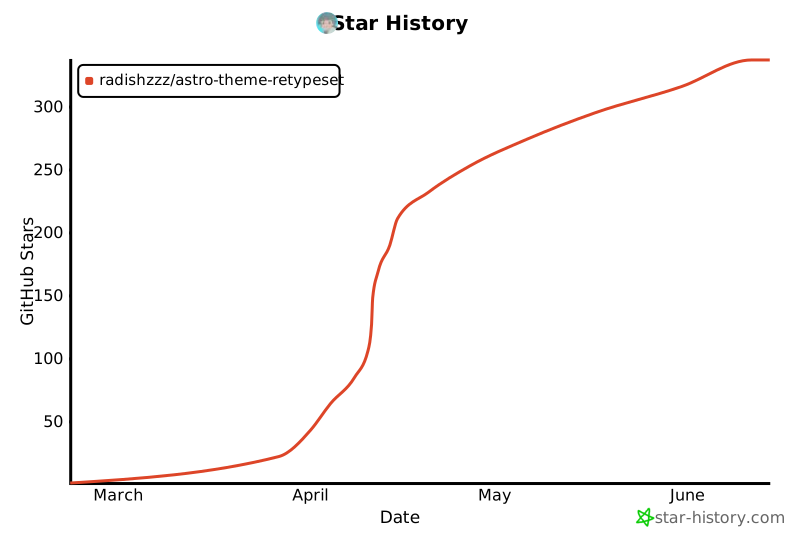
## Star History